Customer Ratings & Reviews
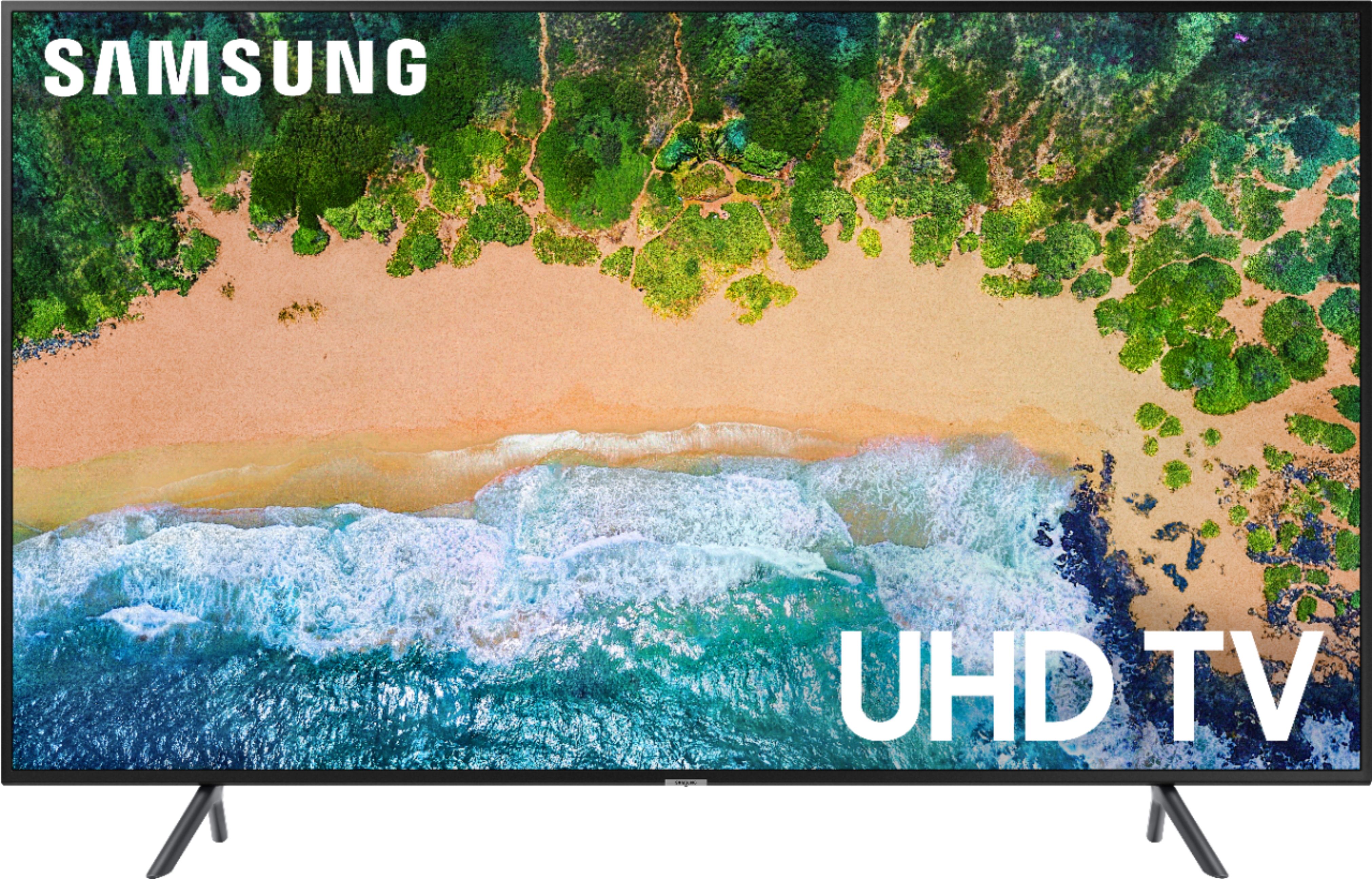
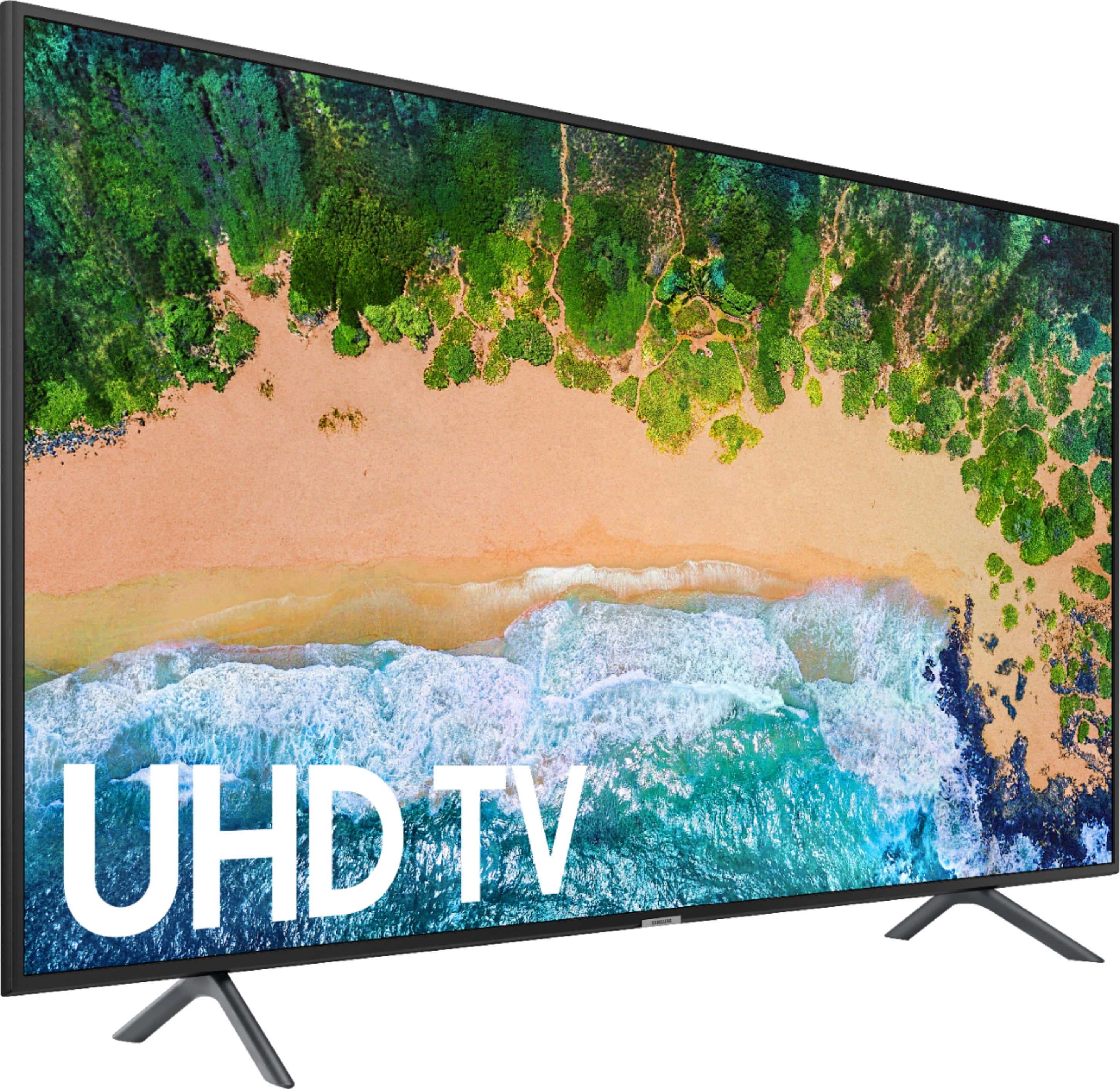

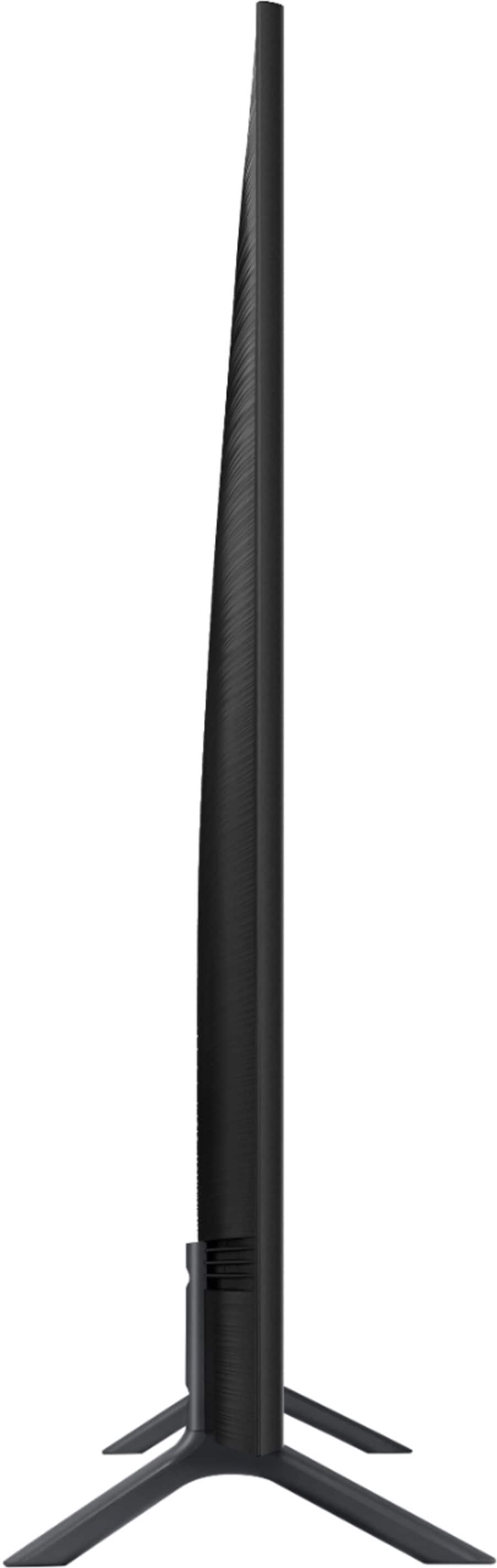
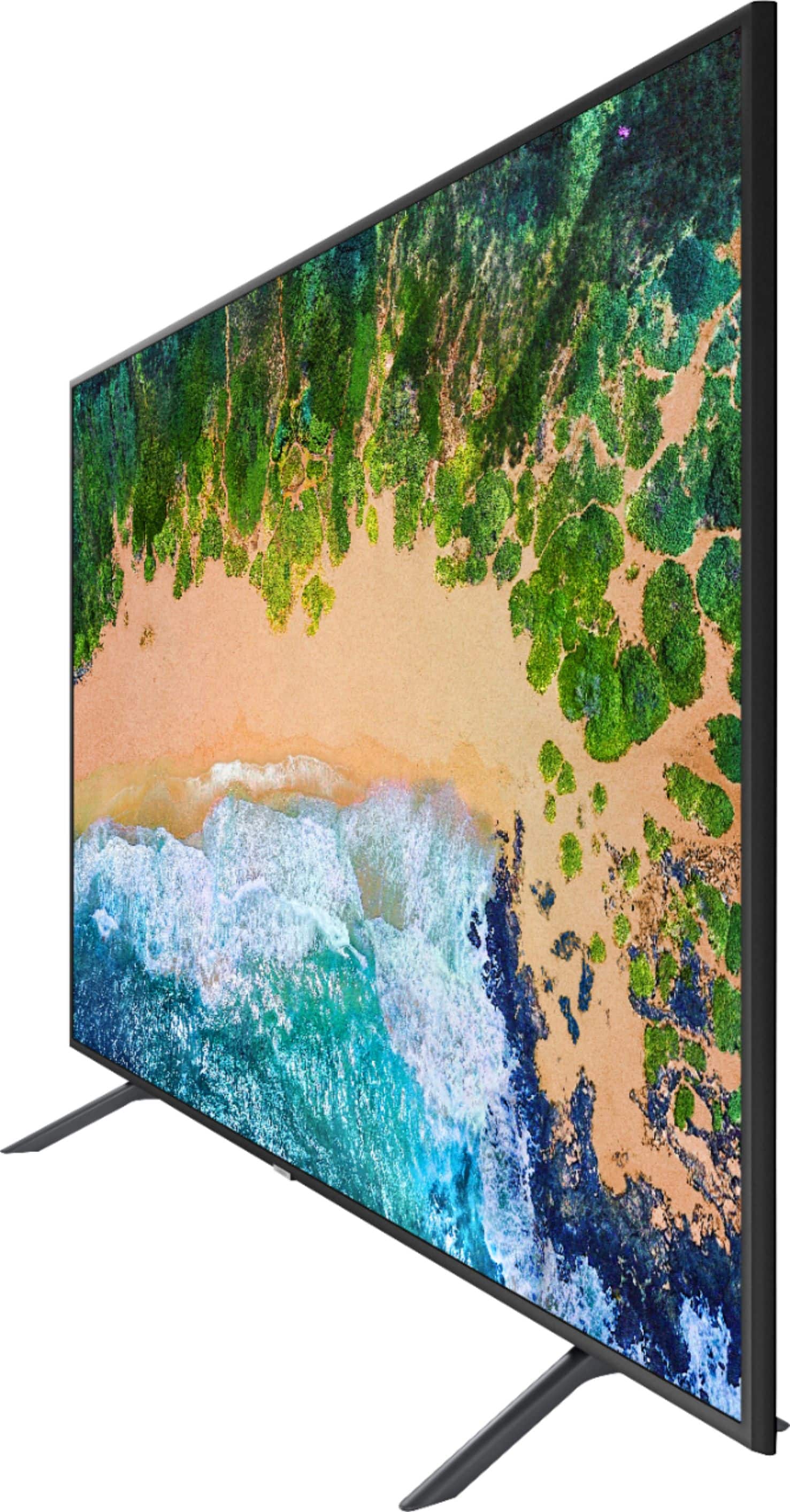




- Model:
- UN50NU7100FXZA
- SKU:
- 6202100
Rating by feature
- Picture Quality
Rating 4.3 out of 5 stars
- Sound Quality
Rating 4.1 out of 5 stars
- Brightness
Rating 4.3 out of 5 stars
Customers are saying
Customers consistently note the 50" Class - LED - NU7100 Series - 2160p - Smart - 4K UHD TV with HDR has great picture quality, with many saying it has stunning colors. They also appreciate the easy setup and affordable price point. However, some customers have concerns about the viewing angle and short lifespan of the TV.
This summary was generated by AI based on customer reviews.
Replacement tv
||Posted .This reviewer received promo considerations or sweepstakes entry for writing a review.Has more HDMI inputs than my old plasma tv. The picture is not as good. Looks blurry not sharp. I expected more from a 4k and HDR I don't know what that is. It works but disappointed on the picture quality.
No, I would not recommend this to a friend- Pros mentioned:Picture quality
Not worth the price doesn’t work with sling
||Posted .This reviewer received promo considerations or sweepstakes entry for writing a review.The TV Looks pretty sharp but the smart TV interface is a little annoying and Sling TV will freeze on it. I had to use my Firestick to get it to work.
No, I would not recommend this to a friend Great picture
||Posted .This reviewer received promo considerations or sweepstakes entry for writing a review.Overall a good tv , i just wish it had a 5ghz adapter in it for faster Wi-Fi. My TCL 55 in has a 5ghz adapter. This tv is supposed to be higher quality
I would recommend this to a friendThis is a dud.
Posted .This reviewer received promo considerations or sweepstakes entry for writing a review.I've had this TV for 3 1/2 years. It was working fine but now has a big dark blurry patch running from top to bottom on the screen.
No, I would not recommend this to a friendSamsung 50 inch TV picture is just average
||Posted . Owned for 1.5 years when reviewed.This reviewer received promo considerations or sweepstakes entry for writing a review.Picture is just ok Nothing really exciting. Picture gets washed out if u watch on the side. I would not buy Samsung TVs anymore. sound from speakers is just average also
No, I would not recommend this to a friendSome glitches
||Posted .This reviewer received promo considerations or sweepstakes entry for writing a review.I had the screen looked half frozen. I unplugged it thinking it was done for and not even having it for 1 year but when I plugged it back it it was working fine.
No, I would not recommend this to a friendWashed out from side view
||Posted .This reviewer received promo considerations or sweepstakes entry for writing a review.The picture was fine as long as you are viewing from directly in front. As you view from the side, the picture washes out and loses its color. I returned. Spend more for a better picture.
No, I would not recommend this to a friendBrand response from Samsung
Posted .QLEDNovice,
I am sorry that the NU7100 TV did not work out for you.
Your overall customer experience feedback is important to us and will be shared with the product team.
Should you ever decide to give Samsung TV products another try and have concerns or questions, please know we are always here to help. You can contact our Customer Support toll-free at 1-800-SAMSUNG (ask for TVs) Available 8AM - 12AM EST (Mon-Fri) / 9AM - 11PM EST (Sat-Sun)
Simply copy-paste this link into your browser to LiveChat or Email us: https://www.samsung.com/us/support/#contact_us_for_support
We are likewise reachable by Facebook Messenger at: https://www.facebook.com/samsungsupport
Or find us on Twitter at https://twitter.com/SamsungSupport
Again, my sincerest apologies. We hope to regain you as a customer in the future.
-Samsung Ambassador
- Cons mentioned:Refresh rate
Jumpy screen
||Posted .This reviewer received promo considerations or sweepstakes entry for writing a review.For long motion scenes you'll see the screen jump. Not sure if this has to do with the refresh rate.
No, I would not recommend this to a friendBrand response from Samsung
Posted .NY123,
The NU7100 series comes with a motion rate 120.
Our Motion Rate is a metric that combines the panel’s native refresh rate, image processing, and backlighting technology. This produces a rating that better conveys the TV’s overall motion performance.
It also comes with Auto Motion Plus, a feature designed to eliminate blur and judder on an LED TV, specifically in fast moving images. It does so by taking a 30-fps signal and adding in additional frames to help smooth out any blur or judder between frames – this is called interpolation.
Here is the step-by-step guide to change Auto Motion Plus settings:
1) With the TV powered on, press the Home button on the Samsung remote to open the Home screen
2) Then select Settings > Picture > Expert Settings > Auto Motion Plus
Note: This option may not be visible initially. Continue scrolling through the Expert Settings Menu to locate Auto Motion Plus
3) Then Select Auto Motion Plus again, and you will see the following three options:
a) Off: Auto Motion Plus will always be off
b) Auto: Auto Motion Plus will automatically activate and deactivate based on the type of program being watched
c) Custom: Allows custom adjustments and settings to be used
4) By selecting the Custom option, you can further access these advanced settings:
a) Judder Reduction: Use the directional keys on the remote to adjust the Judder setting.
b) LED Clear Motion: Select to turn On/Off
Should you need further assistance with features or product usage (such as setting adjustments), please reach out to Samsung Support and an agent will gladly assist you. You can reach us via any of the below options:
1) Toll-free calling: 1-800-SAMSUNG
2) LiveChat or Email: https://www.samsung.com/us/support/#contact_us_for_support
3) Facebook Messenger: http://m.me/samsungsupport
4) Twitter: https://twitter.com/messages/compose?recipient_id=18768513
-Samsung Ambassador
Open box didn’t work
||Posted .This reviewer received promo considerations or sweepstakes entry for writing a review.Bought it open box and a couple features don’t work. Nothing that I use but if I did, then I’d be out of luck. Not the first Samsung I’ve bought that didn’t work properly either
No, I would not recommend this to a friendA 2 year tv with ads
||Posted .This reviewer received promo considerations or sweepstakes entry for writing a review.Samsung interface is poor. Turn on the the TV and their Cheddar TV starts, with no way to turn this off. Secondly it has gotten to where I can only navigate to some of the settings. I wanted to change from wired to wireless and the interface won't let me. I reached out to Samsung and got the your product is out of warranty. Amazing this is their software and I have no way to reset it to access the rest of the functionality.
No, I would not recommend this to a friendGood value
||Posted .This reviewer received promo considerations or sweepstakes entry for writing a review.Good value for the price point, terrific style, very minimal and legs are easy to assemble, Picture quality was not top notch but again this tv was very affordable.
I would recommend this to a friendBrand response from Samsung
Posted .VLei,
Thank you for your praise of the design of our NU7100 TV.
I am sorry that you are not completely satisfied with its image quality.
The NU7 Series is designed with several preset picture modes and custom settings, allowing you to adjust images to your liking.
The Dynamic Mode is the brightest among all presets. Standard Mode is ideal for home and regular viewing.
Movie Mode is the closest setting to calibration the way the director intended as it uses less enhancement and will likely result in the truest picture.
In addition, the quality of the image on your screen also depends on your source and connection.
HDMI cables are recommended for optimal HD viewing; and when possible, 4K content will provide the best picture quality.
The quality of your streamed content depends largely on the speed of your internet as most content providers have adaptive streaming that will automatically adjust the image quality based on the network bandwidth.
Please give us the opportunity to assist you with adjustments tailored to your preferred viewing experience. You can reach us via any of the following options:
1) Phone: 1-800-SAMSUNG (ask for TVs) Available 8AM - 12AM EST (Mon-Fri) / 9AM - 11PM EST (Sat-Sun)
2) LiveChat or Email: https://www.samsung.com/us/support/#contact_us_for_support
3) Facebook Messenger: https://www.facebook.com/samsungsupport
4) Twitter: https://twitter.com/SamsungSupport
5) The Samsung TV Community is also a great resource for getting help from Samsung moderators and customers: https://us.community.samsung.com/t5/TVs/bd-p/tv
Again, thank you for taking the time to share your thoughts on this product. Your invaluable feedback helps us continuously deliver best-in-class products and service.
- Samsung Ambassador
- Cons mentioned:Viewing angle
Poor viewing angle and sound
||Posted .This reviewer received promo considerations or sweepstakes entry for writing a review.Returned item. Poor viewing angle and sound. One remote does not come with this model as it is shown with in the store. False advertising and misleading.
No, I would not recommend this to a friendBrand response from MrSamsung
Posted .Aggs,
Thank you for your review on this Samsung TV. I am sorry that the NU7100 did not work out for you.
Your feedback about the viewing angle and sound is important to us and will be shared with the product team. We will also look into the issue of inaccurate remote information in retail stores.
Should you ever decide to give Samsung TV products another try and have concerns or questions, please know we are always here to help. You can contact our Customer Support toll-free at 1-800-SAMSUNG. Or copy-paste this link into your browser to LiveChat or Email us: https://www.samsung.com/us/support/#contact_us_for_support
We are likewise reachable by Facebook Messenger at: http://m.me/samsungsupport
You can also find us on Twitter at: https://twitter.com/messages/compose?recipient_id=18768513
Again, my sincerest apologies. We hope to regain you as a customer in the future.
-Samsung Ambassador.
Good TV
||Posted . Owned for 1 year when reviewed.This reviewer received promo considerations or sweepstakes entry for writing a review.This unit was on sale and I picked up for work. Little difficult to setup, picture quality is fair. If you can get on sale I would recommend.
I would recommend this to a friendNo Audio outputs... :(
||Posted .This reviewer received promo considerations or sweepstakes entry for writing a review.Love this set, the only drawback and I think this is a huge one, is there is no audio output to connect the set directly to a Stereo reciever or amplifier.
No, I would not recommend this to a friendNo 3.5mm Audio Jack in this TV
||Posted .This reviewer received promo considerations or sweepstakes entry for writing a review.This TV has all the nice fancy features except for the fact that THERE IS NO AUDIO JACK!!! if you have a sound system that uses an aux cable (3.5mm jack) you wont be able to connect to this tv. Best buy electronics specialist told me that i should buy a new sound bar. I have a THX surround sound system. why would i buy a samsung sound bar? this is as if i am being forced to upgrade my sound system because samsung is making a tv that has really bad speakers behind the tv,
No, I would not recommend this to a friendBrand response from Samsung
Posted .Daniyal,
We value your user feedback on the audio jack and will share it with our product team.
Should you need assistance with features or usage, please contact Samsung Customer Support toll-free at 1-800-SAMSUNG and a representative will gladly help you.
You can also contact Samsung via LiveChat or email. Please copy-paste this link into your browser: http://www.samsung.com/us/support/contact
We are likewise reachable by Facebook Messenger at: http://m.me/samsungsupport
Or find us on Twitter at: https://twitter.com/messages/compose?recipient_id=18768513.
Again, thank you for taking the time to share your thoughts on this product. Your invaluable feedback helps us continuously deliver better products and service.
-Samsung Ambassador
Good price, but not good for viewing sports.
||Posted .This reviewer received promo considerations or sweepstakes entry for writing a review.The TV is fine for watching movies and shows, but terrible for watching sports (especially hockey). There seems to be a “blur” while watching hockey games.
No, I would not recommend this to a friendBrand response from Samsung
Posted .RIReview,
I am sorry to see that you are not happy with the motion image performance of your Samsung NU7100 TV.
Please try adjusting Auto Motion Plus to eliminate the blur issue.
Here is the step-by-step guide to change Auto Motion Plus settings:
1) With the TV powered on, press the Home button on the Samsung remote to open the Home screen
2) Then select Settings > Picture > Expert Settings > Auto Motion Plus
Note: This option may not be visible initially. Continue scrolling through the Expert Settings Menu to locate Auto Motion Plus
3) Then Select Auto Motion Plus again, and you will see the following three options:
a) Off: Auto Motion Plus will always be off
b) Auto: Auto Motion Plus will automatically activate and deactivate based on the type of program being watched
c) Custom: Allows custom adjustments and settings to be used
4) By selecting the Custom option, you can further access these advanced settings:
a) Judder Reduction: Use the directional keys on the remote to adjust the Judder setting.
b) LED Clear Motion: Select to turn On/Off
For further assistance on this feature or other usages, please contact Samsung Customer Support at 1-800-SAMSUNG and a representative will gladly help you. Or LiveChat with our product experts at: http://www.samsung.com/us/support/contact
We are likewise reachable via Facebook Messenger at: http://m.me/samsungsupport
You can also find us on Twitter at: https://twitter.com/messages/compose?recipient_id=18768513
- Samsung Ambassador
Average tv
||Posted .This reviewer received promo considerations or sweepstakes entry for writing a review.I have a quantum Samsung so I compared to it. It really is a different TV. I don't think it is better than the uhd lg. Same price range but nothing special.
No, I would not recommend this to a friendBrand response from Samsung
Posted .Vtibrazil,
The NU7 series features our PurColor technology, HDR and our exclusive UHD Engine to deliver superb contrast and expanded color detail. It also comes with a judder control setting that allows custom adjustment to your liking.
Please give us the opportunity to assist you with image quality adjustments by calling Samsung Customer Support toll-free at 1-800-SAMSUNG.
You can also contact Samsung via LiveChat or email. Please copy-paste this link into your browser: http://www.samsung.com/us/support/contact
We are likewise reachable by Facebook Messenger at: http://m.me/samsungsupport .
Or find us on Twitter at: https://twitter.com/messages/compose?recipient_id=18768513
We look forward to hearing from you.
- Samsung Ambassador
Price is it's best selling point
||Posted .This reviewer received promo considerations or sweepstakes entry for writing a review.I returned this TV within a week. It's display of colors isn't nearly vivid enough for my taste. Seemed kind of bland. Also, it BADLY produces black and shadows. We watched a movie that takes place almost completely at night, and there was this weird affect on the screen that was super distracting as it struggled to show shadows against black. I returned the TV and bought a 58" model from a different line that had a much better picture.
No, I would not recommend this to a friendBrand response from Samsung
Posted .Newt120,
The NU7 series features our PurColor technology, HDR and our exclusive UHD Engine to deliver superb contrast and expanded color detail.
It is possible that your particular set was either defective or required adjustments in settings. Nonetheless, I do sincerely apologize for the let-down.
Should you have questions or need help with your new Samsung TV, please know that we are always here for you.
You can contact us via:
1) Phone: 1-800-SAMSUNG
2) LiveChat or Email: https://www.samsung.com/us/support/#contact_us_for_support
3) Facebook Messenger: http://m.me/samsungsupport
4) Twitter: https://twitter.com/messages/compose?recipient_id=18768513
- Samsung Ambassador
great tv but diconnects from app
||Posted .This reviewer received promo considerations or sweepstakes entry for writing a review.The tv itself is great but idk if its the tv its self or what. It disconnects from the apps. Spectrum TV in particular and its so annoying.
I would recommend this to a friendBrand response from Samsung
Posted .juanis,
I am sorry to hear that you are experiencing disconnection with some of the apps.
Please give us the opportunity to assist you by contacting Samsung Customer Support via one of the following options:
1) Toll-free calling: 1-800-SAMSUNG
2) LiveChat or Email: https://www.samsung.com/us/support/#contact_us_for_support
3) Facebook Messenger: http://m.me/samsungsupport
4) Twitter: https://twitter.com/messages/compose?recipient_id=18768513
Again, I am very sorry for the inconveniences you have had, and hope that we will hear from you soon.
-Samsung Ambassador
- Cons mentioned:Viewing angle
watch from side
||Posted .This reviewer received promo considerations or sweepstakes entry for writing a review.Can not watch from slit side angle. Need to be looking from straight in front of tv.
No, I would not recommend this to a friend