Customer Ratings & Reviews
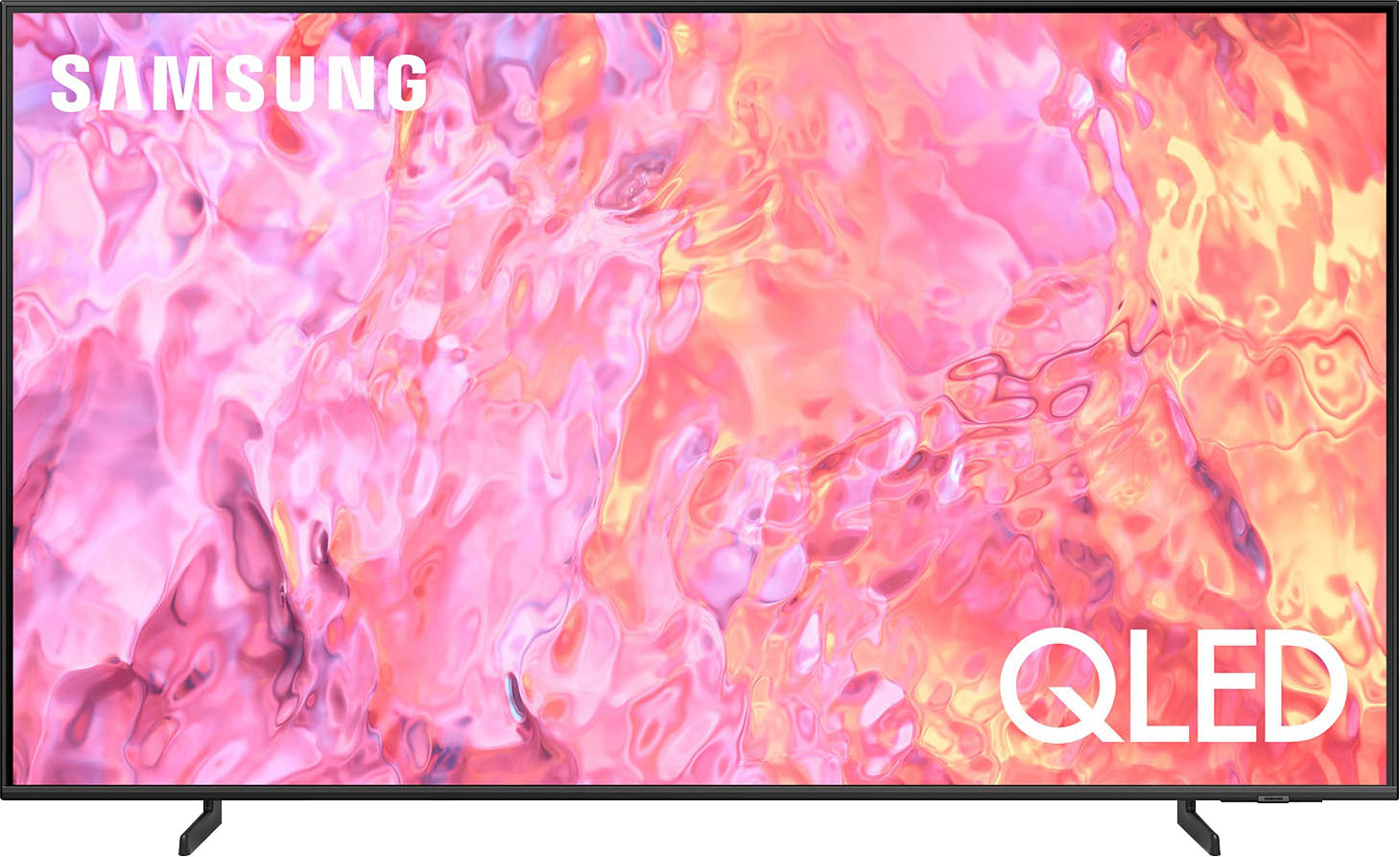
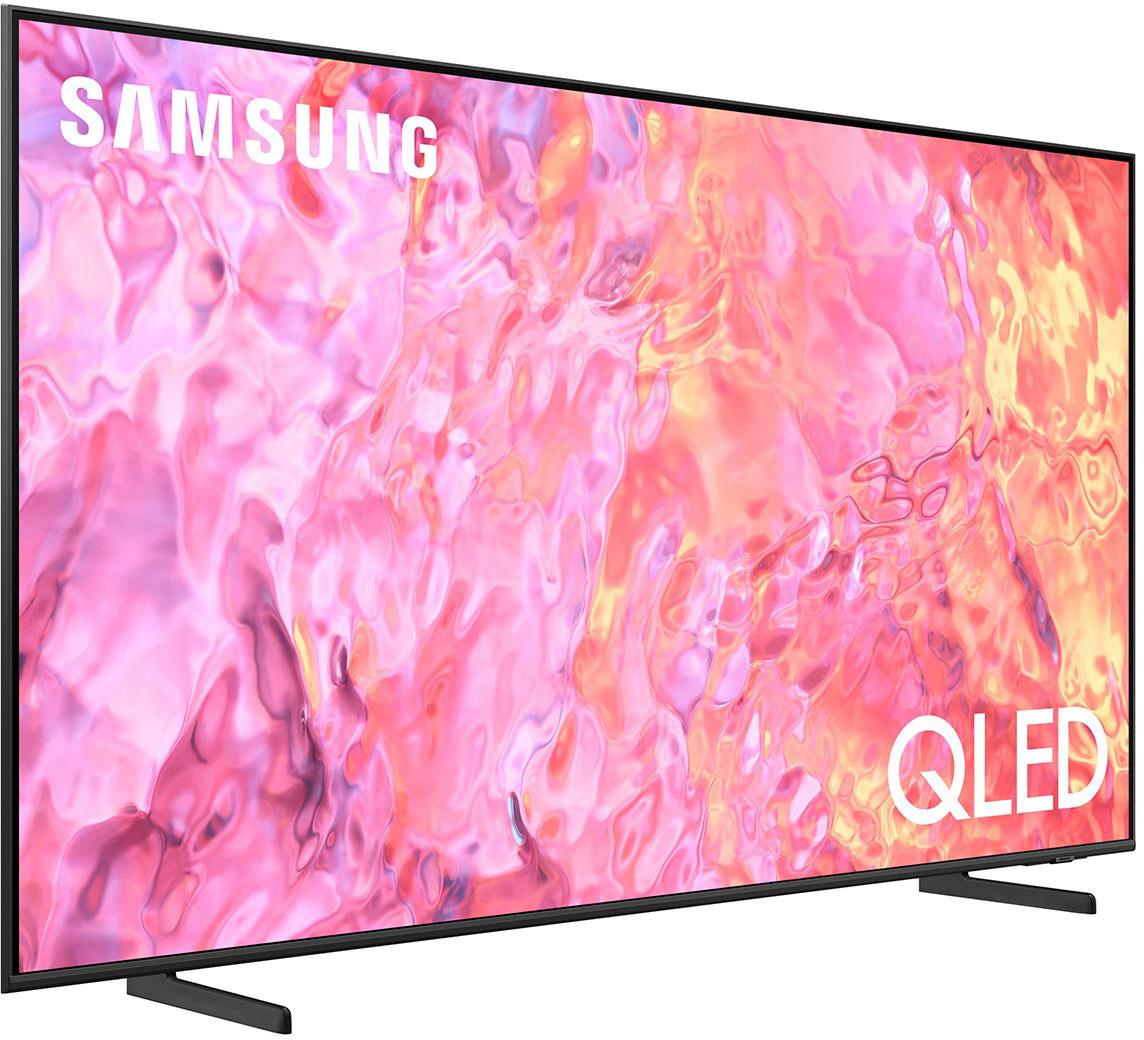
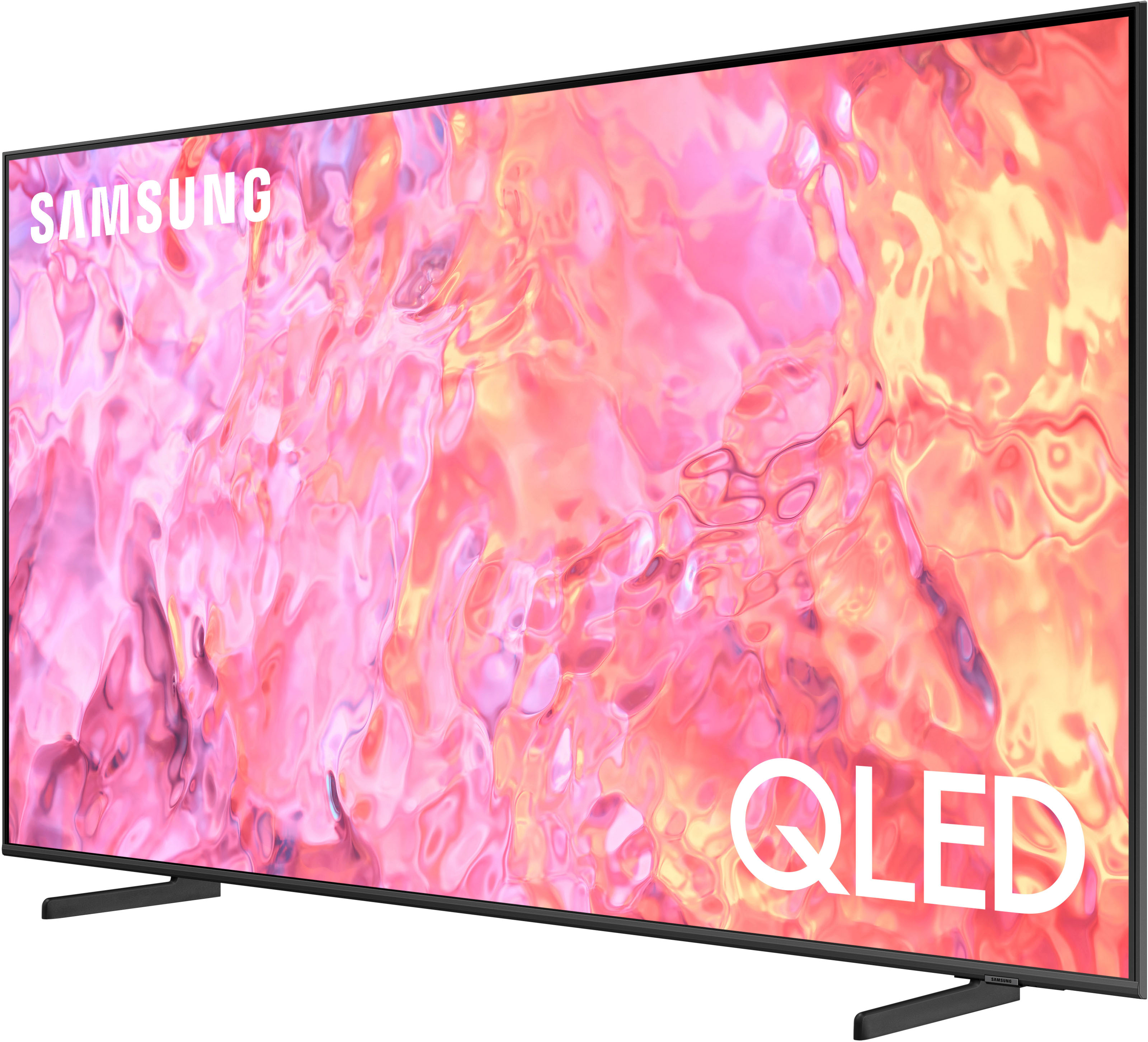
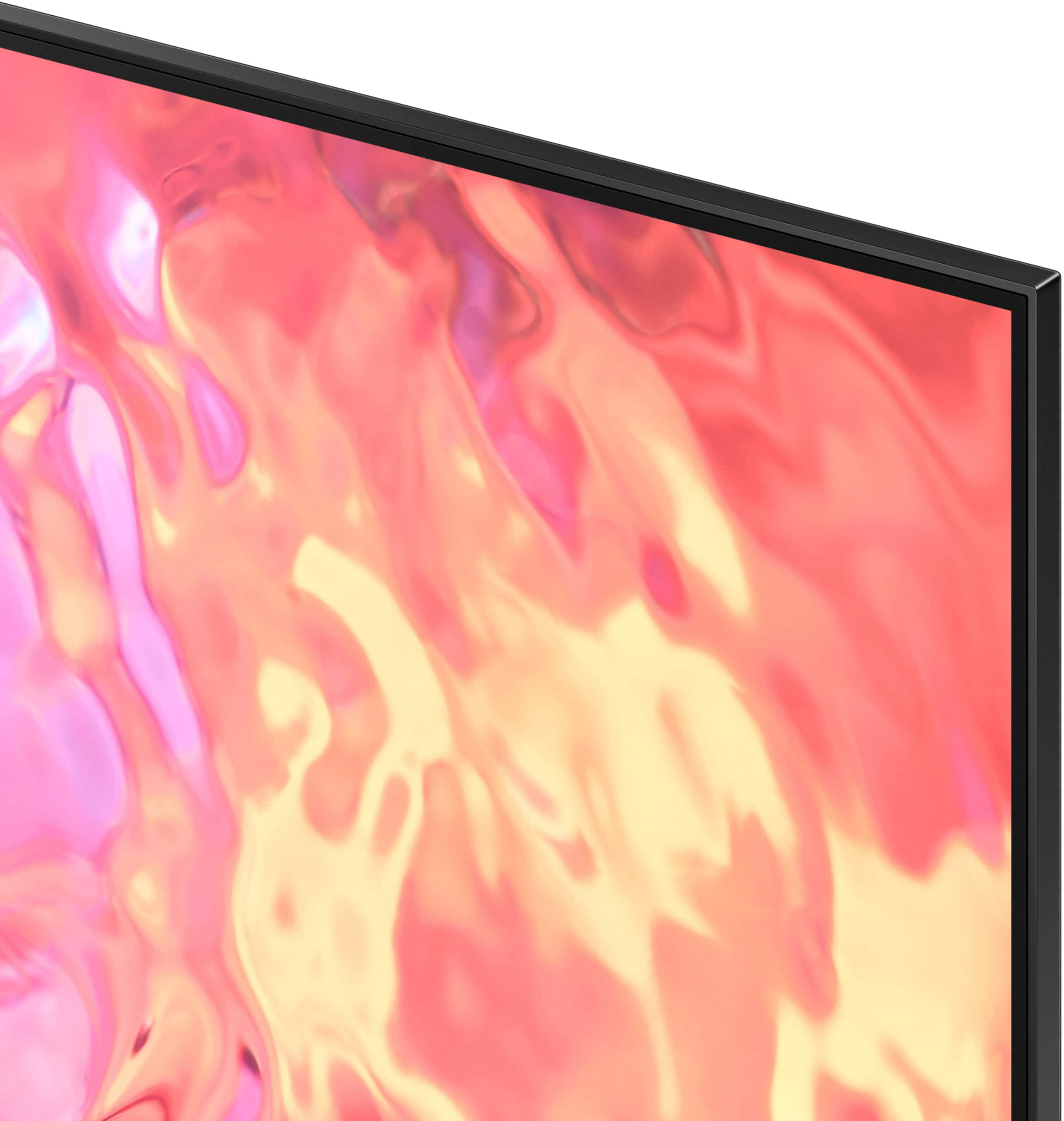
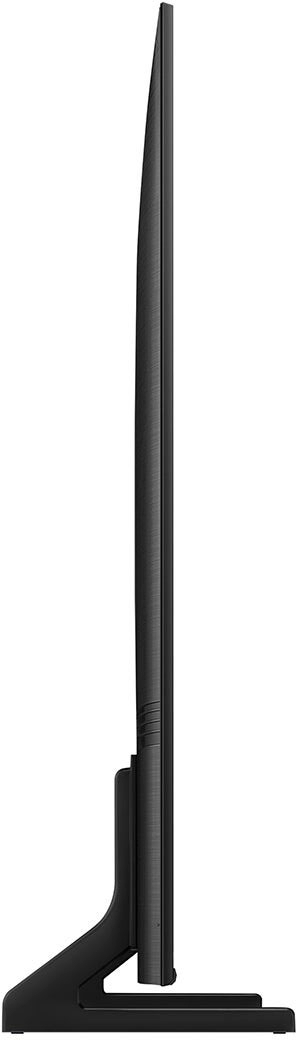




- Model:
- QN50Q60CAFXZA
- SKU:
- 6537419
Rating by feature
- Picture Quality
Rating 4.8 out of 5 stars
- Sound Quality
Rating 4.5 out of 5 stars
- Brightness
Rating 4.8 out of 5 stars
Customers are saying
Customers admire the 50" Class Q60C QLED 4K UHD Smart Tizen TV (2023) for its exceptional picture quality, ease of use, and rich colors. Many also praise the TV's value for its price and the straightforward setup process. While some users find the user interface less intuitive and the volume could be improved, the overwhelmingly positive feedback points to a highly satisfying viewing experience. The lightweight design is also frequently highlighted as a positive attribute.
This summary was generated by AI based on customer reviews.
This tv sucks
||Posted . Owned for 1 month when reviewed.This reviewer received promo considerations or sweepstakes entry for writing a review.It has funny moments in certain movies and not happy with it at all
No, I would not recommend this to a friendBrand response from Samsung
Posted .Hi,
I’m sorry to hear you’re not funny satisfied with Samsung’s Q60C TV. Please give us the opportunity to look into this for you so we can provide additional settings adjustments or troubleshooting assistance.
You can reach Samsung Support at 1-800-SAMSUNG, 8AM - 12AM EST, 7 days a week. Our LiveChat agents are also available by clicking on the ‘Support’ link on our website.
We're looking forward to hearing from you.
~ Samsung Specialist
Bad resolution
||Posted . Owned for less than 1 week when reviewed.This reviewer received promo considerations or sweepstakes entry for writing a review.Having a very very difficult time calibrating this tv.
No, I would not recommend this to a friendBrand response from Samsung
Posted .Mshakii,
We appreciate your review of Samsung’s Q60C TV. So we can better understand the issues you’re experiencing and provide you with additional settings adjustments, please reach out to Samsung Customer Support at 1-800-SAMSUNG, 8AM - 12AM EST, 7 days a week. Or visit us on the Samsung website and click on the ‘Support’ link for:
• LiveChat
• Manuals, Software, & Warranty Info
~ Samsung Specialist
Do not waste your money.
||Posted . Owned for 4 months when reviewed.This reviewer received promo considerations or sweepstakes entry for writing a review.This TV is horrible for sound, we can barely hear it with it turned up to 100. All of my other Samsungs were loud and clear at 30. Now we are stuck with it.
No, I would not recommend this to a friendSamsung TV
||Posted . Owned for 1 month when reviewed.This reviewer received promo considerations or sweepstakes entry for writing a review.Disappointed. Have to return TV for service. Screen goes black when watching.
No, I would not recommend this to a friendBrand response from Samsung
Posted .Hi MaryjaneP,
I'm sorry to hear that you are experiencing issues with the Q60C TV screen going black when watching. While awaiting service, please try these troubleshooting steps:
1. Press the Home button on the remote.
If the menu appears, the TV is powered on but is either not on the correct source or not receiving a signal. If the menu does not appear, the TV may be having power issues.
Check the red standby light, a little red light at the edge of the TV that you aim the remote at. In normal use, the red standby light is on when the TV is off (indicating the TV is on standby), and the red standby light is off when the TV is in use (or doesn't have power).
2. Confirm that the TV is set to the same source as the external device.
For instance, if your cable box is connected to HDMI 1, set the TV source to HDMI 1.
If the TV is set to the correct source, but there is still no image, unplug and reconnect the AV connections one cable at a time from both ends of each cable. If there's any damage to the cable, it will need to be replaced.
After reconnecting the external device, please turn it off and back on.
3. Test the HDMI cable.
Some TVs have an HDMI cable test. Some models only have this test after a software update, and older models do not. If your model does not have this test or is not connected by HDMI, skip to the next step.
The test is designed for HDMI cords less than 6 feet long and may not give accurate results on longer cords.
To perform the test, make sure the TV's source is still on the HDMI setting for the cable you want to test, and then navigate to Settings > Support > Self Diagnosis > Signal Information > HDMI Cable Test > Start Test.
If the test says the cable is bad, replace the cable. Service is not required.
4. Test different external devices.
The final thing to rule out is the external device you're using. Try connecting a different device or using a different source port.
If the TV can display a picture in any other setup, then you've ruled the TV out as the cause of the issue. Keep trying various setups until you identify the device or cable that is not working and troubleshoot or replace it.
If you need more help, please contact us so we can better investigate your issue and assist you with a solution or replacement. Call us at 1-800-SAMSUNG, 8 AM - 12 AM EST, seven days a week. Our LiveChat agents are also available by clicking on our website's ‘Support’ link.
~ Samsung Advisor
Not good
||Posted . Owned for 1 week when reviewed.This reviewer received promo considerations or sweepstakes entry for writing a review.Used to be a Samsung girl, now ima a Sony girl, this tv has Poor picture quality, fuzzy, just not showing a pretty picture.
No, I would not recommend this to a friendBrand response from Samsung
Posted .MrsT,
Thank you for sharing your thoughts on the picture quality of your Q60C TV. To ensure you’ve got the latest image quality updates, please confirm that your TV is up to date with the latest firmware version. You can check by going to: Home > Menu > Settings > Support > Software Update.
If the picture you’re seeing is still not to your liking after updating firmware, there are several picture settings you may want to try adjusting.
Go to Home > left direction button > Settings > All Settings > Picture > Picture Mode
...and select the mode that best fits your usage:
1. Standard: Is the default mode suitable for general viewing environments
2. Dynamic: Makes the picture brighter and clearer in bright viewing environments
3. Eco: Provided to save energy
4. Movie: Suitable for watching TV or movies in a dark room
5. Filmmaker Mode: Provides source content just as the creators intended. If the image is defined as Filmmaker Mode, it’ll automatically switch to Filmmaker Mode while watching.
You can also fine-tune your picture with expert settings such as brightness, contrast, sharpness and more (All Settings > Picture > Expert Settings).
For further assistance with settings adjustments, please contact Samsung Customer Support at 1-800-SAMSUNG, 8AM - 12AM EST, 7 days a week. Or visit us on the Samsung website and click on the ‘Support’ link for:
• LiveChat
• Manuals, Software, & Warranty Info
~ Samsung Specialist
Damaged
||Posted .This reviewer received promo considerations or sweepstakes entry for writing a review.The picture may be good…I’ll never know because the whole television is warped. Returning tomorrow.
No, I would not recommend this to a friendBrand response from Samsung
Posted .Damaged,
We appreciate you sharing your delivery experience and having received a damaged unit. We recommend you contact Best Buy directly for assistance in correcting this situation. We hope your issue is resolved in a timely manner.
Should you have questions or concerns on usage or setup of your TV once your issue has been resolved, please call us at 1-800-SAMSUNG, 8AM - 12AM EST, 7 days a week. Or visit us on the Samsung website and click on the ‘Support’ link for:
• LiveChat
• Manuals, Software, & Warranty Info
~ Samsung Specialist
- Pros mentioned:Picture qualityCons mentioned:Volume
Overall good TV for the cost.
Posted .This reviewer received promo considerations or sweepstakes entry for writing a review.Great picture. Volume level a little low without a sound bar.
I would recommend this to a friend - Pros mentioned:Picture quality
Spudsy
Posted .This reviewer received promo considerations or sweepstakes entry for writing a review.Excellent quality. Only negative is that sound average because small speakers in back of tv. However, with purchase of sound bar, sound is great.
I would recommend this to a friend Simple and solid
Posted .This reviewer received promo considerations or sweepstakes entry for writing a review.Simple and elegant. No issues with it. It works S expected. Very capable and quite an improvement over the generation before it good price for what you get.
I would recommend this to a friend- Pros mentioned:Ease of use
Samsung 50 inch TV
Posted .This reviewer received promo considerations or sweepstakes entry for writing a review.The TV is easy to use and the smart features are set up nicely. The app download make it easy to interact with the TV even without the remote.
I would recommend this to a friend - Pros mentioned:Ease of use
Samsung TV
Posted .This reviewer received promo considerations or sweepstakes entry for writing a review.Crisp, clear screen display, easy to set up & use. In addition the sales rep was very helpful & knowledgeable! Very happy.
I would recommend this to a friend - Pros mentioned:Ease of use
Even a Granny can use!
Posted .This reviewer received promo considerations or sweepstakes entry for writing a review.Super bright and so easy to navigate and understand. Exceeded my expectations.
I would recommend this to a friend - Pros mentioned:Picture quality
Samsung TVs are the best
Posted .This reviewer received promo considerations or sweepstakes entry for writing a review.I love my samsung I can mirror from my phone with one touch of a button..crisp and clear
I would recommend this to a friend - Pros mentioned:Picture quality
Samsun 50" Class Q60C QLED 4 K UHD
Posted .This reviewer received promo considerations or sweepstakes entry for writing a review.Great picture and sound. The setup & configuration was straight forward with clear instructions.
I would recommend this to a friend Crystal Clear Picture
Posted .This reviewer received promo considerations or sweepstakes entry for writing a review.This TV is truly amazing. I have been an avid Vizio user, but my last one cracked when moving. I decided to give Samsung a try, as I have everything else Samsung. The resolution is stunning for the price. The design is thin, and light. The toolless legs are a plus. The only downside is the HDMI ports. Granted this is because my last Vizio had four, and this one has only two. It is perfect for a console and sound bar.
I would recommend this to a friend- Pros mentioned:Picture quality
Samsung tv
Posted .This reviewer received promo considerations or sweepstakes entry for writing a review.My new television has a beautiful picture and i am very satisfied with it.
I would recommend this to a friend - Pros mentioned:Picture quality
Retired
Posted .This reviewer received promo considerations or sweepstakes entry for writing a review.Very nice tv, great picture, delivered the next day
I would recommend this to a friend - Pros mentioned:Picture quality
This TV is indeed a best buy one!
Posted .This reviewer received promo considerations or sweepstakes entry for writing a review.Worth the price, better picture and sound quality than other TV's.
I would recommend this to a friend - Pros mentioned:Picture quality
Samsung 50"
Posted .This reviewer received promo considerations or sweepstakes entry for writing a review.I love my new TV. The picture is great. I am very satisfied.
I would recommend this to a friend - Pros mentioned:Picture quality
Samsung tv
Posted .This reviewer received promo considerations or sweepstakes entry for writing a review.Great tv I will always recommend I’ve work a lot with it as well
I would recommend this to a friend