Customer Ratings & Reviews



- Model:
- UN50TU690TFXZA
- SKU:
- 6514055
Rating by feature
- Picture Quality
Rating 4.8 out of 5 stars
- Sound Quality
Rating 4.6 out of 5 stars
- Brightness
Rating 4.7 out of 5 stars
Customers are saying
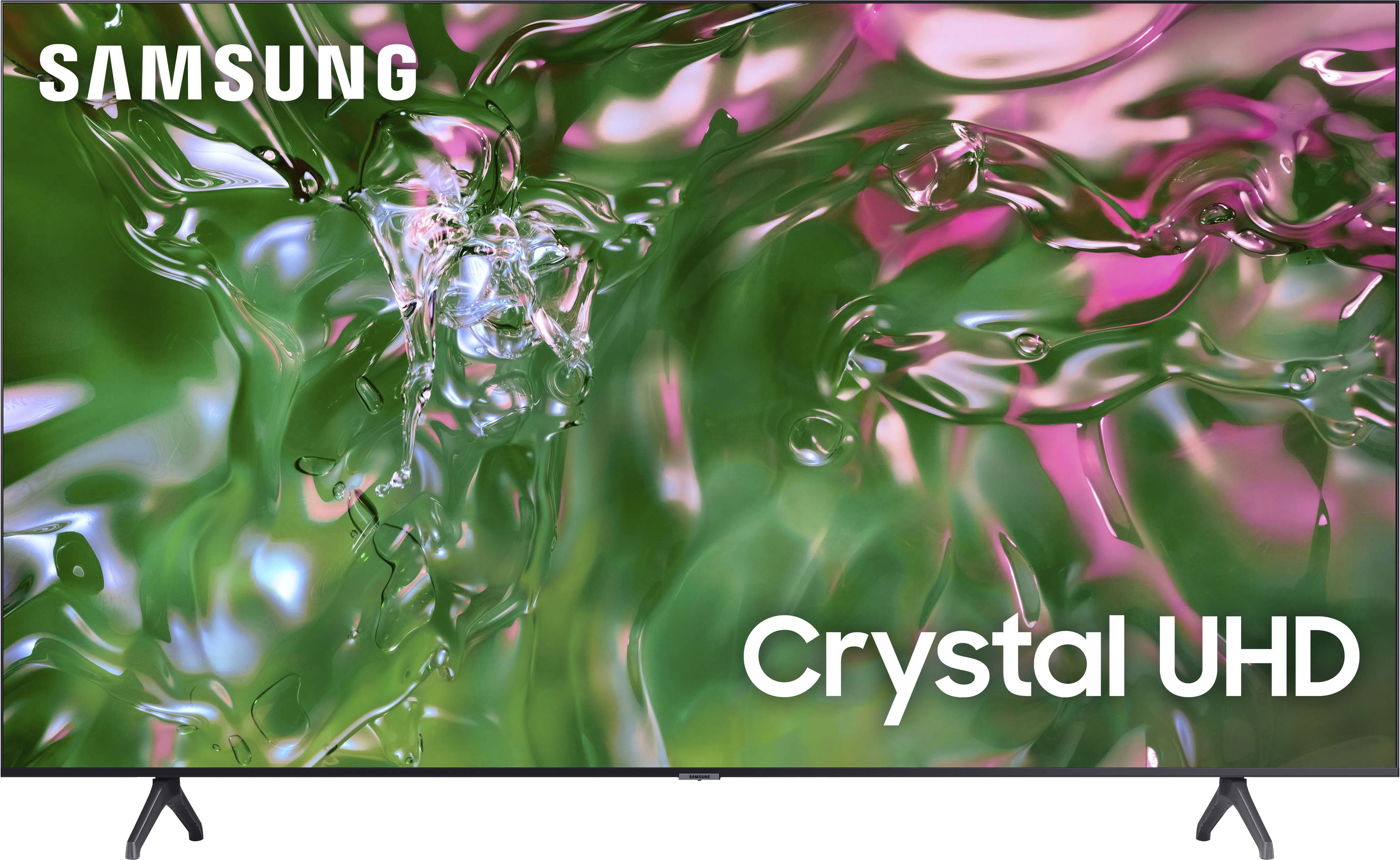
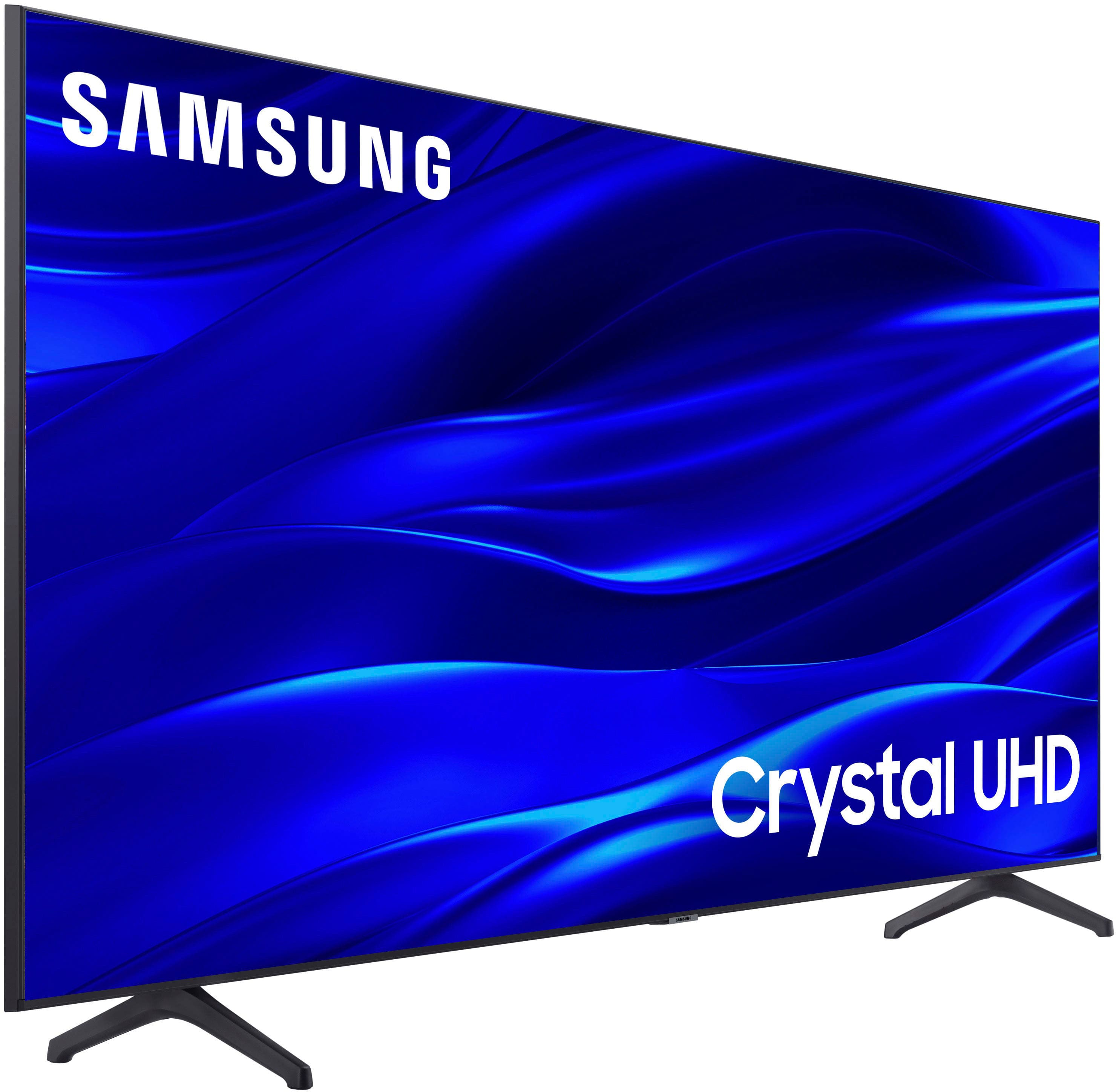
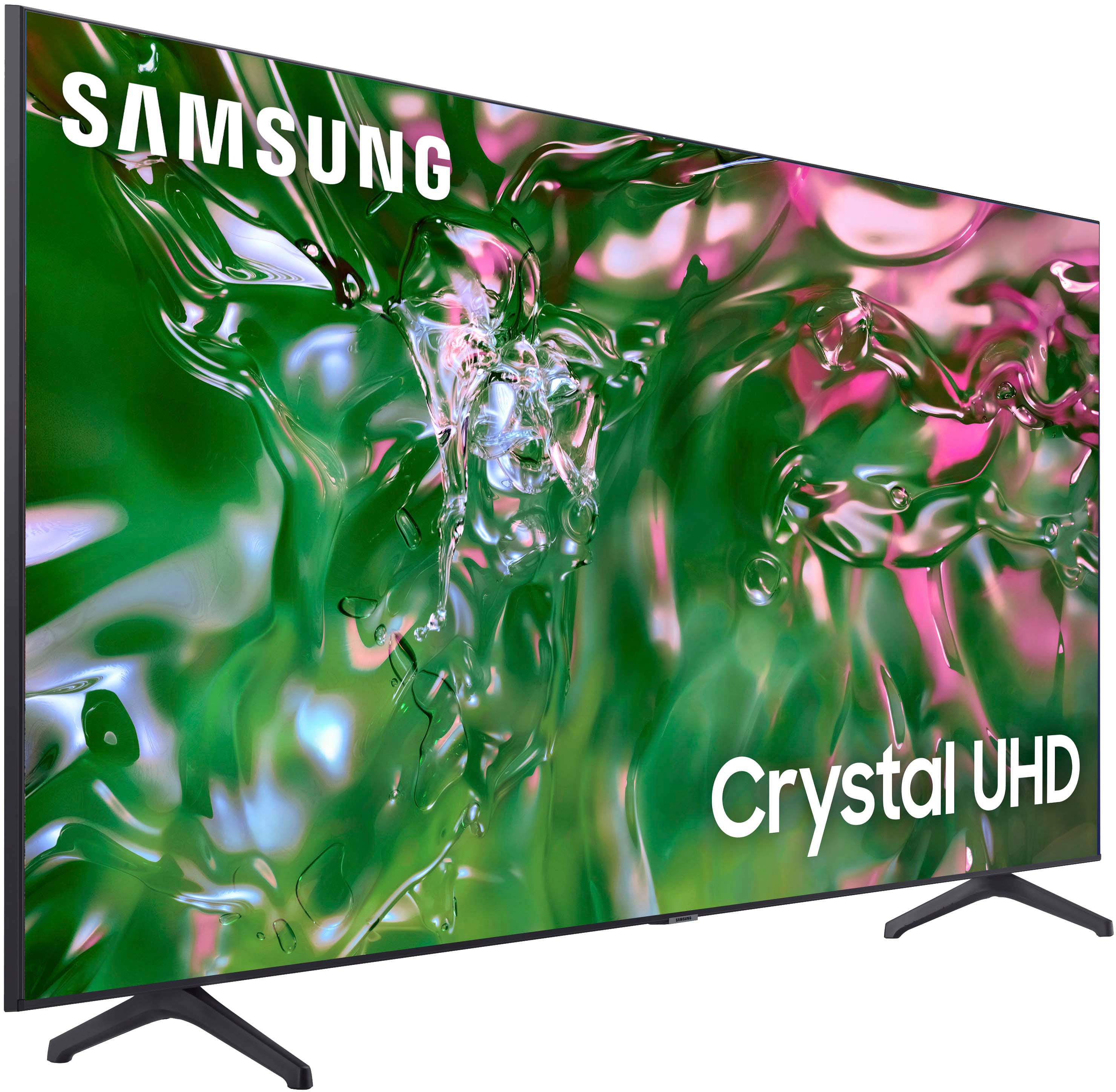
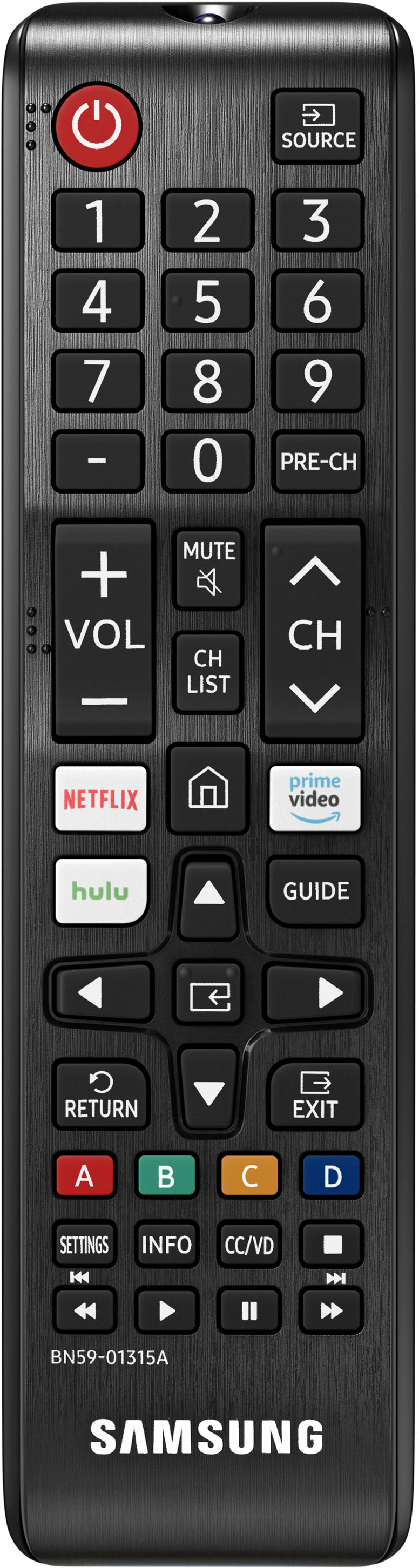
Customers express satisfaction with the picture quality, ease of use, and price of the 50" Class TU690T Series LED 4K UHD Smart Tizen TV (2023). Many also praise the TV's color vibrancy and straightforward setup process. However, some users find the remote control cumbersome and experience occasional slowness with the operating system's response time. A few customers also mention challenges with the user interface and the lack of a sleep timer button on the remote.
This summary was generated by AI based on customer reviews.
- Pros mentioned:Picture quality
Good value
||Posted . Owned for 3 weeks when reviewed.This reviewer received promo considerations or sweepstakes entry for writing a review.Nice picture. Samsung always does well but the value here is pretty good..
I would recommend this to a friend - Pros mentioned:Picture quality
Samsung 50” TV
||Posted . Owned for 3 weeks when reviewed.This reviewer received promo considerations or sweepstakes entry for writing a review.Picture quality is great, sound is not so great. Perfect size for a bedroom!
I would recommend this to a friendBrand response from Samsung
Posted .Hi Vero,
Thank you for sharing your thoughts regarding the TU690T TV’s sound quality. We recommend adjusting the Sound Settings to improve your experience. You can change the Sound Mode by going to Settings > Sound > Sound Mode.
You can also customize the sound with Expert Settings by going to Settings > Sound > Expert Settings.
To assist you with possible sound settings adjustments for a better audio experience or choosing a Samsung Soundbar to complement your viewing enjoyment, please reach out to us at 1-800-SAMSUNG, 8 AM - 12 AM EST, seven days a week. Our LiveChat agents are also available by clicking on the ‘Support’ link on our website.
~ Samsung Advisor
Tv
||Posted . Owned for 1 month when reviewed.This reviewer received promo considerations or sweepstakes entry for writing a review.To much to learn. The tv comes on by itself every morning at7:00
No, I would not recommend this to a friendBrand response from Samsung
Posted .AngelaD,
We appreciate you sharing your experience with the TU690T TV. Your feedback is essential to us and will be shared with our internal teams. Please try the following to stop the TV from powering itself on.
1. Unplug the TV from the wall outlet or surge protector and leave it unplugged for 30 seconds.
2. Check the power cord to see if there is any visible damage.
3. Plug the TV power cord back into the wall outlet. If you were using a surge protector, bypass it for now and use a wall outlet.
4. Try to update the software. In some cases, a software update can correct the problem. There is a risk, however. If the TV turns off during the software update, it could damage the TV. Updates can take up to 30 minutes, depending on network speed, so if the TV is not turning off too frequently, try updating the software.
5. Disable the Power On with Mobile option. TVs that can connect to SmartThings can be turned on using compatible devices, sometimes automatically. However, if abnormal "power on" signals are sent through the wireless network, they will trigger this function and make the TV turn on. If you do not want this function, navigate to Settings > General > Network > Expert Settings > Power On with Mobile, and turn the setting off.
If the TV continues to turn on by itself continuously, please contact our Samsung Customer Support. You can call us at 1-800-SAMSUNG, 8 AM - 12 AM EST, seven days a week. Our LiveChat agents are also available by clicking on the ‘Support’ link on our website.
~ Samsung Pro
Nice tv
||Posted . Owned for 1 week when reviewed.This reviewer received promo considerations or sweepstakes entry for writing a review.Samsung 50" class TU690T series LED 4k UHD Smart Tizen TV works very well. Hooks to internet via wifi. A surprising amount of free channels, TV, movies, documentaries, etc. Very pleased with this tv.
I would recommend this to a friend- Pros mentioned:Picture quality
1st Samsung TV!
||Posted .This reviewer received promo considerations or sweepstakes entry for writing a review.Picture is clear and crisp. Size is Not overwhelming for a bedroom TV.
I would recommend this to a friend - Pros mentioned:Picture quality
Worst TV ever
||Posted . Owned for 2 weeks when reviewed.This reviewer received promo considerations or sweepstakes entry for writing a review.Only reason giving a 1 is because there is no zero. Worst tv ever!!! Had to return for another which was about a 2, returned the 2 for a Sony. Much respect for Sony. Best picture ever 9straight out of the box) with no adjustments.
No, I would not recommend this to a friendBrand response from Samsung
Posted .Hi MrsT,
Thank you for taking the time to provide feedback on your TU690T TV. Please know that your feedback will be shared with our internal product teams. We take pride in our products and are sorry to hear that your experience was not up to our high standards.
We do hope you will give Samsung another chance when purchasing your next TV. If there’s anything we can ever help with, please call us at 1-800-SAMSUNG, 8 AM - 12 AM EST, seven days a week. Or visit us on the Samsung website and click on the ‘Support’ link for:
1) LiveChat
2) Manuals, Software, & Warranty Info
~ Samsung Advisor
Samsung teevee purchase
||Posted . Owned for 3 weeks when reviewed.This reviewer received promo considerations or sweepstakes entry for writing a review.The size was not as big as i expected for a 50inches
No, I would not recommend this to a friendBrand response from Samsung
Posted .Sina,
Thank you for taking the time to provide feedback on your TU690T TV. Please know that your feedback will be shared with our internal product teams. We take pride in our products and are sorry to hear that your experience was not up to our high standards.
If there’s anything we can ever help with, please call us at 1-800-SAMSUNG, 8 AM - 12 AM EST, seven days a week. Or visit us on the Samsung website and click on the ‘Support’ link for:
1) LiveChat
2) Manuals, Software, & Warranty Info
~ Samsung Pro
- Pros mentioned:Color
Great picture
||Posted .This reviewer received promo considerations or sweepstakes entry for writing a review.the color is great but it does get a bit hot after a 30 minutes.
I would recommend this to a friendBrand response from Samsung
Posted .Hi HoratioG,
Thanks for reaching out and letting us know that you are enjoying your new TV. Regarding your TV getting hot after 30 minutes, can you please call us so we can troubleshoot this issue with you?
Please call us at 1-800-SAMSUNG, 8 AM - 12 AM EST, seven days a week.
~Samsung Advisor
- Pros mentioned:Picture quality
Can't screw up with Samsung
||Posted . Owned for 3 weeks when reviewed.This reviewer received promo considerations or sweepstakes entry for writing a review.Pretty good TV. Happy my my purchase and it works just fine.
I would recommend this to a friend - Pros mentioned:Picture quality
Nice!
||Posted . Owned for 1 week when reviewed.This reviewer received promo considerations or sweepstakes entry for writing a review.Picture quality is clear as ever! Would definitely recommend
I would recommend this to a friend No Hulu or Peacock apps
||Posted . Owned for 3 weeks when reviewed.This reviewer received promo considerations or sweepstakes entry for writing a review.I only give it one star because it will not download the Hulu and Peacock apps. I've called Samsung customer service and they tried and could not remedy the problem. Told me they would call me back and its been weeks. I'm missing my favorite shows which defeats the purpose of having a tv!!
No, I would not recommend this to a friendBrand response from Samsung
Posted .Hi Zymar,
Thank you for letting me know about the issues you are experiencing with downloading the Hulu and Peacock apps. Please try the following troubleshooting steps if you have not already done so:
First, let's ensure you are running the latest Firmware. Go to Settings> Support> Software Update.
Next, let's try running a cold boot on your TV. To do so, hold down the Power button on the Samsung TV remote until the TV turns off and then on again. This should take about 5 seconds.
If you continue to have issues, please give us another call so we can better support you. We apologize for the inconvenience of waiting for a return call. Please call us at 1-800-SAMSUNG, 8 AM - 12 AM EST, seven days a week. Our LiveChat agents are also available by clicking on the ‘Support’ link on our website.
~ Samsung Advisor
- Pros mentioned:Price
Good but needs more jacks
||Posted . Owned for 3 weeks when reviewed.This reviewer received promo considerations or sweepstakes entry for writing a review.Good for the price but unable to hook old equipment to it
I would recommend this to a friend - Pros mentioned:Picture quality
Samsung 50
||Posted .This reviewer received promo considerations or sweepstakes entry for writing a review.Tv is great good quality the size is prefect for our room
I would recommend this to a friend - Pros mentioned:Picture quality
Very nice
||Posted . Owned for 3 weeks when reviewed.This reviewer received promo considerations or sweepstakes entry for writing a review.I am very happy with the purchase. Very clear picture.
I would recommend this to a friend Worth the money
||Posted . Owned for 3 weeks when reviewed.This reviewer received promo considerations or sweepstakes entry for writing a review.For a 2160 HD Tv that I paid less than $325 for, we are pleased with this Samsung 50". Has dark areas watching some programs but didn't want to pay twice the amount for a TV with better backlighting. The remote features were a bit difficult to get used to (but we are old folks!). Would recommed for an inexpensive TV!
I would recommend this to a friendAlready malfunctioining
||Posted . Owned for 1 year when reviewed.This reviewer received promo considerations or sweepstakes entry for writing a review.Wasn't a huge fan from the beginning, volume would fluctuate and then it randomly stopped but now it just freezes and turns off. Something about not enough storage but I use a Roku not even the smart features on the TV itself. Only 2 years old.
No, I would not recommend this to a friendGreat value
||Posted . Owned for 1 month when reviewed.This reviewer received promo considerations or sweepstakes entry for writing a review.Not top of the line but far better than my last television so I'm very happy with it! It doesn't have standard analog plug option for audio output, but does allow you to send it to an external device via Bluetooth.
I would recommend this to a friendPicture is not what it is marketed to be.
||Posted . Owned for 1 week when reviewed.This reviewer received promo considerations or sweepstakes entry for writing a review.Picture never lives up to the test photos it loads movies in 4k ghost very bad on newer movies and OS is slow. Samsung’s higher end models are much nicer than these economy class tvs you definitely get what you pay for.
No, I would not recommend this to a friendBrand response from Samsung
Posted .Dylan,
We appreciate your feedback on the TU690T TV's image quality. I believe what you are describing is a feature called Auto Motion Plus, which eliminates ghosting and blurring that occurs from fast-moving images. These motion smoothing settings look great on live TVs, like sporting events or parades, which are filmed at 30 frames per second. Most movies, however, are filmed at 24 frames per second and are not intended to be viewed with these features. When turned on, this causes the dreaded soap opera effect.
To Change Motion smoothing settings on your TV:
Navigate to Settings > Picture > Expert Settings > Auto Motion Plus Settings (Picture Clarity Settings).
1. The default setting is Auto. This means the feature automatically turns on and off based on the type of program being watched.
2. Select Auto Motion Plus (Picture Clarity) to change the setting to either Off or Custom.
If you select Custom, three additional options are available:
• Blur Reduction: Use the directional keys on the remote to adjust the Blur setting.
• Judder Reduction: Use the directional keys on the remote to adjust the Judder setting.
• LED Clear Motion: This option allows you to configure the LED backlight to sharpen fast-moving images. Select to turn On or Off.
If we can further help with any other issues, please know we are here for you. Just call us at 1-800-SAMSUNG, 8 AM - 12 AM EST, seven days a week. Our LiveChat agents are also available by clicking on the ‘Support’ link on our website.
~ Samsung Pro
Is ok
||Posted . Owned for 1 month when reviewed.This reviewer received promo considerations or sweepstakes entry for writing a review.Is ok. Nothing exciting. Some what disappointed with the quality
No, I would not recommend this to a friendBrand response from Samsung
Posted .Hi Jjjjj,
Thanks for taking a moment to review Samsung’s TU690T TV. If you’re experiencing specific issues which caused you to give this a 3-star rating, please know that Samsung Customer Support is here to help.
You can call us at 1-800-SAMSUNG, 8 AM - 12 AM EST, seven days a week. Our LiveChat agents are also available by clicking on the ‘Support’ link on our website.
~ Samsung Advisor
Crisp Clear Display
||Posted . Owned for 1 month when reviewed.This reviewer received promo considerations or sweepstakes entry for writing a review.Beautiful display, does a wonderful job of upscaling less than 4k signals. This has made everything we normally watch just so much more vivid. For my children, bluey hasn't looked more crisp and clear.
I would recommend this to a friend