Customer Ratings & Reviews
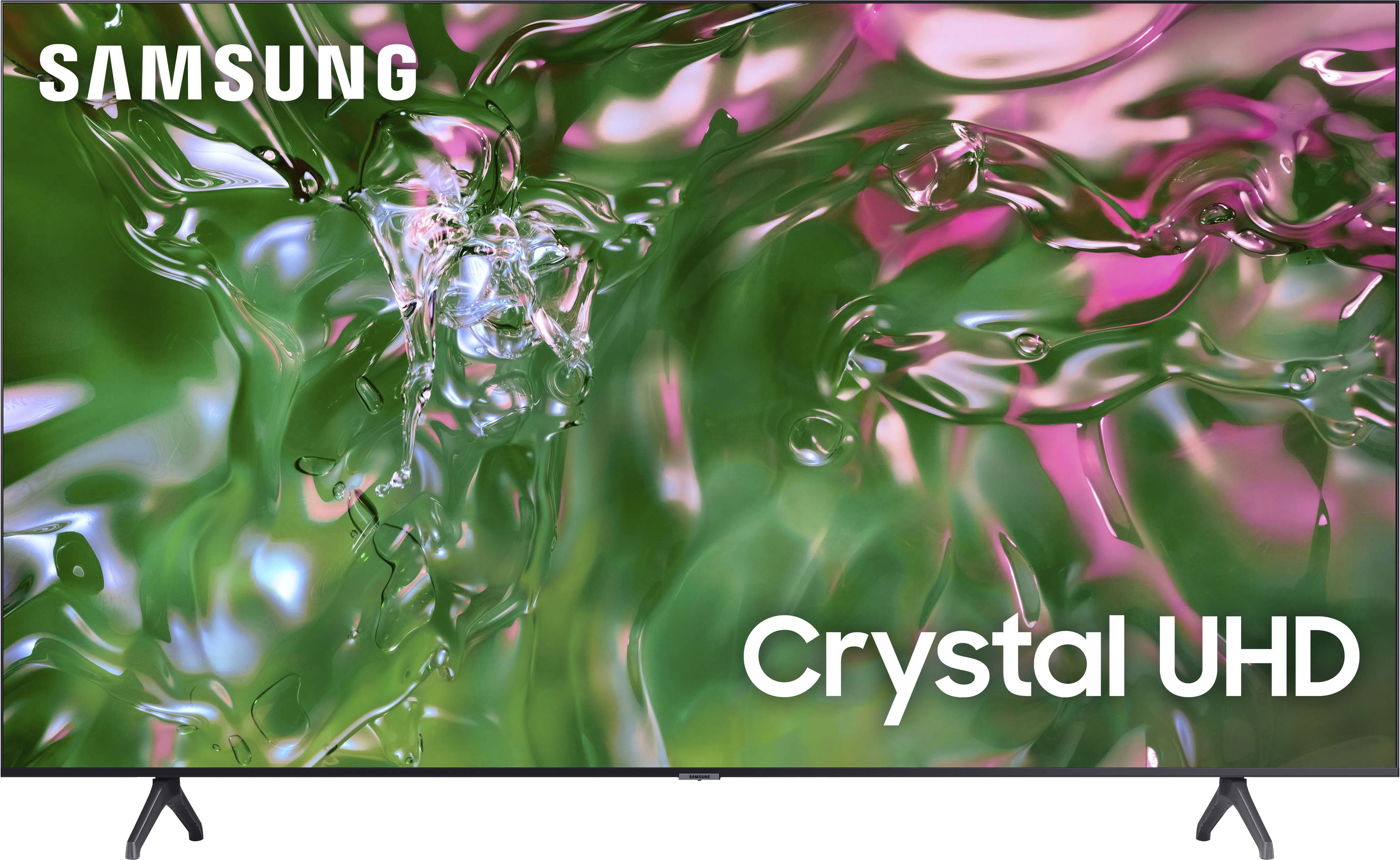
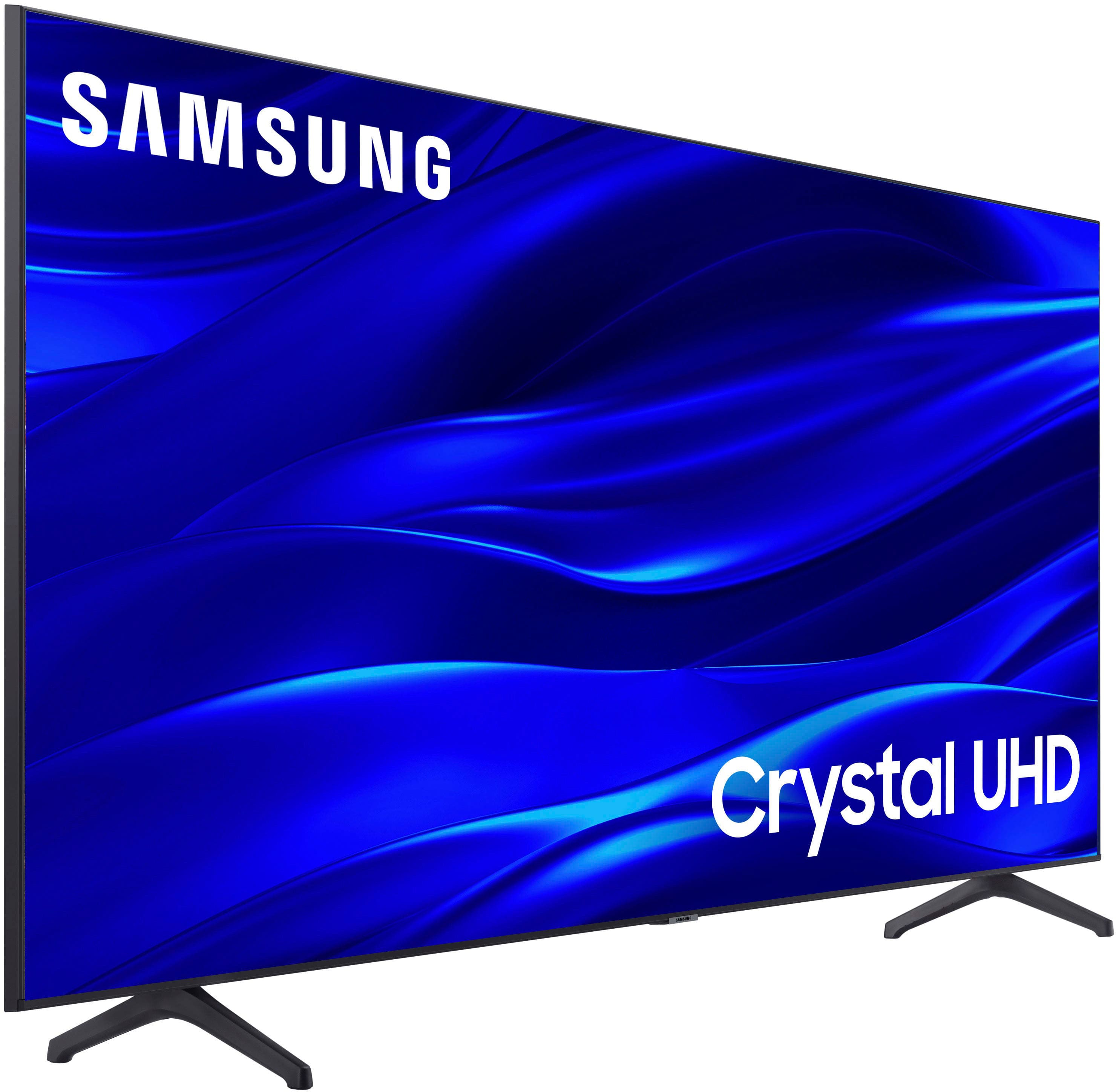
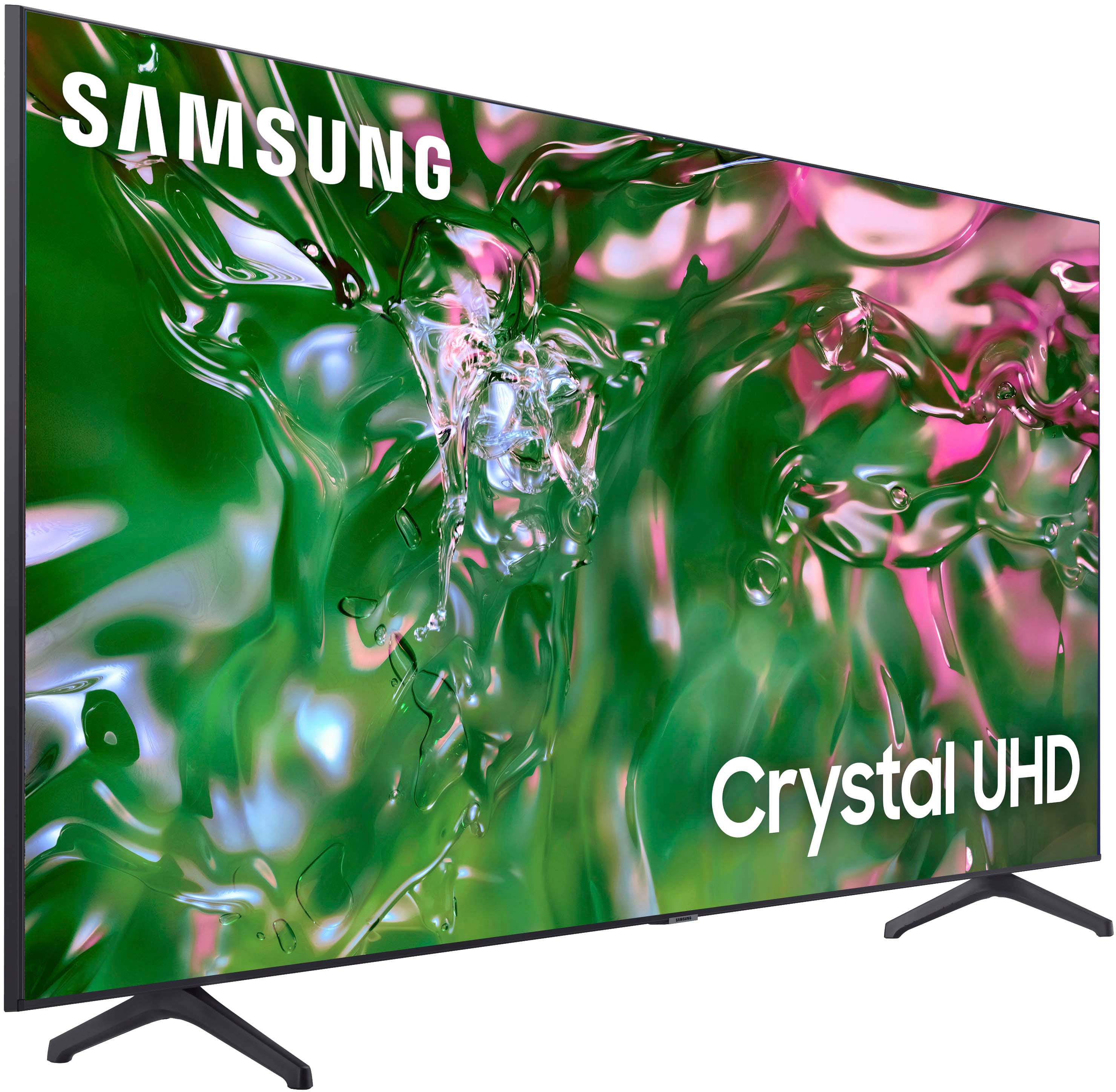



- Model:
- UN50TU690TFXZA
- SKU:
- 6514055
Rating by feature
- Picture Quality
Rating 4.8 out of 5 stars
- Sound Quality
Rating 4.6 out of 5 stars
- Brightness
Rating 4.7 out of 5 stars
Customers are saying
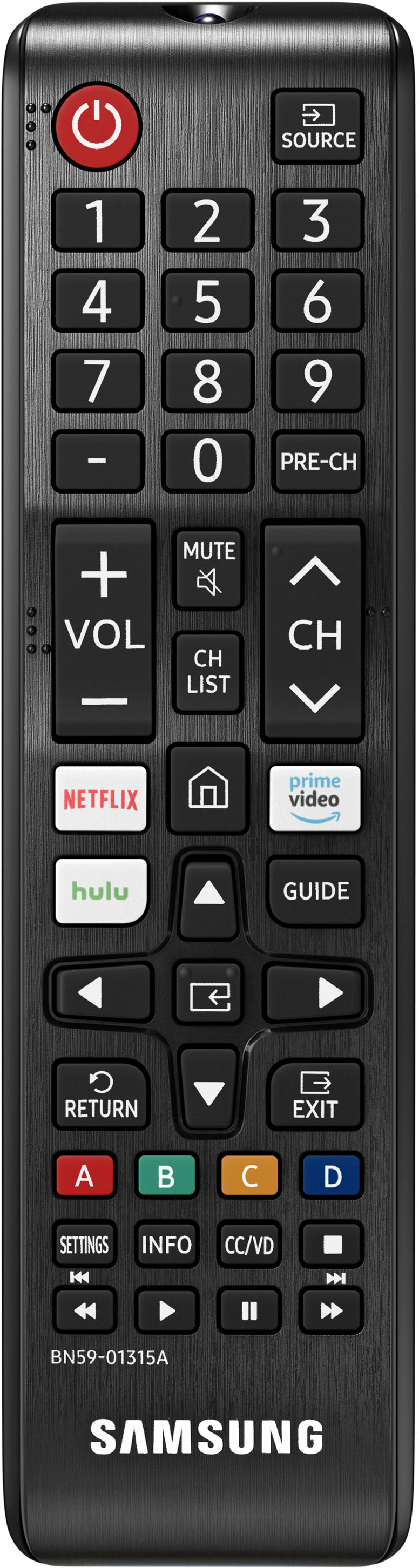
Customers express satisfaction with the picture quality, ease of use, and price of the 50" Class TU690T Series LED 4K UHD Smart Tizen TV (2023). Many also praise the TV's color vibrancy and straightforward setup process. However, some users find the remote control cumbersome and experience occasional slowness with the operating system's response time. A few customers also mention challenges with the user interface and the lack of a sleep timer button on the remote.
This summary was generated by AI based on customer reviews.
Reliable
||Posted . Owned for 1 month when reviewed.This reviewer received promo considerations or sweepstakes entry for writing a review.So far so good! Sharp looking TV with good resolution.
I would recommend this to a friendIts a TV
||Posted . Owned for 1 week when reviewed.This reviewer received promo considerations or sweepstakes entry for writing a review.Its a good TV with Samsung features. Nothing more to say
I would recommend this to a friendGreat T.V
||Posted . Owned for 3 weeks when reviewed.This reviewer received promo considerations or sweepstakes entry for writing a review.I liked the way it hang on my new house, perfect fit!
I would recommend this to a friendalways best
||Posted . Owned for 3 weeks when reviewed.This reviewer received promo considerations or sweepstakes entry for writing a review.it was great deal from a great store. always best buy!
I would recommend this to a friendExcellent
||Posted . Owned for 2 weeks when reviewed.This reviewer received promo considerations or sweepstakes entry for writing a review.Love samsung products! SmartThings app is amazing!!!
I would recommend this to a friendTitle
||Posted . Owned for 1 month when reviewed.This reviewer received promo considerations or sweepstakes entry for writing a review.It ok and i dont have anything bad to say about any item
No, I would not recommend this to a friendBrand response from Samsung
Posted .NicoleS,
Thanks for taking a moment to review Samsung’s TU690T TV. If you’re experiencing specific issues that caused you to give this a 2-star rating, please know that Samsung Customer Support is here to help. You can call us at 1-800-SAMSUNG, 8 AM - 12 AM EST, seven days a week. Our LiveChat agents are also available by clicking on the ‘Support’ link on our website.
~ Samsung Pro
Awesome
||Posted . Owned for 1 week when reviewed.This reviewer received promo considerations or sweepstakes entry for writing a review.Its the best brand of tvs in the usa, awesome desing
I would recommend this to a friendHuge ISSUE with Shipping & Delivery Departments
||Posted . Owned for 3 weeks when reviewed.This reviewer received promo considerations or sweepstakes entry for writing a review.It didn’t arrive. At time of Purchase it was scheduled to be delivered on January 24th-2024 and soon after delivery was moved for February 2024. This has already been discussed with Best Buy agent who is astonished by the huge glitch in Best Buy Shipping & Delivery Departments.
No, I would not recommend this to a friendBrand response from Samsung
Posted .Nuria,
Please know you are leaving a review for the TU690T TV, not the service provided by Best Buy. Please follow up directly with Best Buy for further assistance. We hope your issue is resolved promptly. Should you have questions regarding Samsung TVs, please contact Samsung Support at 1-800-SAMSUNG, 8 AM – 12 AM EST, 7 days a week. Our LiveChat agents are also available by clicking on the ‘Support’ link on our website.
~Samsung Pro
Great TV
||Posted . Owned for 3 weeks when reviewed.This reviewer received promo considerations or sweepstakes entry for writing a review.Great TV Very easy to purchase and pick up online.
I would recommend this to a friendGreat
||Posted . Owned for 1 month when reviewed.This reviewer received promo considerations or sweepstakes entry for writing a review.Love it soooooooooooooooo muchhhhhhhhhhhhhhhhhhhhh
No, I would not recommend this to a friendGreat value
||Posted . Owned for less than 1 week when reviewed.This reviewer received promo considerations or sweepstakes entry for writing a review.TV seems to be a great value at the sale price. Very easy to setup. I am very happy with it so far.
I would recommend this to a friendReturned it
||Posted . Owned for 1 month when reviewed.This reviewer received promo considerations or sweepstakes entry for writing a review.Slow for a new tv, maybe I’m used to something else
No, I would not recommend this to a friendBrand response from Samsung
Posted .Lisa,
Thank you for sharing your review, and we’re sorry to hear that your experience with the TU690T TV was not up to our high-quality standards. We would like the opportunity to assist and further investigate your feedback. You can reach us at 1-800-SAMSUNG, 8 AM - 12 AM EST, seven days a week. Our LiveChat agents are also available by clicking on the ‘Support’ link on our website.
~ Samsung Pro
Not Happy
||Posted . Owned for 1 month when reviewed.This reviewer received promo considerations or sweepstakes entry for writing a review.I am not happy with this purchase. It just is not bright enough and I have adjusted the picture to the max. I have a smaller Vizio which is about 8 years old and has better picture quality, I also have a 60" LG which is about 10 years old that has much better picture quality. Don't know if this Samsung is faulty or just a trait of a lower cost TV.
No, I would not recommend this to a friendBrand response from Samsung
Posted .Hi FredG,
Thank you for sharing your thoughts on the picture quality of your TU690T TV. There are a few Settings you can adjust that may improve your experience. You mentioned adjusting the image, but I will put some below in case you have yet to try these specific ones.
Go to Home > Settings > Picture > Picture Mode and select the mode that best fits your usage:
1) Standard: Default mode suitable for general viewing environments.
2) Natural: Reduces eye strain for a comfortable viewing experience.
3) Movie: Suitable for watching TV or movies in a dark room.
4) Dynamic: Makes the picture brighter and clearer in bright viewing environments.
You can also go to Settings > Picture > Expert Settings > to manually fine-tune your image.
If you need more help, Samsung is here for you. Call us at 1-800-SAMSUNG, 8 AM - 12 AM EST, seven days a week. Our LiveChat agents are also available by clicking on the ‘Support’ link on our website.
~ Samsung Advisor
Ok
||Posted . Owned for 1 month when reviewed.This reviewer received promo considerations or sweepstakes entry for writing a review.Okkkkkkkkkkkkkkkkkk(iiiiikkiiikkkkkkkkkkkkkkkkkkkk
I would recommend this to a friendBrand response from Samsung
Posted .LuisC,
Thanks for taking a moment to review Samsung’s TU690T TV. If you’re experiencing specific issues that caused you to give this a 2-star rating, please know that Samsung Customer Support is here to help.
You can call us at 1-800-SAMSUNG, 8 AM - 12 AM EST, seven days a week. Our LiveChat agents are also available by clicking on the ‘Support’ link on our website.
~ Samsung Pro
Great
||Posted . Owned for 1 month when reviewed.This reviewer received promo considerations or sweepstakes entry for writing a review.No problems so far pretty good tv enjoying it with all the movies and games i watch.
I would recommend this to a friendGifts
||Posted . Owned for 1 month when reviewed.This reviewer received promo considerations or sweepstakes entry for writing a review.Nothing perfect!these are gifts for family so they have not open them yet!!!!
I would recommend this to a friendSamsung TV
||Posted . Owned for 1 week when reviewed.This reviewer received promo considerations or sweepstakes entry for writing a review.Terrible experience with this tv. Originally powered on fine with a lag in WiFi connection. After two weeks, tv would no longer power on.
No, I would not recommend this to a friendBrand response from Samsung
Posted .NicoleH,
It’s unfortunate to hear about your experience with Samsung’s TU690T TV. Samsung is committed to providing the best possible product experience, quality, and value. We back this Samsung TV with a 1-year limited manufacturer's warranty, including authorized repair for manufacturer defect, if purchased brand-new directly from an authorized seller. You can see the full details of your warranty here: https://www.samsung.com/us/support/service/warranty/UN43TU690TFXZA
Please give us the chance to make this right by contacting Samsung Customer Support at 1-800-SAMSUNG, 8 AM - 12 AM EST, seven days a week. Our LiveChat agents are also available by clicking on the ‘Support’ link on our website.
~ Samsung Pro
Dont buy
||Posted . Owned for 1 year when reviewed.This reviewer received promo considerations or sweepstakes entry for writing a review.Worst smart tv ever. Always freezes, installed apps always freeze. Spend more time reloading then enjoying tv.
No, I would not recommend this to a friendUpdate after 1 year.
||Posted . Owned for 1 year when reviewed.This reviewer received promo considerations or sweepstakes entry for writing a review.After 1 year and 1 week. Black screen. No warranty. I have never had a TV in all my years only last 1 year. I think we have a black and white tv that still works. Geeze.
No, I would not recommend this to a friendBrand response from Samsung
Posted .anna,
If your TV has a black screen even when it's on, it's quite possible it could be your external device and not your TV. Please try these troubleshooting steps for your blank screen issue:
1. Press the Home button on the remote.
If the menu appears, the TV is powered on but is either not on the correct source or not receiving a signal. If the menu does not appear, the TV may be having power issues.
Check the red standby light, a little red light at the edge of the TV that you aim the remote at. In normal use, the red standby light is on when the TV is off (indicating the TV is on standby), and the red standby light is off when the TV is in use (or doesn't have power).
2. Confirm that the TV is set to the same source as the external device.
For instance, if your cable box is connected to HDMI 1, set the TV source to HDMI 1.
If the TV is set to the correct source, but there is still no image, unplug and reconnect the AV connections one cable at a time from both ends of each cable. If there's any damage to the cable, it will need to be replaced.
After reconnecting the external device, please turn it off and back on.
3. Test the HDMI cable.
The test is designed for HDMI cords less than 6 feet long and may not give accurate results on longer cords.
To perform the test, make sure the TV's source is still on the HDMI setting for the cable you want to test, and then navigate to Settings > Support > Self Diagnosis > Signal Information > HDMI Cable Test > Start Test. If the test says the cable is bad, replace the cable. Service is not required.
4. Test different external devices.
The final thing to rule out is the external device you're using. Try connecting a different device or using a different source port.
If the TV can display a picture in any other setup, then you've ruled the TV out as the cause of the issue. Keep trying various setups until you identify the device or cable that is not working and troubleshoot or replace it.
The TV will need service if the issue persists after these steps. Please contact us so that we can better investigate your issue and assist you with a solution. You can call us at 1-800-SAMSUNG, 8 AM - 12 AM EST, seven days a week. Our LiveChat agents are also available by clicking on the ‘Support’ link on our website.
~ Samsung Pro
Very good
||Posted . Owned for 2 weeks when reviewed.This reviewer received promo considerations or sweepstakes entry for writing a review.Best tv brandever i wont change it for no reason samsung for life
I would recommend this to a friend