Customer Ratings & Reviews
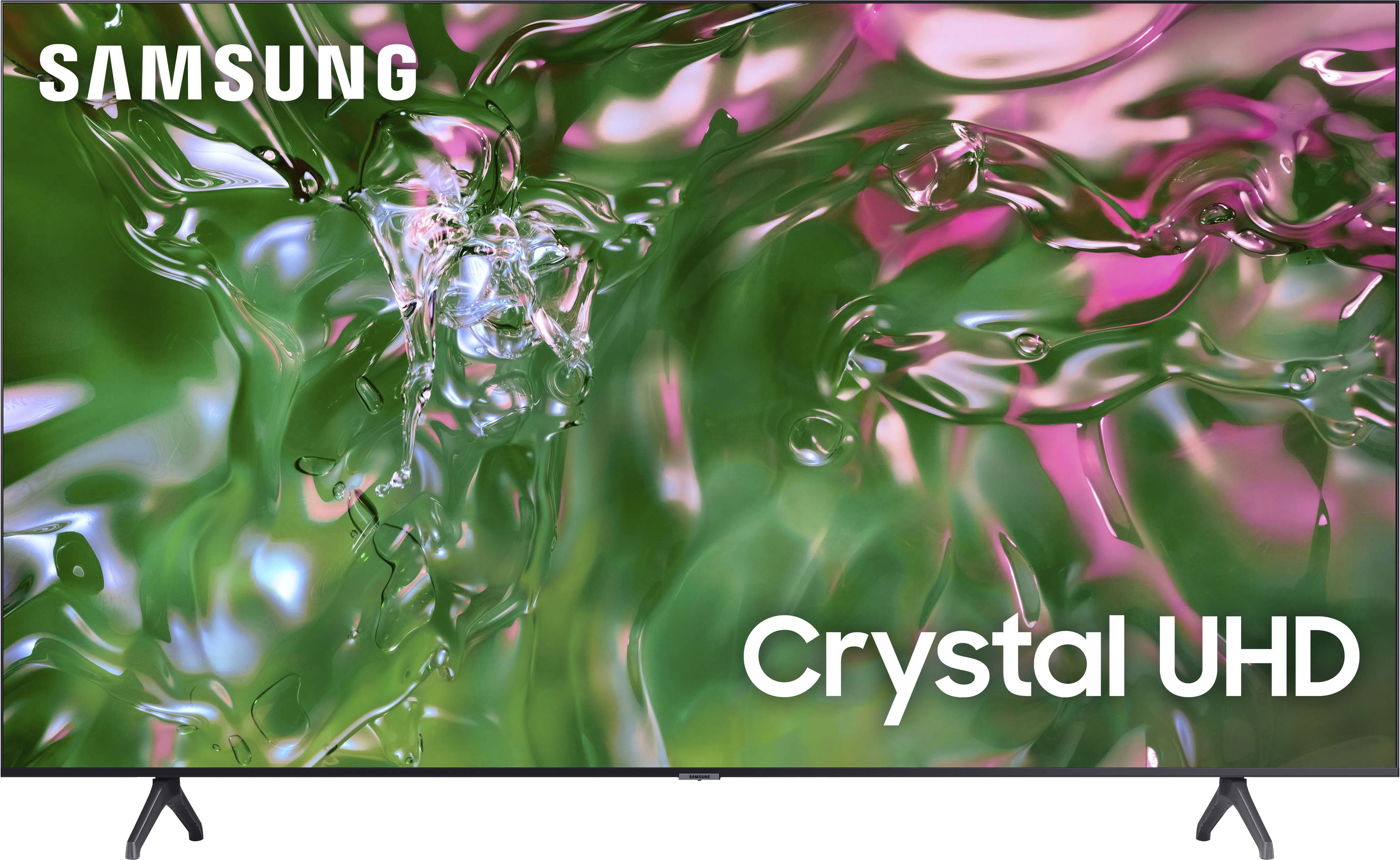
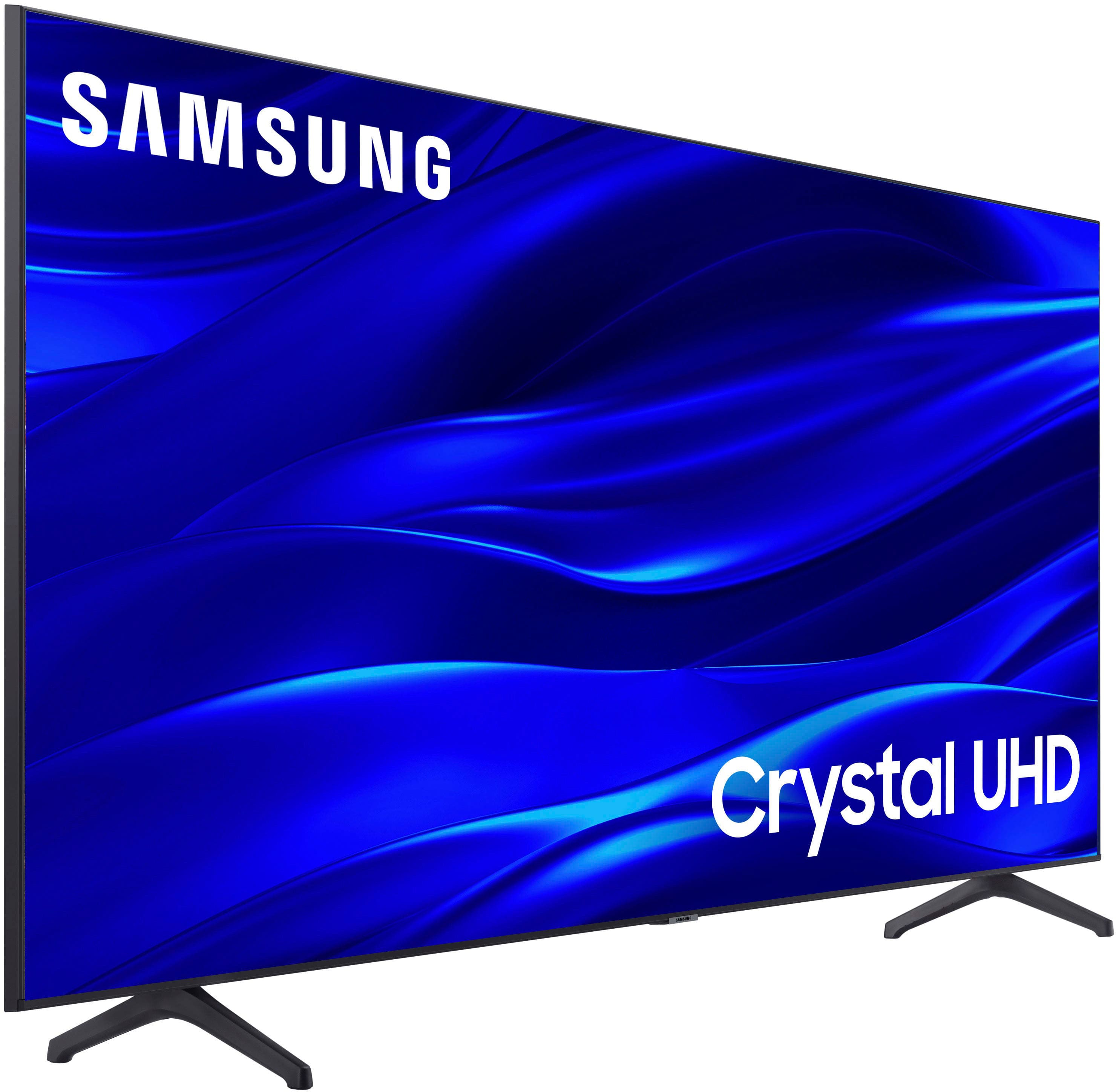
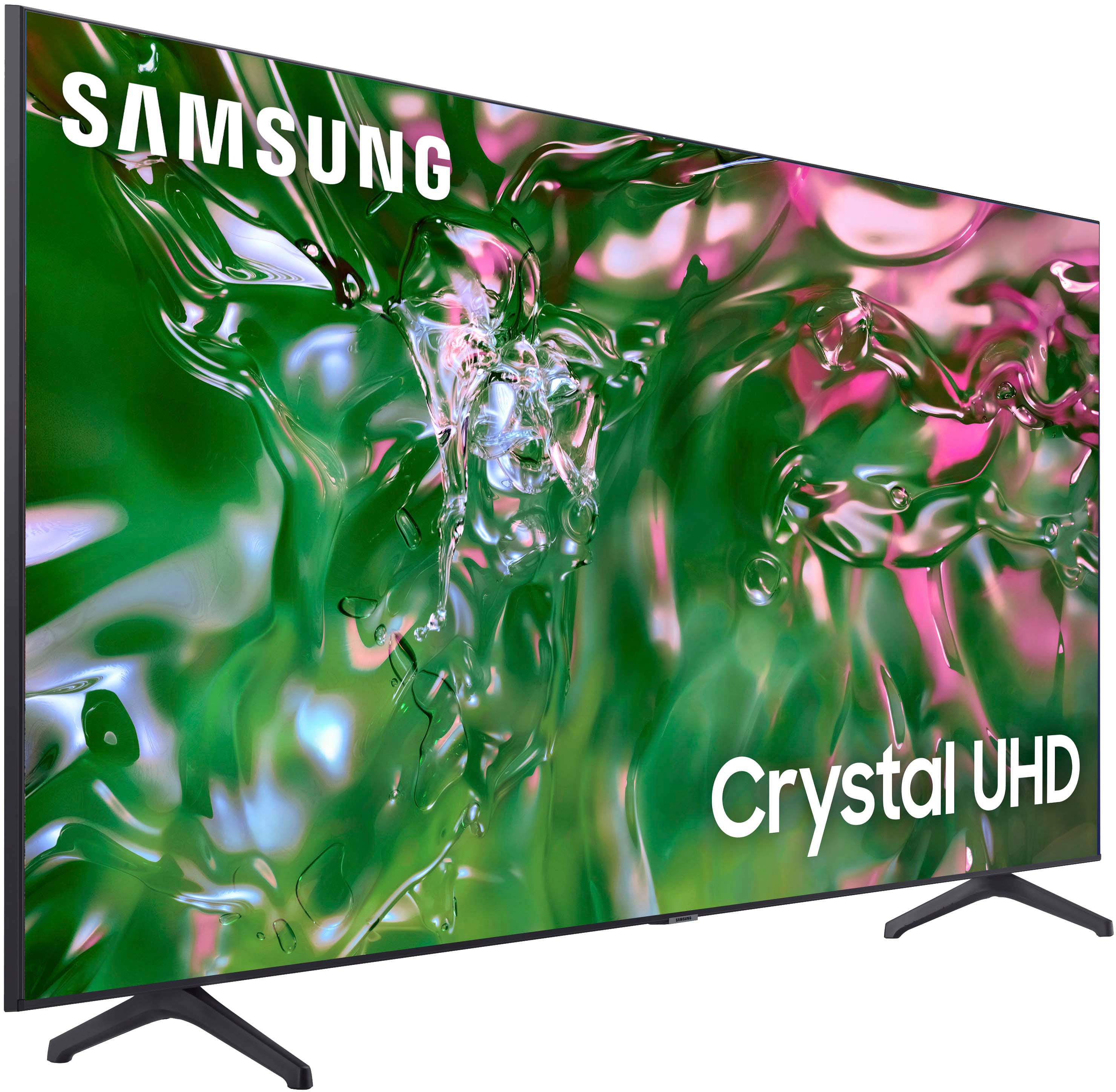



- Model:
- UN50TU690TFXZA
- SKU:
- 6514055
Rating by feature
- Picture Quality
Rating 4.8 out of 5 stars
- Sound Quality
Rating 4.6 out of 5 stars
- Brightness
Rating 4.7 out of 5 stars
Customers are saying
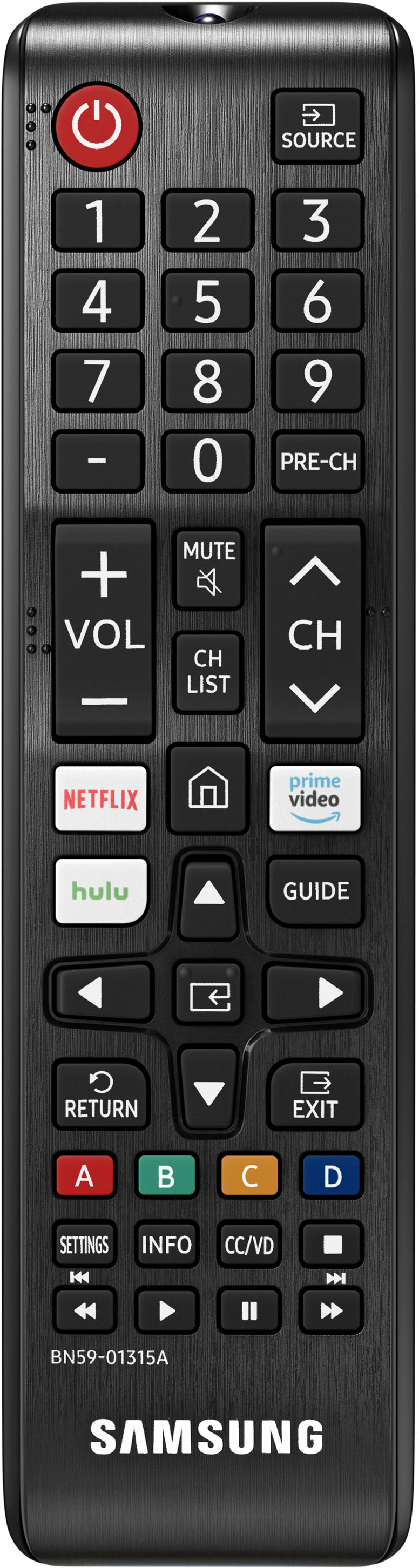
Customers express satisfaction with the picture quality, ease of use, and price of the 50" Class TU690T Series LED 4K UHD Smart Tizen TV (2023). Many also praise the TV's color vibrancy and straightforward setup process. However, some users find the remote control cumbersome and experience occasional slowness with the operating system's response time. A few customers also mention challenges with the user interface and the lack of a sleep timer button on the remote.
This summary was generated by AI based on customer reviews.
Great
Posted .This reviewer received promo considerations or sweepstakes entry for writing a review.Best buy has Great customer service and great product to shop for.
I would recommend this to a friendGreat tv
Posted .This reviewer received promo considerations or sweepstakes entry for writing a review.Came sooner than expected! Great quality 10/10 recommend
I would recommend this to a friendSamsung TV
Posted .This reviewer received promo considerations or sweepstakes entry for writing a review.Great TV. I would highly recommend. Exactly as advertised.
I would recommend this to a friendgreat value
Posted .This reviewer received promo considerations or sweepstakes entry for writing a review.love my new tv...... only problem was the late shipping
I would recommend this to a friendHappy
Posted .This reviewer received promo considerations or sweepstakes entry for writing a review.Good tv I like Thits is amazing, I recommend watching
I would recommend this to a friendSamsung TU690T
Posted .This reviewer received promo considerations or sweepstakes entry for writing a review.Excellent TV at a great price. Loaded with features.
I would recommend this to a friendSamsung
Posted .This reviewer received promo considerations or sweepstakes entry for writing a review.Great tv love it . It was a gift for my mom 5 stars
I would recommend this to a friend- Cons mentioned:Response time
It's ok. Not satisfied
Posted .This reviewer received promo considerations or sweepstakes entry for writing a review.Its okay. Its a bit slow, takes a longer than expected while for applications to load and for tv to respond to remote. It operates like a used tv and for the price I got it for I don't think I should be having this experience. Not satisfied
No, I would not recommend this to a friendBrand response from Samsung
Posted .Hi MariahB,
I’m sorry to hear about the issues you’re experiencing with a slow user interface. To ensure performance is fully optimized, please make sure your TV is running the latest firmware. To do so, go to Settings> Support> Software Update. You can easily update from there if necessary.
Next, I recommend utilizing the self-diagnostic tool, which checks memory, frees unused cached memory, and closes background apps. Go to Settings > Support > Device Care > Start Device Care.
I hope these tips help you enjoy your new product. You can contact us for further help at 1-800-SAMSUNG, 8 AM - 12 AM EST, seven days a week. Our LiveChat agents are also available by clicking on the ‘Support’ link on our website.
~ Samsung Advisor
Samsung 690
Posted .This reviewer received promo considerations or sweepstakes entry for writing a review.So far so good. Brightest directly in front. Little dim when sitting on the side.
I would recommend this to a friendGreat tv
Posted .This reviewer received promo considerations or sweepstakes entry for writing a review.Quick pickup, great sevice, great tv%%%%%%%%%%%%%%
I would recommend this to a friend- Pros mentioned:Picture quality
Best buy of the year
Posted .This reviewer received promo considerations or sweepstakes entry for writing a review.I liked the quality and the size of the television set.Good value for money
I would recommend this to a friend Sound quality
Posted .This reviewer received promo considerations or sweepstakes entry for writing a review.Sound quality is not good. We want to good sound quality
No, I would not recommend this to a friend- Pros mentioned:Picture quality
Great Tv and perfect for what i’m using for.
Posted .This reviewer received promo considerations or sweepstakes entry for writing a review.Tv has been performing amazing, Had a few hitches with smart connection to console but have since solved that. clear picture and perfect for what i was looking for.
I would recommend this to a friend - Pros mentioned:Picture quality
Good Value
Posted .This reviewer received promo considerations or sweepstakes entry for writing a review.Excellent picture at a great price point. I opted for home delivery which had a short delay but in my mind still better than venturing out on Black Friday.
I would recommend this to a friend - Pros mentioned:Picture quality
Beautiful TV at terrific price.
Posted .This reviewer received promo considerations or sweepstakes entry for writing a review.Beautiful picture & amazing sound. Cheaper than other TV sets of this caliber. Absolutely wonderful buy & glad I bought it from Best Buy
I would recommend this to a friend - Pros mentioned:Picture quality
Good buy except…
Posted .This reviewer received promo considerations or sweepstakes entry for writing a review.Love the quality of the picture. The only caveat is the TV sometimes has trouble connecting to my Firestick. Also, sometimes after I turn the tv off, I will come back and it’ll automatically turn on by itself…
I would recommend this to a friendBrand response from Samsung
Posted .Hi Sydney,
We appreciate your feedback regarding the TU690T TV. Please know we are here to help.
If your TV is turning itself back on, please try these troubleshooting steps:
1. Unplug the TV from the wall outlet or surge protector and leave it unplugged for 30 seconds.
2. Check the power cord to see if there is any visible damage.
3. Plug the TV power cord back into the wall outlet. If you were using a surge protector, bypass it for now and use a wall outlet.
4. Try to update the software. In some cases, a software update can correct the problem. There is a risk, however. If the TV turns off during the software update, it could damage the TV. Updates can take up to 30 minutes, depending on network speed, so if the TV is not turning off too frequently, try updating the software.
5. Disable the Power On with Mobile option. TVs that can connect to SmartThings can be turned on using compatible devices, sometimes automatically. However, if abnormal "power on" signals are sent through the wireless network, they will trigger this function and make the TV turn on. If you do not want this function, navigate to Settings > General > Network > Expert Settings > Power On with Mobile, and turn the setting off.
If the TV continues to turn on by itself continuously, please get in touch with our Samsung Customer Support at 1-800-SAMSUNG, 8 AM - 12 AM EST, seven days a week. Our LiveChat agents are also available by clicking on the ‘Support’ link on our website.
~ Samsung Advisor
A basic big screen
Posted .This reviewer received promo considerations or sweepstakes entry for writing a review.For the cost, it's an okay TV. It should have at least 3 HDMI jacks in the back and better audio controls for sound without SS systems attached. Image is too bright in its default mode.
No, I would not recommend this to a friendBrand response from Samsung
Posted .user396177,
We are sorry to hear that you are not satisfied with the sound and image quality of the TU690T TV. Please know we are here to help and have a few Settings adjustments that may improve your experience.
First, let’s ensure you are running the latest Firmware. Go to Settings> Support> Software Update.
Next, there are several picture and sound settings that you can adjust to best fit what you are watching. Go to Home > Settings > Picture > Picture Mode and select the mode that best fits your usage:
1) Standard: Default mode suitable for general viewing environments.
2) Natural: Reduces eye strain for a comfortable viewing experience.
3) Movie: Most suitable for watching TV or movies in a dark room.
4) Dynamic: Makes the picture brighter and clearer in bright viewing environments.
You can also go to Settings > Picture > Expert Settings > to manually fine-tune your image.
For sound adjustments, go to Settings> Sound. You can fine-tune the sound by going to Settings> Sound> Expert Settings.
If you continue to have issues, please call us at 1-800-SAMSUNG, 8 AM - 12 AM EST, seven days a week. LiveChat with an agent, as well as manuals, software, and warranty info, can be found at the ‘Support’ link on our Samsung website.
~ Samsung Pro
- Cons mentioned:Response time
Not impressed
Posted .This reviewer received promo considerations or sweepstakes entry for writing a review.I'm not that place with the TV there's quite a delay in everything changing the channels a bit of a pain I would not recommend this TV
No, I would not recommend this to a friendBrand response from Samsung
Posted .user375078,
I’m sorry to hear about the issues you’re experiencing with lagging. To ensure performance is fully optimized, please make sure your TV is running the latest firmware. To do so, go to Settings> Support> Software Update. You can easily update from there if necessary.
Next, I recommend utilizing the self-diagnostic tool, which checks memory, frees unused cached memory, and closes background apps. Go to Settings > Support > Device Care > Start Device Care.
If you continue to have issues, please call us at 1-800-SAMSUNG, 8 AM - 12 AM EST, seven days a week. LiveChat with an agent, as well as manuals, software, and warranty info, can be found at the ‘Support’ link on our Samsung website.
~ Samsung Pro
TV
Posted .This reviewer received promo considerations or sweepstakes entry for writing a review.it works fine but seems a little laggy. Still gets the job done just fine for watching a quick show before bed.
I would recommend this to a friendBrand response from Samsung
Posted .user970992,
I’m sorry to hear about the issues you’re experiencing with lagging. To ensure performance is fully optimized, please make sure your TV is running the latest firmware. To do so, go to Settings> Support> Software Update. You can easily update from there if necessary.
Next, I recommend utilizing the self-diagnostic tool, which checks memory, frees unused cached memory, and closes background apps. Go to Settings > Support > Device Care > Start Device Care.
If you continue to have issues, please call us at 1-800-SAMSUNG, 8 AM - 12 AM EST, seven days a week. LiveChat with an agent, as well as manuals, software, and warranty info, can be found at the ‘Support’ link on our Samsung website.
~ Samsung Pro
- Pros mentioned:Picture quality
VERY GOOD TV
Posted .This reviewer received promo considerations or sweepstakes entry for writing a review.VERY GOOD PICTURE AND PRICED VERY WELL. I LIKE IT A LOT
I would recommend this to a friend