Customer Ratings & Reviews




- Model:
- UN50TU690TFXZA
- SKU:
- 6514055
Rating by feature
- Picture Quality
Rating 4.8 out of 5 stars
- Sound Quality
Rating 4.6 out of 5 stars
- Brightness
Rating 4.7 out of 5 stars
Customers are saying
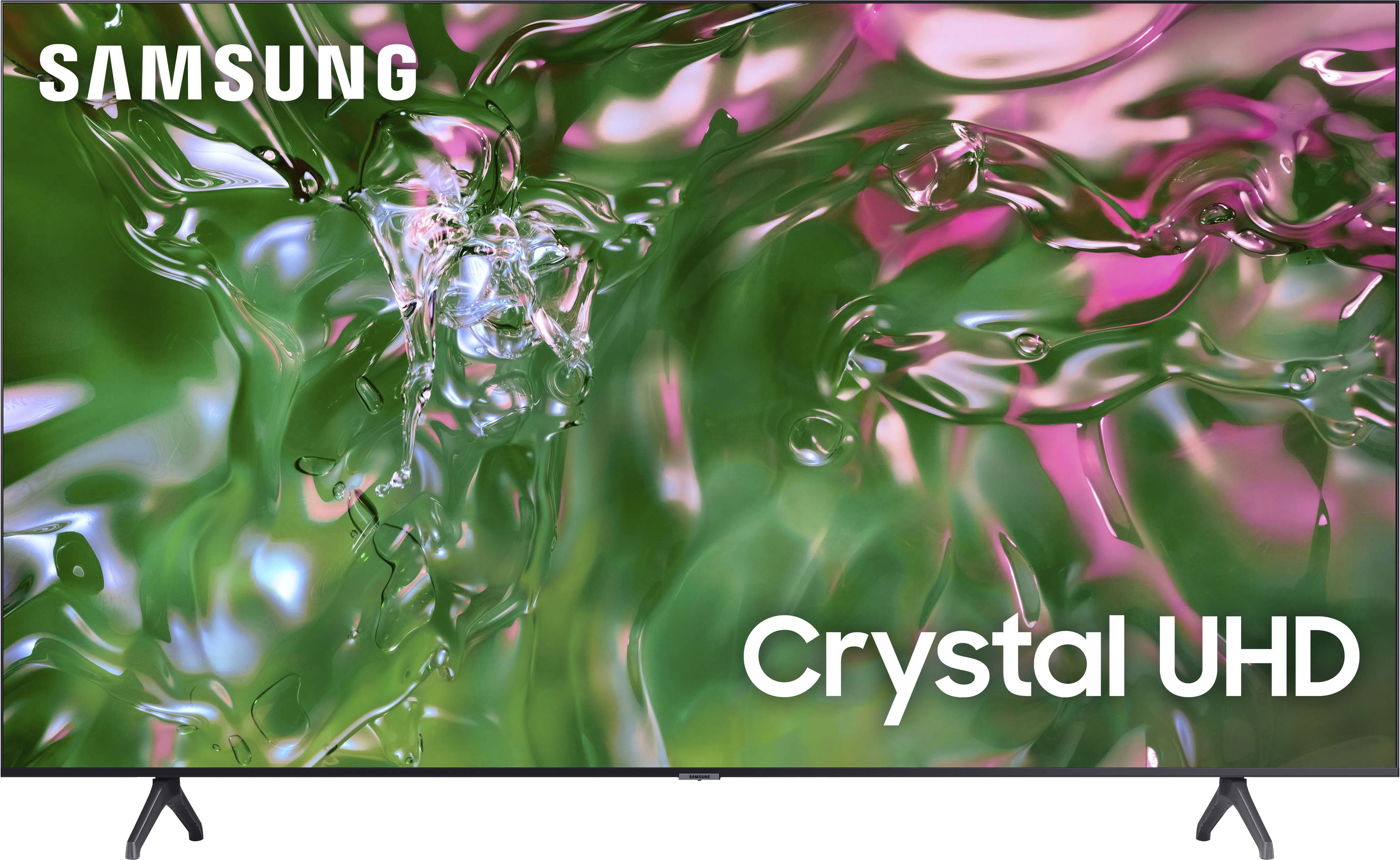
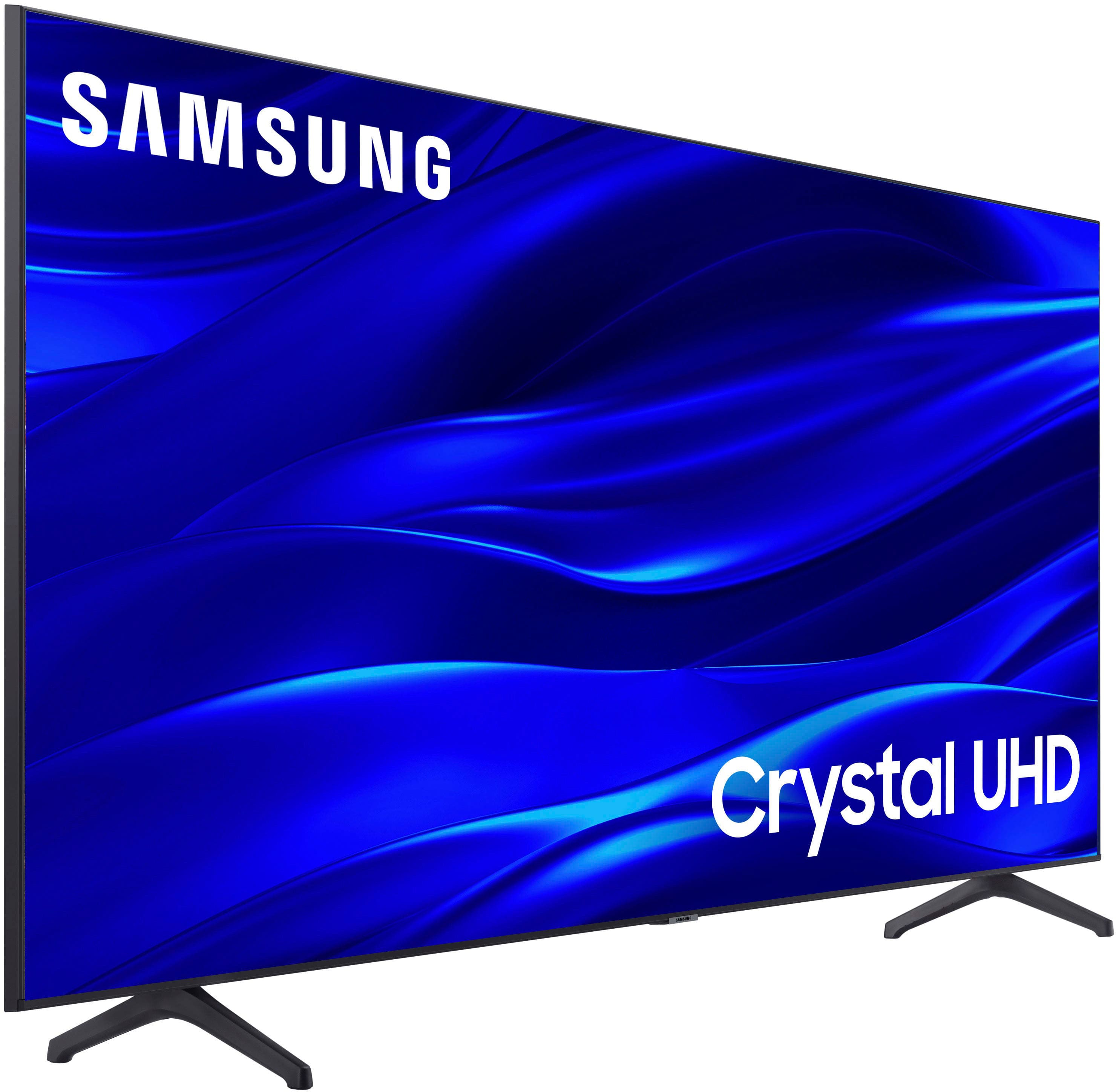
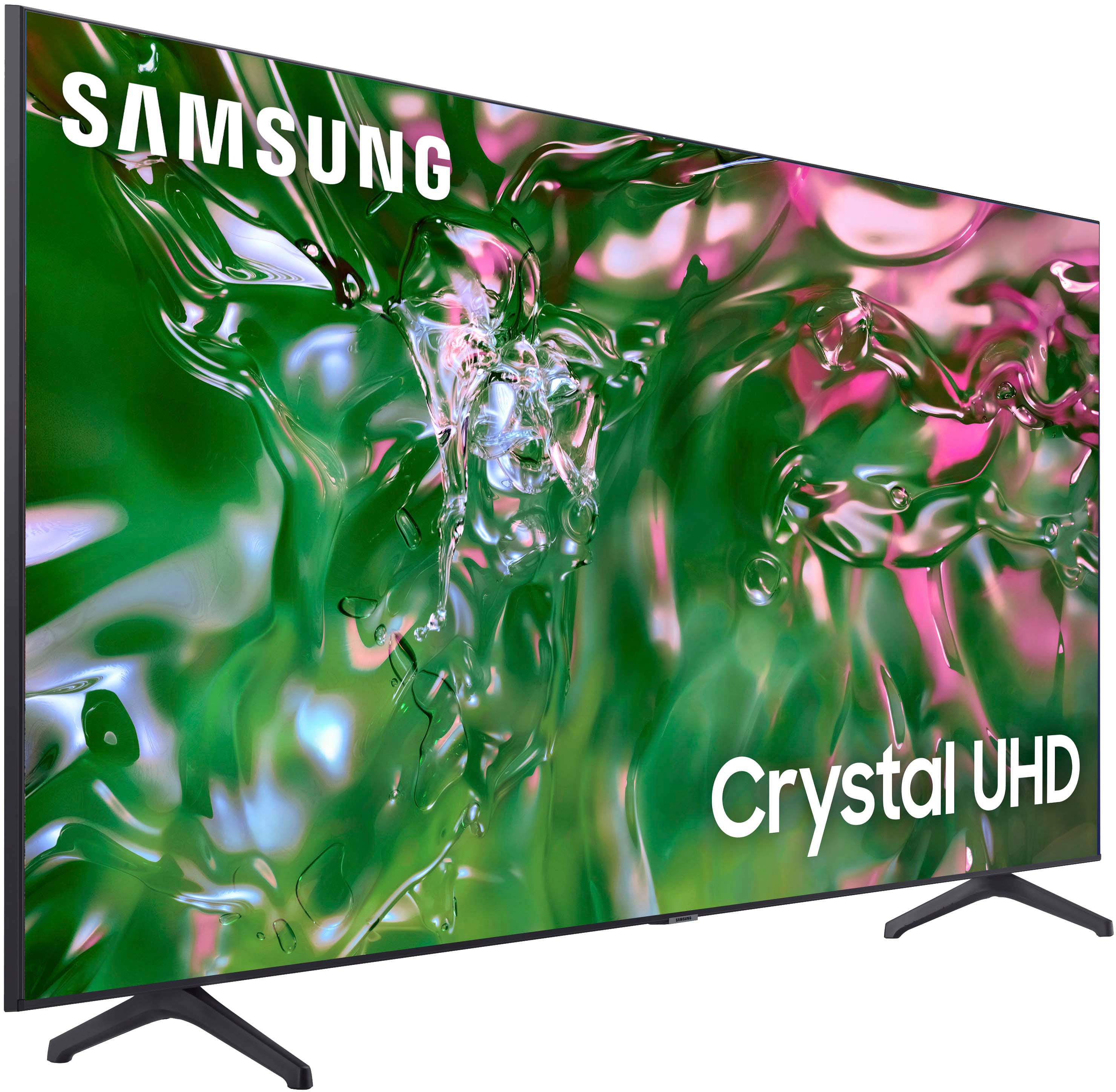
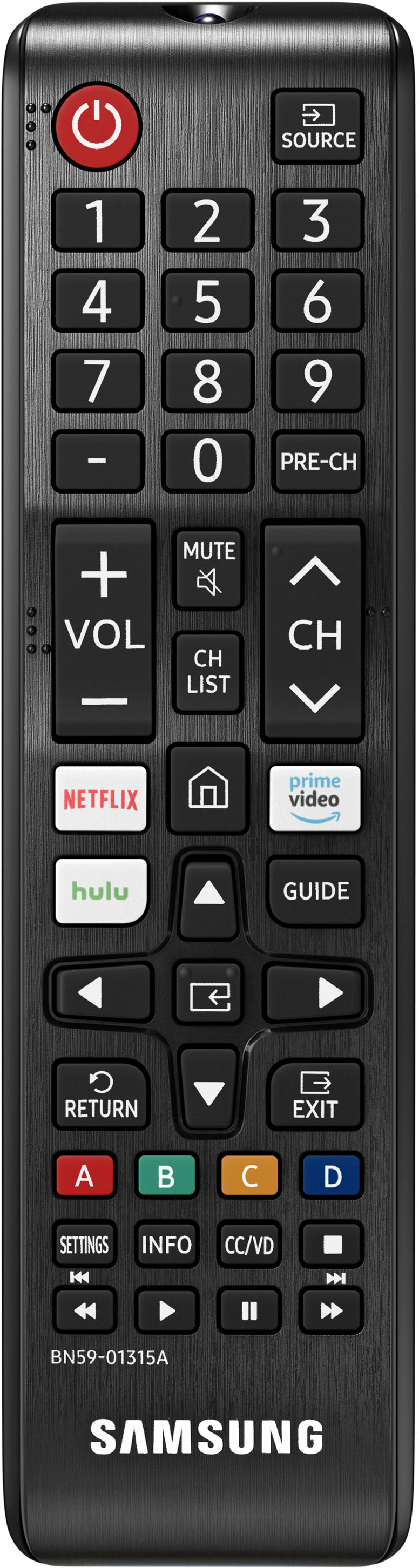
Customers express satisfaction with the picture quality, ease of use, and price of the 50" Class TU690T Series LED 4K UHD Smart Tizen TV (2023). Many also praise the TV's color vibrancy and straightforward setup process. However, some users find the remote control cumbersome and experience occasional slowness with the operating system's response time. A few customers also mention challenges with the user interface and the lack of a sleep timer button on the remote.
This summary was generated by AI based on customer reviews.
- Cons mentioned:Response time
Responsiveness
||Posted . Owned for less than 1 week when reviewed.This reviewer received promo considerations or sweepstakes entry for writing a review.Anyone else feel when swithcing from channels or in the menu the response time is slugish and laggy most of the time?
I would recommend this to a friendBrand response from Samsung
Posted .Hi mario1021,
Thank you for letting us know about your experience with a sluggish response time on your TU690T TV. I have a few recommendations that may improve your experience.
To ensure performance is fully optimized, please make sure your TV is running the latest firmware. To do so, go to Settings> Support> Software Update. You can easily update from there if necessary.
Next, I recommend utilizing the self-diagnostic tool, which checks memory, frees unused cached memory, and closes background apps. Go to Settings > Support > Device Care > Start Device Care.
If you need more help, Samsung is here for you. Please call us at 1-800-SAMSUNG, 8 AM - 12 AM EST, seven days a week. Our LiveChat agents are also available by clicking on the ‘Support’ link on our website.
~ Samsung Advisor
Samsung 50in television
||Posted . Owned for 1 month when reviewed.This reviewer received promo considerations or sweepstakes entry for writing a review.It is a gift it hasn't been setup yet but the delivery was on point it arrived quickly
I would recommend this to a friendYou GOT ME
||Posted . Owned for 1 month when reviewed.This reviewer received promo considerations or sweepstakes entry for writing a review.I just love the fact you dropped the selling price 22dollars four days after l got mine.
No, I would not recommend this to a friendMr.
||Posted . Owned for 8 months when reviewed.This reviewer received promo considerations or sweepstakes entry for writing a review.Forgot the name of the staff. But he was very attentive and recommended the best tv as per our budget. Thanks
I would recommend this to a friendMy 50 inch t v
||Posted . Owned for 1 month when reviewed.This reviewer received promo considerations or sweepstakes entry for writing a review.Very satisfied with product and service. Would recommend this to anyone.
I would recommend this to a friend- Pros mentioned:Picture quality, Price
Great picture
||Posted . Owned for 3 weeks when reviewed.This reviewer received promo considerations or sweepstakes entry for writing a review.Excellent picture quality UHD smart tv at a very reasonable price
I would recommend this to a friend Great TV
||Posted . Owned for 1 month when reviewed.This reviewer received promo considerations or sweepstakes entry for writing a review.Easy assembly and set up. Great color and definition. Good value and quick delivery
I would recommend this to a friendNew mounted TV
||Posted . Owned for 3 weeks when reviewed.This reviewer received promo considerations or sweepstakes entry for writing a review.i LIKE MY NEW tv ESPECAIALLY SINCE IT IS MOUNTED and not on a stand like the old one.
I would recommend this to a friendSamsung reviw
||Posted . Owned for 3 weeks when reviewed.This reviewer received promo considerations or sweepstakes entry for writing a review.So far excellent but sometimes slow.om start up but seems like a regular Samsung thing
I would recommend this to a friend- Pros mentioned:Ease of use, Picture quality
Tv
||Posted . Owned for 1 month when reviewed.This reviewer received promo considerations or sweepstakes entry for writing a review.Good picture quality and easy to program good size for my room
I would recommend this to a friend smart tv
||Posted . Owned for 3 weeks when reviewed.This reviewer received promo considerations or sweepstakes entry for writing a review.selecting this tv was a very good choice. It equipe with everything you want in TV.
I would recommend this to a friendFire.
||Posted . Owned for 5 months when reviewed.This reviewer received promo considerations or sweepstakes entry for writing a review.Good for the price. Got it for my mom love the Samsung tv lots of channels great up grade if u have an old tv.
I would recommend this to a friendGreat TV
||Posted . Owned for 11 months when reviewed.This reviewer received promo considerations or sweepstakes entry for writing a review.Very nice quality, audio is great. Picture clarity is amazing. I just love it all around.
I would recommend this to a friendTv
||Posted . Owned for 3 weeks when reviewed.This reviewer received promo considerations or sweepstakes entry for writing a review.It was awesome and it’s a great purchase! I will forever and always buy from best buy
I would recommend this to a friendGreat
||Posted . Owned for 7 months when reviewed.This reviewer received promo considerations or sweepstakes entry for writing a review.needed a new tv and this was on sale its the perfect size
I would recommend this to a friendTv
||Posted . Owned for 1 year when reviewed.This reviewer received promo considerations or sweepstakes entry for writing a review.Its a great gaming tv i love the gaming mode and it adapt to ur movies and games
I would recommend this to a friend- Pros mentioned:Ease of use, Picture quality
Great Samsung Smart TV!
||Posted .This reviewer received promo considerations or sweepstakes entry for writing a review.Great Samsung Smart TV! Easy to set up and very clear image!
I would recommend this to a friend - Pros mentioned:Price
TV
||Posted . Owned for 1 month when reviewed.This reviewer received promo considerations or sweepstakes entry for writing a review.The level of resolution /pixel - not as I expected. However, not bad and the price was convenient
No, I would not recommend this to a friendBrand response from Samsung
Posted .Sand,
Thank you for sharing your thoughts on your TU690T TV’s image quality. The TV will upscale as best as possible any content sent to it. The closer your content is to 4K, the better the image will look on the screen.
Here are some tips to help improve picture clarity:
1) HDMI cables are recommended for optimal HD viewing.
2) If you have an analog cable box or satellite box, upgrade to a digital cable box or satellite box.
3) Change the output resolution of your devices, such as digital broadcast receivers, IPTV, and set-top boxes, to UHD or HD.
4) You can further adjust your sharpness, brightness, contrast, color, and more by going to Settings > Picture > Expert Settings
5) Choose a Picture Mode by going to Settings > Picture > Picture Mode and choose from Dynamic, Standard, Natural, or Movie.
Should you ever have questions or need help with TV features, specs, or operations, we are here to help. You can call us at 1-800-SAMSUNG, 8 AM - 12 AM EST, seven days a week. Our LiveChat agents are also available by clicking on the ‘Support’ link on our website.
~ Samsung Pro
- Pros mentioned:Picture quality
50" Samsung Flat Screen
||Posted . Owned for 3 weeks when reviewed.This reviewer received promo considerations or sweepstakes entry for writing a review.I love Samsung products. I purchased two 50" Samsung flat screens as Christmas gifts for my 12 & 14 year old grandsons. They were indeed surprised, and happy about their flatscreens. I have always purchased Samsung products over the years and never had problems or issues with of my Samsung electronics. I highly recommend Samsung products.
I would recommend this to a friend - Pros mentioned:Ease of use, Picture quality
Great!!
||Posted . Owned for 1 week when reviewed.This reviewer received promo considerations or sweepstakes entry for writing a review.Great picture very bright, sounds amazing. Easy to navigate
I would recommend this to a friend