Customer Ratings & Reviews
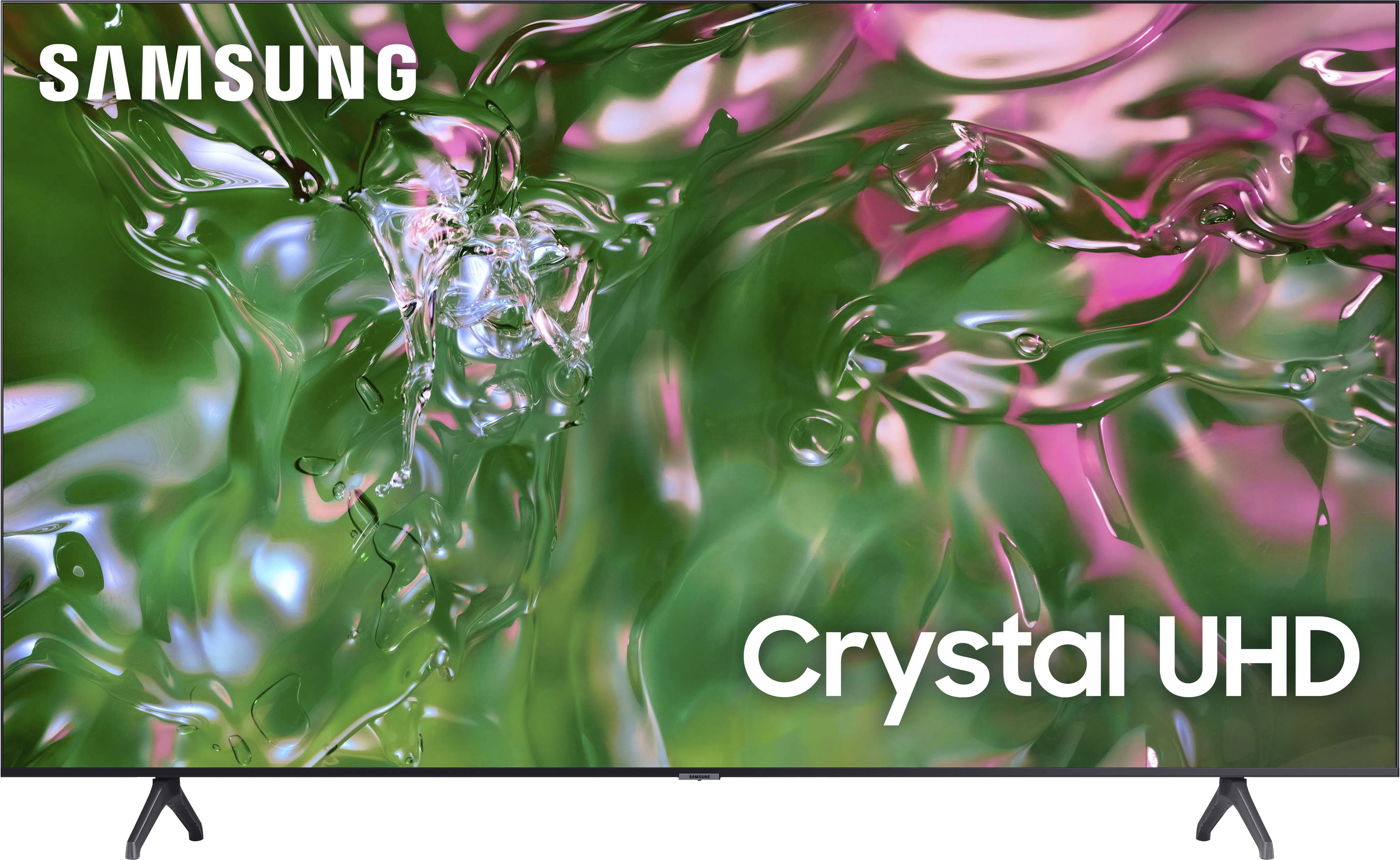
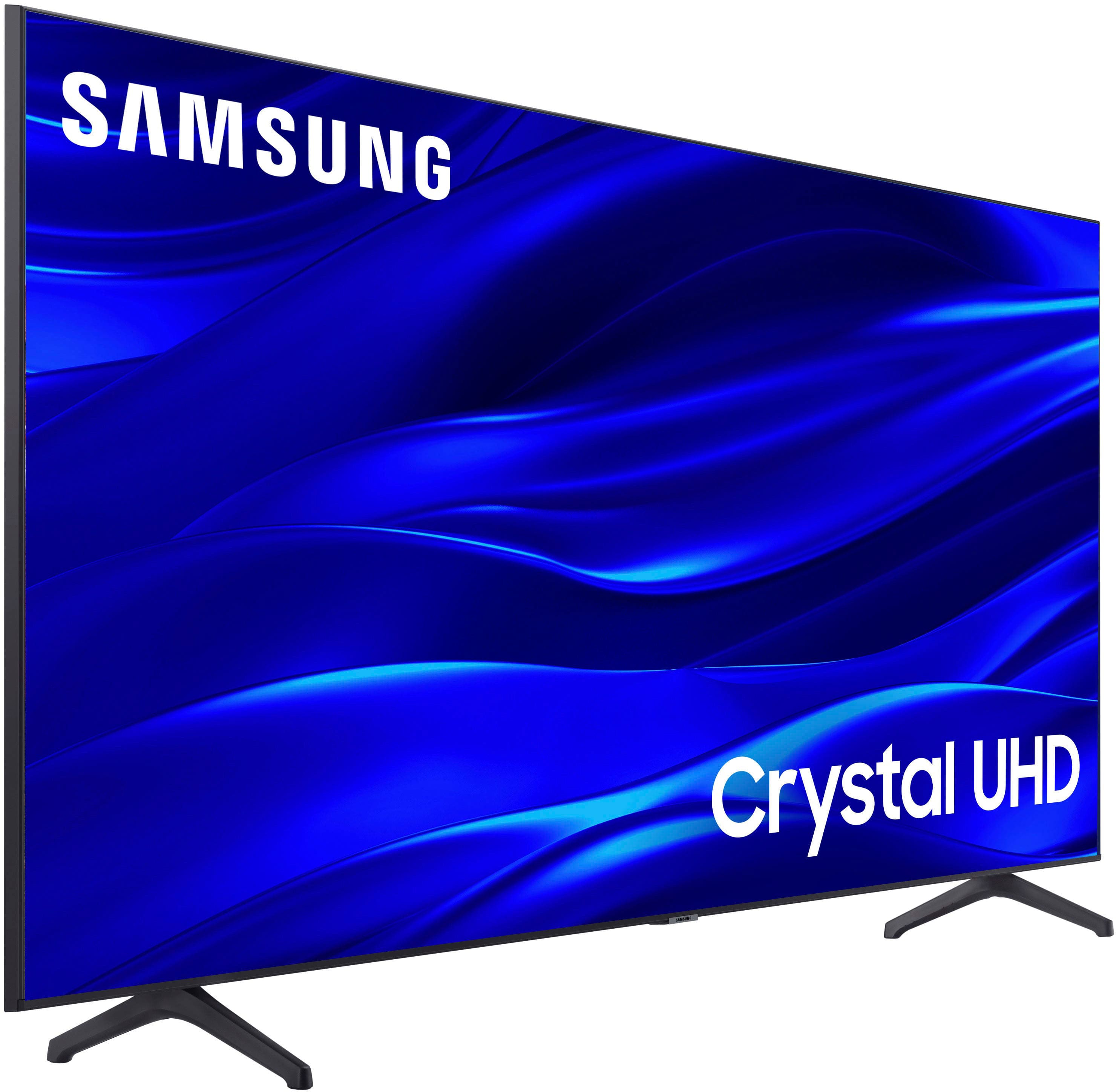
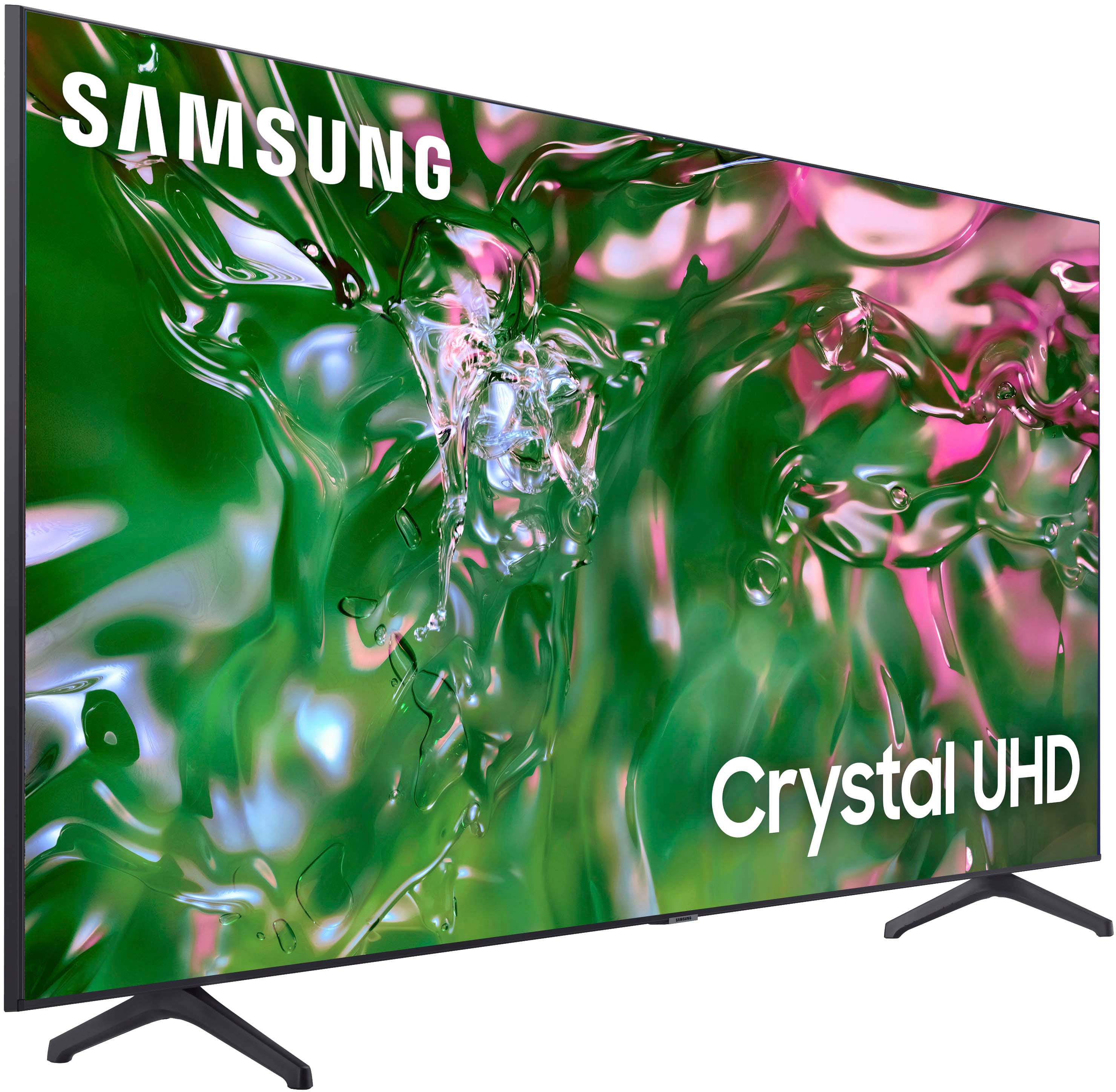
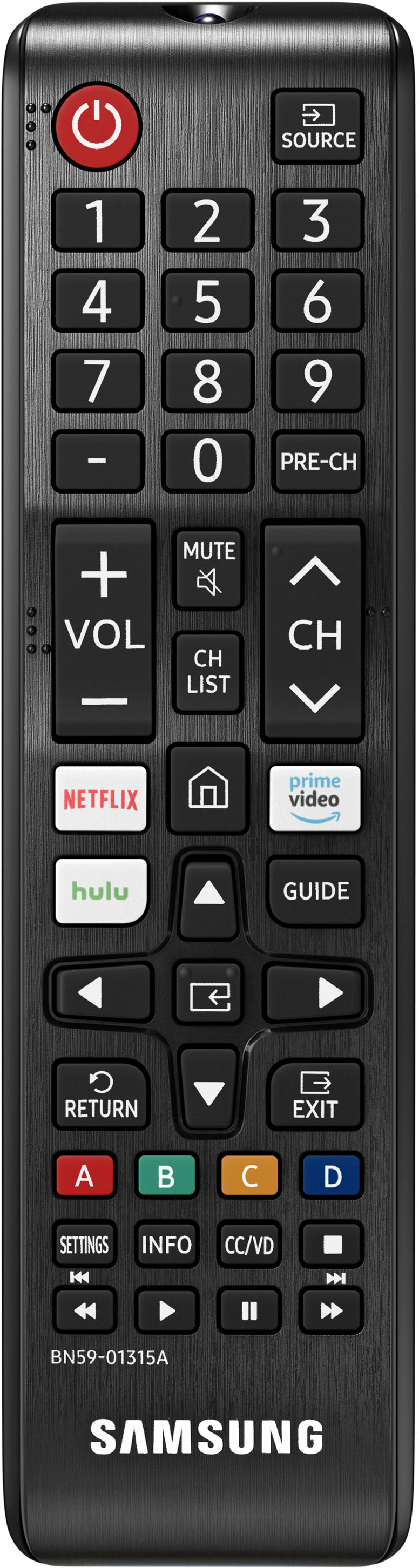



- Model:
- UN50TU690TFXZA
- SKU:
- 6514055
Rating by feature
- Picture Quality
Rating 4.8 out of 5 stars
- Sound Quality
Rating 4.6 out of 5 stars
- Brightness
Rating 4.7 out of 5 stars
Customers are saying
Customers express satisfaction with the picture quality, ease of use, and price of the 50" Class TU690T Series LED 4K UHD Smart Tizen TV (2023). Many also praise the TV's color vibrancy and straightforward setup process. However, some users find the remote control cumbersome and experience occasional slowness with the operating system's response time. A few customers also mention challenges with the user interface and the lack of a sleep timer button on the remote.
This summary was generated by AI based on customer reviews.
- Pros mentioned:Picture quality
Great tv
||Posted . Owned for 3 weeks when reviewed.This reviewer received promo considerations or sweepstakes entry for writing a review.Bought for my kids and they love it! Awesome picture
I would recommend this to a friend - Pros mentioned:Picture quality
Great
||Posted . Owned for 2 weeks when reviewed.This reviewer received promo considerations or sweepstakes entry for writing a review.Works good and looks good. What more can i ask for.
I would recommend this to a friend - Pros mentioned:Picture quality
Samsung - 50" Class TU690T Series LED 4K UHD Smar
||Posted . Owned for 1 week when reviewed.This reviewer received promo considerations or sweepstakes entry for writing a review.Love this TV picture quality is great for the price.
I would recommend this to a friend - Pros mentioned:Picture quality
Tv
||Posted .This reviewer received promo considerations or sweepstakes entry for writing a review.It’s a great smart tv. has great pictures quality.
I would recommend this to a friend - Pros mentioned:Picture quality
Samsung tv
||Posted . Owned for 3 weeks when reviewed.This reviewer received promo considerations or sweepstakes entry for writing a review.This tv is great, just the right size for my room.
I would recommend this to a friend - Pros mentioned:Picture quality
Great TV
||Posted . Owned for 3 weeks when reviewed.This reviewer received promo considerations or sweepstakes entry for writing a review.I love my new tv. Picture is great- just awesome!!
I would recommend this to a friend - Pros mentioned:Picture quality
Can go wrong
||Posted . Owned for 1 week when reviewed.This reviewer received promo considerations or sweepstakes entry for writing a review.Great tv for the price I bought the 43and 50 inches
I would recommend this to a friend - Pros mentioned:Picture quality
Samsung tv
||Posted . Owned for less than 1 week when reviewed.This reviewer received promo considerations or sweepstakes entry for writing a review.Very good tv for the price and has a great picture
I would recommend this to a friend - Pros mentioned:Picture quality
A bit confusing to setup.
||Posted . Owned for 3 weeks when reviewed.This reviewer received promo considerations or sweepstakes entry for writing a review.Great picture. The only issue was rather confusing to setup even for someone in the computer industry.
I would recommend this to a friend - Pros mentioned:Picture quality
We loves the pictures
||Posted . Owned for 3 weeks when reviewed.This reviewer received promo considerations or sweepstakes entry for writing a review.Perfect TV we see clear videos and pictures …………..
I would recommend this to a friend - Pros mentioned:Tv quality
Love Samsung TV
||Posted . Owned for 1 month when reviewed.This reviewer received promo considerations or sweepstakes entry for writing a review.I always go for Samsung TVs and this one is great!
I would recommend this to a friend awful
||Posted .This reviewer received promo considerations or sweepstakes entry for writing a review.The Device software is terrible, very slow with huge delays.
No, I would not recommend this to a friend- Pros mentioned:Tv quality
Nice to size and price.
||Posted . Owned for 3 weeks when reviewed.This reviewer received promo considerations or sweepstakes entry for writing a review.Nice TV for the price and size. Easy set up and registration with my existing Samsung account info.
I would recommend this to a friend - Pros mentioned:Picture quality
Great price
||Posted .This reviewer received promo considerations or sweepstakes entry for writing a review.Great quality for the price. I was replacing another similar model and am glad i found this one.
I would recommend this to a friend Ms
||Posted . Owned for 3 weeks when reviewed.This reviewer received promo considerations or sweepstakes entry for writing a review.I didn't like it. So I sent it back. I got an insigna instead. Am very happy with it.
No, I would not recommend this to a friendBrand response from Samsung
Posted .BrendaG,
I’m sorry to hear the TU690T TV has fallen short of your expectations. Your user experience is very much valued, and we would love to get in touch with you about how we can make it even better next time. Please get in touch with Samsung Customer Support at 1-800-SAMSUNG, 8 AM - 12 AM EST, seven days a week. Our LiveChat agents are also available by clicking on the ‘Support’ link on our website.
It is our customers’ concerns and opinions that drive our continuous efforts toward delivering world-class service and products. We hope to hear from you.
~Samsung Pro
Bad model
||Posted . Owned for 1 month when reviewed.This reviewer received promo considerations or sweepstakes entry for writing a review.It not good I thought I was buying the crystal TV but it wasn't doesn't show good
No, I would not recommend this to a friendBrand response from Samsung
Posted .JerelK,
Thank you for sharing your thoughts on the picture quality of your TU690T TV. I have a few recommendations that may improve your visual experience:
Go to Home > Settings > Picture > Picture Mode and select the mode that best fits your usage:
1) Standard: Default mode suitable for general viewing environments.
2) Natural: Reduces eye strain for a comfortable viewing experience.
3) Movie: Most suitable for watching TV or movies in a dark room.
4) Dynamic: Makes the picture brighter and clearer in bright viewing environments.
You can also go to Settings > Picture > Expert Settings > to manually fine-tune your image.
If you need more help, Samsung is here for you. Call us at 1-800-SAMSUNG, 8 AM - 12 AM EST, seven days a week. Our LiveChat agents are also available by clicking on the ‘Support’ link on our website.
~ Samsung Pro
- Pros mentioned:Picture quality
Sound is low
||Posted . Owned for 2 weeks when reviewed.This reviewer received promo considerations or sweepstakes entry for writing a review.Picture is great!! but sound is weak going to have to get a sound bar feels like that's what they want you to have to do smh
No, I would not recommend this to a friendBrand response from Samsung
Posted .Hi Manda,
Thank you for sharing your thoughts regarding the TU690T TV’s sound quality. To tune the sound, you may want to try adjusting the sound settings to suit your personal sound preferences.
You can change the Sound Mode by going to Settings > Sound > Sound Mode.
You can also customize the sound with Expert Settings by going to Settings > Sound > Expert Settings.
To assist you with possible sound settings adjustments for a better audio experience or choosing a Samsung Soundbar to complement your viewing enjoyment, please reach out to us at 1-800-SAMSUNG, 8 AM - 12 AM EST, seven days a week. Our LiveChat agents are also available by clicking on the ‘Support’ link on our website.
~ Samsung Advisor
- Pros mentioned:Picture quality
Great TV
||Posted . Owned for 3 weeks when reviewed.This reviewer received promo considerations or sweepstakes entry for writing a review.This TV has an awesome picture. Me and my husband are enjoying it. The sound is low though.
I would recommend this to a friendBrand response from Samsung
Posted .Hi atkinsbe4,
Thank you for your purchase and for sharing your experience with low volume. There are several volume features you can adjust, which may improve your audio experience.
1) Auto Volume automatically adjusts the sound to a certain level when changing channels or switching to another external input. Go to Settings > Sound > Expert Settings > Auto Volume.
2) Adaptive Sound automatically adjusts to a specific volume level while watching TV. The TV analyzes your volume usage history by time period to automatically adjust the volume when you use an app or switch to an external input source. Go to Settings> Sound> Sound Mode> Adaptive Sound.
3) Several Sound Modes are likewise available to meet your personal preferences: Home > Settings > Sound > Sound Mode
Also, some sources have their own volume control, which might need to be set higher. Please check the volume control of the external device (cable box or satellite box, DVD, Blu-ray, etc.) connected to your TV. Also, check the cable connection between an external device and the TV and then try the cable connection again.
If you need more help, Samsung is here for you. Please call us at 1-800-SAMSUNG, 8 AM - 12 AM EST, seven days a week. Our LiveChat agents are also available by clicking on the ‘Support’ link on our website.
~ Samsung Advisor
Meh
||Posted . Owned for 1 month when reviewed.This reviewer received promo considerations or sweepstakes entry for writing a review.Ok. Hard to program. Bought it for my elderly mom and it took 3 of us to set it up
No, I would not recommend this to a friendBrand response from Samsung
Posted .DawnB,
Thank you for purchasing this Samsung TV. I am sorry that your experience with this TV did not meet your expectations.
Should you need assistance with features or usage, please get in touch with Samsung Customer Support. You can call us at 1-800-SAMSUNG, 8 AM - 12 AM EST, seven days a week. Our LiveChat agents are also available by clicking on the ‘Support’ link on our website.
~ Samsung Pro
Outstanding TV!
||Posted . Owned for less than 1 week when reviewed.This reviewer received promo considerations or sweepstakes entry for writing a review.For the price this is an amazing TV! I love how it integrates with all my Samsung products through SmartThings. I can control the TV using Bixby and using my Galaxy Watch/phone.
I would recommend this to a friend