Customer Ratings & Reviews
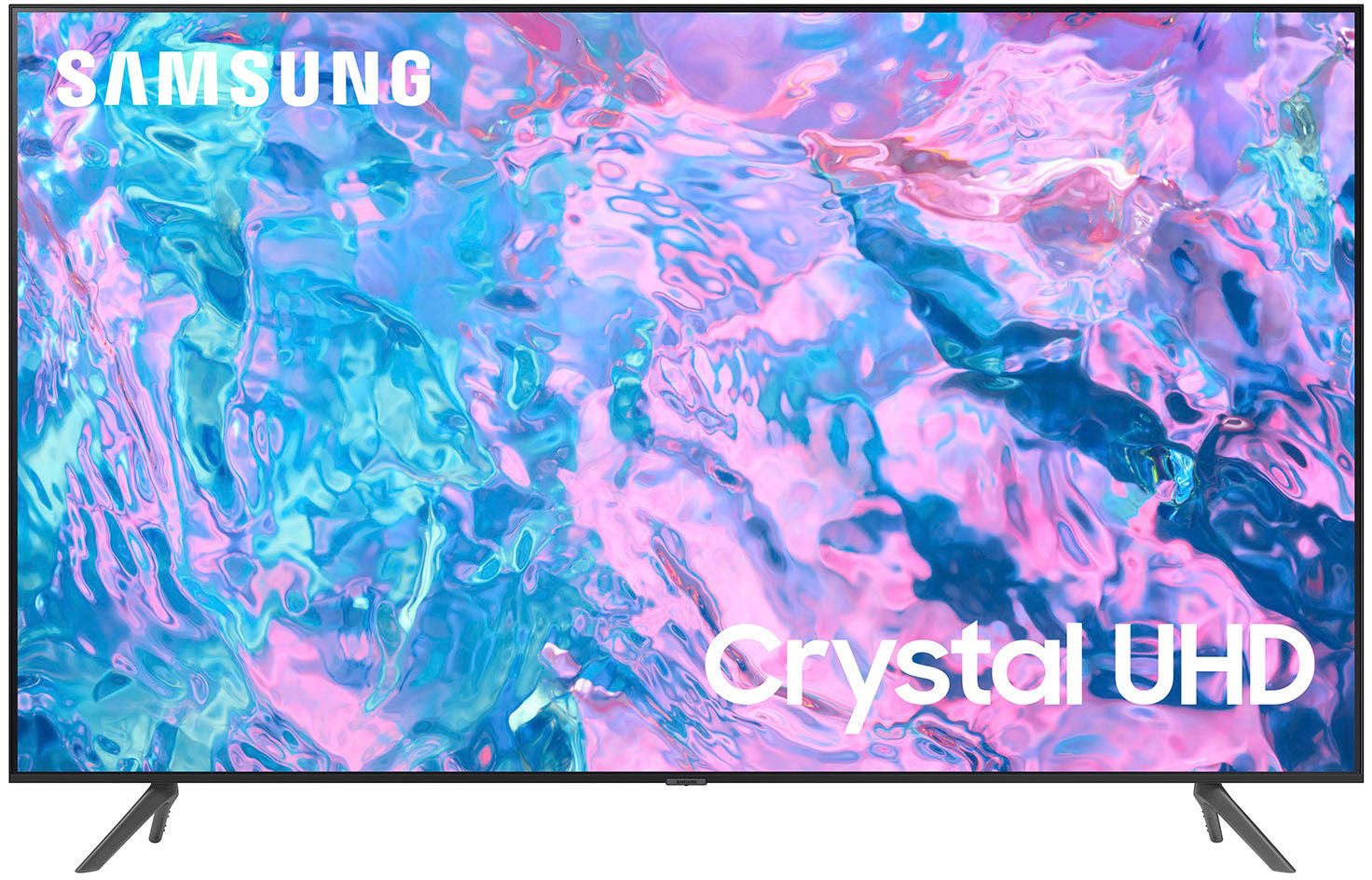
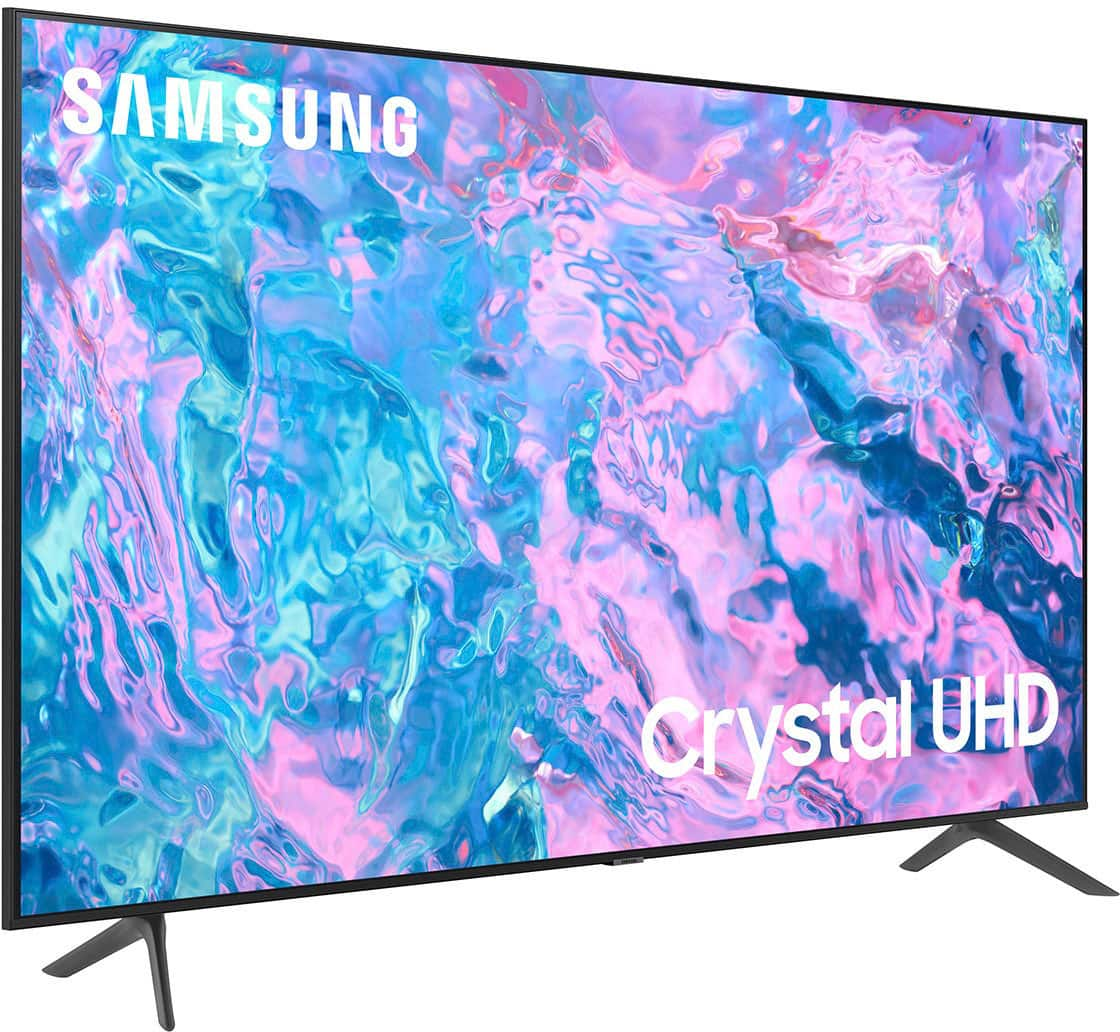
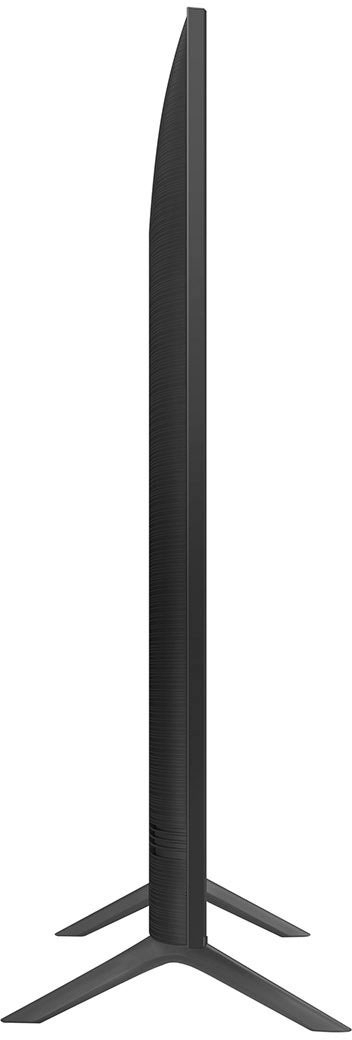
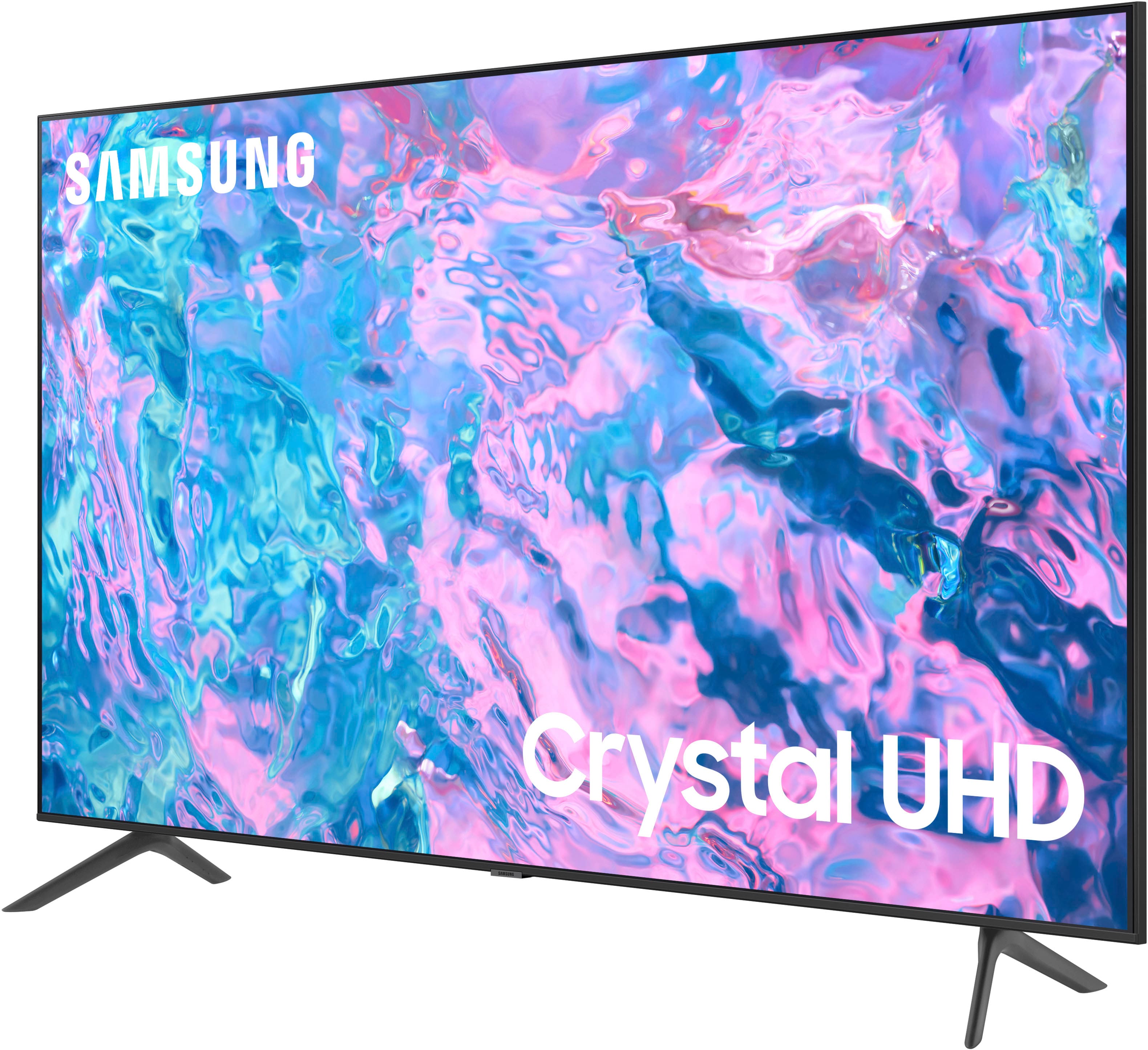
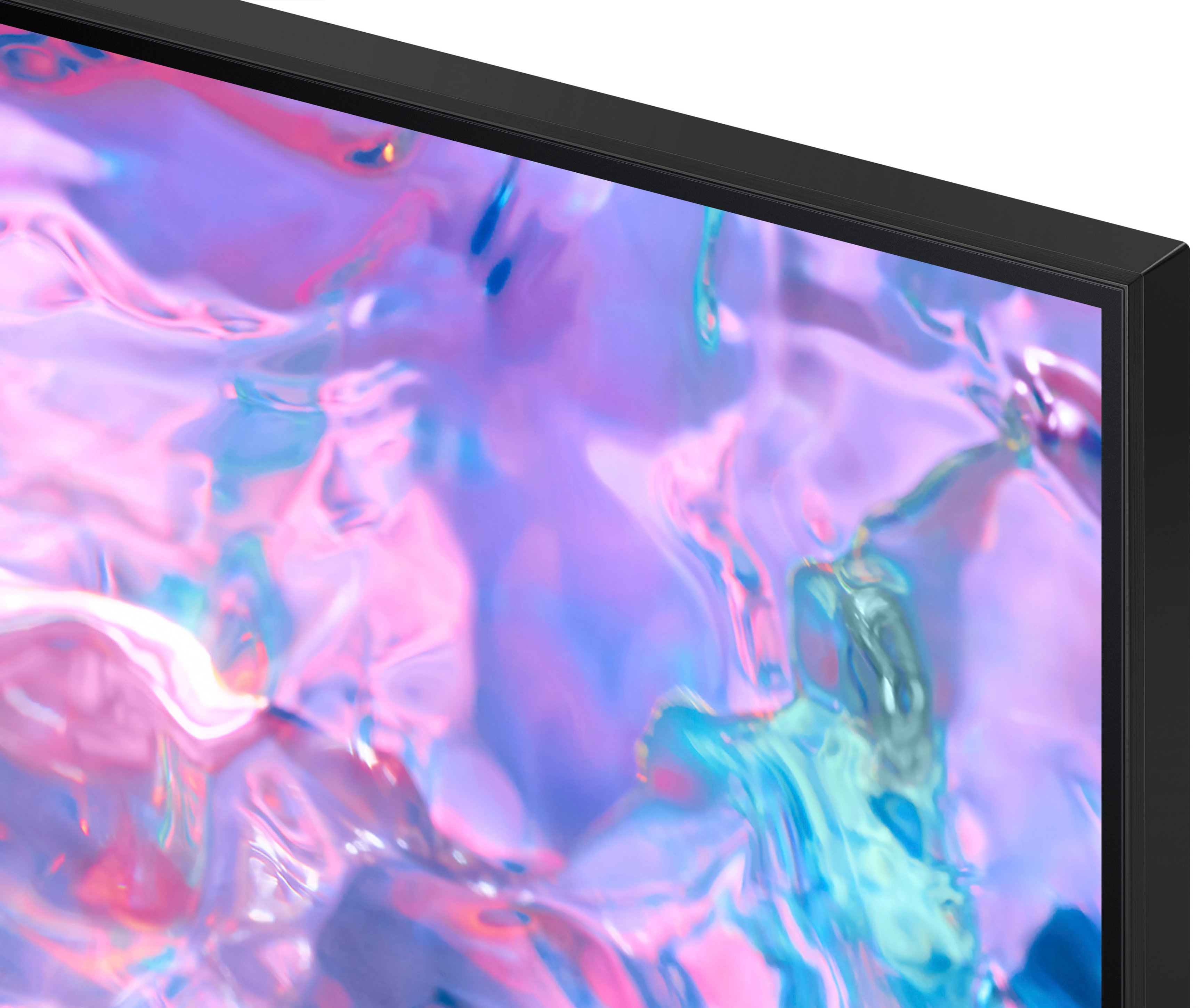



- Model:
- UN55CU7000FXZA
- SKU:
- 6537366
Rating by feature
- Picture Quality
Rating 4.8 out of 5 stars
- Sound Quality
Rating 4.5 out of 5 stars
- Brightness
Rating 4.8 out of 5 stars
Customers are saying
Customers highly value the picture quality, ease of use, and price of the 55” Class CU7000 Crystal UHD 4K Smart Tizen TV (2023). Many also appreciate the vibrant colors and straightforward setup process. While some users found the remote control and volume could be improved, the overall experience is largely positive. The television's design and lightweight nature also received favorable comments.
This summary was generated by AI based on customer reviews.
Samsung TV
||Posted . Owned for 3 weeks when reviewed.This reviewer received promo considerations or sweepstakes entry for writing a review.Samsung TVs are the best televisions hands down!!!
I would recommend this to a friendGood tv
||Posted . Owned for 1 week when reviewed.This reviewer received promo considerations or sweepstakes entry for writing a review.The TV turns to the Home Screen when turned on rather than whatever you were watching last which is a bit of a pain
I would recommend this to a friendBrand response from Samsung
Posted .Hi AmpOB,
We appreciate you sharing the issue you are experiencing on the CU7000 TV. Please know we have an easy solution to ensure the TV starts on the last app you were on.
To utilize the Autorun Last App feature to automatically start the last app you used once the TV is turned on. To enable this feature, follow the steps below:
1) Navigate to Settings > All Settings> General > Smart Features > Autorun Smart Hub
2) Enable the Autorun Smart Hub feature
3) Navigate to Settings > General > Smart Features > Autorun Last App
4) Enable the Autorun Last App feature
If you need more help, Samsung is here for you. Please call us at 1-800-SAMSUNG, 8 AM - 12 AM EST, seven days a week. Our LiveChat agents are also available by clicking on the ‘Support’ link on our website.
~ Samsung Advisor
Love it
||Posted . Owned for 1 month when reviewed.This reviewer received promo considerations or sweepstakes entry for writing a review.This tv is amazing has great quality and display!!
I would recommend this to a friendGood tv
||Posted . Owned for 3 weeks when reviewed.This reviewer received promo considerations or sweepstakes entry for writing a review.Great tv. Best Buy installer is the only negative.
I would recommend this to a friendgood tv for the price
||Posted . Owned for 3 weeks when reviewed.This reviewer received promo considerations or sweepstakes entry for writing a review.decent tv with easy usage but picture quality could better and sound needs to be turned up pretty high
I would recommend this to a friendOk tv
||Posted . Owned for 1 month when reviewed.This reviewer received promo considerations or sweepstakes entry for writing a review.Its ok for the money, you get what u pay more my old tv from 2021 still looks better
No, I would not recommend this to a friendGood for the price.
||Posted . Owned for 1 week when reviewed.This reviewer received promo considerations or sweepstakes entry for writing a review.This TV works for what we wanted as a corner TV. It is not as thin as we hoped.
I would recommend this to a friendNice TV
||Posted . Owned for 1 month when reviewed.This reviewer received promo considerations or sweepstakes entry for writing a review.An upgraded version of our other tv...just without the line.
I would recommend this to a friendtitle
||Posted . Owned for 1 month when reviewed.This reviewer received promo considerations or sweepstakes entry for writing a review.its ok i need 50 m0re characters for this to stop bugging me
I would recommend this to a friendLike it
||Posted . Owned for 7 months when reviewed.This reviewer received promo considerations or sweepstakes entry for writing a review.Like my tv, my son is thrilled to have it! He uses it more than I
I would recommend this to a friendBetter tv
||Posted . Owned for 1 month when reviewed.This reviewer received promo considerations or sweepstakes entry for writing a review.I was expecting a much better tv more clean picture not so dark
No, I would not recommend this to a friendBrand response from Samsung
Posted .Hi Many,
It’s unfortunate to hear you’re not fully satisfied with the brightness of your CU7000 TV’s picture. Please know that we are here to help you.
First, let’s ensure you are running the latest Firmware Update. Go to Settings> Support> Software Update.
Next, If the colors on your TV are correct but just a little too dark or bright, you can try adjusting Picture Modes, Contrast, Brightness, or Sharpness settings.
For darker scenes, I recommend Dynamic Picture Mode, which makes pictures brighter and clearer in bright viewing environments. Go to Settings > All Settings> Picture > Picture Mode > Dynamic.
Or you can manually adjust the Brightness by pressing the HOME button on your remote, then navigating to Settings > All Settings> Picture > Expert Settings.
You may also want to disable Power Saving Mode, which automatically adjusts the brightness to reduce the TV’s power consumption. Go to Settings > All Settings> General > Eco Solution> Power Saving Mode.
I hope this helps to improve your picture. Should you need further assistance, please contact us at 1-800-SAMSUNG, 8 AM - 12 AM EST, seven days a week. Our LiveChat agents are also available by clicking on the ‘Support’ link on our website.
~ Samsung Advisor
TV
||Posted . Owned for 1 month when reviewed.This reviewer received promo considerations or sweepstakes entry for writing a review.Always a good experience at best buy purchasing a new television. Vreat tv for the price.
I would recommend this to a friendSound not great
||Posted . Owned for 3 weeks when reviewed.This reviewer received promo considerations or sweepstakes entry for writing a review.Sound isn't the greatest. It seems muffled and needs to be turned up way higher than my last TV.
I would recommend this to a friendBrand response from Samsung
Posted .Hi Donna,
Thank you for sharing your experience with the sound on the CU7000 TV. Please, know there are several volume features you can adjust, which may improve your audio experience.
1) Auto Volume automatically adjusts the sound to a certain level when changing channels or switching to another external input. Go to Settings > All Settings> Sound > Expert Settings > Auto Volume.
2) Adaptive Sound automatically adjusts to a specific volume level while watching TV. The TV analyzes your volume usage history by time period to automatically adjust the volume when you use an app or switch to an external input source. Go to Settings> All Settings> Sound> Sound Mode> Adaptive Sound.
3) Several Sound Modes are likewise available to meet your personal preferences: Home > Settings > All Settings> Sound > Sound Mode.
Also, some sources have their own volume control, which might need to be set higher. Please check the volume control of the external device (cable box or satellite box, DVD, Blu-ray, etc.) connected to your TV. Also, check the cable connection between an external device and the TV and then try the cable connection again.
If you’d like more help with settings, please know we’re here to help! Call us at 1-800-SAMSUNG, 8 AM - 12 AM EST, seven days a week. Or visit us on the Samsung website and click on the ‘Support’ link for:
1) LiveChat
2) Manuals, Software, & Warranty Info
~ Samsung Advisor
Samsung 55” Smart TV
||Posted . Owned for 3 weeks when reviewed.This reviewer received promo considerations or sweepstakes entry for writing a review.Picture quality wasn’t as good as I expected but everything else is fine.
I would recommend this to a friendTakes to long to get to cable when turned on
||Posted . Owned for 3 weeks when reviewed.This reviewer received promo considerations or sweepstakes entry for writing a review.Good TV. Takes to long when turned on to get to last device used such as cable
I would recommend this to a friendFrom purchase to installation two thumbs up
||Posted . Owned for 3 weeks when reviewed.This reviewer received promo considerations or sweepstakes entry for writing a review.Very pleased with this purchase. From purchase to installation everything was good!
I would recommend this to a friendPretty good
||Posted . Owned for 3 weeks when reviewed.This reviewer received promo considerations or sweepstakes entry for writing a review.Menu not as good as previous samsung which this replaced
I would recommend this to a friendHappy with my CRYSTAL - UHD !
||Posted . Owned for 1 month when reviewed.This reviewer received promo considerations or sweepstakes entry for writing a review.Sold modern FLAT TV ro the best mfr in the business - SAMSUNG !!
I would recommend this to a friendAlways get the Warranty
||Posted . Owned for 3 weeks when reviewed.This reviewer received promo considerations or sweepstakes entry for writing a review.Good TV for the price. Our Fire Tv went out and Best Buy warranty replaced it.
I would recommend this to a friend- Cons mentioned:Internet connectivity
Junk
||Posted . Owned for 1.5 years when reviewed.This reviewer received promo considerations or sweepstakes entry for writing a review.Garbage, within 2 months it stoped connecting to wifi,. Would only connect if you tapped the lower portion of the tv. I ended up smashing this tv so hard it fell over to get it to work. Then screen was damaged. I threw it away where it belongs. Never will i buy a samsung tv again.
No, I would not recommend this to a friend