Customer Ratings & Reviews
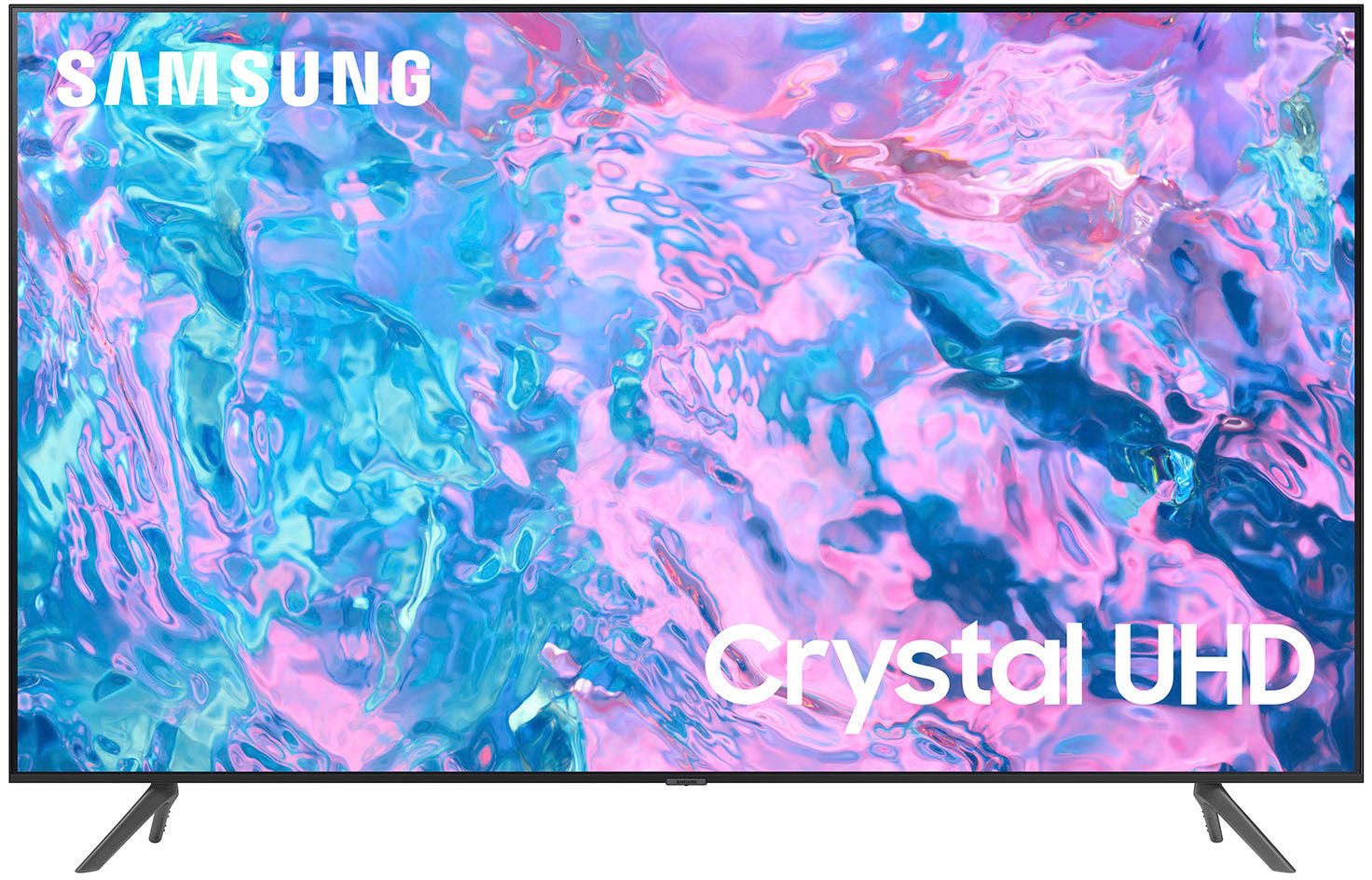
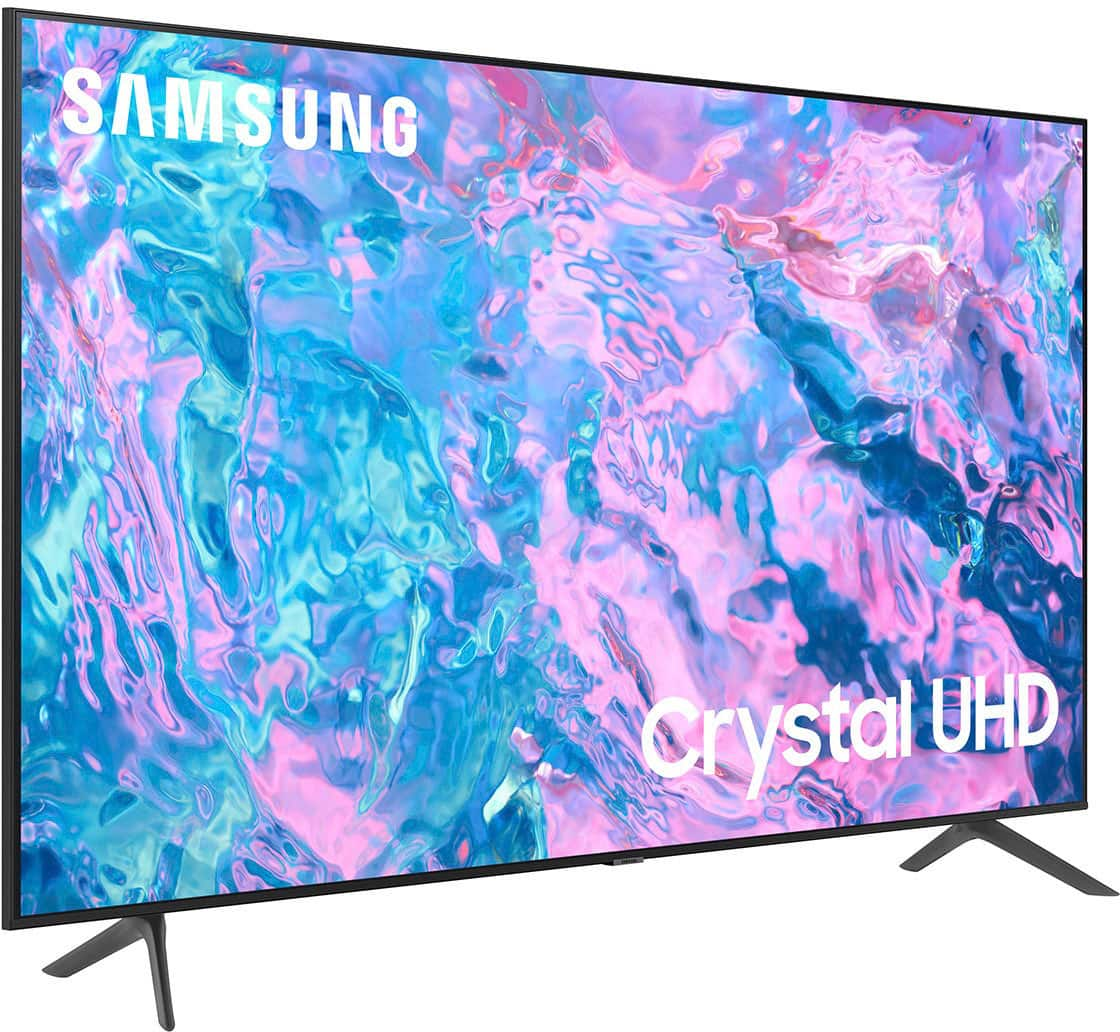
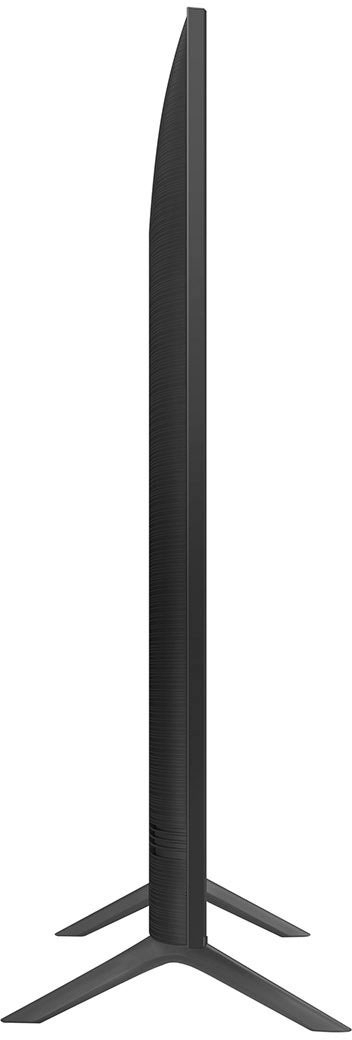
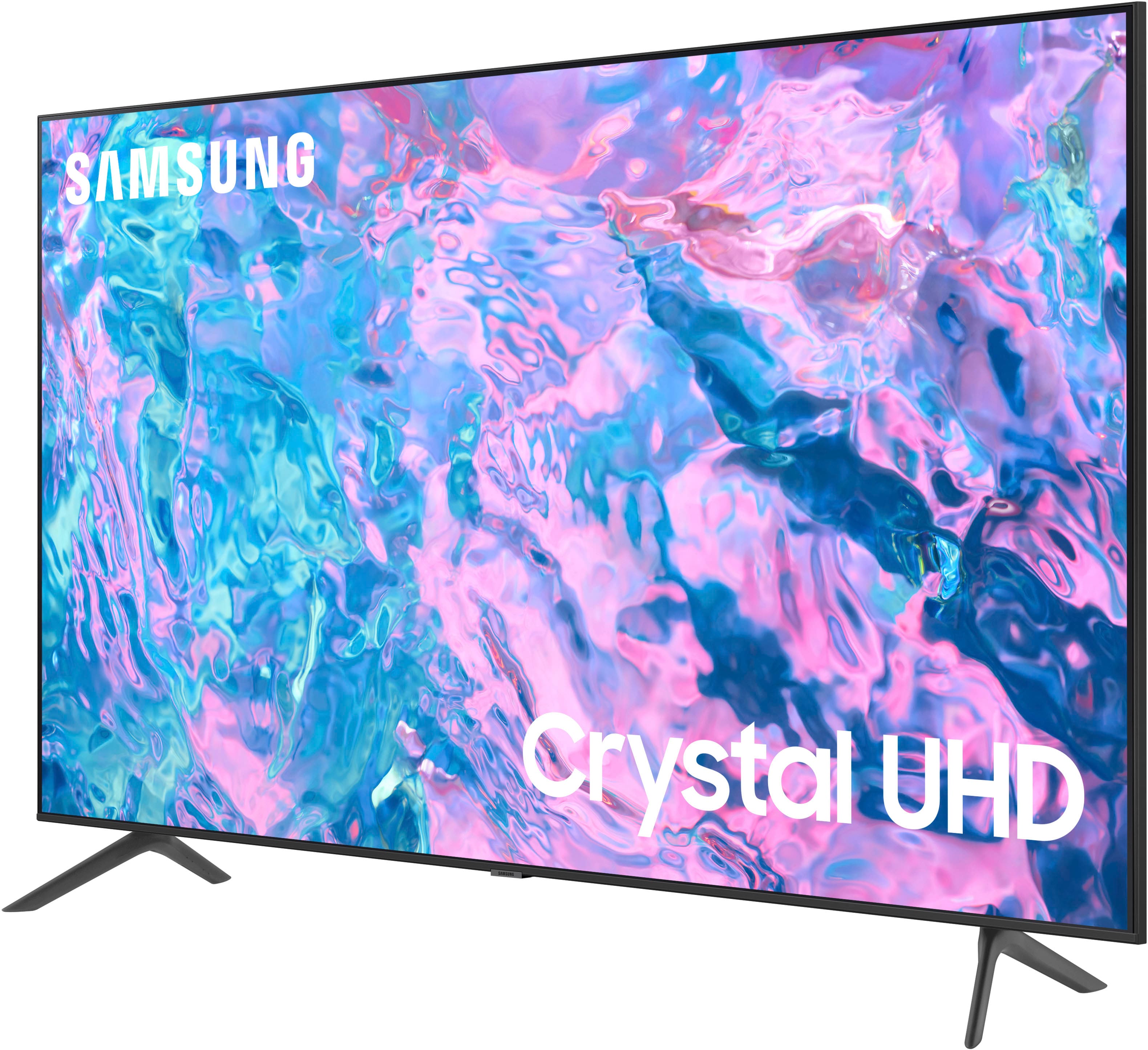
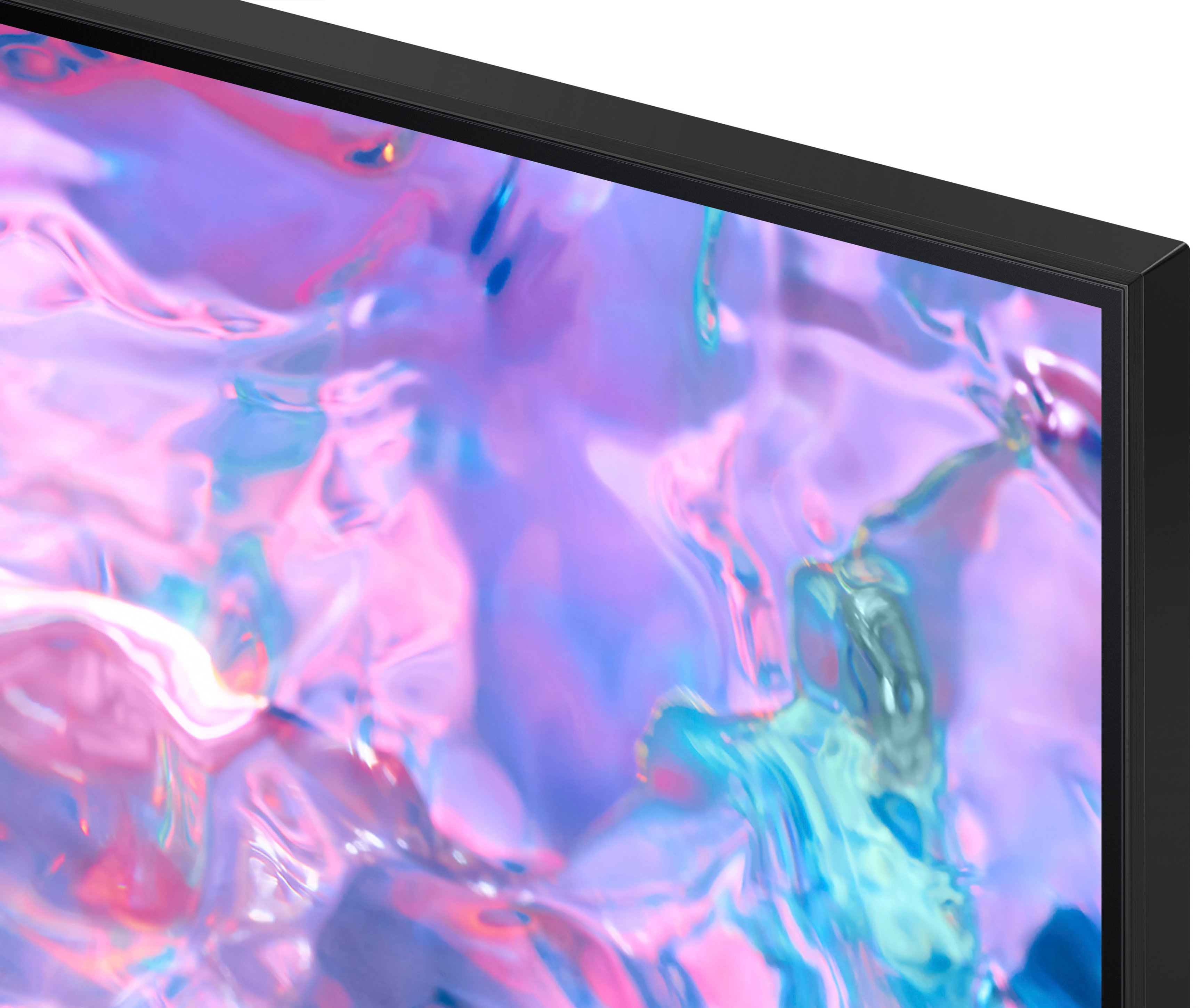



- Model:
- UN55CU7000FXZA
- SKU:
- 6537366
Rating by feature
- Picture Quality
Rating 4.8 out of 5 stars
- Sound Quality
Rating 4.5 out of 5 stars
- Brightness
Rating 4.8 out of 5 stars
Customers are saying
Customers highly value the picture quality, ease of use, and price of the 55” Class CU7000 Crystal UHD 4K Smart Tizen TV (2023). Many also appreciate the vibrant colors and straightforward setup process. While some users found the remote control and volume could be improved, the overall experience is largely positive. The television's design and lightweight nature also received favorable comments.
This summary was generated by AI based on customer reviews.
Satisfied with exception.
||Posted . Owned for 3 weeks when reviewed.This reviewer received promo considerations or sweepstakes entry for writing a review.Overall it's good, but the color isn't great. Not expensive.
I would recommend this to a friendGood buy.
||Posted . Owned for 3 weeks when reviewed.This reviewer received promo considerations or sweepstakes entry for writing a review.Good buy for the price. Good brand and smart option.
I would recommend this to a friendsheridan
||Posted . Owned for 3 weeks when reviewed.This reviewer received promo considerations or sweepstakes entry for writing a review.still having a problem with something trying to connect?
I would recommend this to a friendBrand response from Samsung
Posted .Hi VanceM,
If you are experiencing issues trying to connect external devices, please give us a call so we can better understand and troubleshoot your specific issue. You can call us at 1-800-SAMSUNG, 8 AM - 12 AM EST, seven days a week. Our LiveChat agents are also available by clicking on the ‘Support’ link on our website.
~ Samsung Advisor
Samsung TV
||Posted . Owned for 3 weeks when reviewed.This reviewer received promo considerations or sweepstakes entry for writing a review.Inconsistently logs itself off the WiFi. Otherwise works great.
I would recommend this to a friendBrand response from Samsung
Posted .Hi Kristin,
Thank you for sharing your experience with Internet connectivity. If you’re experiencing issues with the Wi-Fi connection, we suggest you try the following:
1. Use 5Ghz Wi-Fi if possible
2. Try wired LAN if available
3. Try repositioning the router, so there are no obstacles between your TV and the router
4. Try running a cold boot on your TV. To do so, hold down the Power button on the Samsung TV remote until the TV turns off and then on again. This should take about 5 seconds.
Please also be sure you are running the latest firmware. You can check to see what software version your TV is using and if there is an available update through the settings on your TV. Go to: Settings > Support > Software Update.
You can enable automatic updates for convenience.
Go to Settings > Support > Software Update, then select Auto Update.
I hope these tips help resolve your concerns. If you need more help, Samsung is here for you. Please call us at 1-800-SAMSUNG, 8 AM - 12 AM EST, seven days a week. Our LiveChat agents are also available by clicking on the ‘Support’ link on our website.
~ Samsung Advisor
Samsung 55 inch
||Posted . Owned for 3 weeks when reviewed.This reviewer received promo considerations or sweepstakes entry for writing a review.Its not bad great price but i think buying it based on the popularity of a samsung TV was wrong for me i feel Vizio gives more color definition. Again its not bad so it get 3 out of 5 stars
I would recommend this to a friendIs it REALLY a 4K?
||Posted . Owned for 3 weeks when reviewed.This reviewer received promo considerations or sweepstakes entry for writing a review.Can’t really distinguish a 4K quality from any other.
No, I would not recommend this to a friendgood to buy
||Posted . Owned for 3 weeks when reviewed.This reviewer received promo considerations or sweepstakes entry for writing a review.it is working good.................................
I would recommend this to a friendNice
||Posted . Owned for 1 week when reviewed.This reviewer received promo considerations or sweepstakes entry for writing a review.Its good but my older models ui was easier to use.
I would recommend this to a friendLots better choices.
||Posted . Owned for 1.5 years when reviewed.This reviewer received promo considerations or sweepstakes entry for writing a review.TV buffers constantly. Nominal picture quality. Nominal sound quality. Would not buy see 1 again.
No, I would not recommend this to a friendTough buying process
||Posted . Owned for 3 weeks when reviewed.This reviewer received promo considerations or sweepstakes entry for writing a review.Iwasvery unhappy with my instore experices at 2 locations. Tried to pay with gift card. Electronics store could not process. Germantown manager inconsiderate. Had to buy online.
I would recommend this to a friendSincere Review
||Posted . Owned for 1 month when reviewed.This reviewer received promo considerations or sweepstakes entry for writing a review.Tv resolution is alright. The Tv wasnt packed in its original box which should be a red flag. It gave me the impression that the tv I bought wasn’t fully new even though I bought it online on black Friday.
No, I would not recommend this to a friendBrand response from Samsung
Posted .Hi NelsonF,
Thank you for your purchase and for letting us know that your TV was not delivered in the correct box. I recommend reaching out to your local Best Buy to resolve this issue. If you ever have questions or need help, Samsung is here for you! Give us a call at 1-800-SAMSUNG, 8 AM - 12 AM EST, seven days a week. Our LiveChat agents are also available by clicking on the ‘Support’ link on our website.
Thanks for being a part of the Samsung family!
~ Samsung Advisor
Defective screen out of the box
Posted .This reviewer received promo considerations or sweepstakes entry for writing a review.Big black spot with no backlighting at top center of tv. Also, smarterthings app stopped working 1/2 way through set-up so had to back out and set up through remote. In any event this is going back to Best Buy.
No, I would not recommend this to a friendBrand response from Samsung
Posted .Hi DoubleL,
Thank you for letting us know that you received a broken CU7000 TV upon delivery. We appreciate your patience in having to deal with the hassle of an exchange. If you have not already done so, I recommend reaching out to your local Best Buy for more assistance.
If you ever have questions or need help, Samsung is here for you! Give us a call at 1-800-SAMSUNG, 8 AM - 12 AM EST, seven days a week. Our LiveChat agents are also available by clicking on the ‘Support’ link on our website.
~Samsung Advisor
Samsung 55" t.v.
||Posted . Owned for 1.5 years when reviewed.This reviewer received promo considerations or sweepstakes entry for writing a review.This t.v was freat at first. But it had a lot of issues. I had to reset it more than onece. It was slow. Before it was 2 years old it ended up having a blinking red light and woulsnt turn back on. I love samsung products but this one wasn't the best make
No, I would not recommend this to a friendDon’t buy
||Posted .This reviewer received promo considerations or sweepstakes entry for writing a review.Less than three years old and no longer comes on. My Vizio has lasted longer
No, I would not recommend this to a friendCRYSTAL
||Posted . Owned for 7 months when reviewed.This reviewer received promo considerations or sweepstakes entry for writing a review.SCREEN WAS BROKEN WHEN WE OPENED IT, BUT WE TOOK IT BACK TO THE STORE AND THE FIXED THE ISSUE WITH NO PROBLEM AND WE HAVENT HAD ANY ISSUES SINCE.
I would recommend this to a friendBrand response from Samsung
Posted .Hi Tabbycat1,
Thank you for letting us know that you received a broken CU7000 TV upon delivery. We appreciate your patience in having to deal with the hassle of an exchange.
If you ever have questions or need help, Samsung is here for you! Give us a call at 1-800-SAMSUNG, 8 AM - 12 AM EST, seven days a week. Our LiveChat agents are also available by clicking on the ‘Support’ link on our website.
Thanks for being a part of the Samsung family!
~ Samsung Advisor
Great value but not bright enough
||Posted . Owned for 3 months when reviewed.This reviewer received promo considerations or sweepstakes entry for writing a review.great tv , responsive & xbox pass works great right out of the box, only drawback is its not very bright which makes alot of hbo & marvel show almost un watchable
I would recommend this to a friendBrand response from Samsung
Posted .Hi SaiC,
It’s unfortunate to hear you’re not fully satisfied with the brightness of your CU7000 TV’s picture. Please know that we are here to help you.
First, let’s ensure you are running the latest Firmware Update. Go to Settings> Support> Software Update.
Next, If the colors on your TV are correct but just a little too dark or bright, you can try adjusting Picture Modes, Contrast, Brightness, or Sharpness settings.
For darker scenes, I recommend Dynamic Picture Mode, which makes pictures brighter and clearer in bright viewing environments. Go to Settings > All Settings> Picture > Picture Mode > Dynamic.
Or you can manually adjust the Brightness by pressing the HOME button on your remote, then navigating to Settings > All Settings> Picture > Expert Settings.
You may also want to disable Power Saving Mode, which automatically adjusts the brightness to reduce the TV’s power consumption. Go to Settings > All Settings> General > Eco Solution> Power Saving Mode.
I hope this helps to improve your picture. Should you need further assistance, please contact us at 1-800-SAMSUNG, 8 AM - 12 AM EST, seven days a week. Our LiveChat agents are also available by clicking on the ‘Support’ link on our website.
~ Samsung Advisor
Quivering picture
||Posted . Owned for 1 week when reviewed.This reviewer received promo considerations or sweepstakes entry for writing a review.The picture has a weird quivering problem. This tv picture isn't as clear as I was excepting. I am disappointed.
No, I would not recommend this to a friend- Pros mentioned:Picture quality
Audio fails after a month. DO NOT BUY!!!
||Posted . Owned for 3 weeks when reviewed.This reviewer received promo considerations or sweepstakes entry for writing a review.I bought two of these within a couple months of each other. Picture quality was pretty good and a decent price. But both of these had the audio completely stop working after about a month. Luckily one of them was within the return window but now I'm stuck with a lemon.
No, I would not recommend this to a friendBrand response from Samsung
Posted .Hi BillM,
I'm sorry to hear you are experiencing issues with the audio on your CU7000 TV no longer working. Please know we back this TV with a 1-year limited manufacturer's warranty, including authorized repair for manufacturer defect, if purchased brand-new directly from an authorized seller.
Please give us the chance to make this right by contacting Samsung Customer Support at 1-800-SAMSUNG, 8 AM - 12 AM EST, seven days a week. Our LiveChat agents are also available by clicking on the ‘Support’ link on our website.
~ Samsung Advisor
Picture too dark
||Posted . Owned for 1 month when reviewed.This reviewer received promo considerations or sweepstakes entry for writing a review.It was a good price, but you get what you pay for. The picture is not very bright, even with it set on the highest setting. Going to buy a better TV.
No, I would not recommend this to a friendBrand response from Samsung
Posted .Hi DougO,
It’s unfortunate to hear you’re not fully satisfied with the brightness of your CU7000 TV’s picture. Please know that we are here to help you.
First, let’s ensure you are running the latest Firmware Update. Go to Settings> Support> Software Update.
Next, If the colors on your TV are correct but just a little too dark or bright, you can try adjusting Picture Modes, Contrast, Brightness, or Sharpness settings.
For darker scenes, I recommend Dynamic Picture Mode, which makes pictures brighter and clearer in bright viewing environments. Go to Settings > All Settings> Picture > Picture Mode > Dynamic.
Or you can manually adjust the Brightness by pressing the HOME button on your remote, then navigating to Settings > All Settings> Picture > Expert Settings.
You may also want to disable Power Saving Mode, which automatically adjusts the brightness to reduce the TV’s power consumption. Go to Settings > All Settings> General > Eco Solution> Power Saving Mode.
I hope this helps to improve your picture. Should you need further assistance, please contact us at -800-SAMSUNG, 8 AM - 12 AM EST, seven days a week. Our LiveChat agents are also available by clicking on the ‘Support’ link on our website.
~ Samsung Advisor
Samsung 55"
||Posted . Owned for 3 weeks when reviewed.This reviewer received promo considerations or sweepstakes entry for writing a review.Good TV but it doesn't have all the features you would need in a TV like HDR10+ etc... but it is a good tv for the price
I would recommend this to a friendBrand response from Samsung
Posted .Hello Nitebreed,
Thank you for sharing your thoughts regarding the 55" CU7000 TV. We appreciate your review, and it will be shared among our internal teams.
Should you have any questions about optimizing your new TV, or would like to share any concerns you may have, please contact Samsung Customer Service.
Please know we are here for you. Just call us at 1-800-SAMSUNG, 8 AM - 12 AM EST, seven days a week. Our LiveChat agents are also available by clicking on the ‘Support’ link on our website.
~ Samsung Advisor