Customer Ratings & Reviews
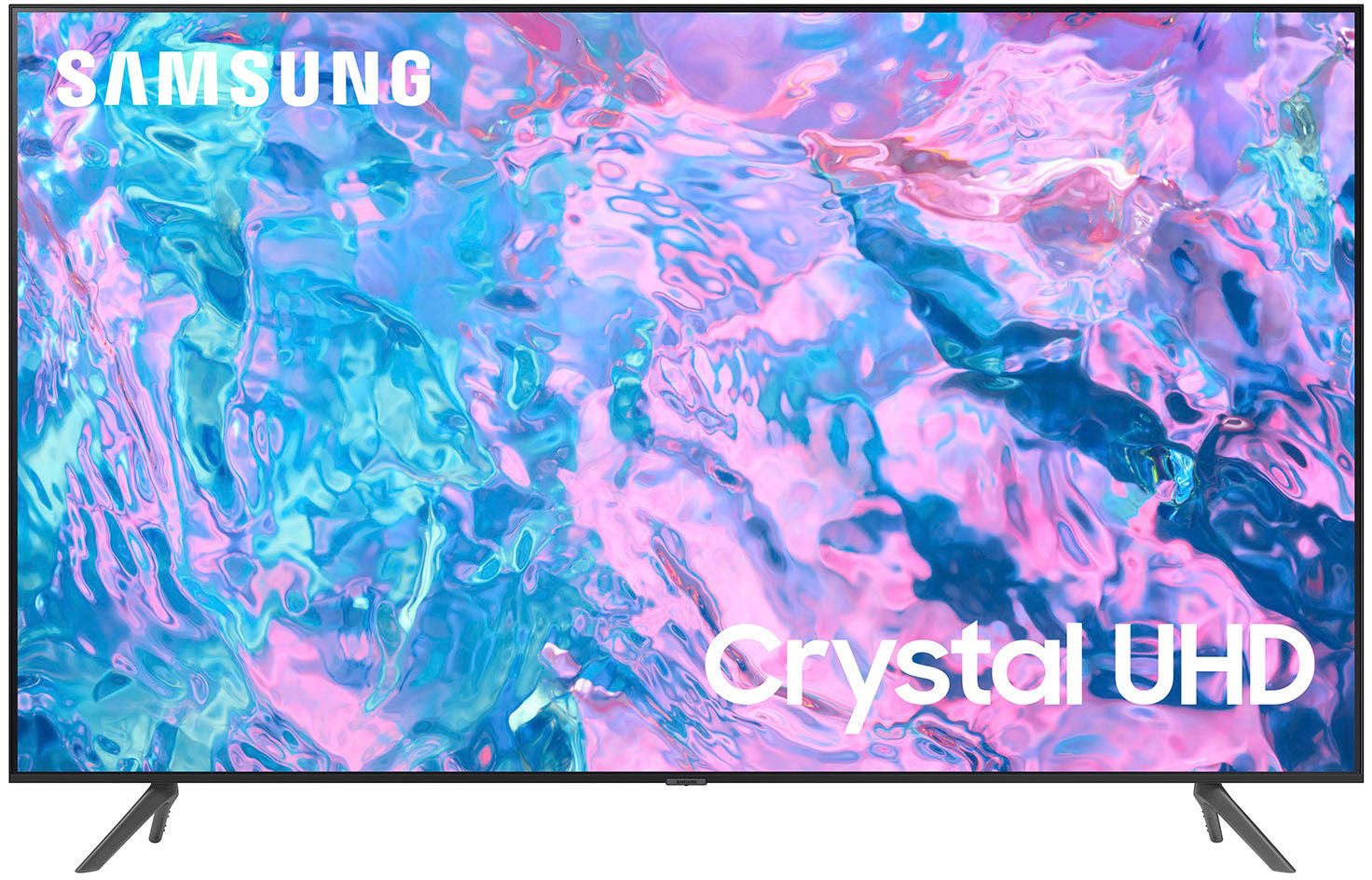
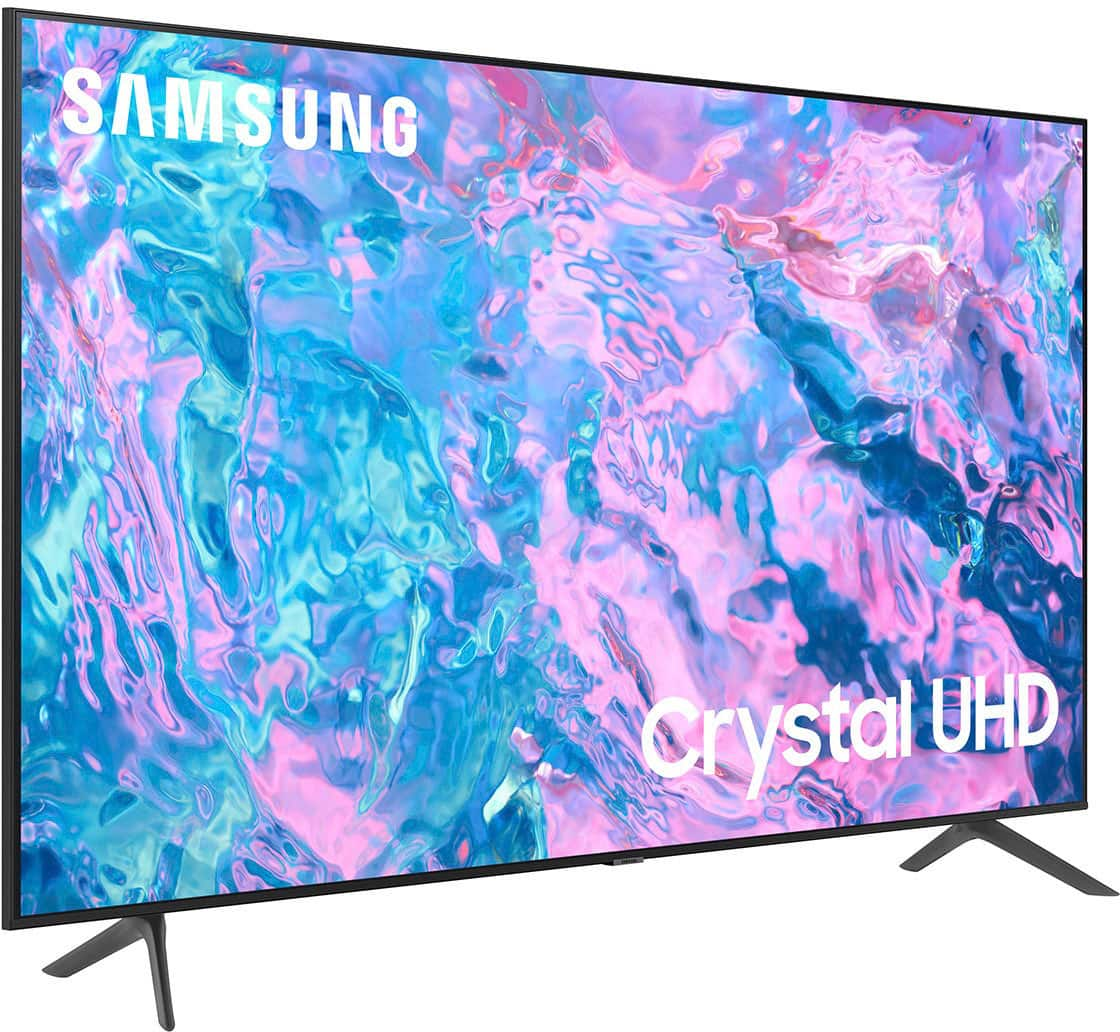
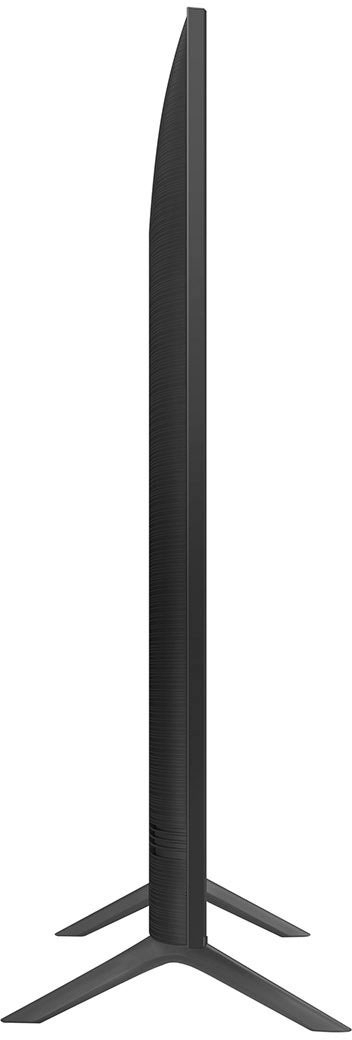
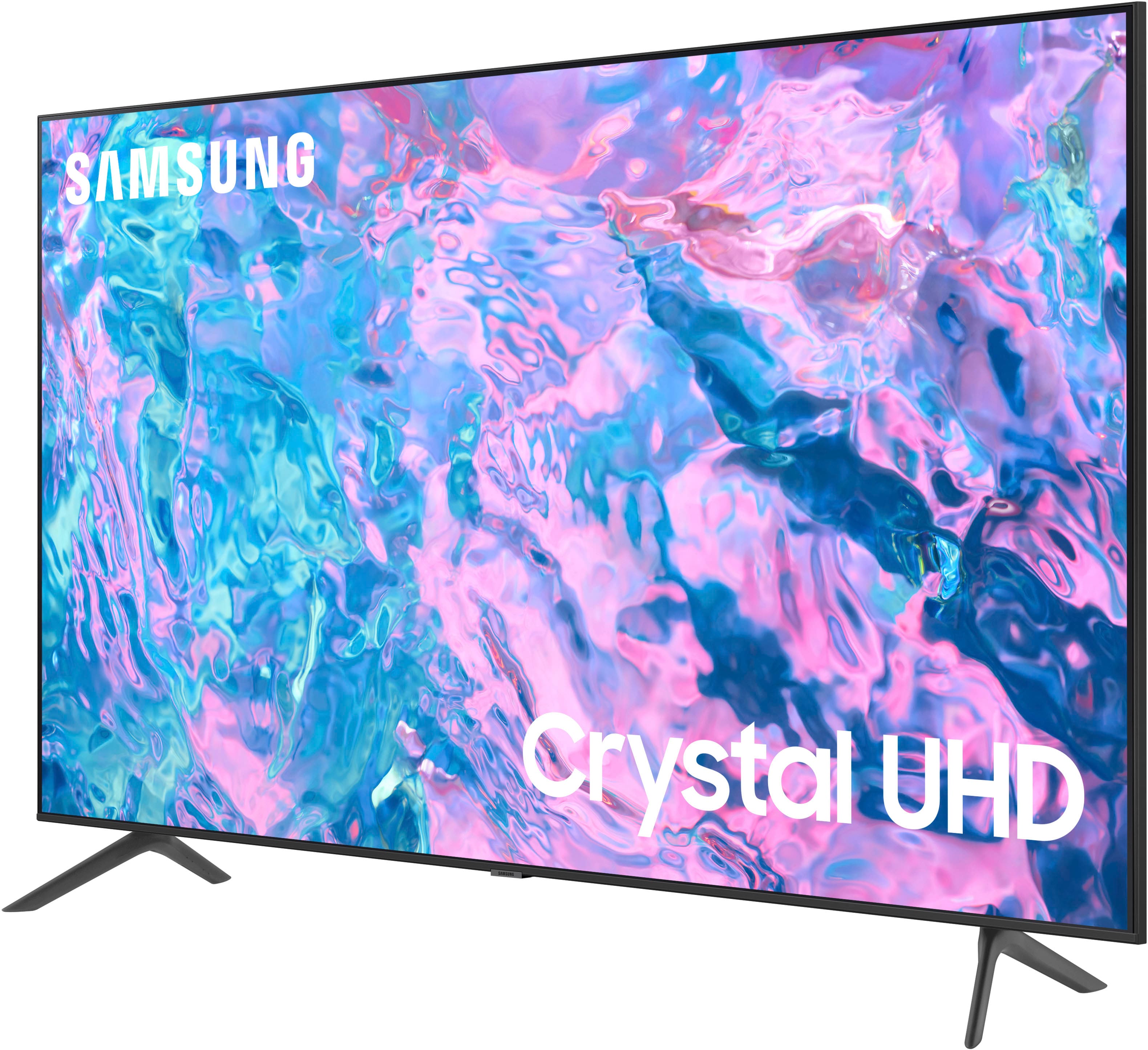



- Model:
- UN55CU7000FXZA
- SKU:
- 6537366
Rating by feature
- Picture Quality
Rating 4.8 out of 5 stars
- Sound Quality
Rating 4.5 out of 5 stars
- Brightness
Rating 4.8 out of 5 stars
Customers are saying
Customers highly value the picture quality, ease of use, and price of the 55” Class CU7000 Crystal UHD 4K Smart Tizen TV (2023). Many also appreciate the vibrant colors and straightforward setup process. While some users found the remote control and volume could be improved, the overall experience is largely positive. The television's design and lightweight nature also received favorable comments.
This summary was generated by AI based on customer reviews.
Louise
||Posted . Owned for 1 month when reviewed.This reviewer received promo considerations or sweepstakes entry for writing a review.It’s ok. Haven’t had it long enough to really know.
I would recommend this to a friendBrand response from Samsung
Posted .Appreciative,
Thanks for taking a moment to review Samsung’s CU7000F TV. If you’re experiencing specific issues which caused you to give this a 3-star rating, please know Samsung Customer Support is here to help.
You can reach us at 1-800-SAMSUNG, 8AM - 12AM EST, 7 days a week. Our LiveChat agents are also available by clicking on the ‘Support’ link on our website.
~ Samsung Specialist
Poor sound quality
||Posted . Owned for 3 weeks when reviewed.This reviewer received promo considerations or sweepstakes entry for writing a review.Brand new TV and no sound have to return...possibly blown speakers
No, I would not recommend this to a friendBrand response from Samsung
Posted .Hi Buddah,
We appreciate you sharing details of the sound issue you’re experiencing on your CU7000 TV. There are a few troubleshooting steps I recommend trying:
1) Please check the volume control of your TV, and then check the volume control of any external devices (cable box or satellite box, DVD, Blu-ray, etc.) connected to your TV. Also, check the cable connection between any external device and the TV and then try the cable connection again.
2) Set Sound Output to the TV Speaker by going to Settings > All Settings> Sound > Sound Output.
3) Check whether Digital Output Audio Format is set to Pass-Through by going to Settings > All Settings> Sound > Expert Settings > Digital Output Audio Format > Auto.
I hope this helps. Should your issue persist, please contact Samsung Customer Support at 1-800-SAMSUNG, 8 AM - 12 AM EST, seven days a week. LiveChat with an agent, as well as manuals, software, and warranty info, can be found at the ‘Support’ link on our Samsung website.
~ Samsung Advisor
Samsung 55"
||Posted . Owned for 1 month when reviewed.This reviewer received promo considerations or sweepstakes entry for writing a review.Great t.v but mine only works for 3 weeks, waiting for Samsung warranty
No, I would not recommend this to a friendBrand response from Samsung
Posted .Hi CesarA,
I am very sorry that you experienced issues with your CU7000 Crystal UHD TV and are currently waiting for it to be serviced. I understand your frustration and appreciate your patience. Should you have any issues with your TV after service is complete, please contact Samsung Customer Support.
You can call us at 1-800-SAMSUNG, 8 AM - 12 AM EST, seven days a week. Our LiveChat agents are also available by clicking on the ‘Support’ link on our website.
~ Samsung Advisor
Derrick McClendon
||Posted . Owned for 1 month when reviewed.This reviewer received promo considerations or sweepstakes entry for writing a review.Picture background Quality could be better enhanced
I would recommend this to a friendBrand response from Samsung
Posted .Hi DerrickMccl,
We appreciate you sharing your experience with the CU7000 TV. Your feedback regarding image quality is essential to us and will be shared with our internal teams. Please try adjusting the below image settings to improve your picture.
Go to Home > Settings > All Settings > Picture > Picture Mode and select the mode that best fits your usage:
1) Standard: Default mode suitable for general viewing environments.
2) Natural: Reduces eye strain for a comfortable viewing experience.
3) Movie: Most suitable for watching TV or movies in a dark room.
4) Dynamic: Makes the picture brighter and clearer in bright viewing environments.
5) Filmmaker Mode: You can watch the source content (e.g., movie) as it is. If the image is defined as Filmmaker Mode, it will automatically switch to Filmmaker Mode while watching.
You can also go to Settings > All Settings> Picture > Expert Settings > to manually fine-tune your image.
If you need more help, Samsung is here for you. Call us at 1-800-SAMSUNG, 8 AM - 12 AM EST, seven days a week. Our LiveChat agents are also available by clicking on the ‘Support’ link on our website.
~ Samsung Advisor
- Cons mentioned:Remote control
Irratated
||Posted . Owned for less than 1 week when reviewed.This reviewer received promo considerations or sweepstakes entry for writing a review.The remote is super confusing. I wanted a bigger TV but the store said they don't deliver anything bigger then a 55. Wish I had a bigger one.
No, I would not recommend this to a friend Bad Purchase
||Posted . Owned for 3 weeks when reviewed.This reviewer received promo considerations or sweepstakes entry for writing a review.TV is already malfunctioning. It turns off in the middle of an episode. I’ve tried all of the troubleshooting available and nothing had worked. Best Buy only has a 15 day return policy so I’m stuck with it
No, I would not recommend this to a friendBrand response from Samsung
Posted .Hi TessR,
I'm very sorry to hear that you are experiencing issues with your CU7000 TV shutting off randomly. Please know we back this TV with a 1-year warranty limited manufacturer's warranty, including authorized repair for manufacturer defect, if purchased brand-new directly from an authorized seller.
Please give us a call so we can better support you at 1-800-SAMSUNG, 8 AM - 12 AM EST, seven days a week. Our LiveChat agents are also available by clicking on the ‘Support’ link on our website.
~ Samsung Advisor
REALLY SAMSUNG?
||Posted . Owned for 1 month when reviewed.This reviewer received promo considerations or sweepstakes entry for writing a review.Tv worked perfectly fine for a month or two. I came home from work one night and tv was flashing on and off but tv wouldn’t turn on all the way. Tried all the steps to troubleshoot it and nothing worked. Technician comes and now they gotta order a part for the tv whicb is basically brand new is been in on the wall in one spot since i bought it ?? Now i been out of a tv for a couple days and now i got to wait more ? Come on samsung…
No, I would not recommend this to a friendBrand response from Samsung
Posted .Hi Aj11,
I am very sorry that you experienced issues with your CU7000 Crystal UHD TV and are currently waiting for it to be serviced. I understand your frustration and appreciate your patience. Should you have any issues with your TV after service is complete, please contact Samsung Customer Support.
You can call us at 1-800-SAMSUNG, 8 AM - 12 AM EST, seven days a week. Our LiveChat agents are also available by clicking on the ‘Support’ link on our website.
~ Samsung Advisor
Very poor quality
||Posted . Owned for 1 month when reviewed.This reviewer received promo considerations or sweepstakes entry for writing a review.Not happy at all, I bought it 3 weeks ago and it loses sound, I have to turn it off few mins, l called the store and they won’t replace it, first technician needs to see it but wait time is 2 weeks, meanwhile I can’t even watch anything without getting frustrated. I’ll not purchase anything from Best Buy ever again
No, I would not recommend this to a friendBrand response from Samsung
Posted .Hi AMum,
We appreciate you sharing details of the sound issue you’re experiencing on your CU7000 TV. I'm sorry you are having to deal with the hassle of having your TV serviced. While you wait, there are a few troubleshooting steps I recommend trying:
1) Please check the volume control of your TV, and then check the volume control of any external devices (cable box or satellite box, DVD, Blu-ray, etc.) connected to your TV. Also, check the cable connection between any external device and the TV and then try the cable connection again.
2) Set Sound Output to the TV Speaker by going to Settings > All Settings> Sound > Sound Output.
3) Check whether Digital Output Audio Format is set to Pass-Through by going to Settings > All Settings> Sound > Expert Settings > Digital Output Audio Format > Auto.
4) Ensure your Firmware is up to date. Go to Settings> Support> Software Update.
If you need more help, Samsung is here for you. Please call us at 1-800-SAMSUNG, 8 AM - 12 AM EST, seven days a week. Our LiveChat agents are also available by clicking on the ‘Support’ link on our website.
~ Samsung Advisor
- Cons mentioned:Remote control
Samsung 55” TV
||Posted . Owned for 11 months when reviewed.This reviewer received promo considerations or sweepstakes entry for writing a review.Worst TV ever. Changes channels on its own. Remote is hard to use.
No, I would not recommend this to a friend - Cons mentioned:Remote control
Junk
||Posted . Owned for 3 weeks when reviewed.This reviewer received promo considerations or sweepstakes entry for writing a review.Samsung has a horrible remote and it’s not worth the hype
No, I would not recommend this to a friendBrand response from Samsung
Posted .Hi BrianG,
I'm sorry to hear that your experience with the CU7000 TV was not up to your standards. If there is anything we can do to help you, please call us at 1-800-SAMSUNG, 8 AM - 12 AM EST, seven days a week. Our LiveChat agents are also available by clicking on the ‘Support’ link on our website.
~ Samsung Advisor
Tv
||Posted . Owned for 4 months when reviewed.This reviewer received promo considerations or sweepstakes entry for writing a review.Nice until it quit working it just stopped and then samsung quit making that model
No, I would not recommend this to a friendWaste of money and time
||Posted . Owned for 3 weeks when reviewed.This reviewer received promo considerations or sweepstakes entry for writing a review.Piece of junk! Had it less than 3 weeks and already lost connection to wifi and won't recognize cable connections. Spent 3 hours with tech support and couldn't resolve issue. Unfortunately Im past the return date. So will now have to see if I can get it repaired. Save your money and don't buy this product!
No, I would not recommend this to a friendBrand response from Samsung
Posted .Hi CMT23,
We appreciate your feedback on the Samsung CU7000 TV. I'm sorry to hear you are experiencing issues with your Wi-Fi disconnecting and issues with your Cable box. You mentioned troubleshooting already, but I am going to put a few suggestions down below just in case.
First, let's ensure you are running the latest Firmware. Go to Settings> Support> Software Update. To ensure you do not miss any Firmware Updates, I recommend enabling Auto Updates. Go to Settings> Support> Software Update> then select Auto Update.
Next, let's try running a cold boot on your TV. To do so, hold down the Power button on the Samsung TV remote until the TV turns off and then on again. This should take about 5 seconds.
Finally, if connecting your cable box via HDMI, please try the HDMI Cable Test function built into your TV to check for abnormalities in the connected HDMI cable.
To do so, go to Home> Settings> Support> Device Care> Self Diagnosis> HDMI Troubleshooting, then check the HDMI port your cable box is connected to on the back of the TV.
If you need to schedule service or need any help, please give us a call at 1-800-SAMSUNG, 8 AM - 12 AM EST, seven days a week. Our LiveChat agents are also available by clicking on the ‘Support’ link on our website.
~ Samsung Advisor
Worst Samsung I've ever owned by FAR.
||Posted . Owned for less than 1 week when reviewed.This reviewer received promo considerations or sweepstakes entry for writing a review.This tv is dim, menu features are weird, not smooth at all. It looks just overall very cheap. I'm returning to find a better option.
No, I would not recommend this to a friendBrand response from Samsung
Posted .Hi ChristaW,
We appreciate your feedback on the CU7000 TV. It's unfortunate to hear you are not satisfied with your experience. Please know we are here to help and have a few suggestions.
First, let's ensure you are running the latest Firmware on your TV. Go to Settings> Support> Software Update.
Next, If the colors on your TV are correct but just a little too dark or bright, you can try adjusting Picture Modes, Contrast, Brightness, or Sharpness settings.
For darker scenes, I recommend Dynamic Picture Mode, which makes pictures brighter and clearer in bright viewing environments. Go to Settings > All Settings> Picture > Picture Mode > Dynamic.
Or you can manually adjust the Brightness by pressing the HOME button on your remote, then navigating to Settings > All Settings> Picture > Expert Settings.
You may also want to disable Power Saving Mode, which automatically adjusts the brightness to reduce the TV’s power consumption. Go to Settings > All Settings> General > Eco Solution> Power Saving Mode.
If you need more help, Samsung is here for you. Please call us at 1-800-SAMSUNG, 8 AM - 12 AM EST, seven days a week. Our LiveChat agents are also available by clicking on the ‘Support’ link on our website.
~ Samsung Advisor
Shockingly poor customer service
||Posted . Owned for 3 weeks when reviewed.This reviewer received promo considerations or sweepstakes entry for writing a review.Delivered on 3/20 to the wrong address, they collected it the next day, and still, 24 days later, no refund. Each call to them takes about 60 minutes, and I've made about 8. Each time they say they'll escalate. they started saying 24-48hrs for the refund, I called back then, was told 2-3 days, called back then was told 7-10 days, called back then, was told they understand my frustration.
No, I would not recommend this to a friendBrand response from Samsung
Posted .Hi PhirosD,
I'm very sorry to hear about your delivery experience with Best Buy. We hope your issue is resolved quickly. If there’s anything we can ever help with, please call us at 1-800-SAMSUNG, 8 AM - 12 AM EST, seven days a week. Or visit us on the Samsung website and click on the ‘Support’ link for:
1) LiveChat
2) Manuals, Software, & Warranty Info
~ Samsung Advisor
Not so good
||Posted . Owned for 1 year when reviewed.This reviewer received promo considerations or sweepstakes entry for writing a review.Terrible sound and constantly disconnects from Wifi
No, I would not recommend this to a friendCouldn’t be more disappointed in Best Buy.
||Posted . Owned for 3 weeks when reviewed.This reviewer received promo considerations or sweepstakes entry for writing a review.Due to the incompetence of Best Buy’s third party logistics company and Best Buy’s inability to change the status from “needs to be rescheduled “ which is the responsibility of that logistics to make that change for over a week, I finally became so frustrated I canceled the order. I went half a mile down the street to PC Richard’s ordered the same tv for the same price and it was delivered the next morning.
No, I would not recommend this to a friendBrand response from Samsung
Posted .Hi PaulAnd,
Thank you for sharing your delivery experience with us. You may also want to share your experience with your local Best Buy. If you ever have questions or need help, Samsung is here for you! Give us a call at 1-800-SAMSUNG, 8 AM - 12 AM EST, seven days a week. Our LiveChat agents are also available by clicking on the ‘Support’ link on our website.
Thanks for being a part of the Samsung family!
~ Samsung Advisor
Died after 4 months
||Posted . Owned for 4 months when reviewed.This reviewer received promo considerations or sweepstakes entry for writing a review.Today the picture froze then there was a screech for a couple of seconds and the screen went black. They tv was about 120 days old. The colors were never bright - the picture was just ok. Apple TV was not able to improve the picture. My takeaway is that a lower end tv with a 90 warranty is a really bad bet.
No, I would not recommend this to a friendMrs.
||Posted . Owned for 3 weeks when reviewed.This reviewer received promo considerations or sweepstakes entry for writing a review.I am waiting for someone to come and install this TV AND the sound bars that the prior installer told me I needed. I have called....been hung on. So much for the super duper protection plan. I will go to your store by Monday if I don't get a call back and return the speakers. Enough is enough.
No, I would not recommend this to a friendBrand response from Samsung
Posted .ARolph,
Please know you are leaving a review and 1-star rating for the 55" CU7000F TV, but we are sorry to hear of your installation experience, nonetheless. We recommend you contact Best Buy directly for assistance. You also may want to consider providing feedback to the Best Buy store where you made your purchase. We hope your issue is resolved quickly.
Should you have questions on the CU7000F TV itself, Samsung is here for you. You can reach us at 1-800-SAMSUNG, 8AM - 12AM EST, 7 days a week. Our LiveChat agents are also available by clicking on the ‘Support’ link on our website.
~ Samsung Specialist
Sound/ speakers are terrible
||Posted . Owned for 3 months when reviewed.This reviewer received promo considerations or sweepstakes entry for writing a review.The pictute is as advertised but the sound is hardly even usable. When looking online it seems to be a common problem. Im guessing samsung is aware as well because when I called to get my TV fixed they offered a discount on a soundbar. Would not buy this TV again without a soundbar.
No, I would not recommend this to a friendBrand response from Samsung
Posted .Hi BlueR,
We appreciate your purchase and for sharing your experience with low volume. There are several volume features you can adjust, which may improve your audio experience.
1) Auto Volume automatically adjusts the sound to a certain level when changing channels or switching to another external input. Go to Settings > All Settings> Sound > Expert Settings > Auto Volume.
2) Adaptive Sound automatically adjusts to a specific volume level while watching TV. The TV analyzes your volume usage history by time period to automatically adjust the volume when you use an app or switch to an external input source. Go to Settings> All Settings> Sound> Sound Mode> Adaptive Sound.
3) Several Sound Modes are likewise available to meet your personal preferences: Home > Settings > All Settings> Sound > Sound Mode.
Also, some sources have their own volume control, which might need to be set higher. Please check the volume control of the external device (cable box or satellite box, DVD, Blu-ray, etc.) connected to your TV. Also, check the cable connection between an external device and the TV and then try the cable connection again.
If you’d like more help with settings, please know we’re here to help! Call us at 1-800-SAMSUNG, 8 AM - 12 AM EST, seven days a week. Or visit us on the Samsung website and click on the ‘Support’ link for:
1) LiveChat
2) Manuals, Software, & Warranty Info
~ Samsung Advisor
False and misleading advertising
||Posted . Owned for less than 1 week when reviewed.This reviewer received promo considerations or sweepstakes entry for writing a review.Given my recent experience with Best Buy I will never do business with them again. I purchased a tv in July of 23 with a 2 year warranty package. Now I am being told it was only 1 year and there is nothing they are going to do for me.
No, I would not recommend this to a friend