Customer Ratings & Reviews
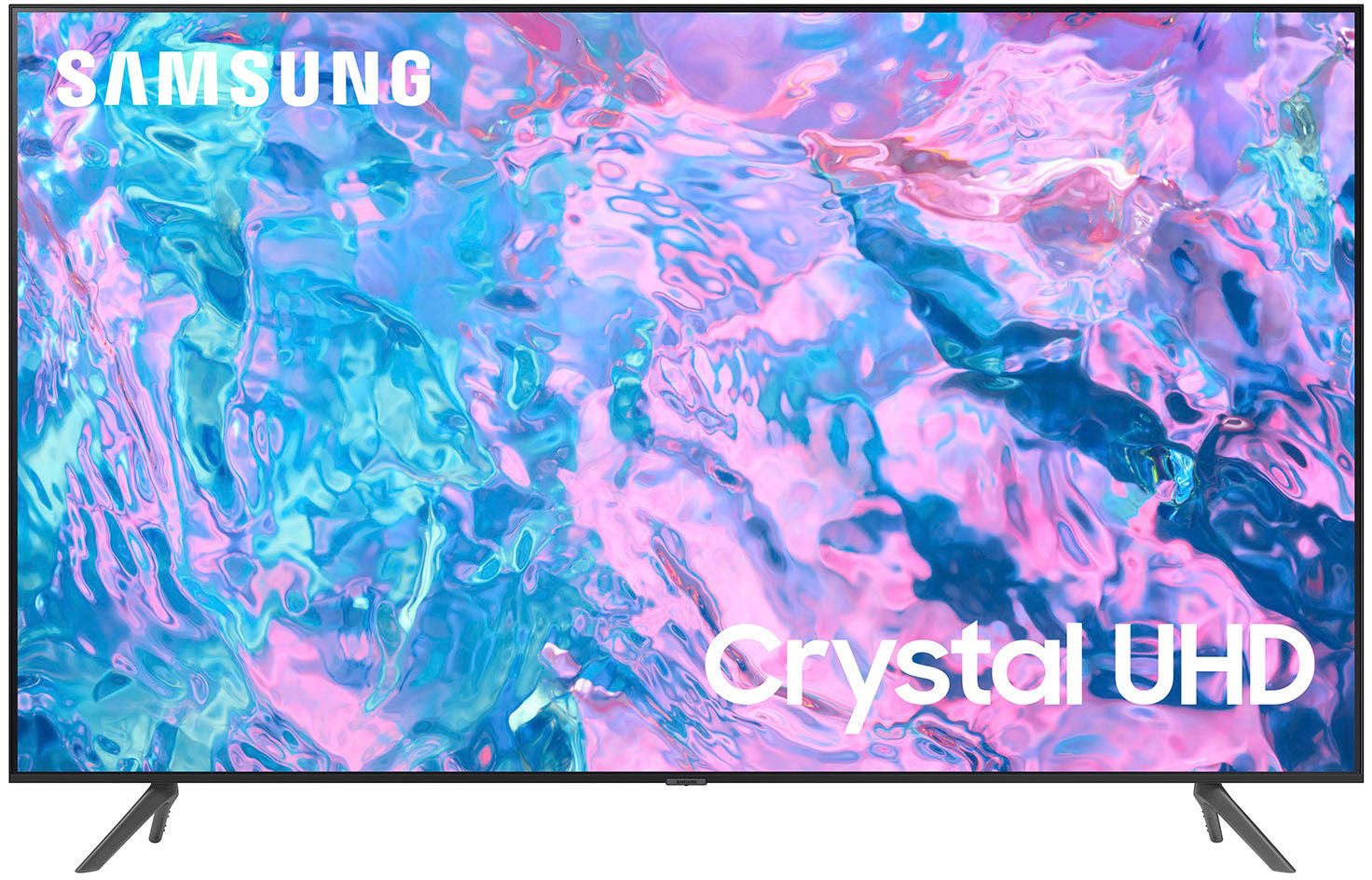
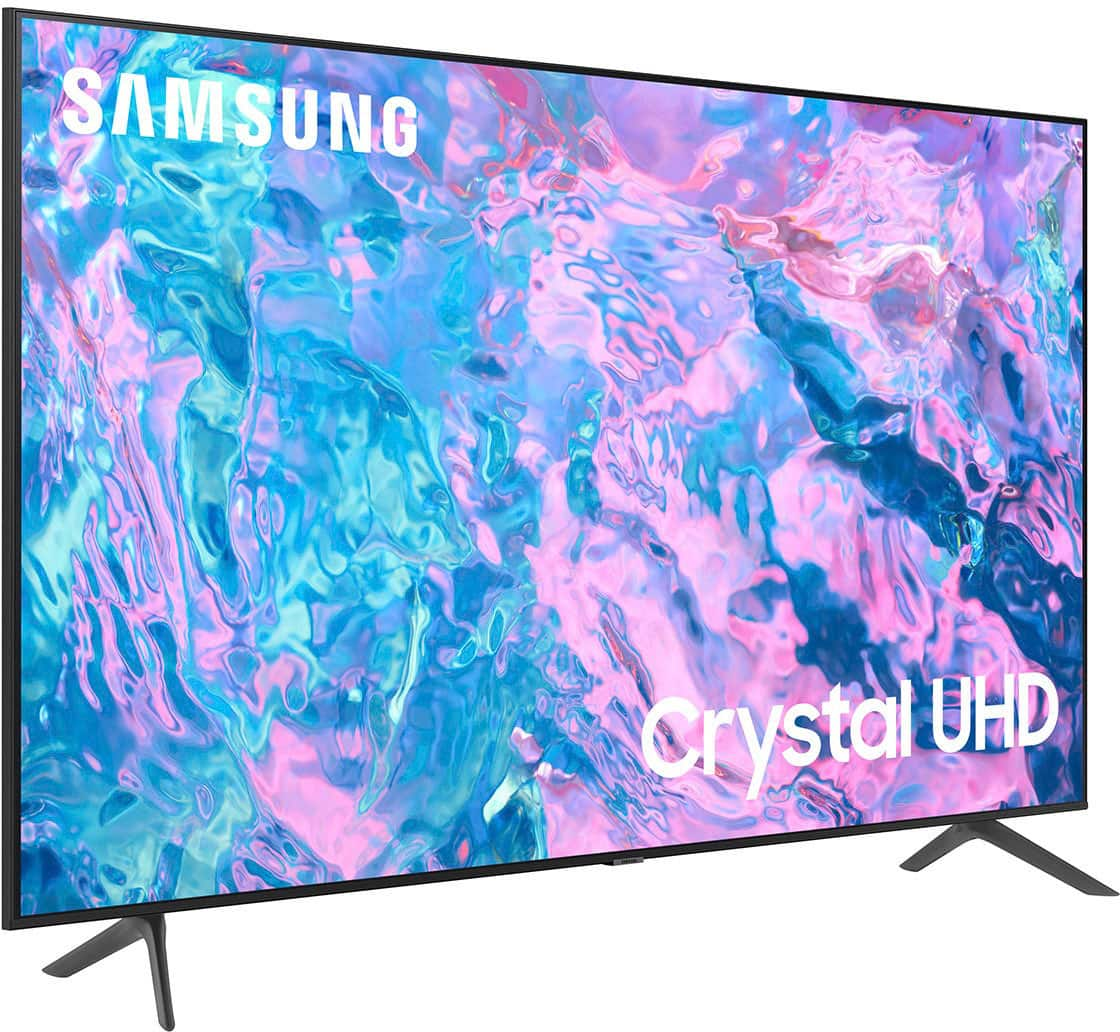
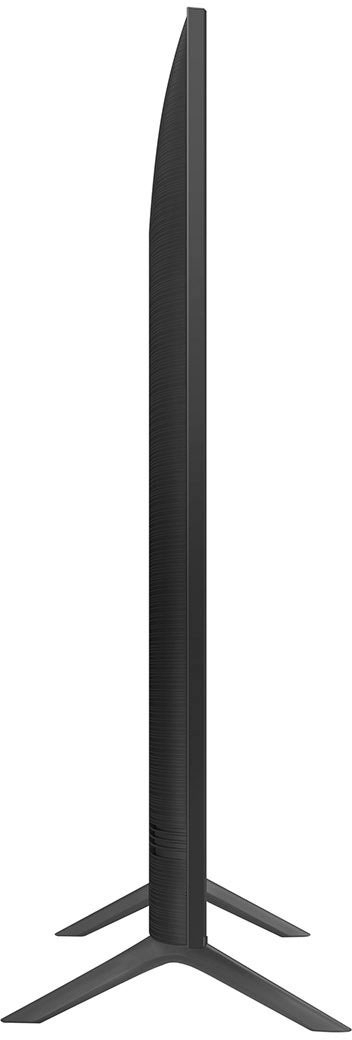
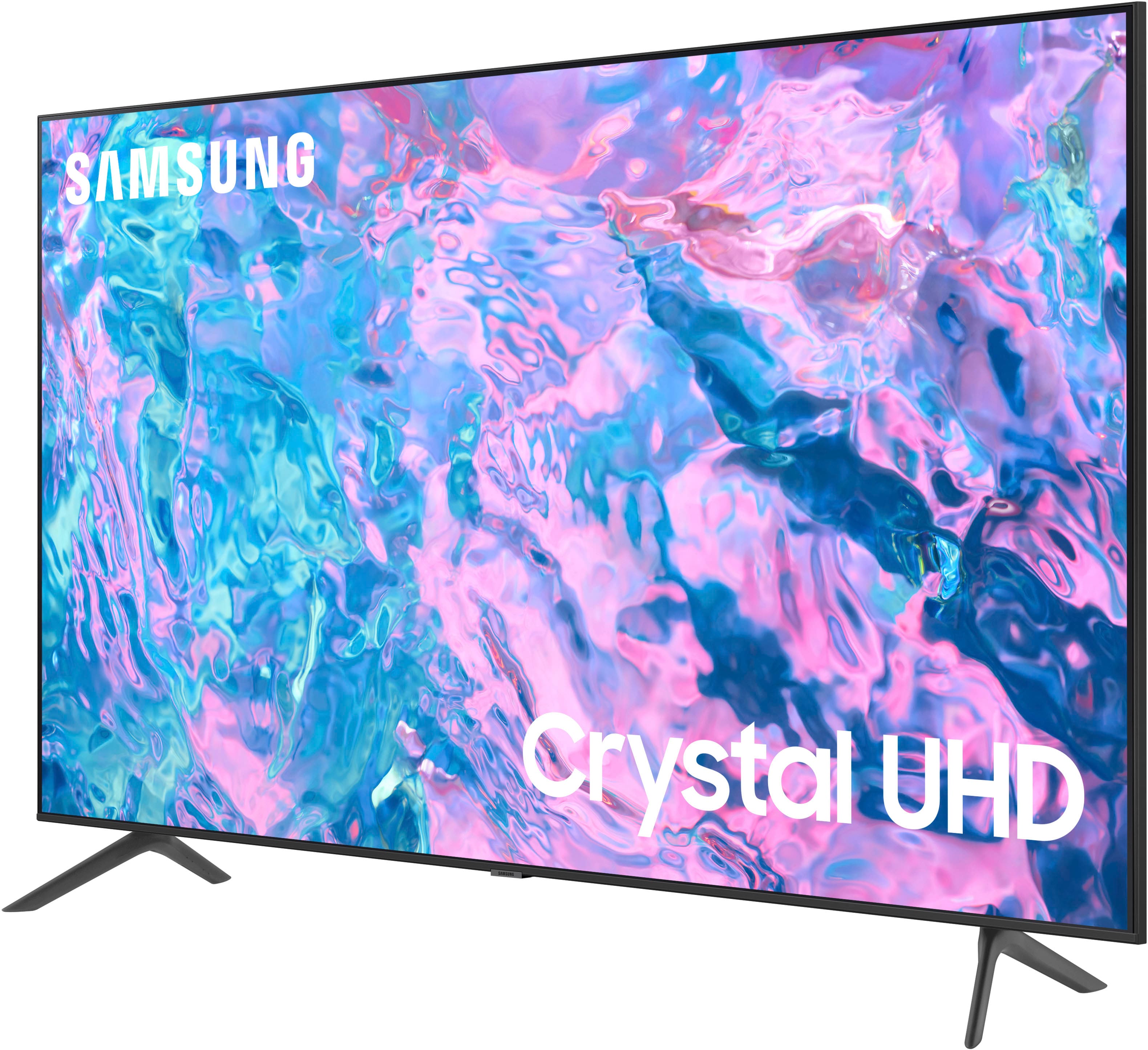



- Model:
- UN55CU7000FXZA
- SKU:
- 6537366
Rating by feature
- Picture Quality
Rating 4.8 out of 5 stars
- Sound Quality
Rating 4.5 out of 5 stars
- Brightness
Rating 4.8 out of 5 stars
Customers are saying
Customers highly value the picture quality, ease of use, and price of the 55” Class CU7000 Crystal UHD 4K Smart Tizen TV (2023). Many also appreciate the vibrant colors and straightforward setup process. While some users found the remote control and volume could be improved, the overall experience is largely positive. The television's design and lightweight nature also received favorable comments.
This summary was generated by AI based on customer reviews.
- Pros mentioned:Picture quality
TV
Posted .This reviewer received promo considerations or sweepstakes entry for writing a review.Excellent picture and great features. Easy to setup
I would recommend this to a friend - Pros mentioned:Picture quality
Great TV!
Posted .This reviewer received promo considerations or sweepstakes entry for writing a review.This TV is amazing! The quality and sound are perfect.
I would recommend this to a friend - Pros mentioned:Price
Awesome Tv
Posted .This reviewer received promo considerations or sweepstakes entry for writing a review.Great product for the price Definitely would recommend.
I would recommend this to a friend - Pros mentioned:Picture quality
Great pic
Posted .This reviewer received promo considerations or sweepstakes entry for writing a review.Nice tv. I really enjoy the picture quality. Superb
I would recommend this to a friend - Pros mentioned:Picture quality
50 TV
Posted .This reviewer received promo considerations or sweepstakes entry for writing a review.This is a nice looking tv with a great picture!!!!
I would recommend this to a friend - Pros mentioned:Picture quality
Good TV terrible remote
Posted .This reviewer received promo considerations or sweepstakes entry for writing a review.Picture and sound good, remote is a cheap made joke.
I would recommend this to a friend - Pros mentioned:Picture quality
Good first purchase
Posted .This reviewer received promo considerations or sweepstakes entry for writing a review.Picture and sound quality are valid, but sound could be better.
I would recommend this to a friend - Cons mentioned:Internet connectivity
I’m clearly in the minority
Posted .This reviewer received promo considerations or sweepstakes entry for writing a review.I hate this TV. I have since the day we bought it. I’ve always loved Samsung TV’s, but the recent changes they’ve made to their TV’s have been awful. As for this specific TV, it frequently disconnects to the internet, and I rarely watch it. I probably haven’t turned it on since last football season. And yet here I am, week 1 and MNF, and midway through the third quarter, it disconnects. Again. Most times it’s an annoying yet easy fix. Sometimes it’s more involved. Today, it will find our network, but refuses to rejoin it or allow me to manually join it. Also about this TV, when returning to the Home Screen, it does not display the app or item you are currently using prominently. To this day, hit the up button wanting to move the cursor to a different icon. I’m then sent to a spot I didn’t want to be in and I’m again reminded that the Home Screen defaults to a not-very-obvious house icon. The buttons and icons, when exploring areas of the TV like apps and network settings, are sluggish. I often hit the button and wait a second. Then I second guess whether I actually hit the button properly. So I hit the button again and watch as my tv lurches into an area I wasn’t intending to go. The sound on this TV is trash. The speakers are trash. The different settings for sound are trash. I assume they do this so people decide to buy a sound bar or audio equipment for it. However, I’m not investing in AV equipment for a trash TV that I hate. So I am stuck cranking the TV up if I sit 10’ away. The difference between sound level 25 and sound level 50 is minor. Zero low end. Barely any mid range. But the tinny sound that couldn’t cut through a dog whistle is quite prominent… until there is a fan turned on. Then it’s either crank it up or read closed captioning. The remote but layout and the feel of the remote are also weak. The plastic feels cheap. But I could handle that if the layout made sense. To me, they don’t. The home button is the same size as the surrounding buttons and no real distinguishing feature two tiny nubs that are intended to differentiate it. However, their older remotes had a circle with a button in the center. Real hard to miss on those ones. This remote is just vomited buttons spread out on and it’s just oddly shaped. (On one of Samsung’s other TV’s, the remote doesn’t have a battery case… it’s supposed to use a rechargeable solar panel on the back of the remote to charge it. You could set that remote on the Sun itself and it still wouldn’t charge. So we have to charge it with a usb-c cable every every day or play the game of, “what annoying moment will this thing die next?”) As I finish this review, I’m still not connected to the internet as it continues to tell me it found my local network but can’t connect to my internet. Maybe I’m just the one person who bought the one lemon, but my experiences have really soured me on the Samsung brand. I will not buy a TV from Samsung again. Bummer.
No, I would not recommend this to a friendBrand response from Samsung
Posted .Hi there,
I'm very sorry to hear about your experience with the CU7000 TV. Please know this is not the high standard we have for our products, and we are here to help you.
First, please ensure you are running the latest Firmware. Go to Settings> Support> Software Update. To ensure you do not miss any Firmware Updates, I recommend enabling Auto Updates. Go to Settings> Support> Software Update> then select Auto Update.
Next, let's run a cold boot on your TV. To do so, hold down the Power button on the Samsung TV remote until the TV turns off and then on again. This should take about 5 seconds.
Regarding the sound on your TV, please know there are several volume features you can adjust, which may improve your audio experience.
1) Auto Volume automatically adjusts the sound to a certain level when changing channels or switching to another external input. Go to Settings > All Settings> Sound > Expert Settings > Auto Volume.
2) Adaptive Sound automatically adjusts to a specific volume level while watching TV. The TV analyzes your volume usage history by time period to automatically adjust the volume when you use an app or switch to an external input source. Go to Settings> All Settings> Sound> Sound Mode> Adaptive Sound.
3) Several Sound Modes are likewise available to meet your personal preferences: Home > Settings > All Settings> Sound > Sound Mode.
I hope these steps help resolve any issues you are having and improve your overall experience. If you continue to have issues, please call us at 1-800-SAMSUNG, 8 AM - 12 AM EST, seven days a week. LiveChat with an agent, as well as manuals, software, and warranty info, can be found at the ‘Support’ link on our Samsung website.
~ Samsung Advisor
TV
Posted .This reviewer received promo considerations or sweepstakes entry for writing a review.Great! Service at the store was exceptional- drove right up to door and they put it in my car. Customer Service Rep was fantastic at the store.
I would recommend this to a friendIt’s very nice
Posted .This reviewer received promo considerations or sweepstakes entry for writing a review.I got this new tv because my lg went blue on me Best Buy couldn’t fix it so they made good for me gave me credit on a new one I really love this tv and Best Buy really help me out and my sister helped me to
I would recommend this to a friendLove Best Buy
Posted .This reviewer received promo considerations or sweepstakes entry for writing a review.Love my tv. I have brought many items at Best Buy because of the quality of service and the items that have been recommended to me have been excellent items.
I would recommend this to a friendGreat response and service
Posted .This reviewer received promo considerations or sweepstakes entry for writing a review.Adam was great. Called the same day I ordered to confirm next day delivery and install. Really appreciated that! He was super nice.
I would recommend this to a friendSamsung TV
Posted .This reviewer received promo considerations or sweepstakes entry for writing a review.This Samsung 55” T V is very nice. Best Buy is the best place to buy any product. Their knowledge, curiosity and willingness to help is top notch
I would recommend this to a friendUnresponsive os
Posted .This reviewer received promo considerations or sweepstakes entry for writing a review.The OS is slow, the picture quality is ok. It's okay for the price
No, I would not recommend this to a friendSamsung TV
Posted .This reviewer received promo considerations or sweepstakes entry for writing a review.I love this TV! I was worried the volume wouldn't be great based on other reviews, but so far I've had no problem, and no need for sound bar!
I would recommend this to a friendSamsung is a great brand
Posted .This reviewer received promo considerations or sweepstakes entry for writing a review.I bought a new tv cause my old one broke down after a few years. I’m still trying to get to using this tv. So far I like it! The quality is great.
I would recommend this to a friendTv
Posted .This reviewer received promo considerations or sweepstakes entry for writing a review.Loved it! So happy with my purchase and all of the staff that helped were amazing. Sadly I didn’t get the names but definitely satisfied
I would recommend this to a friendTV Volume
Posted .This reviewer received promo considerations or sweepstakes entry for writing a review.The TV itself meets all my expectations except for the speakers. I wear hearing aids & found I have to turn the volume up higher than my previous Samsung TV.
I would recommend this to a friendReplacement
Posted .This reviewer received promo considerations or sweepstakes entry for writing a review.It was a great replacement for my sons room and the price was reasonable
I would recommend this to a friend- Pros mentioned:Picture quality
Very difficult to use
Posted .This reviewer received promo considerations or sweepstakes entry for writing a review.Picture and sound are great. Using it is extremely difficult. Came with zero instructions. None for the remote. It's like a terrible computer game.
I would recommend this to a friendBrand response from Samsung
Posted .Hi user881131,
We appreciate your review of the CU7000 TV's user-friendliness. Please know your feedback will be shared with our internal teams.
Please know that many of the buttons on your remote have multiple functions. For example, the Volume button is moved UP/DOWN to adjust the volume, and to MUTE the sound; you need to PRESS it in. If that same button is pressed for more than 1 second, the Accessibility Shortcuts appear. You can find more information regarding the remote on pages 24-26 of the full user manual.
The user manual is also available online and can be found here: https://www.samsung.com/us/support/downloads/?model=N0060577
If you ever have questions or need help, Samsung is here for you! Give us a call at 1-800-SAMSUNG, 8 AM - 12 AM EST, seven days a week. Our LiveChat agents are also available by clicking on the ‘Support’ link on our website.
Thanks for being a part of the Samsung family!
~ Samsung Advisor