Customer Ratings & Reviews
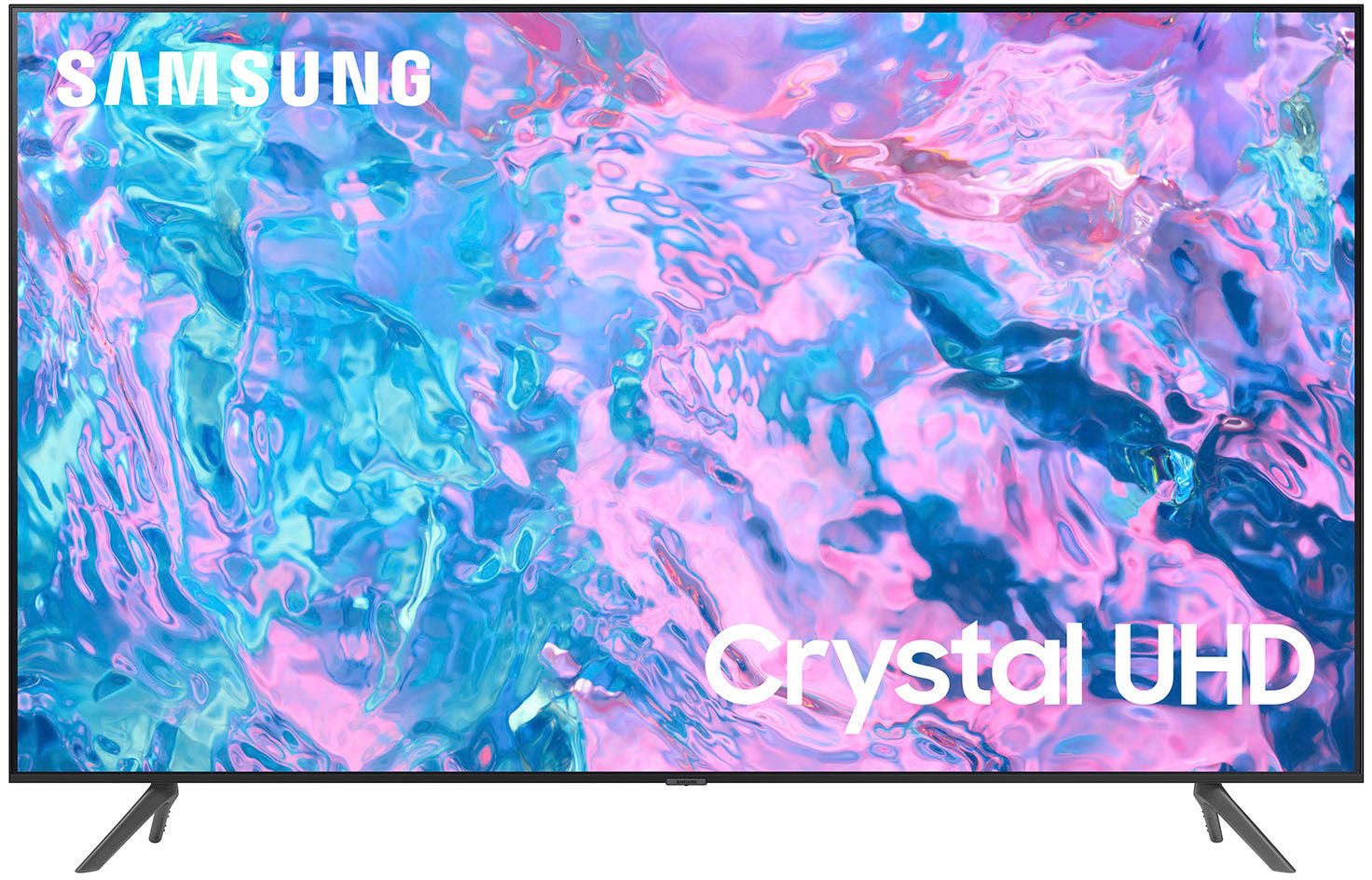
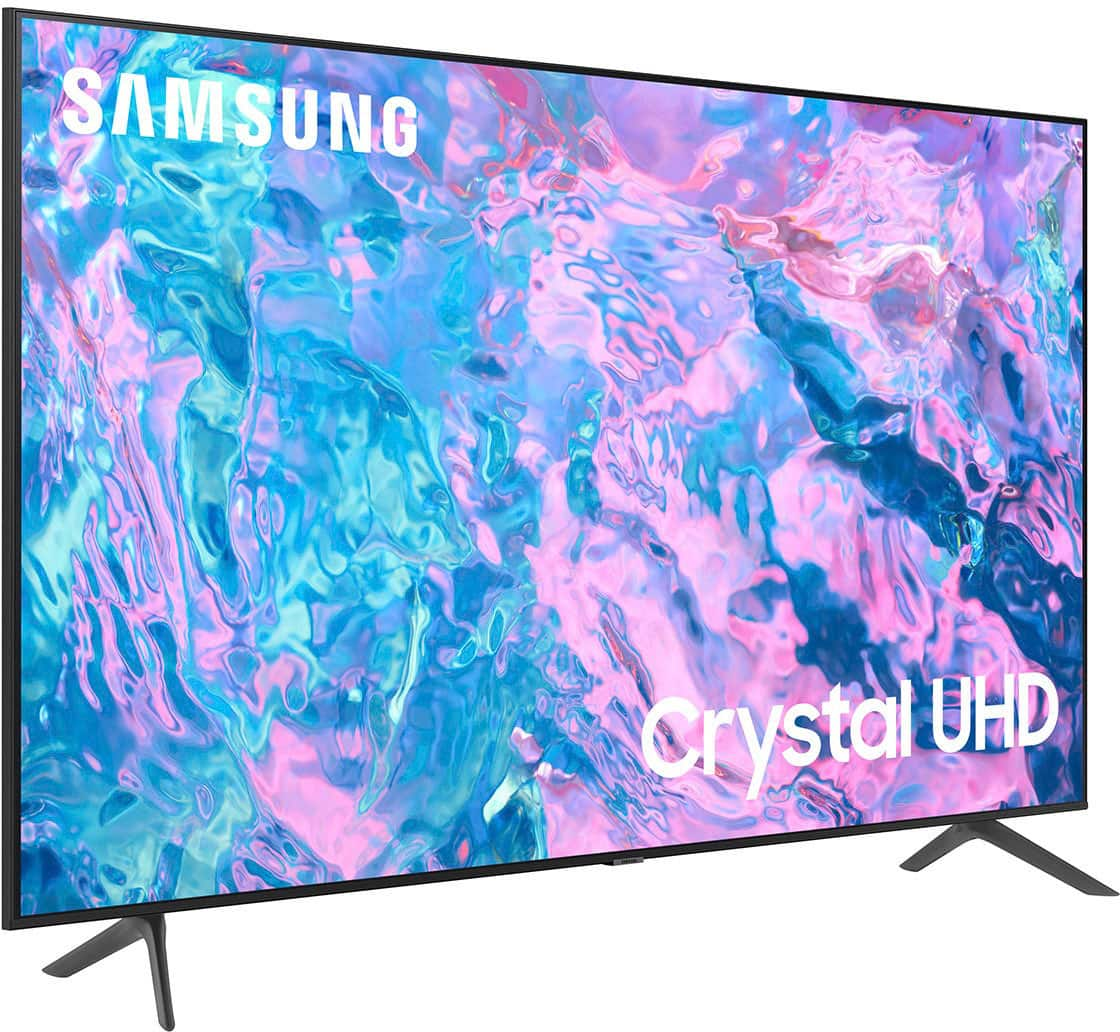
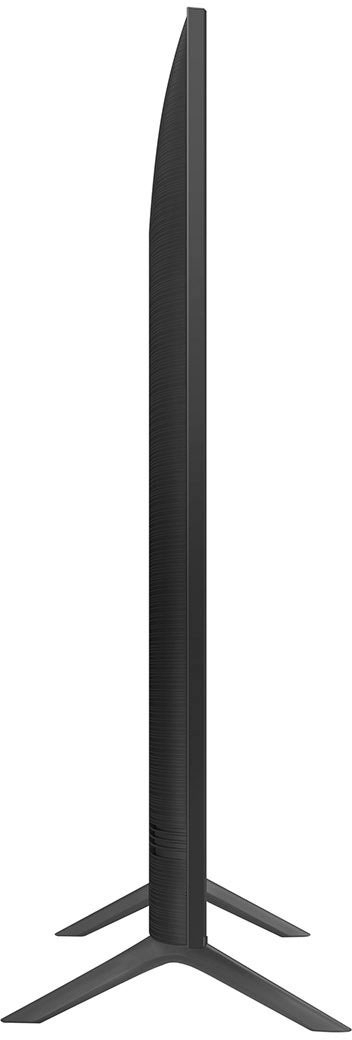
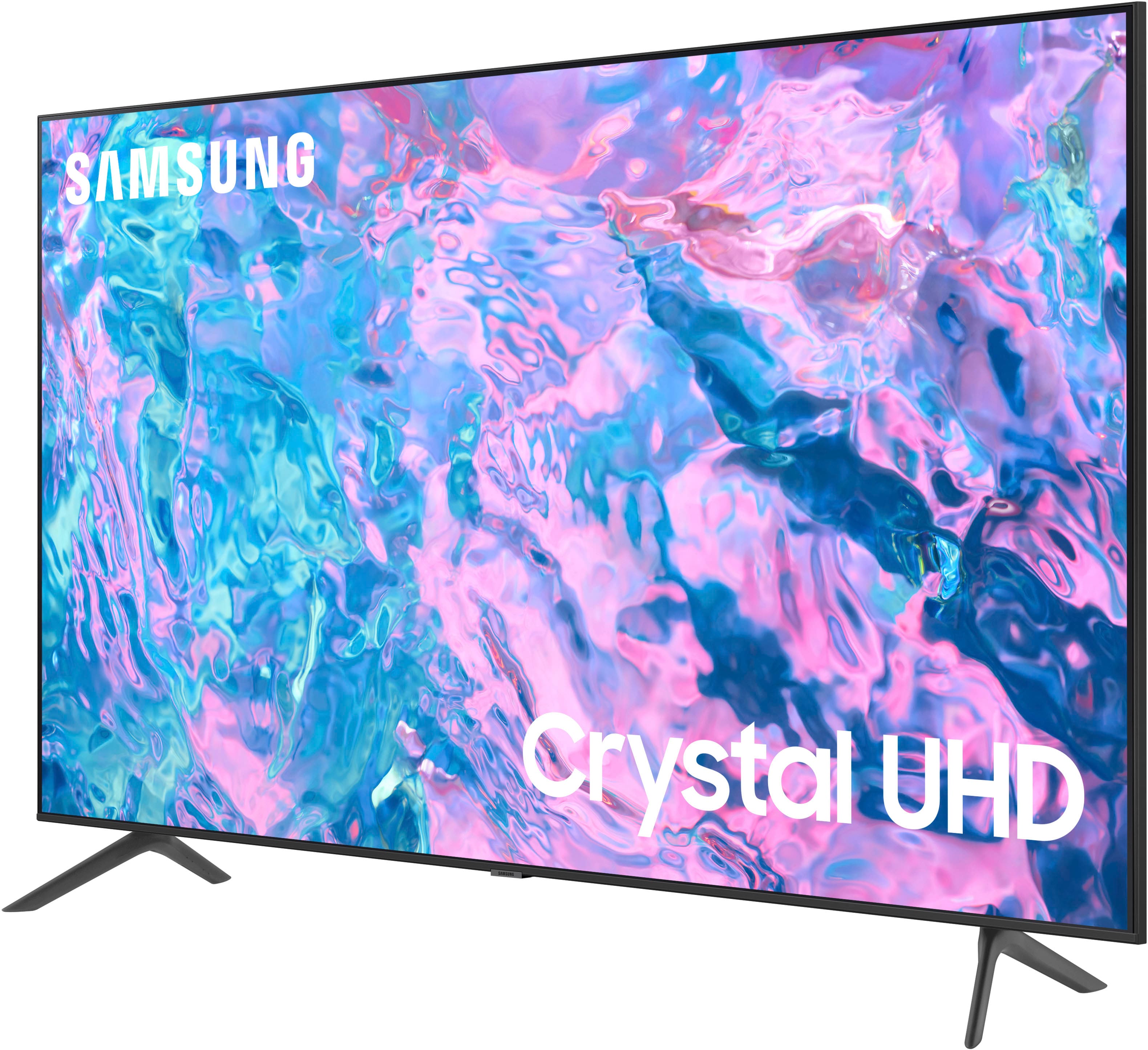
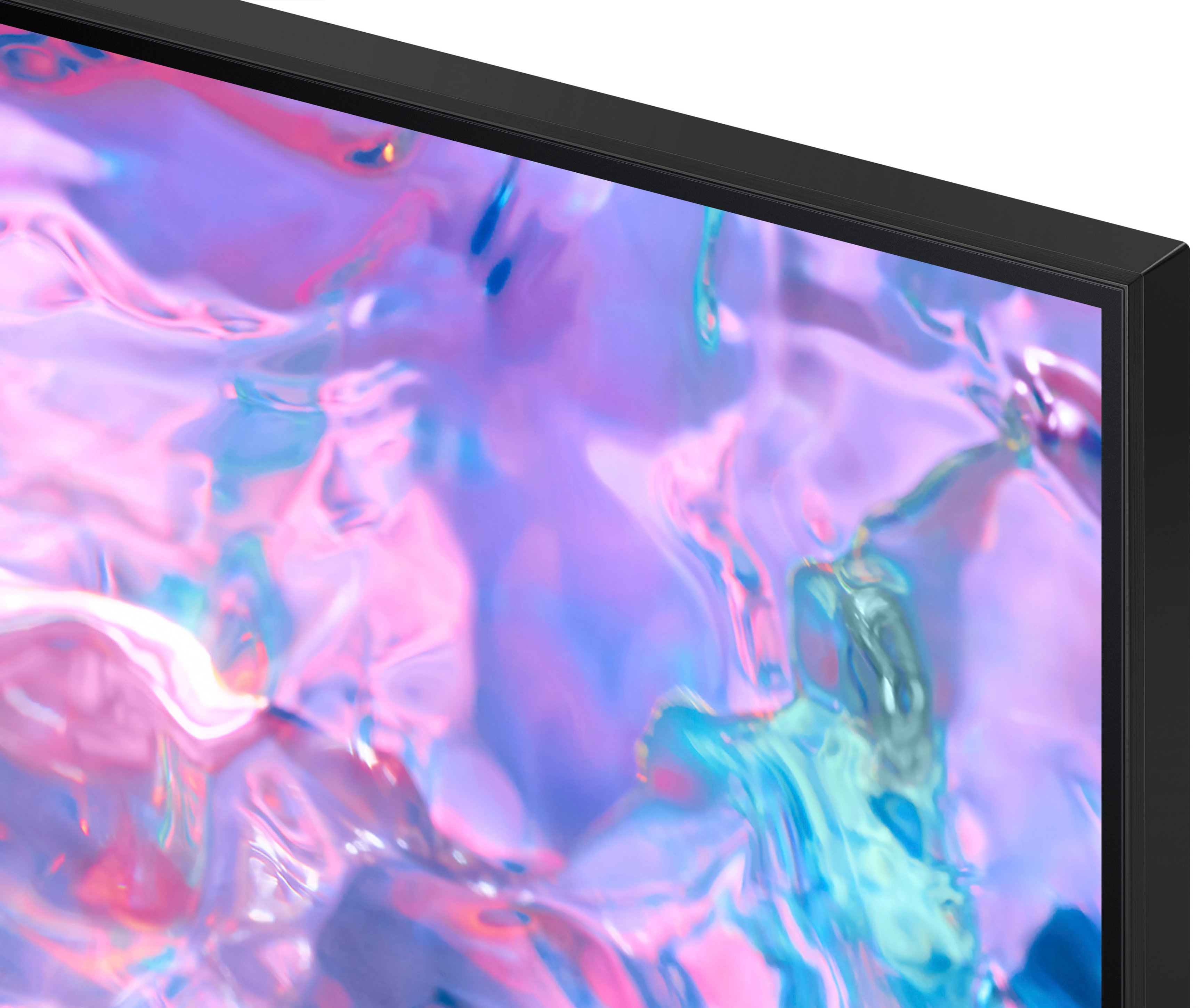



- Model:
- UN55CU7000FXZA
- SKU:
- 6537366
Rating by feature
- Picture Quality
Rating 4.8 out of 5 stars
- Sound Quality
Rating 4.5 out of 5 stars
- Brightness
Rating 4.8 out of 5 stars
Customers are saying
Customers highly value the picture quality, ease of use, and price of the 55” Class CU7000 Crystal UHD 4K Smart Tizen TV (2023). Many also appreciate the vibrant colors and straightforward setup process. While some users found the remote control and volume could be improved, the overall experience is largely positive. The television's design and lightweight nature also received favorable comments.
This summary was generated by AI based on customer reviews.
Good TV for the price
Posted .This reviewer received promo considerations or sweepstakes entry for writing a review.I had no issues. The quality of the picture could better
I would recommend this to a friend- Cons mentioned:Remote control
Ok
Posted .This reviewer received promo considerations or sweepstakes entry for writing a review.Nice tv, but the app home design and remote are clunky.
No, I would not recommend this to a friend LingTan
Posted .This reviewer received promo considerations or sweepstakes entry for writing a review.I am happy with what i have purchased so far & service was excellent
I would recommend this to a friendworthe the money
Posted .This reviewer received promo considerations or sweepstakes entry for writing a review.nice TV, workd fine so far. I love the remote. worth the price.
I would recommend this to a friend- Cons mentioned:Remote control
New Samsung tv
Posted .This reviewer received promo considerations or sweepstakes entry for writing a review.The TV is fine, the remote control and software aren’t particularly very good
No, I would not recommend this to a friendBrand response from Samsung
Posted .Hi user803293,
We appreciate your feedback on the CU7000 TV remote and software. Please know it will be shared with our internal teams. I recommend ensuring your Firmware is up to date. Go to Settings> Support> Software Update.
If you ever have questions or need help, Samsung is here for you! Give us a call at 1-800-SAMSUNG, 8 AM - 12 AM EST, seven days a week. Our LiveChat agents are also available by clicking on the ‘Support’ link on our website.
Thanks for being a part of the Samsung family!
~ Samsung Advisor
Samsung tv
Posted .This reviewer received promo considerations or sweepstakes entry for writing a review.Amazing product amazing price, good quality godd soynd
I would recommend this to a friendBest tv
Posted .This reviewer received promo considerations or sweepstakes entry for writing a review.Perfect quality Optimum screen quality for Samsung tv
I would recommend this to a friendPerfect
Posted .This reviewer received promo considerations or sweepstakes entry for writing a review.Great purchase, Perfect addition to my sons room.
I would recommend this to a friendMt
Posted .This reviewer received promo considerations or sweepstakes entry for writing a review.I have nothing to add for this product nothing special
I would recommend this to a friendSolid TV for the cost!
Posted .This reviewer received promo considerations or sweepstakes entry for writing a review.The HD is a bit shaky on some games (PS5) even with gaming mode on. For TV this is great!
I would recommend this to a friendGreat
Posted .This reviewer received promo considerations or sweepstakes entry for writing a review.Great TV so far. I bought this TV a month ago and its been good. No problems at al
I would recommend this to a friendSecond TV
Posted .This reviewer received promo considerations or sweepstakes entry for writing a review.The right fit for the required location and came just in the nick of time
I would recommend this to a friendPicture quality good
Posted .This reviewer received promo considerations or sweepstakes entry for writing a review.As always, Samsung delivers a fantastic television. No complaints.
I would recommend this to a friendTv
Posted .This reviewer received promo considerations or sweepstakes entry for writing a review.Love it, nothing negative yet about the tv. Looking forward for a 65” inch
I would recommend this to a friendHo
Posted .This reviewer received promo considerations or sweepstakes entry for writing a review.Great buy for man cave as i have multiple tv it's a perfect fit!
I would recommend this to a friendLove my tv
Posted .This reviewer received promo considerations or sweepstakes entry for writing a review.Great TV will definitely recommend to friends and family
I would recommend this to a friendLike it overall
Posted .This reviewer received promo considerations or sweepstakes entry for writing a review.Great TV, although sound could go a little louder.
I would recommend this to a friendBroke after 5 years
Posted .This reviewer received promo considerations or sweepstakes entry for writing a review.Love the TV, but its went out after roughly 5 years and it was due to bad capacitors. The only reason I am making this review is because its a known issue with Samsung TVs based on internet searching and I had a PC monitor from Samsung that also went out from bad capacitors. Then I found out a buddy of mine had his Samsung TV go out over bad capacitors. This is a Samsung issue and why I will never buy another Samsung display again. A replacement capacitor can be purchased locally at a store if possible for like a quarter. So such a small part makes a 400 dollar TV worthless unless you are a electronics enthusiast, which is just unacceptable and horrible QA. So yeah, I have been buying Samsung projects for two decades, and I am done. Note: I also own a Samsung Fold 4 and not even a year into owning it the hinges have made the phone impossible to open all the way, and the screen protector has slowly began to peel off. It is a company issue, not a product issue.
No, I would not recommend this to a friend- Pros mentioned:Picture quality
Terrible Tv. Great picture, terrible performance.
Posted .This reviewer received promo considerations or sweepstakes entry for writing a review.This TV is pretty insufferable. Great picture, but absolutely terrible performance quality. It has a very difficult time streaming live events, the apps available are limited, it has trouble connecting to our soundbar even thought it’s directly connected via hdmi, and it randomly quits apps and opens up “Samsung tv”. Absolutely terrible and a waste of money.
No, I would not recommend this to a friendBrand response from Samsung
Posted .Hi there,
Thank you for letting us know about the issues you are experiencing with the CU7000 TV. I have a few troubleshooting steps for you to try that should resolve the issue you mentioned.
First, let's ensure you are running the latest Firmware. Go to Settings> Support> Software Update.
Next, let's try running a cold boot on your TV. To do so, hold down the Power button on the Samsung TV remote until the TV turns off and then on again. This should take about 5 seconds.
If these steps do not resolve your Internet issues and you are using Wi-Fi, please try the following:
1. Use 5Ghz Wi-Fi if possible
2. Try wired LAN if available
3. Try repositioning the router so there are no obstacles between your TV and the router
Finally, your TV should not randomly quit, however, the above steps should resolve this issue. So you know, you can choose what your TV does when you turn it on by going to Settings > All Settings> General > Smart Features.
When you set Autorun Smart Hub to be on, the TV displays the Home Screen automatically when you turn the TV on.
If Autorun Last App is set to on, the last used app automatically runs when you turn on the TV. You can turn this function on or off.
I hope these tips help resolve your concerns. If you continue to have issues, please call us at 1-800-SAMSUNG, 8 AM - 12 AM EST, seven days a week. LiveChat with an agent, as well as manuals, software, and warranty info, can be found at the ‘Support’ link on our Samsung website.
~ Samsung Advisor
- Cons mentioned:Remote control
Dont bother
Posted .This reviewer received promo considerations or sweepstakes entry for writing a review.Own a series 6 and a series 7. Dont waste your time. Complete garbage. Remotes lag BIG time. Series 7 doesnt recognize remote and with the 6 EVERY button on the remote asigns channel 7.
No, I would not recommend this to a friendBrand response from Samsung
Posted .Hi JayZ,
I’m sorry to hear about the issues you’re experiencing with remote lag. Please know we are here to help.
To ensure performance is fully optimized, please make sure your TV is running the latest firmware. To do so, go to Settings> Support> Software Update. You can easily update from there if necessary.
Next, I recommend utilizing the self-diagnostic tool, which checks memory, frees unused cached memory, and closes background apps. Go to Settings > Support > Device Care > Start Device Care.
I hope these tips help you enjoy your new product.
You can contact us for further help at 1-800-SAMSUNG, 8 AM - 12 AM EST, seven days a week. Our LiveChat agents are also available by clicking on the ‘Support’ link on our website.
~ Samsung Advisor