Customer Ratings & Reviews
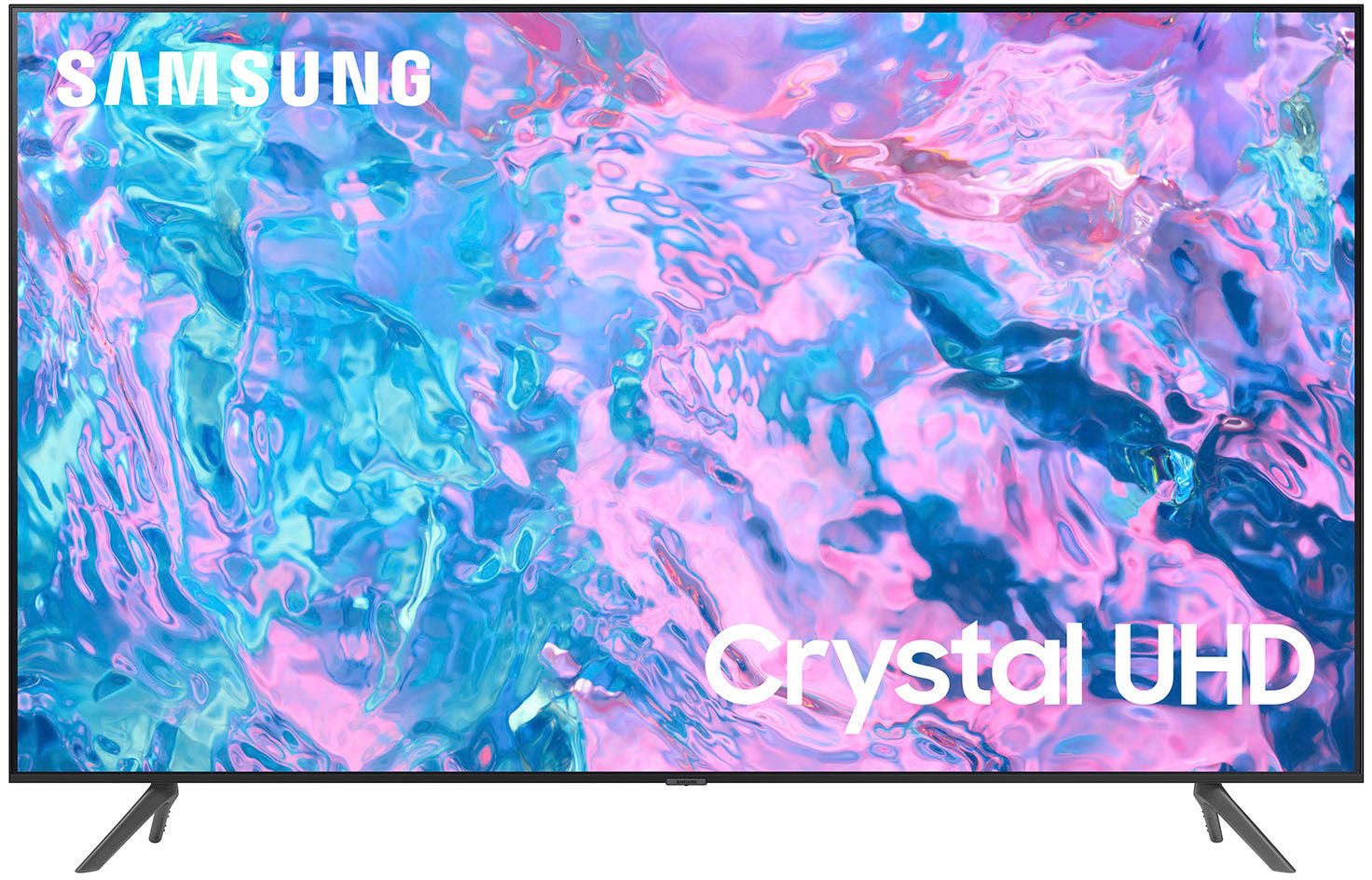
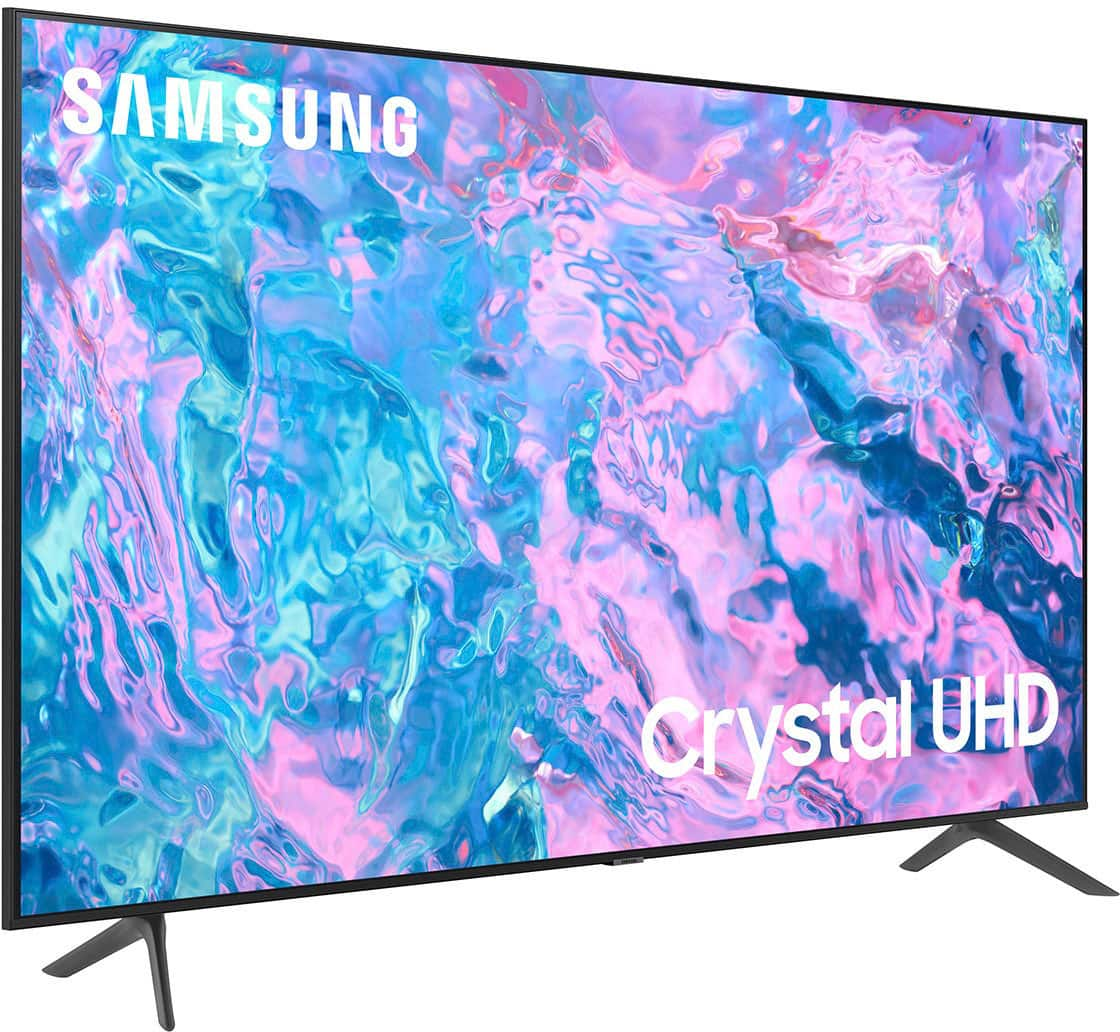
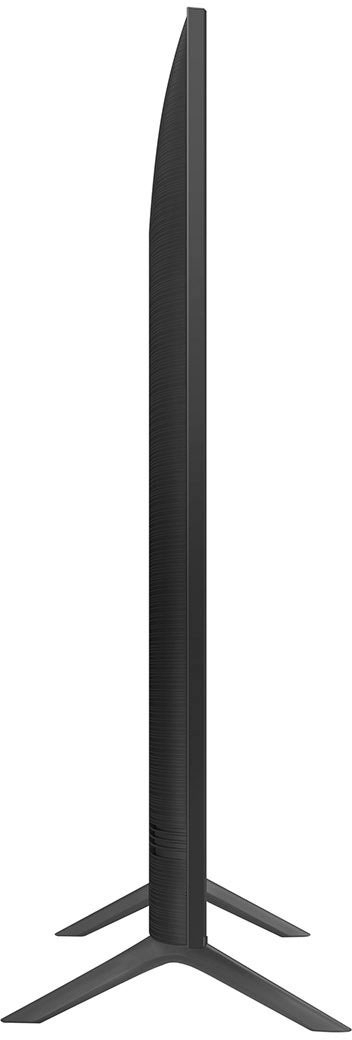
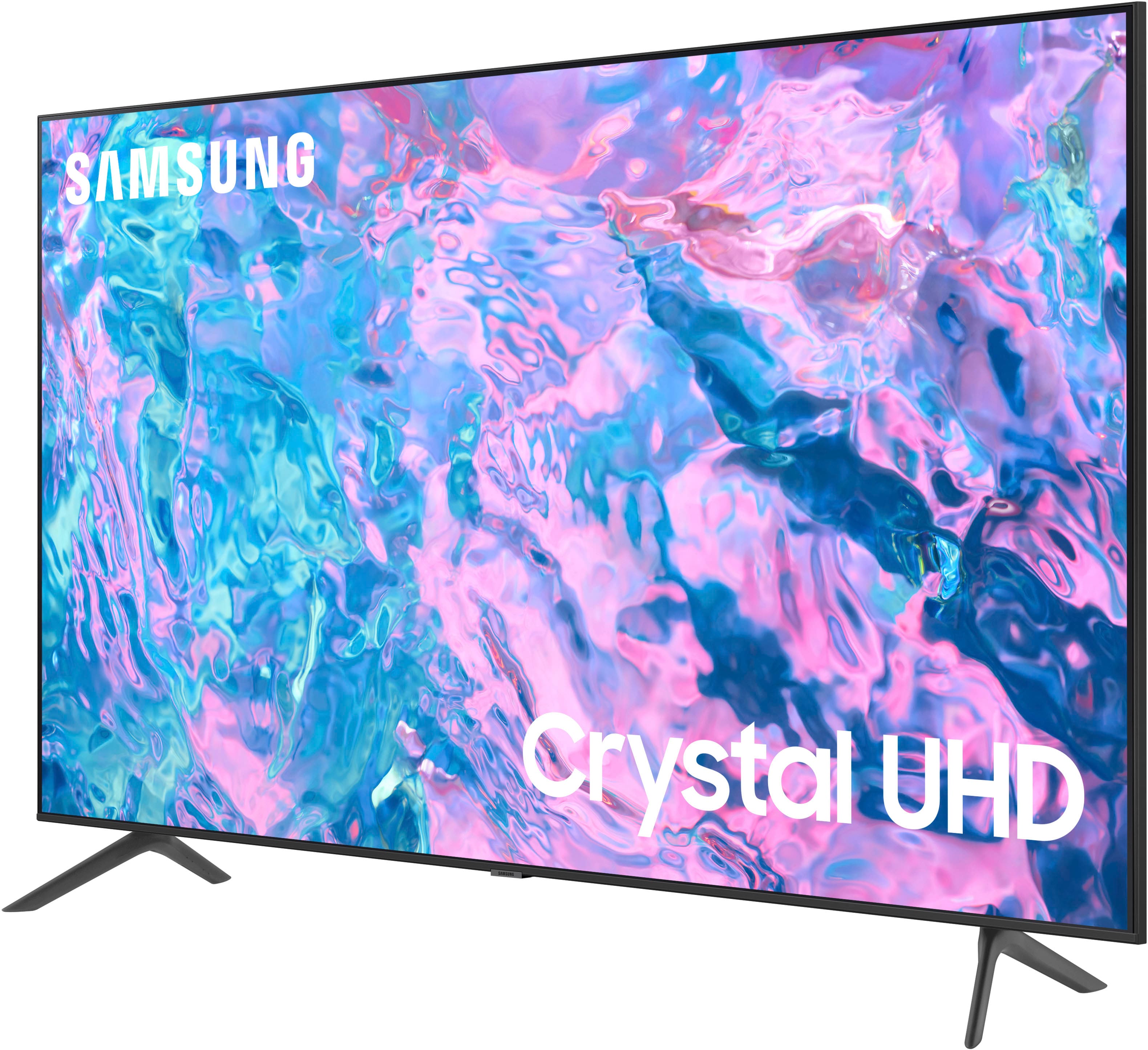
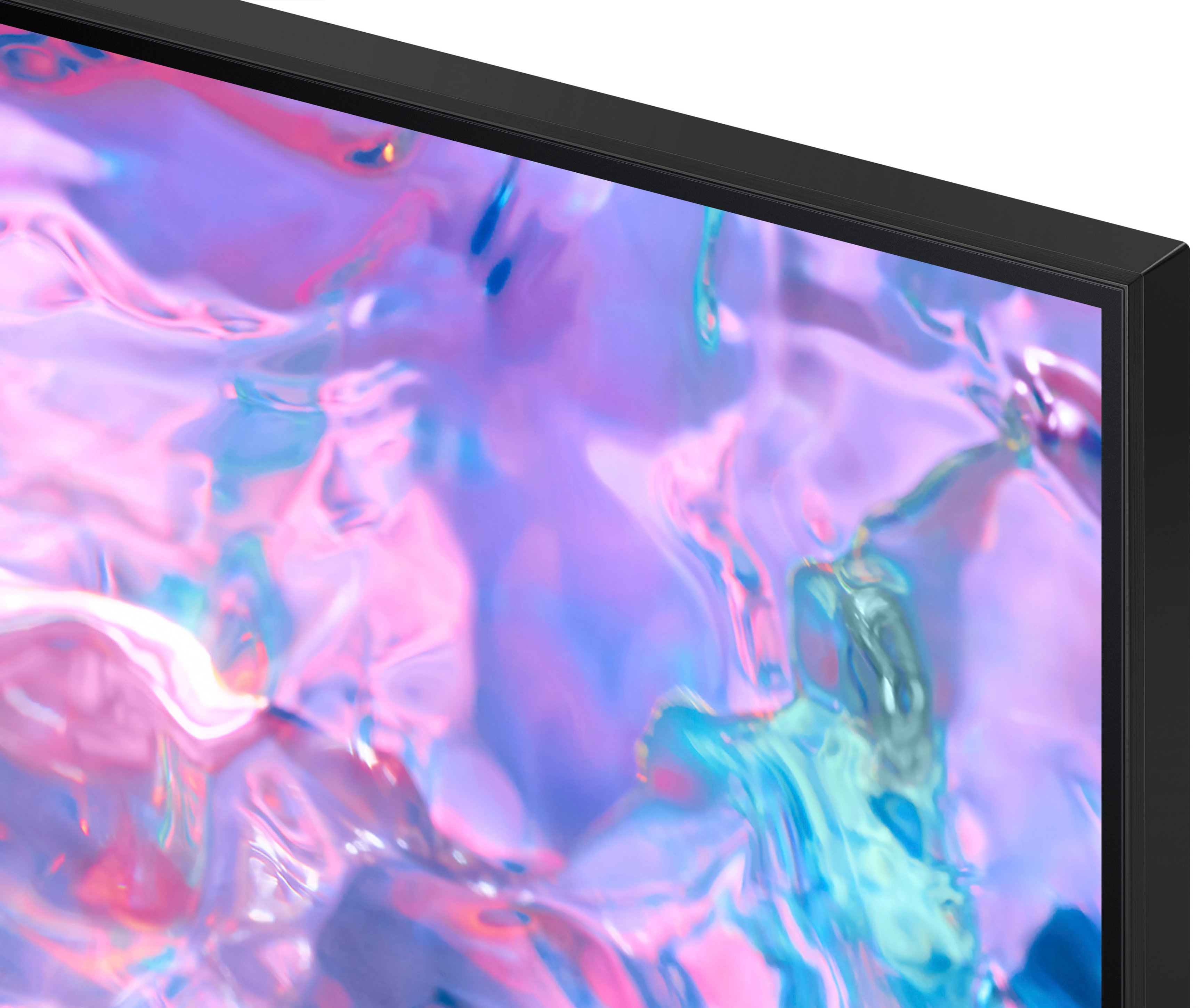



- Model:
- UN55CU7000FXZA
- SKU:
- 6537366
Rating by feature
- Picture Quality
Rating 4.8 out of 5 stars
- Sound Quality
Rating 4.5 out of 5 stars
- Brightness
Rating 4.8 out of 5 stars
Customers are saying
Customers highly value the picture quality, ease of use, and price of the 55” Class CU7000 Crystal UHD 4K Smart Tizen TV (2023). Many also appreciate the vibrant colors and straightforward setup process. While some users found the remote control and volume could be improved, the overall experience is largely positive. The television's design and lightweight nature also received favorable comments.
This summary was generated by AI based on customer reviews.
Not the best TV
Posted .This reviewer received promo considerations or sweepstakes entry for writing a review.When we got this out of the box it did not have the necessary hardware to mount it onto the wall. Another trip to Best Buy. Once it was mounted on the wall and set up it would freeze up and have to be turned off and back on to proceed. Finally, we just returned it to Best Buy and got a different brand.
No, I would not recommend this to a friendBrand response from Samsung
Posted .Hi Garry,
Thank you for taking the time to provide feedback on your CU7000 TV. Please know that your feedback will be shared with our internal product teams. We take pride in our products and are sorry to hear that your experience was not up to our high standards.
We do hope you will give Samsung another chance when purchasing your next TV. If there’s anything we can ever help with, please call us at 1-800-SAMSUNG, 8 AM - 12 AM EST, seven days a week. Or visit us on the Samsung website and click on the ‘Support’ link for:
1) LiveChat
2) Manuals, Software, & Warranty Info
~ Samsung Advisor
Samsung 55
Posted .This reviewer received promo considerations or sweepstakes entry for writing a review.Sound quality average at best. Tv stand flimsy. Remote features hard to navigate,.
No, I would not recommend this to a friendBrand response from Samsung
Posted .Hi user688040,
Thank you for your feedback on the CU7000 TV. I have a few recommendations that may improve your experience.
First, let's ensure you are running the latest Firmware. Go to Settings> Support> Software Update.
Next, we recommend adjusting the Sound Settings to improve your experience. You can change the Sound Mode by going to Settings > All Settings> Sound > Sound Mode.
You can also customize the sound with Expert Settings by going to Settings > All Settings> Sound > Expert Settings.
To learn how to use your Samsung Remote, go to Home> (left directional button) Settings> Support> Remote Control Guide.
Finally, please ensure that the feet on your TV are firmly in place. You should hear a click, and the stand should not be flimsy.
I hope these tips help you enjoy your new product. You can contact us for further help at 1-800-SAMSUNG, 8 AM - 12 AM EST, seven days a week. Our LiveChat agents are also available by clicking on the ‘Support’ link on our website.
~ Samsung Advisor
Backlight defect. TV went dark
Posted .This reviewer received promo considerations or sweepstakes entry for writing a review.Don’t buy. We barely use it (less than 4 hours a week). Died in us all of the sudden. Backlight failure. $200 to repair + parts. Third Samsung TV, all same issues.
No, I would not recommend this to a friendProduct sucks, so does Best Buy
Posted .This reviewer received promo considerations or sweepstakes entry for writing a review.TV won't play streaming services like Hulu regularly. Samsung's advice is to unplug it. Best Buy won't help because it started after 15 days. Buy a Sony from another dealer.
No, I would not recommend this to a friendSucks
Posted .This reviewer received promo considerations or sweepstakes entry for writing a review.My biggest issue is my tv won’t connect to internet. Called customer service and they say it’s a software issue and yes the sound sucks. I’ll have a LG as soon as there is a sale
No, I would not recommend this to a friendBrand response from Samsung
Posted .Hi JohnS,
Thank you for reaching out to us regarding the issues you are experiencing with your CU7000 TV. I have a few suggestions to resolve the Wi-Fi issues your TV is having.
First, let's ensure you are running the latest Firmware. Go to Settings> Support> Software Update. To ensure you do not miss any Firmware Updates, I recommend enabling Auto Updates. Go to Settings> Support> Software Update> then select Auto Update.
Next, let's try running a cold boot on your TV. To do so, hold down the Power button on the Samsung TV remote until the TV turns off and then on again. This should take about 5 seconds.
If this does not resolve your Wi-Fi issues, please try the following:
1. Use 5Ghz Wi-Fi if possible
2. Try wired LAN if available
3. Try repositioning the router so there are no obstacles between your TV and the router
Regarding sound quality, please know there are sever settings available that you can adjust. You can change the Sound Mode by going to Settings > All Settings> Sound > Sound Mode.
You can also customize the sound with Expert Settings by going to Settings > All Settings> Sound > Expert Settings.
If you’d like more help with settings, please know we’re here to help! Call us at 1-800-SAMSUNG, 8 AM - 12 AM EST, seven days a week. Or visit us on the Samsung website and click on the ‘Support’ link for:
1) LiveChat
2) Manuals, Software, & Warranty Info
~ Samsung Advisor
Lasted only 1 Year and 1 Month... screen went DARK
Posted .This reviewer received promo considerations or sweepstakes entry for writing a review.GARBAGE TV.. Screen went BLACK after 1 YEAR and 1 MONTH.. DONT BUY.. this tv was used maybe about 7 hours a week
No, I would not recommend this to a friendBrand response from Samsung
Posted .Hi Juan,
I’m sorry to hear about the issues you’ve experienced with Samsung’s CU7000 TV. Your feedback is important to us and will be shared with our product teams.
Please know the CU7000 TV was released in 2023 and still should be under the 1-year limited manufacturer's warranty. Please give us the opportunity to assist you by contacting Samsung Customer Support at 1-800-SAMSUNG, 8 AM - 12 AM EST, seven days a week. Our LiveChat agents are also available by clicking on the ‘Support’ link on our website.
~Samsung Advisor
Skip this one
Posted .This reviewer received promo considerations or sweepstakes entry for writing a review.Brought it home and it worked for 1 day. After that it started power cycling no matter what i tried.
No, I would not recommend this to a friendBrand response from Samsung
Posted .Hi TonyT,
I'm sorry to hear about your experience with the CU7000 TV. Please know we back this Samsung TV with a 1-year limited manufacturer's warranty, including authorized repair for manufacturer defect, if purchased brand-new directly from an authorized seller.
Please give us the chance to make this right by contacting Samsung Customer Support at 1-800-SAMSUNG, 8 AM - 12 AM EST, seven days a week. Our LiveChat agents are also available by clicking on the ‘Support’ link on our website.
~ Samsung Advisor
No passthrough audio function
Posted .This reviewer received promo considerations or sweepstakes entry for writing a review.Dolby digital passthrough fails to work on this TV. You can use it for stereo audio only. Seems like a glitch.
No, I would not recommend this to a friendBrand response from Samsung
Posted .Hi RyanB,
We appreciate your purchase and feedback on the CU7000 TV. If you are having issues with the pass-through feature, please ensure you have activated the setting.
To activate the Audio Pass-through feature, go to Settings > Sound > Expert Settings > Digital Output Audio Format > set to Pass-Through.
If you have tried this and your issue persists, please reach out to Samsung Customer Support so that we can provide further troubleshooting. You can call us at 1-800-SAMSUNG, 8 AM - 12 AM EST, seven days a week. Our LiveChat agents are also available by clicking on the ‘Support’ link on our website.
~ Samsung Advisor
Crappy hardware
Posted .This reviewer received promo considerations or sweepstakes entry for writing a review.Hard to configure, not even my cable company can have the cable box control the sound ie volume
No, I would not recommend this to a friendBrand response from Samsung
Posted .Hi WillieA,
I'm sorry to hear you are having issues configuring your cable remote to the Samsung TV. So we can better assist you, please call us at 1-800-SAMSUNG, 8 AM - 12 AM EST, seven days a week. LiveChat with an agent, as well as manuals, software, and warranty info, can be found at the ‘Support’ link on our Samsung website.
~ Samsung Advisor