Customer Ratings & Reviews
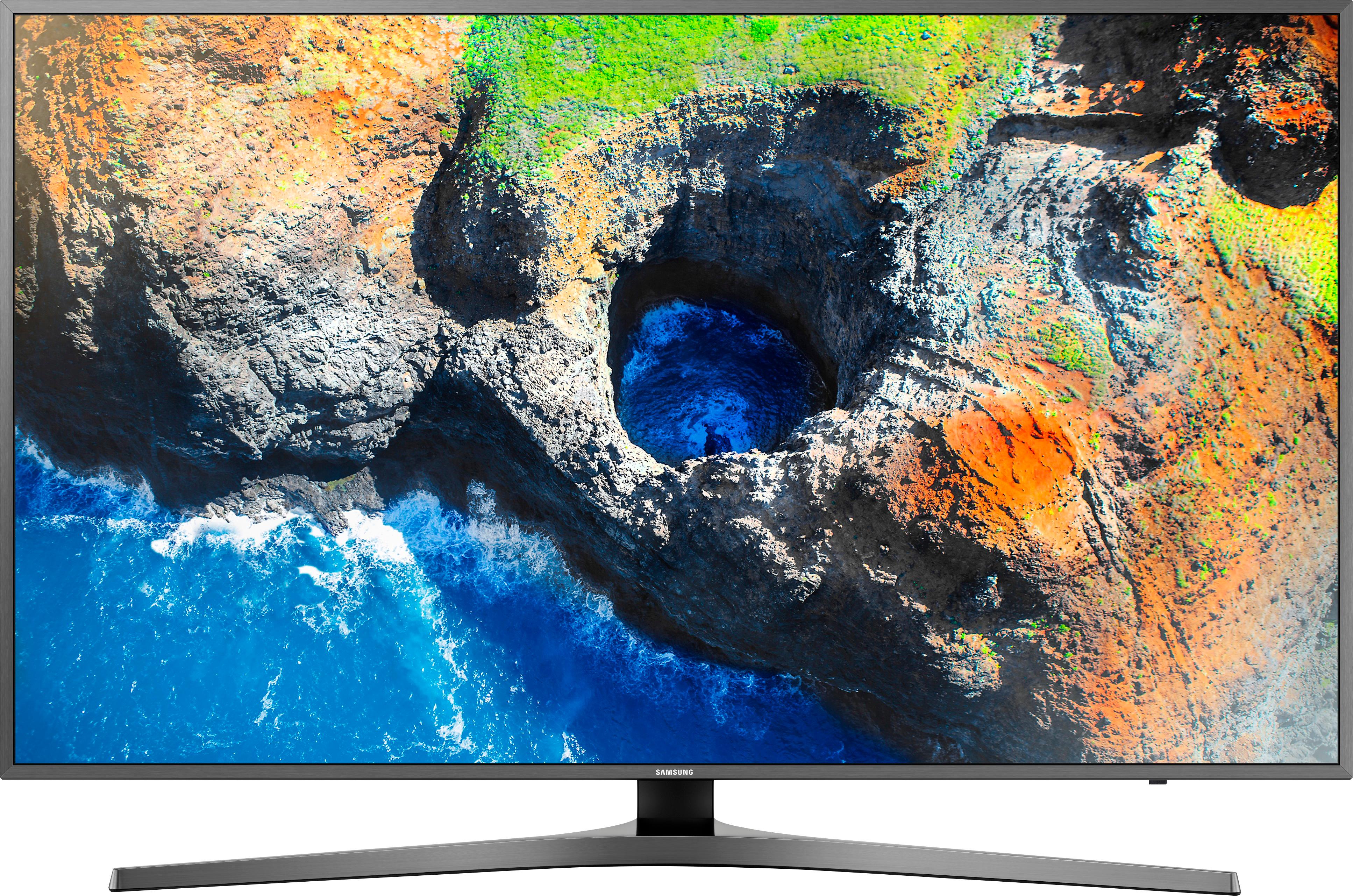
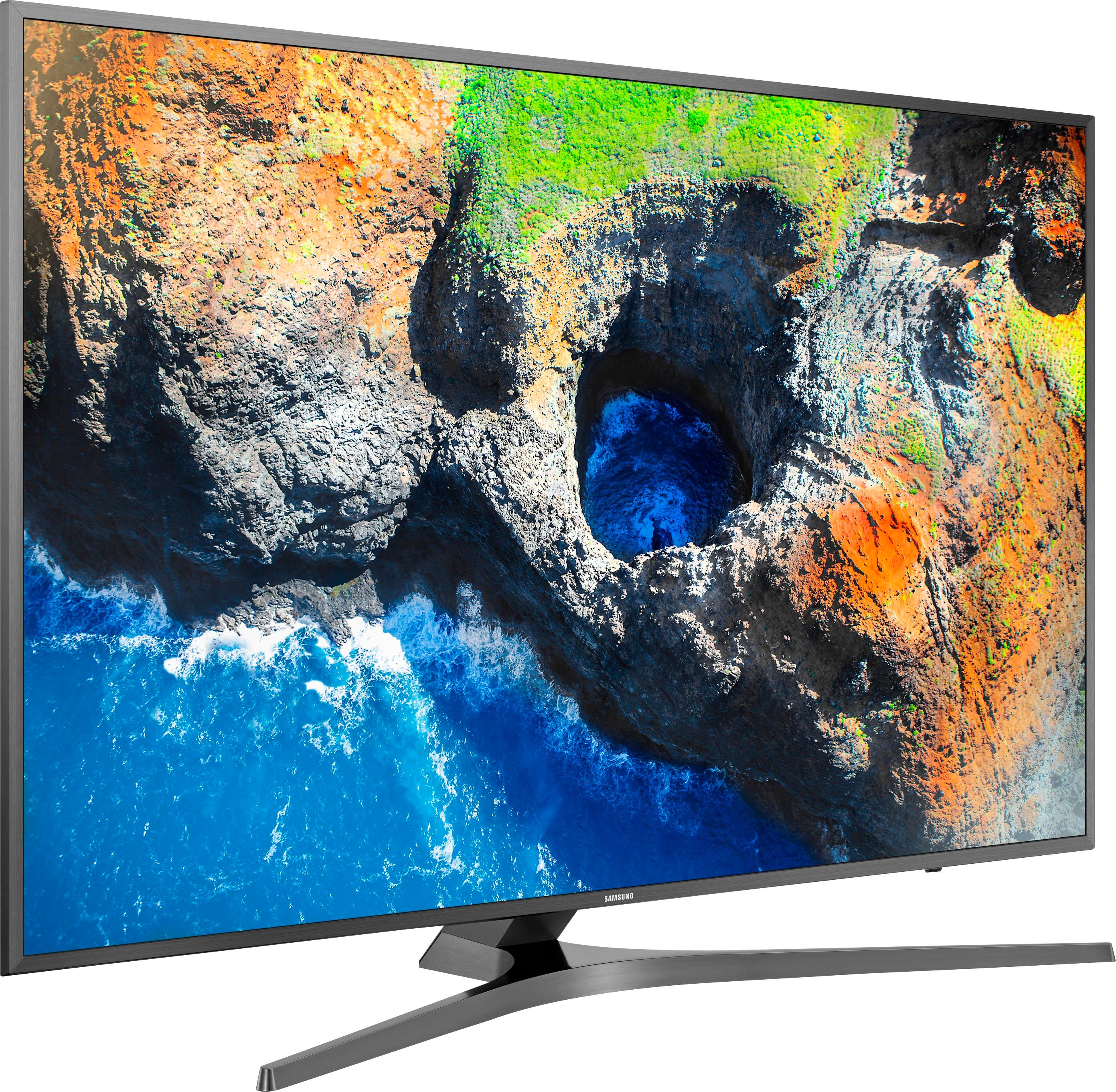
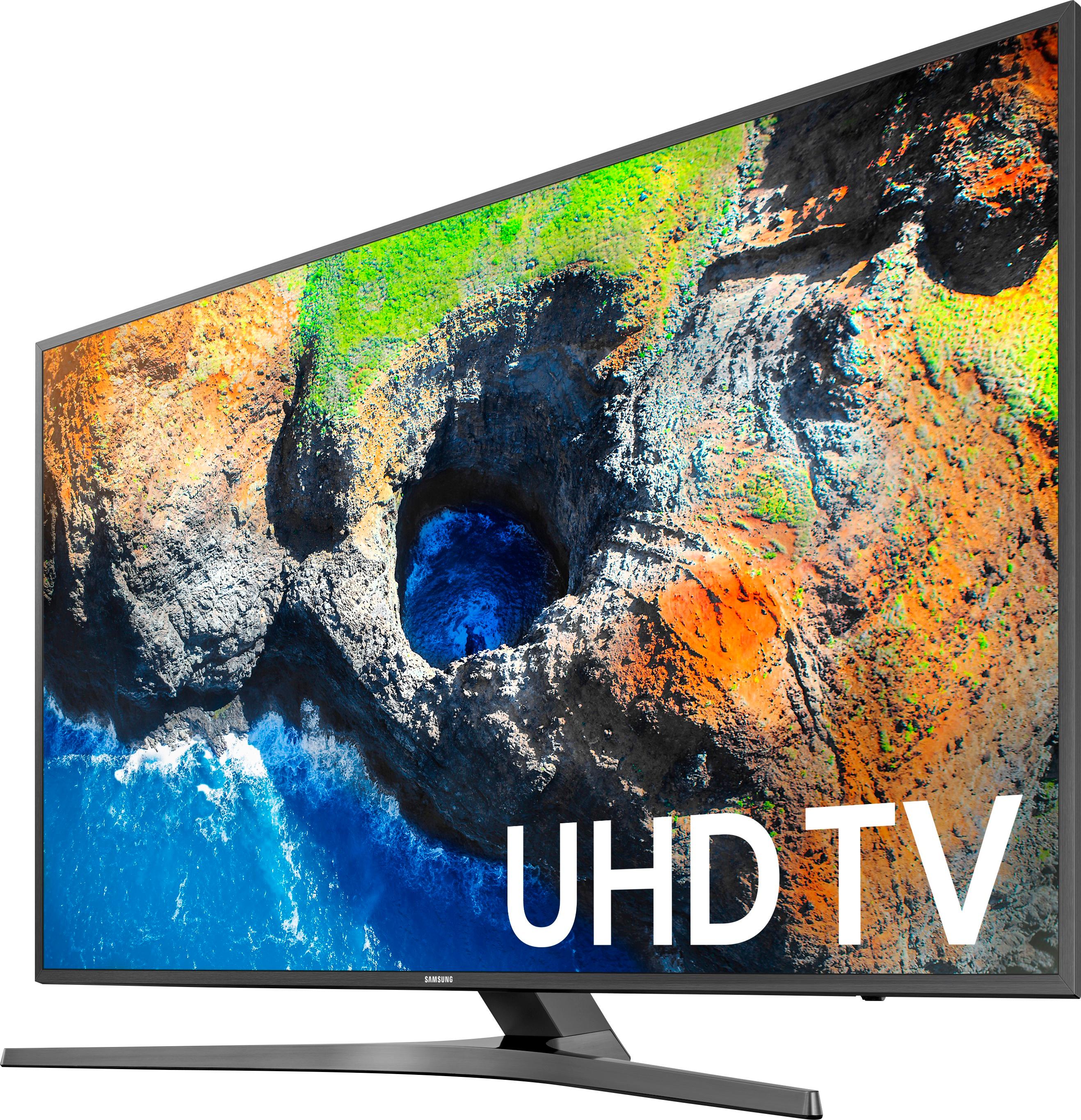
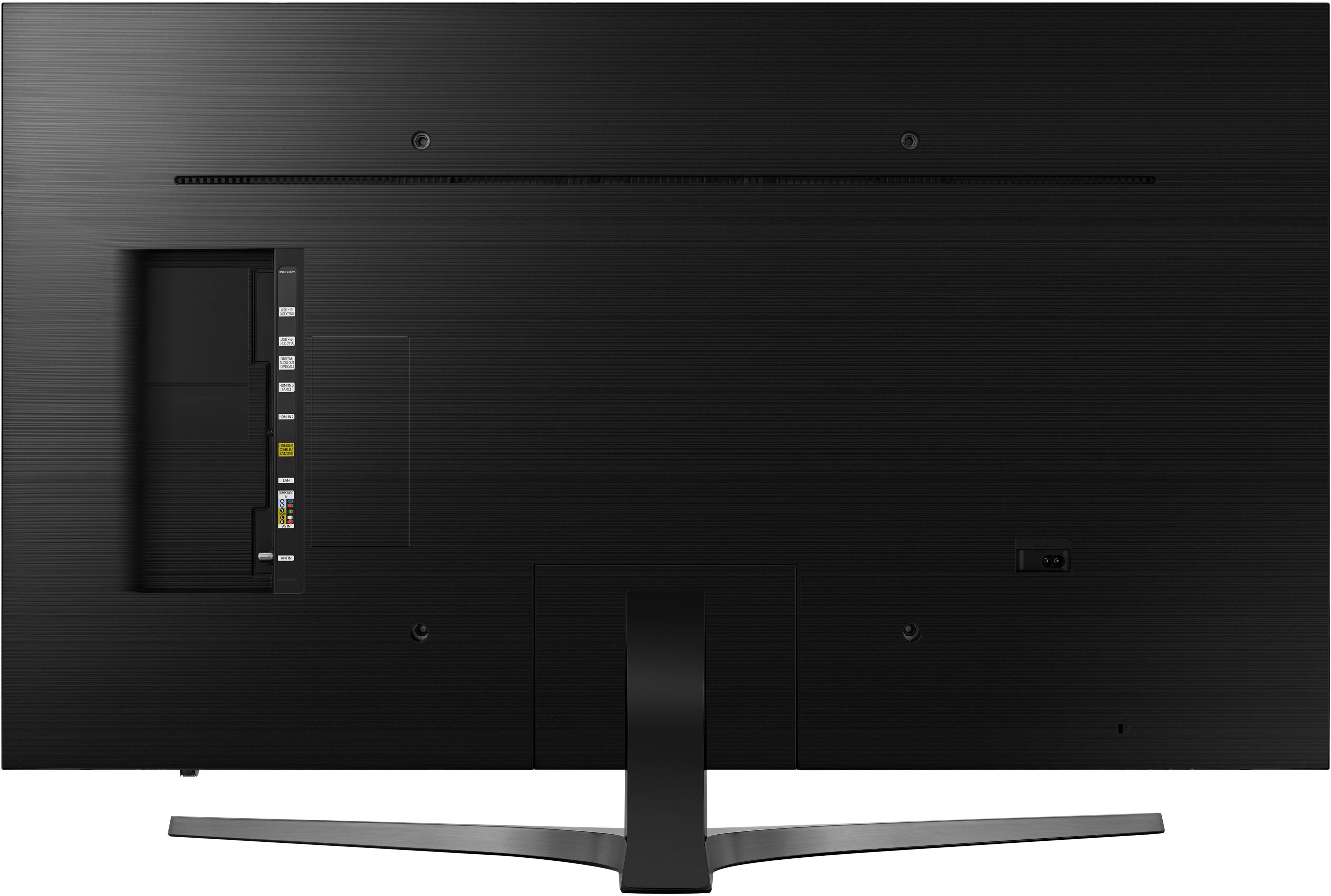


- Model:
- UN55MU7000FXZA
- SKU:
- 5773701
Rating by feature
- Value
Rating 4.3 out of 5 stars
- Quality
Rating 4.6 out of 5 stars
- Ease of Use
Rating 4.7 out of 5 stars
Customers are saying
Customers praise the 55" Class LED MU7000 Series 4K UHD TV for its exceptional picture quality, easy setup, and affordable price. They appreciate the vibrant colors, user-friendly smart features, and capable remote control. While some customers have concerns about the refresh rate, viewing angle, size, and HDR capabilities, the overall sentiment is positive.
This summary was generated by AI based on customer reviews.
- Pros mentioned:Picture quality
Beautiful TV
Posted .This reviewer received promo considerations or sweepstakes entry for writing a review.Amazing tv with great picture. Very intense detail feels like you can see everything on the football field. Returned LG 55UJ7700 for this because the LG had too dark of a picture. Couldn't be happier with the Samsung, 100% satisfied.
I would recommend this to a friend - Pros mentioned:Hdr
one big flaw
Posted .This reviewer received promo considerations or sweepstakes entry for writing a review.Great TV. The depth of the image in HDR is nearly 3D. Just one flaw. This unit will turn itself off in the middle of program and then immediately turn itself back on. Very weird. And very irritating.
I would recommend this to a friend Great Product
Posted .This reviewer received promo considerations or sweepstakes entry for writing a review.Greatest tv I have purchased. Still runs like new!
I would recommend this to a friend- Cons mentioned:Viewing angle
TV is fine but viewing angle is horrible
Posted .This reviewer received promo considerations or sweepstakes entry for writing a review.I had read multiple reviews on this TV stating that the viewing angle was bad and just assumed people were being TV snobs. Well.... the viewing angle is horrible on this TV. I sold TVs for 3 years (a lifetime in TV technology) and this is one of the worst viewing angles I've ever seen on a Samsung. In the store, it was not as noticeable but once I got the TV home and tried it out, it became extremely apparent. The angle I watch from my couch is maybe 30 degrees from straight on. The color becomes so poor that I honestly thought the Blu-Ray I was watching wasn't functioning properly. I altered the picture settings but nothing changed. Unless I went to about 10 degrees or less from straight on, the color become very diluted (except for one shade of blue which became awkwardly vibrant). The TV itself is an easy setup. The remote is fine though I'm not a fan of how it resembles soundbar remotes (I prefer a normal-sized TV remote). I didn't use any Smart functions as I just used my PS4 for viewing movies. Maybe I'm being a snob when it comes to this but you will absolutely notice dilution of colors and every person looking sick if you don't sit almost straight on with this TV. I will be exchanging this TV for another in the next few days.
No, I would not recommend this to a friendBrand response from MrSamsung
Posted .nchantala,
Thank you for purchasing and reviewing this Samsung MU7000 UHD Smart TV. We value your user feedback about the viewing angle and will share it with our product team.
Should you need assistance with features or usage, please contact Samsung Customer Support toll-free at 1-800-SAMSUNG and a representative will gladly help you.
You can also contact Samsung via LiveChat or email. Please copy-paste this link into your browser: http://www.samsung.com/us/support/contact
We are likewise reachable by Facebook messenger at: http://m.me/samsungsupport
Or find us on Twitter at: https://twitter.com/messages/compose?recipient_id=18768513.
Again, thank you for taking the time to share your experience and provide us with information that helps improve our products and service.
-Samsung Ambassador
Recommend
Posted .This reviewer received promo considerations or sweepstakes entry for writing a review.The best tv that I ever have :) I am a Samsung fun
I would recommend this to a friend- Pros mentioned:Picture qualityCons mentioned:Motion
Better options out there.
Posted .This reviewer received promo considerations or sweepstakes entry for writing a review.This TV has a great picture, in a dark room as long as you are standing right in front of it, and aren't picky about motion blur. The viewing angles are TERRIBLE, the brightness isn't up to par and it is NOT 120 hz. Returned it to the store after a week or so and made a much better purchase. Read the reviews, study up on them. I'd recommend Sony.
No, I would not recommend this to a friend - Pros mentioned:Color
Excellent TV
Posted .This reviewer received promo considerations or sweepstakes entry for writing a review.I have had this TV for several months now and have been very happy with it. I didn't think I would like the silver sides versus black sides that are on my other Samsung TV's, but I stopped noticing it a long time ago. The color is very crisp and clear. The sound is great. I highly recommend this TV.
I would recommend this to a friend - Pros mentioned:Picture quality
Awesome TV
Posted .This reviewer received promo considerations or sweepstakes entry for writing a review.I purchased this TV after trying a Sony Bravia. I wanted the Bravia for the Android TV but it's slow and sluggish. This TV has just as good of a picture and the tizen os is 100x faster than the Sony Android TV. Perfect TV for our bedroom!
I would recommend this to a friend Great TV. Ad Problem
Posted .This reviewer received promo considerations or sweepstakes entry for writing a review.I had this TV delivered and mounted yesterday. It is a great TV. Contrary to some reviewers, the remote is not difficult to learn. Just have to get used to it. One important issue with the Ad for the TV. This TV has a the gray frame and not black. We checked it with the UPC number and the SKU number. Best Buy needs to fix this.
I would recommend this to a friend- Pros mentioned:Picture quality
Samsung lynn
Posted .This reviewer received promo considerations or sweepstakes entry for writing a review.I recommend this Samsung TV to anyone in the process of getting a new TV. Picture is great. It's still working as of today. I'm also upgrading to a bigger size.
I would recommend this to a friend - Pros mentioned:Picture quality
Plug keeps falling off
Posted .This reviewer received promo considerations or sweepstakes entry for writing a review.I usually buy Sony but tried out Samsung. This tv has beautiful picture and good sound, but after a month the plug behind the tv would fall off if I came remotely near it, I called Samsung and they sent me a new one, guess what? Same problem, I googled the problem and found out a lot of Samsung TVs have this issue. Also one day my tv said it was connected to my router but not my internet so none of the apps would work, all my other devices worked fine so it was the tv, tried restarting, resetting, etc, eventually it just fixed on its own. Only buying Sony from now on
No, I would not recommend this to a friendBrand response from MrSamsung
Posted .Notpicky,
Thank you for purchasing the Samsung MU7000 4K Smart TV. I am sorry to hear that you are experiencing issues.
A common reason that the optical cord is not fitting properly is that there is a small cap on the connector end that needs to be removed. Please check for the cap.
I hope this helps to solve the sound issue. Should you need further assistance, please contact Samsung Customer Support toll-free at 1-800-SAMSUNG and a representative will gladly help you.
You can also contact Samsung via LiveChat or email. Please copy-paste this link into your browser: http://www.samsung.com/us/support/contact
We are likewise reachable via Facebook Messenger at: https://www.facebook.com/samsungsupport/app/158125230916392/
Or simply tweet us at: https://twitter.com/messages/compose?recipient_id=18768513
Samsung is committed to providing the best possible product experience, quality, and value, and we are always here to help with any of your questions or concerns.
-Samsung Ambassador
SMART Entertainment
Posted .This reviewer received promo considerations or sweepstakes entry for writing a review.Nicee really smart television with great network capability
I would recommend this to a friendAll good but for mute icon
Posted .This reviewer received promo considerations or sweepstakes entry for writing a review.Had tv set up for just more than 24 hours. Everything went well. Only gripe is flashing mute icon. Very annoying. Whose bright idea was this? Like a neon light flashing in your face right on side of viewing area. Called Samsung Help line, very nice, they tried it out and asked about a fix, but no luck. Very understanding, said they would request add to upcoming update. Dont know if i want to chance a wait, may return it for 2016 model before my 15 day return time expires. This is July 2017 model.
I would recommend this to a friendNot a very good tv
Posted .This reviewer received promo considerations or sweepstakes entry for writing a review.Bought the tv last Wednesday, set it up and very much enjoyed it. But today , i turned it on and there is a purple line and a white line running across the tv. After researching it, it usually happend to tv about 2,3 years old, but this one is brand new. I had a 4k tv from samsung before and it is still working very good. Not very happy with this one at all.
No, I would not recommend this to a friendBrand response from MrSamsung
Posted .Bo0586,
Thank you for purchasing the Samsung 55" Class 4K Smart TV. I am sorry to hear that you are experiencing issues.
There are multiple possible causes for lines on the screen; sometimes a malfunction external device may be the cause.
Please give us the opportunity to assist you with trouble-shooting by contacting our Customer Support toll-free at 1-800-SAMSUNG.
You can also contact Samsung via LiveChat or email. Please copy-paste this link into your browser: http://www.samsung.com/us/support/contact
We are likewise reachable on our Samsung Support Facebook page at: https://www.facebook.com/samsungsupport/app/158125230916392/
Again, I am very sorry for the unfortunate experience and hope that we will hear from you soon.
-Samsung Ambassador
Good TV
Posted .This reviewer received promo considerations or sweepstakes entry for writing a review.Good TV. I’ve had it 5 years with no problems. I’ve had several Samsungs, but think it may be time to move. Their Home Screen is clunky.
I would recommend this to a friendlove my t.v. but a don't like geek squad
Posted .This reviewer received promo considerations or sweepstakes entry for writing a review.I was moping and I accidentally hit my tv and stop working they did not waned to help me so I still owned the tv and paying the protection plant for nothing, I bearly have 3 months with my tv5/29/17 and the day stop working 8/26/17
No, I would not recommend this to a friendDoes everything I need it to do.
Posted .This reviewer received promo considerations or sweepstakes entry for writing a review.There's only 2 things I would change. The power cord is too short for an easy wall mount and I'm having trouble finding a longer one to buy. The other is that every so often the thing just turns off all by itself.
I would recommend this to a friendWaste of Space
Posted .This reviewer received promo considerations or sweepstakes entry for writing a review.This television is the biggest waste of money I have ever encountered. I have had this television less than 2 weeks and the screen is already flickering to a blue screen and there are changes in the sound as well. Sure the new screens are nice and flat but clearly they have sacrificed usability in order to achieve that. The thought that you should have to trouble shoot a brand new television is beyond me and possibly the dumbest thing I've heard. I am so disgusted with the quality of this product and will surely advise anyone else to buy something different. It is not worth the time it will take you to place the television on its flimsy stand. I would prefer to give this negative reviews, unfortunately that is not possible so I will settle with 1 star. If they try to sell you this please run the other way.
No, I would not recommend this to a friendBrand response from MrSamsung
Posted .BusyLady,
Thank you for your feedback on the Samsung MU7000 4K UHD Smart TV. I am very sorry for the issues you have encountered, and understand your frustration. Your user experience is very important to us and will be shared with our teams.
Again, my apologies for the inconvenience and disappointment you had.
Your feedback is very important to us and we utilize your concerns and opinions in our relentless efforts towards delivering world-class product and service.
-Samsung Ambassador
- Cons mentioned:Motion
Horrible
Posted .This reviewer received promo considerations or sweepstakes entry for writing a review.I bought this tv to replace my 58in plasma tv and it was a mistake. The color isn't bright, you have to sit directly in front, and blurry motion. I'm getting dizzy just watching the news. Returning it and going back to my 8 year old plasma.
No, I would not recommend this to a friendBrand response from MrSamsung
Posted .Nick,
Thank you for your review of this Samsung MU7000 UHD Smart TV.
I am sorry to see that you are not happy with its picture quality.
Have you tried adjusting Auto Motion Plus? It is a feature designed to eliminate blur and judder on an LED TV, specifically in fast moving images. It does so by taking a 30 fps signal and adds in additional frames to help smooth out any blur or judder between frames, called interpolation.
Here is the step-by-step guide to change Auto Motion Plus settings:
With the TV powered on, press the Home button on the Samsung remote to open the Home screen> Select Settings>.Select Picture > Select Expert Settings> Select Auto Motion Plus.
(Note: This option may not be visible initially. Continue scrolling through the Expert Settings Menu to locate Auto Motion Plus)
>Select Auto Motion Plus again, and you will see the following three options:
◦Off: Auto Motion Plus will always be off.
◦Auto: Auto Motion Plus will automatically activate and deactivate based on the type of program being watched.
◦Custom: Allows custom adjustments and settings to be used.
By selecting the Custom option, you can access these advanced settings:
- Blur Reduction: Use the directional keys on the remote to adjust the Blur setting.
- Judder Reduction: Use the directional keys on the remote to adjust the Judder setting.
- LED Clear Motion: Select to turn On/Off.
In addition to the display screen, the quality of the image on your screen also depends on the source and the connection.
HDMI cables are recommended for optimal HD viewing; and when possible, 4k Content will provide the best picture quality.
The quality of the streaming content depends largely on the speed of your internet, as most content providers have adaptive streaming that would automatically adjust the image quality based on the network bandwidth.
Please give us the opportunity to assist you with image quality adjustments tailored to your preferred viewing experience via one of the following options:
1) Toll-free calling: 1-800-SAMSUNG
2) LiveChat or Email: https://www.samsung.com/us/support/#contact_us_for_support
3) Facebook Messenger: http://m.me/samsungsupport
4) Twitter: https://twitter.com/messages/compose?recipient_id=18768513
Again, thank you for taking the time to share your experience and provide us with information that helps improve our products and service. We hope to hear from you soon.
- Samsung Ambassador
Was great, now not so much.
Posted .This reviewer received promo considerations or sweepstakes entry for writing a review.I bought this model in 2018. The left and right side of the monitor are now visibly darker than the center which is really annoying. And when streaming Live Hulu TV it quite frequently freezes. It is only happening with this tv not others in the house, so it's not the internet service.
No, I would not recommend this to a friend