Customer Ratings & Reviews
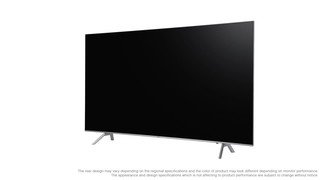


- Model:
- QN55Q6FNAFXZA
- SKU:
- 6202120
Rating by feature
- Value
Rating 4.7 out of 5 stars
- Quality
Rating 4.8 out of 5 stars
- Ease of Use
Rating 4.8 out of 5 stars
Customers are saying
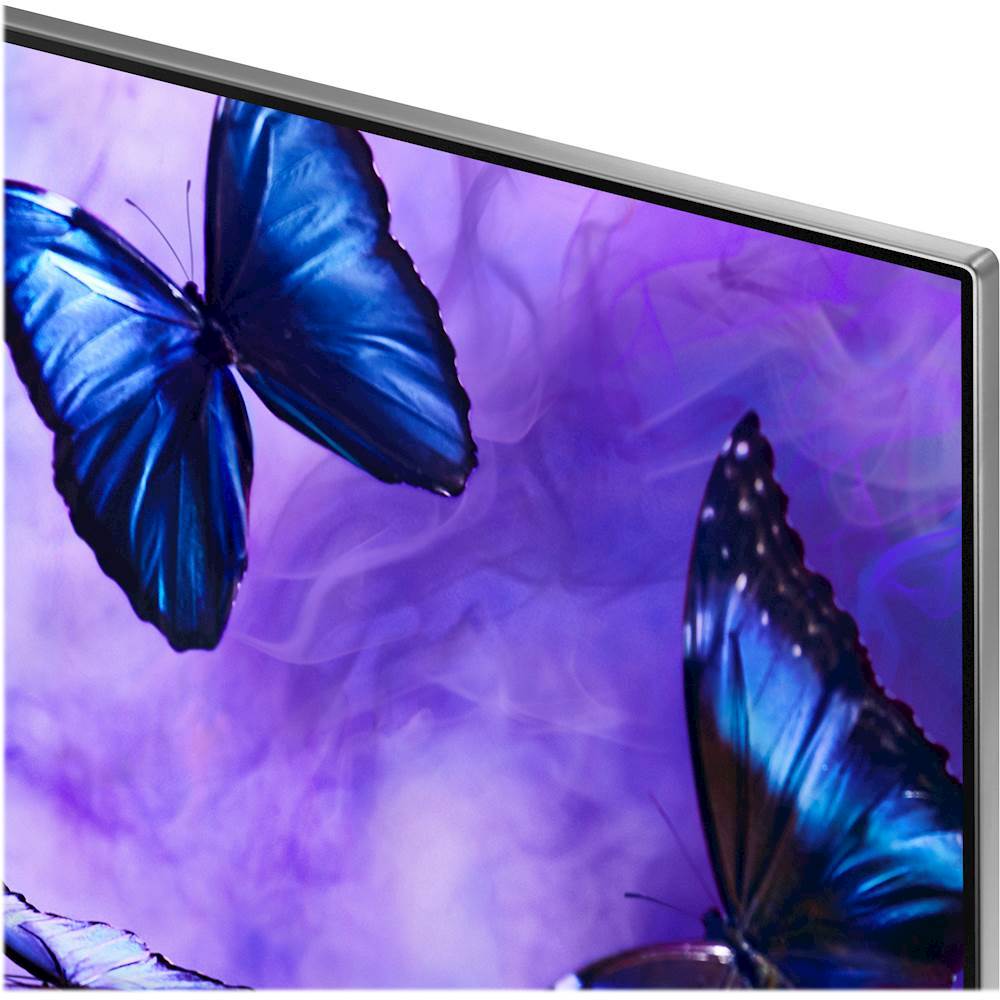
Customers are pleased with the picture quality, describing it as beautiful and vibrant. They also appreciate the easy setup and affordable price. While some customers have concerns about the remote control and the motion rate, overall, customers are satisfied with this TV's performance.
This summary was generated by AI based on customer reviews.
- Pros mentioned:Picture quality
Xlntamundo
||Posted .This reviewer received promo considerations or sweepstakes entry for writing a review.Great tv more than i expected could not be happier
I would recommend this to a friend - Pros mentioned:Picture quality
unreal
||Posted .This reviewer received promo considerations or sweepstakes entry for writing a review.best tv by far I've ever owned! always go with a QLED
I would recommend this to a friend - Pros mentioned:Picture quality
great picture
||Posted .This reviewer received promo considerations or sweepstakes entry for writing a review.good picture and easy to navigate through setup.xx
I would recommend this to a friend Superior Clarity TV
||Posted .This reviewer received promo considerations or sweepstakes entry for writing a review.We are extremely pleased with the clarity of our new Samsung TV. After going in for just a basic replacement TV, the customer service rep at the local Best Buy store in the Spanish Springs area pointed out all of the superior upgrades of the Samsung OLED TV. Once we saw the amazing clarity, we were sold on this TV.
I would recommend this to a friend- Pros mentioned:Picture quality
Great tv
||Posted .This reviewer received promo considerations or sweepstakes entry for writing a review.Picture quality is amazing. Almost to real. Love it
I would recommend this to a friend - Pros mentioned:Picture quality
Great for 4k movies
||Posted .This reviewer received promo considerations or sweepstakes entry for writing a review.Purchase the tv 3 weeks ago and so far it's been an impressive tv. The picture quality compared to my Samsung LED tv is significantly better.
I would recommend this to a friend - Pros mentioned:Picture quality
Best tv I’ve ever owned
||Posted .This reviewer received promo considerations or sweepstakes entry for writing a review.Brilliant picture quality, remote is simple to use.
I would recommend this to a friend - Pros mentioned:Picture quality
great tv
||Posted .This reviewer received promo considerations or sweepstakes entry for writing a review.love it, great smart TV, sharp . Enjoy the viewing
I would recommend this to a friend - Pros mentioned:Picture quality
Great TV
||Posted .This reviewer received promo considerations or sweepstakes entry for writing a review.Love new TV and it has the best picture and color.
I would recommend this to a friend - Pros mentioned:Picture quality
Qled is the way to go
||Posted .This reviewer received promo considerations or sweepstakes entry for writing a review.Great tv. Picture is of great quality. Love this tv
I would recommend this to a friend - Pros mentioned:Picture quality
Great picture quality
||Posted .This reviewer received promo considerations or sweepstakes entry for writing a review.This TV comparing to my previous one is a big jump
I would recommend this to a friend - Pros mentioned:Picture quality
Beautiful picture, wonderful features, but.....
||Posted .This reviewer received promo considerations or sweepstakes entry for writing a review.This televisions picture is beautiful and the features are great, but I hate the remote control. There are not traditions buttons for entering a number to go to your desired channel, there are no source or menu buttons. To do practically anything you have to go through 5 or more clicks. I have a disability in my hands and using the remote is extremely challenging to the point I am considering another brand before my return date comes.
No, I would not recommend this to a friendBrand response from Samsung
Posted .LilBiggie:
Thank you for purchasing the Samsung Q6F TV.
For assistance with using the remote control, please reach out to Samsung TV Support:
Phone: 1-800-SAMSUNG (ask for TVs)
Available 8AM - 12AM EST (Mon-Fri) / 9AM - 11PM EST (Sat-Sun)
2) LiveChat or Email: https://www.samsung.com/us/support/#contact_us_for_support
3) Facebook Messenger: https://www.facebook.com/samsungsupport
4) Twitter: https://twitter.com/SamsungSupport
5) The Samsung TV Community is also a great resource for getting help from Samsung moderators and customers: https://us.community.samsung.com/t5/TVs/bd-p/tv
We appreciate you taking the time to post your review, which will be shared with our internal teams.
- Pros mentioned:Picture quality
Crystal clear
||Posted .This reviewer received promo considerations or sweepstakes entry for writing a review.Picture is so clear but I keep turning the “soap opera effect” off and it keeps coming back. A little annoying but overall a great tv
I would recommend this to a friend Amazing 4K TV.
||Posted .This reviewer received promo considerations or sweepstakes entry for writing a review.Was deciding between this and the Samsung Q8 but ultimately decided on this one for the price factor and positive reviews from various websites outside of Best Buy. Coming from a previous Samsung KS8000 model, I couldn't be happier with this. HDR looks great and input lag is very low for console gaming.
I would recommend this to a friend- Pros mentioned:Picture quality
Nice clear picture
||Posted .This reviewer received promo considerations or sweepstakes entry for writing a review.What I like about this tv it has a nice clear picture and easy to use interface . I paired it with a Apple TV 4k and it looks great
I would recommend this to a friend - Pros mentioned:Picture quality
Great Price for Quality Picture
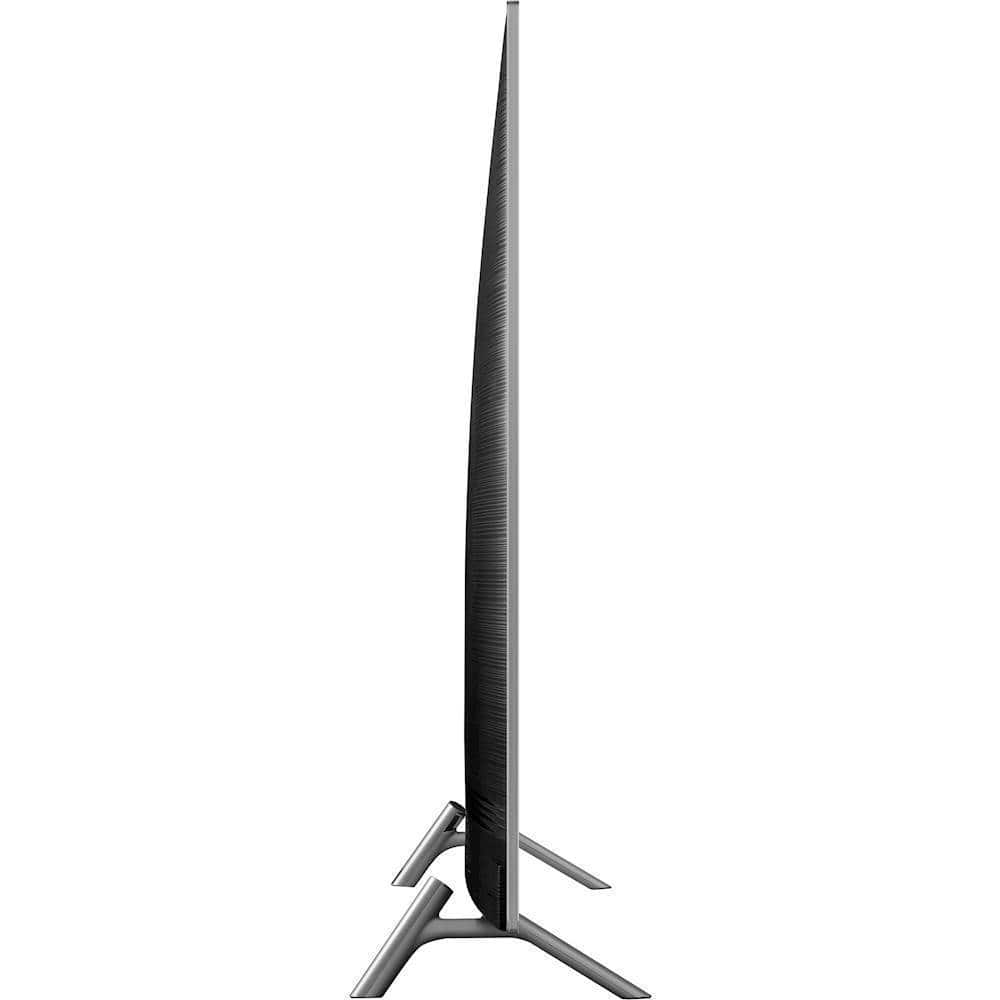
||Posted .This reviewer received promo considerations or sweepstakes entry for writing a review.Black Friday prices after Black Friday. Super thin TV with excellent picture and smart TV features. Remote is the worst feature.
I would recommend this to a friend - Pros mentioned:Picture quality
Great TV.
||Posted .This reviewer received promo considerations or sweepstakes entry for writing a review.My first smart tv has a lot of extra features to use and picture is amazing. The only thing that is complicated is the remote.
I would recommend this to a friend - Pros mentioned:Color
Not what I expected
||Posted .This reviewer received promo considerations or sweepstakes entry for writing a review.I was debating between this TV and a Sony. I should have gotten the Sony. The fast action is choppy. I have a 65” Sony in the home theater room and the movement and colors are hands down better than with the Samsung. I should have returned it and get the Sony, but I was stupid and threw the box right after I got it home.
No, I would not recommend this to a friendBrand response from Samsung
Posted .AdiL,
I am sorry to see that you are not happy with the motion image performance of your Samsung Q65F TV.
Please try adjusting Auto Motion Plus to eliminate the judder.
You can change Auto Motion Plus settings by following these steps:
1) With the TV powered on, press the Home button on the Samsung remote to open the Home screen
2) Then select Settings > Picture > Expert Settings > Auto Motion Plus
(Note: This option may not be visible initially. Continue scrolling through the Expert Settings Menu to locate Auto Motion Plus)
3) Then select Auto Motion Plus again, and you will see the following three options:
a) Off: Auto Motion Plus will always be off
b) Auto: Auto Motion Plus will automatically activate and deactivate based on the type of program being watched
c) Custom: Allows custom adjustments and settings to be used
4) By selecting the Custom option, you can access these advanced settings:
a) Blur Reduction: Use the directional keys on the remote to adjust the Blur setting
b) Judder Reduction: Use the directional keys on the remote to adjust the Judder setting
c) LED Clear Motion: Select to turn On/Off
For further assistance on this feature or other usages, please contact Samsung Customer Support at 1-800-SAMSUNG and a representative will gladly help you. Or LiveChat with our product experts at: http://www.samsung.com/us/support/contact
We are likewise reachable via Facebook Messenger at http://m.me/samsungsupport
You can also find us on Twitter at https://twitter.com/messages/compose?recipient_id=18768513
- Samsung Ambassador
- Pros mentioned:Color
It’s ok
||Posted .This reviewer received promo considerations or sweepstakes entry for writing a review.Good: picture clarity and color The ok: sound Bad: motion during sports but not really noticeable during movies Some tv show make the actors stand out from the picture instead of blending into scenes. Hard to explain but you’ll know what I mean when you see it.
No, I would not recommend this to a friend - Pros mentioned:Picture quality
good tv
||Posted .This reviewer received promo considerations or sweepstakes entry for writing a review.The remote is the only downside for me. Too complicated and small Pix is great...
I would recommend this to a friend