Customer Ratings & Reviews

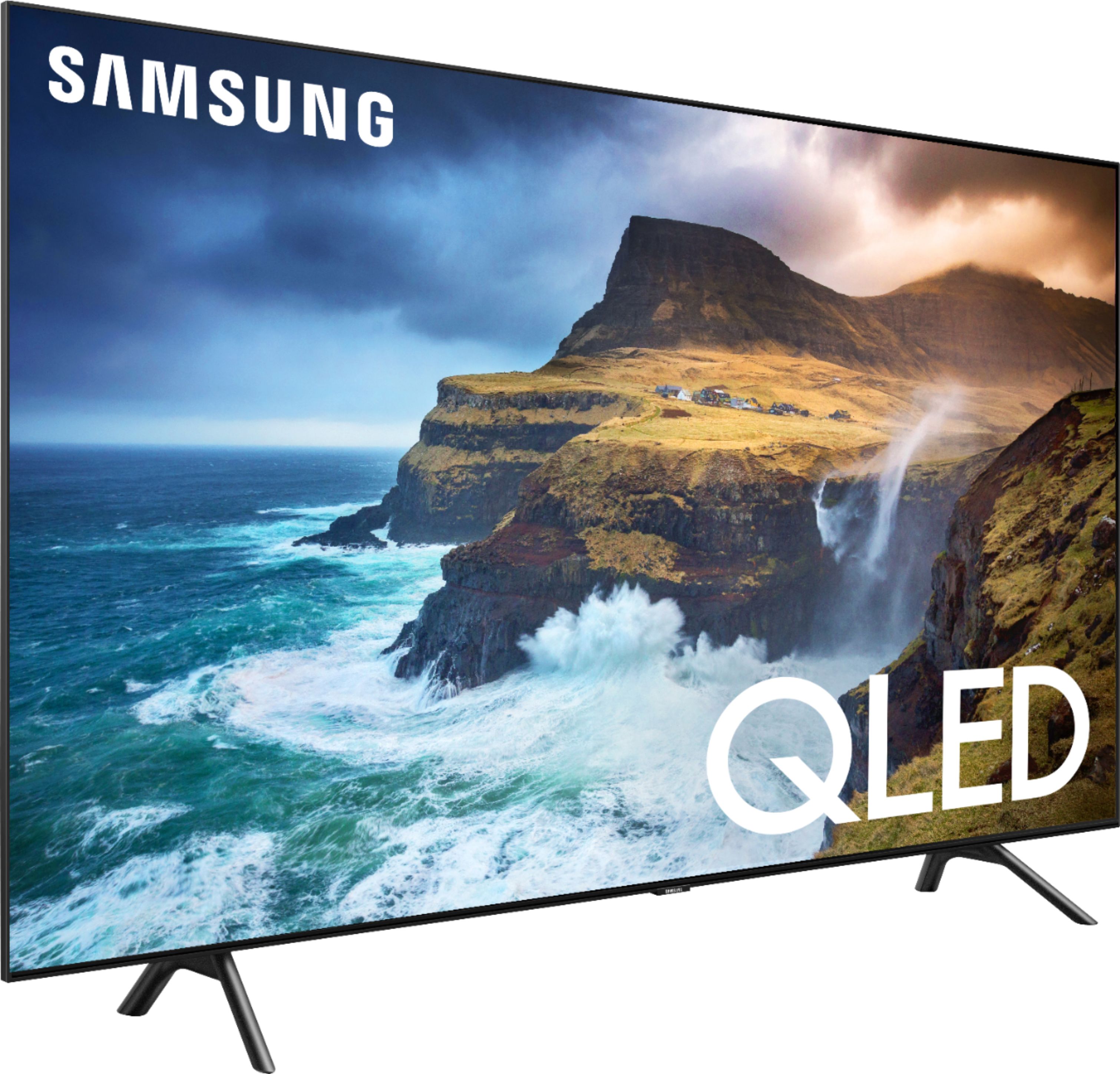
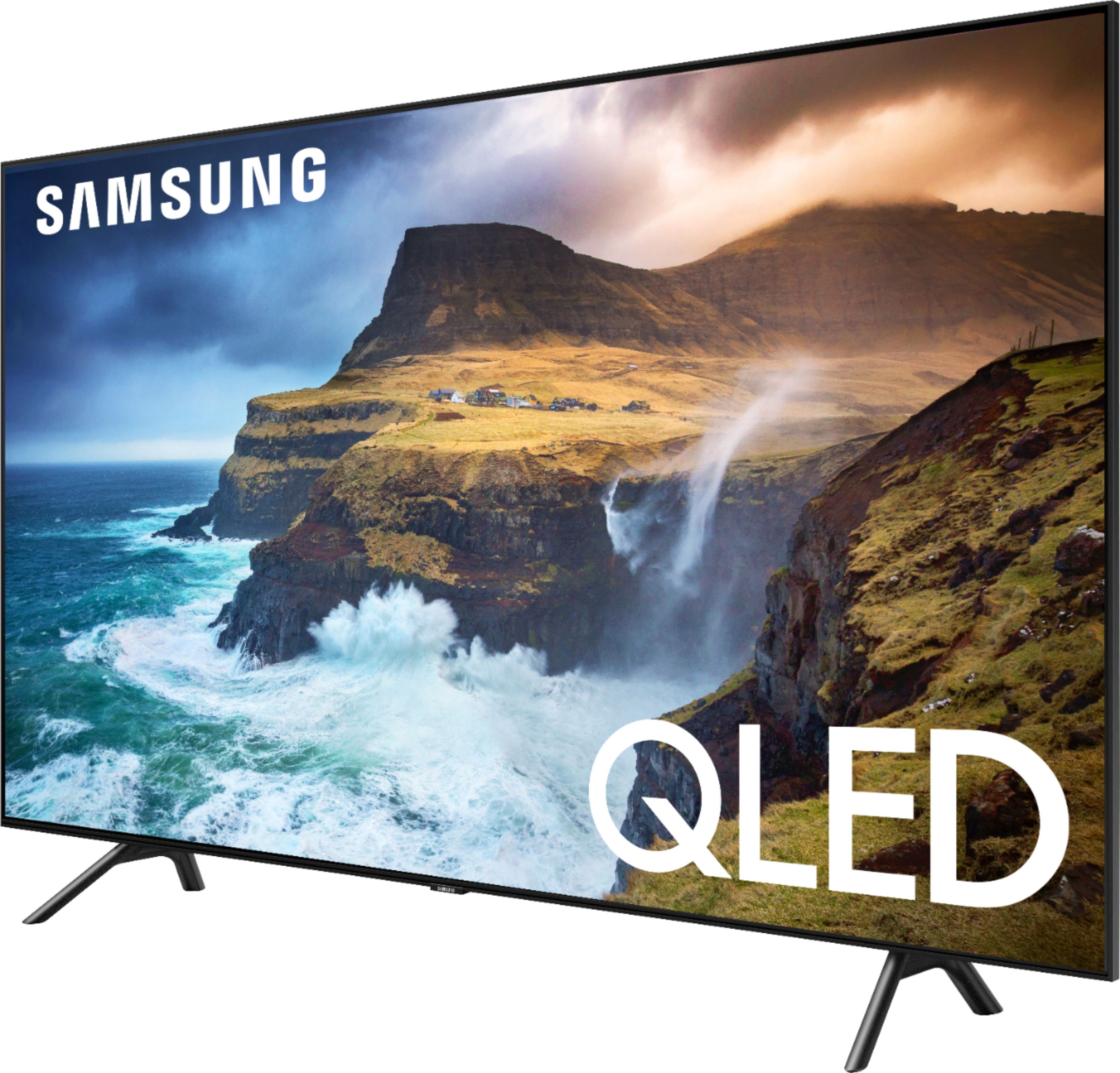
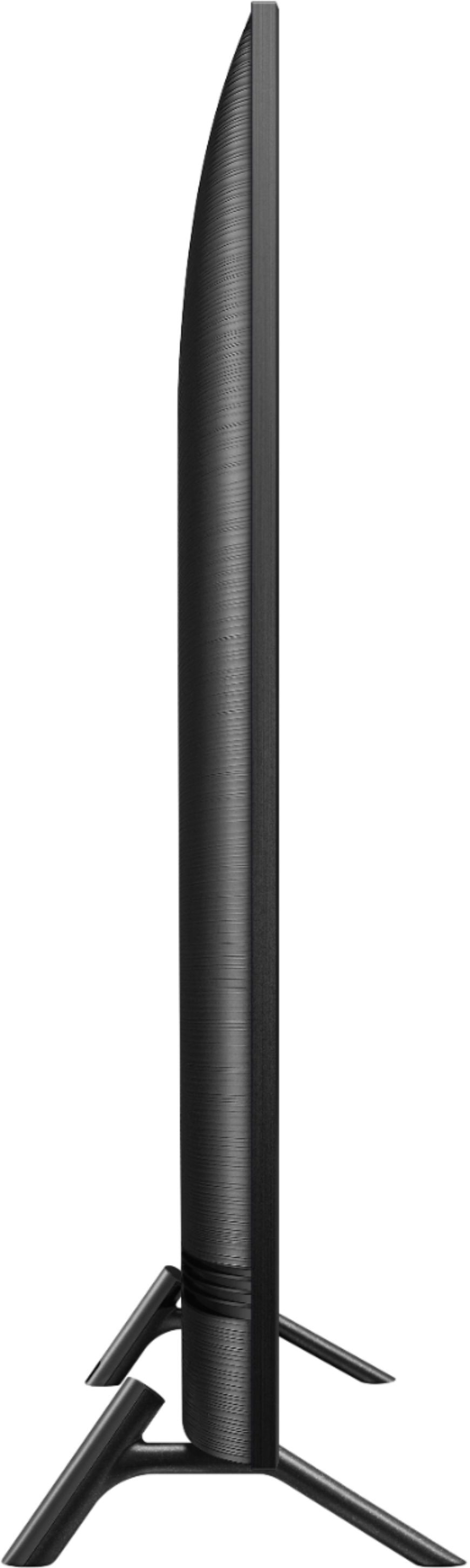


- Model:
- QN55Q70RAFXZA
- SKU:
- 6331759
Rating by feature
- Picture Quality
Rating 4.6 out of 5 stars
- Sound Quality
Rating 4.4 out of 5 stars
- Brightness
Rating 4.6 out of 5 stars
Customers are saying
Customers are satisfied with the picture quality, color, and price of the 55" Class - LED - Q70 Series - 2160p - Smart - 4K UHD TV with HDR. They appreciate the easy setup and smart TV options, making it a great choice for gaming and entertainment. However, some customers have experienced issues with the remote control.
This summary was generated by AI based on customer reviews.
- Pros mentioned:Picture quality
Really Good TV
||Posted . Owned for 1 month when reviewed.This reviewer received promo considerations or sweepstakes entry for writing a review.Really good TV. Great Picture, works great in our living room.
I would recommend this to a friend - Pros mentioned:Picture quality
Excellent
||Posted .This reviewer received promo considerations or sweepstakes entry for writing a review.I like the TV. It is crisp and a good picture and am pleased
I would recommend this to a friend - Pros mentioned:Picture quality
Great TV, Great Price
||Posted . Owned for 3 weeks when reviewed.This reviewer received promo considerations or sweepstakes entry for writing a review.Best 55 inch TV out there. Great Picture and sound quality.
I would recommend this to a friend - Pros mentioned:Picture quality
Tv
||Posted . Owned for 1 month when reviewed.This reviewer received promo considerations or sweepstakes entry for writing a review.This TV had a very nice looking picture with a descent sound
I would recommend this to a friend - Pros mentioned:Picture quality
Easy setup and great picture !!!
||Posted . Owned for 1 month when reviewed.This reviewer received promo considerations or sweepstakes entry for writing a review.Easy setup and great picture!!! Would buy again.Good Value.
I would recommend this to a friend The Poughkeepsie store is always great !!
||Posted . Owned for 1 month when reviewed.This reviewer received promo considerations or sweepstakes entry for writing a review.BB had what I needed. Purchase was easy and direct. I received an email when ready for pickup. When I arrived for curb-side I was well taken care of. I love the product as well. Thank you BB !!
I would recommend this to a friendTV is outstanding
||Posted . Owned for 1 month when reviewed.This reviewer received promo considerations or sweepstakes entry for writing a review.The sales rep. was extremely knowledgeable on the line we we interested in. He never tried to over sell us but at the same time he asked many questions to understand our needs. He did a great job.
I would recommend this to a friendGreat picture quality and lots of extra features!
||Posted . Owned for 1 month when reviewed.This reviewer received promo considerations or sweepstakes entry for writing a review.Great apps and streaming options. Fits right into and enhances existing smart home platforms and devices. Includes AppleTV app, which was an unexpected surprise and freed up one of my AppleTV devices.
I would recommend this to a friendResolution is fantastic!!
||Posted . Owned for 3 months when reviewed.This reviewer received promo considerations or sweepstakes entry for writing a review.I wanted a TV with a great resolution. You can connect this TV to devices using Bluetooth. I setup my Bose with analog. Very nice. The TV has many connections. Enjoying my little theater.
I would recommend this to a friendSolid replacement for a non Smart tv
||Posted . Owned for 3 weeks when reviewed.This reviewer received promo considerations or sweepstakes entry for writing a review.I replaced an older non Smart Samsung tv with this one. It is much lighter and great for someone who has cut the cord. We use YouTube TV, Apple, Disney+, and Netflix with ease.
I would recommend this to a friendPremium TV with an affordable price
||Posted . Owned for 1 month when reviewed.This reviewer received promo considerations or sweepstakes entry for writing a review.Amazing TV gaming is great on it. Has all the premium functions of its older brother Q80 & 90. (Local Dimming, low input lag, deep blacks) but at a mid range price.
I would recommend this to a friendAmy was the store sales lady and was very helpful
||Posted . Owned for 1 month when reviewed.This reviewer received promo considerations or sweepstakes entry for writing a review.This MacBook is replacing an old system and we’re hoping that it is user friendly. We have one of your men from the geek squad coming out to get our system all set up.
I would recommend this to a friendGood TV
||Posted . Owned for 7 months when reviewed.This reviewer received promo considerations or sweepstakes entry for writing a review.I do like the quality of the screen quite a lot. I have had a lot of wifi connection issues after the first few months of use. Although I want to repeat that it does look beautiful especially in game mode, some apps have connection issues as well.
I would recommend this to a friendTV Good, Sound could be better
||Posted . Owned for 1 year when reviewed.This reviewer received promo considerations or sweepstakes entry for writing a review.This TV is great with only the sound being the complaint. I ended up having to get a sound bar to compensate for the lower quality sound. One other point of information on the 4K - you need to have a special box from your cable company.
I would recommend this to a friendAmazing picture
||Posted . Owned for 1 month when reviewed.This reviewer received promo considerations or sweepstakes entry for writing a review.This tv is a great addition to a small home theater room. The picture clarity is just amazing. I would recommend this tv.
I would recommend this to a friendTop notch quality
||Posted . Owned for 3 weeks when reviewed.This reviewer received promo considerations or sweepstakes entry for writing a review.Go to the store and look at them when you can. This model is more than a TV, and for anyone who games you’ll see what you have been missing!
I would recommend this to a friendlacked clear instructions for installation
||Posted . Owned for 3 weeks when reviewed.This reviewer received promo considerations or sweepstakes entry for writing a review.Had considerable difficulty in pairing with my cable box; finally had to have the cable company come and get the tv to work with their equipment. Finally got everything to work together and the set works fine.....very small, simple remote.
I would recommend this to a friend- Pros mentioned:Picture quality
Just average
||Posted . Owned for 3 weeks when reviewed.This reviewer received promo considerations or sweepstakes entry for writing a review.Great picture, but if it won’t work with 3 rd party accessories then it’s just average. Does not consistently work with the $500 plus dollar Klipach soundbar we purchased.
No, I would not recommend this to a friendBrand response from Samsung
Posted .Docirish,
The Q70R should detect the soundbar automatically when it is connected via Optical output, and set the output speakers to it.
Here is a step-by-step guide for fast setup and uninterrupted connection:
1. The TV uses the Smart remote during the detection process. So make sure the remote is paired with the TV and is physically close to TV during detection.
2. Make sure the soundbar is powered on (LED color should be white). If the LED color is green, the soundbar is either muted or inactive. Press the Play/Pause button to turn it on.
3. Connect the optical cable to the soundbar first then connect it to TV to initiate the auto detection.
4. Adjust the soundbar placement so that the IR receiver(located either at the front or on the top) is facing the TV center where the Samsung Logo is located.
Do not place the soundbar directly in front of the Samsung logo on the TV, as this will block or deteriorate the IR signal from the TV.
5. After the soundbar detection is completed, the TV will display a message indicating the Klipach is setup. Press the volume up/down on TV remote and confirm the soundbar is responding. It will flash a white light on the front IR receiver and sound should change accordingly.
6. After the setup is completed, position the soundbar so that there is nothing blocking between the Samsung logo on the TV and the IR receiver of the Klipach.
For further assistance, please reach out to Samsung Customer Support at:
1) Phone: 1-800-SAMSUNG (ask for TVs) Available 8AM - 12AM EST (Mon-Fri) / 9AM - 11PM EST (Sat-Sun)
2) LiveChat or Email: https://www.samsung.com/us/support/#contact_us_for_support
3) Facebook Messenger: https://www.facebook.com/samsungsupport
4) Twitter: https://twitter.com/SamsungSupport
5) The Samsung Members Community is also a great resource for getting help from Samsung moderators and customers: https://us.community.samsung.com/t5/Get-Help/ct-p/get-help
Thank you for choosing Samsung. We hope these tips help you better enjoy the premium features of your Q70R TV.
- Samsung Ambassador
Fantastic
||Posted . Owned for 2 weeks when reviewed.This reviewer received promo considerations or sweepstakes entry for writing a review.This is an absolutely fantastic TV. they have gotten all of the details right down to how to route wires through the stand.
I would recommend this to a friendGreat TV, perfect size for my office
||Posted . Owned for 3 weeks when reviewed.This reviewer received promo considerations or sweepstakes entry for writing a review.We have been super happy with all of our Samsung TV’s in our program! Best Buy is always helpful in making sure we get what we need!!
I would recommend this to a friend