Customer Ratings & Reviews
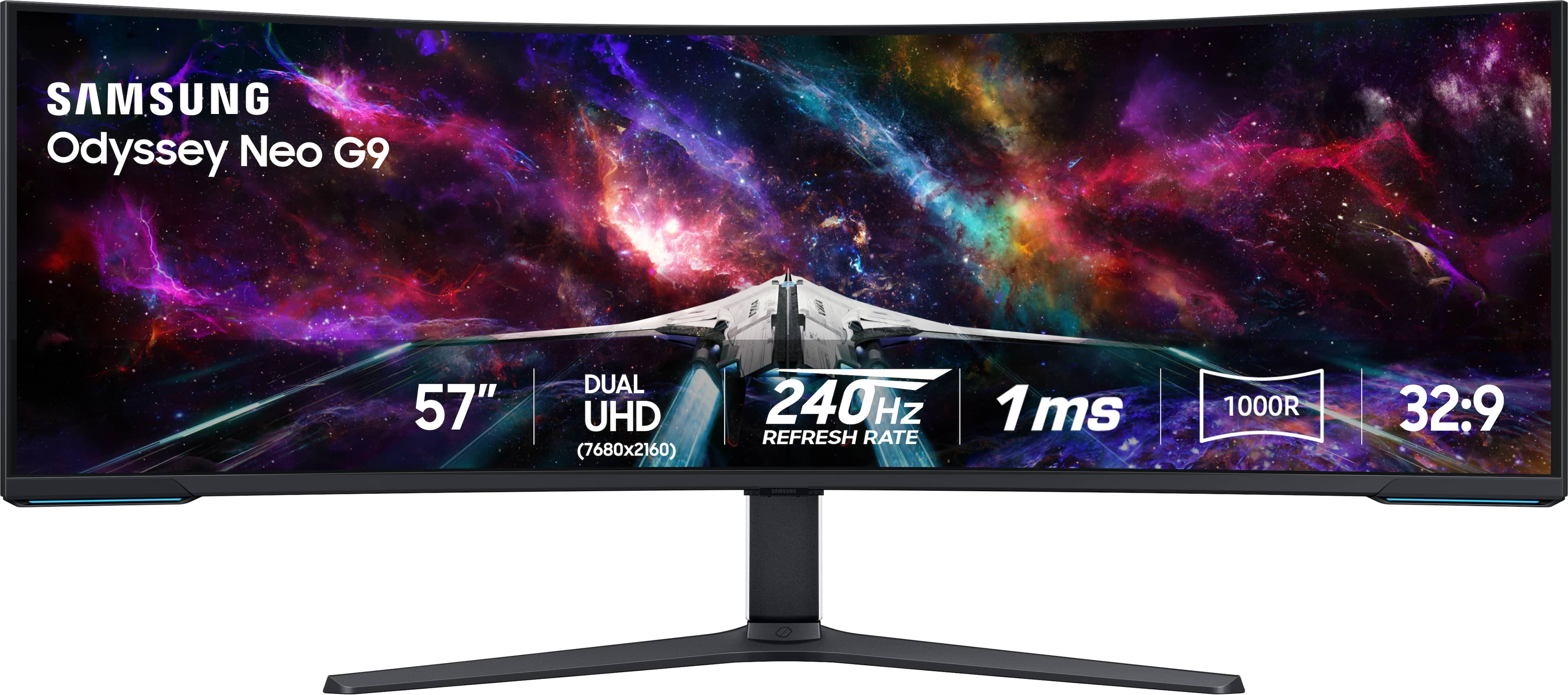
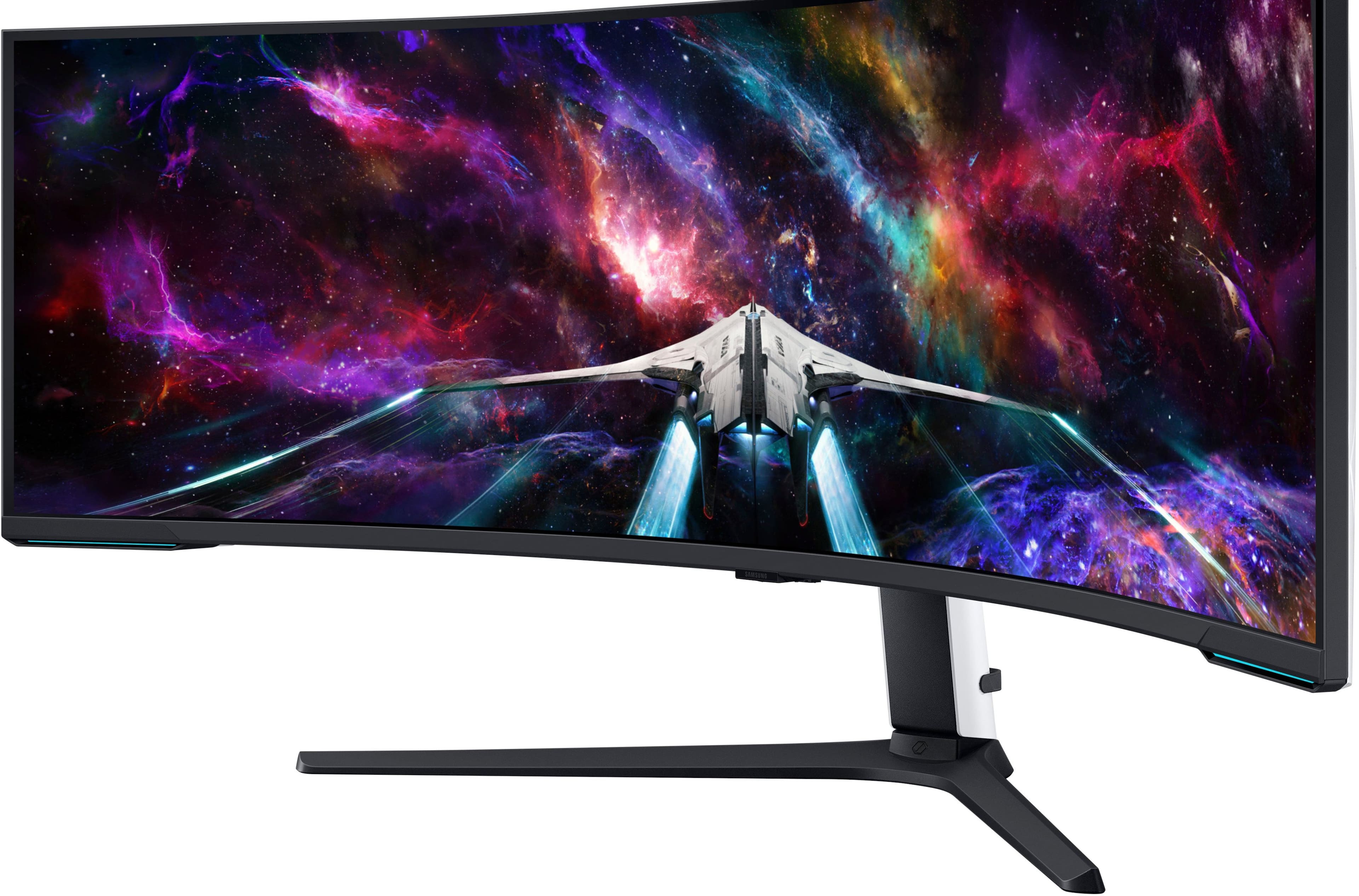
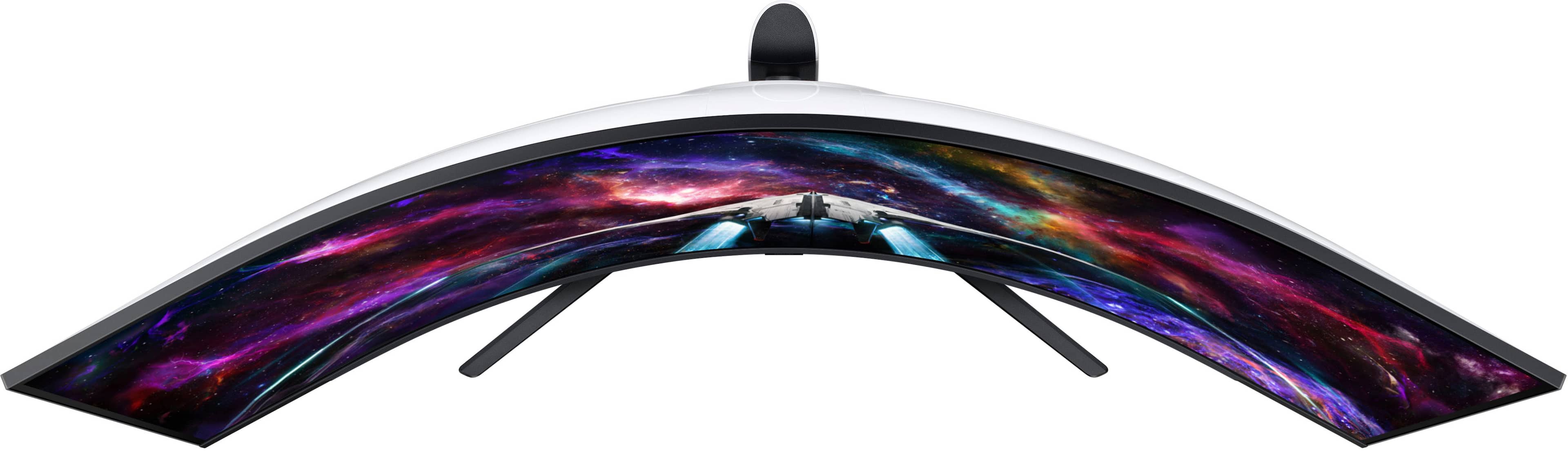
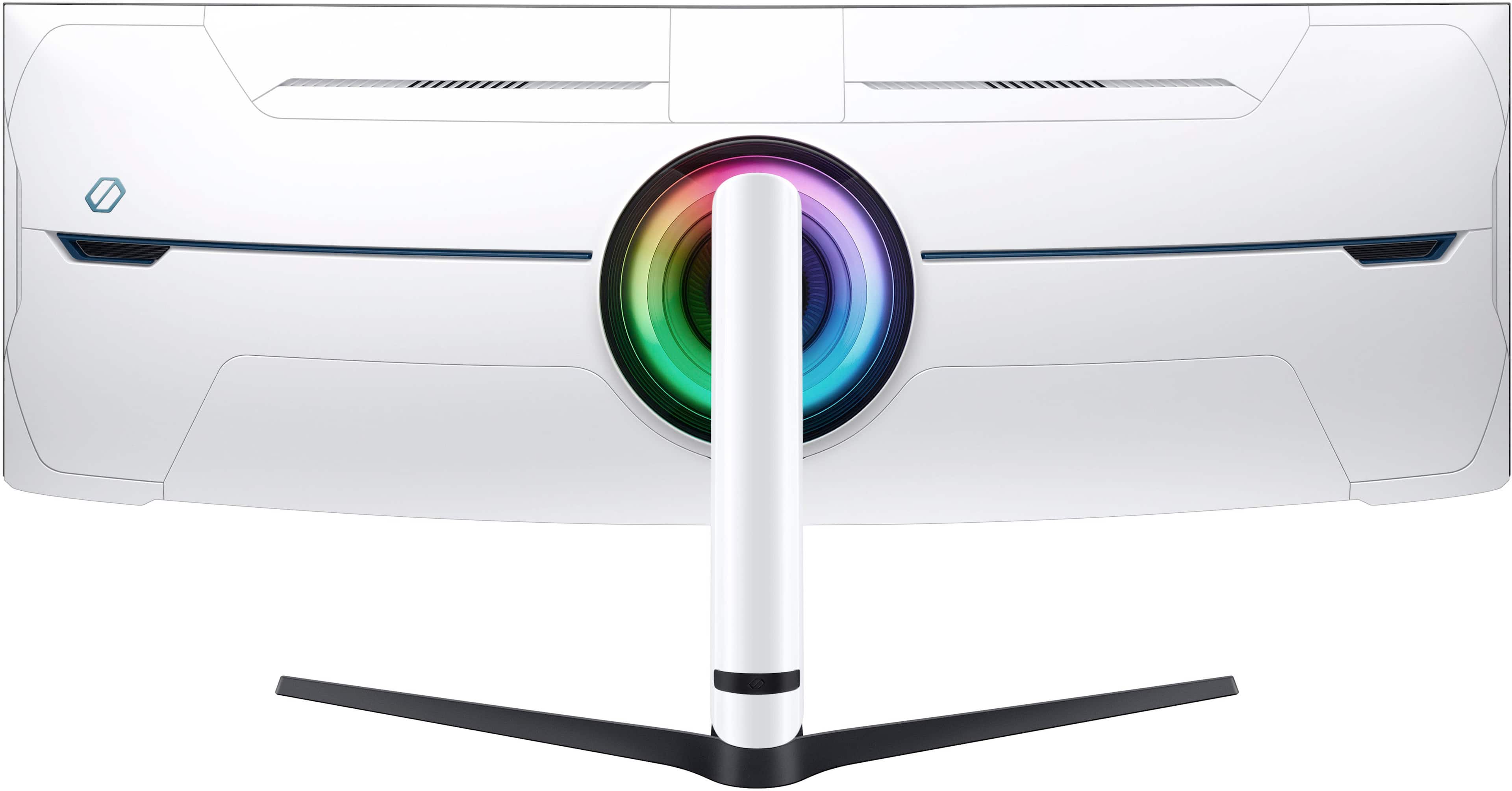
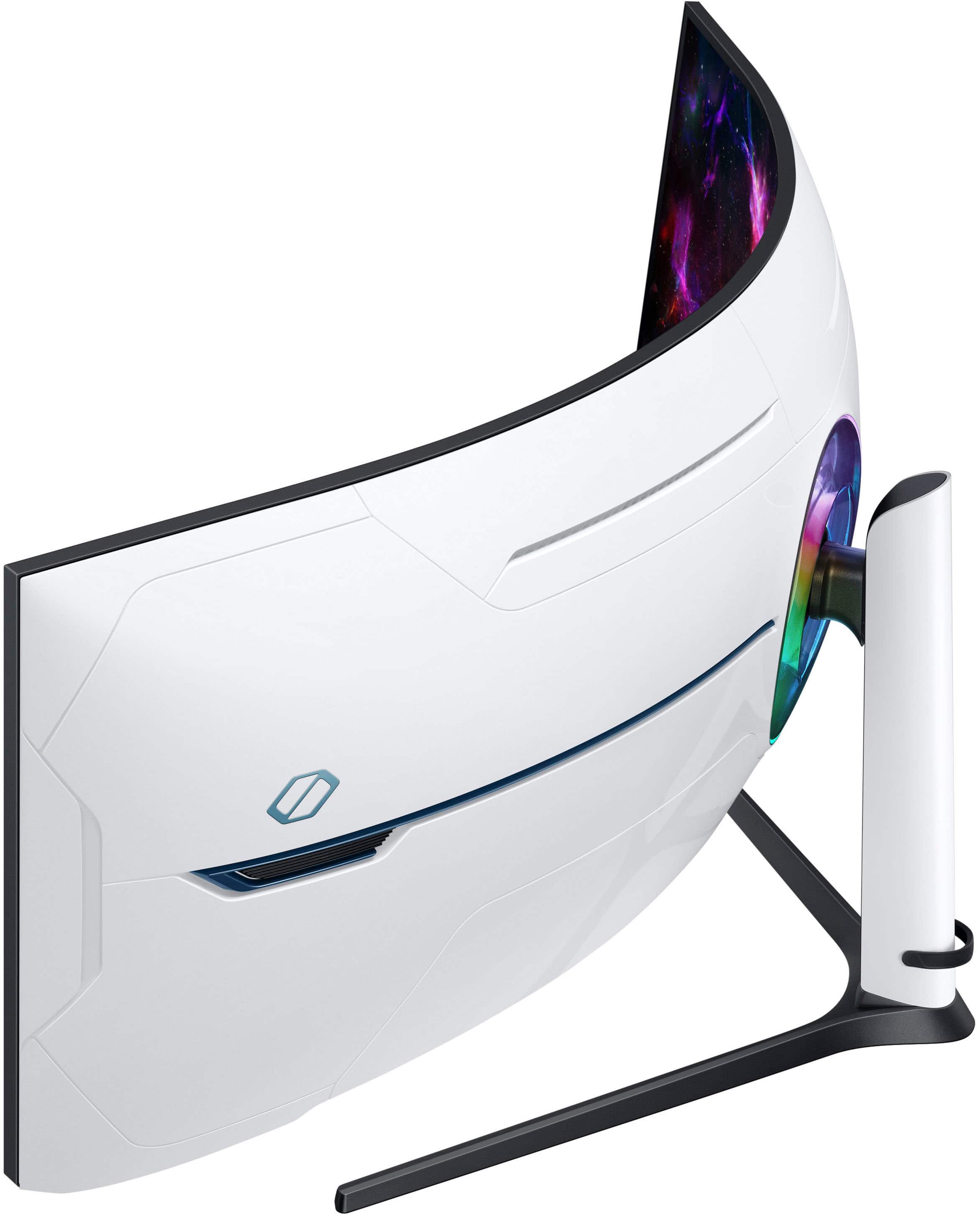

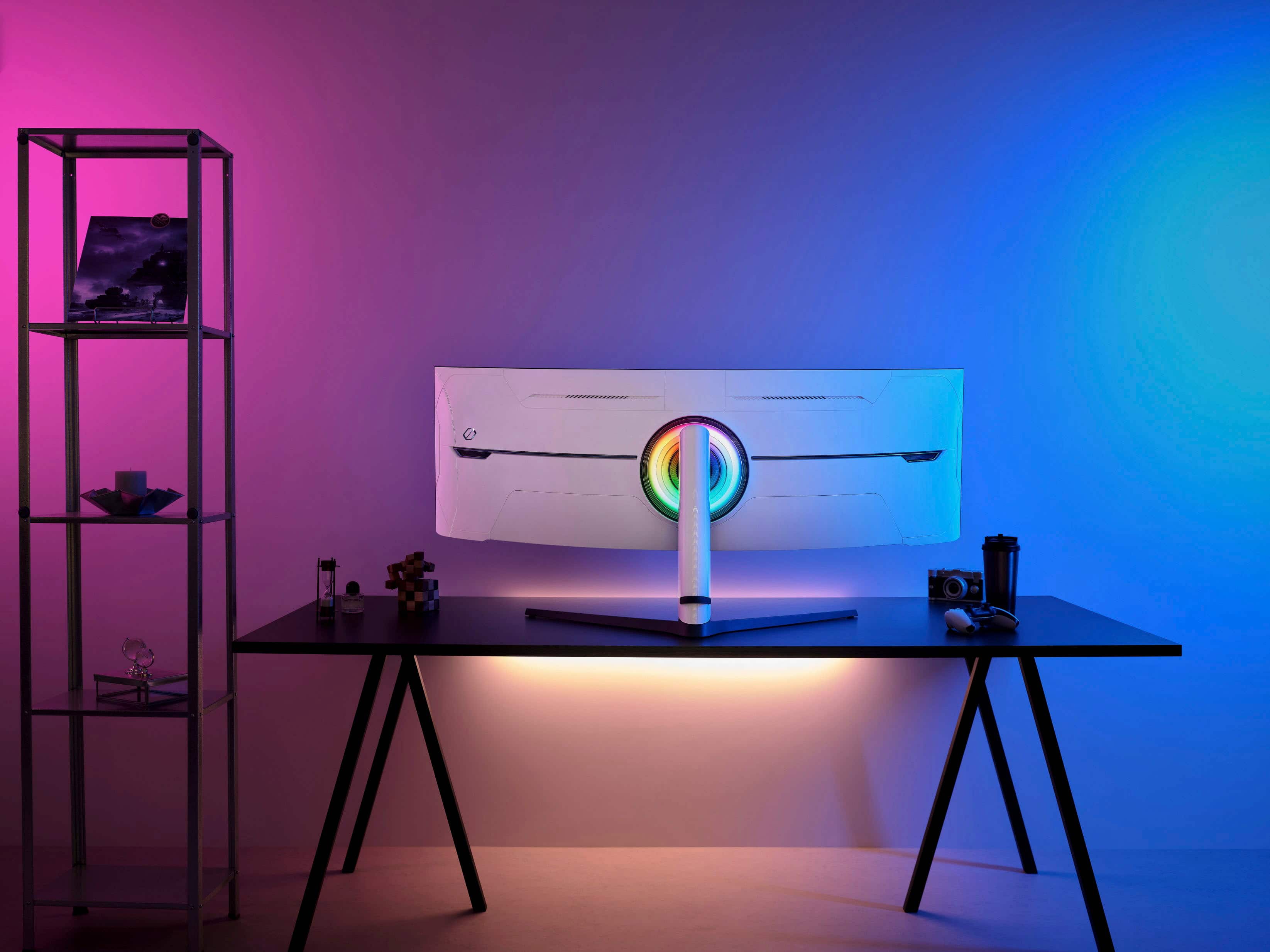
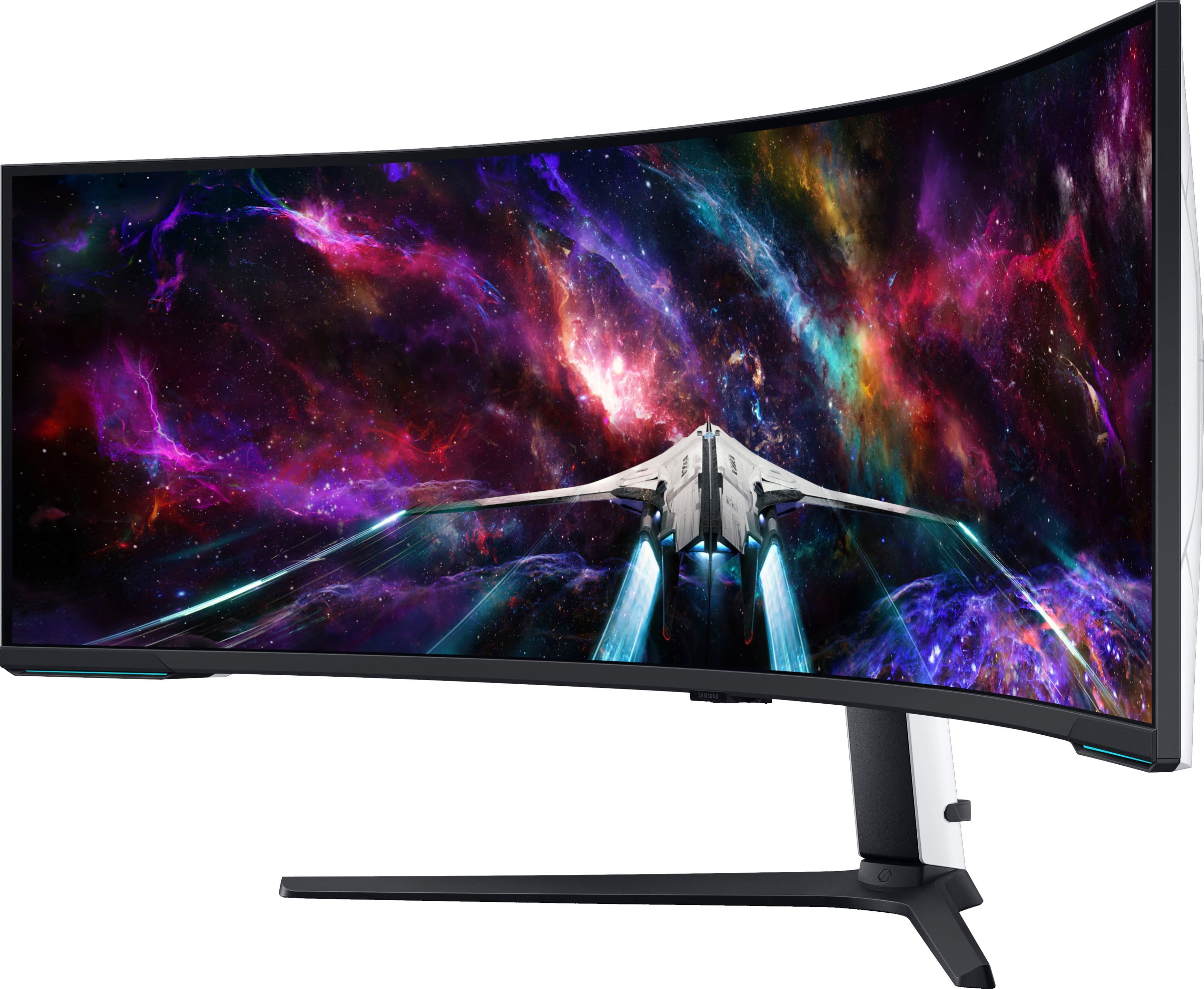
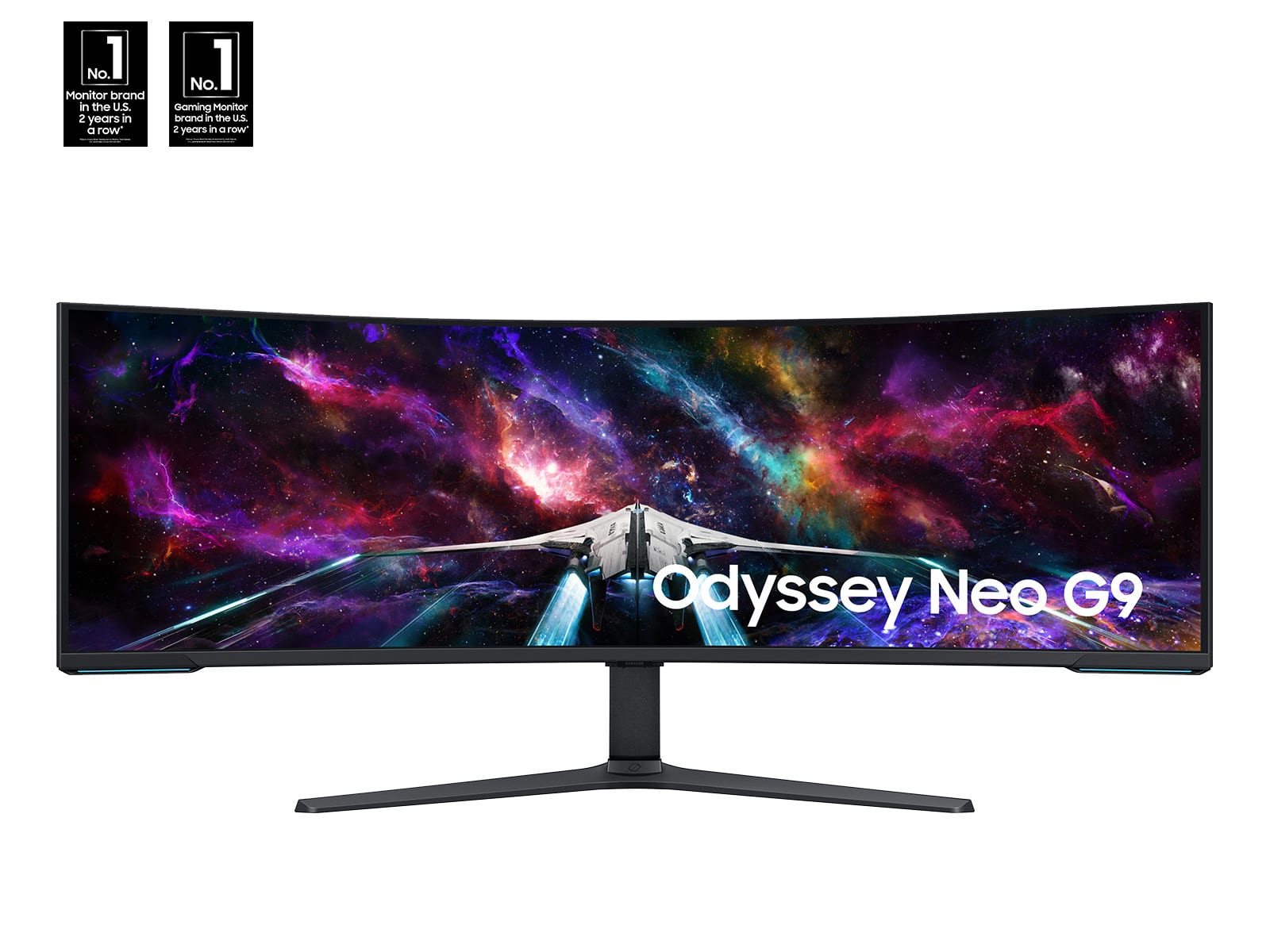
- Model:
- LS57CG952NNXZA
- |
- SKU:
- 10187556
Customer reviews
Rating 4.5 out of 5 stars with 297 reviews
(297 customer reviews)Rating by feature
- Display Quality4.7
Rating 4.7 out of 5 stars
- Ease of Use4.5
Rating 4.5 out of 5 stars
- Features4.6
Rating 4.6 out of 5 stars
to a friend
Rated 5 out of 5 stars
Just get the 57!
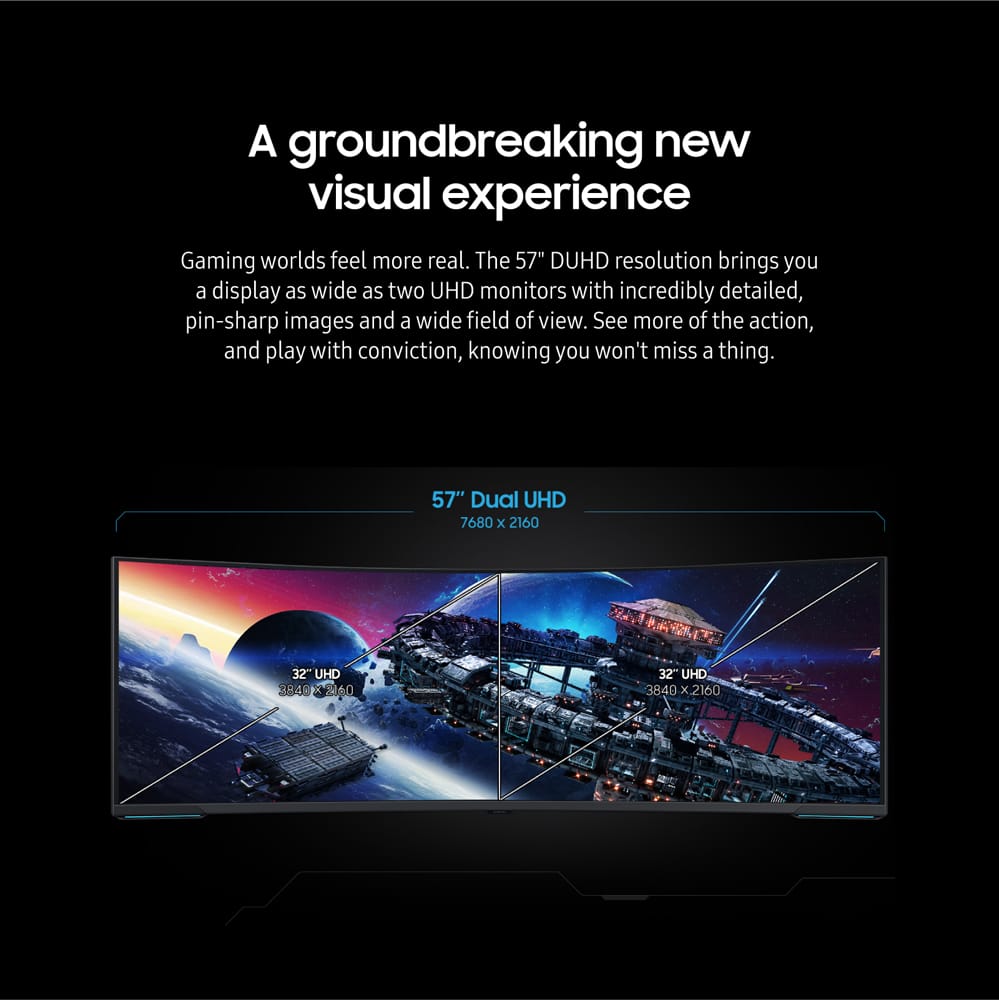
||Posted . Owned for 3 weeks when reviewed.This reviewer received promo considerations or sweepstakes entry for writing a review.If you’re thinking about getting the 49 inch just step it up and get this one. The 49 was way too skinny and made the images look squished. The 57 is a true dual 4k monitor experience!
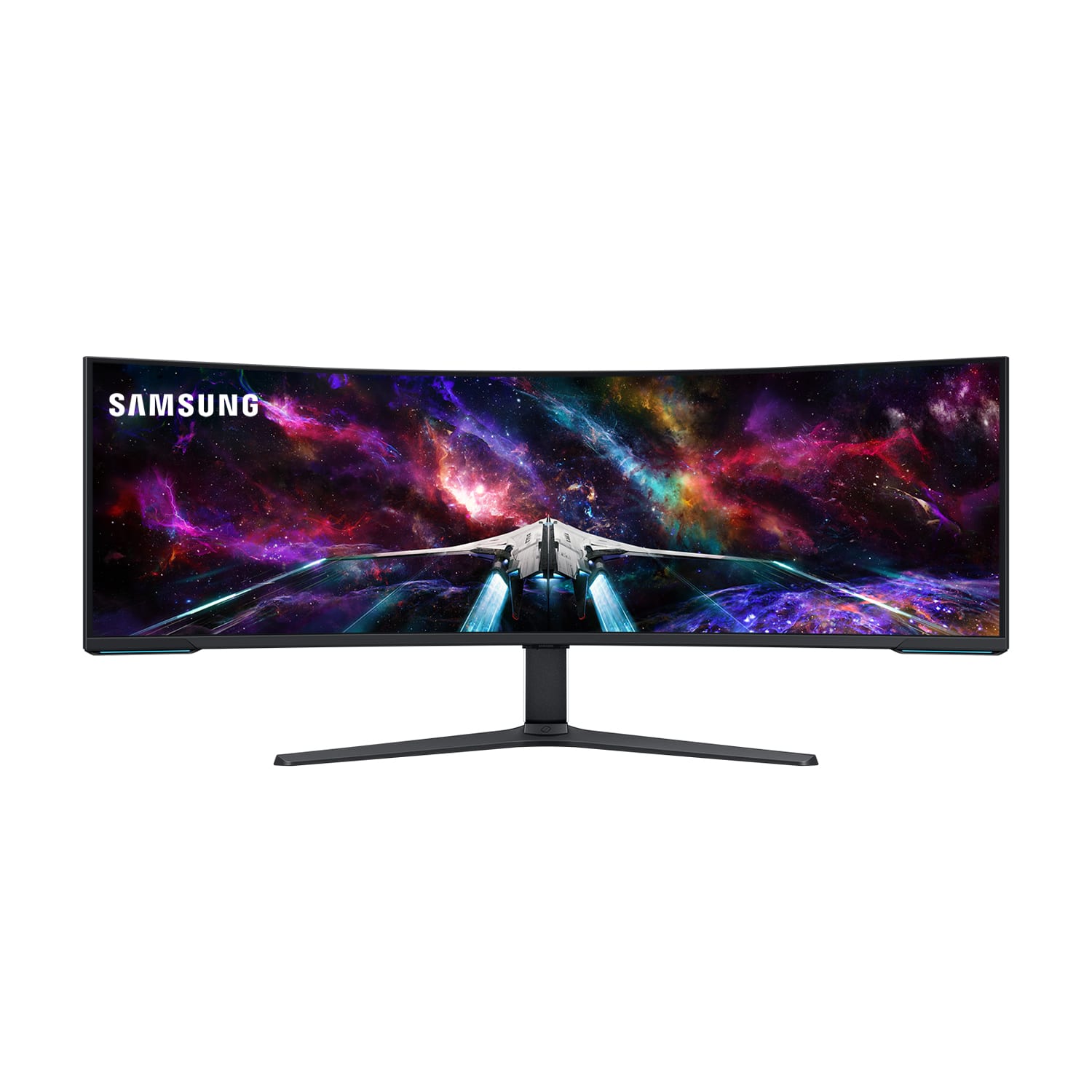
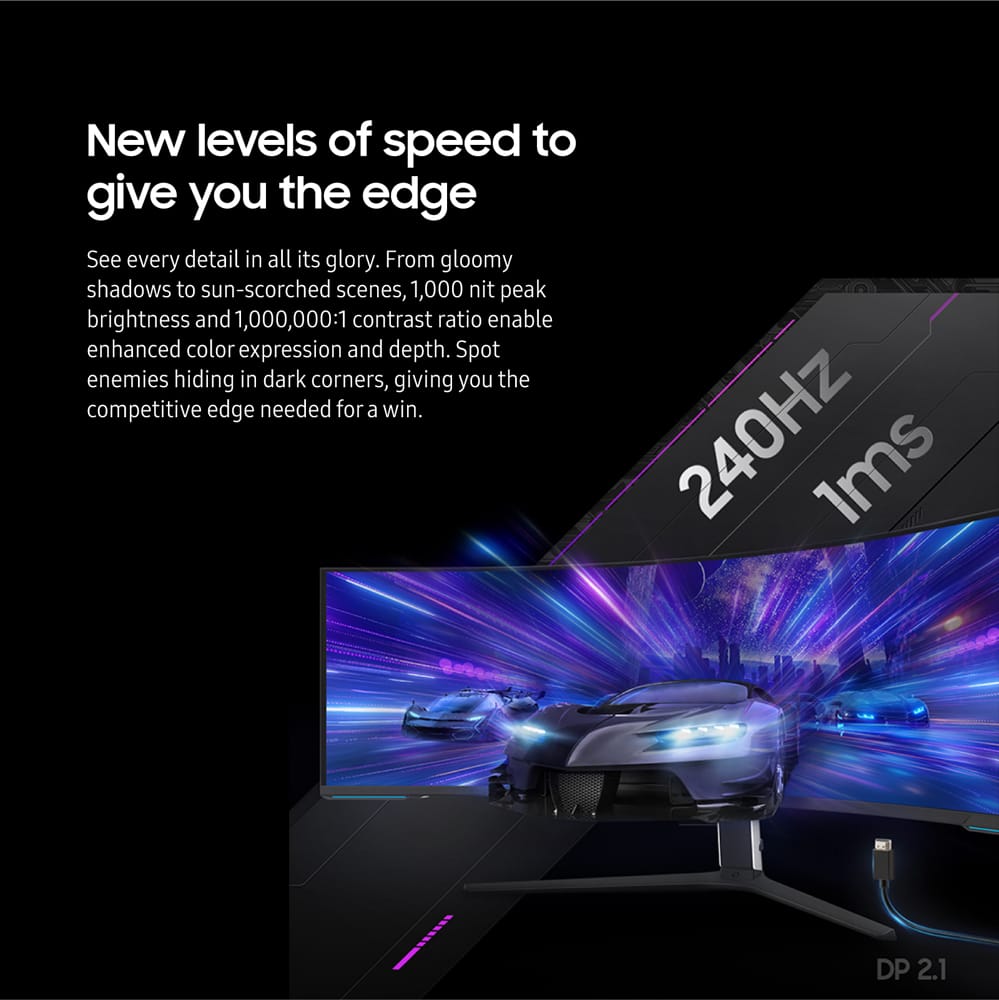
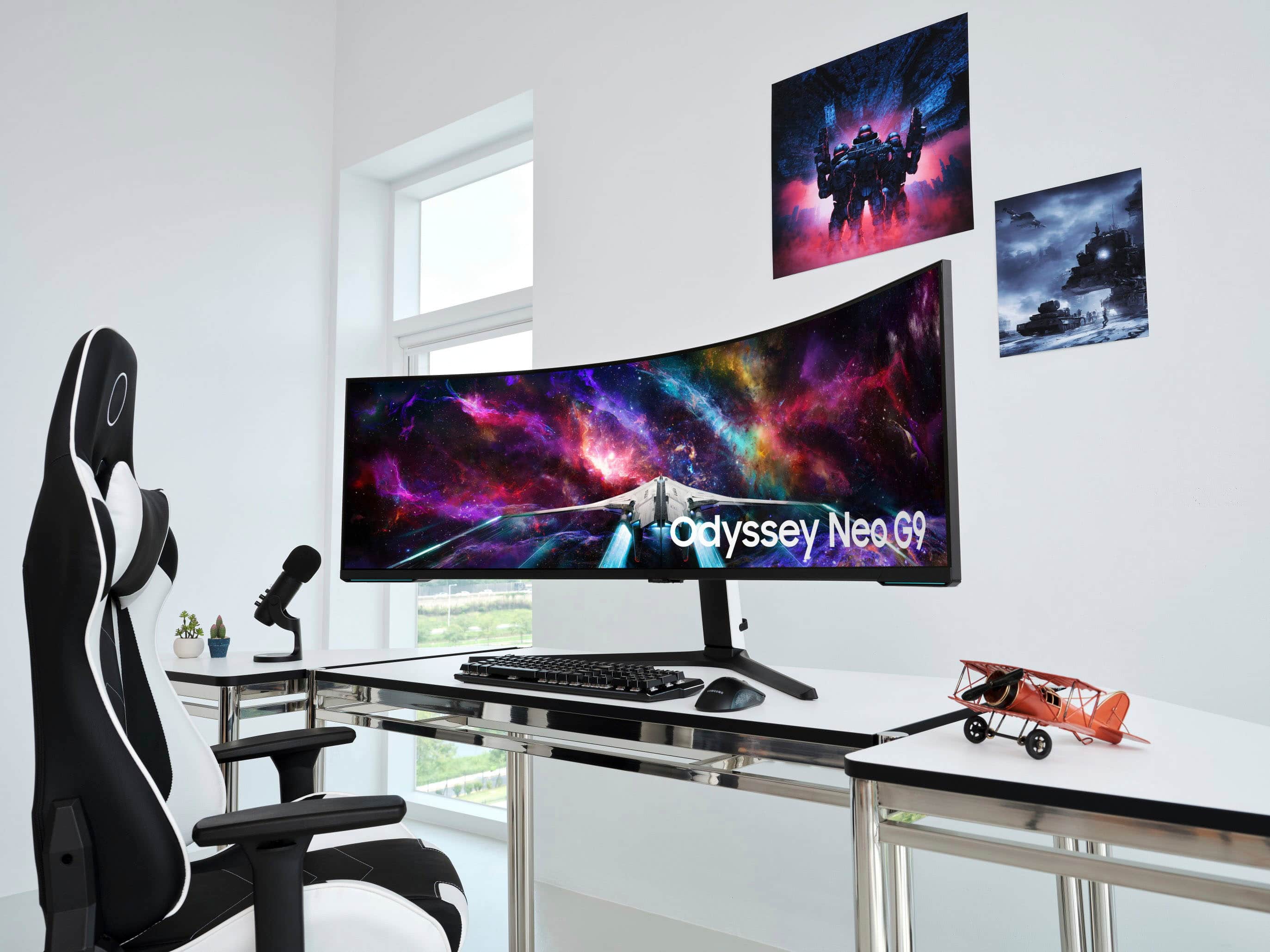
This review is from Samsung - 57" Odyssey Neo G9 Dual 4K UHD Quantum Mini-LED 240Hz 1ms HDR 1000 Curved Gaming Monitor (HDMI 2.1, DP 2.1, USB 3.0) - Black
I would recommend this to a friendRated 5 out of 5 stars
Endgame Monitor
||Posted . Owned for 3 weeks when reviewed.This reviewer received promo considerations or sweepstakes entry for writing a review.This monitor is absolutely amazing! Colors look great, PPI is perfect, and I'm loving the extra screen real estate when I'm doing anything productivity-based. Would highly recommend if you can find it for a good price!
This review is from Samsung - 57" Odyssey Neo G9 Dual 4K UHD Quantum Mini-LED 240Hz 1ms HDR 1000 Curved Gaming Monitor (HDMI 2.1, DP 2.1, USB 3.0) - Black
I would recommend this to a friendRated 5 out of 5 stars
wider
||Posted . Owned for 1 year when reviewed.This reviewer received promo considerations or sweepstakes entry for writing a review.well does she shoot longus pretty heavy but great encompassing view
This review is from Samsung - 57" Odyssey Neo G9 Dual 4K UHD Quantum Mini-LED 240Hz 1ms HDR 1000 Curved Gaming Monitor (HDMI 2.1, DP 2.1, USB 3.0) - Black
I would recommend this to a friendRated 5 out of 5 stars
Best Monitor for gaming
||Posted . Owned for 3 weeks when reviewed.This reviewer received promo considerations or sweepstakes entry for writing a review.This is the best monitor i have ever owned. coming from a 49" samsung ultra wide in 1440p this thing is incredible. I can never go back and will always have an ultra wide
This review is from Samsung - 57" Odyssey Neo G9 Dual 4K UHD Quantum Mini-LED 240Hz 1ms HDR 1000 Curved Gaming Monitor (HDMI 2.1, DP 2.1, USB 3.0) - Black
I would recommend this to a friendRated 5 out of 5 stars
Kids live it
||Posted . Owned for 1 month when reviewed.This reviewer received promo considerations or sweepstakes entry for writing a review.I liked it more than I thought I would. I unfortunately use it more for console and split the screen for my kids to play on it on different devices. I like my purchase and will be using it with pc gaming soon enough.
This review is from Samsung - 57" Odyssey Neo G9 Dual 4K UHD Quantum Mini-LED 240Hz 1ms HDR 1000 Curved Gaming Monitor (HDMI 2.1, DP 2.1, USB 3.0) - Black
I would recommend this to a friendRated 5 out of 5 stars
Great monitor
||Posted . Owned for 1 week when reviewed.This reviewer received promo considerations or sweepstakes entry for writing a review.The size and quality of the display are great. It does put off a good amount of heat, but it is worth it to be able to have the equivalent of three monitor screens side by side with no seams.
This review is from Samsung - 57" Odyssey Neo G9 Dual 4K UHD Quantum Mini-LED 240Hz 1ms HDR 1000 Curved Gaming Monitor (HDMI 2.1, DP 2.1, USB 3.0) - Black
I would recommend this to a friendRated 5 out of 5 stars
Excellent Gaming Display
||Posted . Owned for 3 weeks when reviewed.This reviewer received promo considerations or sweepstakes entry for writing a review.The monitor is excellent for gaming and productivity! I haven't felt this immersed since using a VR Headset, and I love that I don't have to wear one now. This is one of the best monitors I have ever purchased
This review is from Samsung - 57" Odyssey Neo G9 Dual 4K UHD Quantum Mini-LED 240Hz 1ms HDR 1000 Curved Gaming Monitor (HDMI 2.1, DP 2.1, USB 3.0) - Black
I would recommend this to a friendRated 5 out of 5 stars
Jaw Dropping!!
||Posted . Owned for less than 1 week when reviewed.This reviewer received promo considerations or sweepstakes entry for writing a review.Nothing on the face of the planet comes close to this monster. And……. Connect this to the manticore 2.0 gaming chair… and jaw dropping with possible soiled clothing is next… wow wow wow!!!
This review is from Samsung - 57" Odyssey Neo G9 Dual 4K UHD Quantum Mini-LED 240Hz 1ms HDR 1000 Curved Gaming Monitor (HDMI 2.1, DP 2.1, USB 3.0) - Black
I would recommend this to a friendRated 5 out of 5 stars
Gargantuan
||Posted . Owned for less than 1 week when reviewed.This reviewer received promo considerations or sweepstakes entry for writing a review.This thing is Massive! Crystal clear, makes gameplay immersive, and fast response.
This review is from Samsung - 57" Odyssey Neo G9 Dual 4K UHD Quantum Mini-LED 240Hz 1ms HDR 1000 Curved Gaming Monitor (HDMI 2.1, DP 2.1, USB 3.0) - Black
I would recommend this to a friendRated 5 out of 5 stars
Great Monitor
||Posted .This reviewer received promo considerations or sweepstakes entry for writing a review.Purchased as a gift for our son. Well worth the money!!
This review is from Samsung - 57" Odyssey Neo G9 Dual 4K UHD Quantum Mini-LED 240Hz 1ms HDR 1000 Curved Gaming Monitor (HDMI 2.1, DP 2.1, USB 3.0) - Black
I would recommend this to a friendRated 4 out of 5 stars
Wow but too big
||Posted . Owned for 1 month when reviewed.This reviewer received promo considerations or sweepstakes entry for writing a review.I bought this to try out. Great looking picture but it was just too big for me.
This review is from Samsung - 57" Odyssey Neo G9 Dual 4K UHD Quantum Mini-LED 240Hz 1ms HDR 1000 Curved Gaming Monitor (HDMI 2.1, DP 2.1, USB 3.0) - Black
I would recommend this to a friendRated 5 out of 5 stars
Amazing
||Posted . Owned for 1 month when reviewed.This reviewer received promo considerations or sweepstakes entry for writing a review.Amazing monitor. Nothing else like it. Much larger real estate than expect. Only con is the heat from the monitor.
This review is from Samsung - 57" Odyssey Neo G9 Dual 4K UHD Quantum Mini-LED 240Hz 1ms HDR 1000 Curved Gaming Monitor (HDMI 2.1, DP 2.1, USB 3.0) - Black
I would recommend this to a friendRated 5 out of 5 stars
Bigscreen
||Posted . Owned for 7 months when reviewed.This reviewer received promo considerations or sweepstakes entry for writing a review.I use this for work and play. I have had no issues with this.
This review is from Samsung - 57" Odyssey Neo G9 Dual 4K UHD Quantum Mini-LED 240Hz 1ms HDR 1000 Curved Gaming Monitor (HDMI 2.1, DP 2.1, USB 3.0) - Black
I would recommend this to a friendRated 5 out of 5 stars
Amazing!!!
||Posted . Owned for 3 weeks when reviewed.This reviewer received promo considerations or sweepstakes entry for writing a review.This monitor is amazing! But chances are you are goin have to upgrade your GPU to keep up with this monster!
This review is from Samsung - 57" Odyssey Neo G9 Dual 4K UHD Quantum Mini-LED 240Hz 1ms HDR 1000 Curved Gaming Monitor (HDMI 2.1, DP 2.1, USB 3.0) - Black
I would recommend this to a friendRated 5 out of 5 stars
Amazing immersive monitor
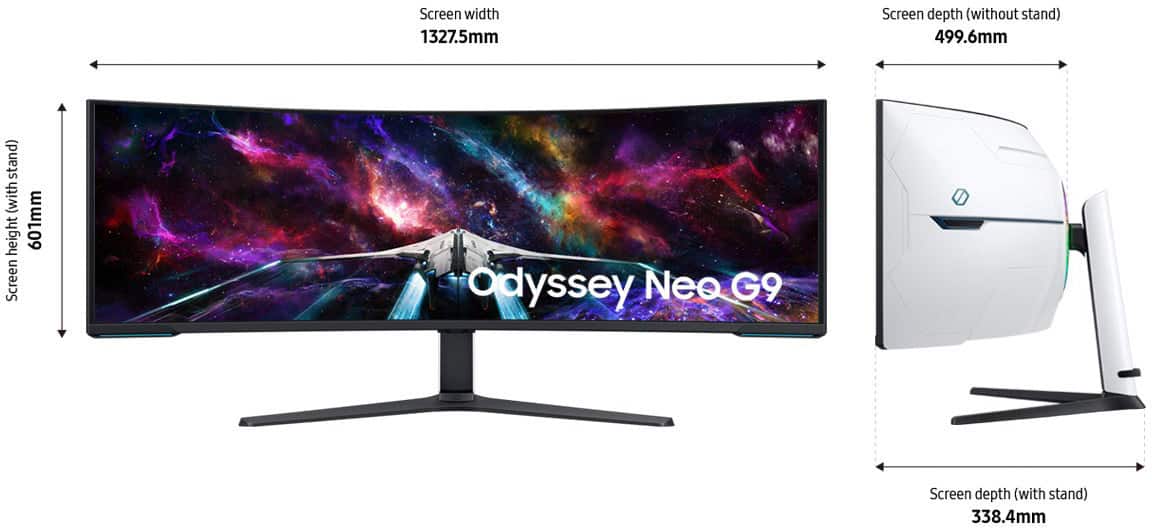
||Posted . Owned for 2 months when reviewed.This reviewer received promo considerations or sweepstakes entry for writing a review.Amazing immersive monitor. Make sure you measure your space before purchasing. Definitely worth the price, especially if you can catch it on sale.
This review is from Samsung - 57" Odyssey Neo G9 Dual 4K UHD Quantum Mini-LED 240Hz 1ms HDR 1000 Curved Gaming Monitor (HDMI 2.1, DP 2.1, USB 3.0) - Black
I would recommend this to a friendRated 5 out of 5 stars
Get BiG
||Posted . Owned for 3 weeks when reviewed.This reviewer received promo considerations or sweepstakes entry for writing a review.Solid screen with some minor flaws. Overall I am extremely happy with this purchase.
This review is from Samsung - 57" Odyssey Neo G9 Dual 4K UHD Quantum Mini-LED 240Hz 1ms HDR 1000 Curved Gaming Monitor (HDMI 2.1, DP 2.1, USB 3.0) - Black
I would recommend this to a friendRated 5 out of 5 stars
Productivity workhorse
||Posted . Owned for 1 month when reviewed.This reviewer received promo considerations or sweepstakes entry for writing a review.Super large, great for productivity. I use it for coding and it is great to have so much real estate.
This review is from Samsung - 57" Odyssey Neo G9 Dual 4K UHD Quantum Mini-LED 240Hz 1ms HDR 1000 Curved Gaming Monitor (HDMI 2.1, DP 2.1, USB 3.0) - Black
I would recommend this to a friendRated 4 out of 5 stars
So far so good
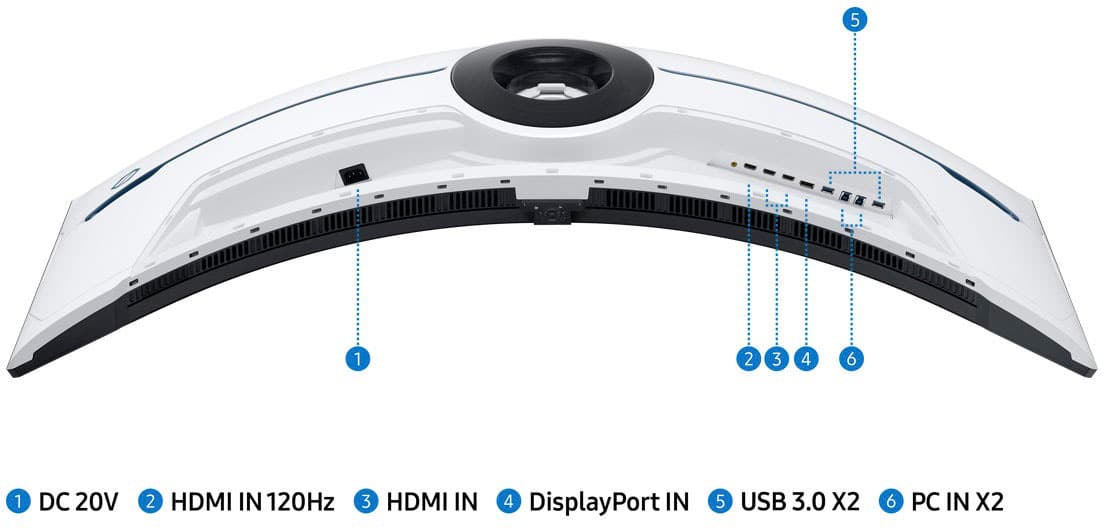
||Posted . Owned for 2 weeks when reviewed.This reviewer received promo considerations or sweepstakes entry for writing a review.been hearing they go out so hoping thats not the case but its really solid. One thing that would have been nicer is 2 display ports rather than 1 DP and 3 hdmi
This review is from Samsung - 57" Odyssey Neo G9 Dual 4K UHD Quantum Mini-LED 240Hz 1ms HDR 1000 Curved Gaming Monitor (HDMI 2.1, DP 2.1, USB 3.0) - Black
I would recommend this to a friendRated 5 out of 5 stars
Great Monitor
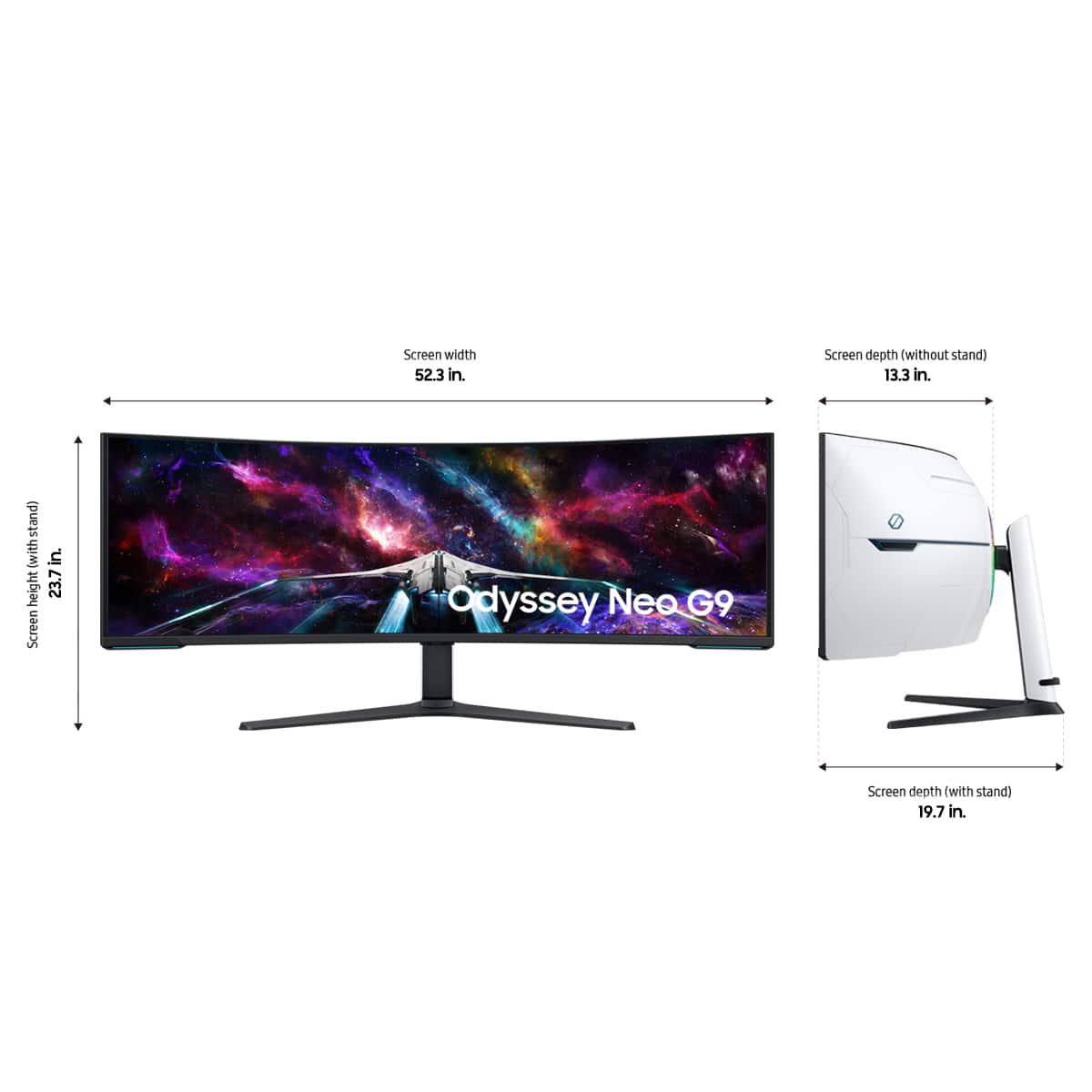
||Posted . Owned for 3 weeks when reviewed.This reviewer received promo considerations or sweepstakes entry for writing a review.This monitor is about as bananas as you can get! Make sure youbuave a desk that can hold this because the curve is great! The colors and backlight as amazing.
This review is from Samsung - 57" Odyssey Neo G9 Dual 4K UHD Quantum Mini-LED 240Hz 1ms HDR 1000 Curved Gaming Monitor (HDMI 2.1, DP 2.1, USB 3.0) - Black
I would recommend this to a friendRated 5 out of 5 stars
Amazing
||Posted . Owned for 3 weeks when reviewed.This reviewer received promo considerations or sweepstakes entry for writing a review.Amazing picture and just the size of the monitor is something to marvel. Takes time getting used to though
This review is from Samsung - 57" Odyssey Neo G9 Dual 4K UHD Quantum Mini-LED 240Hz 1ms HDR 1000 Curved Gaming Monitor (HDMI 2.1, DP 2.1, USB 3.0) - Black
I would recommend this to a friend