Customer Ratings & Reviews
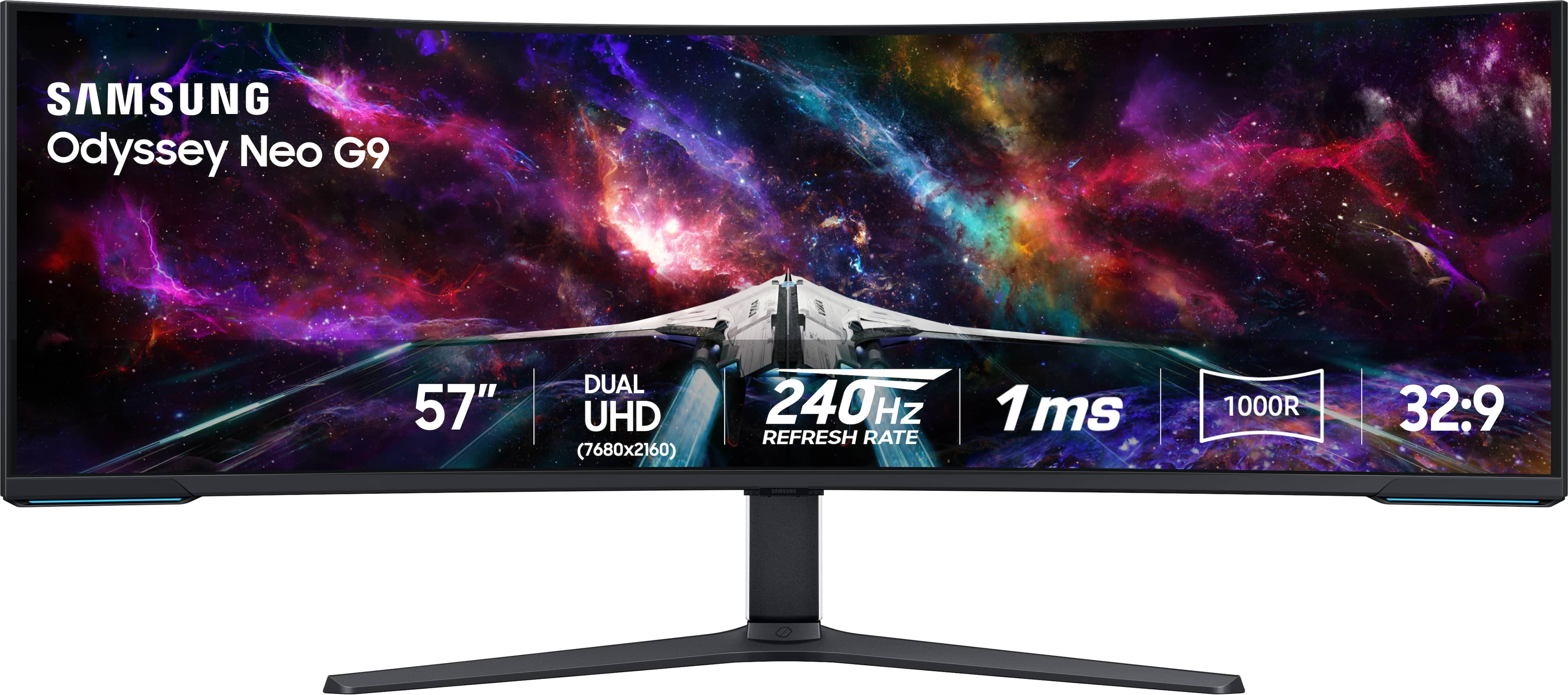
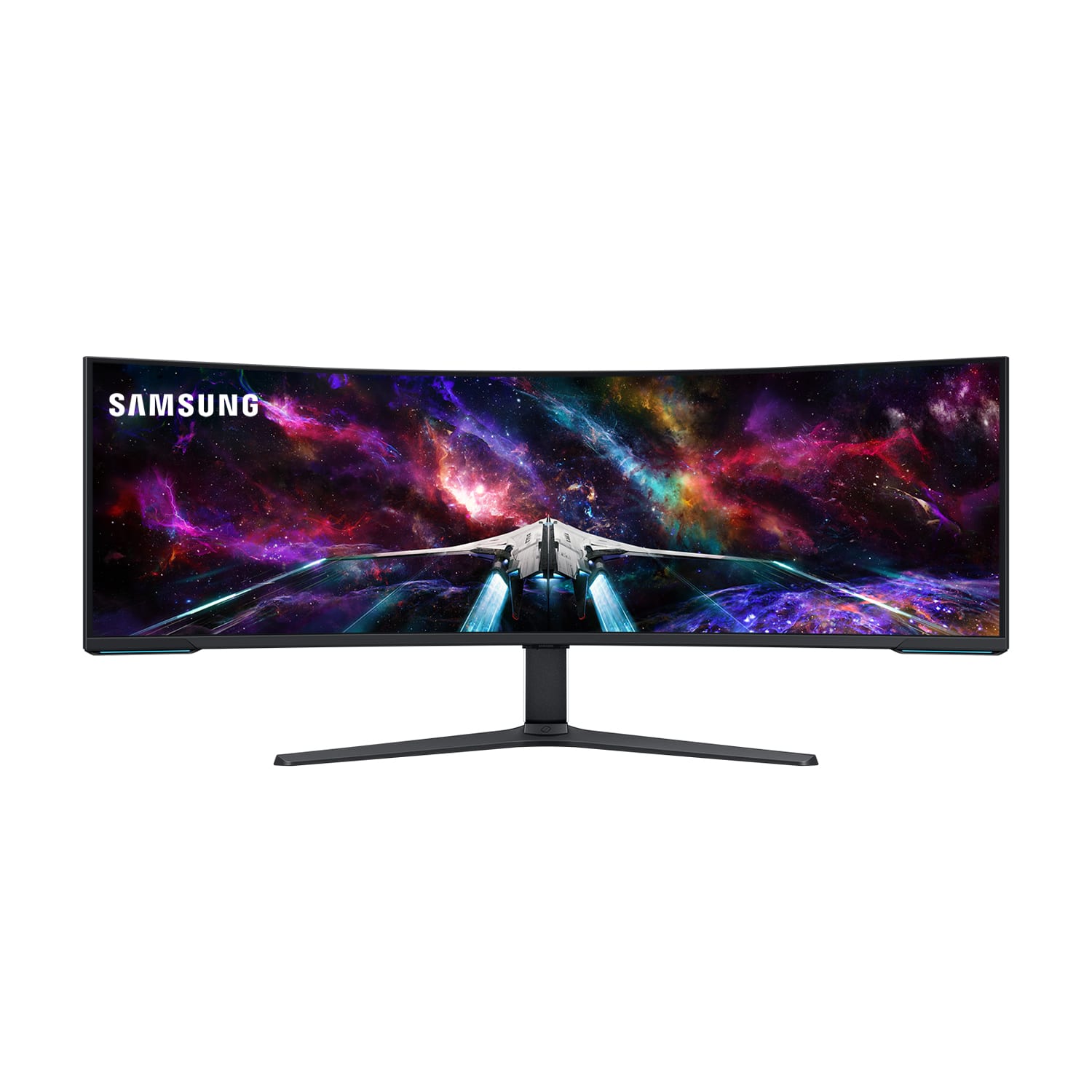
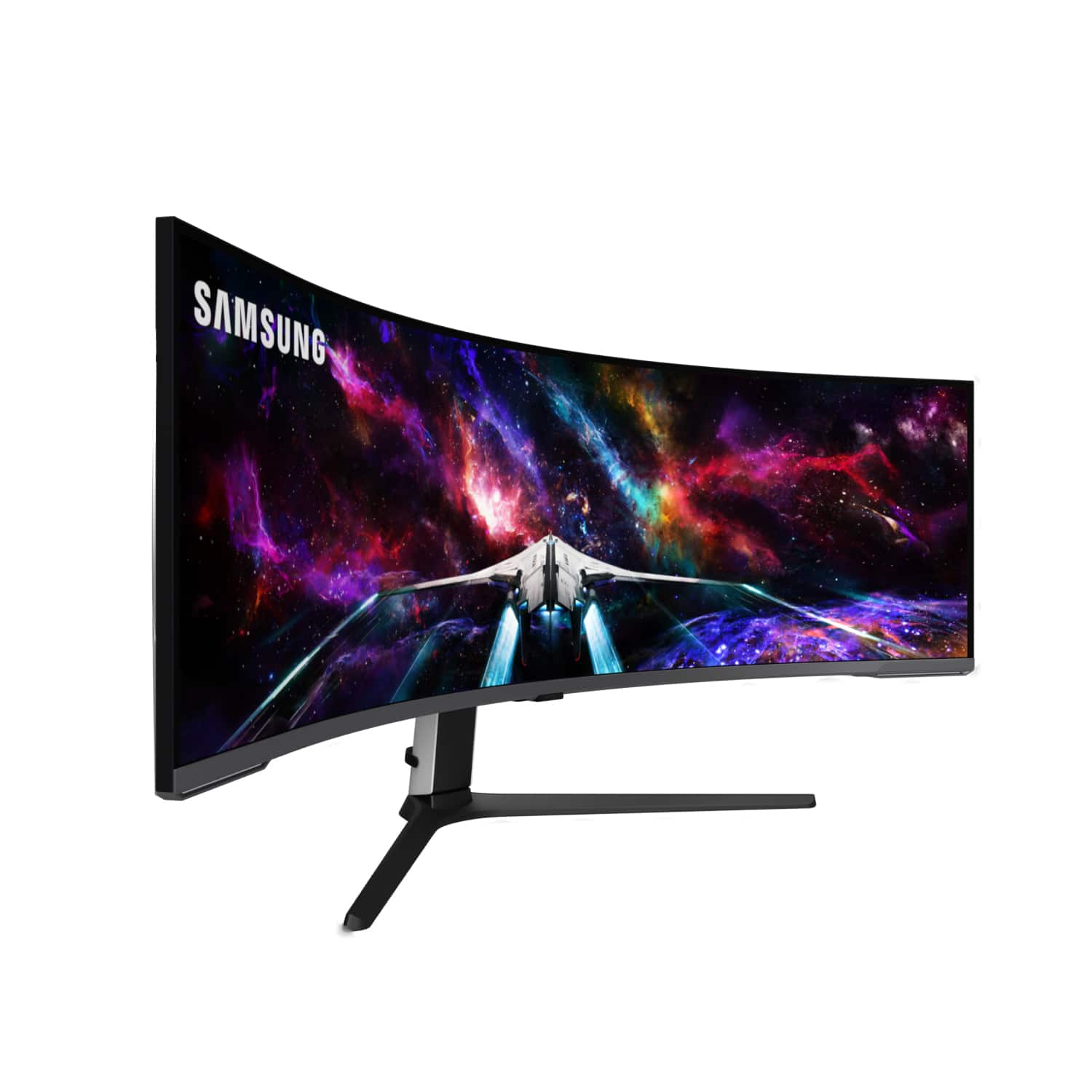
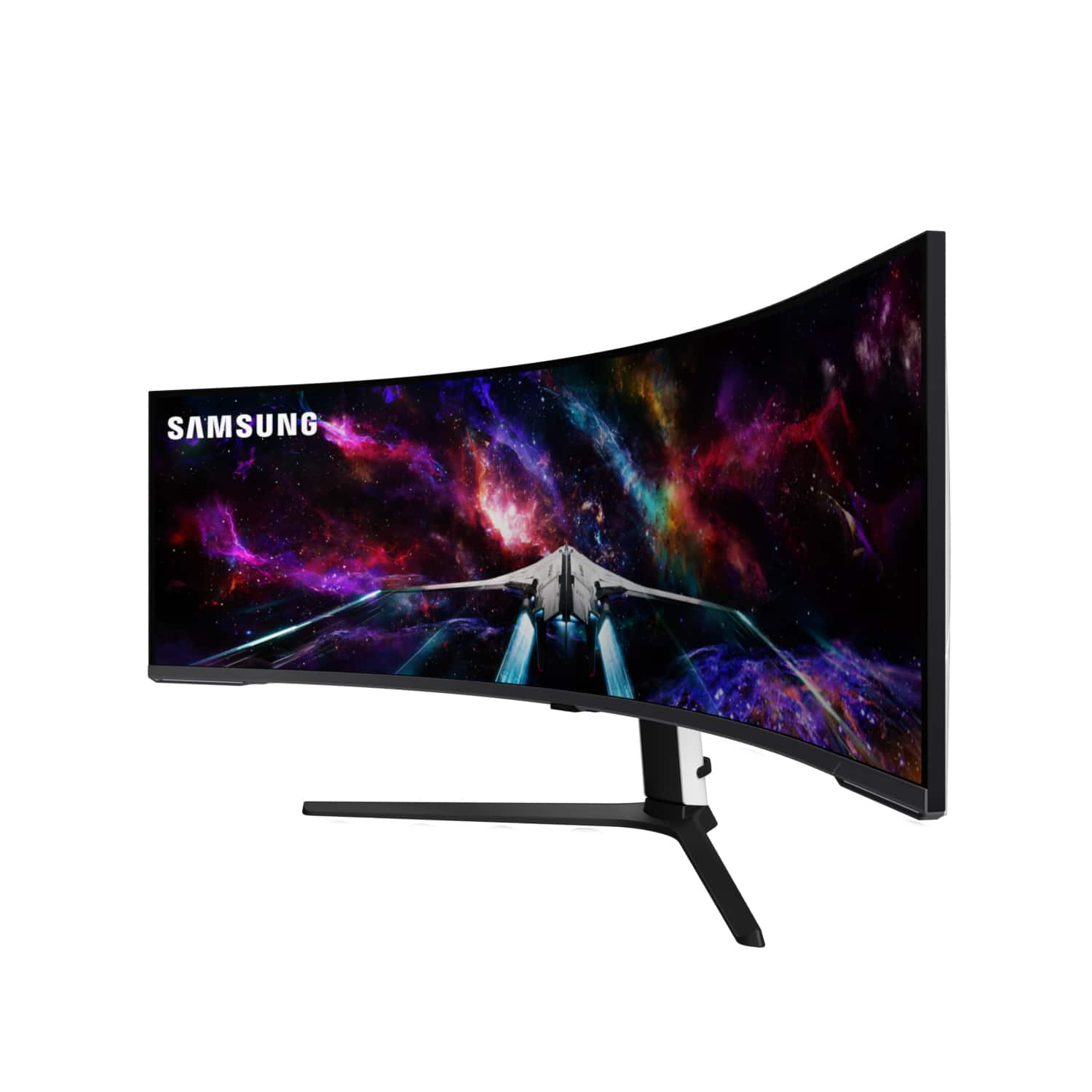
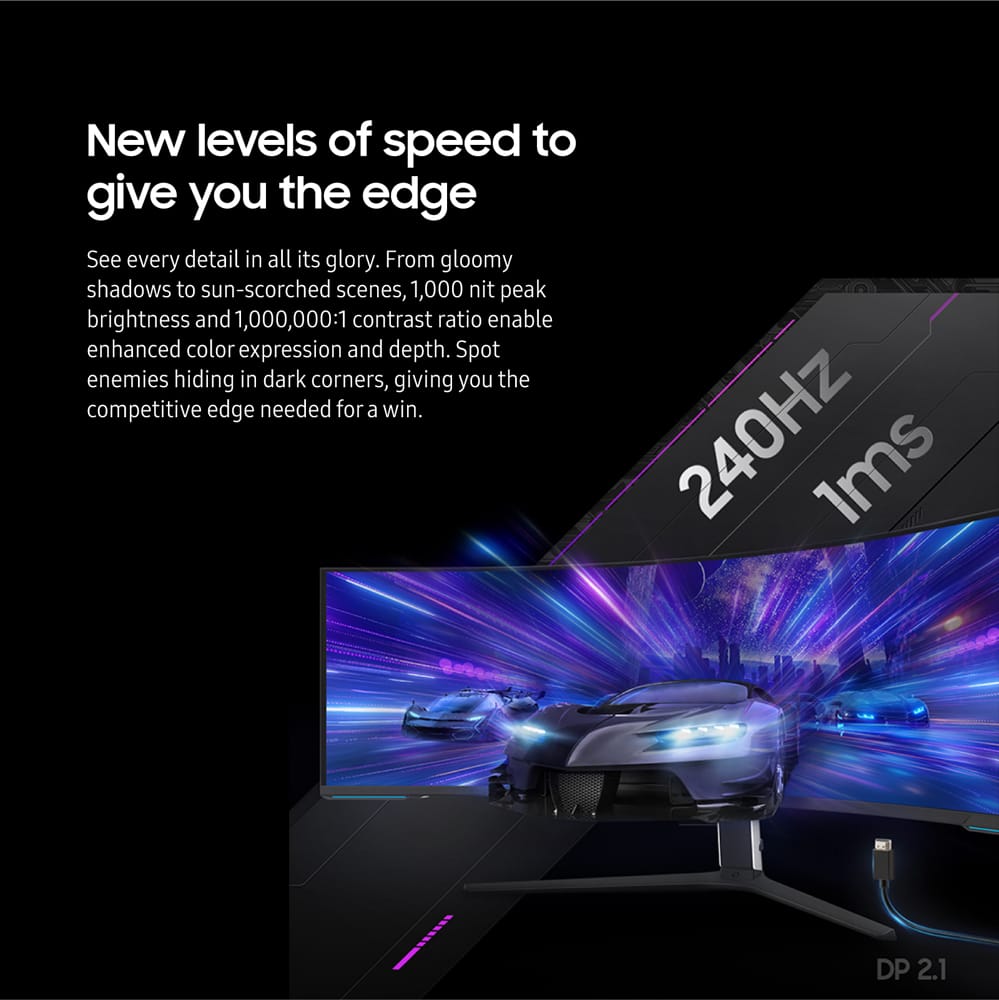
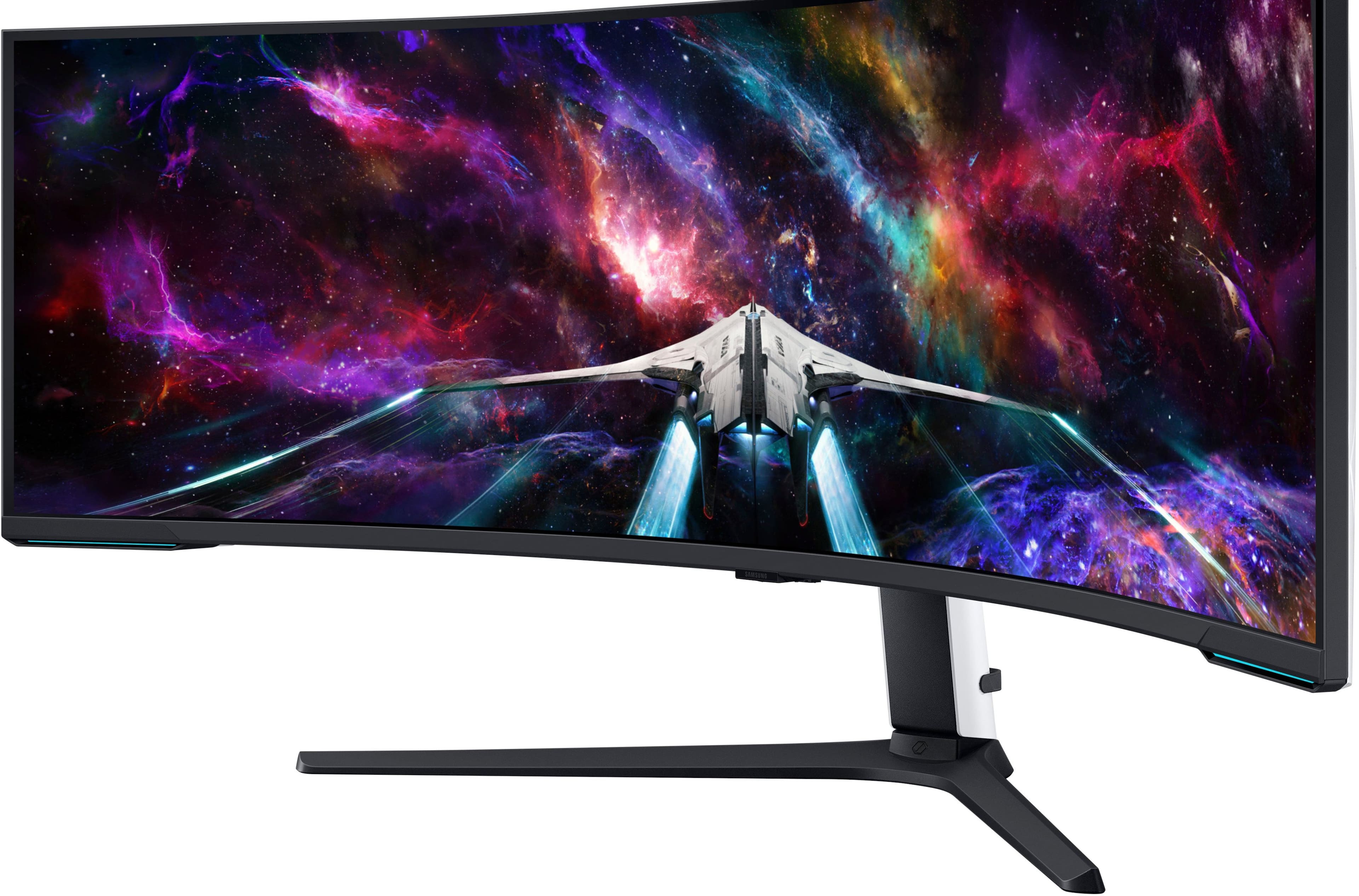
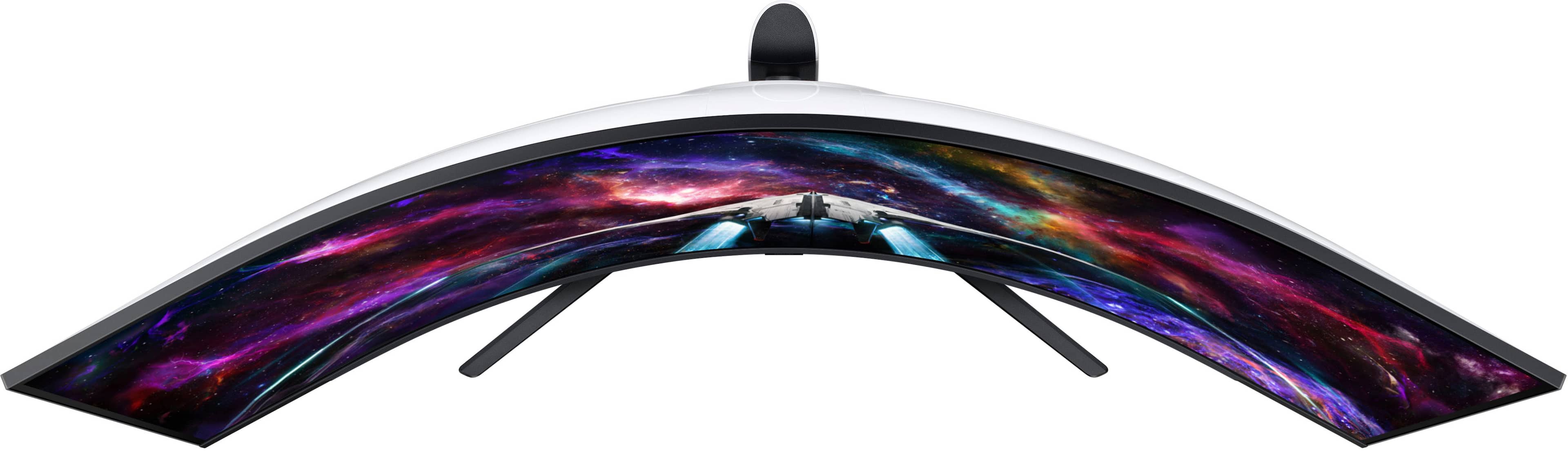
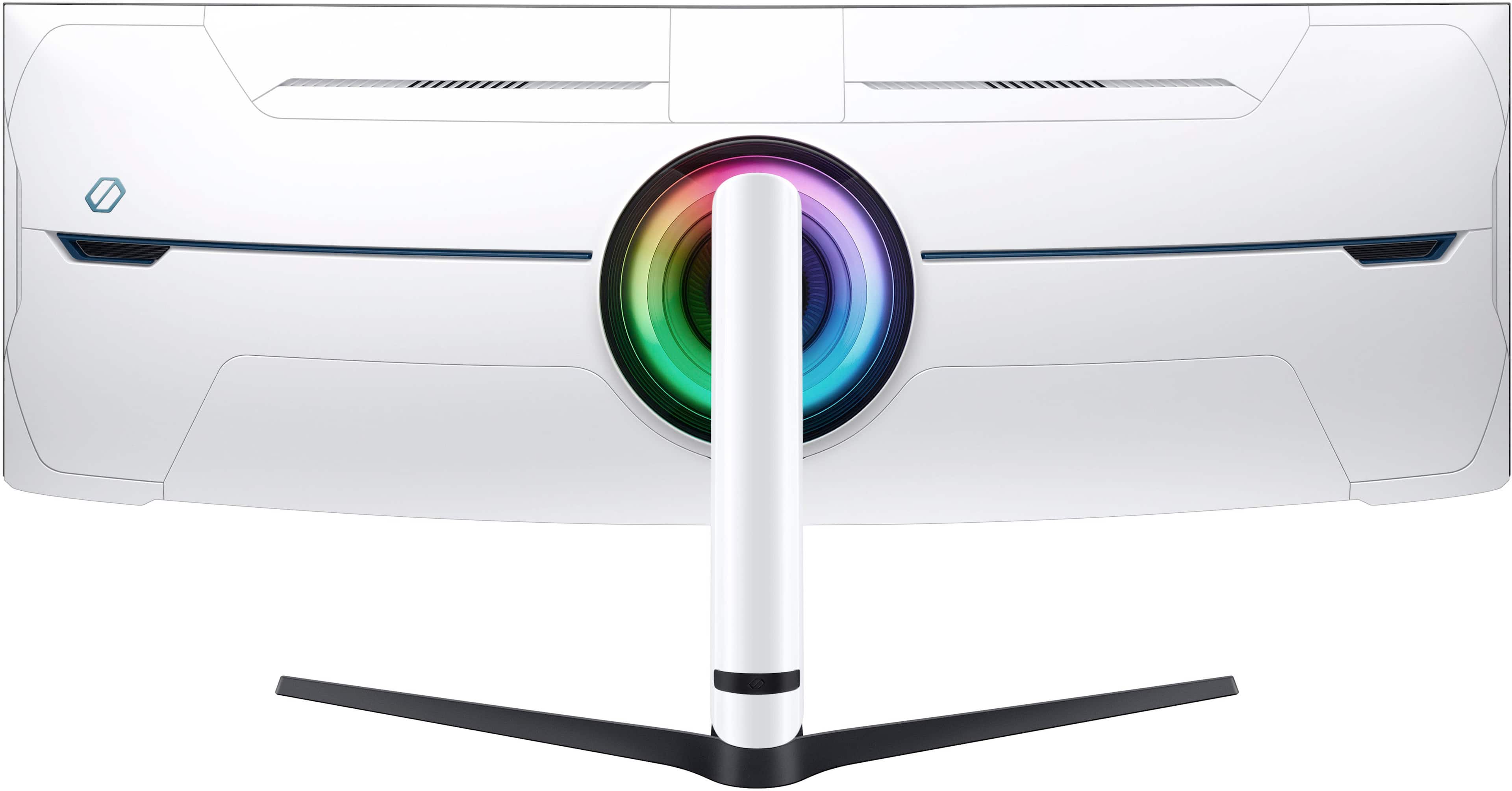
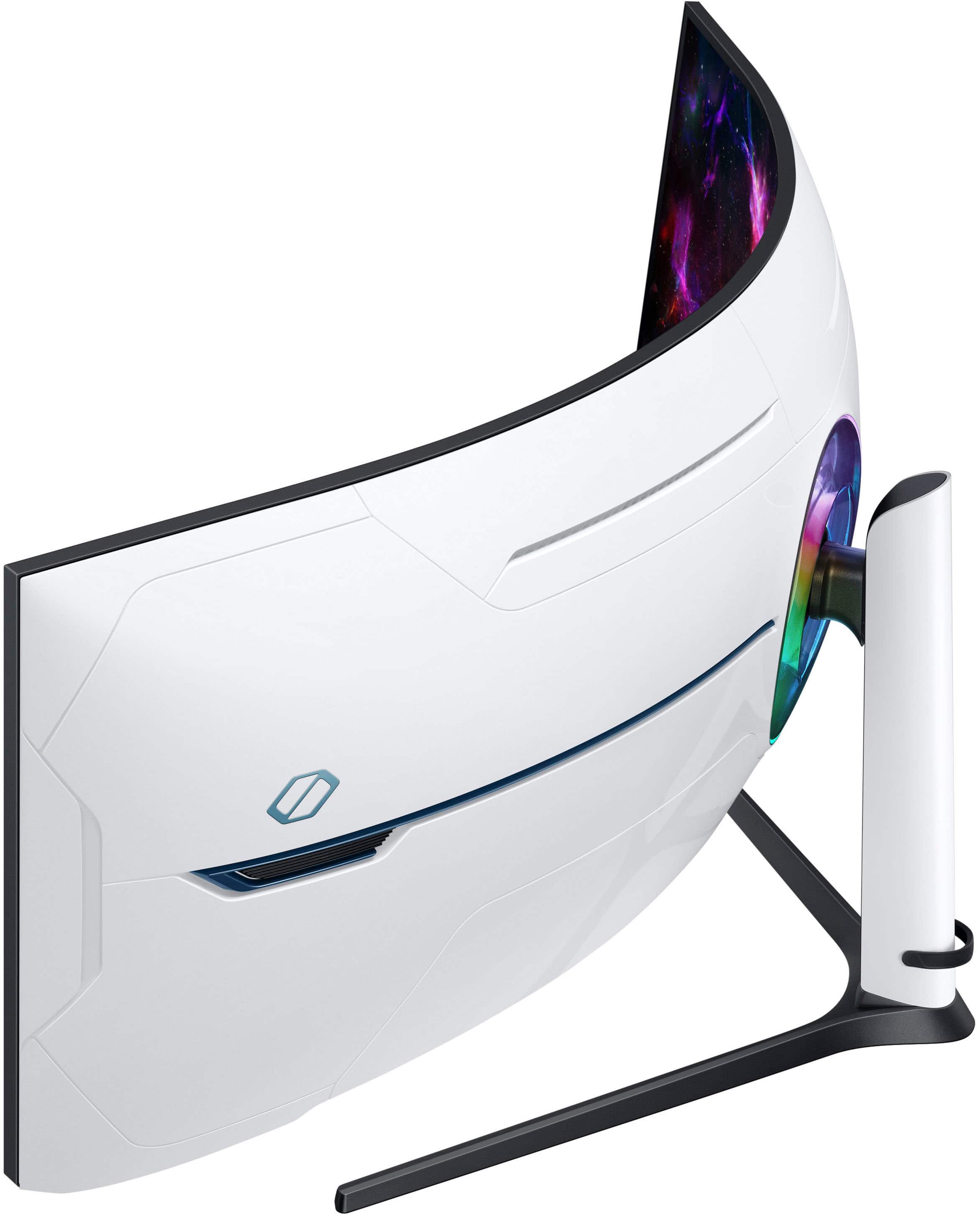

- Model:
- LS57CG952NNXZA
- SKU:
- 10187556
Rating by feature
- Display Quality
Rating 4.7 out of 5 stars
- Ease of Use
Rating 4.5 out of 5 stars
- Features
Rating 4.6 out of 5 stars
to a friend
Great PC monitor, not great Mac monitor.
||Posted . Owned for less than 1 week when reviewed.This reviewer received promo considerations or sweepstakes entry for writing a review.Excellent monitor for those looking for dual 4k output from a PC. If you have a M1 MAX or lower Mac however, you are in for a world of pain. Recommended only for PC users.
I would recommend this to a friendWorth the upgrade !
||Posted . Owned for 1 week when reviewed.This reviewer received promo considerations or sweepstakes entry for writing a review.Amazing graphics & i have no issues at all! Too big to game play tho so i split the screen lol DP cable may be the only issue its too short but easily replace it lol
I would recommend this to a friendgreat picture, required wall mount
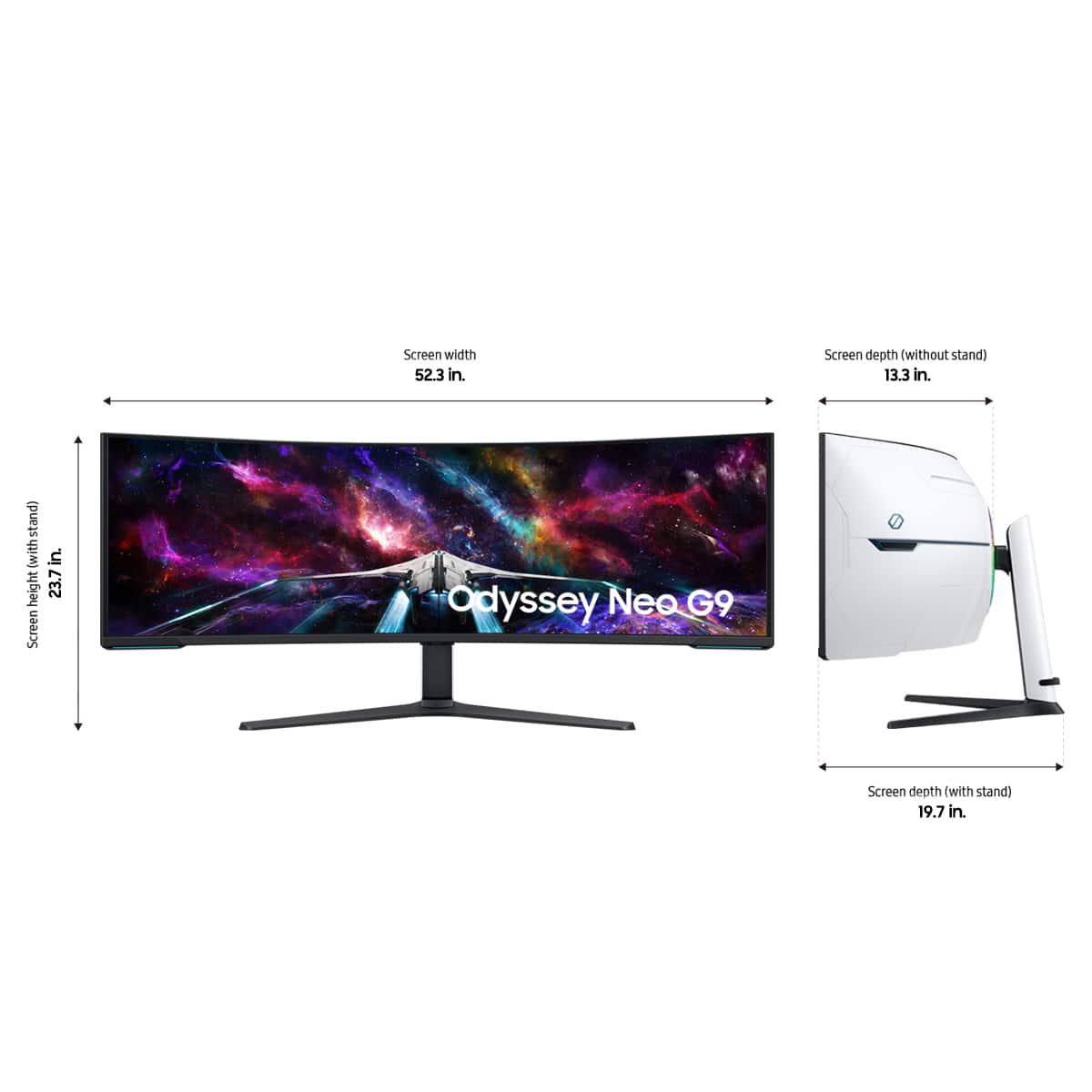
||Posted . Owned for 1 week when reviewed.This reviewer received promo considerations or sweepstakes entry for writing a review.great quality and functionality but like any massive moniter it has a very large mounting base so it almost requires a wall mount or massive desk
I would recommend this to a friendBest ever
||Posted . Owned for 1 week when reviewed.This reviewer received promo considerations or sweepstakes entry for writing a review.This is my favorite monitor of all time. Nothing justifies it till you use it live. Very happy.
I would recommend this to a friendMike 57 Samsung
||Posted . Owned for 1 week when reviewed.This reviewer received promo considerations or sweepstakes entry for writing a review.You lowered the price by $ 200.00 after I Pd $1999.00!
No, I would not recommend this to a friendBrand response from Samsung
Posted .Thank you for your review. Samsung is committed to providing the best possible product experience, quality, and value. Samsung greatly values our customers’ feedback and we utilize your concerns and opinions in our relentless efforts towards delivering world-class products.
If there is anything we can do to assist you and improve your product experience, please don't hesitate to contact Samsung Customer Support via: 1-800-SAMSUNG, available 8AM - 12AM EST (Mon-Fri) / 9AM - 11PM EST (Sat-Sun)
neo monitor
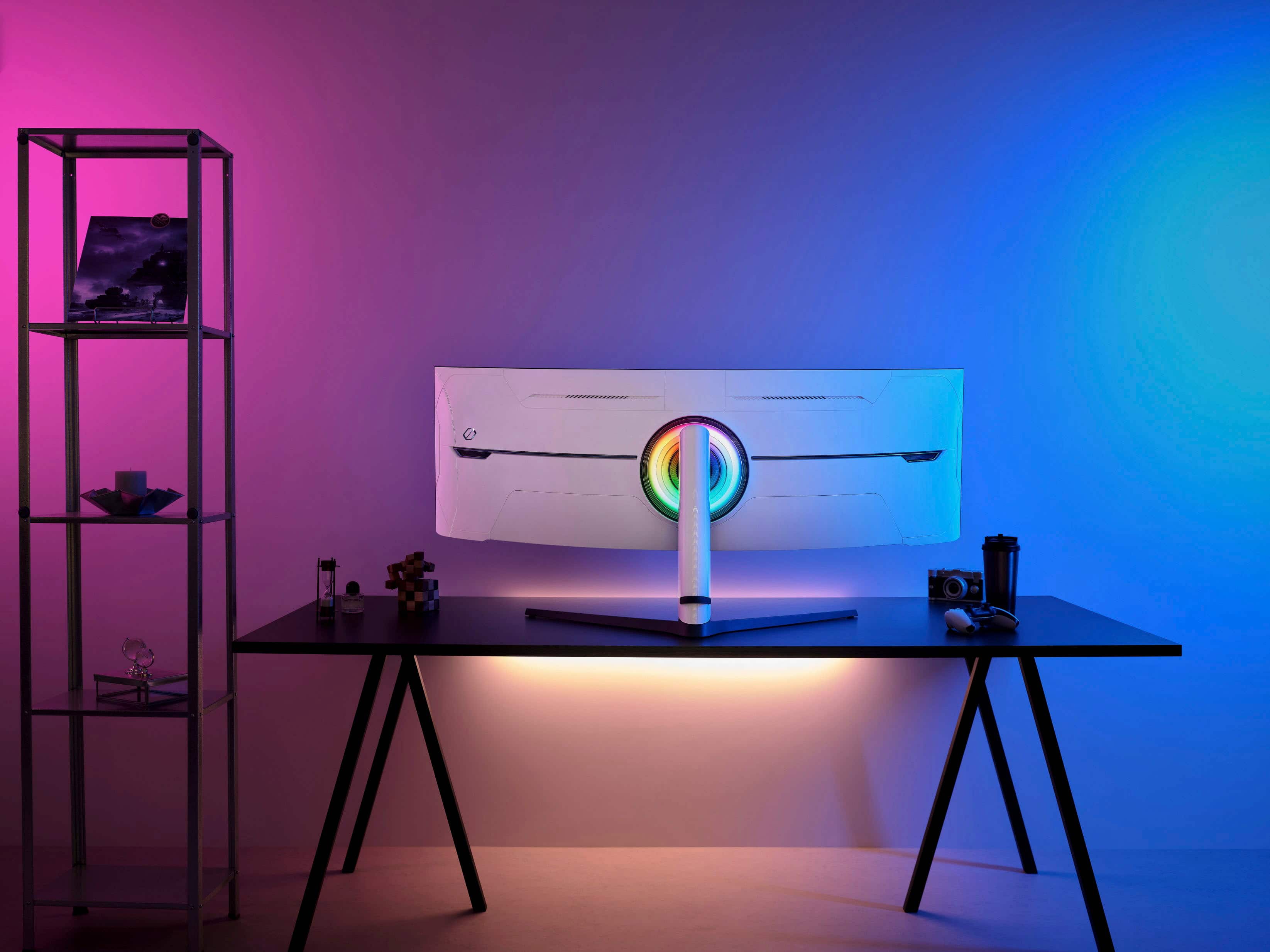
||Posted . Owned for 2 months when reviewed.This reviewer received promo considerations or sweepstakes entry for writing a review.everything is fine on monitor but the backlight on the backside of monitor is not bright
I would recommend this to a friendAmazing monitor
||Posted . Owned for 2 weeks when reviewed.This reviewer received promo considerations or sweepstakes entry for writing a review.Received monitor a few days later than expected, but so far the monitor is amazing.
I would recommend this to a friendNo issues
||Posted . Owned for 3 weeks when reviewed.This reviewer received promo considerations or sweepstakes entry for writing a review.Haven't had any issues like some people have had. It works and looks great!
I would recommend this to a friend2nd one that has died on me. Return window passed.
||Posted . Owned for 1 month when reviewed.This reviewer received promo considerations or sweepstakes entry for writing a review.I just love paying $2500+ on a profuct to die on me days later. I went thrpugh all the hassle of gettong another one and now it has died a month later as well. There is a serious power issue with this monitor and there should have been a recall. Now, im stuck with a paperweight waiting on Samsung repair. I am not a happy customer!
No, I would not recommend this to a friendBrand response from Samsung
Posted .We are very sorry to see that you have encountered issues with the Samsung Neo G9 Monitor. We understand your disappointment and hope that you will give us a chance to assist with troubleshooting or warranty service.
Samsung products are engineered to the highest standards of performance and quality and we back this model with a 1-year limited manufacturer's warranty, if purchased brand-new from an authorized dealer.
For further assistance or to begin warranty service, please contact Samsung Customer Support via:
1-800-SAMSUNG, available 8AM - 12AM EST (Mon-Fri) / 9AM - 11PM EST (Sat-Sun)
Samsung is committed to providing the best possible product experience, quality, and value, and we are always here to help with any of your questions or concerns.
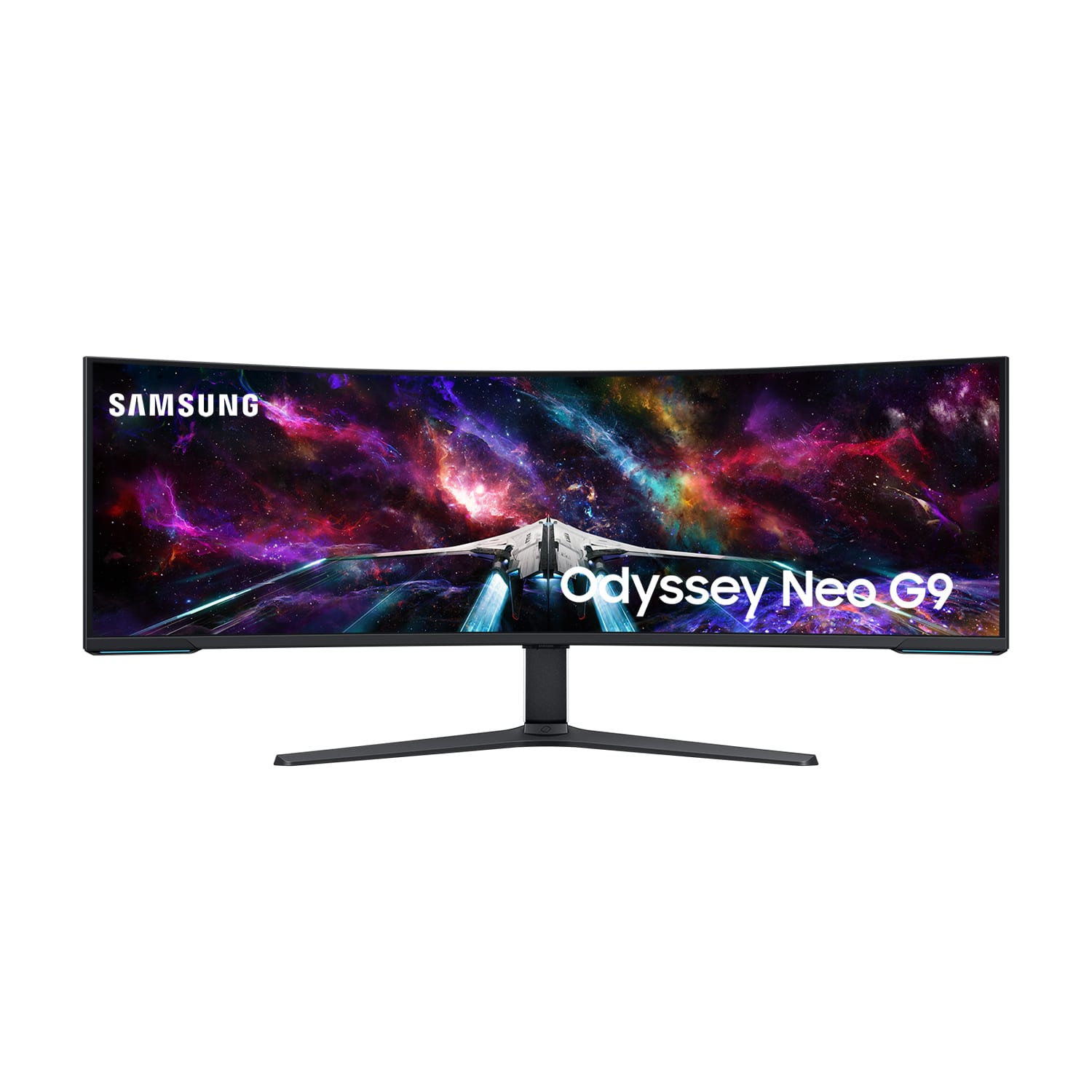
The Samsung - 57" Odyssey Neo G9
||Posted . Owned for less than 1 week when reviewed.This reviewer received promo considerations or sweepstakes entry for writing a review.Have not open the the monitor yet. But This one is the one I want !
I would recommend this to a friendgraphic slow respons
||Posted . Owned for 3 months when reviewed.This reviewer received promo considerations or sweepstakes entry for writing a review.graphic slow response unless a strong cpu for the computer
I would recommend this to a friendBrand response from Samsung
Posted .We are delighted to hear you've had an overall, positive experience with your Odyssey Neo G9 Monitor. Thank you for your feedback to help us improve our products and services.There maybe a variety of reasons why you are unable to achieve the desired refresh rate such as PC/console limitations and your connectin type. We also suggest updating the firmware on your device, adjusting in-device display settings, monitor settings, and in-game settings. If there is anything we can do to assist you and improve your product experience, please don't hesitate to contact Samsung Customer Support via: 1-800-SAMSUNG, available 8AM - 12AM EST (Mon-Fri) / 9AM - 11PM EST (Sat-Sun). Your thoughts and opinions are very important to Samsung.
Best screen in country
||Posted . Owned for 3 months when reviewed.This reviewer received promo considerations or sweepstakes entry for writing a review.Color is amazing everything about this thing is amazing
I would recommend this to a friendMonitor
||Posted . Owned for 1 week when reviewed.This reviewer received promo considerations or sweepstakes entry for writing a review.Love graphics love that i dont need 2 with this it does it all.
I would recommend this to a friendExpect problems.
||Posted . Owned for 2 weeks when reviewed.This reviewer received promo considerations or sweepstakes entry for writing a review.Was in the middle of playing a game the first week I bought it and the screen went black. Completely dead. Power button wouldn't work. Had to unplug it then plug it back in and then it worked again. A few weeks after that I returned to it after it had turned off automatically and the screen would not turn back on. This time it was making the beeping noises when I pushed the power like normal but still black screen. It has the latest software update. Would of bought a different brand in the first place if anyone else made anything that compared to this things size and specs, not a big fan of Samsung because, well, if you've bought Samsung products before, you already know why. I fully expect this thing to get worse over time which is why I bought the extended warranty. By the time it becomes completely un-useable, which I'm guessing will be within the first couple of months of the Manufactures warranty expiring, there should be a different comparable brand out there.
No, I would not recommend this to a friendBrand response from Samsung
Posted .We are very sorry to see that you have encountered issues with the Samsung Odyssey Neo G9 Monitor. We understand your disappointment and hope that you will give us a chance to assist with troubleshooting or warranty service.
Samsung products are engineered to the highest standards of performance and quality and we back this model with a 1-year limited manufacturer's warranty, if purchased brand-new from an authorized dealer.
For further assistance or to begin warranty service, please contact Samsung Customer Support via:
1-800-SAMSUNG, available 8AM - 12AM EST (Mon-Fri) / 9AM - 11PM EST (Sat-Sun)
Samsung is committed to providing the best possible product experience, quality, and value, and we are always here to help with any of your questions or concerns.
Cable Challenges
||Posted . Owned for 1 week when reviewed.This reviewer received promo considerations or sweepstakes entry for writing a review.Great screen, hard to find longer DP cables that work
I would recommend this to a friendAvoid this noisy, cheaply built display
||Posted . Owned for 2 months when reviewed.This reviewer received promo considerations or sweepstakes entry for writing a review.Do not buy this monitor. Terrible build quality for the price. For an hour or so after turning it on, and then another hour or so after it goes to sleep, the left side of the monitor made popping noises as a result of thermal expansion and a cheap plastic enclosure. I opened a service ticket soon after I set mine up and discovered this flaw. It took multiple calls and several weeks for Samsung to swap mine out, and after all that, the replacement does the same thing but from the right side of the monitor this time. I was going to fill out the survey they sent me but it took so long to get the replacement that the survey expired! I don’t have any options now other than to have them replace it again, but I have no reason to believe a third monitor will be any different. And it’s past the return period because they took so long to service the thing. I’ve previously had faulty Samsung appliances (dishwasher, microwave, and refrigerator) so I knew buying this carried some risk, but hopefully I can save someone else the $2500 they’re asking for this cheap, plastic, poorly engineered display.
No, I would not recommend this to a friendBrand response from Samsung
Posted .Thank you for purchasing the Samsung Neo G9 Monitor. We are sorry for the inconveniences you had.
Your review was brought to the attention of our Customer Care Center. If you ever need assistance again or have further questions, please reach out to Samsung via any of the below options:
1-800-SAMSUNG, available 8AM - 12AM EST (Mon-Fri) / 9AM - 11PM EST (Sat-Sun).
Again, thank you for taking the time to share your experience and provide us with information that helps improve our service.
Not as advertised
||Posted . Owned for 3 weeks when reviewed.This reviewer received promo considerations or sweepstakes entry for writing a review.Zero stars. This monotor was advertised as new. Far from it. I noticed the box it came in had two diffrent types of tape signaling it had been opened. The first thing I noticed after opening the box was tht the cable package had been opened and had the HDMI cable missing. I noticed the screws had ware on them. The monitor did not have the protective film on either the front of the screen or back. After setting it up I found that the DP port did not work. I came to Best Buy because I expected reliability and quality. I drove almost 3 hours to and from. I didnt even get the free virus protection and another item that was supposed to come to with the monitor's purchase. I will not be a regular customer anymore. Im sure the product is great if I had actually been sold a new monitor.
I would recommend this to a friendBrand response from Samsung
Posted .We are sorry to hear that your service experience was less than adequate. We would like the opportunity to assist and further investigate your experience. To assist your further, please contact Samsung Customer Support and a rep will be happy to assist you: 1-800-SAMSUNG, available 8AM - 12AM EST (Mon-Fri) / 9AM - 11PM EST (Sat-Sun). We will make our best effort to resolve this issue.
BEAST MOINTOR BUT...
||Posted . Owned for 9 months when reviewed.This reviewer received promo considerations or sweepstakes entry for writing a review.Amazing monitor but it's not a gaming monitor i would use
No, I would not recommend this to a friendBrand response from Samsung
Posted .We are sorry to see that you rated this product 3 stars, which indicates dissatisfaction. If there is anything we can do to assist you and improve your product experience, please contact Samsung Customer Support via: 1-800-SAMSUNG, available 8AM - 12AM EST (Mon-Fri) / 9AM - 11PM EST (Sat-Sun). Your thoughts and opinions are very important to Samsung and we hope to hear from you.
Great, but not worth the high "On Sale" price.
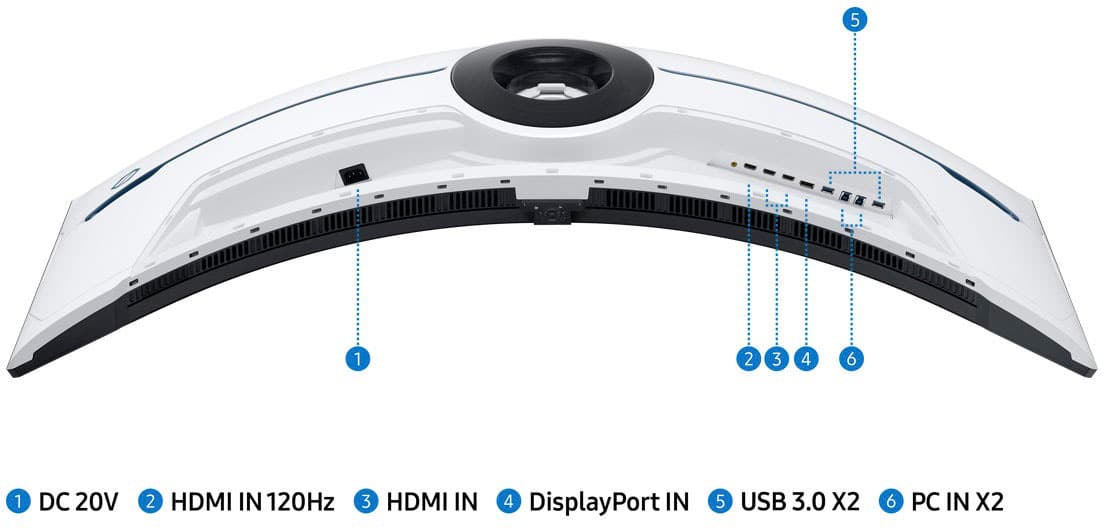
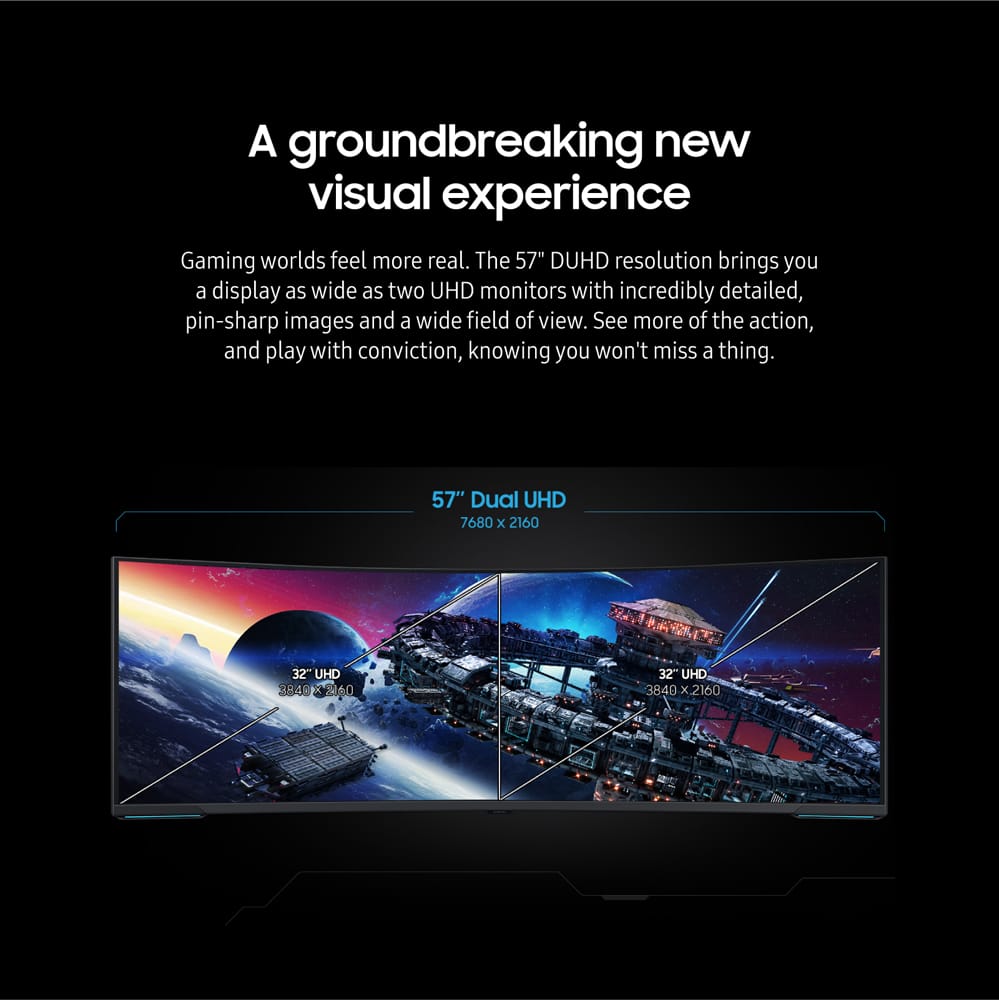
Posted .This reviewer received promo considerations or sweepstakes entry for writing a review.Part of the 5 stars is the incredible price I got this monitor. I snagged this on sale for $699.99 from Wally World NIB using the Honey App. I use this monitor on my Racing Sim Rig. I mounted the monitor to my wall using an OmniMount Play25X. I used the tilt mechanism that came with the Monitor Stand and attached that to my Play25X because the monitor is too heavy for the OmniMount tilt mechanism. All it took was some Grade 8.8 hardware and stacked metal and nylon washers to take up the gap at the attachment point. I saved a ton of money by using my existing Play25X Arm and getting this at $699.99! Now, how does it perform? Well, you won't get 4k @ 240Hz, no way, no how, unless you have the latest AMD 7900XTX GPU with DP 2.0. HDMI 2.1 cannot handle the bandwidth that is required for Dual 4K @ 240Hz. I am running an ASUS STRIX RTX 4090 OC Edition GPU and it cannot run 4K @ 240Hz. You need DisplayPort 2.0 Period. RTX 4090 only has DP 1.4a. If you must have a 240Hz refresh rate, you can accomplish this by reducing the Monitor Resolution to 5120x1440 under PC Display settings. In Monitor menu, set it to 240Hz mode. You must be connected to HDMI Port #2 or 3 on the Monitor. Port #1 is 120Hz mode only. I tried this and the quality suffers. 7680 x 2160 looks much better @ 120Hz than 5120x1440 @ 240Hz. AC, ACC, F1, DIRT, PCars, plus many more games all look fantastic on this monitor. Everything operates smooth and fluid. Since it is a VA panel, the viewing angle is just OK. I'd give it a 6/10. Once you are centered with the display, it looks absolutely phenomenal! I have not experienced any issues that others have stated, such as the monitor shell making cracking noises while it is in use due to heat expansion. I did not have any scan line issues as others have mentioned. No Dirty Screen effect, colors are very uniform. Everything just works as it should. The rear RGB lighting effects are a nice touch and can be synced with other lighting combos. I have not updated Firmware yet to Revision 1007.0. I am still on the factory 1006.x.x version and have not noticed any issues with this current FW. I do plan on updating to the latest version once I have some more time to test and make sure the 1007 version is solid before updating. All in all, this monitor is great and I would not hesitate to purchase again, but not at the current sale price of $1,799.99. The retail price of $2499.99 is just ridiculous. It is DEFINITELY not worth those prices. I got mine for $699.99 and a 4 year warranty for $77. At that price, it is well worth it. If you are a SIM racer and can find it at a nice price, grab it, you won't regret it.
I would recommend this to a friendDon't Buy
||Posted . Owned for 4 months when reviewed.This reviewer received promo considerations or sweepstakes entry for writing a review.I purchased this monitor on November and its dead in February. The 1st month works great then the second the screen gone bad and 3rd month no picture at ALL. For 2,000 dollar, I expect better. If there is zero or negative number, I would give it negative 10.
No, I would not recommend this to a friendBrand response from Samsung
Posted .We are very sorry to see that you have encountered issues with the Samsung Odyssey Neo G9 Monitor. We understand your disappointment and hope that you will give us a chance to assist with troubleshooting or warranty service.
Samsung products are engineered to the highest standards of performance and quality and we back this model with a limited time manufacturer's warranty, if purchased brand-new from an authorized dealer.
For further assistance or to begin warranty service, please contact Samsung Customer Support via:
1-800-SAMSUNG, available 8AM - 12AM EST (Mon-Fri) / 9AM - 11PM EST (Sat-Sun)
Samsung is committed to providing the best possible product experience, quality, and value, and we are always here to help with any of your questions or concerns.