Customer Ratings & Reviews



- Model:
- QN65Q8FNBFXZA
- SKU:
- 6200121
Rating by feature
- Value
Rating 4.4 out of 5 stars
- Quality
Rating 4.7 out of 5 stars
- Ease of Use
Rating 4.7 out of 5 stars
Customers are saying
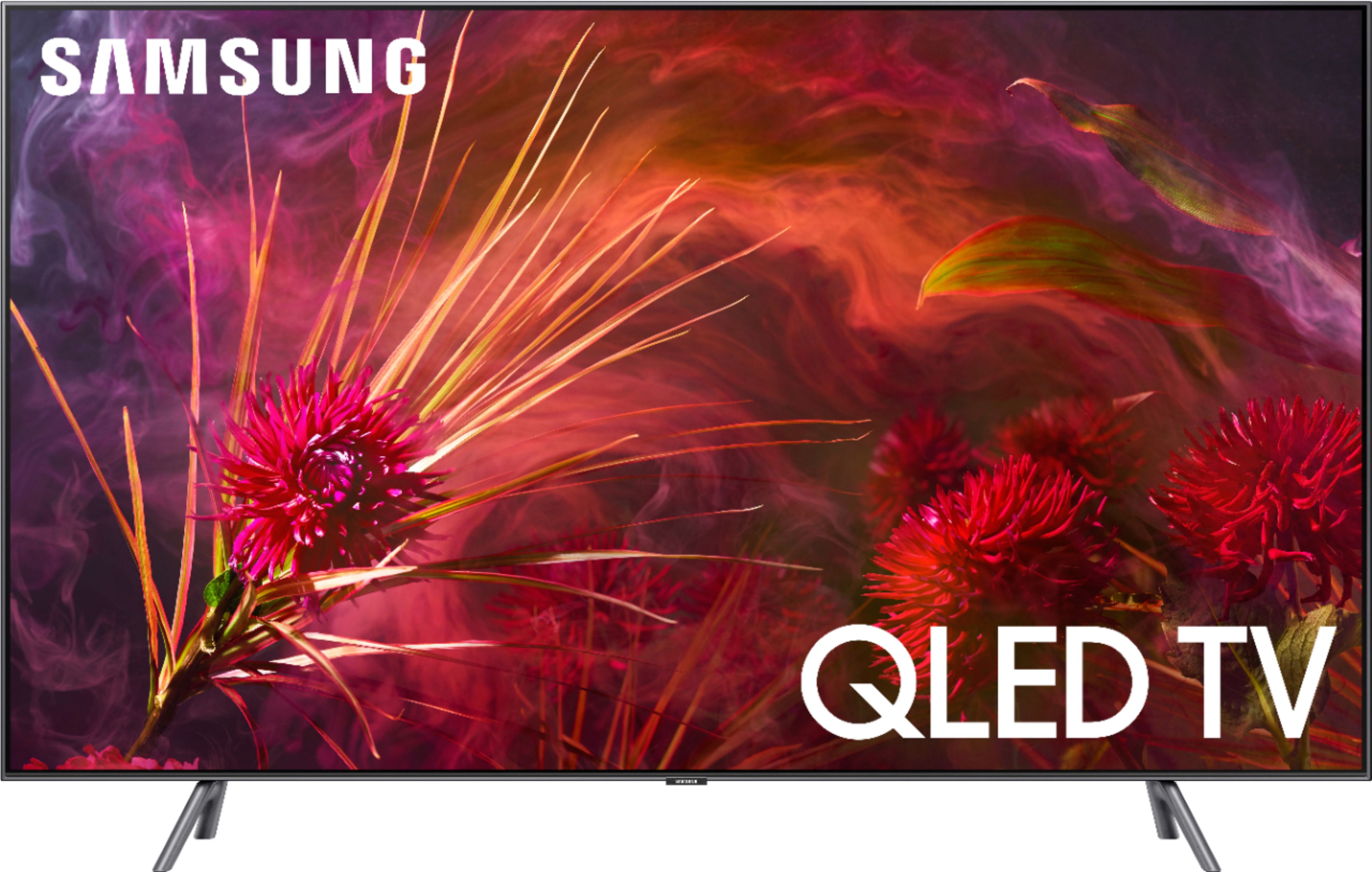
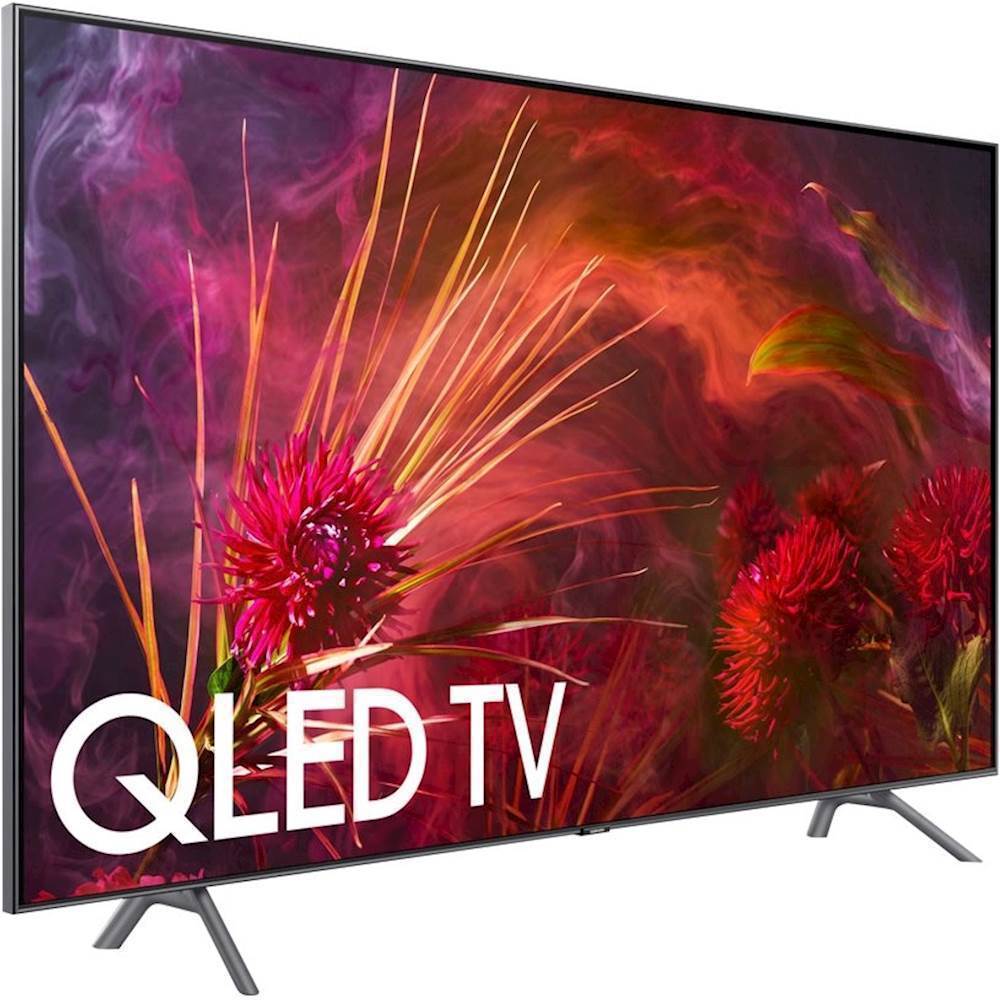
Customers consistently note the 65" Class - LED - Q8F Series - 2160p - Smart - 4K UHD TV with HDR has great picture quality, easy setup, and vivid colors. Many customers were pleased with the price they were able to get the TV for. While some customers found the remote control to be unintuitive, others found the smart TV to be great.
This summary was generated by AI based on customer reviews.
Big improvement
Posted .This reviewer received promo considerations or sweepstakes entry for writing a review.The addition of FALD to the 2018 Q8 is a huge improvement to the contrast of the TV. Motion has also improved on this TV and is excellent for gaming. This TV is fantastic and it’s better than both the KS8000 and 2017’s Q8.
I would recommend this to a friendGood TV, but not what we were after
Posted .This reviewer received promo considerations or sweepstakes entry for writing a review.We bought the 65" Q8FN online. It is a nice TV but It was to big for our living room and after about 24 hours of use we realized we were not happy with the image quality. We realized we just wanted that deep OLED look and we felt that the QLED just could not get us close enough. We returned the Q8 to our nearest store and got a 55" LGC8 instead. We like this one better. When in doubt... buy it... try it... see if you like it. Best Buy is still one of my favorite places to shop because their return policy is fair. I'm happy to spend thousands there because I know in the end I will eventually get what I want and not get stuck with what I don't. Also - being able to drop off my electronic for recycling is a huge bonus. The Q8FN was nice enough that I would recommend it to a friend for consideration. But I would also recommend the LGC8 as that is what I ultimately preferred. We stream shows and play games on our LGC8 and we are very happy with it.
I would recommend this to a friend- Pros mentioned:Picture quality
Amazing tv
Posted .This reviewer received promo considerations or sweepstakes entry for writing a review.This tv is absolutely amazing the picture quality compared to other TVs it size doesn’t compare. Very easy to setup and program and user friendly.
I would recommend this to a friend - Pros mentioned:Color
Amazing TV
Posted .This reviewer received promo considerations or sweepstakes entry for writing a review.Just an overall beautiful TV..amazing blacks and vivid colors!
I would recommend this to a friend - Pros mentioned:Picture quality
Great tv
Posted .This reviewer received promo considerations or sweepstakes entry for writing a review.Picture is awesome. Well worth the money. Just buy it
I would recommend this to a friend - Pros mentioned:Picture quality
Would not pay this much again for this TV
Posted .This reviewer received promo considerations or sweepstakes entry for writing a review.Immediately had green lines after professional installation by Best Buy. They came back out and replaced the screen. However warranty expired after 24 months and 36 months after green lines are back. Beautiful picture but not worth so much money to only last 3 years.
No, I would not recommend this to a friend Samsung TV 65 Inc.
Posted .This reviewer received promo considerations or sweepstakes entry for writing a review.A great TV and i highly recommend it for a great quality screen and quality.
I would recommend this to a friendVertical backlight bars and Bad Backlighting
Posted .This reviewer received promo considerations or sweepstakes entry for writing a review.I've purchased 2 of these TVs and I have returned the first and am in the process of returning the second. Both TVs arrived with a shaded vertical bar on both sides of the screen. It appears to be due to the packaging. The bars are aligned with a screen protector that covers the screen during shipment. It's clear in any scene that has a lot of white or a menu. Also the backlighting has been odd when you watch a dark scene. If there are two faces in a night scene, it appears to backlight a circular area that hides parts of the person's face outside of the circle. During cloud scenes the backlight flickers as it tries to process the changes in darkness between the bright whites and greying clouds. I was thinking I might upgrade to the Q9 to correct this but at $700 more I'm very nervous. I've spent over 6 hours with support over the phone and chat to explain to them they problem I'm having. One representative even told me to buy it locally at Best Buy to avoid any damage during shipping. I processed an order for the Q9 hoping that the packaging would be better and the backlighting Issue would be corrected. After support told me multiple contradicting statements, I cancelled the order. I'm very disappointed in the product and the support I was given. Nobody seemed to care about the time spent setting up, taking down, repackaging, and shipping back, only to have to do it a second time. I'm willing to give Samsung an opportunity to correct this issue if they would contact me directly.
No, I would not recommend this to a friendBrand response from Samsung
Posted .Hi 4KEnthusiast80,
Thank you for your feedback. I apologize for the unfortunate experience you had in trying to fix the banding and back light issues.
We do issue a Service/Call-In Ticket # to every customer who calls into our Service Center; please respond here with your last ticket number so that we can look up your contact info and call you.
We look forward to hearing from you and correcting this unfortunate experience.
Samsung greatly values our customers’ feedback and we utilize your concerns and opinions in our relentless efforts towards delivering world-class service.
- Samsung Ambassador
Great TV
Posted .This reviewer received promo considerations or sweepstakes entry for writing a review.We've had no problems whatsoever. Great TV. Would buy again!
I would recommend this to a friend- Pros mentioned:Picture quality
Great color, bad image performance
Posted .This reviewer received promo considerations or sweepstakes entry for writing a review.The colors are and blacks are mind blowing, dark scenes and shadows are like nothing I've seen before. Unfortunately when it comes to objects in motion, no amount of changing the settings makes the judder go away. I've turned on all the polishing settings and even tried turning them off but to no avail. It's really sad when my Sony 850e had zero judder (which is choppiness when something is moving in a scene, or the scene is panning). When you pay this much for a tv, especially considering the Sony was almost half this price you'd expect nothing like what's happened. I'm not happy because movies especially look bad if someone turns their face too quickly it gets all chopped up. I'm very dissatisfied with this tv and heavily considering returning it for a lesser equivalent Sony 900f. So if you expected movies to actually look good other than just nice colors, I don't recommend this tv.
No, I would not recommend this to a friendBrand response from Samsung
Posted .Kracklejack,
The Q8F series comes with Auto Motion Plus, a feature designed to eliminate blur and judder on an LED TV, specifically in fast-moving images. It does so by taking a 30-fps signal and adding in additional frames to help smooth out any blur or judder between frames – this is called interpolation.
You can change Auto Motion Plus settings by following these steps:
1) With the TV powered on, press the Home button on the Samsung remote to open the Home screen
2) Then select Settings > Picture > Expert Settings > Auto Motion Plus
(Note: This option may not be visible initially. Continue scrolling through the Expert Settings Menu to locate Auto Motion Plus)
3) Then select Auto Motion Plus again, and you will see the following three options:
a) Off: Auto Motion Plus will always be off
b) Auto: Auto Motion Plus will automatically activate and deactivate based on the type of program being watched
c) Custom: Allows custom adjustments and settings to be used
4) By selecting the Custom option, you can access these advanced settings:
a) Blur Reduction: Use the directional keys on the remote to adjust the Blur setting
b) Judder Reduction: Use the directional keys on the remote to adjust the Judder setting
c) LED Clear Motion: Select to turn On/Off
For further assistance on this feature or other usages, please contact Samsung Customer Support at 1-800-SAMSUNG and a representative will gladly help you. Or LiveChat with our product experts at: http://www.samsung.com/us/support/contact
We are likewise reachable via Facebook Messenger at: http://m.me/samsungsupport
You can also find us on Twitter at: https://twitter.com/messages/compose?recipient_id=18768513
- Samsung Ambassador
- Pros mentioned:Picture quality
Manual not included
Posted .This reviewer received promo considerations or sweepstakes entry for writing a review.The salesman assured me when I purchased this TV, that it contained a user or product manual. Well, It didn't, it only contained a couple pages on how to view the E-manual on the TV. It took me about 2 hours to figure out how to turn it on and view an over the air broadcast. it has a good picture but no good if you dont know how to operate it. I'm a retired tech repair person and a connoisseur of everything electronic. Not only did the salesperson mislead me..this was the worst product introduction that I have ever seen. I am replacing another Samsung TV that had a real 120 or more page manual.
No, I would not recommend this to a friendBrand response from MrSamsung
Posted .VICTORE410,
I am sorry to see that you had trouble trying to look up the user guide.
Here is the link to the downloadable eManual that include detailed step-by-step guide:
http://downloadcenter.samsung.com/content/UM/201804/20180402122953955/ENG_US_KM2ATSCN-1.1.1.pdf
I hope this eManual provides the information you are looking for.
Should you need further assistance with features or usage, please do reach out to our Customer Service by calling 1-800-SAMSUNG, or by LiveChat or email. Simply copy-paste this link into your browser: http://www.samsung.com/us/support/contact
You can also find us on our Samsung Support Facebook page at: https://www.facebook.com/samsungsupport/app/158125230916392/
Again, thank you for taking the time to share your experience and provide us with information that helps improve our products and service.
-Samsung Ambassador
Samsung’s quality control has gone bye bye
Posted .This reviewer received promo considerations or sweepstakes entry for writing a review.If you have a Samsung put it on a solid color esp white screen and look closely ! This all started with my ks8000 that I was happy with until about 7 months in it deleveloped a red dead pixel - no problem called Samsung they sent a tech out now Iv learned a lot in the process but Samsung was out 4 times with new and what I found out to be refurbished models all defective Samsung then offers refund at store towards new tv so then I’m happy go get the Samsung q7 2017 model Best Buy exchanged this model 5 times all either had bezels that were bad or again red dead pixels - finally I say I’ll wait for the 2018 models I go again with a step up and get the 2018 q8 sure enough dead pixel straight out of box - Samsung tells me to return it but the Best Buy store is getting what I feel annoyed with me although I think Best Buy should be getting with Samsung I cannot believe all these defects total of 10 units straight out of the box
No, I would not recommend this to a friendBrand response from MrSamsung
Posted .Thatguy,
Thank you for your feedback on the Samsung 2018 Q8F 4K TV. I am very sorry for the dead pixel issues you have encountered and understand your frustration.
It seems to be an one-off issue for the Q8F series, as we do not find similar issue reported to either our customer service or quality control centers.
Please reach out to us again so that we can arrange replacement unit that best suit your need.
You can contact us via one the following options:
1) Toll-free calling: 1-800-SAMSUNG
2) LiveChat or Email: https://www.samsung.com/us/support/#contact_us_for_support
3) Facebook Messenger: http://m.me/samsungsupport
4) Twitter: https://twitter.com/messages/compose?recipient_id=18768513
Again, thank you for taking the time to share your experience and provide us with information that helps improve our products and service.
- Samsung Ambassador
Qled screen exchanged
Posted .This reviewer received promo considerations or sweepstakes entry for writing a review.I had this tv less than a year and the screen was totally swapped out .
No, I would not recommend this to a friendTV randomly restarts
Posted .This reviewer received promo considerations or sweepstakes entry for writing a review.Bought this tv and it worked fine for the first 4 months and then it started restarting. Itll just turn off and on when im playing games on my xbox or ps4. at first it was restarting once a month, then every other week, every week, then every few days, etc. according to Samsung forums this is a massive common issue. geek squad is set to come out in a couple days, I hope they can exchange it.
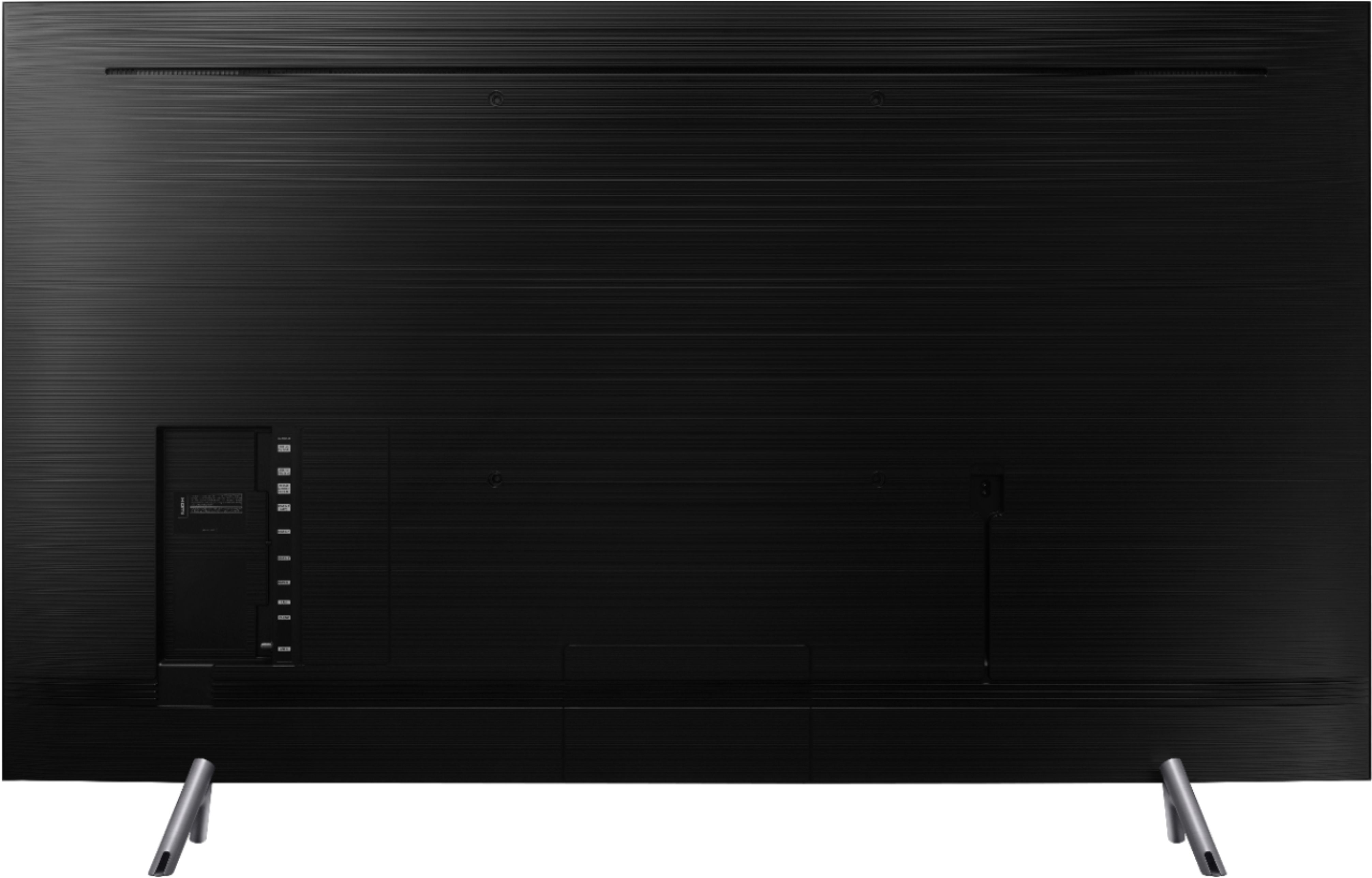
No, I would not recommend this to a friendno threads for wall mount?!?!
Posted .This reviewer received promo considerations or sweepstakes entry for writing a review.did samsung seriously put out a tv in 2018 that cannot be mounted??? returning this
No, I would not recommend this to a friendBrand response from MrSamsung
Posted .niko,
I am sorry to hear that you are experiencing mounting issue with your TV.
The Q8F is compatible with both Mini wall mount and VESA wall mount, with plugs covering the wall mounting screw holes for its 360 design look.
For your 65inch unit, the VESA screw hole specs is 400 x 400, and it accommodates screw length 0f 43045 mm.
Please reach out to us if you need further assistance with wall mounting.
You can contact our Customer Support toll-free at 1-800-SAMSUNG.
Simply copy-paste this link into your browser to LiveChat or Email us: https://www.samsung.com/us/support/#contact_us_for_support
We are likewise reachable by Facebook Messenger at: http://m.me/samsungsupport .
Or find us on Twitter at https://twitter.com/messages/compose?recipient_id=18768513.
Samsung is committed to providing the best possible product experience, quality, and value, and we are always here to help with any of your questions or concerns.
-Samsung Ambassador