Customer Ratings & Reviews
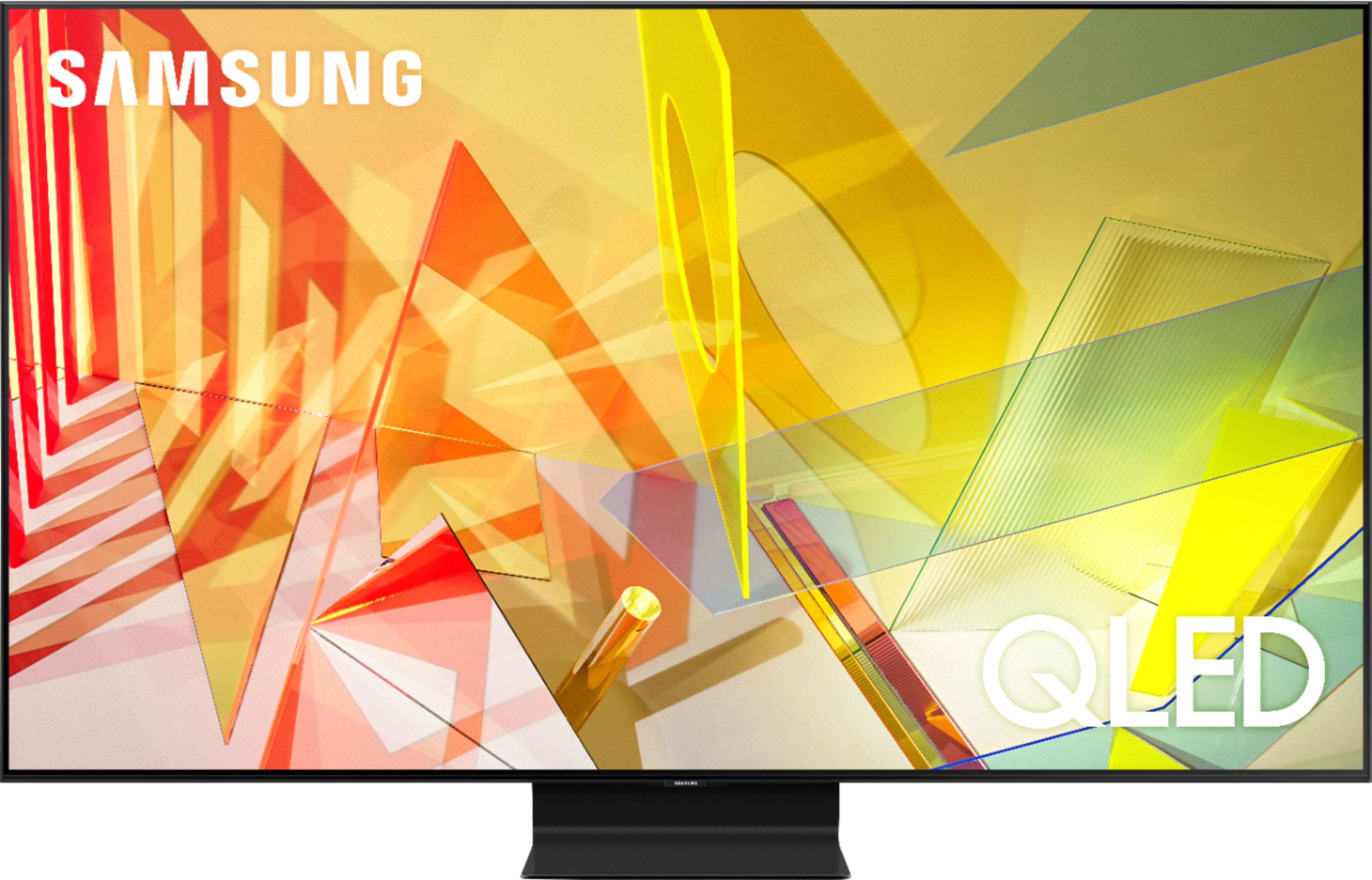
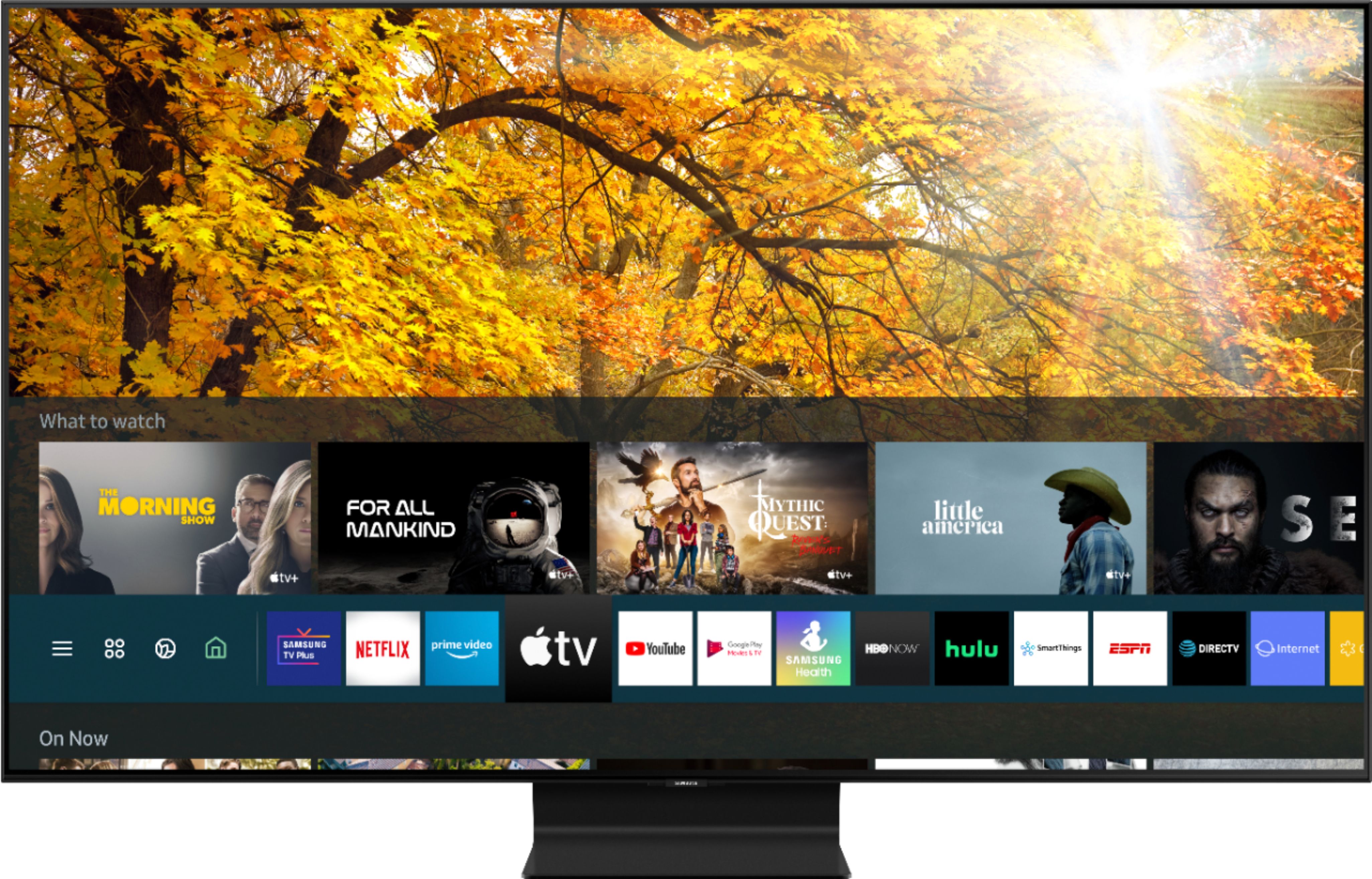
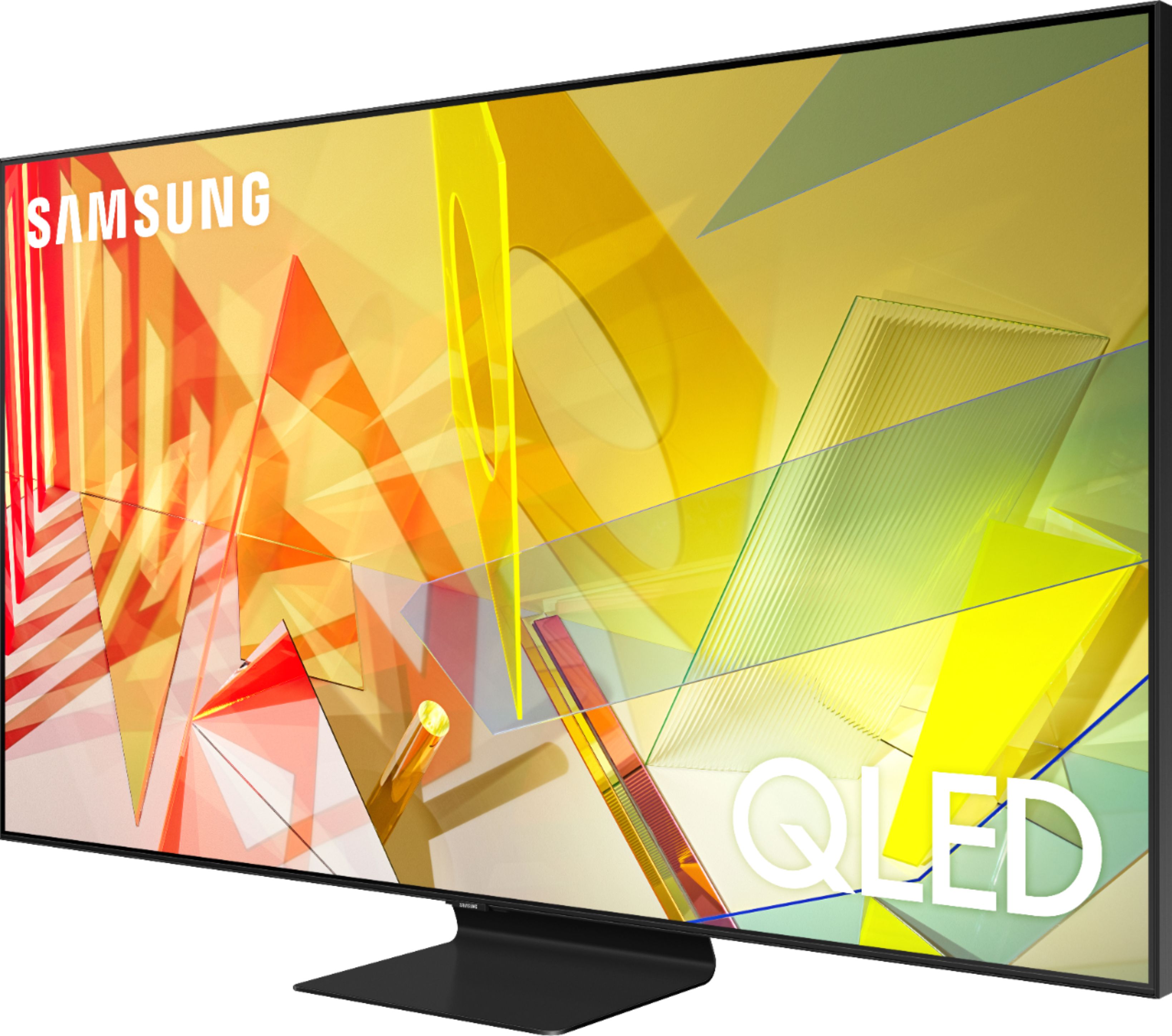
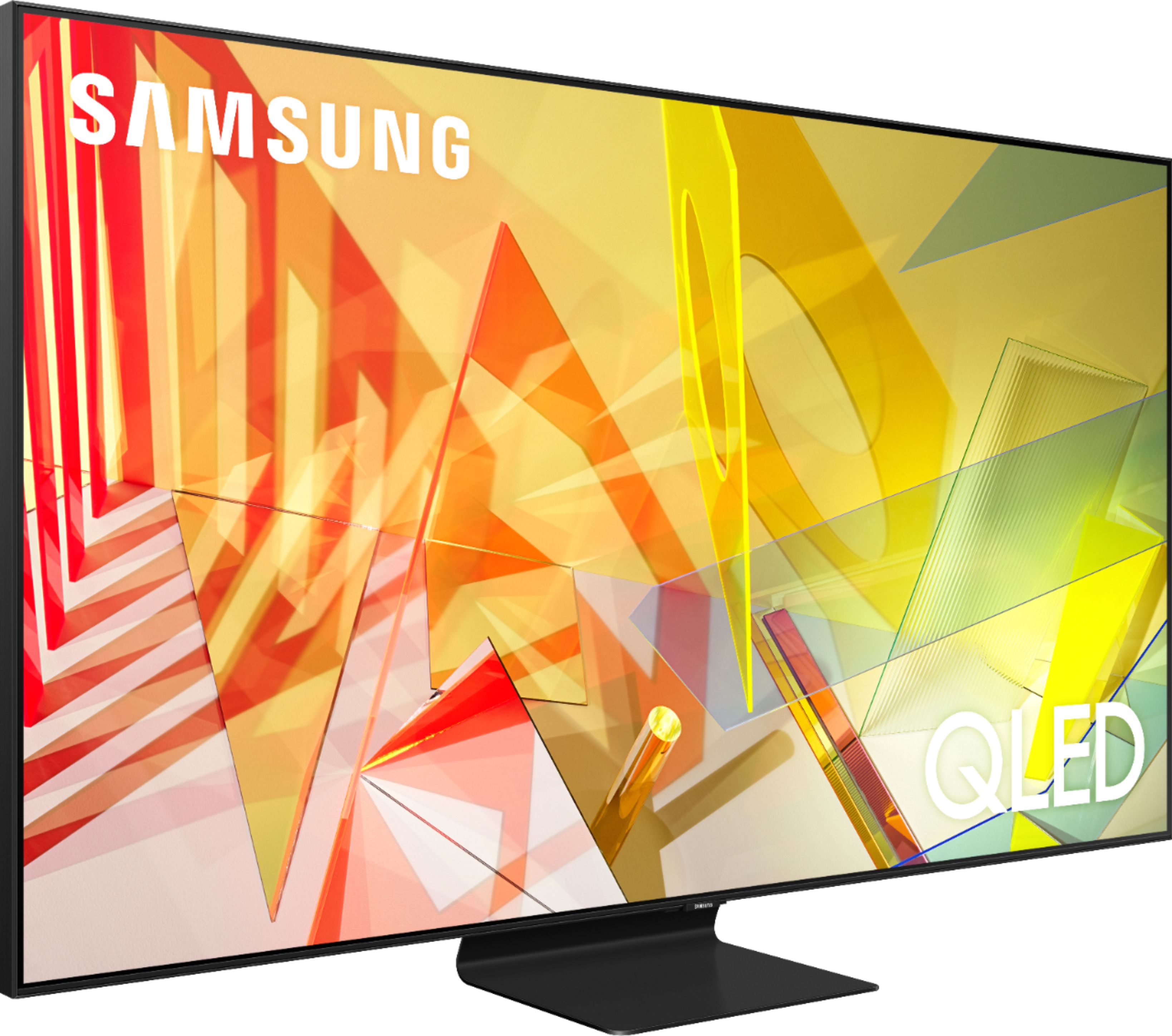
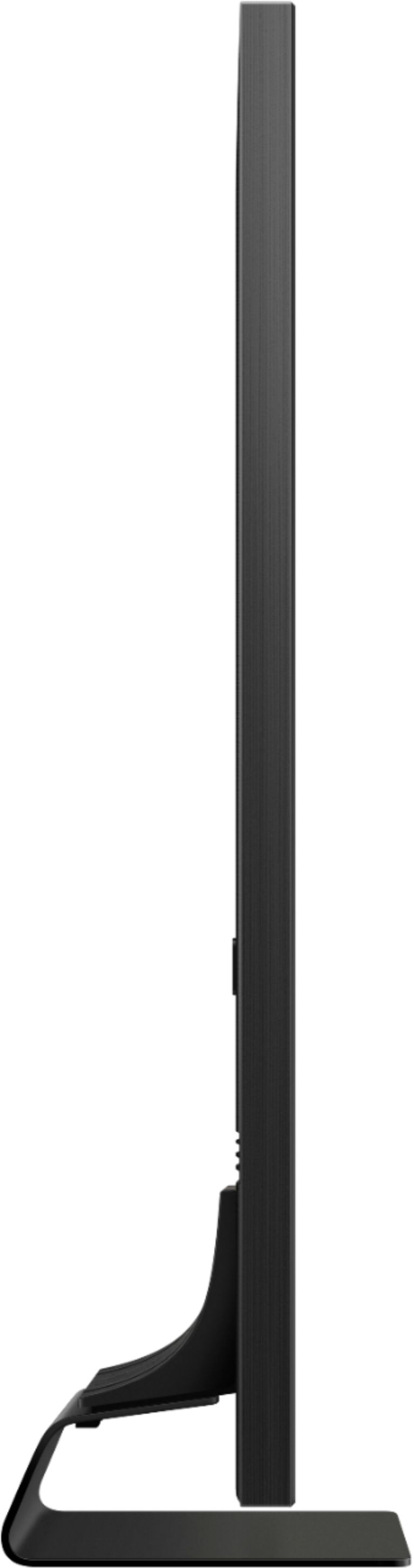
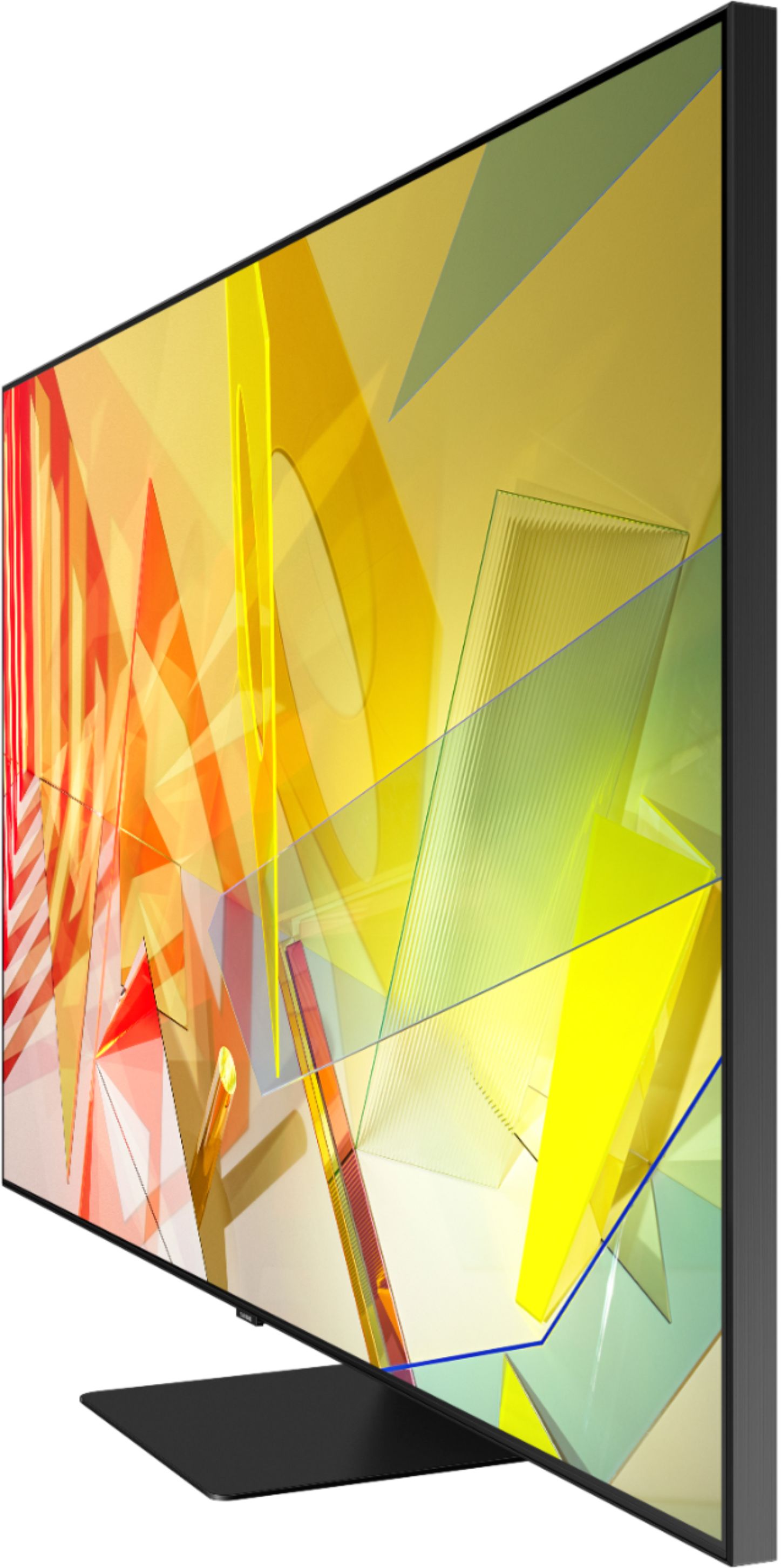


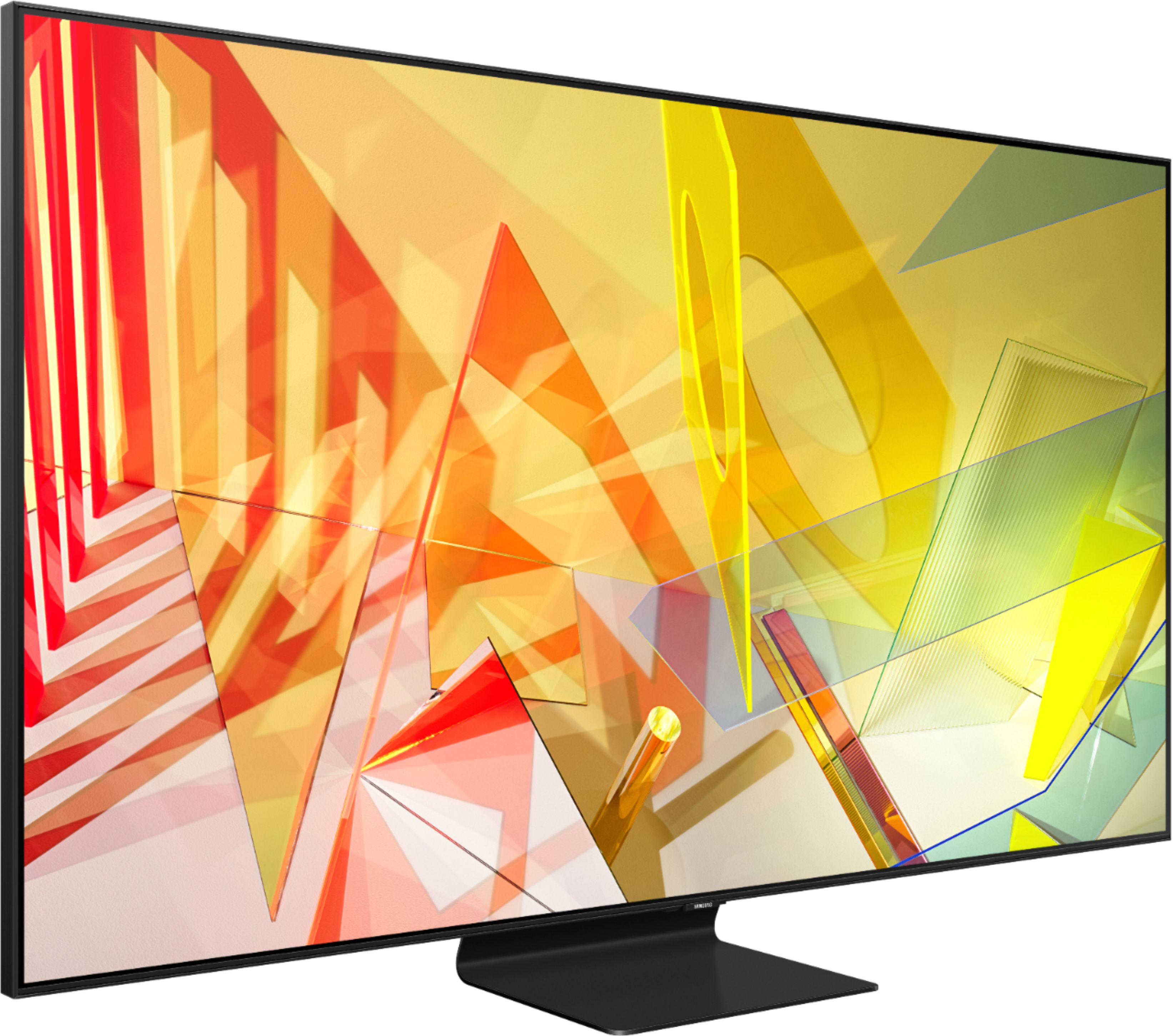
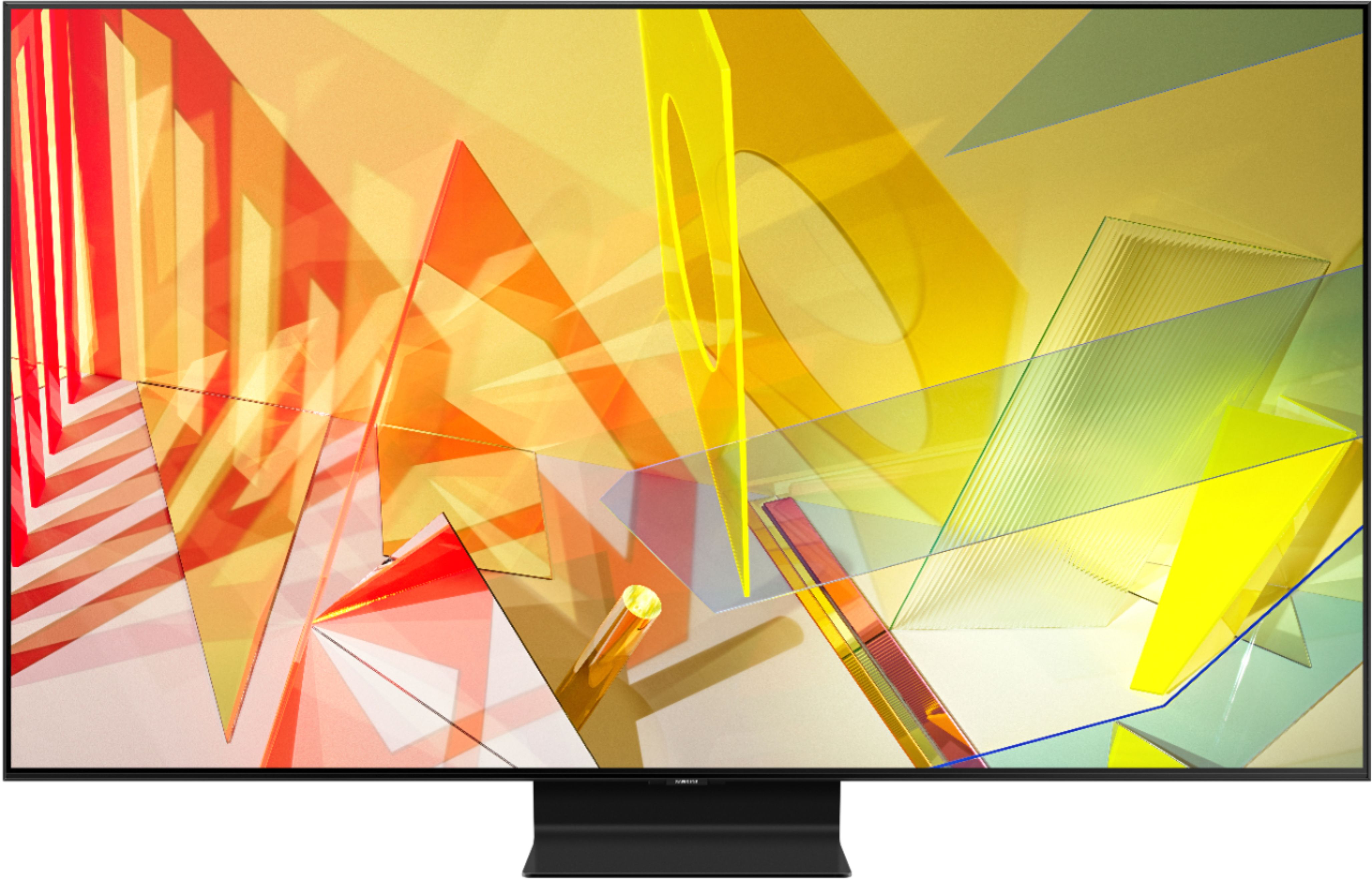
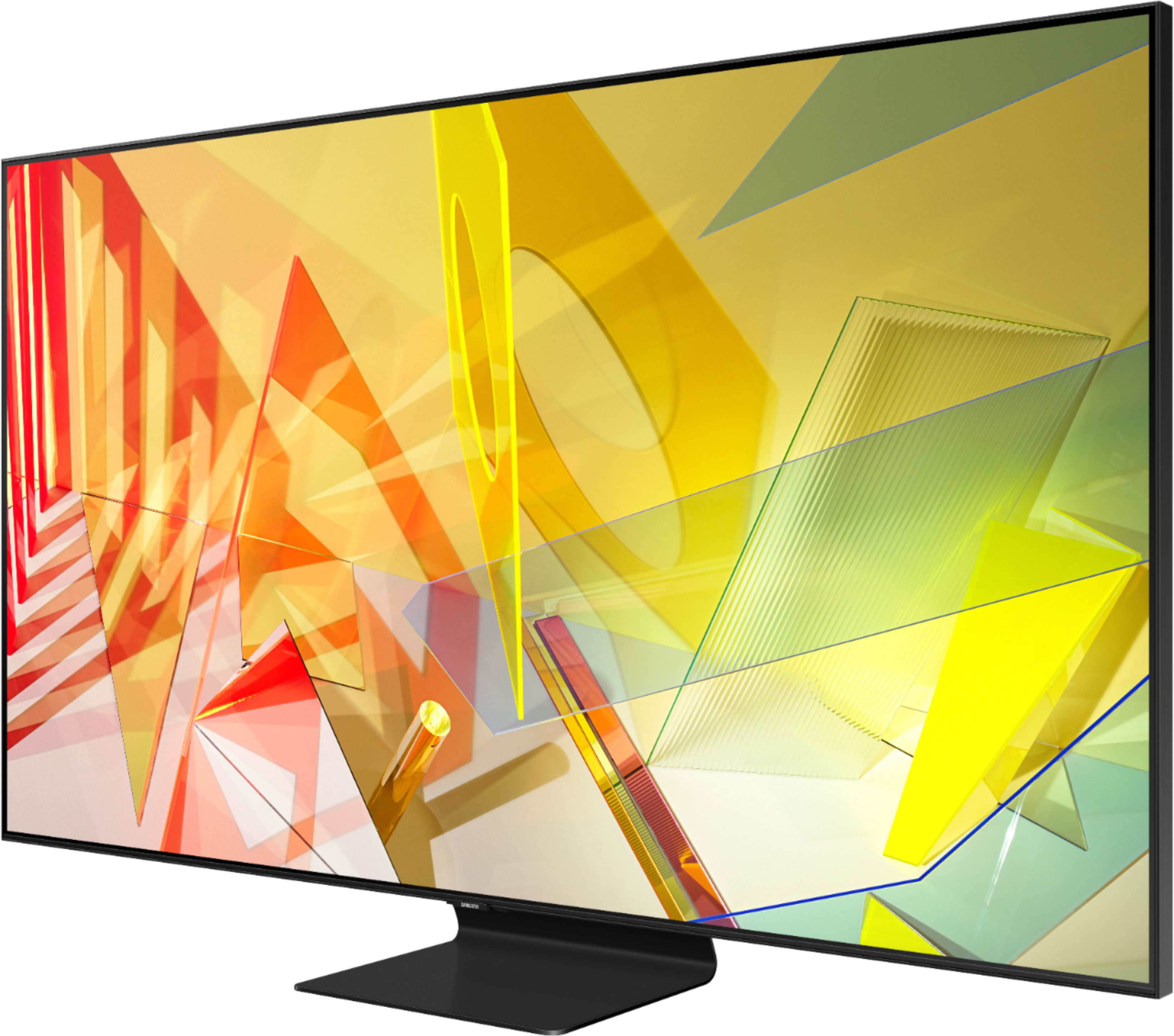







- Model:
- QN65Q90TAFXZA
- SKU:
- 6402412
Rating by feature
- Picture Quality
Rating 4.8 out of 5 stars
- Sound Quality
Rating 4.4 out of 5 stars
- Brightness
Rating 4.9 out of 5 stars
Customers are saying
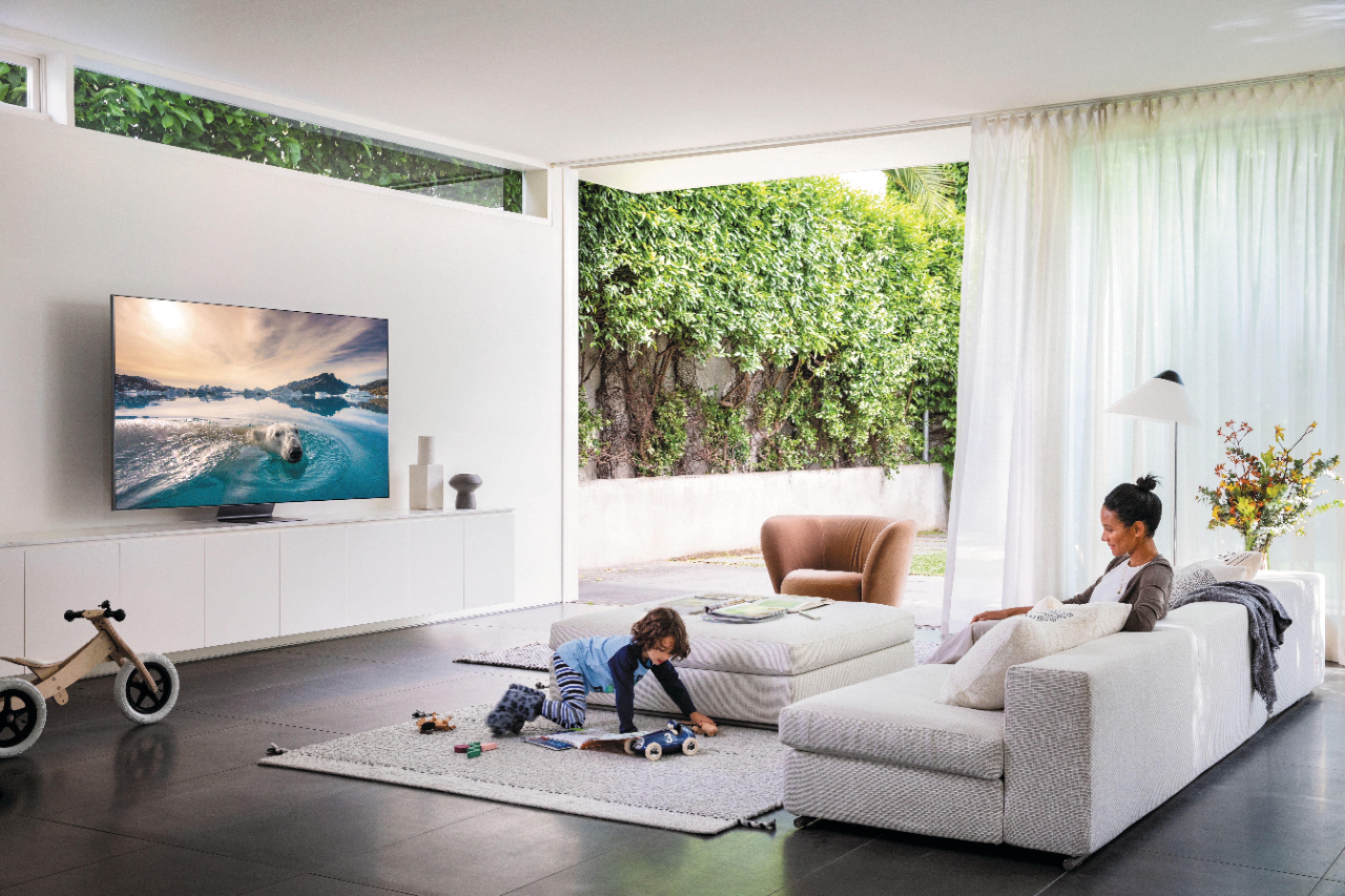
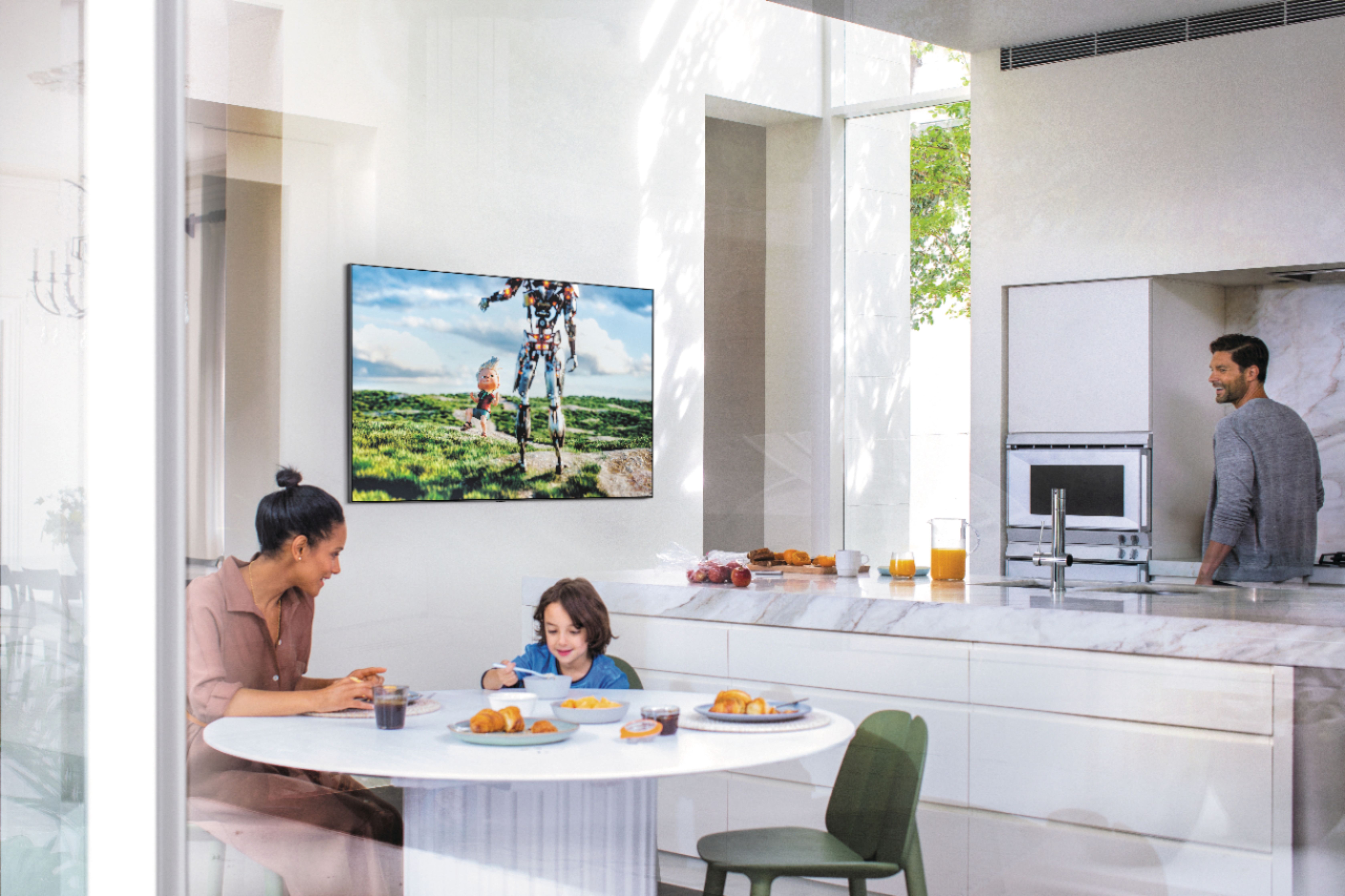
Customers value the 65" Class Q90T Series QLED 4K UHD Smart Tizen TV for its exceptional picture quality, vibrant colors, and user-friendly interface. Many customers rave about the stunning visuals and immersive gaming experience, while others appreciate the ease of setup and the sleek design. However, some users have expressed concerns about the remote control's functionality and the TV's motion handling capabilities during sports broadcasts.
This summary was generated by AI based on customer reviews.
- Pros mentioned:Picture quality
Good picture but doesn’t play well with others
||Posted . Owned for 1 year when reviewed.This reviewer received promo considerations or sweepstakes entry for writing a review.Picture is pretty good, but after about 12 months of owning, the television will no longer work with the Apple TV app. I’m not allowed to log in. And the Sonos Arc sound bar now stops working.
No, I would not recommend this to a friend Love this TV
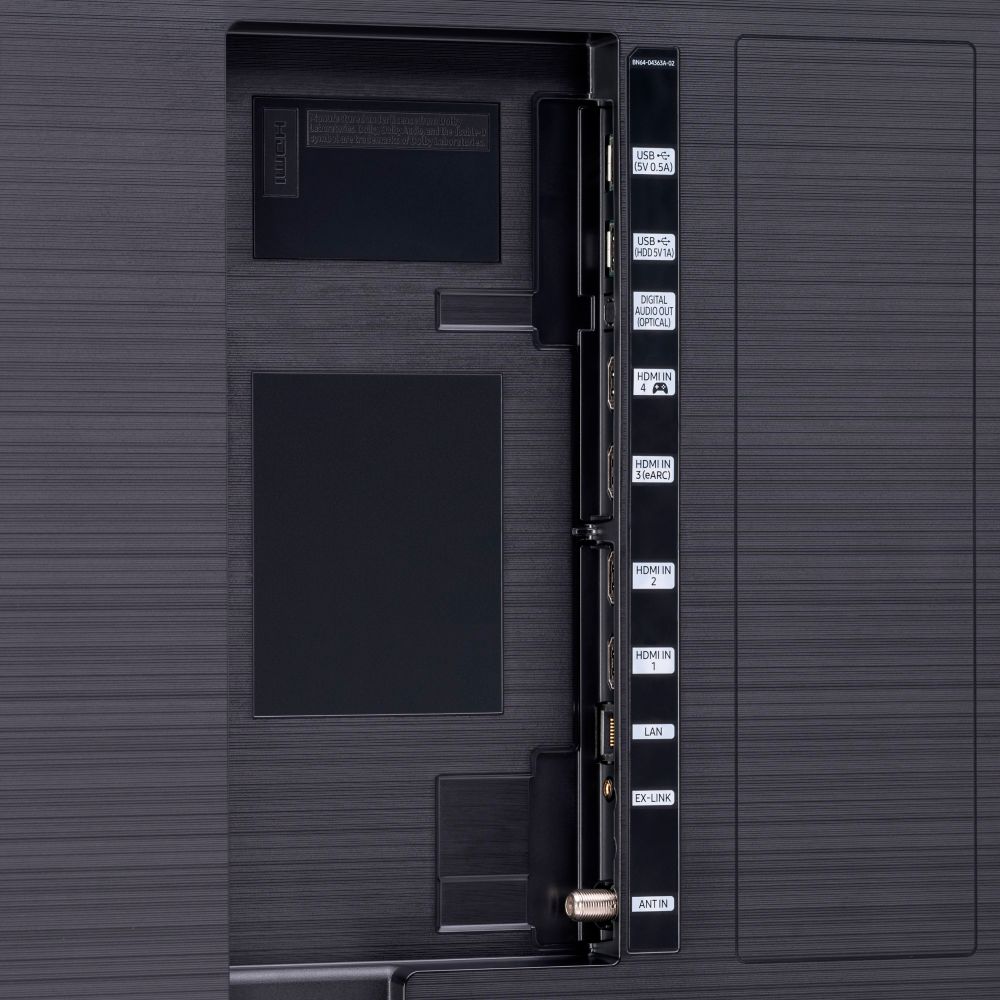
||Posted . Owned for 1 month when reviewed.This reviewer received promo considerations or sweepstakes entry for writing a review.I wish that the one connect box Wished it had more HDMI 2.1 ports
I would recommend this to a friendBuying the TV was easy.
||Posted . Owned for 1 month when reviewed.This reviewer received promo considerations or sweepstakes entry for writing a review.Waiting a week for delivery was not good a good selling point.
I would recommend this to a friendMISCOMMUNICATION?????
||Posted . Owned for 3 weeks when reviewed.This reviewer received promo considerations or sweepstakes entry for writing a review.Went in to local store and ordered at Q70 and a Q90 TV, along with a sound bar that Geek Squad was to install. Was given a two week time frame before install, everything was in stock. Called twice before install to make sure everything was still in stock and ready for delivery, Even went to store to make sure ALL GOOD. Geek Squad came to house on time, was told only could install one TV due to no stock. We to the store and found a pile of the Q70 TV's on the floor. Contacted MGR took him to the floor stock, his comment was MISCOMMUNICATION. Had to wait another two weeks to complete install.
No, I would not recommend this to a friendBrand response from Samsung
Posted .MISCOMMUNICATION:
I am very sorry to see that you had an unfortunate experience with the purchase of your TV.
Should you ever need assistance or have questions about using this product, please know we are here to help. You can reach Samsung Support at:
1) Phone: 1-800-SAMSUNG (ask for TVs), available 8AM – 12AM EST 7 days a week
2) LiveChat: https://www.samsung.com/us/support/#contact_us_for_support
3) Facebook Messenger: https://www.facebook.com/samsungsupport
4) Twitter: https://twitter.com/SamsungSupport
5) The Samsung Members Community is also a great resource for getting help from Samsung moderators and customers: https://us.community.samsung.com
If you have not already done so, we invite you to register your new Samsung product at: https://www.samsung.com/us/account/signin/?redirect=https%3A%2F%2Fwww.samsung.com%2Fus%2Fsupport%2Fregister%2F
Registering your product gives you access to easy warranty support, convenient opt-in to special promos and offers, faster troubleshooting and service, and quick notification of system updates.
~ Samsung Solutions
Good but could be better
||Posted . Owned for 3 weeks when reviewed.This reviewer received promo considerations or sweepstakes entry for writing a review.Its good but having only 1 hdmi 2.0 port is total BS.
I would recommend this to a friendWorked great for a while.
||Posted . Owned for 4 months when reviewed.This reviewer received promo considerations or sweepstakes entry for writing a review.Great picture but we have owned it six months and the picture has started to fade/flicker. I called Best Buy for warranty service, got a "leave your number and we will call you back" option and... crickets.
No, I would not recommend this to a friendVery dark
||Posted . Owned for less than 1 week when reviewed.This reviewer received promo considerations or sweepstakes entry for writing a review.For the price I was not impressed. I’ve had another lower grade Samsung for over 5 years and like it better. The new software and remote are not great. The software was glitchy. Bought an LG instead.
No, I would not recommend this to a friendBrand response from Samsung
Posted .Elite,
I am very sorry to see that you were not happy with the picture quality and remote of your Q90T TV and have returned it.
Should you ever decide to give Samsung TVs another try and have questions or need assistance with settings, setup, or features, please know we are always here to help.
You can contact our Customer Support toll-free at 1-800-SAMSUNG (ask for TVs) Available 8AM – 12PM EST, 7 days a week
Simply copy-paste this link into your browser to LiveChat with us: https://www.samsung.com/us/support/#contact_us_for_support
We are likewise reachable by Facebook Messenger at: https://www.facebook.com/samsungsupport
Or find us on Twitter at https://twitter.com/SamsungSupport
Again, my sincerest apologies. We hope to regain you as a customer in the future.
-Samsung Ambassador
$2K for Juttery Picture
||Posted . Owned for 3 months when reviewed.This reviewer received promo considerations or sweepstakes entry for writing a review.I'm literally sick to my stomach for buying this television. Had it delivered, set it up and for the first week or so it was wonderful.. But then I started noticing picture jutter on some shows where the image will freeze for about 1/4th of a second about every 3-5 seconds. I tried adjusting all of the 30-something settings just for the video but nothing helped. I thought well they'll release a software update to fix it... After some waiting for that update I did an internet search for 'Q90T jutter" and realized forums were full of other people with the same issue on this and other Samsung TVs and even some saying it can't be fixed because it is a hardware issue (?)... Some shows are OK but some are unwatchable it's so annoying. To drop $2K+ for a TV that has issues that my 12-year-old Sharp 55" 1080p didn't have. I should have put it back in the box and returned it the first week but waiting for a software update that didn't and won't come has put me outside of the return window. I guess all of these other reviews were written right after installing because I would have given it 5 stars until I started flipping through channels and watching different shows from different "traditional" and streaming sources. Do not buy a Samsung!
No, I would not recommend this to a friendSamsung Q 9065 inch TV be very cautious stay away
||Posted . Owned for 1 month when reviewed.This reviewer received promo considerations or sweepstakes entry for writing a review.Nothing but headaches I keep losing Cable signals HDMI connection issues I already had Comcast check out my stuff no issues purchase new cable top of the line made no difference what a waste of money spent hours with my cable company it isn't their problem I upgraded from a Samsung 50 inch never had this problem before since purchasing Q 9065 inch called Samsung three times basically pointing fingers everywhere else had technician come out I was told since I didn't have video of my issues too bad for me very disturbing spending almost 2K and getting jerked around yes definitely some kind of bug issue with the TV and the handshake I wake up in the morning I have no cable signal I change input no cable signal I stream Netflix etc. call back no cable signal after unplugging my cable box at least 50 times and calling my cable company to reset my cable box at least 20 times I've had it what am I supposed to do went back to Best Buy and the sales guy "I told you not to buy that TV quote I'm tired of unplugging my TV and resetting it all the time I live in a home or a house not an apartment in a residential neighborhood with good cable lines never had this issue before I bought this TV help me please very expensive paperweight
No, I would not recommend this to a friendBrand response from Samsung
Posted .ALAN:
Thank you for sharing your review of the Samsung Q90T TV. I am very sorry you are experiencing issues when connecting to your cable box, and that initial troubleshooting was not successful.
Please go to the Connection Guide for details: Source > Connection Guide.
Make sure that your external device is connected securely and turned on. Move to Sources to switch to other input sources: Source > Sources
Using HDMI Troubleshooting, you can check the connection to HDMI cable and external devices (takes approx. 2 minutes) Source > Connection Guide > Video Device > HDMI Troubleshooting
Also, please also be sure you are running the latest firmware. You can check to see what software version your TV is using and if there is an available update through the settings on your TV. Go to: Settings>Support>Software Update. (ver. 1460.9 released on 12/7/20)
Please reach out to Samsung Customer Service again should you wish to further troubleshoot your issue or for assistance with warranty service.
1) Phone: 1-800-SAMSUNG (ask for TVs), available 8AM – 12AM EST 7 days a week
2) LiveChat: https://www.samsung.com/us/support/#contact_us_for_support
3) Facebook Messenger: https://www.facebook.com/samsungsupport
4) Twitter: https://twitter.com/SamsungSupport
5) The Samsung Members Community is also a great resource for getting help from Samsung moderators and customers: https://us.community.samsung.com
If you have not already done so, we invite you to register your new Samsung product at: https://www.samsung.com/us/account/signin/?redirect=https%3A%2F%2Fwww.samsung.com%2Fus%2Fsupport%2Fregister%2F
Registering your product gives you access to easy warranty support, convenient opt-in to special promos and offers, faster troubleshooting and service, and quick notification of system updates.
~ Samsung Solutions
Could of been betting
||Posted . Owned for 1 week when reviewed.This reviewer received promo considerations or sweepstakes entry for writing a review.I always been a samsung guys all my tv were samsung but they let ne down with this one
No, I would not recommend this to a friendUnhappy
||Posted . Owned for 1 month when reviewed.This reviewer received promo considerations or sweepstakes entry for writing a review.I didn't know about the TV holder. If I were knew it I shouldn't buy it. Its risky for kids. IM NOT HAPPY WITH MY NEW TV.
No, I would not recommend this to a friendBrand response from Samsung
Posted .Mike823030:
Thank you for purchasing the 65” Q90T TV. Please know that the TV stand was solidly designed and extensively tested for stability.
If you have any further concerns or questions, please reach out to us at:
1) Phone: 1-800-SAMSUNG, Available 8AM -12AM EST (7 Days a Week)
2) LiveChat: https://www.samsung.com/us/support/#contact_us_for_support
3) Facebook Messenger: https://www.facebook.com/samsungsupport
4) Twitter: https://twitter.com/SamsungSupport
If you have not already done so, we invite you to register your new Samsung product at: https://www.samsung.com/us/account/signin/?redirect=https%3A%2F%2Fwww.samsung.com%2Fus%2Fsupport%2Fregister%2F
Registering your product gives you access to easy warranty support, convenient opt-in to special promos and offers, faster troubleshooting and service, and quick notification of system updates.
~ Samsung Solutions
It has a black screen after it's turned on. It fr
||Posted . Owned for 3 weeks when reviewed.This reviewer received promo considerations or sweepstakes entry for writing a review.it buffers and freezes the screen sometimes . Black screen when it's turned on.
No, I would not recommend this to a friendBrand response from Samsung
Posted .32starfleetlady32:
Thank you for purchasing the Q90T TV and for your review. I am sorry that you are experiencing buffering and freezing.
To optimize the smart TV performance, please try Device Care option under the Support Menu.
Go to Settings > Support> Device Care > Start Device Care.
This service checks memory and frees up unused cached memory and closes background apps.
If you've switched on your TV and the sound comes through fine, but you're not seeing any picture; there are 3 potential issues.
1) A connection issue; the most common problem. Where there is a bad connection, faulty cables or improper installation.
2) An issue with the device connected to the TV. There may be a video output setting on the device that you must set properly before it will output to the TV.
3) There is something wrong with the TV, which will require a technician to assess the TV and find a solution.
I hope this helps, if you should need further troubleshooting assistance, please contact Samsung Customer Support.
1) Phone: 1-800-SAMSUNG (ask for TVs), available 8AM – 12AM EST 7 days a week
2) LiveChat: https://www.samsung.com/us/support/#contact_us_for_support
3) Facebook Messenger: https://www.facebook.com/samsungsupport
4) Twitter: https://twitter.com/SamsungSupport
(5) The Samsung Members Community is also a great resource for getting help from Samsung moderators and customers: https://us.community.samsung.com)
If you have not already done so, we invite you to register your new Samsung product at:
https://www.samsung.com/us/account/signin/?redirect=https%3A%2F%2Fwww.samsung.com%2Fus%2Fsupport%2Fregister%2F&user=dsr-registration
Registering your product gives you access to easy warranty support, convenient opt-in to special promos and offers, faster troubleshooting and service, and quick notification of system updates.
- Samsung Solutions
- Cons mentioned:Blooming
Terrible
||Posted .This reviewer received promo considerations or sweepstakes entry for writing a review.Horrible local dimming and blooming on game mode, maybe my tv was a lemon.
No, I would not recommend this to a friendBrand response from Samsung
Posted .Yourfriendlyneighbor:
Thank you for purchasing the Samsung Q90T QLED TV I am very sorry to hear that you are not completely happy with your image when using Game Mode. You may want to try adjusting settings under Game Mode like Dynamic Black Equalizer to achieve the best performance.
Should you need further assistance with features or other product usage, please reach out to Samsung Support via any of the below options:
1) Phone: 1-800-SAMSUNG (ask for TVs), available 8AM – 12AM EST 7 days a week
2) LiveChat: https://www.samsung.com/us/support/#contact_us_for_support
3) Facebook Messenger: https://www.facebook.com/samsungsupport
4) Twitter: https://twitter.com/SamsungSupport
5) The Samsung Members Community is also a great resource for getting help from Samsung moderators and customers: https://us.community.samsung.com
If you have not already done so, we invite you to register your new Samsung product at: https://www.samsung.com/us/account/signin/?redirect=https%3A%2F%2Fwww.samsung.com%2Fus%2Fsupport%2Fregister%2F
Registering your product gives you access to easy warranty support, convenient opt-in to special promos and offers, faster troubleshooting and service, and quick notification of system updates.
~ Samsung Solutions
Known issues with judder and motion handling
||Posted . Owned for 5 months when reviewed.This reviewer received promo considerations or sweepstakes entry for writing a review.A known (and admitted issue by Samsung) is annoying judder and lackluster motion in all modes. If you have a 2020 set affected by this, it makes the TV watchable. Unfortunately, I'm stuck with it—Samsung advised against return and that it would be fixed, so I kept on beyond the warranty period. Big mistake. Online support, technical support, and a visit by their chosen tech led to nothing. If there's only motion on part of the screen (transition scenes, hands moving, one or two players moving during a sports scene) get ready for the judder. All settings, all modes. Unwatchable. Horrible/non-existent warranty by Samsung. After jumping through hoops to get service, and a visit by a tech, the only promise from Samsung was a upcoming firmware update, which, six months later (and over a year since Samsung admitted it was a known problem) there's no firmware update to fix this. I'm out $2,000!
No, I would not recommend this to a friend- Pros mentioned:Picture quality, Remote control, SetupCons mentioned:Weight
Amazing TV!
Posted .This reviewer received promo considerations or sweepstakes entry for writing a review.**Note that I received this product at a discounted price in exchange for my review.** I’m glad I purchased this tv. The picture quality is far better than other brands I’ve had. The set up was much easier as well. The tv is quite heavy so make sure you have two people to help set it up. I love that I can connect my amazon music to this tv as well as search the web. It has an intelligent mode that makes a huge difference. It’s very thin and sleek. The sound quality is good, you don’t need a sound bar but I already had one (different brand) with a subwoofer so I connected it via arc with no issues. The remote is small and easy to use once you figure it out. I’m glad I purchased my first Samsung!
I would recommend this to a friend - Pros mentioned:Picture quality
disappointed!!!
||Posted . Owned for 1 week when reviewed.This reviewer received promo considerations or sweepstakes entry for writing a review.For 2000.00 the QLED Samsung television was not worth it. The picture was terrible & looked like someone threw water at the screen. My 40" & 55" televisions have a beautiful picture & are so sharp & detailed. Very disappointed; that is why I returned it.
No, I would not recommend this to a friend Not worth the additional cost, Q80 is just as good
||Posted . Owned for 3 weeks when reviewed.This reviewer received promo considerations or sweepstakes entry for writing a review.Not worth the additional cost. I don't notice any real difference from the Q80T.
I would recommend this to a friendBrand response from Samsung
Posted .Miko:
Thank you for purchasing the Samsung Q90T TV and for your review. When stepping up from the Q80T to the Q90T, you will gain features such as Quantum HDR 16X expanding the color spectrum and Direct Full Array 16X Backlight Technology allowing the TV to deliver rich, deep black levels and crisp bright whites.
Should you need assistance with features or usage, please contact Samsung Customer Support via any of the below options:
1) Phone: 1-800-SAMSUNG (ask for TVs), available 8AM – 12AM EST 7 days a week
2) LiveChat: https://www.samsung.com/us/support/#contact_us_for_support
3) Facebook Messenger: https://www.facebook.com/samsungsupport
4) Twitter: https://twitter.com/SamsungSupport
5) The Samsung Members Community is also a great resource for getting help from Samsung moderators and customers: https://us.community.samsung.com
If you have not already done so, we invite you to register your new Samsung product at: https://www.samsung.com/us/account/signin/?redirect=https%3A%2F%2Fwww.samsung.com%2Fus%2Fsupport%2Fregister%2F
Registering your product gives you access to easy warranty support, convenient opt-in to special promos and offers, faster troubleshooting and service, and quick notification of system updates.
~ Samsung Solutions
cannot mount flush to wall
||Posted . Owned for 1 week when reviewed.This reviewer received promo considerations or sweepstakes entry for writing a review.This is a stupid TV. Really let down in samsung, I have always had Samsung everything. I bought this Tv, had everything set up and ready to get mounted until i plugged in the power cord to the back of the tv. For some reason Samsung decided to revisit the year 2000 again and put a hunk of a power plug on the back that sticks out so far you cant mount it flush to the wall. Real nice. Maybe we should start using dial up again also. Why would you do this? Stupid idea. Scratch that nobody was thinking at all. I will be sending the tv back and making a jump to another brand that does not make stupid decisions like this. at the very least they should warn you that they decided to be very dumb and not let this tv be flush mounted. I honestly didnt think any company would be dumb enough to even produce a tv that isnt able to be flush mounted. Boo on you samsun. Boo
No, I would not recommend this to a friendBrand response from Samsung
Posted .cannotmountflush:
Thank you for purchasing the Samsung Q90T TV and for your review. I am very sorry to hear that you are not completely happy with your purchase and are considering returning your unit. Your feedback is very important to us and will be shared with our product team.
1) Phone: 1-800-SAMSUNG (ask for TVs), available 8AM – 12AM EST 7 days a week
2) LiveChat: https://www.samsung.com/us/support/#contact_us_for_support
3) Facebook Messenger: https://www.facebook.com/samsungsupport
4) Twitter: https://twitter.com/SamsungSupport
5) The Samsung Members Community is also a great resource for getting help from Samsung moderators and customers: https://us.community.samsung.com
If you have not already done so, we invite you to register your new Samsung product at: https://www.samsung.com/us/account/signin/?redirect=https%3A%2F%2Fwww.samsung.com%2Fus%2Fsupport%2Fregister%2F
Registering your product gives you access to easy warranty support, convenient opt-in to special promos and offers, faster troubleshooting and service, and quick notification of system updates.
~ Samsung Solutions
Horrible picture
||Posted . Owned for 2 weeks when reviewed.This reviewer received promo considerations or sweepstakes entry for writing a review.I expected a lot more out of this tv. Most of the reviews were good so I decided to make the purchase. I got the 65” model. The picture quality just wasn’t what I expected it to be. Especially for the price range of this tv. The picture was extremely jittery and movements weren’t smooth. I researched ways to improve the picture and I messed with the settings until I gave up. A tv should just work and this one just simply performs poorly. I ended up returning it and purchasing a Sony A8H oled. All I can say is there is no comparison. The Sony exceeded my expectations and I couldn’t be happier. If you are debating between the Sony A8H and Samsung Q90T. Choose the Sony hands down. You won’t regret it. I would not recommend the Samsung Q90T. There are better options for the price.
No, I would not recommend this to a friend- Pros mentioned:Color
To bright.
||Posted .This reviewer received promo considerations or sweepstakes entry for writing a review.This item was very disappointing. All it did was blow the pic up. You actually lose part of the picture. At that price, I took it back. Also, the output was SO bright, that it was hard to watch.
No, I would not recommend this to a friendBrand response from Samsung
Posted .Deacon:
Thank you for sharing your review of the Samsung Q90T TV. I am very sorry that you were not completely happy with image quality and have decided to return it.
Should you ever decide to give Samsung TVs another try and have questions or need assistance with settings, setup, or features, please know we are always here to help.
1) Phone: 1-800-SAMSUNG (available 8AM -12AM EST, 7 days a week)
2) LiveChat: https://www.samsung.com/us/support/#contact_us_for_support
3) Facebook Messenger: https://www.facebook.com/samsungsupport
4) Twitter: https://twitter.com/SamsungSupport
Thank you again for taking the time to share your thoughts. Your feedback helps us continuously deliver best-in-class products and service.
~ Samsung Solutions