Customer Ratings & Reviews
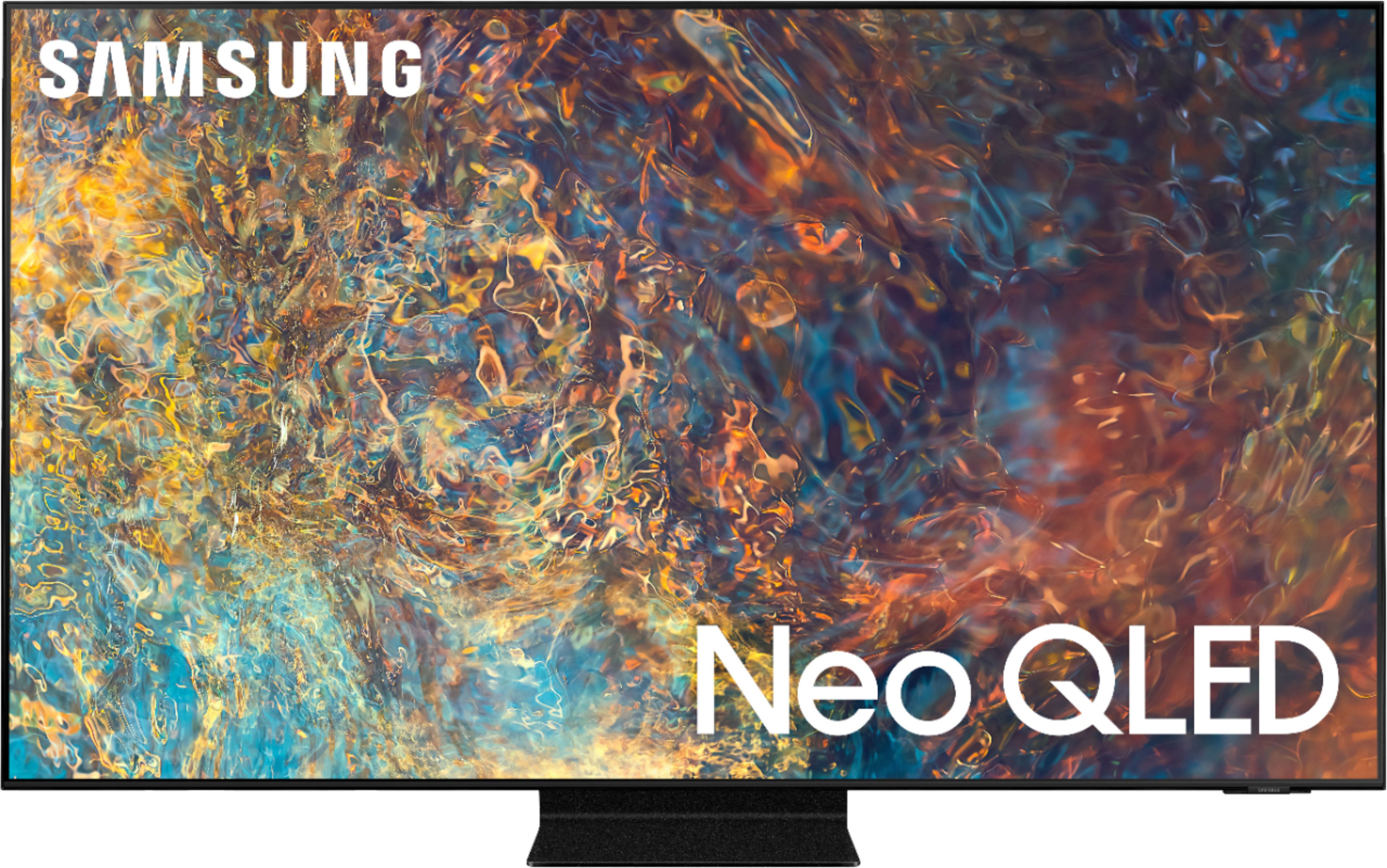
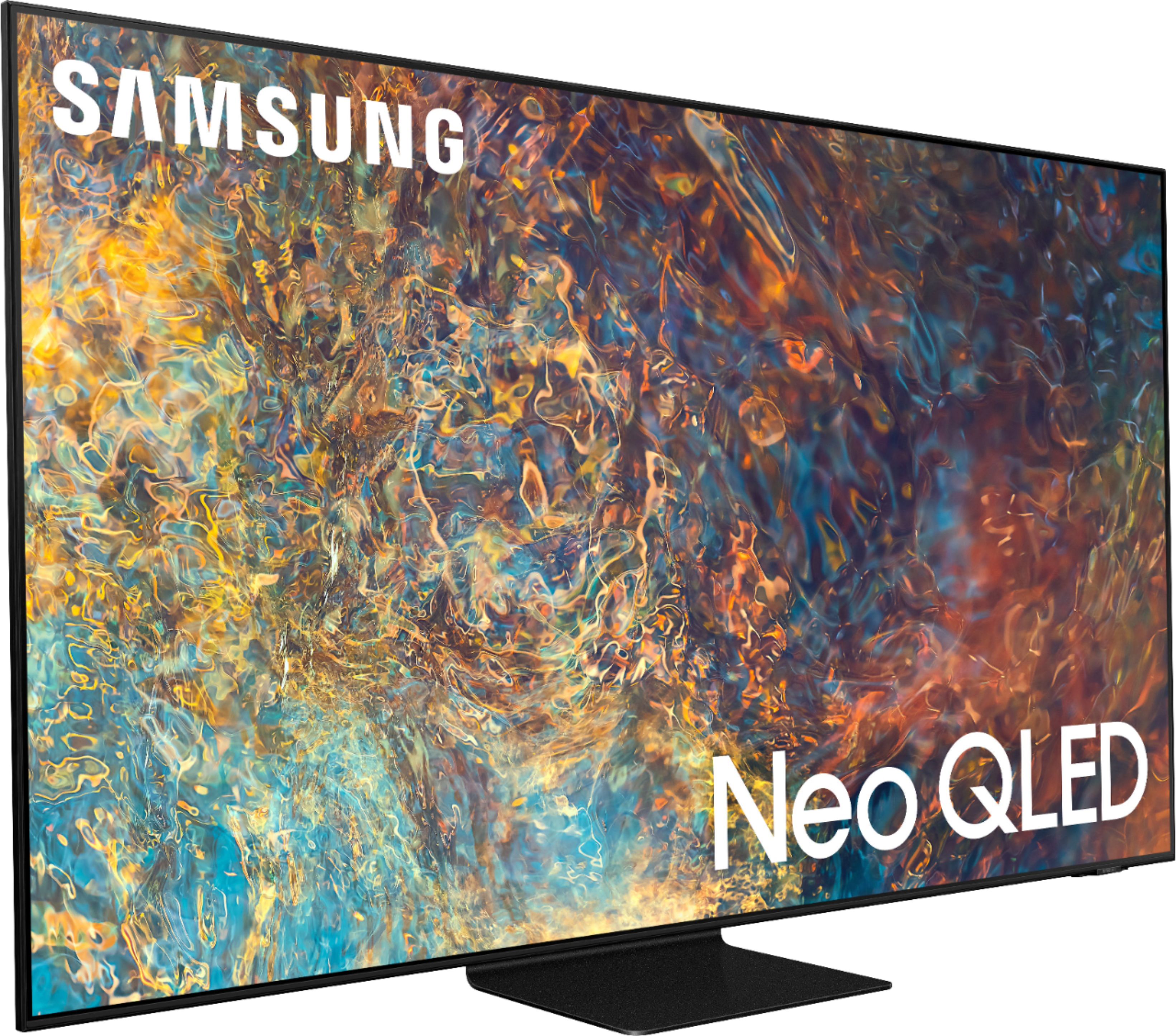
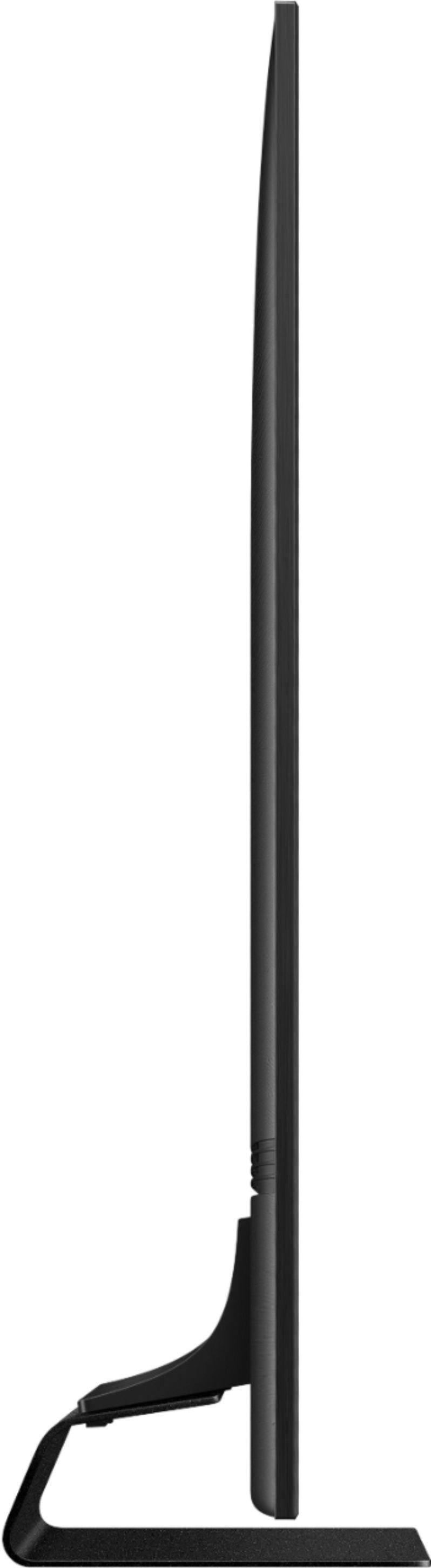
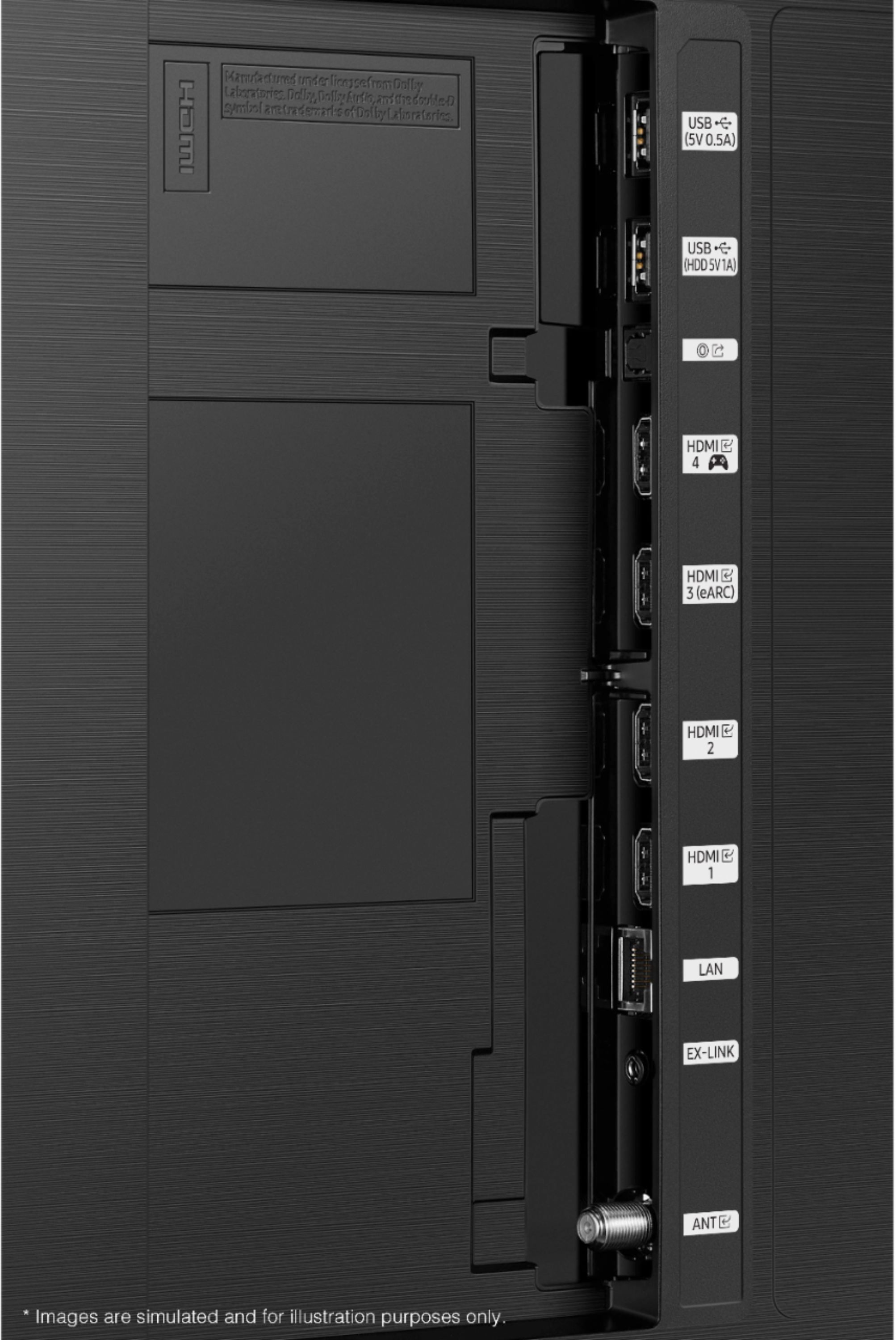
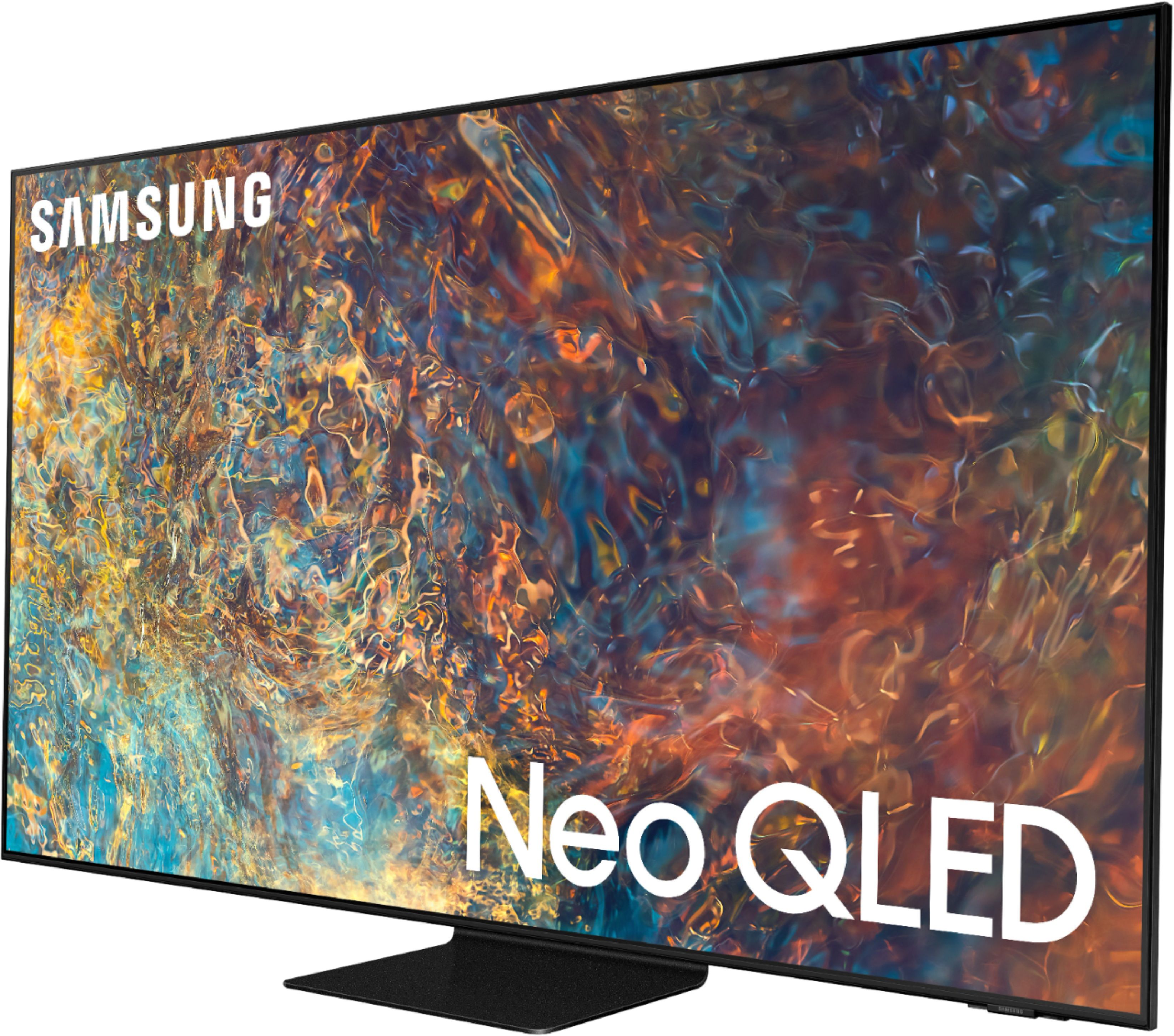
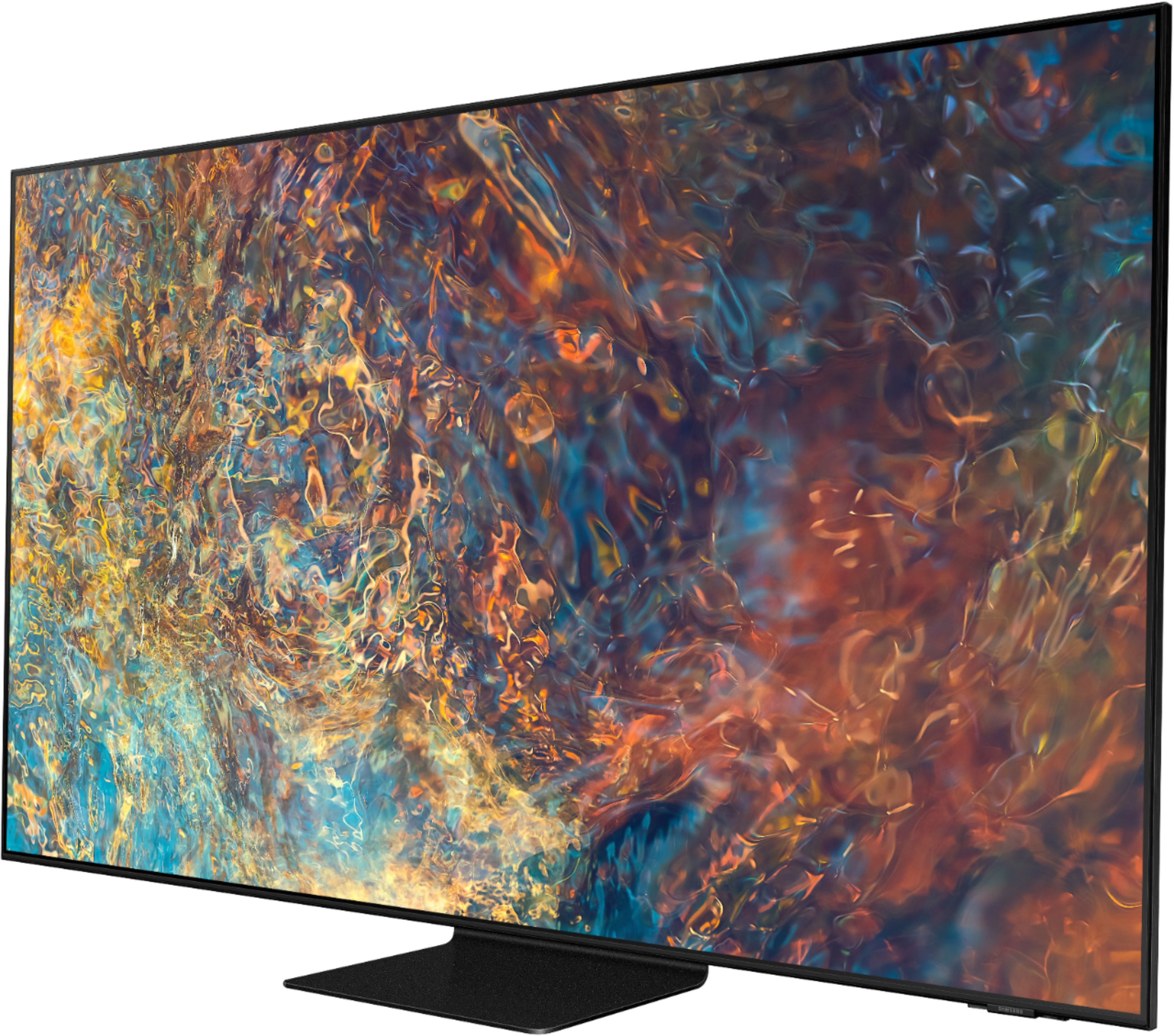
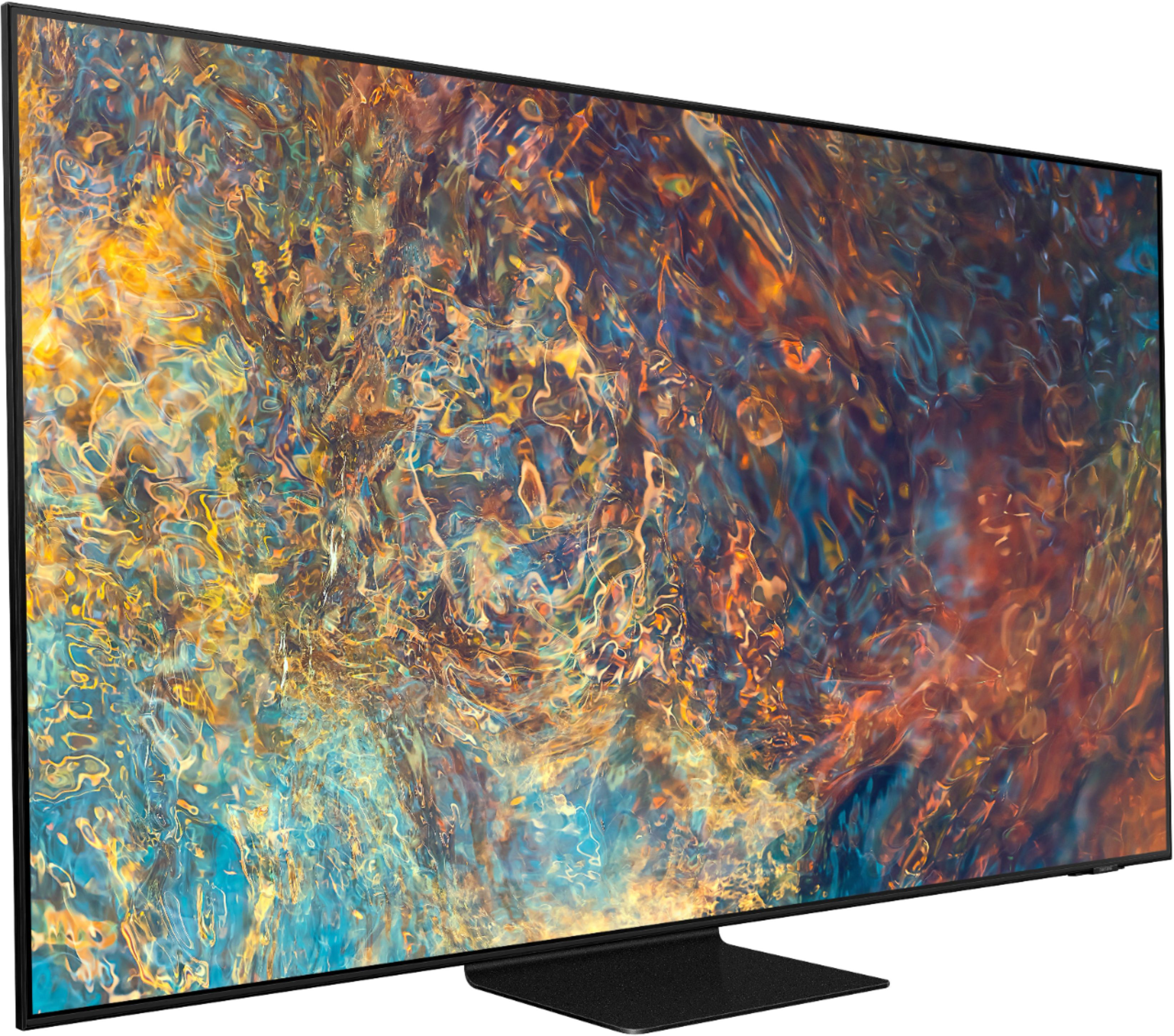
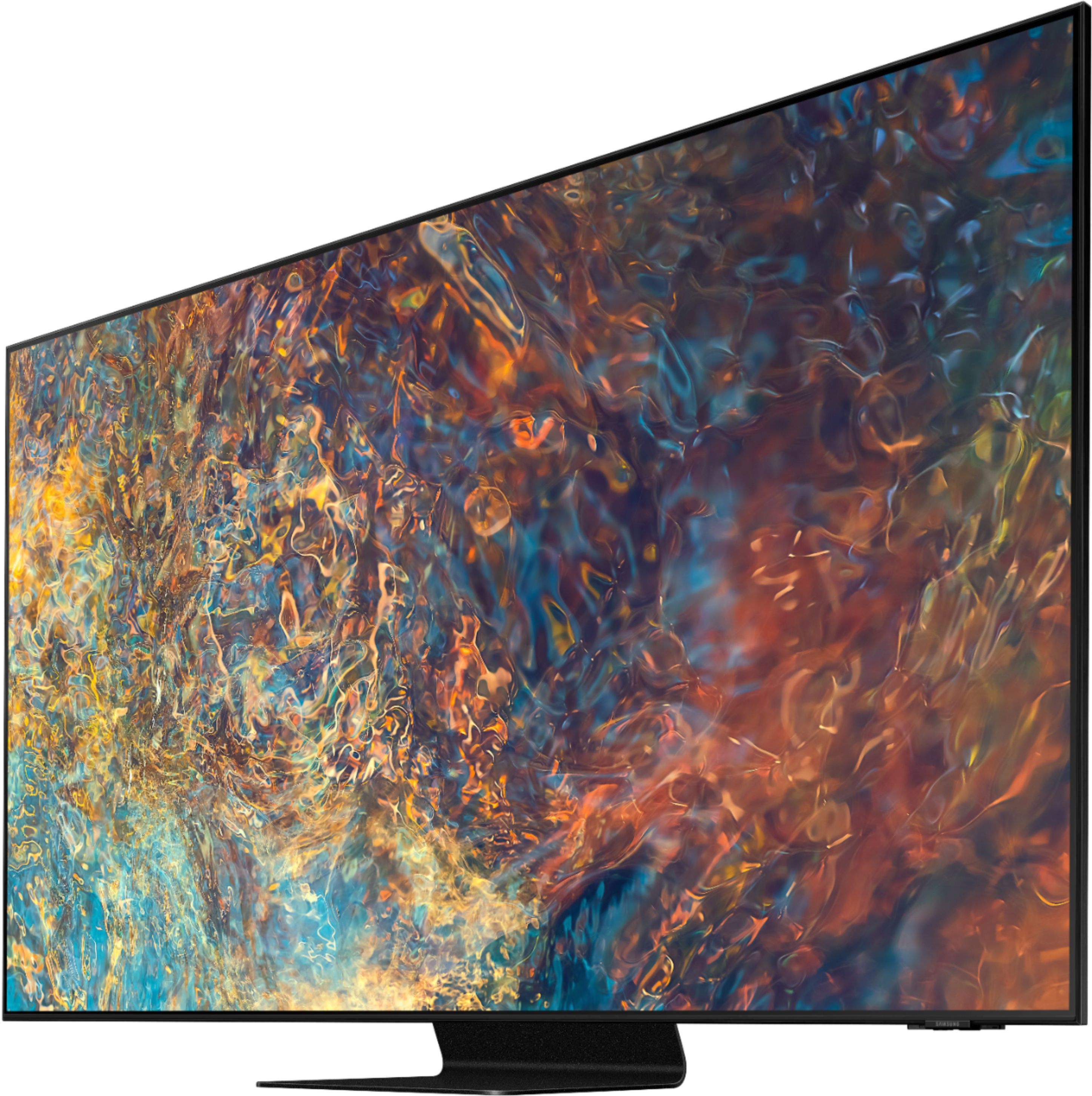

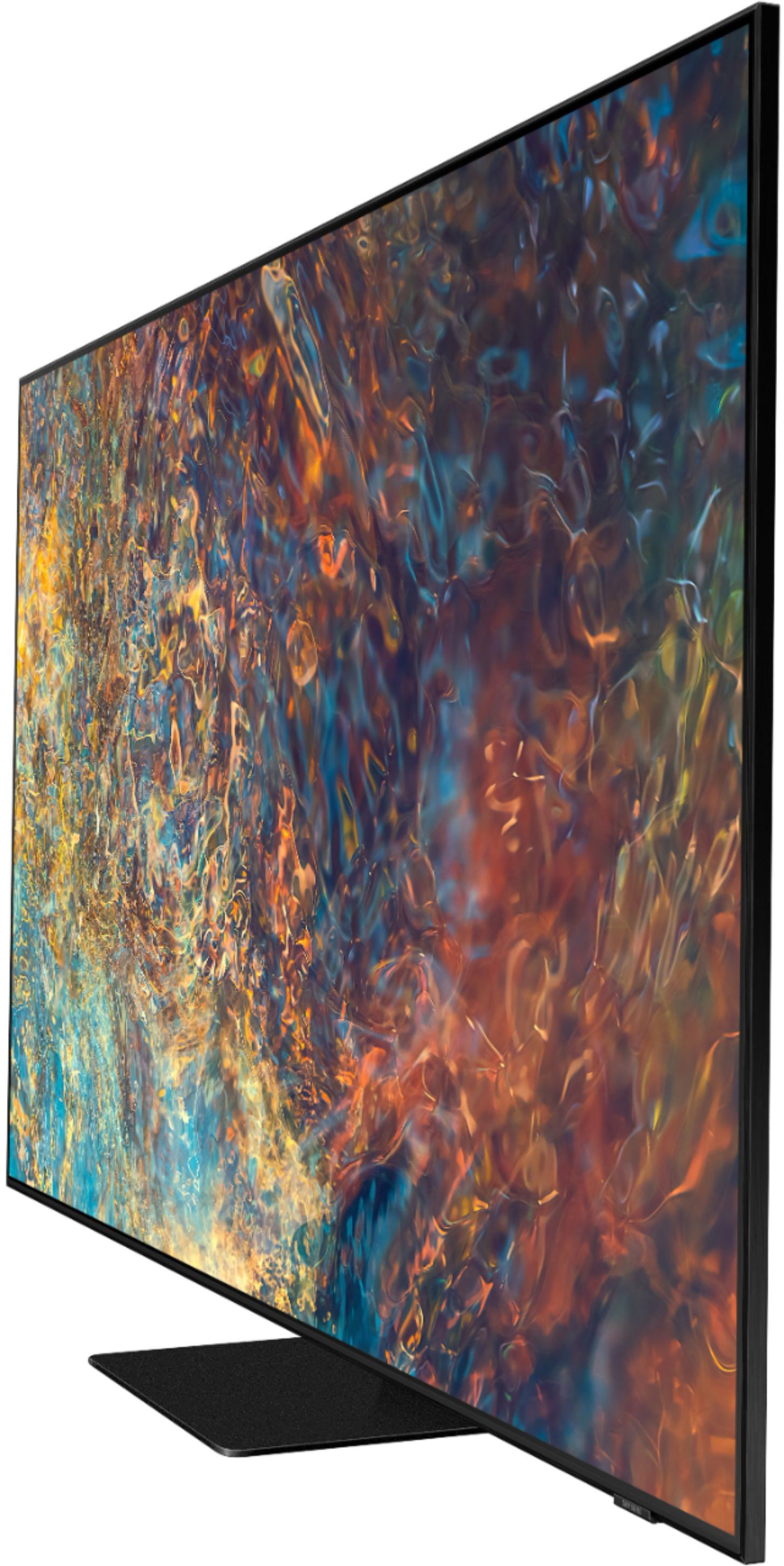
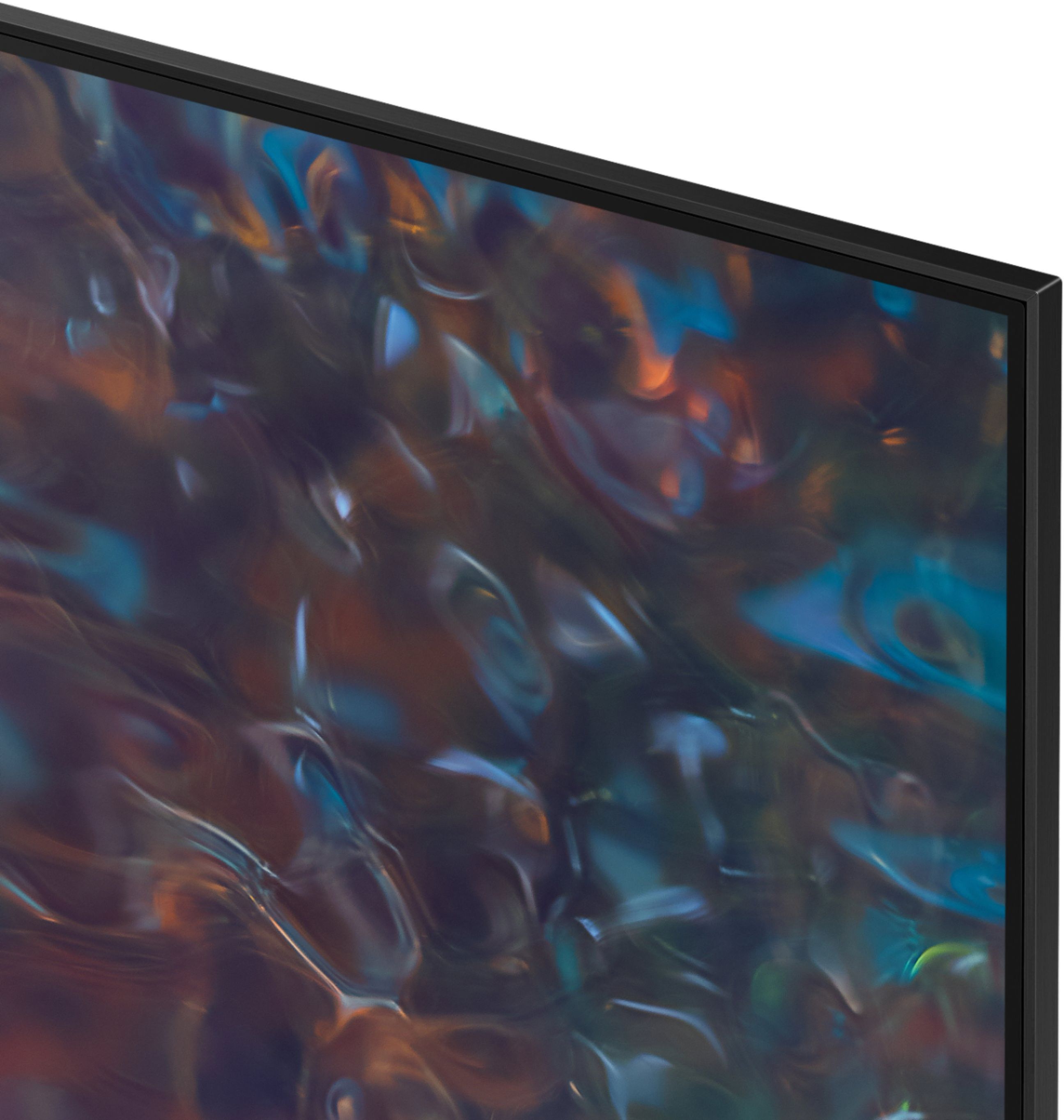

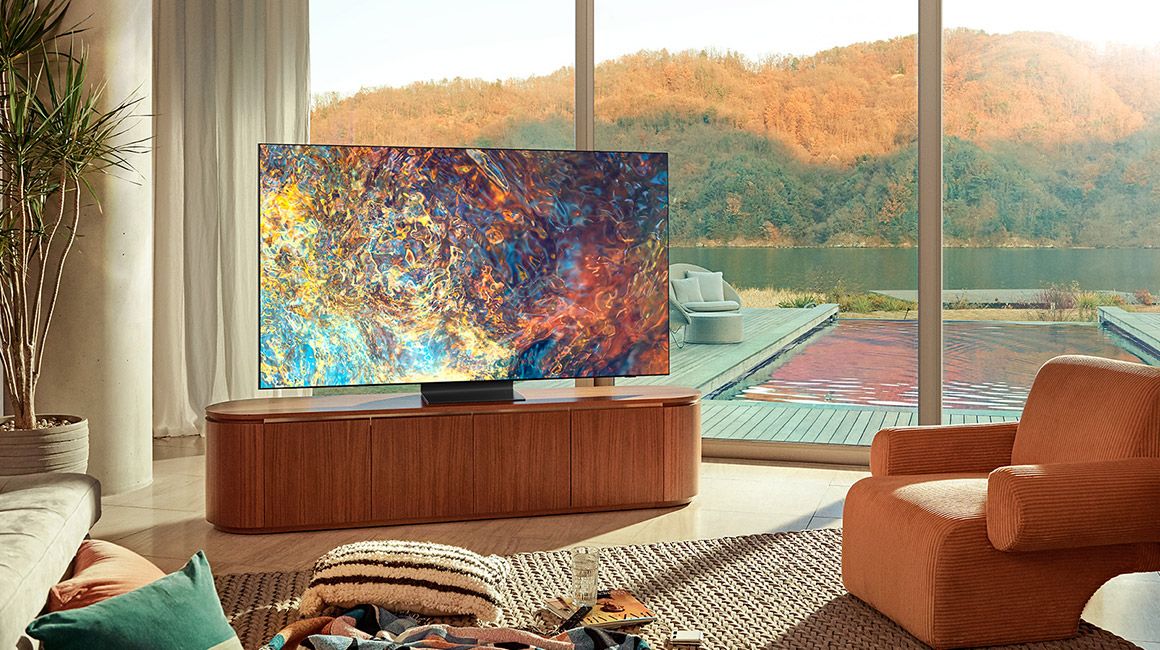
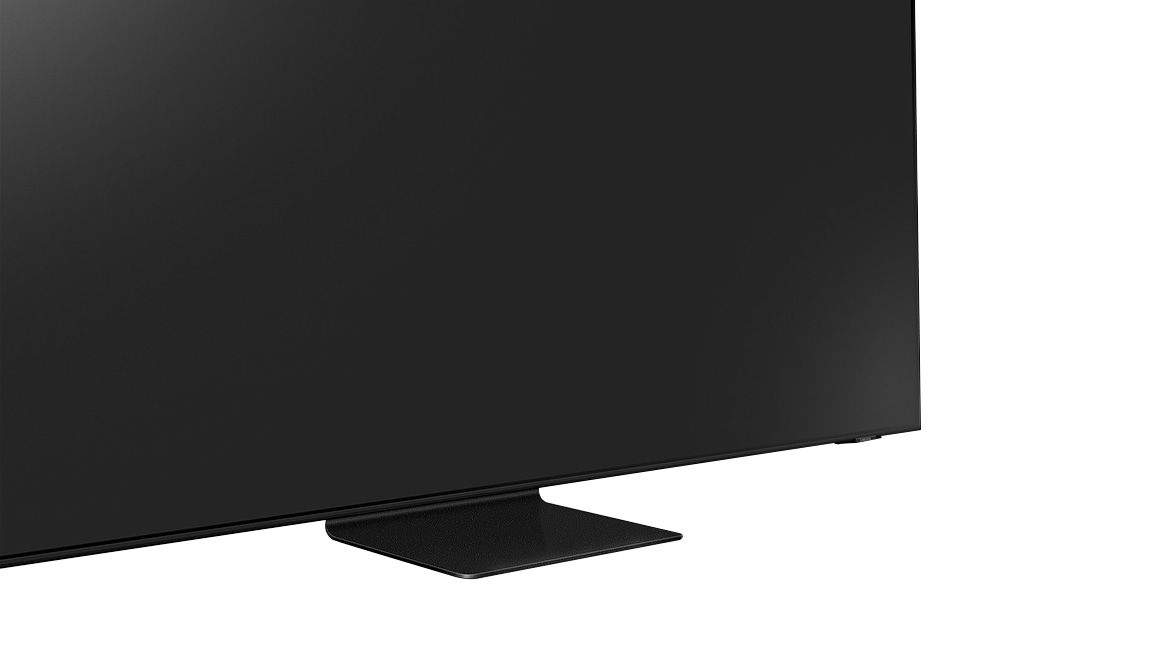









- Model:
- QN65QN90AAFXZA
- SKU:
- 6452320
Rating by feature
- Picture Quality
Rating 4.8 out of 5 stars
- Sound Quality
Rating 4.5 out of 5 stars
- Brightness
Rating 4.9 out of 5 stars
Customers are saying
Customers have good things to say about the 65" Class QN90A Neo QLED 4K UHD Smart Tizen TV, particularly its picture quality, brightness, and easy setup. Many customers rave about the beautiful and sharp picture, as well as the great color and fantastic brightness. The TV is also said to be easy to set up, with one customer saying they were "really happy with this purchase." However, there are some concerns about screen issues, price, limited HDMI 2.1 ports, and dead pixels.
This summary was generated by AI based on customer reviews.
Not Happy
||Posted . Owned for 1 month when reviewed.This reviewer received promo considerations or sweepstakes entry for writing a review.I Loved the this TV the moment I brought it home after carefully selecting and doing sufficient research on what best fit my needs. I was confident my fiance would be ecstatic with the this model over the model and brand she had selected. We work demanding 12hr shifts and rely on coming home after a long day and being able to sit in front of our 65" TV and relax and unwind. On the 34th day I came home and turned on the Yankees game got comfy and immediately saw a dark square roughly 6"x6" on the screen. I initially thought it was just a bug or something on the camera mans lens, however the spot did not go away and stayed on every channel. I ran self diagnostics and it failed multiple times. I am getting the run around from both Samsung and Best buy. I called Samsung initially and also sent them pictures of the screen. They said a technician would be calling me to schedule and repair of the TV, Which I'm fine with. I get it, things happens but after 2 weeks and 3 phone calls no one has called me or stopped by, Despite confirming my means of contact every time I get transferred to another rep. They know how to reach me and no one has. I am now completely dissatisfied with this whole process and purchase. To think all the major appliances and products in my home are Samsung. They just lost a customer whom is more than glad to share his experience with fellow consumers!
No, I would not recommend this to a friendBrand response from Samsung
Posted .Billy,
We greatly value your feedback on the issues you have faced. Your experience does not sound typical of the advisement or service we offer. Please do try reaching out to us again with the Service/Call-In Ticket # we issued you during your initial contact with Samsung Service. You can reach us at 1-800-SAMSUNG (ask for TVs), available 8AM - 12AM EST, 7 days a week.
For additional support resources, visit us on the Samsung website and click on the ‘Support’ link in the upper right corner of the homepage for:
1) Contact Us: For additional Chat & Text options, choose ‘TVs & Home Theater’ and select your model & topic.
2) Manuals, Software, & Warranty Info
We look forward to hearing from you and correcting this unfortunate experience.
~ Samsung Specialist
Great for the first 6 months than sad face!
||Posted . Owned for 8 months when reviewed.This reviewer received promo considerations or sweepstakes entry for writing a review.It’s been an awesome tv until the 6 month mark. I now have tan rectangular blob in the lower right Corner of the screen. I started the warranty process with Samsung but with purchasing it online and picking it up at the store my only printed receipt for the purchase isn’t good enough for Samsung. Very frustrating to have to jump through so many hoops after only 6 months for a $2k tv.
I would recommend this to a friendTV
||Posted . Owned for 1 month when reviewed.This reviewer received promo considerations or sweepstakes entry for writing a review.A little disappointed in picture for the price. My previous 55 inch Samsung 4k suhd curve was brighter.
I would recommend this to a friendBrand response from Samsung
Posted .Hello Disappointed,
Thank you for choosing Samsung's QN90A Neo QLED 4K Smart TV and for sharing your thoughts on the image quality. If the picture settings you are seeing out-of-the-box are not to your liking, you can customize the brightness level between 0 – 50 to your preference. Go to Home > Settings > Picture > Expert Settings > Brightness.
You can also try different Picture Modes to see which best fits your needs. Go to Home > Settings > Picture > Picture Mode for the below choices:
1) Standard: Is the default mode suitable for general viewing environments.
2) Natural: Reduces eye strain for a comfortable viewing experience.
3) Movie: Is suitable for watching TV or movies in a dark room.
4) Dynamic: Makes the picture brighter and clearer in bright viewing environments.
5) Filmmaker Mode: You can watch the source content (e.g., movie) as it is. If the image is defined as Filmmaker Mode, it will automatically switch to Filmmaker Mode while watching.
Intelligent Mode also enables the TV to recognize and analyze the surroundings, noise, content, and your usage patterns to provide the best viewing experience. You can enable Intelligent Mode by going to Home > Settings > General > Intelligent Mode Settings. Adaptive Picture, which is among the options, optimizes brightness and provides the best picture quality in real time, based on the lighting condition and the content you're viewing.
I hope you can use these adjustment recommendations to set the image to your liking. If you would like further assistance with settings, features, or functions, please reach out to Samsung Customer Support at 1-800-SAMSUNG (ask for TVs), available 8AM -12AM EST, 7 days a week. Or text HELP to 62913.
For additional support resources, visit us on the Samsung website and click on the ‘Support’ link in the upper right corner of the homepage for:
1) More ‘Contact Us’ options – LiveChat, Facebook, Twitter, Samsung Community, Samsung Members app
2) Manuals & Software
3) Warranty Info
4) Product Registration: For access to easy warranty support, convenient opt-in to special promos and offers, faster troubleshooting and service, and quick notification of system updates.
~ Samsung Specialist
Samsung QN90A
||Posted . Owned for 1 month when reviewed.This reviewer received promo considerations or sweepstakes entry for writing a review.The product is excellent but the installation was deficient and that problem still has not been fixed
I would recommend this to a friendBrand response from Samsung
Posted .Hi Bill,
Thank you for choosing Samsung's QN90A TV and for your review. I am glad to hear you are enjoying your new TV. We appreciate you sharing your installation experience with us. You may want to consider providing feedback directly to the Best Buy store where you made your purchase.
Should you ever need assistance or have questions about your TV, please know we are here to help. You can reach Samsung Support at 1-800-SAMSUNG (ask for TVs), available 8AM -12AM EST M-F (9AM – 6PM EST Sat). Or text HELP to 62913.
For additional support resources, visit us on the Samsung website and click on the ‘Support’ link in the upper right corner of the homepage for:
1) More ‘Contact Us’ options – LiveChat, Facebook, Twitter, Samsung Community, Samsung Members app
2) Manuals & Software
3) Warranty Info
4) Product Registration: For access to easy warranty support, convenient opt-in to special promos and offers, faster troubleshooting and service, and quick notification of system updates.
~ Samsung Specialist
Over drive in the contrast.
||Posted . Owned for 1 month when reviewed.This reviewer received promo considerations or sweepstakes entry for writing a review.This tv is okay, but it has been the hardest tv I have had to get the picture right. An example is skin tone was over driven both black and white. Normal contrast did not fix the issue I had to play with power modes to stop to overdrive. This is the first Samsung tv I have owned that has been this hard. The picture is okay now.
I would recommend this to a friendBrand response from Samsung
Posted .Timsdown,
Thank you for purchasing the Samsung QN90A TV and for sharing details of your image quality. Quantum Matrix Technology is powered by exclusive Mini LED designed technology engineered to give you hyper-focused brightness and dimming in all the right areas. To optimize your picture quality, please be sure your firmware is up to date with version 1901.0 which includes picture quality updates. You can check this by going to: Settings > Support > Software Update.
You may want to enable Auto Update for convenience.
Should you need further assistance with image quality adjustments, please give us the opportunity to assist you. Call us at 1-800-SAMSUNG (ask for TVs), available 8AM - 12AM EST, 7 days a week.
For additional support resources, visit us on the Samsung website and click on the ‘Support’ link in the upper right corner of the homepage for:
1) Chat with Us/Product Help: To begin a chat or find solutions, choose ‘TVs & Home Theater’ and select your model & topic.
2) Manuals, Software, & Warranty Info
~ Samsung Specialist
Returned for an LG C1
||Posted . Owned for 1 month when reviewed.This reviewer received promo considerations or sweepstakes entry for writing a review.Ok TV but ended up going with the LG C1. Far better picture quality.
No, I would not recommend this to a friendNothing has changed.
||Posted . Owned for 3 weeks when reviewed.This reviewer received promo considerations or sweepstakes entry for writing a review.Had the Samsung curved 65 inch that gave out after 5 years. Best TV I ever owned. Great crisp picture quality. Bought this model and really see no improvement in picture quality. After 5 years. I also miss the curved screen which allowed for quality viewing from the side. A great big MEH on this TV.
No, I would not recommend this to a friendTv
||Posted . Owned for 1 month when reviewed.This reviewer received promo considerations or sweepstakes entry for writing a review.Great. .
I would recommend this to a friendTv
||Posted .This reviewer received promo considerations or sweepstakes entry for writing a review.Really like the set. Still working out a sound system.
I would recommend this to a friendnice
||Posted .This reviewer received promo considerations or sweepstakes entry for writing a review.it is excellent, but dishnet is not coming full screen
I would recommend this to a friendBrand response from Samsung
Posted .Hi none,
Thank you for purchasing Samsung's QN90A TV. HD channels will have black bars on either side of the screen when displaying upscaled SD (4:3) content. Black bars will appear at the top and bottom of the screen when you watch movies that have aspect ratios different from your TV. Adjust the picture size options on your external device or set the TV to full screen.
Settings > Picture > Picture Size Settings > Picture Size
Should you need further assistance with settings, features, or functions, please contact Samsung Customer Support at 1-800-SAMSUNG (ask for TVs), available 8AM - 12AM EST, 7 days a week.
For additional support resources, visit us on the Samsung website and click on the ‘Support’ link in the upper right corner of the homepage for:
1) Chat with Us/Product Help: To begin a chat or find solutions, choose ‘TVs & Home Theater’ and select your model & topic.
2) Manuals, Software, & Warranty Info
~ Samsung Specialist
- Pros mentioned:Color, Picture quality
disappointed
||Posted . Owned for 2 weeks when reviewed.This reviewer received promo considerations or sweepstakes entry for writing a review.I purchase this tv on the 9th of march. I'm seriously thinking of returning it! i liked the 80a better. this tv is not worth it just brighter thats all. oled is what im thinking of getting much sharper
No, I would not recommend this to a friend MR
||Posted . Owned for 1 month when reviewed.This reviewer received promo considerations or sweepstakes entry for writing a review.Nice product, just took so long to get one in stock
I would recommend this to a friendRichard
||Posted . Owned for 1 month when reviewed.This reviewer received promo considerations or sweepstakes entry for writing a review.Returned, too large for my wall space. Best Buy error
I would recommend this to a friend- Cons mentioned:Dead pixels
Dead pixels on 2 different tvs
||Posted .This reviewer received promo considerations or sweepstakes entry for writing a review.Ordered this tv online a week ago and it showed up very quickly, which was nice, but shortly after getting it set up I noticed a clump of dead pixels. Ended up returning it and getting another one and yet again dead pixels. Did some more research and found it to be a common problem but with how much the tv costs that isn't acceptable. I went to a Best Buy to get some input from employees on what tv to get and they didn't seem shocked that there were problems with the Samsung. Ended up ordering a LG C1.
No, I would not recommend this to a friendBrand response from Samsung
Posted .David,
Thank you for your review of the Samsung QN90A TV and for sharing the issues that have caused you to return your unit. Your experience is very important to us and will be shared with our product team.
Should you ever decide to give Samsung TVs another try and have questions or need assistance with settings, setup, or features, please know we are always here to help. Call us at 1-800-SAMSUNG (ask for TVs), available 8AM - 12AM EST, 7 days a week.
For additional support resources, visit us on the Samsung website and click on the ‘Support’ link in the upper right corner of the homepage for:
1) Chat with Us/Product Help: To begin a chat or find solutions, choose ‘TVs & Home Theater’ and select your model & topic.
2) Manuals, Software, & Warranty Info
We hope to regain you as a customer in the future.
~ Samsung Specialist
Exchange of QLED for OLED due to brightness
||Posted .This reviewer received promo considerations or sweepstakes entry for writing a review.Picture was not as pleasing as the 11 year old TV we were replacing. Brightness of white was glaring and extreme to our vision. Found this to be true of QLED vs OLED while trying to remedy situation.
No, I would not recommend this to a friendBrand response from Samsung
Posted .Hi Glarish,
Thank you for sharing your review of the Samsung QN90A TV. Your details regarding your picture quality are appreciated and will be shared with our internal teams.
Should you ever decide to give Samsung TVs another try and have questions or need assistance with settings, setup, or features, please know we are always here to help. Call us at 1-800-SAMSUNG (ask for TVs), available 8AM - 12AM EST, 7 days a week.
For additional support resources, visit us on the Samsung website and click on the ‘Support’ link in the upper right corner of the homepage for:
1) Chat with Us/Product Help: To begin a chat or find solutions, choose ‘TVs & Home Theater’ and select your model & topic.
2) Manuals, Software, & Warranty Info
~ Samsung Specialist
Nice to have but not a must to have TV
||Posted . Owned for 3 months when reviewed.This reviewer received promo considerations or sweepstakes entry for writing a review.Nice TV but still not a match in comparison to OLED TV. I bought this but canceled it due to blacks not as good as they are in OLED tv. I got an OLED at same price so decided which was even a better deal.
No, I would not recommend this to a friendBrand response from Samsung
Posted .BestBuyCustomer4Life,
Thank you for sharing your review of the Samsung QN90A TV. Your thoughts regarding your picture quality are appreciated and will be shared with our internal teams.
Should you ever decide to give Samsung TVs another try and have questions or need assistance with settings, setup, or features, please know we are always here to help. Call us at 1-800-SAMSUNG (ask for TVs), available 8AM - 12AM EST, 7 days a week.
For additional support resources, visit us on the Samsung website and click on the ‘Support’ link in the upper right corner of the homepage for:
1) Contact Us: For additional Chat & Text options, choose ‘TVs & Home Theater’ and select your model & topic.
2) Manuals, Software, & Warranty Info
~ Samsung Specialist
Not Great
||Posted .This reviewer received promo considerations or sweepstakes entry for writing a review.Has a defective panel in the screen. Item slated for return pick up. Transaction handled beautifully. First time issue with Samsung or Best Buy
I would recommend this to a friendBrand response from Samsung
Posted .Knew2this,
Thank you for your review of the Samsung QN90A TV and for sharing the issues that have caused you to return your unit. Your experience is very important to us and will be shared with our product team.
Should you ever decide to give Samsung TVs another try and have questions or need assistance with settings, setup, or features, please know we are always here to help. Call us at 1-800-SAMSUNG (ask for TVs), available 8AM - 12AM EST, 7 days a week.
For additional support resources, visit us on the Samsung website and click on the ‘Support’ link in the upper right corner of the homepage for:
1) Chat with Us/Product Help: To begin a chat or find solutions, choose ‘TVs & Home Theater’ and select your model & topic.
2) Manuals, Software, & Warranty Info
We hope to regain you as a customer in the future.
~ Samsung Specialist
- Cons mentioned:Glare
Sony OLED Over Samsung NeoQled
||Posted . Owned for 1 month when reviewed.This reviewer received promo considerations or sweepstakes entry for writing a review.We could not overcome the glare from this TV. We got the Sony 80J OLED, had less glare and deeper colors. We could not believe it, we have two other Samsung tv's.
No, I would not recommend this to a friendBrand response from Samsung
Posted .Hi Sony65incholedpurchase,
Thank you for your review of the 2021 QN90A Neo QLED TV and for sharing your thoughts regarding glare which led you to return your unit. Please know that there are multiple image settings available on the QN90A such as Intelligent Mode and Expert Settings which could have been adjusted to your personal preferences.
Should you ever decide to give Samsung TVs another try and have questions or need assistance with settings, setup, or features, please know we are always here to help. Call us at 1-800-SAMSUNG (ask for TVs), available 8AM -12AM EST, 7 days a week. Or text HELP to 62913.
For additional support resources, visit us on the Samsung website and click on the ‘Support’ link in the upper right corner of the homepage for:
1) More ‘Contact Us’ options – LiveChat, Facebook, Twitter, Samsung Community, Samsung Members app
2) Manuals, Software, & Warranty Info
We hope to regain you as a customer in the future.
~ Samsung Specialist
Not that impressive.
||Posted . Owned for 3 weeks when reviewed.This reviewer received promo considerations or sweepstakes entry for writing a review.Pros...bright picture. Cons..everything else. Had trouble with blurry images, no matter how tv was adjusted. Also rainbow effect from the screen with lights in room was annoying. Was supposed to be one if best tvs for 2021. Went back to my 6 years old samsung 8000 series. The game function was nice. Decided to wait for 2022 model.
No, I would not recommend this to a friendBrand response from Samsung
Posted .Firebat,
Thank you for your review of the Samsung QN90A TV and for sharing the issues that have caused you to return your unit. Your experience is very important to us and will be shared with our product team.
It is possible that your unit needed minor troubleshooting, a firmware update, or adjustments in settings.
Should you ever decide to give Samsung TVs another try and have questions or need assistance with settings, setup, or features, please know we are always here to help. Call us at 1-800-SAMSUNG (ask for TVs), available 8AM - 12AM EST, 7 days a week.
For additional support resources, visit us on the Samsung website and click on the ‘Support’ link in the upper right corner of the homepage for:
1) Chat with Us/Product Help: To begin a chat or find solutions, choose ‘TVs & Home Theater’ and select your model & topic.
2) Manuals, Software, & Warranty Info
We hope to regain you as a customer in the future.
~ Samsung Specialist
- Cons mentioned:Screen
Lemomn
||Posted . Owned for 1 week when reviewed.This reviewer received promo considerations or sweepstakes entry for writing a review.Lemon out of the box. Dark spot in the screen. Best buy fixed the issue. Thanks
I would recommend this to a friend