Customer Ratings & Reviews
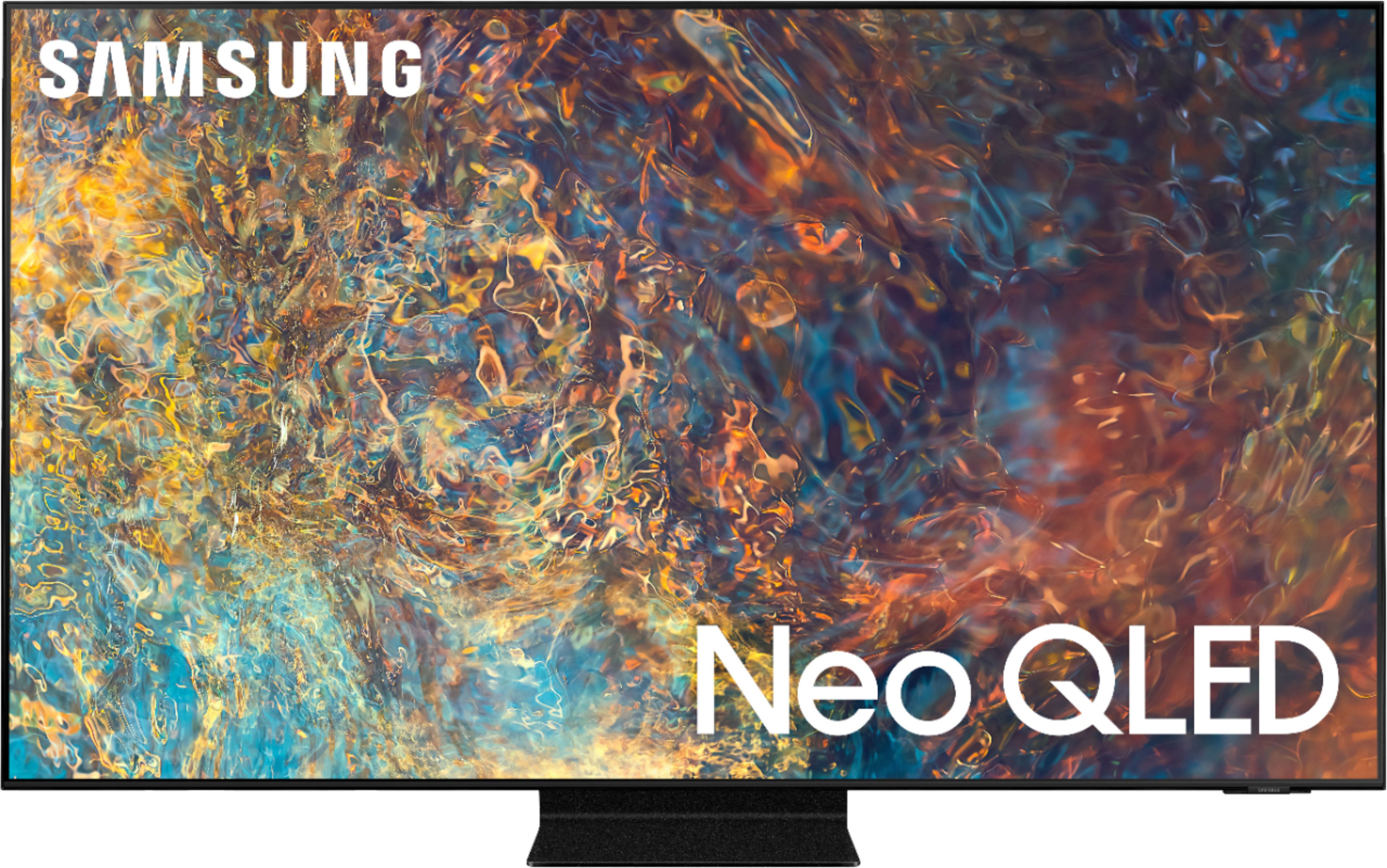
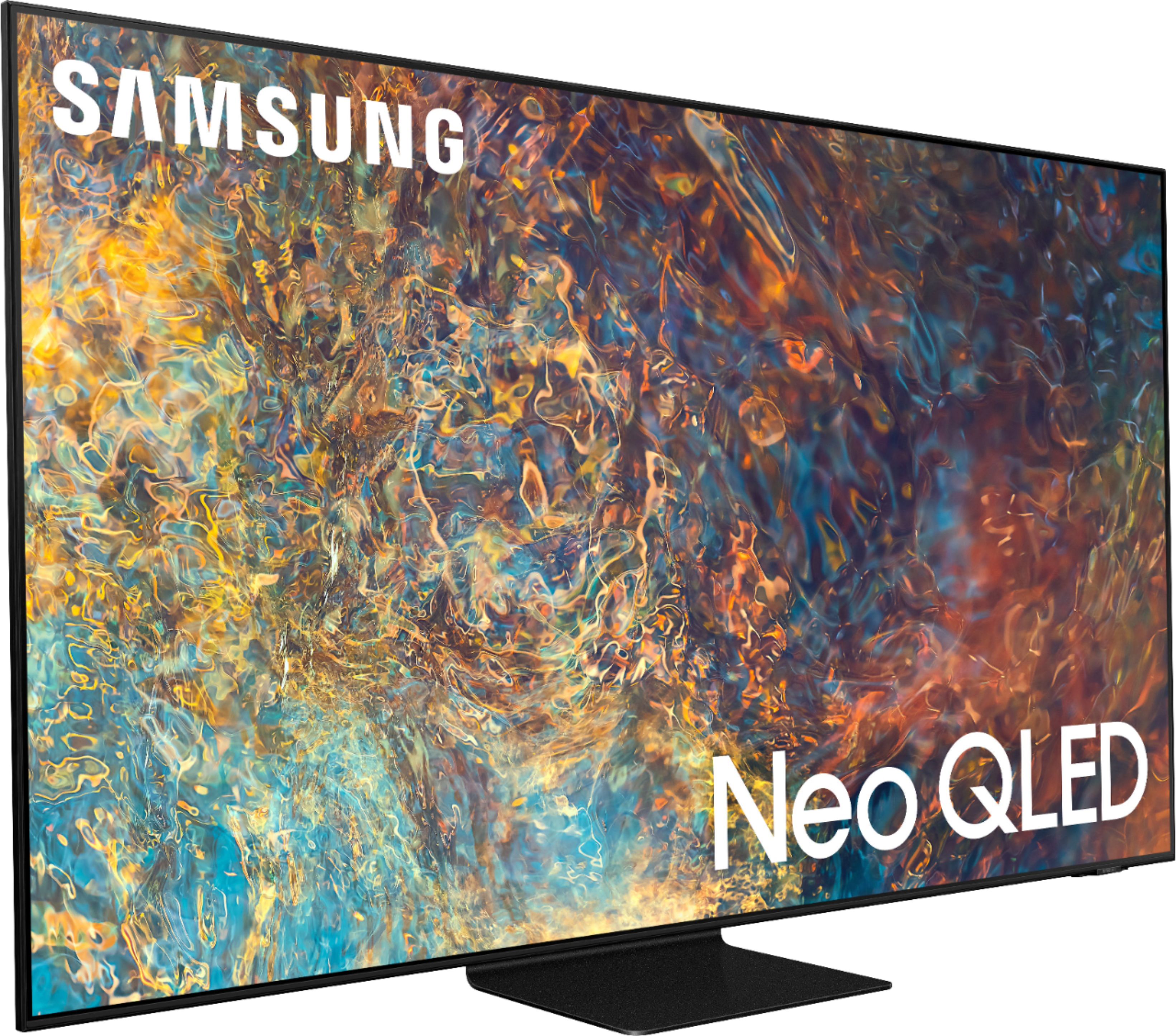
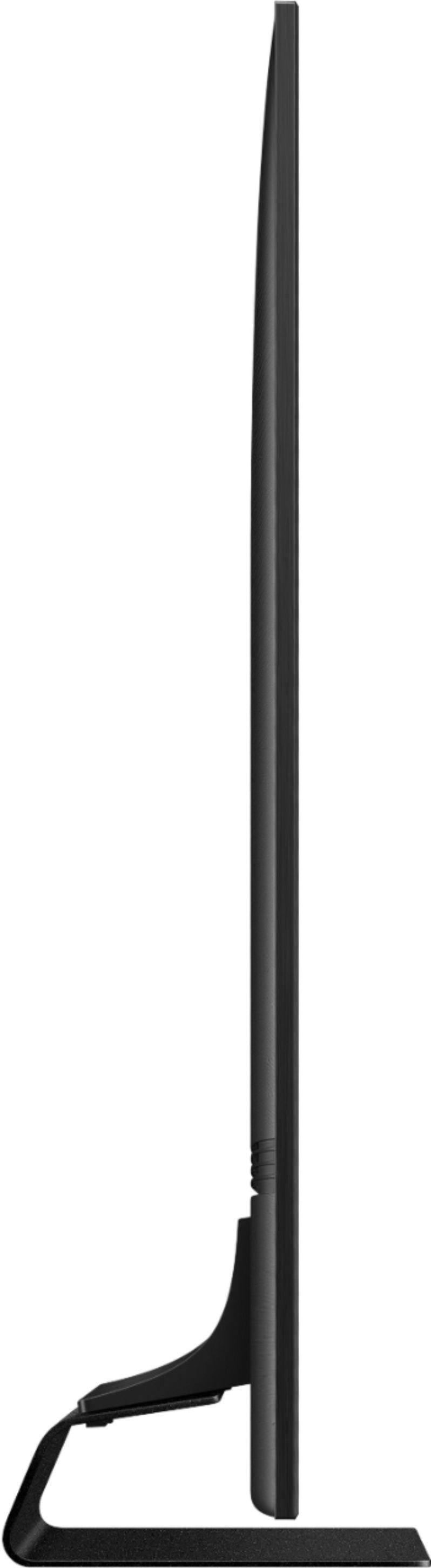
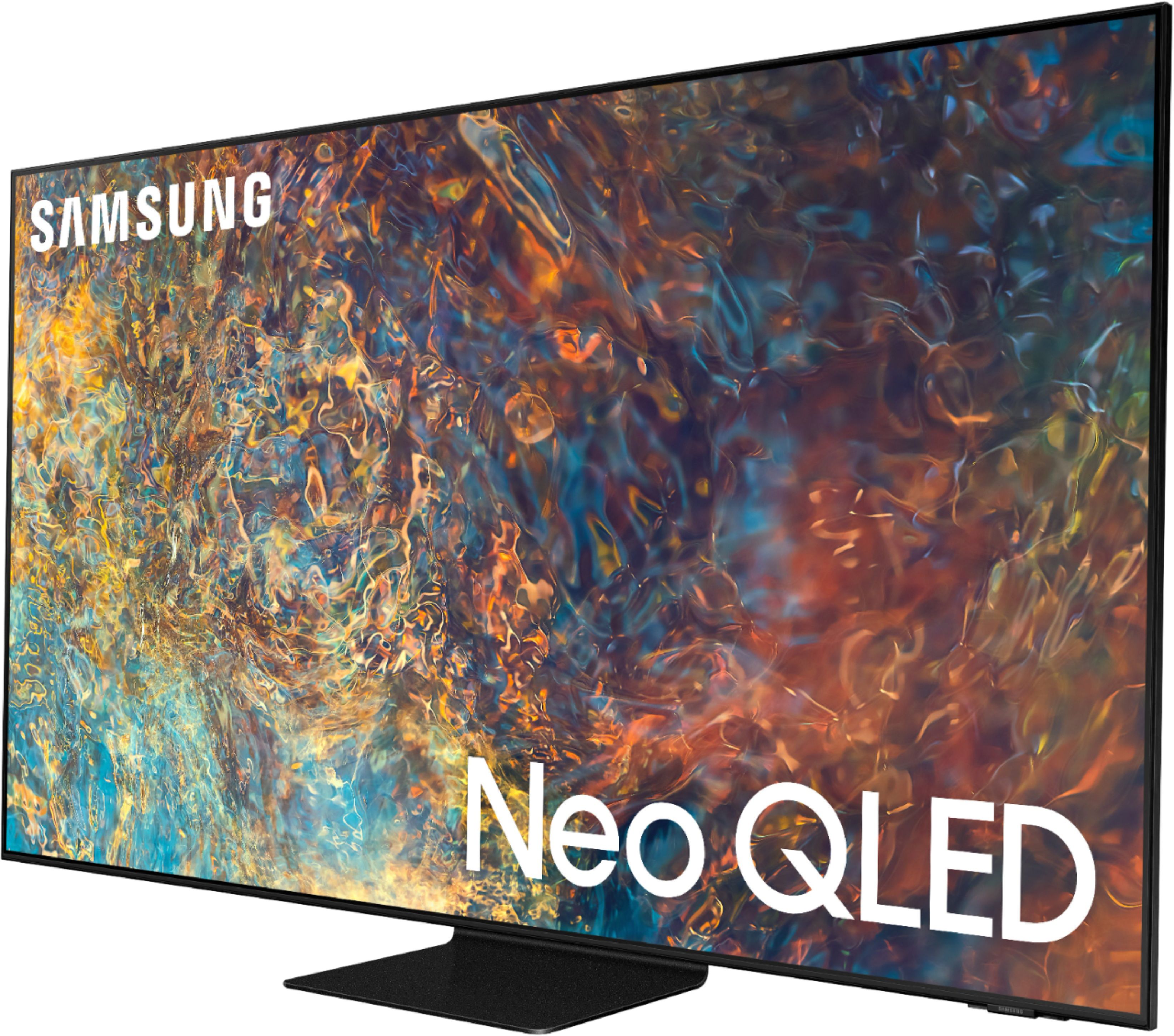
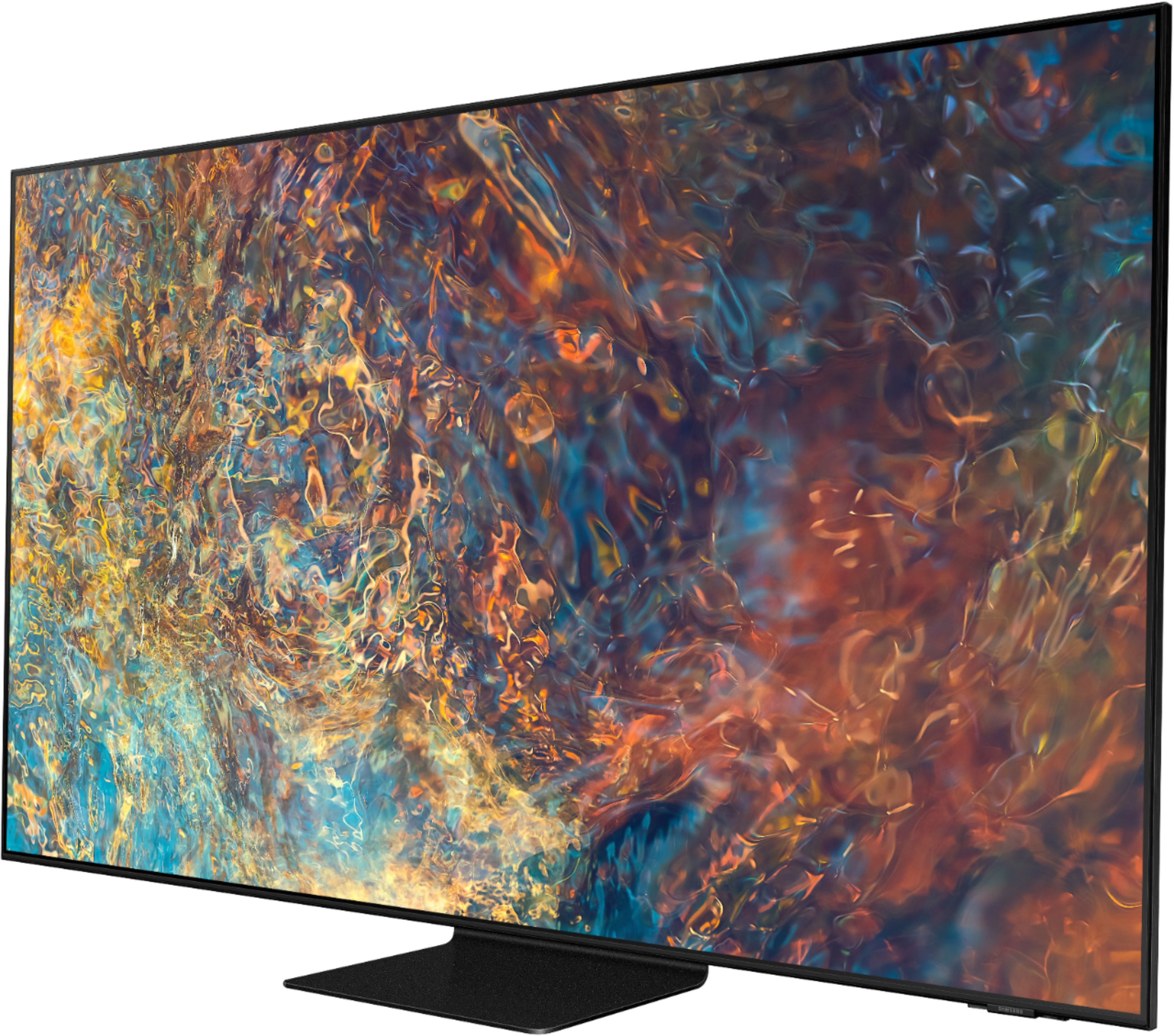
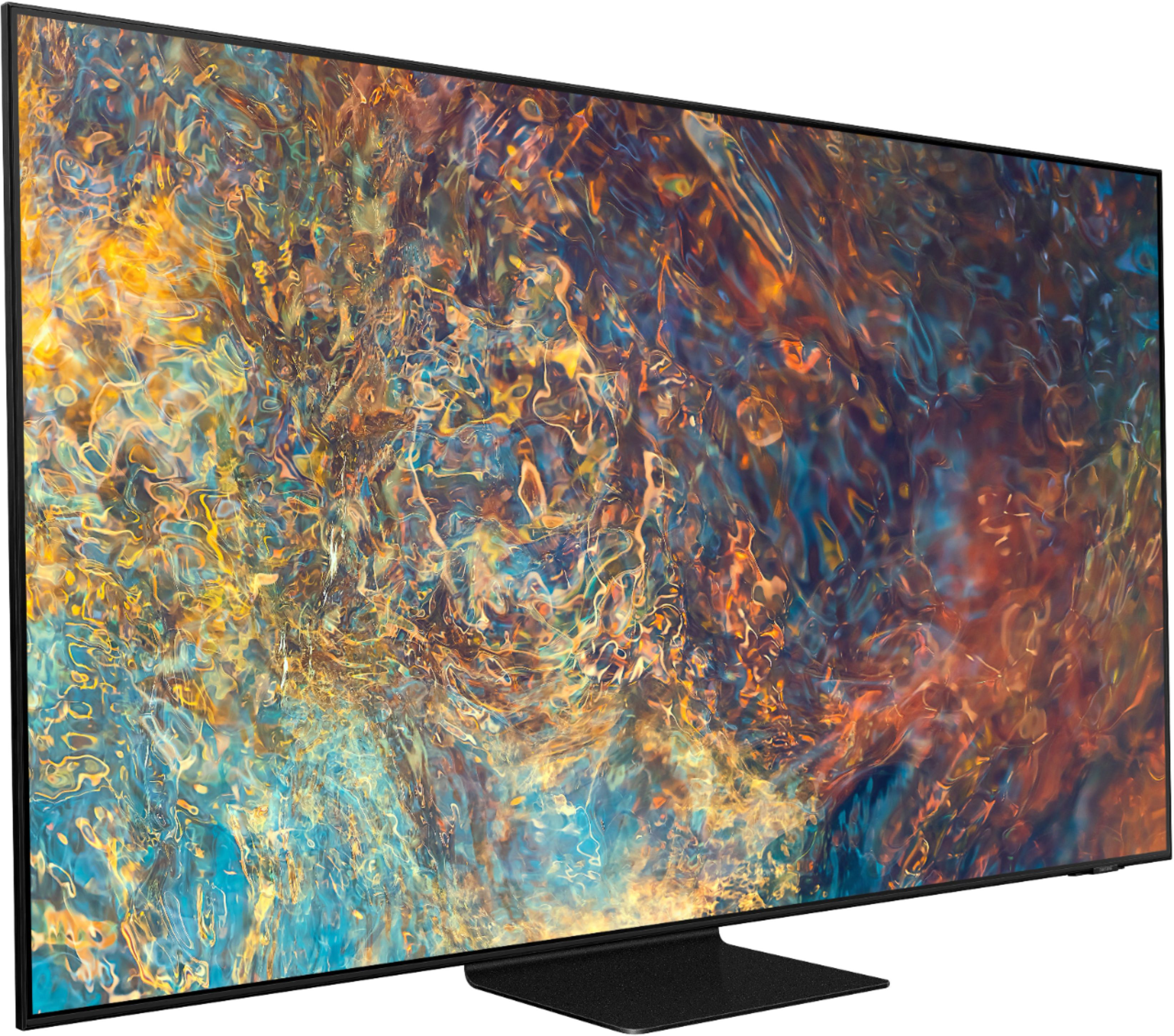
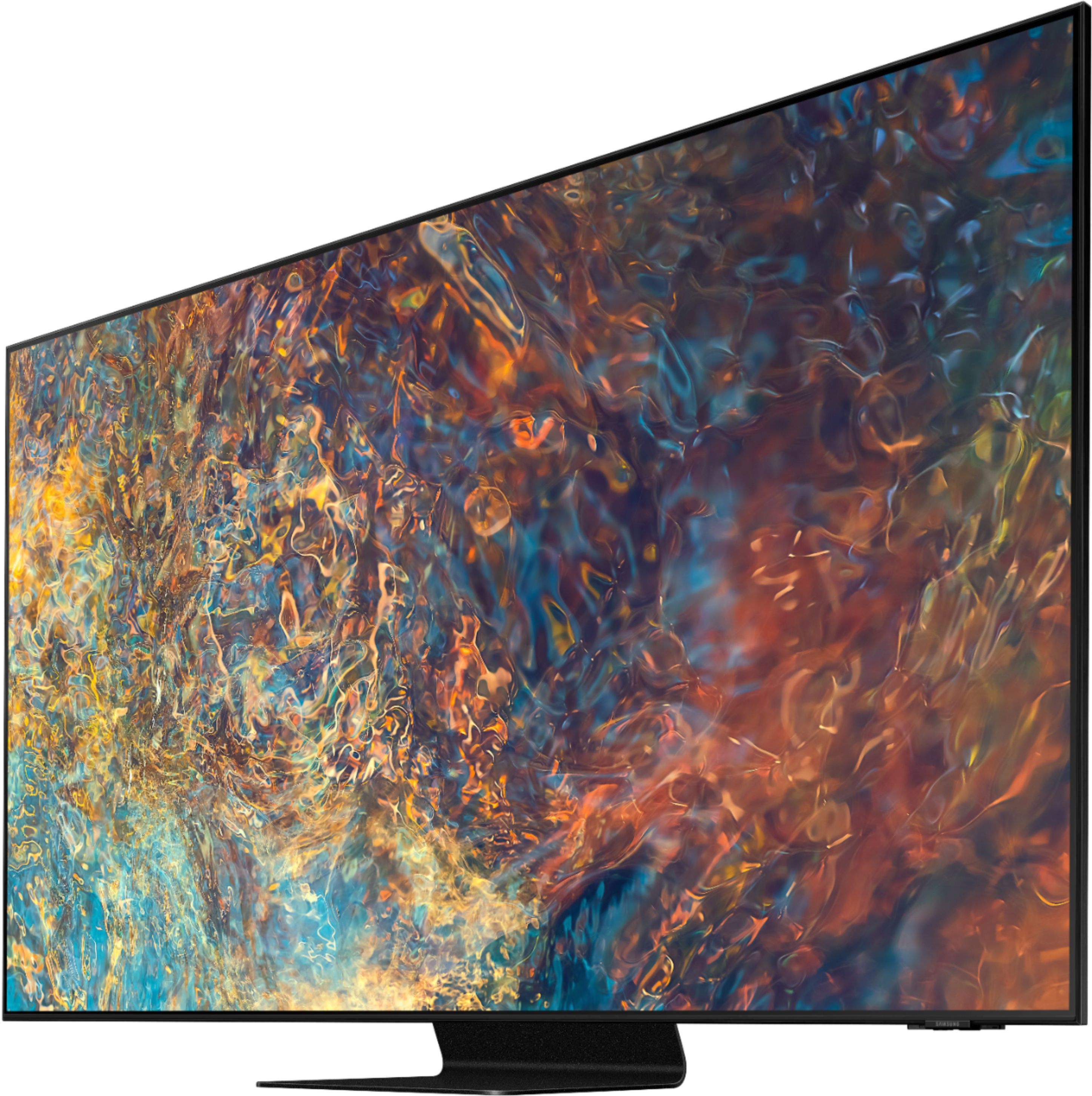

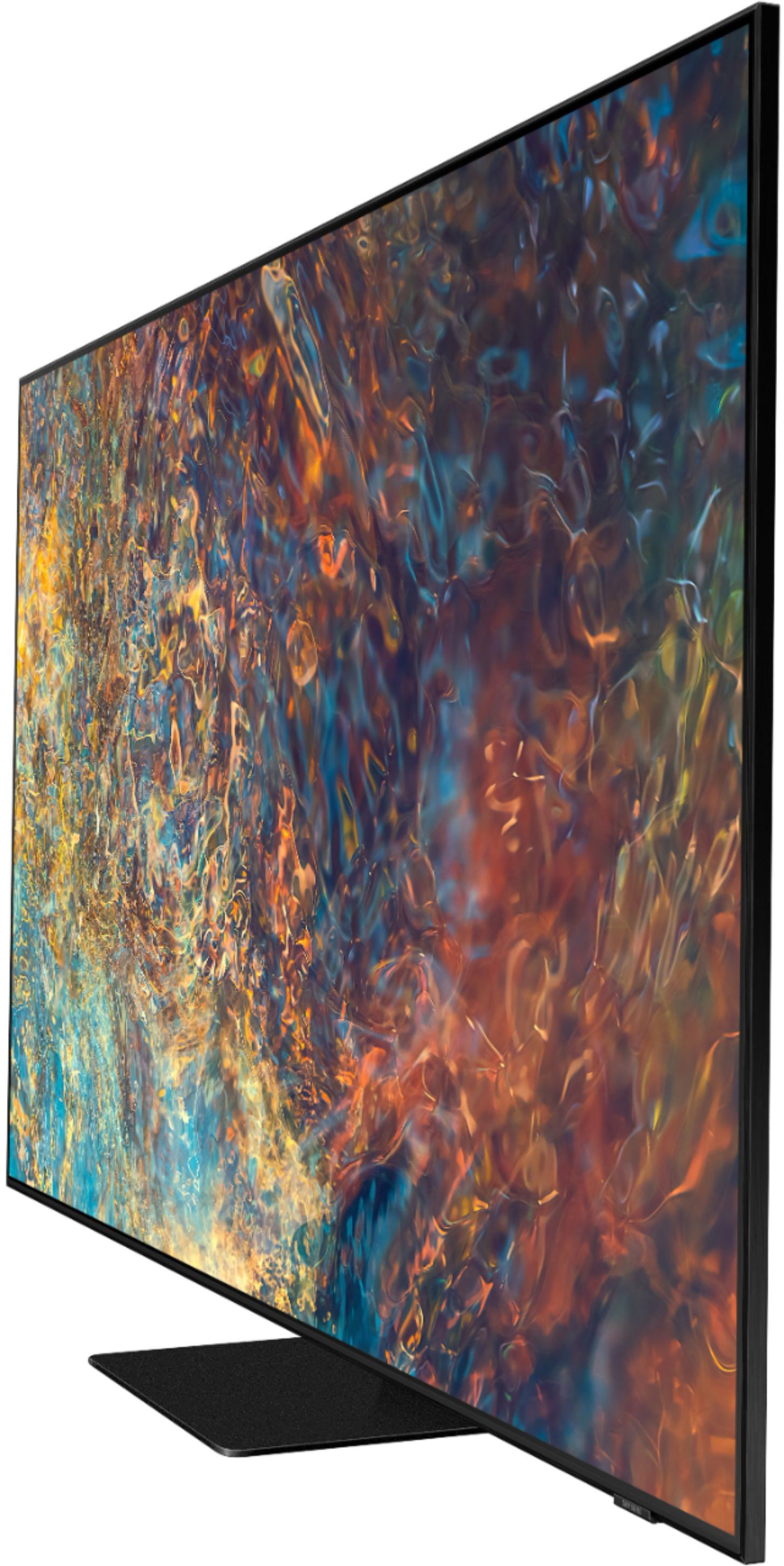
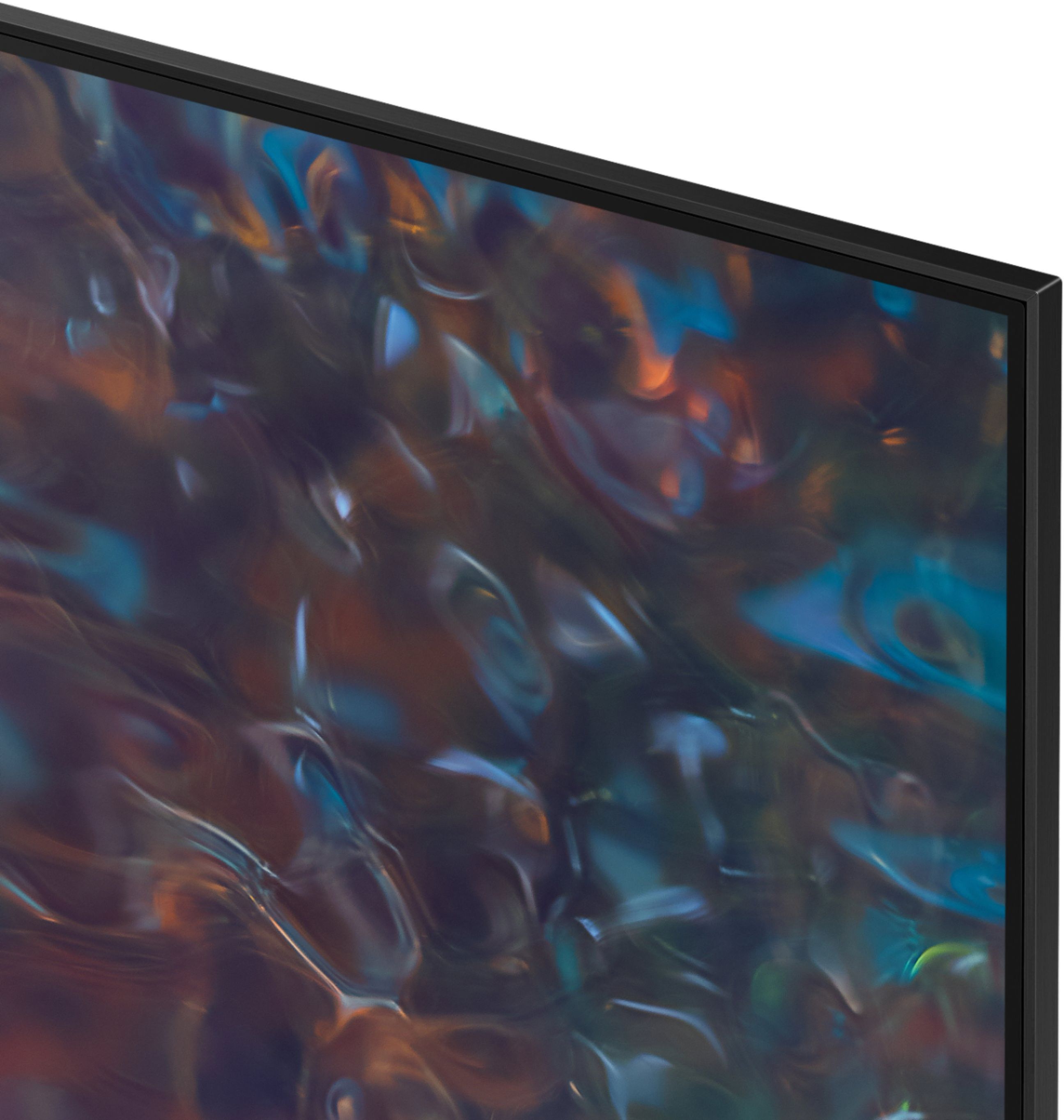

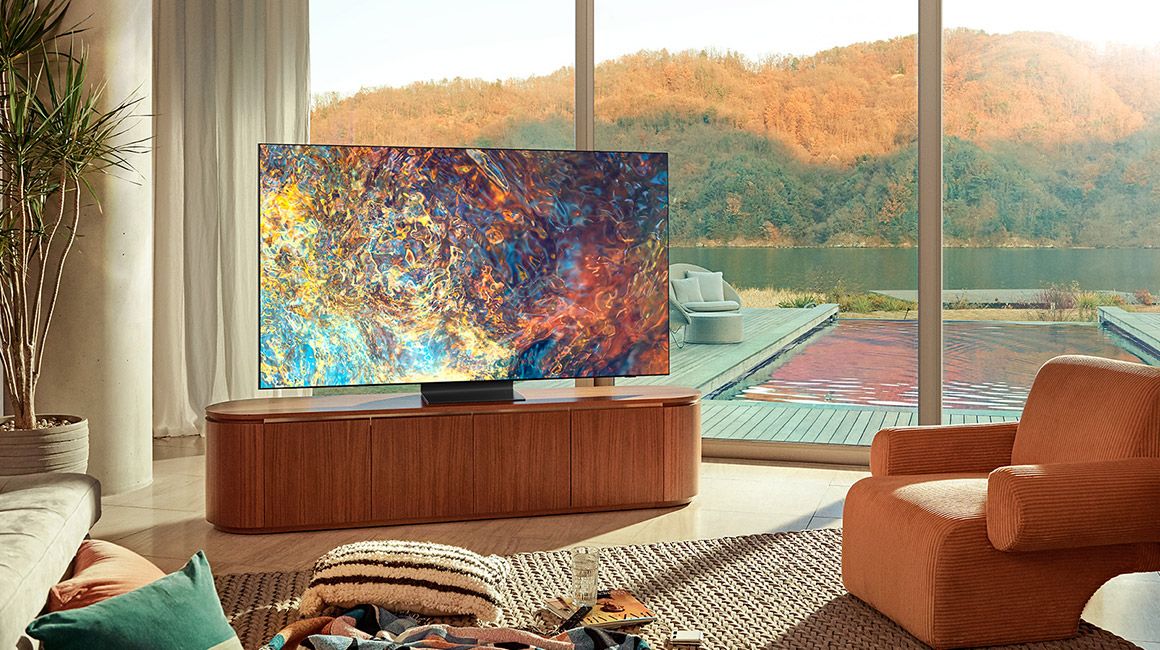
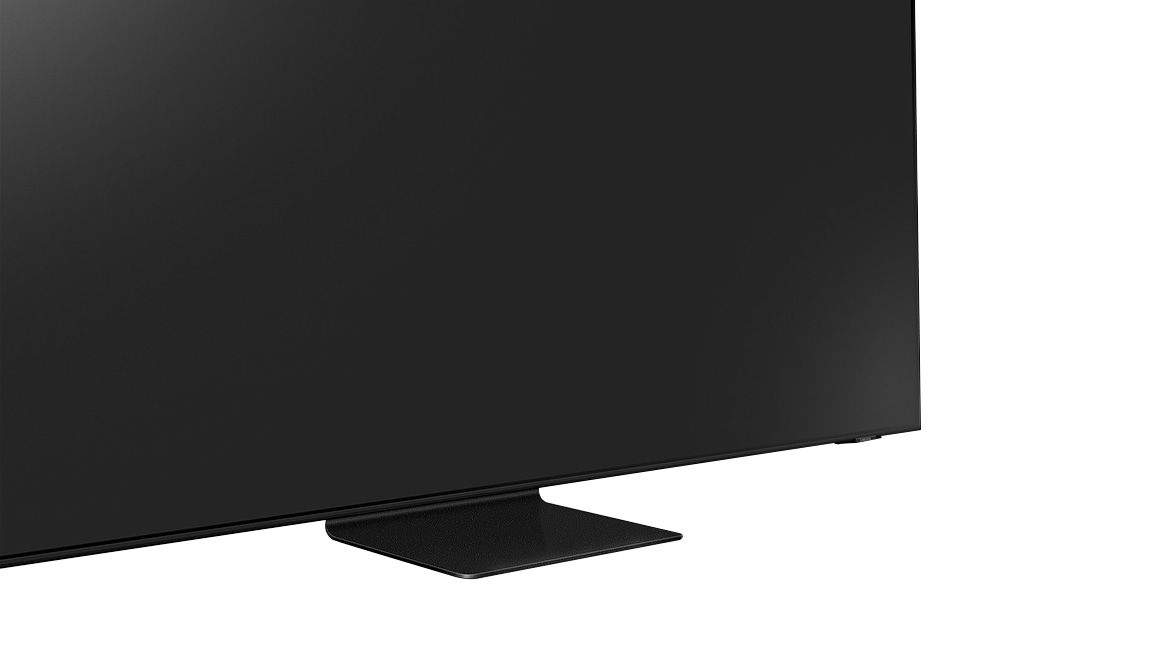









- Model:
- QN65QN90AAFXZA
- SKU:
- 6452320
Rating by feature
- Picture Quality
Rating 4.8 out of 5 stars
- Sound Quality
Rating 4.5 out of 5 stars
- Brightness
Rating 4.9 out of 5 stars
Customers are saying
Customers have good things to say about the 65" Class QN90A Neo QLED 4K UHD Smart Tizen TV, particularly its picture quality, brightness, and easy setup. Many customers rave about the beautiful and sharp picture, as well as the great color and fantastic brightness. The TV is also said to be easy to set up, with one customer saying they were "really happy with this purchase." However, there are some concerns about screen issues, price, limited HDMI 2.1 ports, and dead pixels.
This summary was generated by AI based on customer reviews.
Buggy apps and a laggy UI
||Posted . Owned for 3 weeks when reviewed.This reviewer received promo considerations or sweepstakes entry for writing a review.The TV and is built-in apps have been very buggy. YoutubeTV app on this TV frequently hangs, remote becomes unresponsive, and the UI is generally very laggy. Compared to the Q90R that I have in the house, I am very disappointed. Picture quality is hard to compare unless side by side with another TV. I don’t think it’s any better than the Q90R, in fact localized dimming with the nano leds has gotten worse.
No, I would not recommend this to a friendBrand response from Samsung
Posted .GoodVibesOnIslandTime:
Thank you for choosing the QN90A QLED TV and taking the time to share your experience with your apps and interface. If your apps are freezing, not loading, or crashing, you can try cold booting your TV by holding down the power button on your remote for 5+ sec until the TV turns off and on again, deleting and downloading the apps again, and completing a full reset of Smart Hub to correct the issue.
Please also check that your TV is running the latest firmware version. Go to: Settings > Support > Software Update.
Your experience with the YouTube TV app has been shared with our product teams. Please make sure that Auto Update is turned on so that your apps can stay current with the latest updates and patches. Navigate to the Settings within the App Store, and set Auto Update to: On.
You may also want to optimize the smart TV performance, by running the Device Care option under the Support Menu. Go to Settings > Support> Device Care > Start Device Care
Should you have questions or need further assistance, you can reach us at 1-800-SAMSUNG (ask for TVs), available 8AM -12AM EST, 7 days a week. Or text HELP to 62913.
For additional support resources, visit us on the Samsung website and click on the ‘Support’ link in the upper right corner of the homepage for:
1) More ‘Contact Us’ options – LiveChat, Facebook, Twitter, Samsung Community, Samsung Members app
2) Manuals & Software
3) Warranty Info
4) Product Registration: For access to easy warranty support, convenient opt-in to special promos and offers, faster troubleshooting and service, and quick notification of system updates.
~ Samsung Solutions
Average 4K tv
||Posted . Owned for 3 weeks when reviewed.This reviewer received promo considerations or sweepstakes entry for writing a review.Average level 4K TV. Wireless menu is a little weird to get accustomed to, but not horrible.
I would recommend this to a friendLook before you order online.
||Posted . Owned for 1 month when reviewed.This reviewer received promo considerations or sweepstakes entry for writing a review.I do not like the picture on a QLED tv. So sorry we didn't look at one in the store before buying.
No, I would not recommend this to a friendBrand response from Samsung
Posted .VICKM,
Thank you for sharing your thoughts on the picture quality of your QN90A TV. If the picture you are seeing out-of-the-box is not to your liking, there are several picture settings you may want to try adjusting.
You can select the Picture Mode that provides the best viewing experience. Go to Home > Settings > Picture > Picture Mode
1) Standard: Is the default mode suitable for general viewing environments.
2) Natural: Reduces eye strain for a comfortable viewing experience.
3) Movie: Is suitable for watching TV or movies in a dark room.
4) Dynamic: Makes the picture brighter and clearer in bright viewing environments.
5) Filmmaker Mode: You can watch the source content (e.g., movie) as it is. If the image is defined as Filmmaker Mode, it will automatically switch to Filmmaker Mode while watching.
You can also go to: Settings > Picture > Expert Settings > to manually fine tune your image.
To ensure that your TV’s picture is optimized, please also be sure that you are always running the latest firmware update. You can check this by going to Settings > Support > Software Update or you can enable Auto Update for convenience.
Should you need further assistance with settings adjustments, please contact Samsung Customer Support at 1-800-SAMSUNG (ask for TVs), available 8AM - 12AM EST, 7 days a week.
For additional support resources, visit us on the Samsung website and click on the ‘Support’ link in the upper right corner of the homepage for:
1) Chat with Us/Product Help: To begin a chat or find solutions, choose ‘TVs & Home Theater’ and select your model & topic.
2) Manuals, Software, & Warranty Info
~ Samsung Specialist
Not worth the money
||Posted .This reviewer received promo considerations or sweepstakes entry for writing a review.I don't think this TV is worth all that money I'm really thinking about returning this TV
No, I would not recommend this to a friendBrand response from Samsung
Posted .Michael,
Thank you for your review of the Samsung QN90A TV. Your feedback is very important to us and will be shared with our internal product team.
If there is anything we can do to improve your experience such as helping to optimize settings, please let us know. You can reach Samsung Customer Support at 1-800-SAMSUNG (ask for TVs), available 8AM - 12AM EST, 7 days a week.
For additional support resources, visit us on the Samsung website and click on the ‘Support’ link in the upper right corner of the homepage for:
1) Chat with Us/Product Help: To begin a chat or find solutions, choose ‘TVs & Home Theater’ and select your model & topic.
2) Manuals, Software, & Warranty Info
We hope to hear from you.
~ Samsung Specialist
- Pros mentioned:Picture quality
Ticking
||Posted . Owned for less than 1 week when reviewed.This reviewer received promo considerations or sweepstakes entry for writing a review.I was extremely excited to finally get my hands on this tv, I had amazing picture quality but unfortunately after awhile the tv started to make a ticking noise in the top left part of the screen… it wouldn’t stop. The interface was slower than it should have been too.
No, I would not recommend this to a friendBrand response from Samsung
Posted .Hi Foxhowl,
Thank you for your review of the QN90A TV. We appreciate you sharing your experience with hearing an odd sound coming from your TV. Abnormal sounds will have different causes depending on where the sound originates from.
For antenna or cable connections, check the Signal Information. A low signal level may cause sound distortions. Go to: Settings > Support > Device Care > Self Diagnosis > Signal Information
If the sound is coming from the back of the TV, the expansion and contraction of the TV's outer casing may cause a popping noise. This does not indicate a product malfunction. The TV is safe to use.
You may also want to run a Sound Test by going to :
Settings > Support > Device Care > Self Diagnosis > Sound Test
For further questions or assistance, please contact Samsung Customer Support at 1-800-SAMSUNG (ask for TVs), available 8AM -12AM EST M-F (9AM – 6PM EST Sat). Or text HELP to 62913.
For additional support resources, visit us on the Samsung website and click on the ‘Support’ link in the upper right corner of the homepage for:
1) More ‘Contact Us’ options – LiveChat, Facebook, Twitter, Samsung Community, Samsung Members app
2) Manuals & Software
3) Warranty Info
4) Product Registration: For access to easy warranty support, convenient opt-in to special promos and offers, faster troubleshooting and service, and quick notification of system updates.
~ Samsung Specialist
- Pros mentioned:Picture quality
Bad build quality.
||Posted . Owned for 4 months when reviewed.This reviewer received promo considerations or sweepstakes entry for writing a review.Large dark spot only a few months after buying. My sister got a very similar TV as well, and it died out of the blue. Picture is great, but the build quality is not there. I don't expect to be having to make almost immediate repairs for a $2000 TV.
No, I would not recommend this to a friendBrand response from Samsung
Posted .jonl,
We appreciate you sharing your experience regarding the screen abnormalities you are seeing on your QN90A TV. Samsung is committed to providing the best possible product experience, quality, and value. We back this Samsung TV with a 1-year limited manufacturer's warranty, including authorized repair for manufacturer defect, if purchased brand-new directly from an authorized seller.
Please give us the opportunity to assist you by contacting Samsung Customer Support. Call us at 1-800-SAMSUNG (ask for TVs), available 8AM - 12AM EST, 7 days a week.
For additional support resources, visit us on the Samsung website and click on the ‘Support’ link in the upper right corner of the homepage for:
1) Chat with Us/Product Help: To begin a chat or find solutions, choose ‘TVs & Home Theater’ and select your model & topic.
2) Manuals, Software, & Warranty Info
We hope to hear from you.
~ Samsung Specialist
Oaks
||Posted .This reviewer received promo considerations or sweepstakes entry for writing a review.It's ok ,could have used more help setting it up..
I would recommend this to a friendBrand response from Samsung
Posted .Hi Oaks,
Thank you for choosing Samsung's QN90A Neo QLED 4K TV and for your review. To assist you in learning the various features, functions and settings of your new TV, you can download the QN90A TV's User Manual, e-Manual, Remote Control Leaflet, and Quick Setup Guide on Samsung's website by clicking "Support" > "Manuals & Software" > "TVs & Home Theater" > "TVs". From there, you can select the QN90A TV under "Samsung Neo QLED 4K” > “A Model Lineup" and download the guides you would like. The e-Manual is also embedded into the TV itself under Settings > Support > Open e-Manual.
I hope this helps. Should you need further assistance with features or usage, please contact Samsung Customer Support at 1-800-SAMSUNG (ask for TVs), available 8AM -12AM EST M-F (9AM – 6PM EST Sat). Or text HELP to 62913.
For additional support resources, visit us on the Samsung website and click on the ‘Support’ link in the upper right corner of the homepage for:
1) More ‘Contact Us’ options – LiveChat, Facebook, Twitter, Samsung Community, Samsung Members app
2) Manuals & Software
3) Warranty Info
4) Product Registration: For access to easy warranty support, convenient opt-in to special promos and offers, faster troubleshooting and service, and quick notification of system updates.
~ Samsung Specialist
Horrible
||Posted . Owned for 1 month when reviewed.This reviewer received promo considerations or sweepstakes entry for writing a review.Horrible! I had an old Panasonic that had a better picture than this one with all the new ‘technology”. The background looks blurry, some parts look Like if it was a show from the 70’s. I’ve changed my cable box twice adjusted the settings and still the same issue. Also, the brightness almost blinds you. The red is ridiculously bright and looks fake. I am returning this tv.
No, I would not recommend this to a friendBlurry fast motion
||Posted . Owned for 1 month when reviewed.This reviewer received promo considerations or sweepstakes entry for writing a review.The picture is not what it should be. It’s blurry where there is fast motion. If you like sports or action movies this will not satisfy you. I suggest a different tv.
No, I would not recommend this to a friendBrand response from Samsung
Posted .Hi Brian,
Thank you for choosing the Samsung QN90A TV and for sharing your feedback regarding your picture when watching fast motion. For optimal motion image performance, you may want to adjust the picture clarity setting by going to: Settings > Picture > Expert Settings > Picture Clarity Settings
- Off: Picture Clarity Settings will always be off
- Auto: Picture Clarity Settings will automatically activate and deactivate based on the type of program being watched
- Custom: Allows custom adjustments and settings to be used. By selecting the Custom option, you can access these advanced settings for Judder Reduction, LED Clear Motion, and Noise Reduction.
Should you need further assistance with features or other product usage, please reach out to Samsung Support via any of the below options:
1-800-SAMSUNG (ask for TVs), available 8AM -12AM EST, 7 days a week. Or text HELP to 62913.
For additional support resources, visit us on the Samsung website and click on the ‘Support’ link in the upper right corner of the homepage for:
1) More ‘Contact Us’ options – LiveChat, Facebook, Twitter, Samsung Community, Samsung Members app
2) Manuals & Software
3) Warranty Info
4) Product Registration: For access to easy warranty support, convenient opt-in to special promos and offers, faster troubleshooting and service, and quick notification of system updates.
We look forward to hearing from you.
~ Samsung Specialist
new Tv
||Posted . Owned for 1 month when reviewed.This reviewer received promo considerations or sweepstakes entry for writing a review.I am disappointed in this TV the sound is off some how.. It sounds like sound is far away not too clear really hard to hear
No, I would not recommend this to a friend- Cons mentioned:Screen
Defective TV
||Posted . Owned for 1 week when reviewed.This reviewer received promo considerations or sweepstakes entry for writing a review.It was defective, screen seperation and they didnt try to set it up and the Geek Squad just walked out.
No, I would not recommend this to a friendBrand response from Samsung
Posted .STRATUS:
We appreciate you sharing your experience with your QN90A TV. We recommend you contact Best Buy directly for assistance in correcting this situation. We hope your issue is resolved in a timely manner.
Should you have questions or concerns regarding the usage or setup of your TV once your issue is resolved, please contact Samsung Customer Support.You can reach us at 1-800-SAMSUNG (ask for TVs), available 8AM -12AM EST, 7 days a week. Or text HELP to 62913.
For additional support resources, visit us on the Samsung website and click on the ‘Support’ link in the upper right corner of the homepage for:
1) More ‘Contact Us’ options – LiveChat, Facebook, Twitter, Samsung Community, Samsung Members app
2) Manuals & Software
3) Warranty Info
4) Product Registration: For access to easy warranty support, convenient opt-in to special promos and offers, faster troubleshooting and service, and quick notification of system updates.
~ Samsung Solutions
- Pros mentioned:Picture quality
Poor streaming
||Posted . Owned for 7 months when reviewed.This reviewer received promo considerations or sweepstakes entry for writing a review.Nice picture but have to remove and add apps repeatedly to stream.
No, I would not recommend this to a friend Disappointed.
||Posted . Owned for 7 months when reviewed.This reviewer received promo considerations or sweepstakes entry for writing a review.Big fan of samsung tvs till i got this. This was my worst TV ever. the picture quality is mediocre. Super bright though. The picture settings will go to default everytime we powered it off. not sure if we got a lemon. returned it within 2 weeks.
No, I would not recommend this to a friendNot Great
||Posted . Owned for 1 month when reviewed.This reviewer received promo considerations or sweepstakes entry for writing a review.I have returned the item Problem with audio/video syncing
No, I would not recommend this to a friendBrand response from Samsung
Posted .SueL74,
Thank you for your review of Samsung's QN90A TV. Please know there is a firmware update (ver. 1708 released 9/3) which addressed the audio delay you were experiencing.
Should you ever decide to give Samsung TVs another try and have questions or need assistance with settings, setup, or features, please know we are always here to help. Call us at 1-800-SAMSUNG (ask for TVs), available 8AM - 12AM EST, 7 days a week.
For additional support resources, visit us on the Samsung website and click on the ‘Support’ link in the upper right corner of the homepage for:
1) Contact Us: For additional Chat & Text options, choose ‘TVs & Home Theater’ and select your model & topic.
2) Manuals, Software, & Warranty Info
~ Samsung Specialist
Disappointed
||Posted .This reviewer received promo considerations or sweepstakes entry for writing a review.Very disappointed. Buffers streaming Amazon Prime.
No, I would not recommend this to a friendBrand response from Samsung
Posted .Donald,
Thank you for your review of Samsung's QN90A TV. Buffering when watching videos online is related to your internet speed. Buffering may occur on your Samsung Smart TV while streaming video content over the internet. Buffering usually occurs when your internet connection provided by your ISP cannot supply data fast enough for the playback device.
We suggest you try the following:
1) Use 5G Wi-Fi if possible
2) Try wired LAN if available
3) Try repositioning the router so there are no obstacles between your TV and the router
4) Please be sure you have the latest firmware update which enhances network connectivity.
If your issue persists, please contact Samsung Customer Support at 1-800-SAMSUNG (ask for TVs), available 8AM - 12AM EST, 7 days a week.
For additional support resources, visit us on the Samsung website and click on the ‘Support’ link in the upper right corner of the homepage for:
1) Chat with Us/Product Help: To begin a chat or find solutions, choose ‘TVs & Home Theater’ and select your model & topic.
2) Manuals, Software, & Warranty Info
~ Samsung Specialist
The Picture was beautiful.... for a few weeks.
||Posted . Owned for 1 week when reviewed.This reviewer received promo considerations or sweepstakes entry for writing a review.The Picture was beautiful.... for a few weeks. Within three weeks it had developed a large dark spot in the center of screen and needed to be replaced. Get the protection plan.
No, I would not recommend this to a friendBrand response from Samsung
Posted .ScreenIssues,
Thank you for your review of the Samsung QN90A TV and for sharing the issues that you have experienced with your unit. We appreciate your patience in having to deal with the inconvenience of an exchange.
Should you need assistance with your new unit, please contact Samsung Customer Support at 1-800-SAMSUNG (ask for TVs), available 8AM - 12AM EST, 7 days a week.
For additional support resources, visit us on the Samsung website and click on the ‘Support’ link in the upper right corner of the homepage for:
1) Chat with Us/Product Help: To begin a chat or find solutions, choose ‘TVs & Home Theater’ and select your model & topic.
2) Manuals, Software, & Warranty Info
~ Samsung Specialist
Normal as like as others TV
||Posted . Owned for 1 month when reviewed.This reviewer received promo considerations or sweepstakes entry for writing a review.Simply waste of money it doesn't have any difference with other TV which is cheaper than this one
No, I would not recommend this to a friendBrand response from Samsung
Posted .Markos,
Thank you for your review of the 2021 65” QN90A Neo QLED 4K Smart TV. Neo QLED uses advanced AI to analyze your content and bring you hyper focused brightness and dimming in all the right areas.
You can choose from different Picture Modes to suit your preferences. Go to Home > Settings > Picture > Picture Mode to choose from (Standard, Natural, Movie, Dynamic, & Filmmaker Mode. If the image is defined as Filmmaker Mode, it will automatically switch to Filmmaker Mode while watching.)
Intelligent Mode enables the TV to recognize and analyze the surroundings, noise, content, and your usage patterns to provide the best viewing experience. You can enable Intelligent Mode by going to Home > Settings > General > Intelligent Mode Settings. Adaptive Picture, which is among the options, optimizes brightness and provides the best picture quality in real time, based on the lighting condition and your content.
If you would like further assistance with settings adjustments or have any questions, please contact Samsung Customer Support at 1-800-SAMSUNG (ask for TVs), available 8AM - 12AM EST, 7 days a week.
For additional support resources, visit us on the Samsung website and click on the ‘Support’ link in the upper right corner of the homepage for:
1) Contact Us: For additional Chat & Text options, choose ‘TVs & Home Theater’ and select your model & topic.
2) Manuals, Software, & Warranty Info
~ Samsung Specialist
Sam
||Posted . Owned for 2 weeks when reviewed.This reviewer received promo considerations or sweepstakes entry for writing a review.Voice and mouth not in sync. TV is awesome but for mine it was defective. I will be getting another TV
I would recommend this to a friendBrand response from Samsung
Posted .Hi SamTV, Thank you for your review of the Samsung QN90A TV and for sharing the issues that have caused you to return your unit. Your experience is very important to us and will be shared with our product team.
It is possible that your unit needed minor troubleshooting, a firmware update, or adjustments in settings.
Should you ever decide to give Samsung TVs another try and have questions or need assistance with settings, setup, or features, please know we are always here to help. Call us at 1-800-SAMSUNG (ask for TVs), available 8AM -12AM EST, 7 days a week. Or text HELP to 62913.
For additional support resources, visit us on the Samsung website and click on the ‘Support’ link in the upper right corner of the homepage for:
1) More ‘Contact Us’ options – LiveChat, Facebook, Twitter, Samsung Community, Samsung Members app
2) Manuals, Software, & Warranty Info
~ Samsung Specialist
Ugh
||Posted . Owned for 1 month when reviewed.This reviewer received promo considerations or sweepstakes entry for writing a review.Many problems. Same model not available to replace. Ugh
No, I would not recommend this to a friend- Pros mentioned:Picture qualityCons mentioned:Hdmi 2.1
Lacks in features for price.
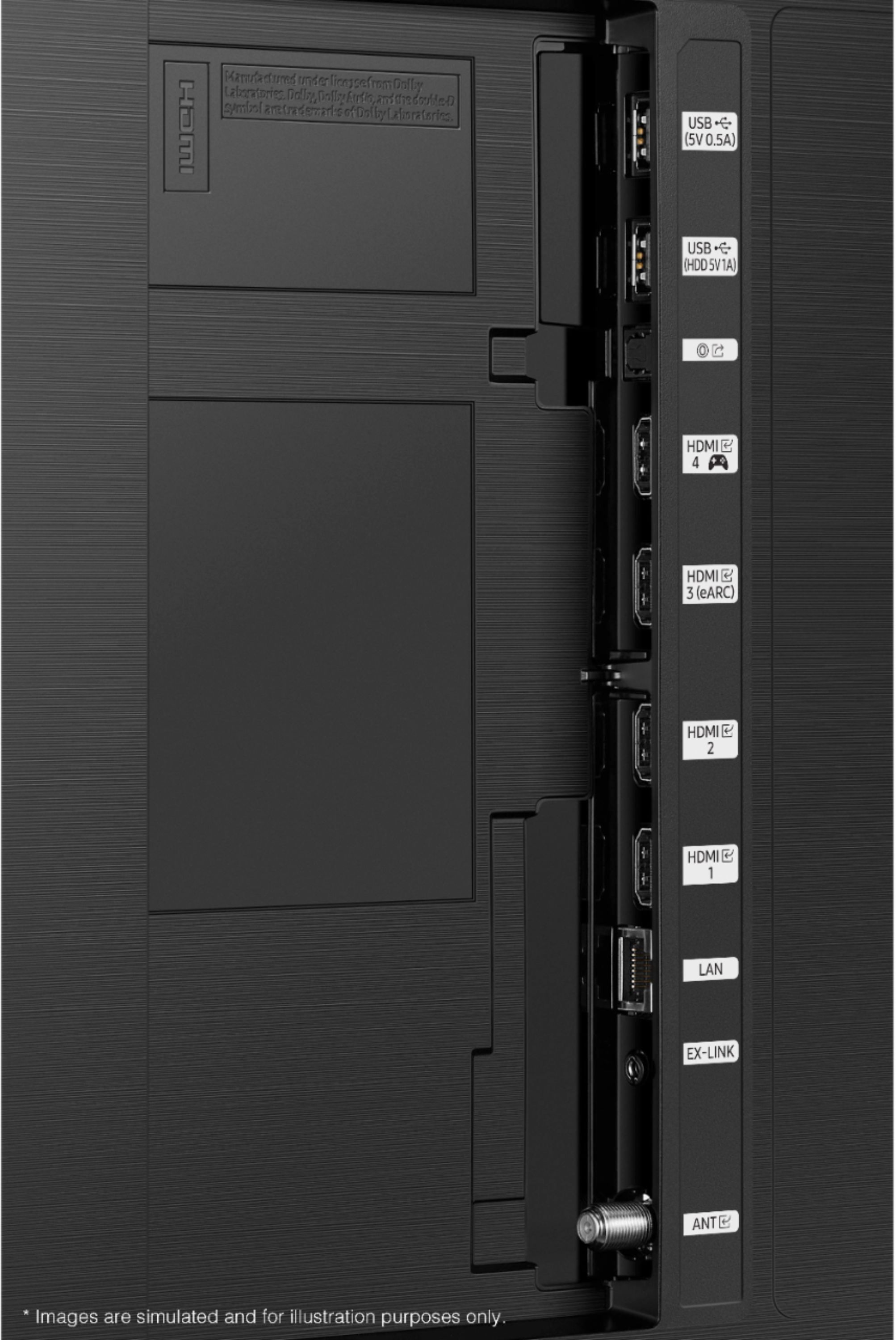
Posted .This reviewer received promo considerations or sweepstakes entry for writing a review.Recently purchased ot and within 24 hours, I returned it. Picture seemed to be decent but I was let down that it only had one HDMI 2.1 port. I asked the sales rep how many HDMI 2.1 ports prior to sale and he said all 4 were. Considering the price of the tv, i believed that to be true until ingot hole and set it up. All in all, not a bad tv if you don't care about HDMI 2.1 but being a tv I wanted for gaming, that is a deal breaker for me. Rating 3 stars due to price compared to feaures you get.
No, I would not recommend this to a friendBrand response from Samsung
Posted .Hi FT122,
Thank you for your review and for sharing the reasons that caused you to return this TV. Your feedback is appreciated appreciated and will be shared with our internal teams.
Should you ever decide to give Samsung TVs another try and have questions or need assistance with settings, setup, or features, please know we are always here to help. Call us at 1-800-SAMSUNG (ask for TVs), available 8AM -12AM EST M-F (9AM – 6PM EST Sat). Or text HELP to 62913.
For additional support resources, visit us on the Samsung website and click on the ‘Support’ link in the upper right corner of the homepage for:
1) More ‘Contact Us’ options – LiveChat, Facebook, Twitter, Samsung Community, Samsung Members app
2) Manuals, Software, & Warranty Info
We hope to regain you as a customer in the future.
~ Samsung Specialist