Customer Ratings & Reviews
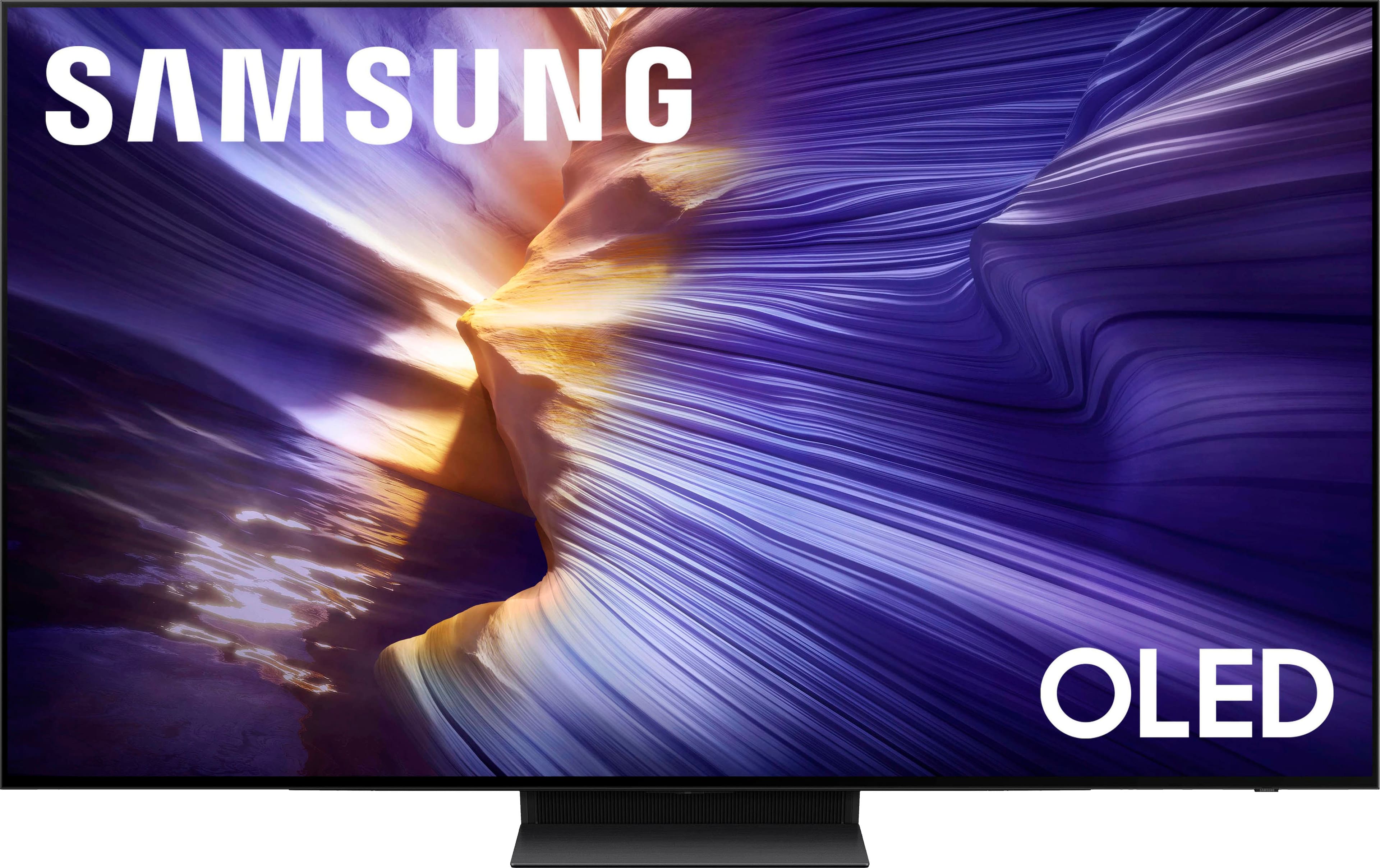
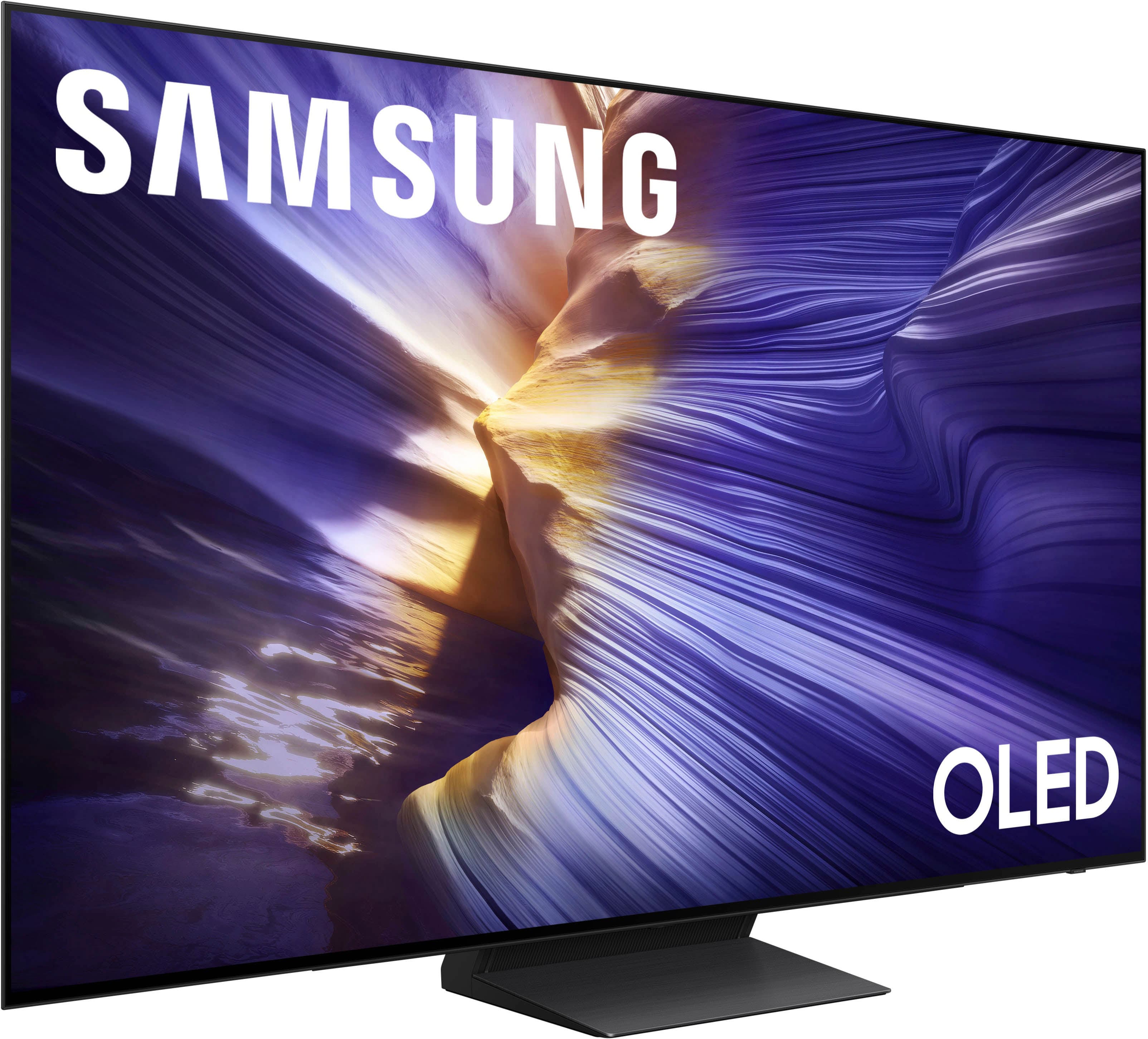
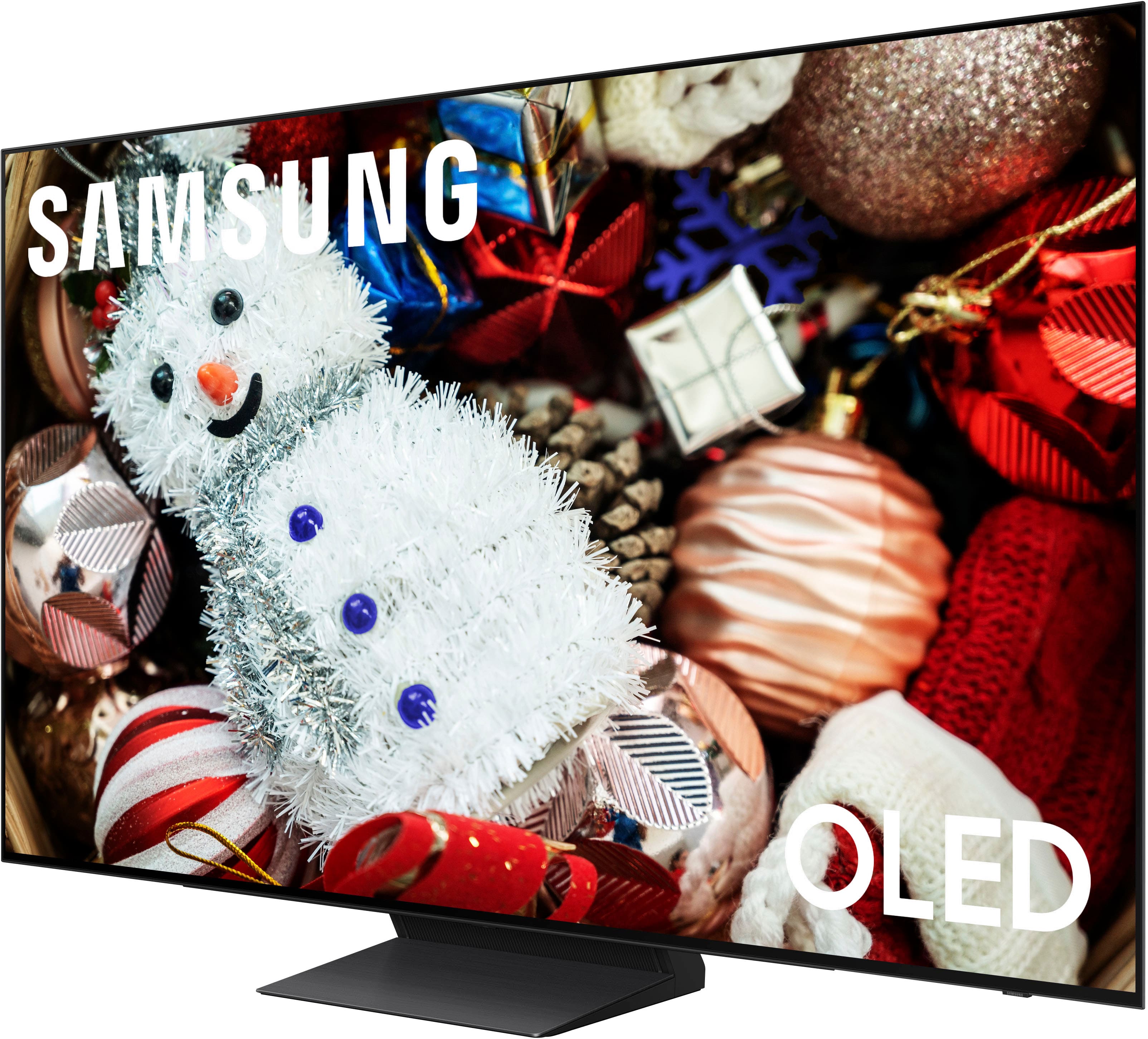
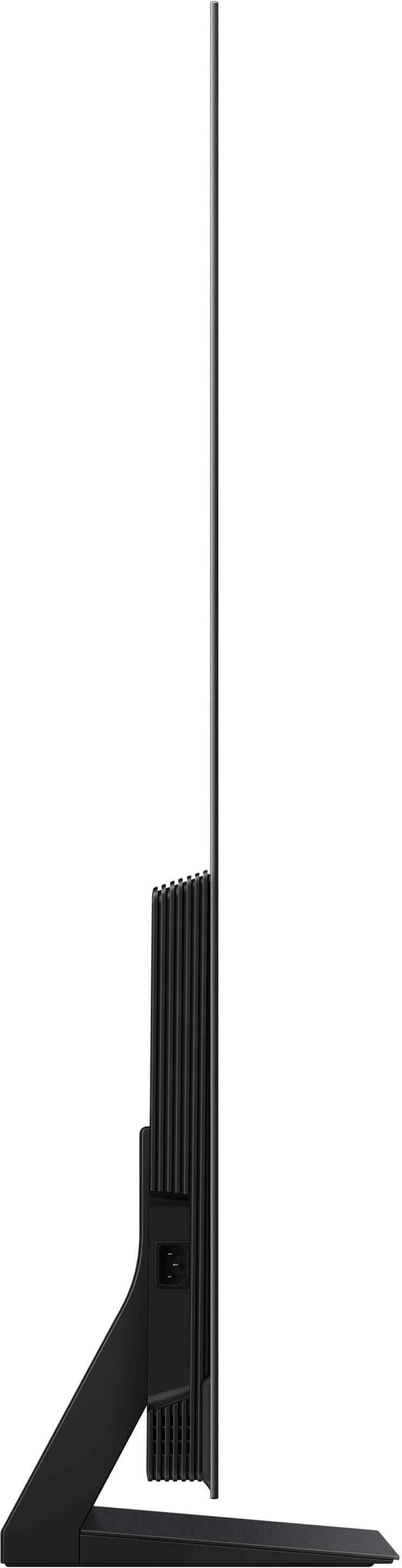









- Model:
- QN65S90FAFXZA
- SKU:
- 10187623
Rating by feature
- Picture Quality
Rating 4.9 out of 5 stars
- Sound Quality
Rating 4.7 out of 5 stars
- Brightness
Rating 4.9 out of 5 stars
to a friend
Excellent Experience
||Posted . Owned for 3 weeks when reviewed.This reviewer received promo considerations or sweepstakes entry for writing a review.Great installation and support from purchase to install.
I would recommend this to a friendGreat tv!
||Posted . Owned for 3 weeks when reviewed.This reviewer received promo considerations or sweepstakes entry for writing a review.Great picture quality and amazing sound, super thin design
I would recommend this to a friendLast TV u will buy!
||Posted .This reviewer received promo considerations or sweepstakes entry for writing a review.Quality picture definitely wont be disappointed with the picture!
I would recommend this to a friendNo title.
||Posted . Owned for 1 month when reviewed.This reviewer received promo considerations or sweepstakes entry for writing a review.Exceptional TV viewing experience. Enjoying it so much.
I would recommend this to a friendStocking problems
||Posted . Owned for 1 month when reviewed.This reviewer received promo considerations or sweepstakes entry for writing a review.Nice picture , just had to wait 6.5 weeks to get tv.
I would recommend this to a friendMy Delivery
||Posted . Owned for 3 weeks when reviewed.This reviewer received promo considerations or sweepstakes entry for writing a review.Delivery crew was great knowledgeable and professional
I would recommend this to a friendScreen Flicker
||Posted .This reviewer received promo considerations or sweepstakes entry for writing a review.I'm having some trouble with screen flicker. It resolves itself when I turn it off and back on, but it is annoying.
I would recommend this to a friendBest of the Best!
||Posted . Owned for 1 week when reviewed.This reviewer received promo considerations or sweepstakes entry for writing a review.Exceptional! Dealing with the salespeople to delivery was a pleasure!
I would recommend this to a friendSamsung 65" T.V.
||Posted . Owned for 3 weeks when reviewed.This reviewer received promo considerations or sweepstakes entry for writing a review.At this time we are fully happy with our purchase.
I would recommend this to a friendPoor color resolution
||Posted . Owned for 2 weeks when reviewed.This reviewer received promo considerations or sweepstakes entry for writing a review.It’s been a disappointing product. I got the Tv during my 2 weeks vacation to watch movies on and the colors are inconsistent. During dark scene in movies the skin tone of the actors seemed saturated. Even after doing research on best settings did not resolve my issues. I’ll give it another month to get use to but so far it was not worth the $1500 dollars.
No, I would not recommend this to a friendBrand response from Samsung
Posted .MarkSanity24,
We’re sorry to hear you’re not fully satisfied with the picture quality on your Samsung S90F TV. If the image appears inconsistent, we suggest disabling certain energy-saving features, which can automatically adjust brightness and affect how the screen looks.
Go to: Settings > All Settings > General & Privacy > Power and Energy Saving, then turn off Brightness Optimization, Energy Saving Solution, Motion Lighting, and/or Contrast Enhancer.
You can also adjust the Picture Mode to better suit your environment: Settings > All Settings > Picture > Picture Mode
• Standard – Default mode for general viewing
• Dynamic – Brighter and clearer, ideal for well-lit rooms
• Movie – Best for dark room viewing
• Eco – Energy-saving mode
• Filmmaker Mode – Preserves content as intended by creators
To fine-tune brightness, go to: Home > left directional key > Settings > All Settings > Picture > Expert Settings, then adjust the Brightness level (0–50) to your preference.
Lastly, please make sure your TV is running the latest firmware: Home > Home > left directional key > Settings > Support > Software Update > Update Now
We hope these tips help improve your viewing experience. If you need further support, feel free to contact us at 1-800-SAMSUNG, 8AM – 12AM EST, 7 days a week. LiveChat is also available via the ‘Support’ link on our website.
~ Samsung Specialist
TomS TV
||Posted . Owned for 3 weeks when reviewed.This reviewer received promo considerations or sweepstakes entry for writing a review.Received sufficient assistance picking out this TV. Made sure all my questions and concerns were addressed.
I would recommend this to a friendNew Samsung TV
||Posted . Owned for less than 1 week when reviewed.This reviewer received promo considerations or sweepstakes entry for writing a review.The sales person (Jason) was very helpful and answered all of my questions which led me to purchase this brand and model television.
I would recommend this to a friendOled tv
||Posted . Owned for 2 weeks when reviewed.This reviewer received promo considerations or sweepstakes entry for writing a review.This tv and the picture is awesome would recommend this tv
I would recommend this to a friendMy new Samsung
||Posted . Owned for 3 weeks when reviewed.This reviewer received promo considerations or sweepstakes entry for writing a review.Easy to set up with a wonderfully sharp picture. Have found Samsung to produce great TV’s.
I would recommend this to a friendTv inslall
||Posted . Owned for 1 week when reviewed.This reviewer received promo considerations or sweepstakes entry for writing a review.We were very happy with the quality of the product and the Geek Squad service was on time and very efficient
I would recommend this to a friendSamsung
||Posted . Owned for 1 month when reviewed.This reviewer received promo considerations or sweepstakes entry for writing a review.Sound just so so and was a little bit glutchie so returned it
No, I would not recommend this to a friendBrand response from Samsung
Posted .KellyS,
It’s unfortunate to hear of the issues that have caused you to return your S90F TV. Your experience is very important to us and will be shared with our product team.
If you experience any issues in the future, please know we’re here to help. Many common problems can be resolved with simple troubleshooting steps, and we’re happy to guide you through them if you decide to try Samsung again.
Should you choose to try another Samsung TV down the road, we’re ready to help with setup and support every step of the way. Call 1-800-SAMSUNG (8AM – 12AM EST, 7 days), or visit our website and click ‘Support’ to connect with a LiveChat agent.
~ Samsung Specialist
Not as good as our old 16 year old tv
||Posted . Owned for 3 weeks when reviewed.This reviewer received promo considerations or sweepstakes entry for writing a review.Color is not as sharp as in the store. Our sound bar does not hardly work. We have to crank it up more than double what we did before. The short explanation on how to use the tv was not worth the extra $100.
No, I would not recommend this to a friendBrand response from Samsung
Posted .JeffreyH,
We appreciate your input on the picture quality of Samsung’s S90F TV. If the image isn’t meeting your expectations, there are several adjustments you can make to improve your viewing experience.
First, please ensure your TV is running the latest firmware, as updates may include important picture quality enhancements. Go to: Home > Left directional button > Settings > Support > Software Update > Update Now
Then, select a Picture Mode that best fits your environment: Home > Home > left directional key > Settings > All Settings > Picture > Picture Mode
1. Standard – Default mode for general viewing
2. Dynamic – Brighter and clearer in well-lit rooms
3. Eco – Optimized for energy saving
4. Movie – Best for watching in dark environments
5. Filmmaker Mode – Preserves content exactly as intended by creators
You can also enhance your experience by enabling AI Mode, which automatically adjusts picture and sound based on your surroundings and usage patterns: Settings > All Settings > Advanced Features > AI Mode Settings > AI Mode
To help you get the most from your TV, you can download the full e-Manual and more by visiting Samsung’s website, then navigating to: Support > Manual & Software > TVs & Home Theater. From there, you can search for and select your TV model to view or download the available guides.
The e-Manual & User Guide are also conveniently built into your TV: Settings > Support > Tips and User Guides.
Your TV includes Learn Menu Screen, an accessibility feature that provides audio guidance for on-screen menus. When enabled, your TV will announce the name and function of each menu item as you scroll, without making any changes. This feature is particularly helpful for users who are visually impaired or new to Smart TV menus. To enable, go to: Settings > All Settings > General & Privacy > Accessibility > Learn Menu Screen. To exit, press the Return key twice.
If you’d like more assistance with this feature, please reach Samsung Support at 1-800-SAMSUNG, available 8AM – 12AM EST, 7 days a week. LiveChat agents are also available through the ‘Support’ link on our website.
~ Samsung Specialist
Good TV
||Posted .This reviewer received promo considerations or sweepstakes entry for writing a review.I’ve been waiting for this TV, I finally get it, I’m just gonna say worth the money
I would recommend this to a friendnice tv
||Posted . Owned for 2 weeks when reviewed.This reviewer received promo considerations or sweepstakes entry for writing a review.tv's are pretty much all the same, this is a good brand and a good tv for the price.
I would recommend this to a friendLike being at the movies ... Great picture ...
||Posted . Owned for 2 weeks when reviewed.This reviewer received promo considerations or sweepstakes entry for writing a review.In the Sun Room and the Living Room ... with the Samsung HW-Q990F Sound System ...
I would recommend this to a friend