Customer Ratings & Reviews








- Model:
- QN65S90FAFXZA
- |
- SKU:
- 10313306
Customer reviews
Rating 4.8 out of 5 stars with 751 reviews
(751 customer reviews)Rating by feature
- Picture Quality4.9
Rating 4.9 out of 5 stars
- Sound Quality4.7
Rating 4.7 out of 5 stars
- Brightness4.9
Rating 4.9 out of 5 stars
Customers are saying
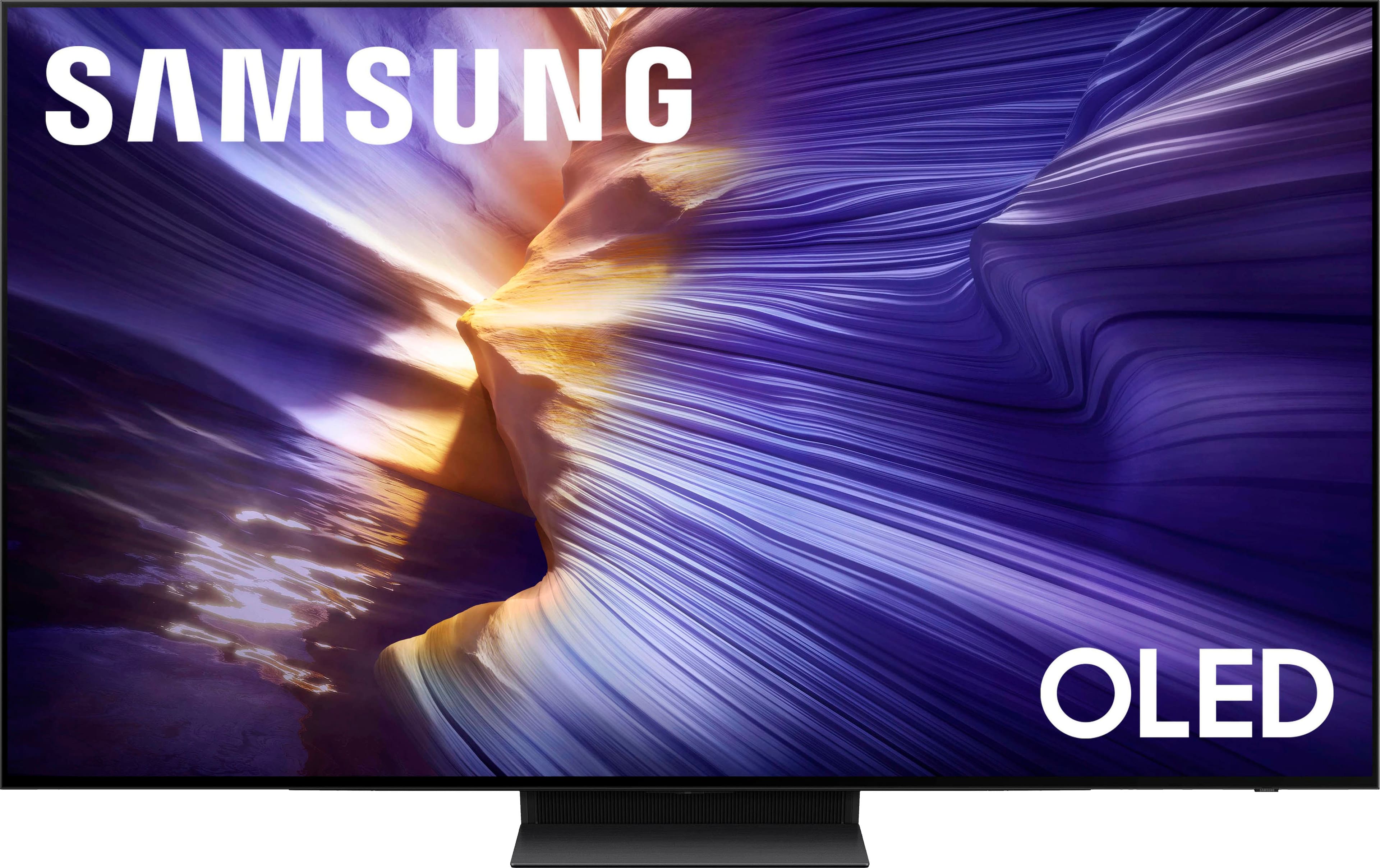
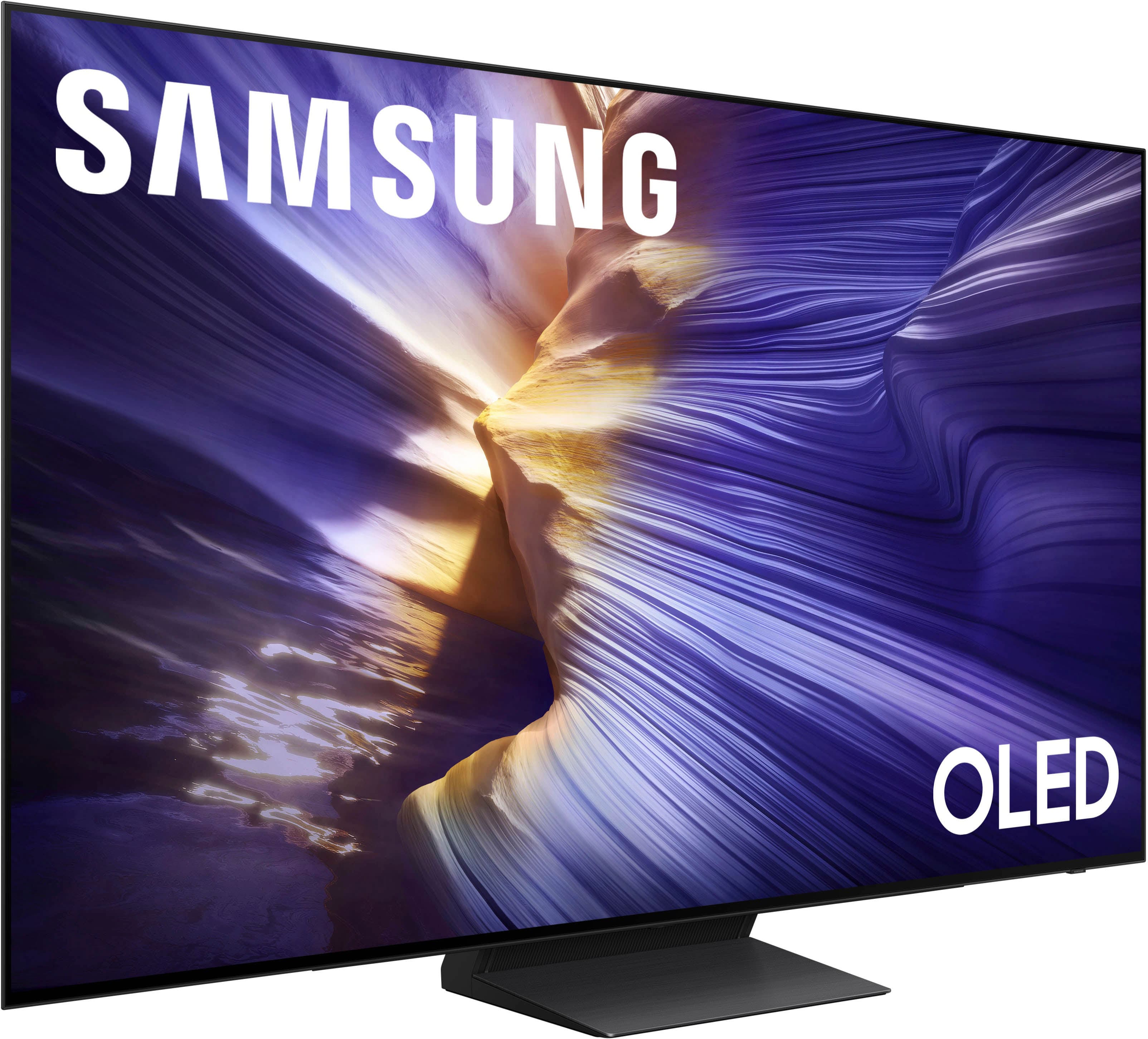
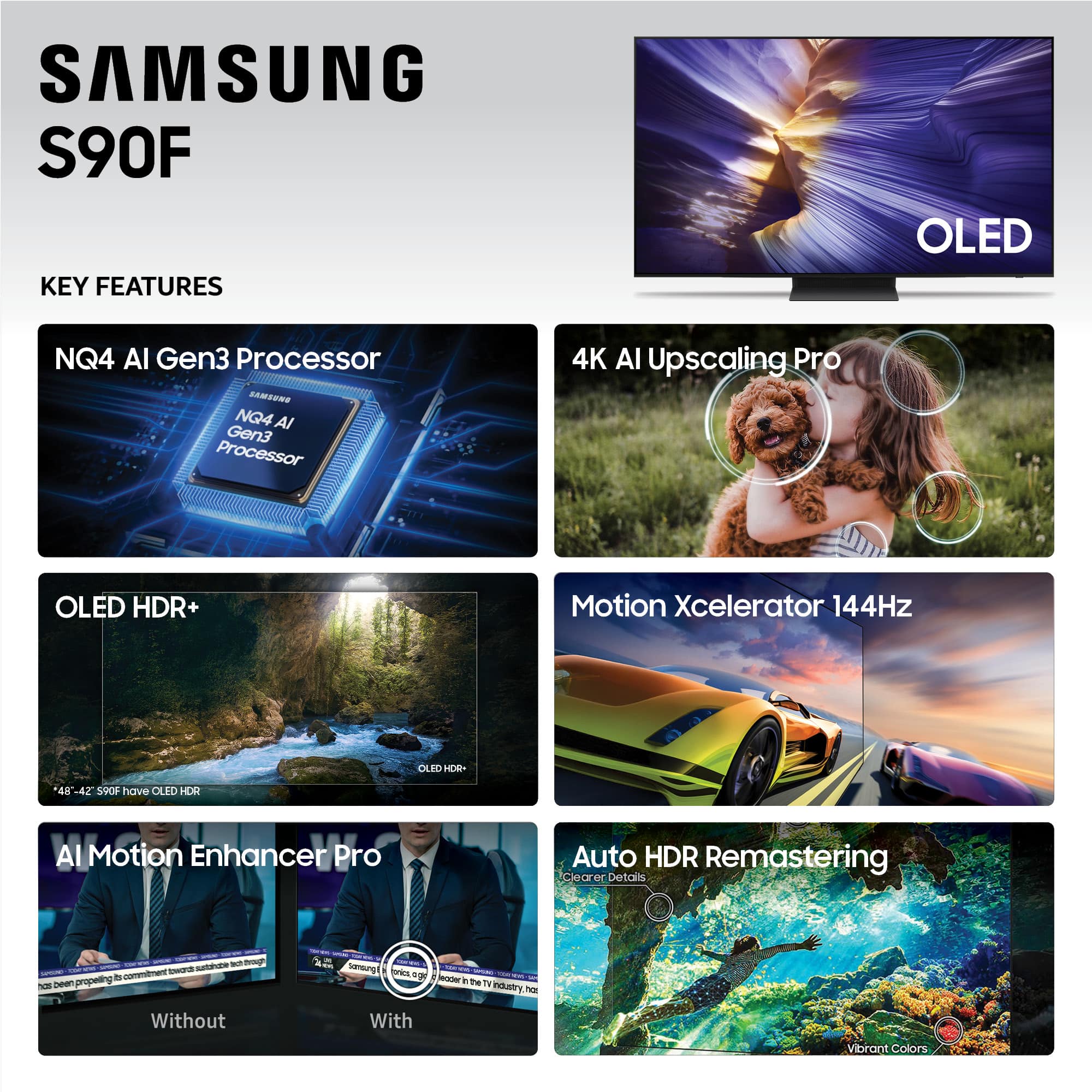
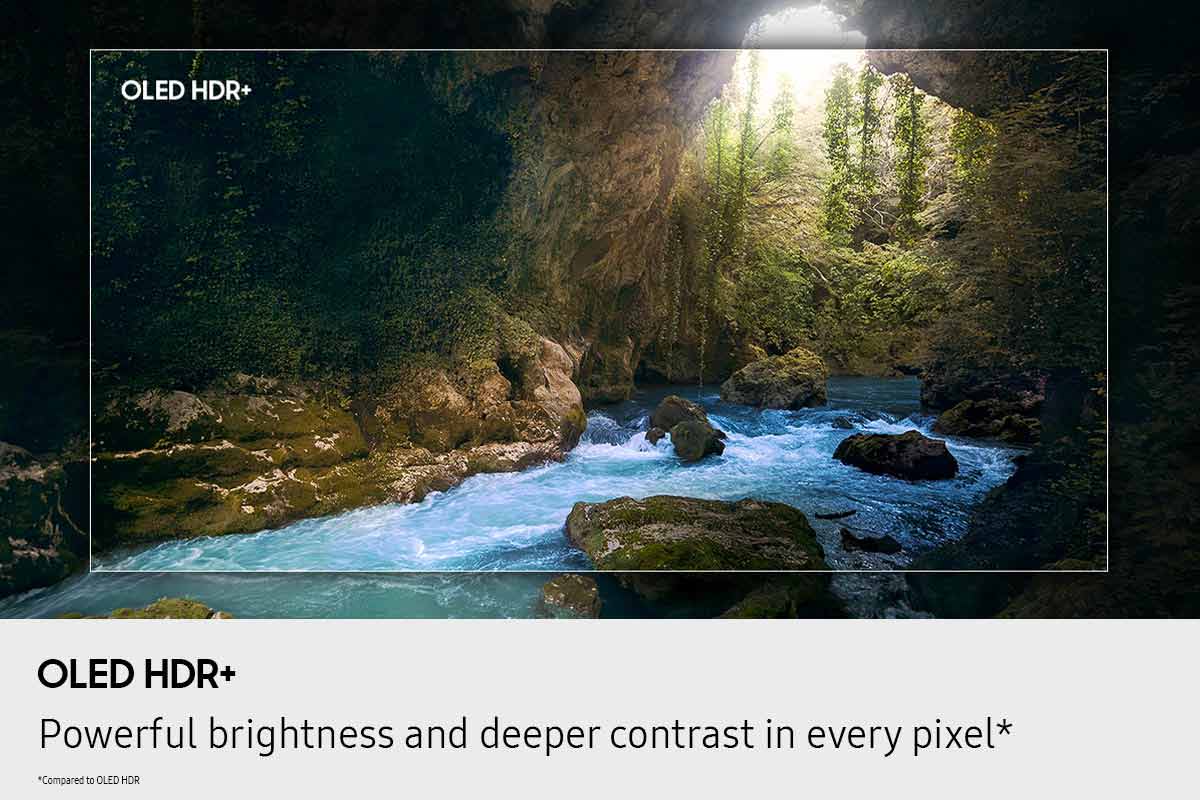
Customers express satisfaction with the product's vibrant picture quality and deep black levels. They also appreciate the superior OLED quality and impressive brightness, noting that the QD-OLED panel produces incredibly wide and lifelike color volume.
This summary was generated by AI based on customer reviews.
- Pros mentioned:Picture quality
Rated 5 out of 5 stars
Samsung 65-inch TV review
||Posted .This reviewer received promo considerations or sweepstakes entry for writing a review.This TV is incredible. I have not seen clarity like this before while watching tv. You can see the imperfections on people's faces it is so clear. Sports look amazing. I did notice on an episode of Stranger Things when some scenes with alot of reds and yellows it looked a little funky but that could have been the show itself. All in all this is the best tv that I have purchased in quite some time. I did purchase it when it was on sale (Black Friday). Extremely satisifed with this purchase.
This review is from Samsung - 65” Class S90F Series OLED 4K UHD SamsungVision AI Smart Tizen TV (2025)
I would recommend this to a friend - Pros mentioned:Picture quality
Rated 5 out of 5 stars
Showpiece
||Posted . Owned for 1 month when reviewed.This reviewer received promo considerations or sweepstakes entry for writing a review.The picture is amazing. The image is supremely detailed with boisterous colors and deep blacks. There are many other features which make this tv stand out amongst the rest. To name a few, there is optional voice recognition and control, motion detection that will turn the tv on when you renter a room, and a nice ambient mode to make the tv seem like a painting or serves as a display portraying the weather, time, date and much more. Great purchase!
This review is from Samsung - 65” Class S90F Series OLED 4K UHD SamsungVision AI Smart Tizen TV (2025)
I would recommend this to a friend - Pros mentioned:Picture quality
Rated 5 out of 5 stars
Great picture quality and color
||Posted . Owned for 2 months when reviewed.This reviewer received promo considerations or sweepstakes entry for writing a review.I had an older model of this tv and it had a pixel issue, but this one looks great. I have had no issues with picture quality while gaming or playing video and the colors are vibrant.
This review is from Samsung - 65” Class S90F Series OLED 4K UHD SamsungVision AI Smart Tizen TV (2025)
I would recommend this to a friend - Pros mentioned:Brightness, Picture quality
Rated 5 out of 5 stars
Great picture
||Posted . Owned for 2 weeks when reviewed.This reviewer received promo considerations or sweepstakes entry for writing a review.Excellent picture quality and almost no glare from windows.
This review is from Samsung - 65” Class S90F Series OLED 4K UHD SamsungVision AI Smart Tizen TV (2025)
I would recommend this to a friend Rated 5 out of 5 stars
Fantastic OLED tv!
||Posted . Owned for 1 week when reviewed.This reviewer received promo considerations or sweepstakes entry for writing a review.I love it! Initally bought an open box but returned it due to anti-glare coating issues. Bought a new one instead and I've been blown away especially compared to my previous tv! The QD-oled panel is super vibrant and the anti-glare coating makes the screen perfectly viewable even with my curtains open. This tv also gets very bright which helps with any remaining reflections and with more effective HDR representation. Also very much appreciate how the tv automatically connected with my PS5 and receiver, where I used to have to manually make my previous tv connect to them.
This review is from Samsung - 65” Class S90F Series OLED 4K UHD SamsungVision AI Smart Tizen TV (2025)
I would recommend this to a friend- Pros mentioned:Oled quality
Rated 5 out of 5 stars
King of QD-OLED
||Posted . Owned for 2 months when reviewed.This reviewer received promo considerations or sweepstakes entry for writing a review.Samsung is not just raising the bar for OLED but shaming WOLED in the process! All the benefits of OLED with the quality that Samsung brings.
This review is from Samsung - 65” Class S90F Series OLED 4K UHD SamsungVision AI Smart Tizen TV (2025)
I would recommend this to a friend - Pros mentioned:Oled quality, Picture quality
Rated 5 out of 5 stars
Best TV ever.
||Posted . Owned for 2 weeks when reviewed.This reviewer received promo considerations or sweepstakes entry for writing a review.Went in there for OLED TV. And the moment I saw it on display I was like that's the one. This TV is a monster. Totally recommend it. Won't be disappointed
This review is from Samsung - 65” Class S90F Series OLED 4K UHD SamsungVision AI Smart Tizen TV (2025)
I would recommend this to a friend - Pros mentioned:Picture quality
Rated 5 out of 5 stars
Very Satisfied
||Posted . Owned for 3 weeks when reviewed.This reviewer received promo considerations or sweepstakes entry for writing a review.A+ Picture quality Easy Setup The 65” was the perfect choice
This review is from Samsung - 65” Class S90F Series OLED 4K UHD SamsungVision AI Smart Tizen TV (2025)
I would recommend this to a friend - Pros mentioned:Picture quality
Rated 5 out of 5 stars
Samsung TV is the best
||Posted . Owned for 1 week when reviewed.This reviewer received promo considerations or sweepstakes entry for writing a review.The picture and the sound quality is unsurpassed. This is the second TV like this. I have purchased the 65 inch for my space is perfect. I would highly recommend this TV.
This review is from Samsung - 65” Class S90F Series OLED 4K UHD SamsungVision AI Smart Tizen TV (2025)
I would recommend this to a friend - Pros mentioned:Picture quality
Rated 5 out of 5 stars
Very happy with picture, Tizen takes time
||Posted . Owned for 1 month when reviewed.This reviewer received promo considerations or sweepstakes entry for writing a review.Very nice upgrade from a 7 year old TCL/Roku. Live sports are much sharper. Super thin panels-be careful, get help hanging on the wall. A few weeks in, still getting a grasp on the Tizen, so we usually use the AppleTV box instead. We bit for the Samsung soundbar & that seems better than our old Yamaha
This review is from Samsung - 65” Class S90F Series OLED 4K UHD SamsungVision AI Smart Tizen TV (2025)
I would recommend this to a friend - Pros mentioned:Picture quality
Rated 5 out of 5 stars
Very happy with this tv
||Posted . Owned for 3 weeks when reviewed.This reviewer received promo considerations or sweepstakes entry for writing a review.Excellent tv. Easy to set up. Colors are amazing. The extra channels on Samsung tv are great. I love watching the nature channels.
This review is from Samsung - 65” Class S90F Series OLED 4K UHD SamsungVision AI Smart Tizen TV (2025)
I would recommend this to a friend - Pros mentioned:Picture quality
Rated 5 out of 5 stars
Samsung
||Posted . Owned for 2 weeks when reviewed.This reviewer received promo considerations or sweepstakes entry for writing a review.This TV has a great picture and sound. It was easy to set up. The only problem I have with it is, since it is not glare free, there is a lot of light in my living room and I am seeing a lot of glare. I am debating if I should exchange it for a glare free one.
This review is from Samsung - 65” Class S90F Series OLED 4K UHD SamsungVision AI Smart Tizen TV (2025)
I would recommend this to a friend - Pros mentioned:Picture quality
Rated 5 out of 5 stars
AMAZING PICTURE
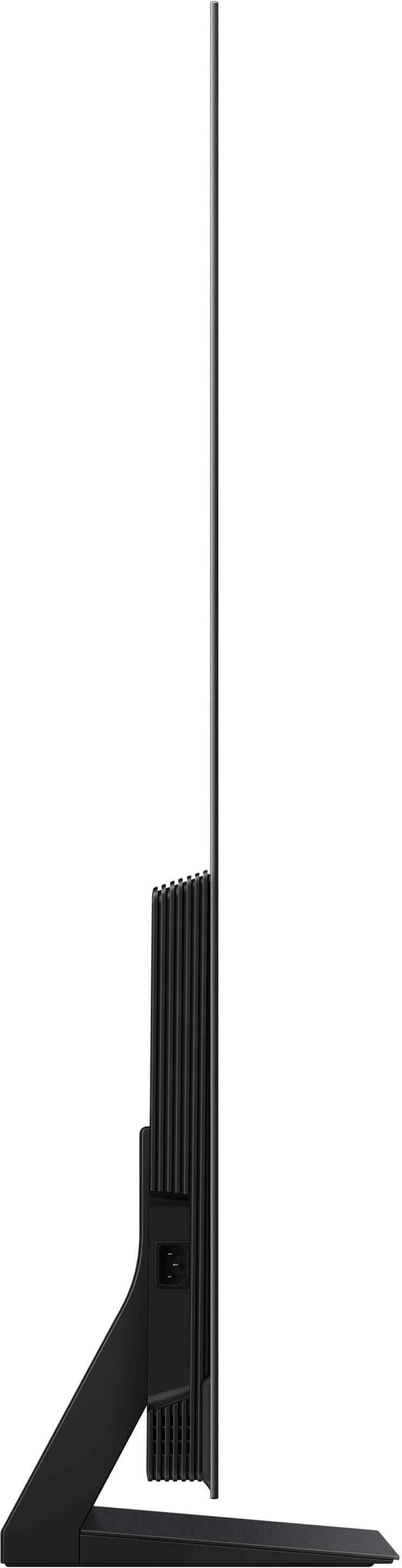
||Posted . Owned for 2 weeks when reviewed.This reviewer received promo considerations or sweepstakes entry for writing a review.Thinnest TV we have ever had before, which we love! Very easy set up, took me all of 5 minutes to get the stand on it and another 5 to get it all up and running. The picture is ABSOLUTELY AMAZING! Best we have seen yet. I would definitely recommend this TV.
This review is from Samsung - 65” Class S90F Series OLED 4K UHD SamsungVision AI Smart Tizen TV (2025)
I would recommend this to a friend - Pros mentioned:Picture quality
Rated 5 out of 5 stars
Awesome tv
||Posted . Owned for 2 weeks when reviewed.This reviewer received promo considerations or sweepstakes entry for writing a review.This tv has all the bells and whistles, picture quality is outstanding and I am really amazed at it's overall quality
This review is from Samsung - 65” Class S90F Series OLED 4K UHD SamsungVision AI Smart Tizen TV (2025)
I would recommend this to a friend - Pros mentioned:Oled quality
Rated 5 out of 5 stars
Awesome picture
||Posted . Owned for 2 weeks when reviewed.This reviewer received promo considerations or sweepstakes entry for writing a review.The Samsung OLED TV has an amazing picture. The quality is great would definitely recommend it.
This review is from Samsung - 65” Class S90F Series OLED 4K UHD SamsungVision AI Smart Tizen TV (2025)
I would recommend this to a friend - Pros mentioned:Picture quality
Rated 5 out of 5 stars
S90F, your next TV for the next 10+ years
||Posted . Owned for 1 month when reviewed.This reviewer received promo considerations or sweepstakes entry for writing a review.Great TV, is one of the highest rated from rtings.com for 2025. Absolutely get the 65" version and follow rtings guide on configuration to get the best picture. Highly recommend, this tv will last me the next decade!
This review is from Samsung - 65” Class S90F Series OLED 4K UHD SamsungVision AI Smart Tizen TV (2025)
I would recommend this to a friend - Pros mentioned:Picture quality
Rated 5 out of 5 stars
Excellent quality
||Posted . Owned for 5 months when reviewed.This reviewer received promo considerations or sweepstakes entry for writing a review.I bought a TV for video games on my PS5 Pro and I am very happy with the purchase of this TV.
This review is from Samsung - 65” Class S90F Series OLED 4K UHD SamsungVision AI Smart Tizen TV (2025)
I would recommend this to a friend - Pros mentioned:Picture quality
Rated 5 out of 5 stars
Samsung QLED Gaming
||Posted . Owned for 1 week when reviewed.This reviewer received promo considerations or sweepstakes entry for writing a review.I needed a new TV for a while now and I highly recommend the Samsung QLED Gaming it’s picture quality is amazing and sound quality is amazing I also love the AI and Brightness adjusting over all a great TV for gamer’s I highly recommend it
This review is from Samsung - 65” Class S90F Series OLED 4K UHD SamsungVision AI Smart Tizen TV (2025)
I would recommend this to a friend - Pros mentioned:Picture quality
Rated 5 out of 5 stars
Great TV
||Posted . Owned for less than 1 week when reviewed.This reviewer received promo considerations or sweepstakes entry for writing a review.This is the best upgrade.. movies look phenomenal.
This review is from Samsung - 65” Class S90F Series OLED 4K UHD SamsungVision AI Smart Tizen TV (2025)
I would recommend this to a friend - Pros mentioned:Picture quality
Rated 5 out of 5 stars
What a unit.
||Posted .This reviewer received promo considerations or sweepstakes entry for writing a review.Coming from a 10 year old 1080p backlit LED so for me the picture quality is stunning. The nature shows in AI mode are extremely immersive and filmmaker mode has rich and vibrant cinema quality colors. Not disappointed in any way.
This review is from Samsung - 65” Class S90F Series OLED 4K UHD SamsungVision AI Smart Tizen TV (2025)
I would recommend this to a friend