Customer Ratings & Reviews








- Model:
- QN65S90FAFXZA
- SKU:
- 10313306
Rating by feature
- Picture Quality
Rating 4.9 out of 5 stars
- Sound Quality
Rating 4.7 out of 5 stars
- Brightness
Rating 4.9 out of 5 stars
to a friend
Customers are saying
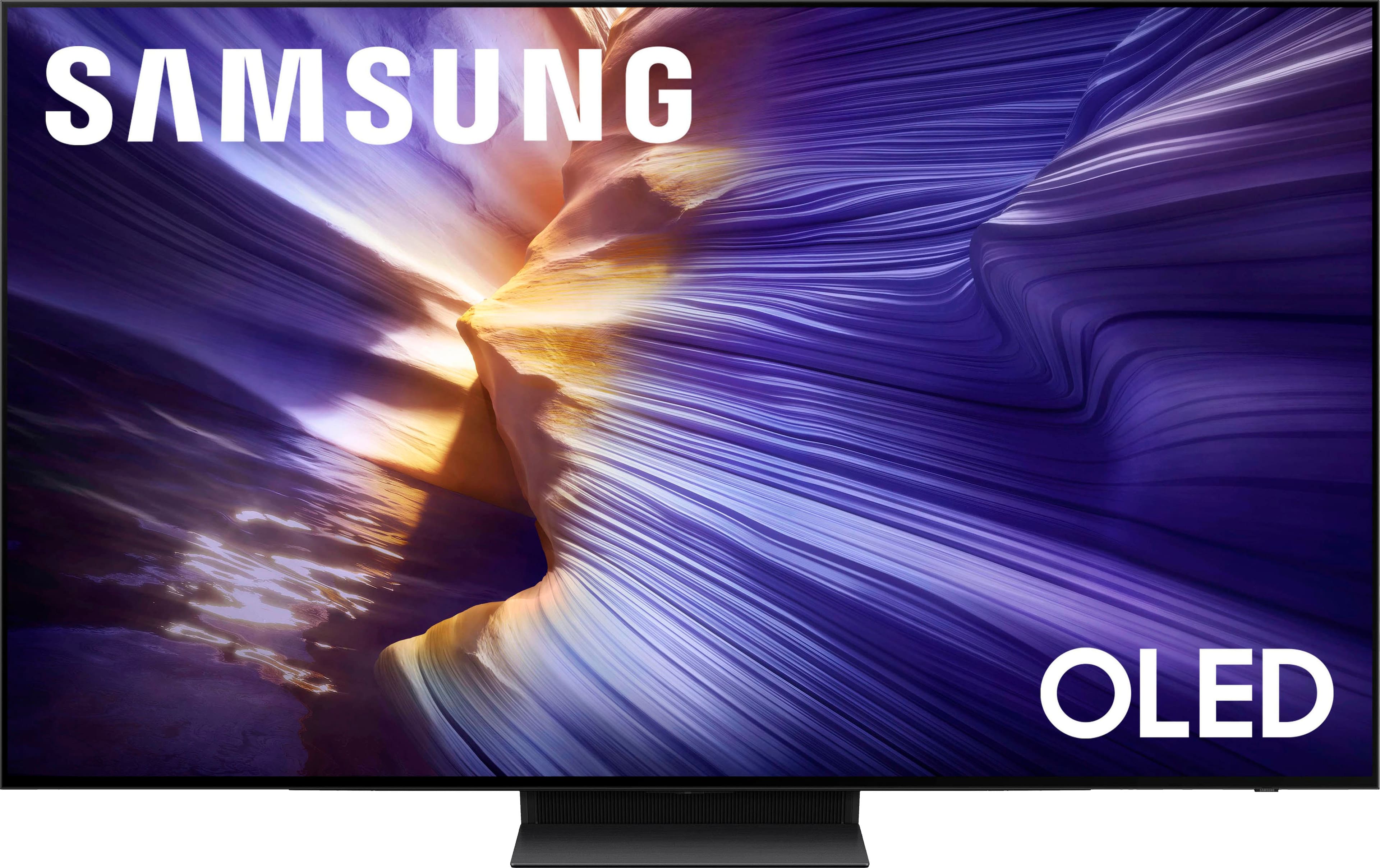
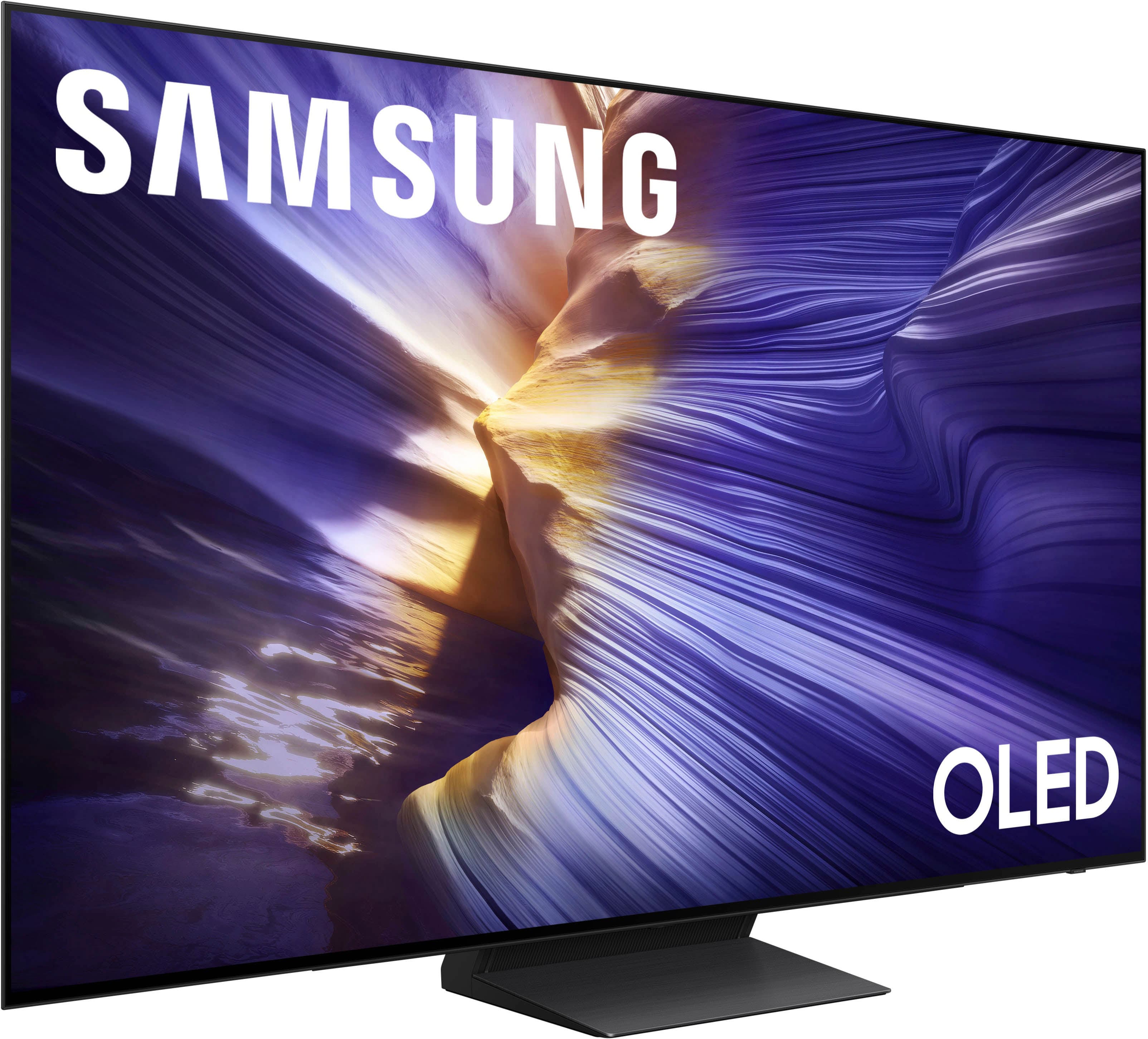
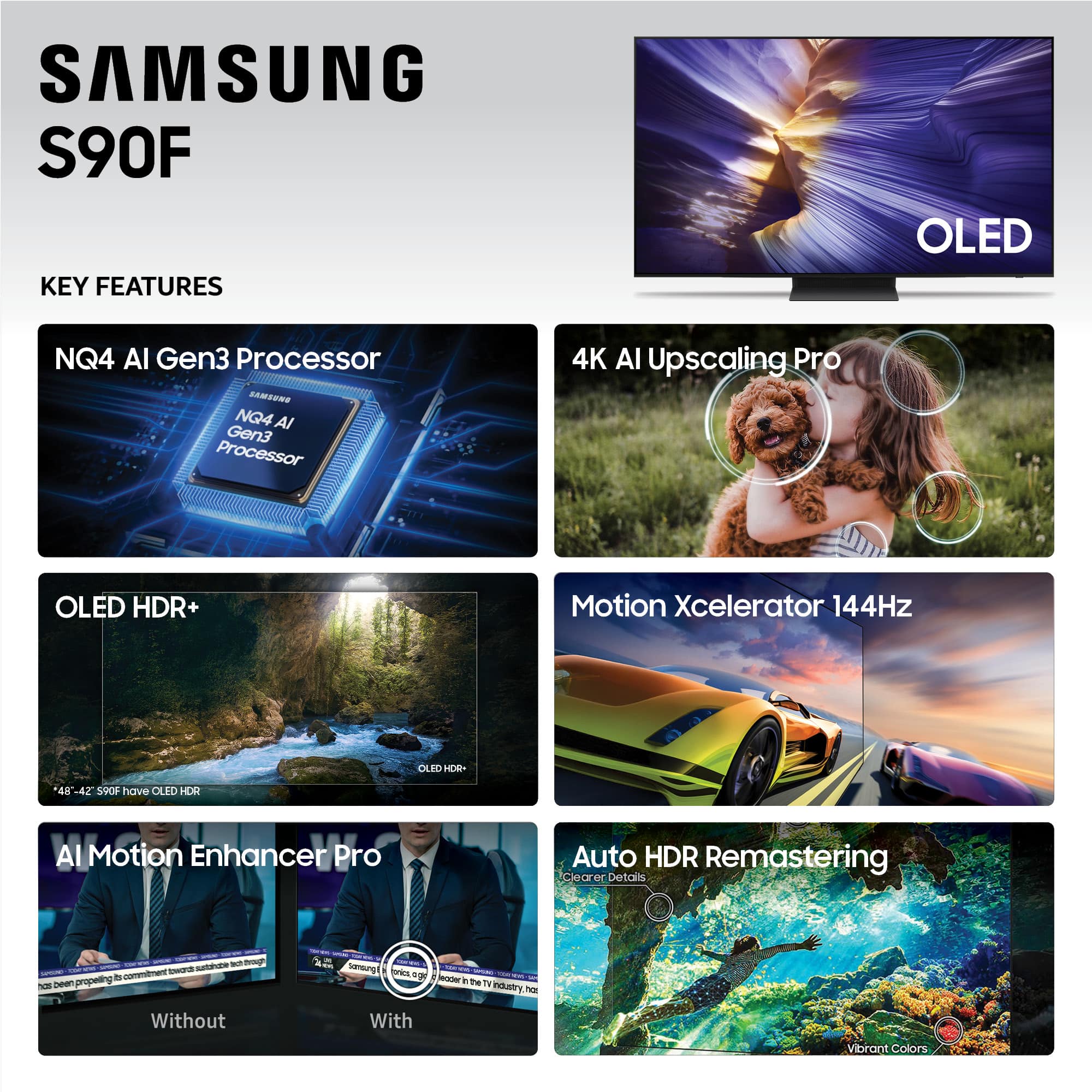
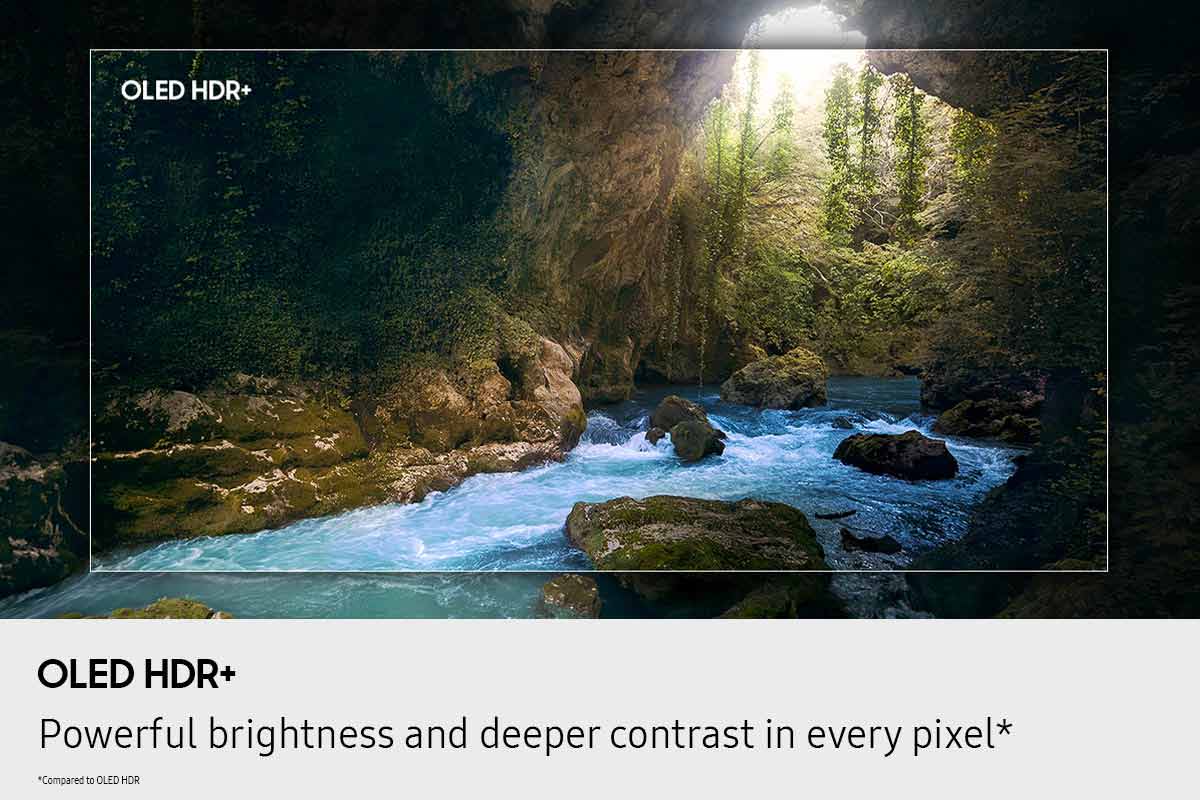
Customers express satisfaction with the product's vibrant picture quality and deep black levels. They also appreciate the superior OLED quality and impressive brightness, noting that the QD-OLED panel produces incredibly wide and lifelike color volume.
This summary was generated by AI based on customer reviews.
Samsung Oled
||Posted . Owned for 1 month when reviewed.This reviewer received promo considerations or sweepstakes entry for writing a review.Great Tv. Quality is amazing and size is perfect for a medium room
I would recommend this to a friendAwesome TV
||Posted . Owned for 2 weeks when reviewed.This reviewer received promo considerations or sweepstakes entry for writing a review.Love the Tv, the picture quality is bright and colorful!
I would recommend this to a friendOLED SET UP
||Posted . Owned for 2 weeks when reviewed.This reviewer received promo considerations or sweepstakes entry for writing a review.Picture great, hidden settings to start at normal tv rather than smart tv home a little cumbersome
I would recommend this to a friendBest tv!!!
||Posted .This reviewer received promo considerations or sweepstakes entry for writing a review.Solid tv has so minor bugs the controller sucks a bit.
I would recommend this to a friendsamsung 65" Class S90F
||Posted . Owned for 2 weeks when reviewed.This reviewer received promo considerations or sweepstakes entry for writing a review.I liked the clarity of the picture and the control menu.
I would recommend this to a friendGood TV
||Posted . Owned for 2 weeks when reviewed.This reviewer received promo considerations or sweepstakes entry for writing a review.Good TV. I liked it a lot. You should get it. Thank you.
I would recommend this to a friendSamsung 65 classs series OLED 4k
||Posted . Owned for 3 weeks when reviewed.This reviewer received promo considerations or sweepstakes entry for writing a review.The picture is the best I have ever seen.The service was excellent at the store.
I would recommend this to a friendGreat quality
||Posted .This reviewer received promo considerations or sweepstakes entry for writing a review.We love this TV. Great picture and audio quality!!
I would recommend this to a friendJust in time for the playoffs
||Posted . Owned for 3 weeks when reviewed.This reviewer received promo considerations or sweepstakes entry for writing a review.This TV rocks , great picture replaced 55 inch with 65 inch
I would recommend this to a friendGreat 65” TV
||Posted . Owned for 1 week when reviewed.This reviewer received promo considerations or sweepstakes entry for writing a review.Absolutely fantastic tv. By far the best tv I’ve ever purchased. The colors are incredible and watching is great experience. Highly recommended it.
I would recommend this to a friendAwesom
||Posted . Owned for 1 month when reviewed.This reviewer received promo considerations or sweepstakes entry for writing a review.Great product for the cost. Amazing for movies and gaming.
I would recommend this to a friendBest Samsung tv I've gotten so far!
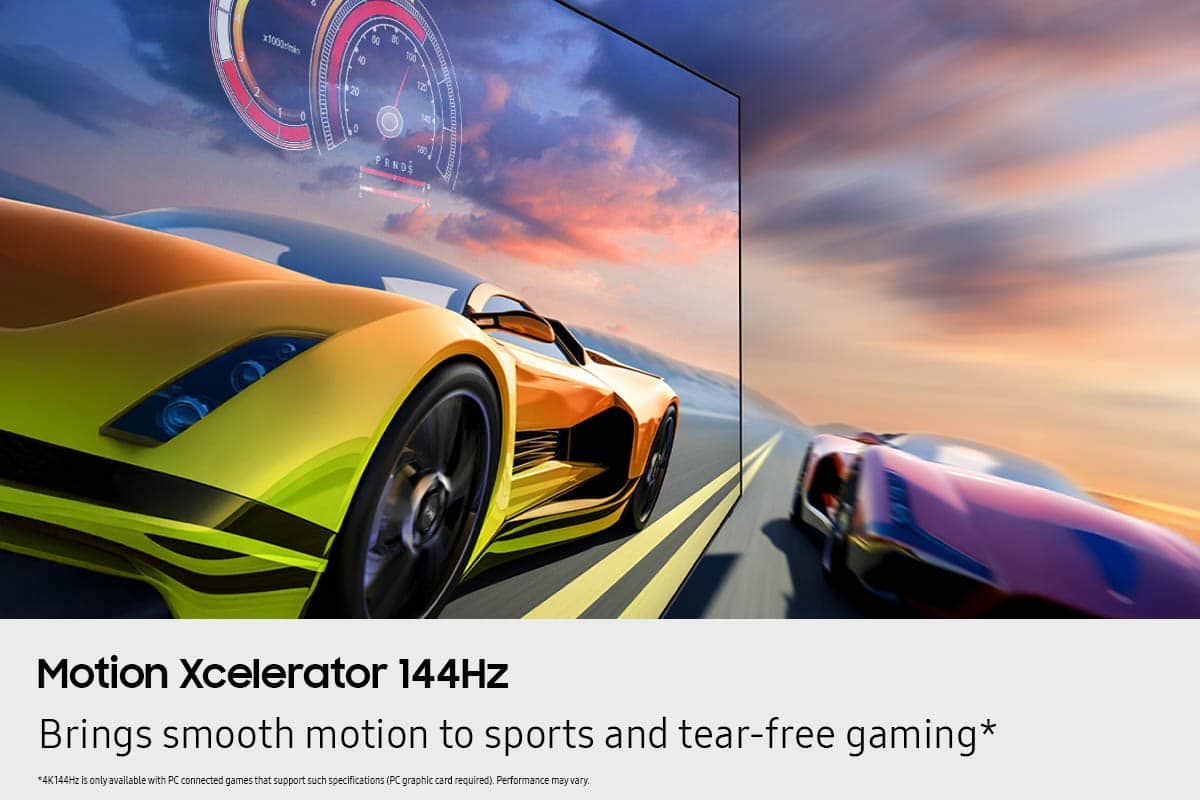
||Posted .This reviewer received promo considerations or sweepstakes entry for writing a review.Great tv, it has vibrant colors and the high refresh rate makes gaming so much better!
I would recommend this to a friendOutstanding TV
||Posted . Owned for 3 weeks when reviewed.This reviewer received promo considerations or sweepstakes entry for writing a review.Exceptional TV. Has exxeeded all of my expectations!
I would recommend this to a friendElectronics
||Posted . Owned for 1 month when reviewed.This reviewer received promo considerations or sweepstakes entry for writing a review.Really good tv , good quality and really think I love everything about it
I would recommend this to a friendS90F is unbeatable!
||Posted .This reviewer received promo considerations or sweepstakes entry for writing a review.Amazing crisp picture! A perfect upgrade for streaming and gaming.
I would recommend this to a friendNice tv terrible operating system
||Posted . Owned for 1 month when reviewed.This reviewer received promo considerations or sweepstakes entry for writing a review.Picture is sharp and game mode is the best. Operating system needs a lot of work. Endless loading screens and pointless ads on menus make it hard to navigate
I would recommend this to a friendBrand response from Samsung
Posted .Aron,
Thank you for sharing your feedback with us. To help you get the most from your TV, you can download the full e-Manual and more by visiting Samsung’s website, then navigating to: Support > Manual & Software > TVs & Home Theater. From there, you can search for and select your S90F TV model to view or download the available guides.
The e-Manual & User Guide are also conveniently built into your TV: Settings > Support > Tips and User Guides.
Your TV includes Learn Menu Screen, an accessibility feature that provides audio guidance for on-screen menus. When enabled, your TV will announce the name and function of each menu item as you scroll, without making any changes. This feature is particularly helpful for users who are visually impaired or new to Smart TV menus. To enable, go to: Settings > All Settings > General & Privacy > Accessibility > Learn Menu Screen. To exit, press the Return key twice.
If you’d like more assistance with this feature, please reach Samsung Support at 1-800-SAMSUNG (8AM – 9PM EST Mon – Fri, 8AM – 6PM Sat – Sun). LiveChat agents are also available through the ‘Support’ link on our website.
~ Samsung Specialist
Very Satisfied
||Posted . Owned for 3 weeks when reviewed.This reviewer received promo considerations or sweepstakes entry for writing a review.Great job done by Daniel, John and entire designer staff
I would recommend this to a friendBeautiful viewing
||Posted . Owned for 3 weeks when reviewed.This reviewer received promo considerations or sweepstakes entry for writing a review.Love this tv! Sharp and bright! Just what I wanted!
I would recommend this to a friendSatisfied customer
||Posted .This reviewer received promo considerations or sweepstakes entry for writing a review.Very satisfied with my TV. The sound and picture quality is amazing.
I would recommend this to a friendSamsung quality
||Posted . Owned for 2 weeks when reviewed.This reviewer received promo considerations or sweepstakes entry for writing a review.Samsung has a lifelike picture quality. And it accepts the spectrum app My previous purchase was the Sony oled, which didn't last but 23 months Hopefully, this samsung olet will last more than twenty three months plus
I would recommend this to a friend