Customer Ratings & Reviews
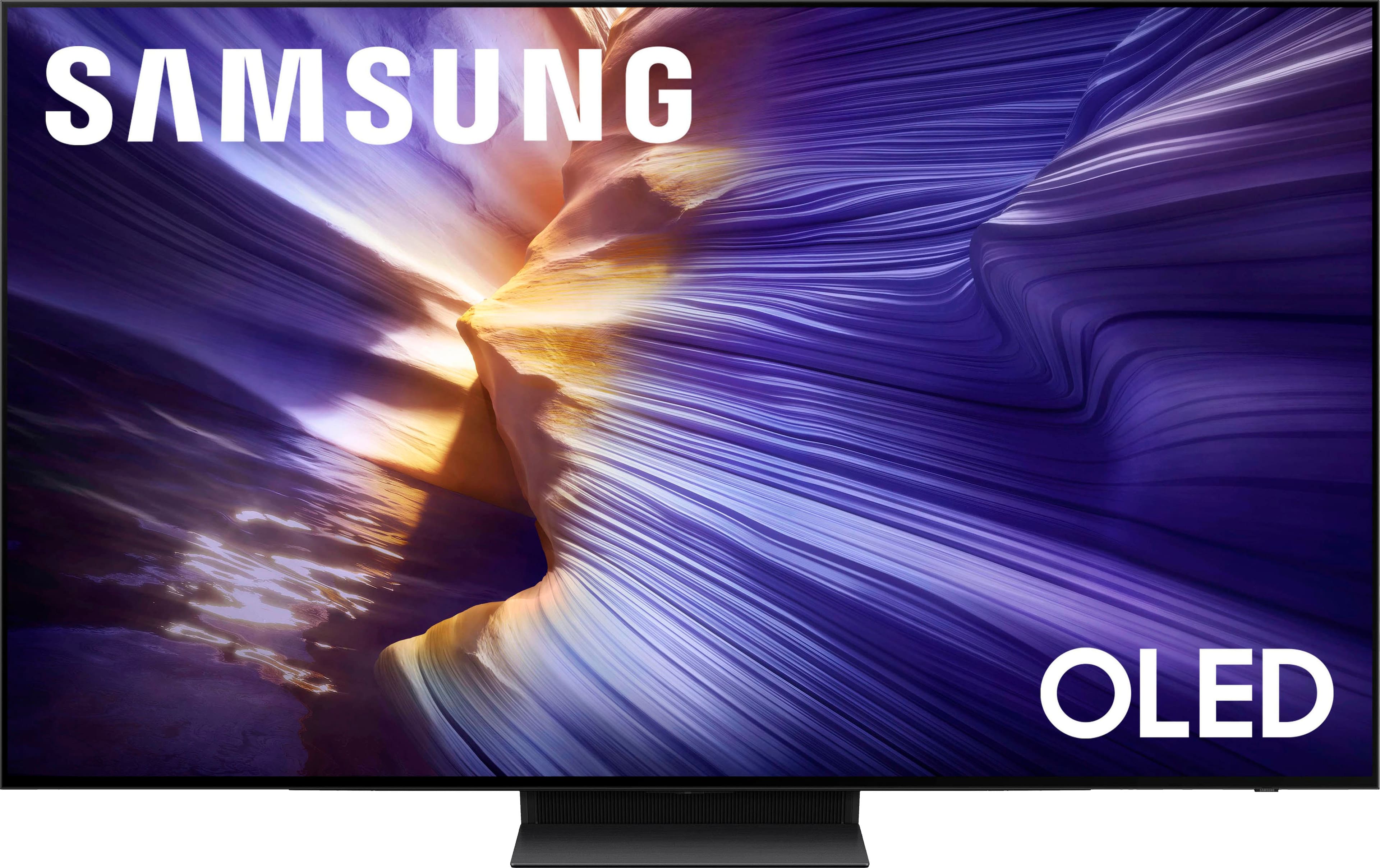
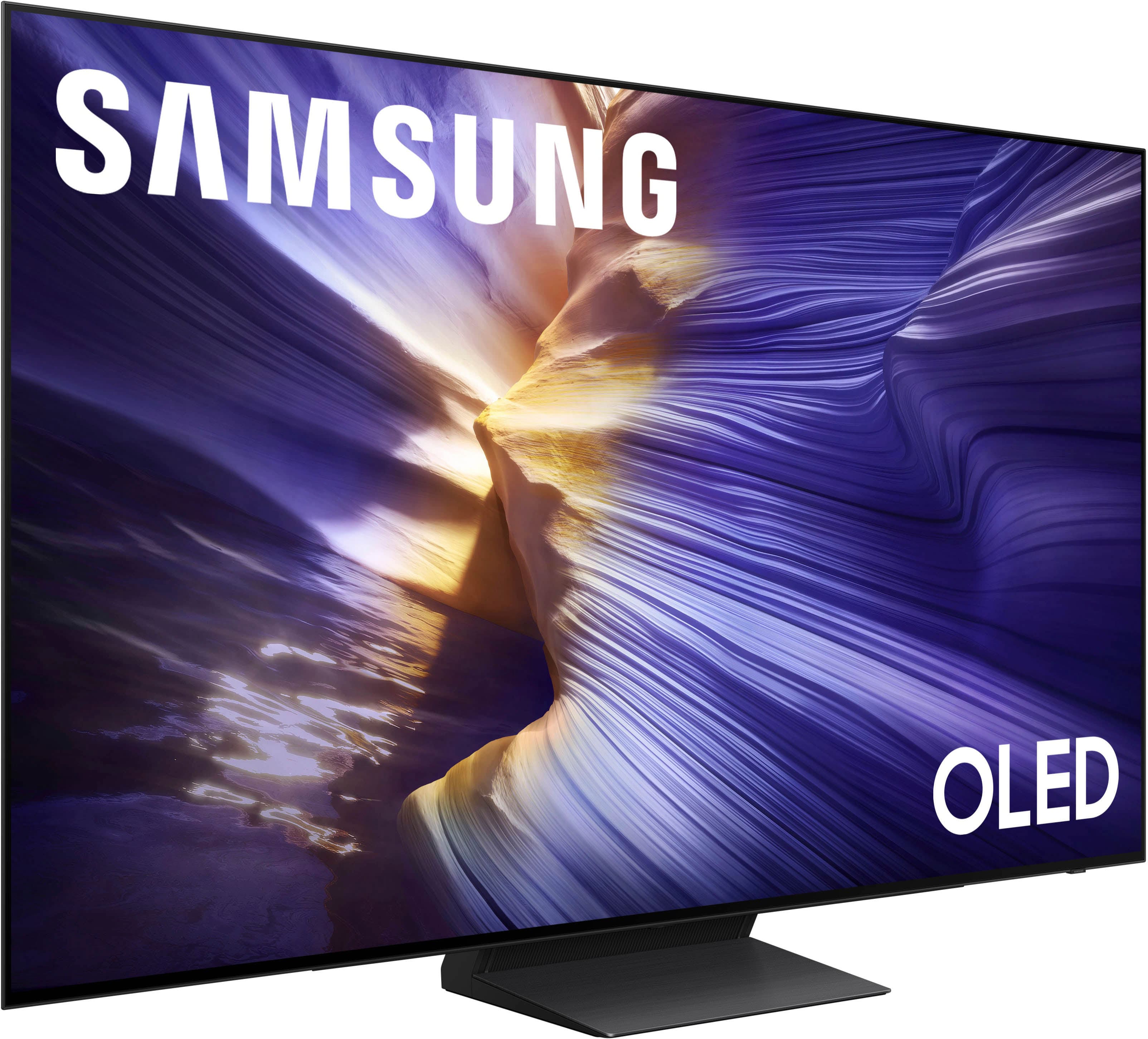
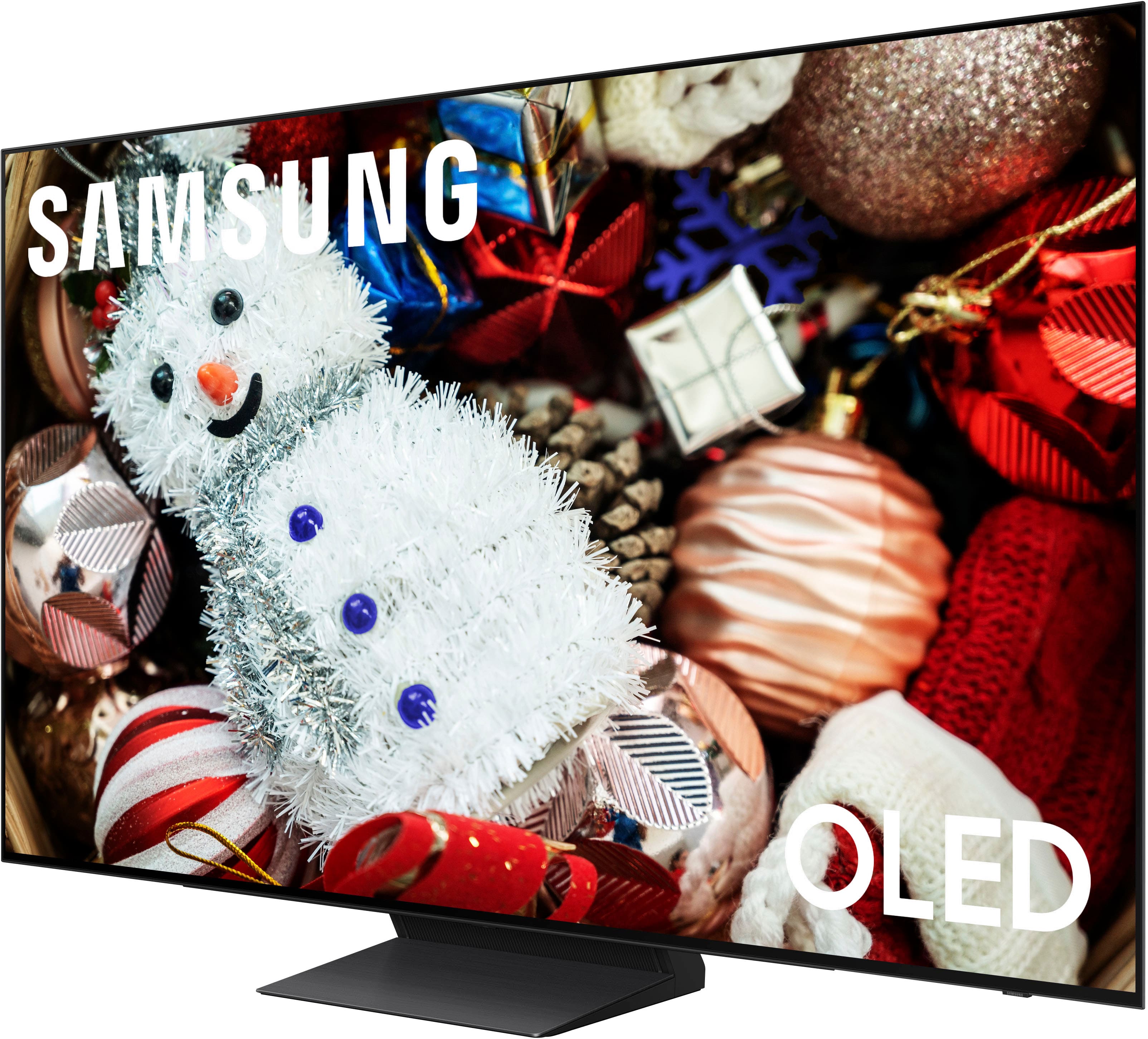
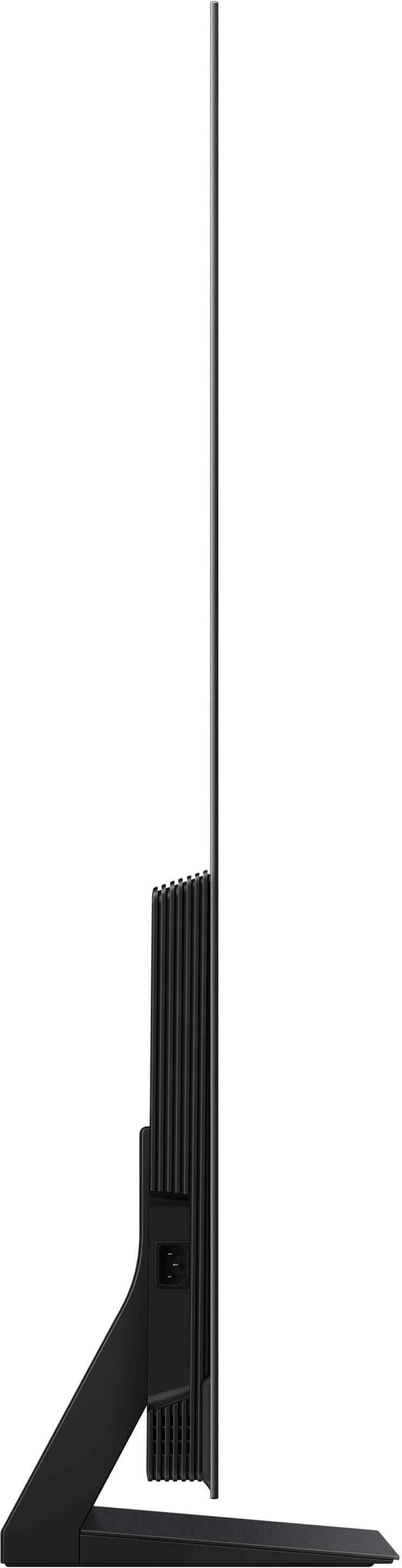








- Model:
- QN65S90FAFXZA
- |
- SKU:
- 10735879
Customer reviews
Rating 4.8 out of 5 stars with 755 reviews
(755 customer reviews)Rating by feature
- Picture Quality4.9
Rating 4.9 out of 5 stars
- Sound Quality4.7
Rating 4.7 out of 5 stars
- Brightness4.9
Rating 4.9 out of 5 stars
to a friend
Customers are saying
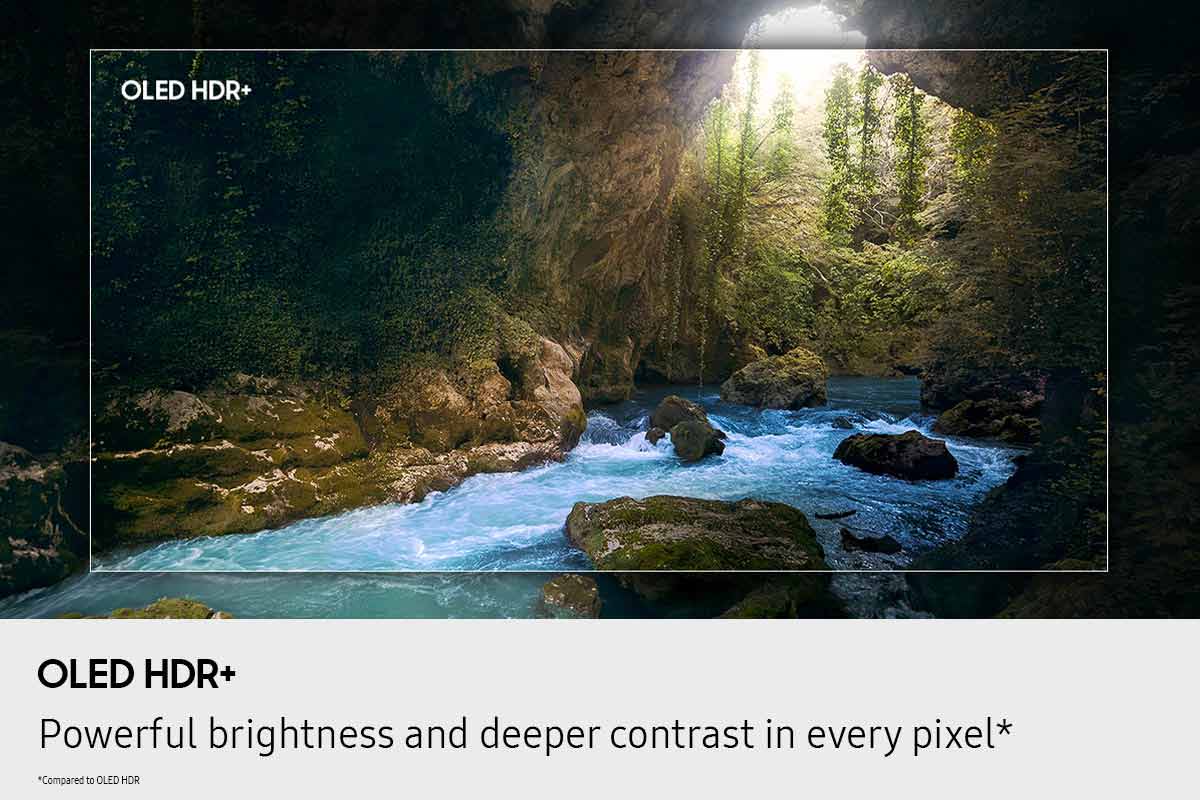
Customers express satisfaction with the product's vibrant picture quality and deep black levels. They also appreciate the superior OLED quality and impressive brightness, noting that the QD-OLED panel produces incredibly wide and lifelike color volume.
This summary was generated by AI based on customer reviews.
Rated 5 out of 5 stars
New TV
||Posted .This reviewer received promo considerations or sweepstakes entry for writing a review.Color is outstanding. Quick response. Fits perfect in my wall unit.
This review is from Samsung - 65” Class S90F Series OLED 4K UHD SamsungVision AI Smart Tizen TV (2025)
I would recommend this to a friendRated 5 out of 5 stars
Samsung 65 TV
||Posted . Owned for 2 weeks when reviewed.This reviewer received promo considerations or sweepstakes entry for writing a review.This TV is awesome, Great picture quality. Sounds great thru my surround sound system
This review is from Samsung - 65” Class S90F Series OLED 4K UHD SamsungVision AI Smart Tizen TV (2025)
I would recommend this to a friendRated 5 out of 5 stars
Samsung S90F
||Posted . Owned for 3 weeks when reviewed.This reviewer received promo considerations or sweepstakes entry for writing a review.Super easy to set up and get into operation. Great picture in varying light, dark in the morning and sunny in the afternoon. Works well with surround sound receiver. Easy to adjust between sports and movies to get the best visual experiences.
This review is from Samsung - 65” Class S90F Series OLED 4K UHD SamsungVision AI Smart Tizen TV (2025)
I would recommend this to a friendRated 5 out of 5 stars
Gaming
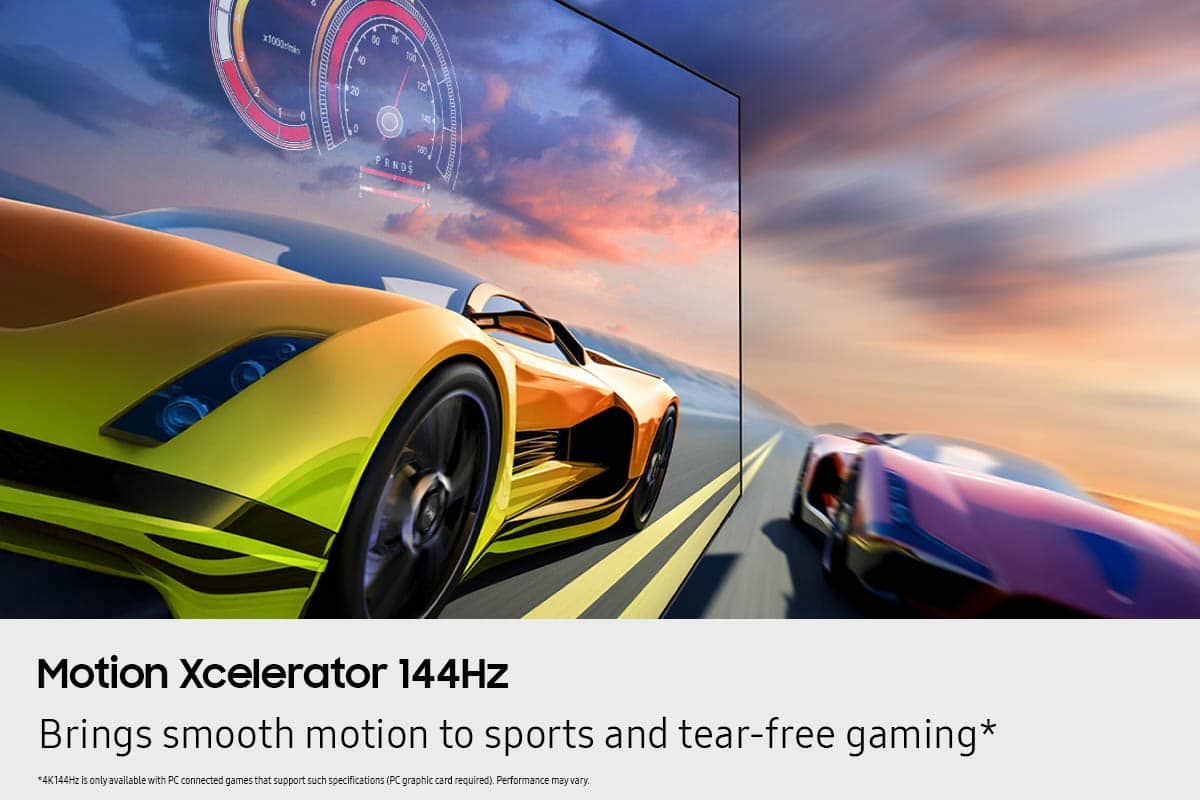
||Posted . Owned for 2 weeks when reviewed.This reviewer received promo considerations or sweepstakes entry for writing a review.Significant improvement over last television. Great gaming on PS5. Deep blacks make everything look better.
This review is from Samsung - 65” Class S90F Series OLED 4K UHD SamsungVision AI Smart Tizen TV (2025)
I would recommend this to a friendRated 5 out of 5 stars
Awesome TV!
||Posted . Owned for 3 weeks when reviewed.This reviewer received promo considerations or sweepstakes entry for writing a review.I love this TV! It’s easy to use and great picture quality.
This review is from Samsung - 65” Class S90F Series OLED 4K UHD SamsungVision AI Smart Tizen TV (2025)
I would recommend this to a friendRated 5 out of 5 stars
Amazingly beautiful
||Posted . Owned for 1 week when reviewed.This reviewer received promo considerations or sweepstakes entry for writing a review.Extremely nice love it I am very glad we bout this TV it fit perfect on our stand
This review is from Samsung - 65” Class S90F Series OLED 4K UHD SamsungVision AI Smart Tizen TV (2025)
I would recommend this to a friendRated 5 out of 5 stars
awesome
||Posted . Owned for 1 week when reviewed.This reviewer received promo considerations or sweepstakes entry for writing a review.clear picture,sounds great hooked up to a sound bar, would recomend this tv to anyone
This review is from Samsung - 65” Class S90F Series OLED 4K UHD SamsungVision AI Smart Tizen TV (2025)
I would recommend this to a friendRated 4 out of 5 stars
Would recommend
||Posted . Owned for 3 weeks when reviewed.This reviewer received promo considerations or sweepstakes entry for writing a review.Picture quality is good. To add on, if you pair it with the sound bar it adds on to the movie theatre feel.
This review is from Samsung - 65” Class S90F Series OLED 4K UHD SamsungVision AI Smart Tizen TV (2025)
I would recommend this to a friendRated 5 out of 5 stars
Samsung
||Posted . Owned for 2 weeks when reviewed.This reviewer received promo considerations or sweepstakes entry for writing a review.Beautiful picture the colors are amazing. No shadows. Highly recommend
This review is from Samsung - 65” Class S90F Series OLED 4K UHD SamsungVision AI Smart Tizen TV (2025)
I would recommend this to a friendRated 5 out of 5 stars
New TV
||Posted . Owned for 1 month when reviewed.This reviewer received promo considerations or sweepstakes entry for writing a review.The TV is wonderful! I love the bright colors and clear picture!
This review is from Samsung - 65” Class S90F Series OLED 4K UHD SamsungVision AI Smart Tizen TV (2025)
I would recommend this to a friendRated 5 out of 5 stars
The best tv
||Posted .This reviewer received promo considerations or sweepstakes entry for writing a review.Love this TV clear crisp colors, beautiful easy to set up
This review is from Samsung - 65” Class S90F Series OLED 4K UHD SamsungVision AI Smart Tizen TV (2025)
I would recommend this to a friendRated 5 out of 5 stars
65 oled Samsung tv
||Posted .This reviewer received promo considerations or sweepstakes entry for writing a review.I love the tv and the color and smart tv. The resolution was great.
This review is from Samsung - 65” Class S90F Series OLED 4K UHD SamsungVision AI Smart Tizen TV (2025)
I would recommend this to a friendRated 5 out of 5 stars
Samsung tv
||Posted . Owned for less than 1 week when reviewed.This reviewer received promo considerations or sweepstakes entry for writing a review.Very best quality picture looks so good very bright and real. I love Samsung TV.
This review is from Samsung - 65” Class S90F Series OLED 4K UHD SamsungVision AI Smart Tizen TV (2025)
I would recommend this to a friendRated 5 out of 5 stars
Samsung 65” is great.
||Posted . Owned for 1 week when reviewed.This reviewer received promo considerations or sweepstakes entry for writing a review.We love TV. It is clear, vivid, and easy to operate.
This review is from Samsung - 65” Class S90F Series OLED 4K UHD SamsungVision AI Smart Tizen TV (2025)
I would recommend this to a friendRated 5 out of 5 stars
Top Quality TV
||Posted . Owned for 1 month when reviewed.This reviewer received promo considerations or sweepstakes entry for writing a review.Super quality viewing. Easy to operate and connection to Spectrum.
This review is from Samsung - 65” Class S90F Series OLED 4K UHD SamsungVision AI Smart Tizen TV (2025)
I would recommend this to a friendRated 5 out of 5 stars
Great TV. No Drawbacks Yet!
||Posted .This reviewer received promo considerations or sweepstakes entry for writing a review.So far so good. The TV has been an amazing replacement for my Hisense U6G. Gaming mode has been a real treat with VRR and G-Sync. Just make sure youre using an hdmi 2.1 if thats your use case or else the screen flickers and games will lose the signal.
This review is from Samsung - 65” Class S90F Series OLED 4K UHD SamsungVision AI Smart Tizen TV (2025)
I would recommend this to a friendRated 5 out of 5 stars
Finest TV
||Posted .This reviewer received promo considerations or sweepstakes entry for writing a review.Outstanding Television...couldn't be more pleased!!!
This review is from Samsung - 65” Class S90F Series OLED 4K UHD SamsungVision AI Smart Tizen TV (2025)
I would recommend this to a friendRated 5 out of 5 stars
Happy camper
||Posted .This reviewer received promo considerations or sweepstakes entry for writing a review.Great tv, delivery was excellent, reccomend this tv for everyone
This review is from Samsung - 65” Class S90F Series OLED 4K UHD SamsungVision AI Smart Tizen TV (2025)
I would recommend this to a friendRated 5 out of 5 stars
65" TV
||Posted . Owned for 1 month when reviewed.This reviewer received promo considerations or sweepstakes entry for writing a review.Best Picture and colors are amazing. Best TV I owned over the years
This review is from Samsung - 65” Class S90F Series OLED 4K UHD SamsungVision AI Smart Tizen TV (2025)
I would recommend this to a friendRated 5 out of 5 stars
Great TV
||Posted . Owned for 3 weeks when reviewed.This reviewer received promo considerations or sweepstakes entry for writing a review.This is a really great TV, it has an excellent picture and great features.
This review is from Samsung - 65” Class S90F Series OLED 4K UHD SamsungVision AI Smart Tizen TV (2025)
I would recommend this to a friend