Customer Ratings & Reviews
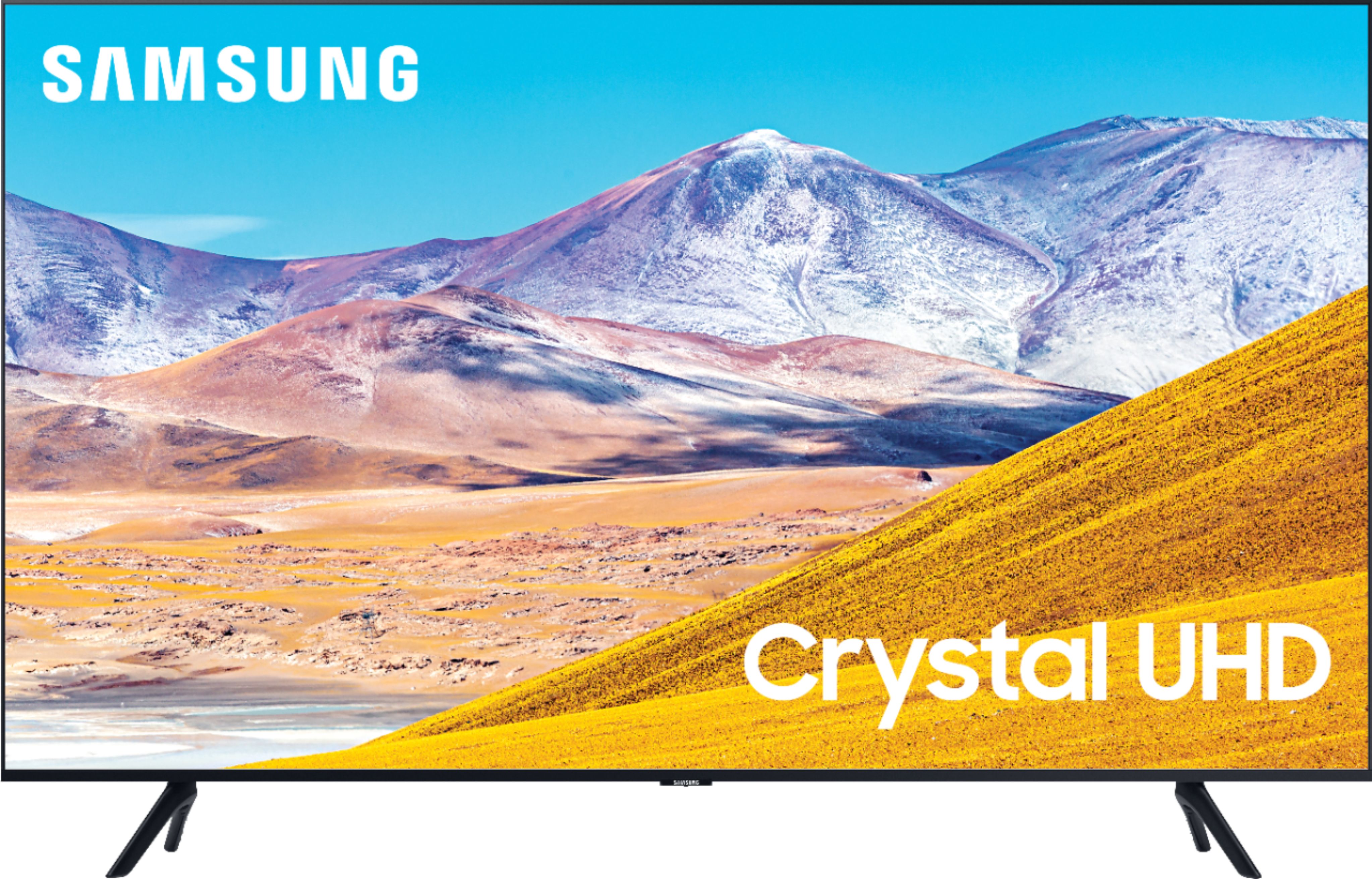
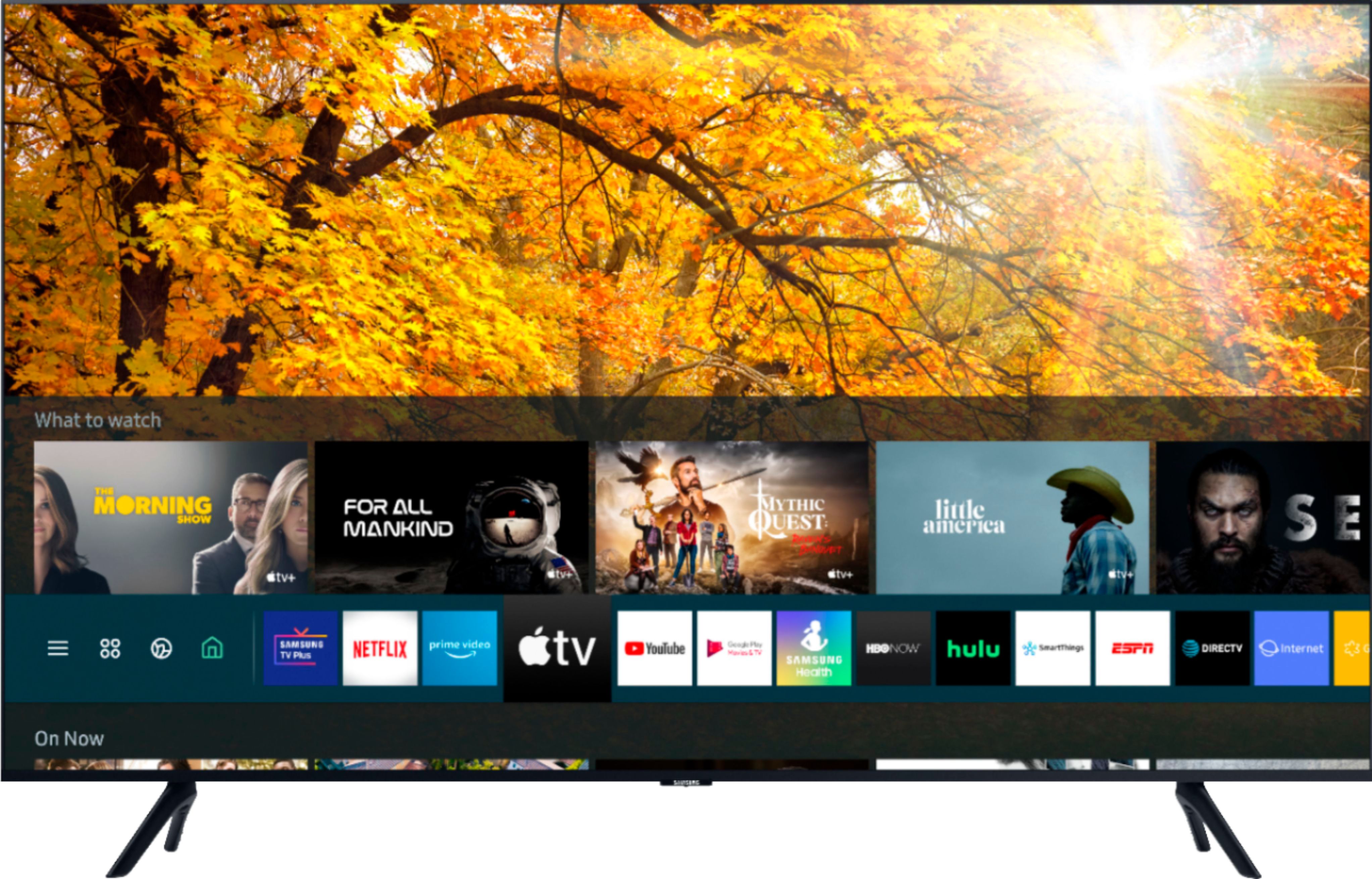
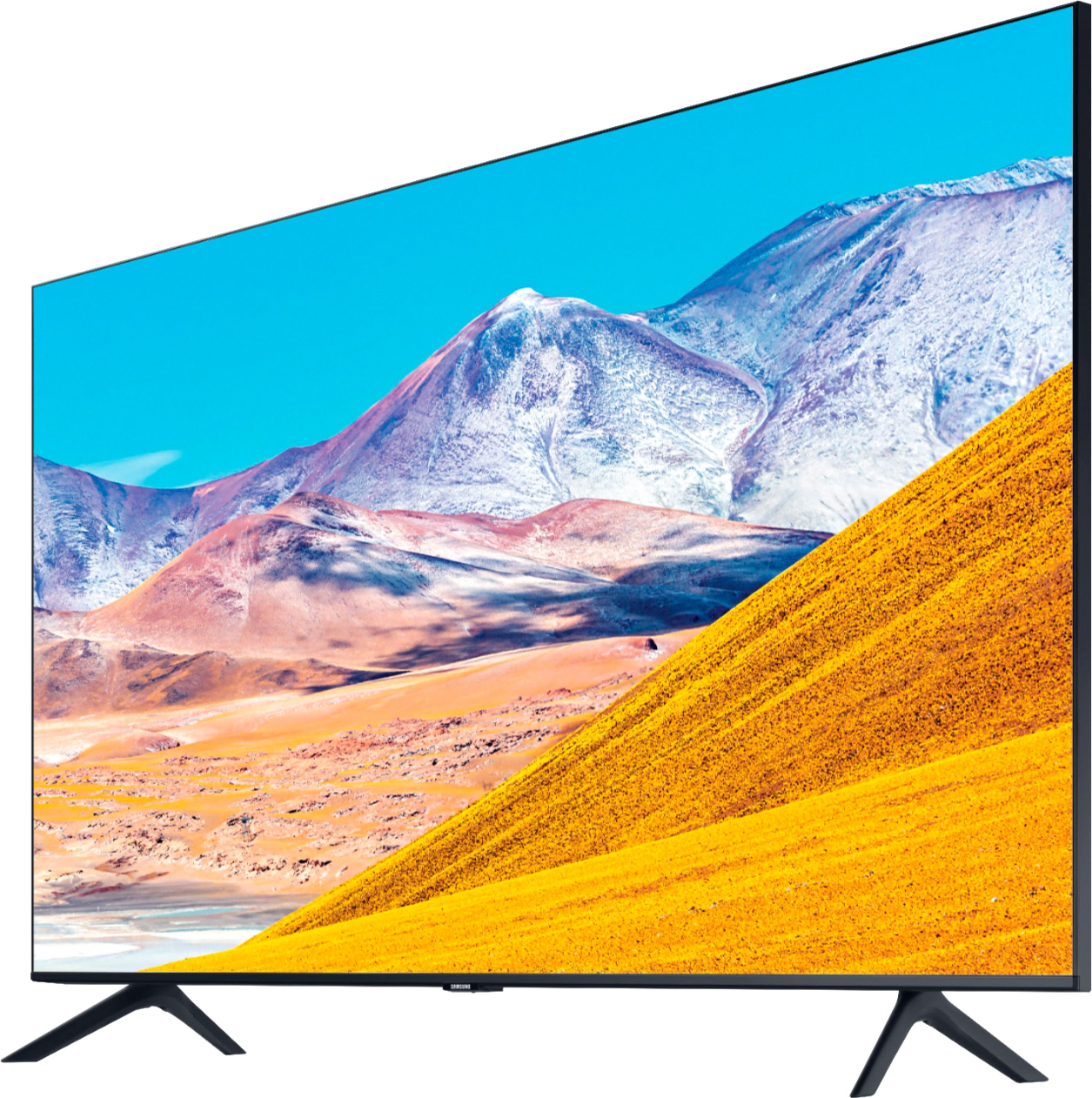

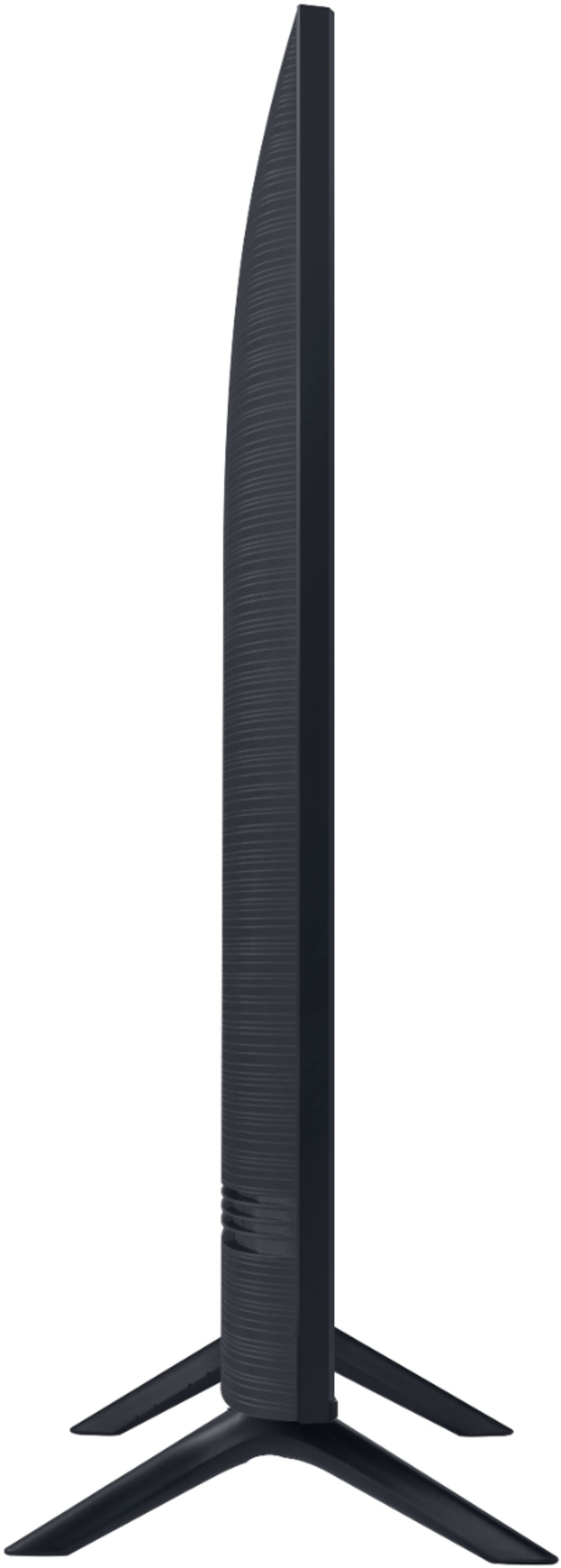

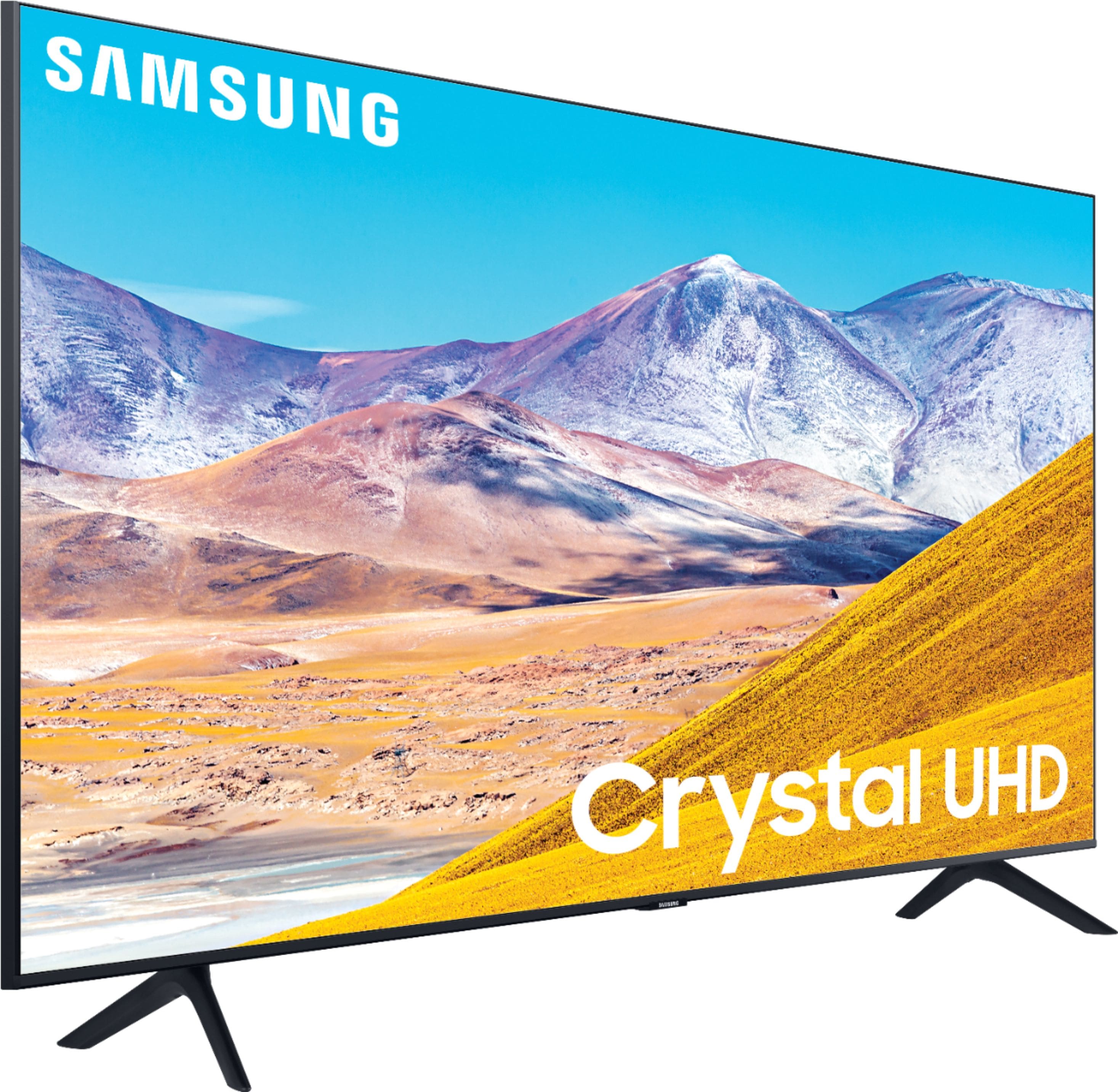
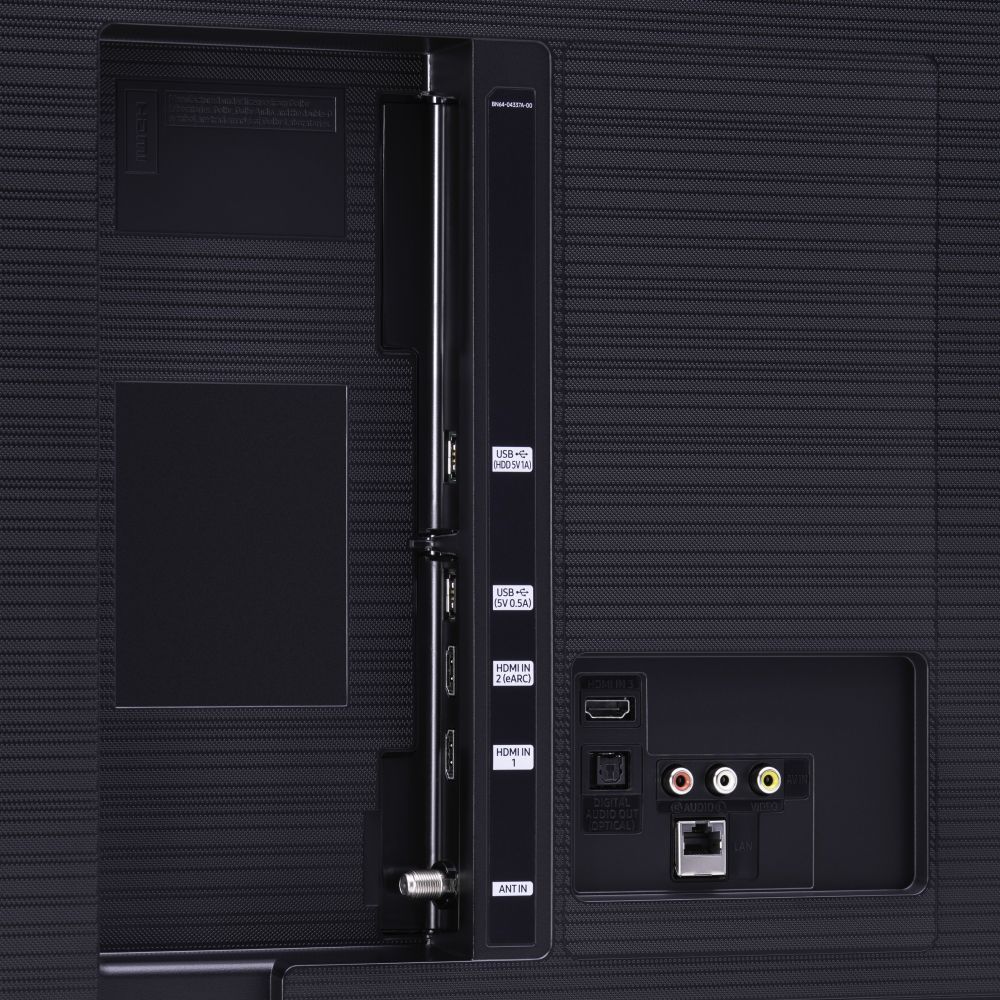







- Model:
- UN75TU8000FXZA
- SKU:
- 6401717
Rating by feature
- Picture Quality
Rating 4.5 out of 5 stars
- Sound Quality
Rating 4.5 out of 5 stars
- Brightness
Rating 4.5 out of 5 stars
Customers are saying
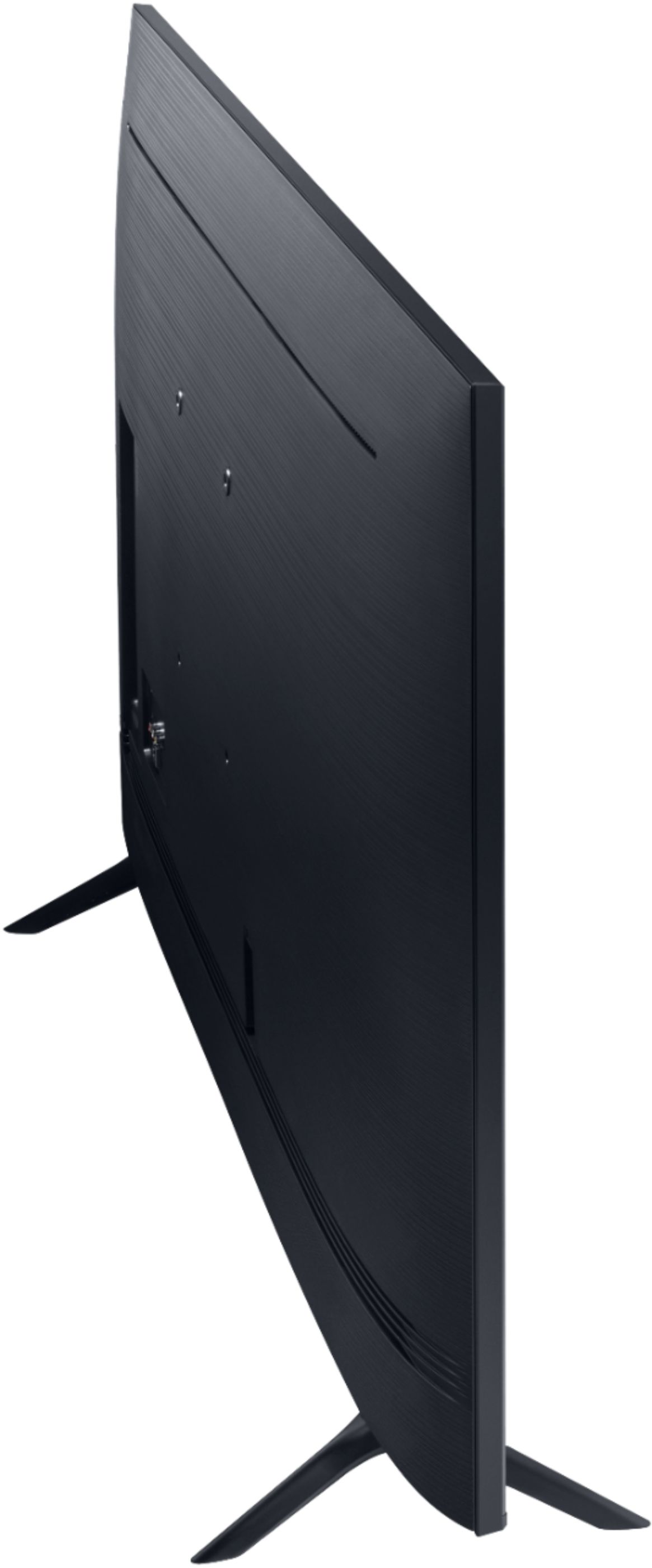
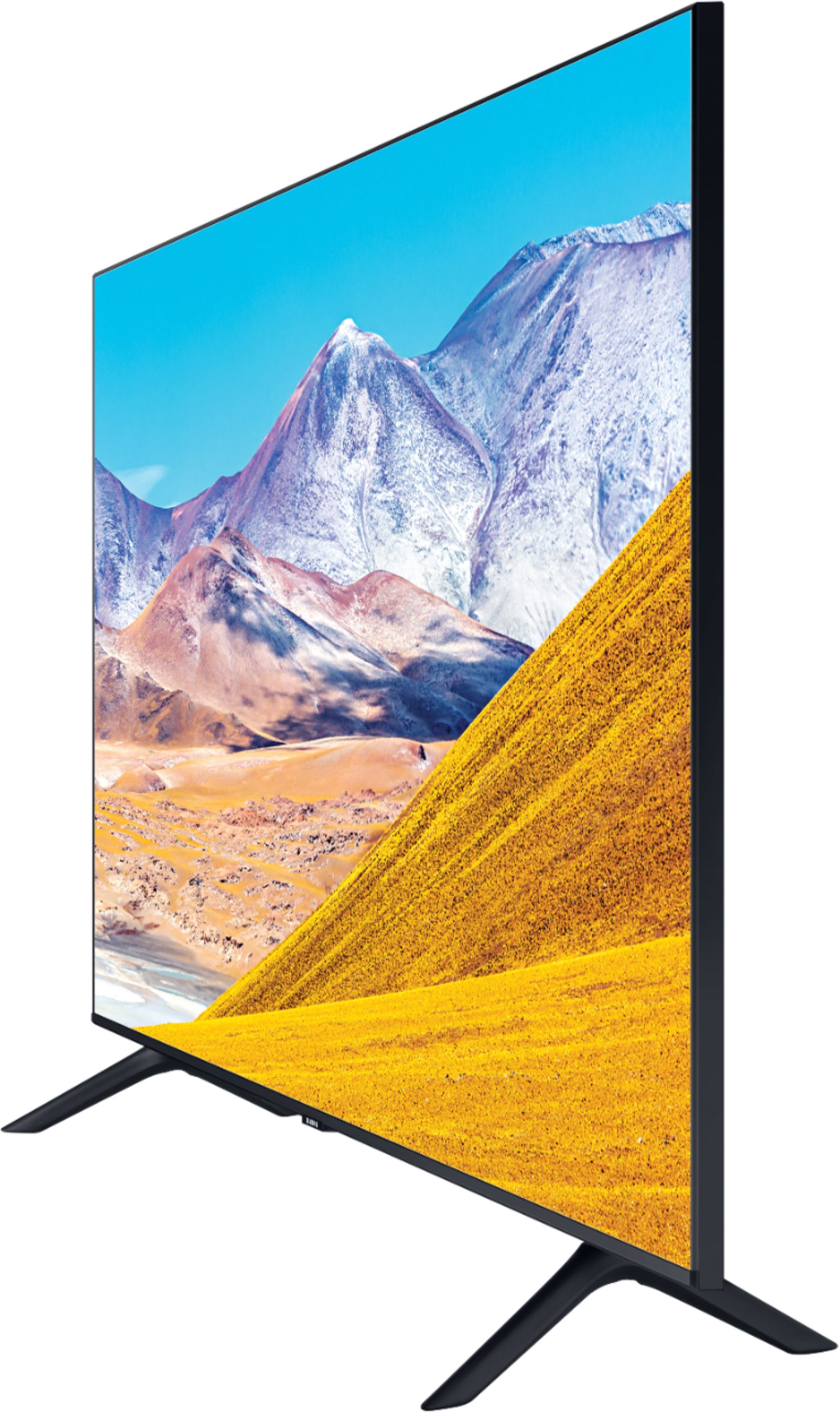
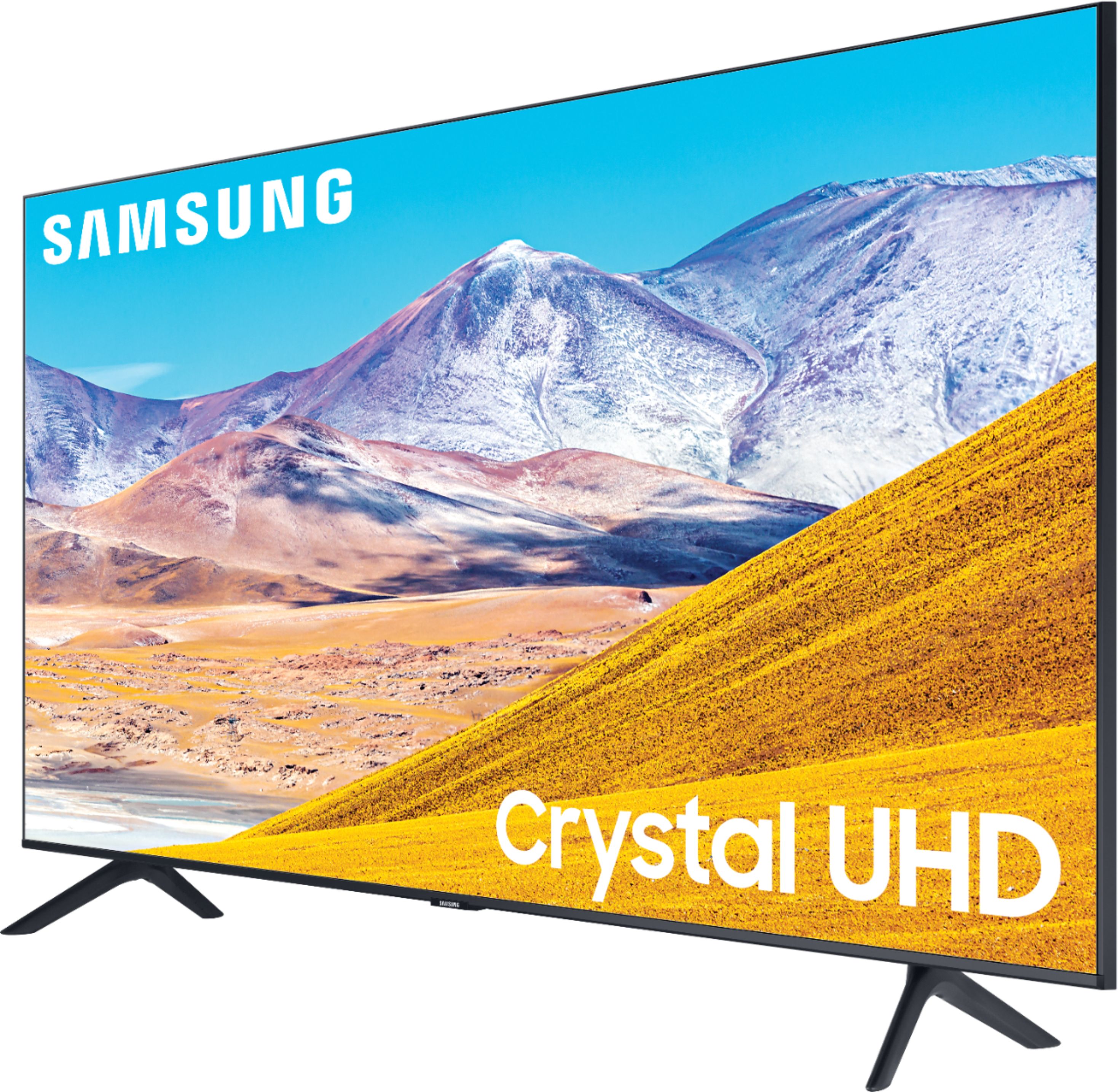
Customers find value in the 75" Class 8 Series LED 4K UHD Smart Tizen TV for its exceptional picture quality, large screen, and affordable price. Many customers rave about the stunning visuals and immersive experience provided by the TV, while others appreciate its user-friendly setup process. However, some users have expressed concerns regarding the complexity of the remote control and the TV's brightness levels.
This summary was generated by AI based on customer reviews.
- Pros mentioned:Picture qualityCons mentioned:Volume
Love TV
||Posted . Owned for 2 weeks when reviewed.This reviewer received promo considerations or sweepstakes entry for writing a review.Loving the awesome picture quality. Only issue I have is volume is very low when I view movies from my Blu-ray player. Haven’t gotten that resolved yet.
I would recommend this to a friendBrand response from Samsung
Posted .Star,
Thank you for your review of this Samsung TU8000 4K Smart TV.
One possible cause for the low volume is the source. Some sources have their own volume control which might be set too low.
We recommend you try a Sound Test under Support > Self Diagnosis > Start Sound Test.
Another way to check the source volume is to test an internal streaming source like Netflix or YouTube to compare.
You can also try auto volume by going to Settings > Sound > Expert Settings > Auto Volume = On
If your issue persists, please reach out to us so that we can provide further troubleshooting.
You can contact Samsung TV Support via:
1) Phone: 1-800-SAMSUNG (ask for TVs), available 8AM – 12AM EST 7 days a week
2) LiveChat: https://www.samsung.com/us/support/#contact_us_for_support
3) Facebook Messenger: https://www.facebook.com/samsungsupport
4) Twitter: https://twitter.com/SamsungSupport
If you have not already done so, we invite you to register your new Samsung product at:
https://www.samsung.com/us/account/signin/?redirect=https%3A%2F%2Fwww.samsung.com%2Fus%2Fsupport%2Fregister%2F&user=dsr-registration
Registering your product gives you access to easy warranty support, convenient opt-in to special promos and offers, faster troubleshooting and service, and quick notification of system updates.
-Samsung Ambassador
- Pros mentioned:Ease of use, Picture quality
Ms
||Posted . Owned for 5 months when reviewed.This reviewer received promo considerations or sweepstakes entry for writing a review.Super nice, large screen tv. Fits nicely in our space. Easy to use. Very happy with our purchase.
I would recommend this to a friend - Pros mentioned:Picture quality
Excellent smart TV and the price was good!
||Posted . Owned for 3 weeks when reviewed.This reviewer received promo considerations or sweepstakes entry for writing a review.Upgraded our TV to this 75 in TV from Samsung. We have been very happy with the picture quality and the home hub where we can get our Hulu, Netflix, HBO etc. Our last TV was Samsung also and it was good but we wanted a little larger TV and for some reason we could not get some of the apps. This new TV has everything we need and we have been very happy.
I would recommend this to a friend - Pros mentioned:Picture quality
Just OK, I should have waited
||Posted . Owned for 3 weeks when reviewed.This reviewer received promo considerations or sweepstakes entry for writing a review.There are too many TV's to select from. I tried to read reviews and compare TV's. I searched for a TV for three months online only because of Rona. I would ask people I know what brand TV they had, picture quality etc. Basically everyone said you can't go wrong with Samsung, so I tried it, this is my first Samsung TV. I have had TV almost 30 days and there are days I want to return TV. The sound is bad, depending on what I am watching, I have to turn the volume up to 60 . I was listening to music channel and the sound was horrible. Now I know why everyone said they had to purchase a sound bar. I have to use two remotes. My direct TV remotes does not control the volume on TV but it will turn TV on and I can control the Guide and my recordings. I hate I must use two remotes. TV remote does not turn on receiver box. I still need one more TV, not sure I would try another Samsung. I was in a well known wholesale store and LG Nano picture was great. The colors were so sharp but I remembered a salesperson in a store like Best Buy said the TV's are set up in the stores to show a perfect picture, in-store only. Will not look the same when you get home. OH I forgot to add when TV was delivered, I was told by delivery guy I had to keep the box for 15 days just in case I need to return TV. The drivers brought the TV in the house set it in front of TV stand, took the top of box off, took a picture of TV and left. Before they left I asked can't you at least set TV on my TV stand they said no, they can only bring in house, that I would have to pay for set up which I believe is $149.00. So much for BB advertising, you can still get a TV delivered during this epidemic. Now I am stuck trying to get rid of a large 75" box. Even if I return TV, I am not trying to put TV back in box.
No, I would not recommend this to a friendBrand response from Samsung
Posted .Yorky,
Thank you for choosing Samsung and for sharing your experience.
For optimal TV performance, we recommend that you check for the latest firmware update.
Once its updated, you should see improvement of the volume issue.
To check and update your firmware, use your TV's remote, navigate to Settings, and select Support.
Select Software Update, and then select Update Now. New updates will be downloaded and installed on your TV. Updates usually take a few minutes; please do not turn off the TV until the update is complete. When the update is finished, the TV will restart automatically. If there aren't any new updates, select OK to exit.
I have also included a universal remote setup guide for your reference:
https://www.samsung.com/us/support/answer/ANS00050204/
I hope these tips help to solve your concerns.
Should you need further assistance or have any other concerns or questions, please reach out to Samsung TV Support via any of the below options:
1) Phone: 1-800-SAMSUNG (ask for TVs), available 8AM – 12AM EST 7 days a week
2) LiveChat: https://www.samsung.com/us/support/#contact_us_for_support
3) Facebook Messenger: https://www.facebook.com/samsungsupport
4) Twitter: https://twitter.com/SamsungSupport
5) The Samsung Members Community is also a great resource for getting help from Samsung moderators and customers: https://us.community.samsung.com
If you have not already done so, we invite you to register your new Samsung product at: https://www.samsung.com/us/account/signin/?redirect=https%3A%2F%2Fwww.samsung.com%2Fus%2Fsupport%2Fregister%2F
Registering your product gives you access to easy warranty support, convenient opt-in to special promos and offers, faster troubleshooting and service, and quick notification of system updates.
-Samsung Ambassador
https://www.samsung.com/us/support/answer/ANS00050204/
- Pros mentioned:Picture quality
Great picture
||Posted . Owned for 11 months when reviewed.This reviewer received promo considerations or sweepstakes entry for writing a review.Purchased as a replacement for our previous HD Samsung. Great picture and apps.
I would recommend this to a friend - Pros mentioned:Picture quality
Great TV and Outstanding Customer Service
||Posted . Owned for 1 month when reviewed.This reviewer received promo considerations or sweepstakes entry for writing a review.I'll only be buying Samsung TV's from now on; I think they are the best on the market. And Best Buy sells them at fair prices and always have good stock. I had a 75" installed in my home and the Geek Squad in San Angelo were outstanding. They were communicative, on time, and answered every question we had in a kind and professional manner. The install went quickly and was done the right way. I can't recommend these guys enough. Thanks!
I would recommend this to a friend - Pros mentioned:Picture quality
Nice TV
||Posted . Owned for 3 weeks when reviewed.This reviewer received promo considerations or sweepstakes entry for writing a review.So happy with my purchsse. Will not have to ever go to cinema again. Great picture & so many features
I would recommend this to a friend - Pros mentioned:Picture quality
Great image, sound, connectivity for the price!
||Posted . Owned for 3 weeks when reviewed.This reviewer received promo considerations or sweepstakes entry for writing a review.Great image, sound, and connectivity for the price! Like everything, you can significantly improve the image by spending another $500 to a $1000. This TV is more than adequate for begginers and OK for intermediate viewers. You can use the support legs that come with it or install it on the wall as I did. You just need to make sure that the support on the wall can hold the weight of the TV. The fact that you can have different apps and use them on this TV without much effort is just fantastic! It’s connectivity to all the other Samsung gadgets is really cool!
I would recommend this to a friend - Pros mentioned:Ease of use, Picture quality
Great Value
||Posted . Owned for 1 week when reviewed.This reviewer received promo considerations or sweepstakes entry for writing a review.Great picture and easy setup If you want a great tv and a great price you won’t be disappointed
I would recommend this to a friend - Pros mentioned:Ease of use, Picture quality
Good mount
||Posted . Owned for 1 month when reviewed.This reviewer received promo considerations or sweepstakes entry for writing a review.great clarity, good color, operates easy. Good mount over the fireplace. connects to the internet, easy to stream with all the networks
I would recommend this to a friend - Pros mentioned:Ease of use, Picture quality
Great value
||Posted . Owned for 1 week when reviewed.This reviewer received promo considerations or sweepstakes entry for writing a review.Great picture quality and easy to set up. Not the top of the line but it definitely a good buy.
I would recommend this to a friend - Pros mentioned:Color, Picture quality
75" Samsung TU 8000
||Posted . Owned for 1 month when reviewed.This reviewer received promo considerations or sweepstakes entry for writing a review.Very good color and the image is spot on. The price at best buy and service couldn't be beat.
I would recommend this to a friend - Pros mentioned:Ease of use, Picture quality
Great tv
||Posted . Owned for 5 months when reviewed.This reviewer received promo considerations or sweepstakes entry for writing a review.Crisp quality picture controls easy to use excellent quality and clarity for price and size
I would recommend this to a friend - Pros mentioned:Picture quality
Samsung tv
||Posted . Owned for 1 month when reviewed.This reviewer received promo considerations or sweepstakes entry for writing a review.Great image and I love the apps. I want to buy the 86”
I would recommend this to a friend - Pros mentioned:Ease of use, Picture quality
Good tv for the price.
||Posted .This reviewer received promo considerations or sweepstakes entry for writing a review.Replaced the 55 inch TV with this one to suit the room size. Easy set up and installation Very Happy with picture quality and ease of use.
I would recommend this to a friend - Pros mentioned:Picture quality, Tv quality
Love it
||Posted . Owned for 3 weeks when reviewed.This reviewer received promo considerations or sweepstakes entry for writing a review.Perfect size for our living room and the quality is amazing. Bought as a Black Friday deal.
I would recommend this to a friend - Pros mentioned:Ease of use, Picture quality
Big screen TV
||Posted . Owned for 7 months when reviewed.This reviewer received promo considerations or sweepstakes entry for writing a review.Excellent quality. Great picture clearity. Easy to use and not to heavy. Easy set up
I would recommend this to a friend - Pros mentioned:Ease of use, Picture quality
Great tv
||Posted . Owned for 3 weeks when reviewed.This reviewer received promo considerations or sweepstakes entry for writing a review.Great tv good picture easy to install remote works well. Mounted on wall looks good.
I would recommend this to a friend - Pros mentioned:Ease of use, Picture quality
75 Inch Samsung
||Posted . Owned for 3 weeks when reviewed.This reviewer received promo considerations or sweepstakes entry for writing a review.Great picture and easy to use the remote. The legs clip in so installation was easy.
I would recommend this to a friend - Pros mentioned:Ease of use, Picture quality
Excellent tv and excellent value
||Posted . Owned for 1 month when reviewed.This reviewer received promo considerations or sweepstakes entry for writing a review.We really like the crisp picture and ease of use. Samsung's platform is very user friendly.
I would recommend this to a friend