Customer Ratings & Reviews


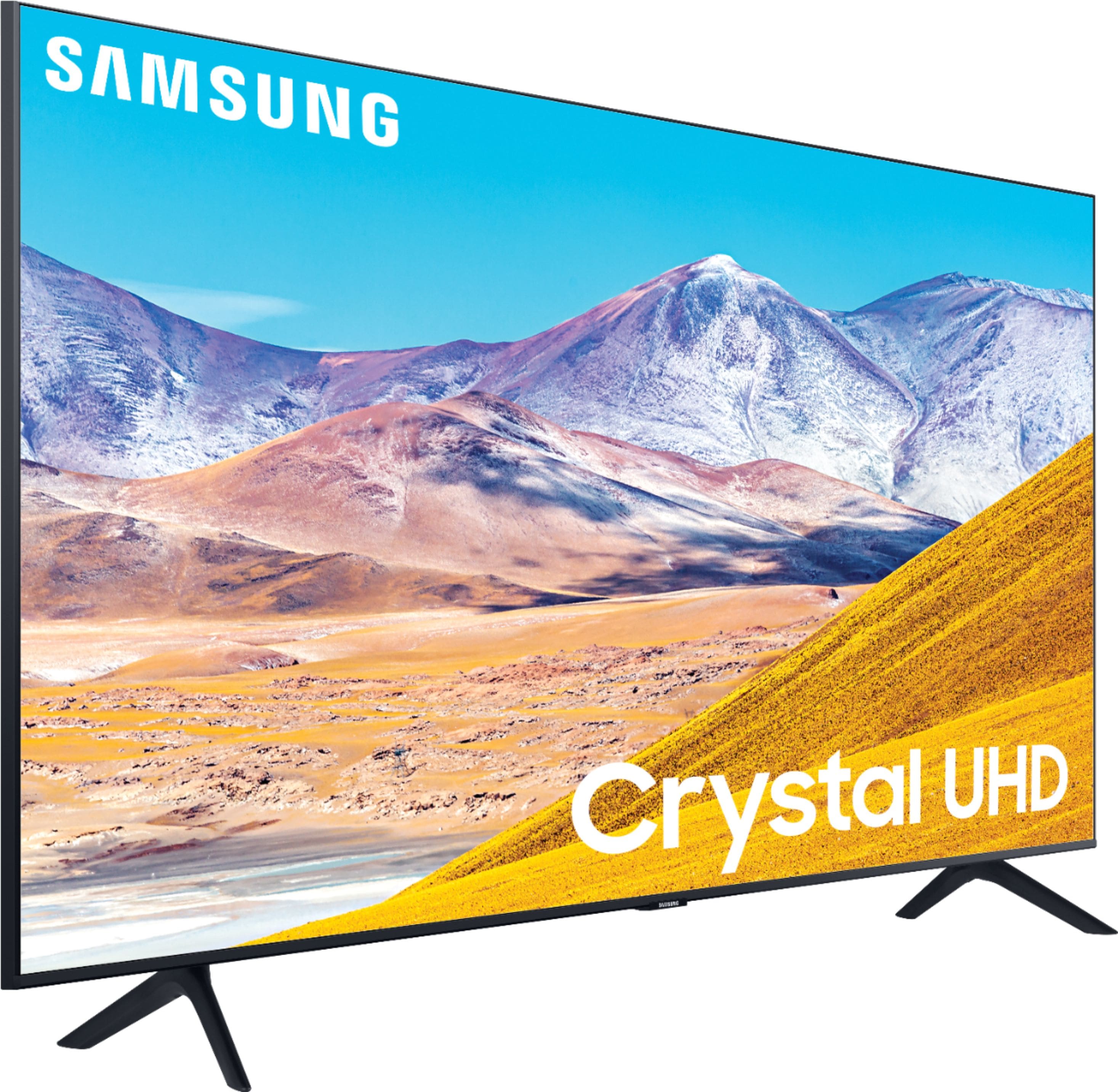
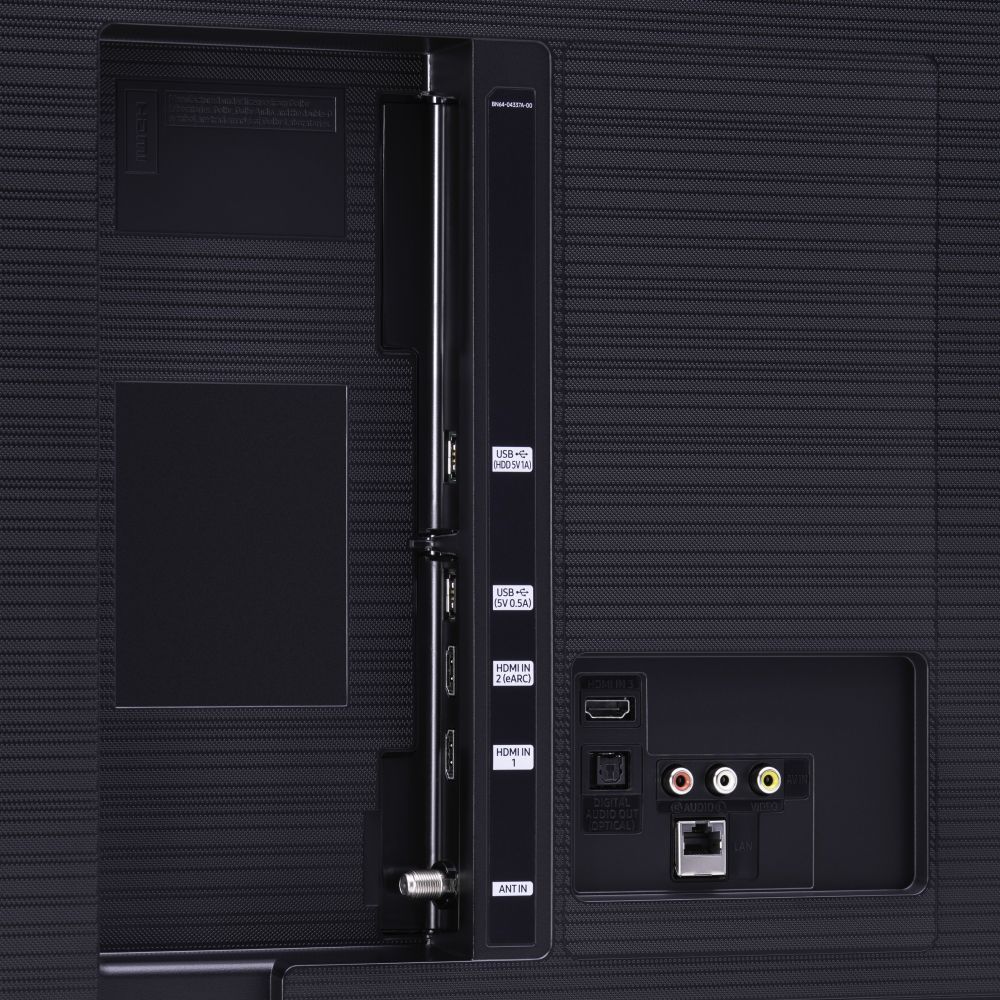







- Model:
- UN75TU8000FXZA
- SKU:
- 6401717
Rating by feature
- Picture Quality
Rating 4.5 out of 5 stars
- Sound Quality
Rating 4.5 out of 5 stars
- Brightness
Rating 4.5 out of 5 stars
Customers are saying
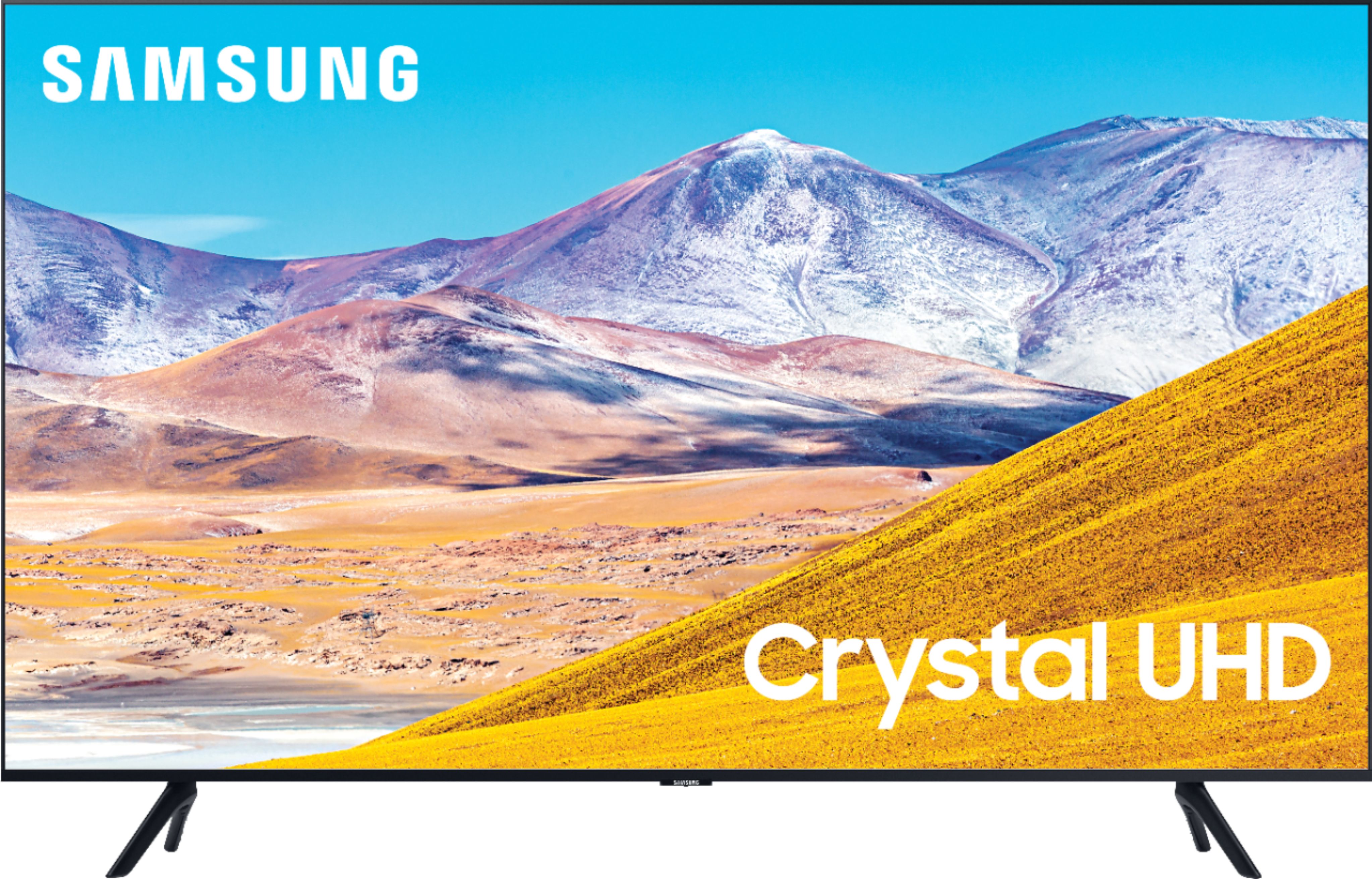
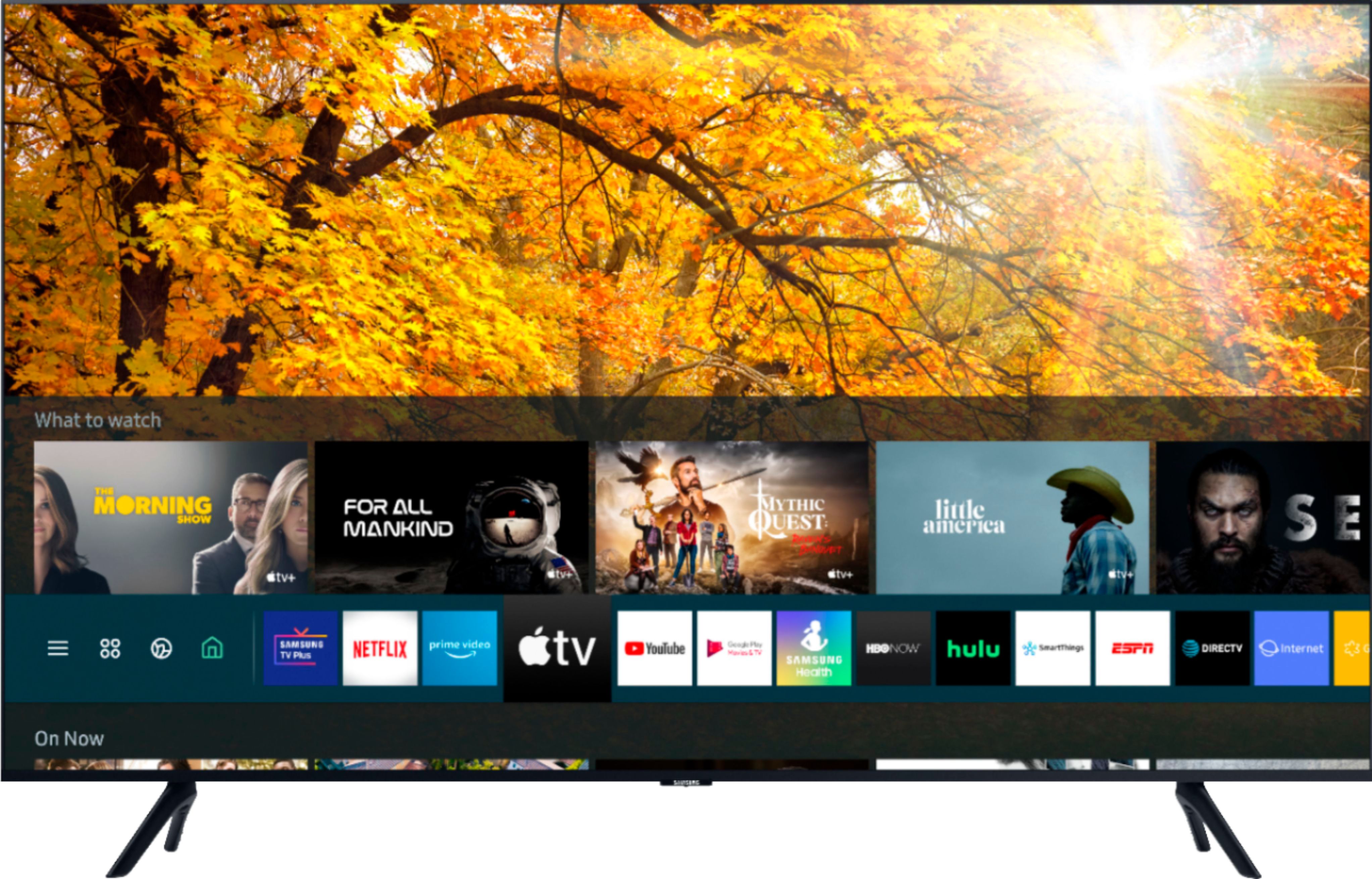
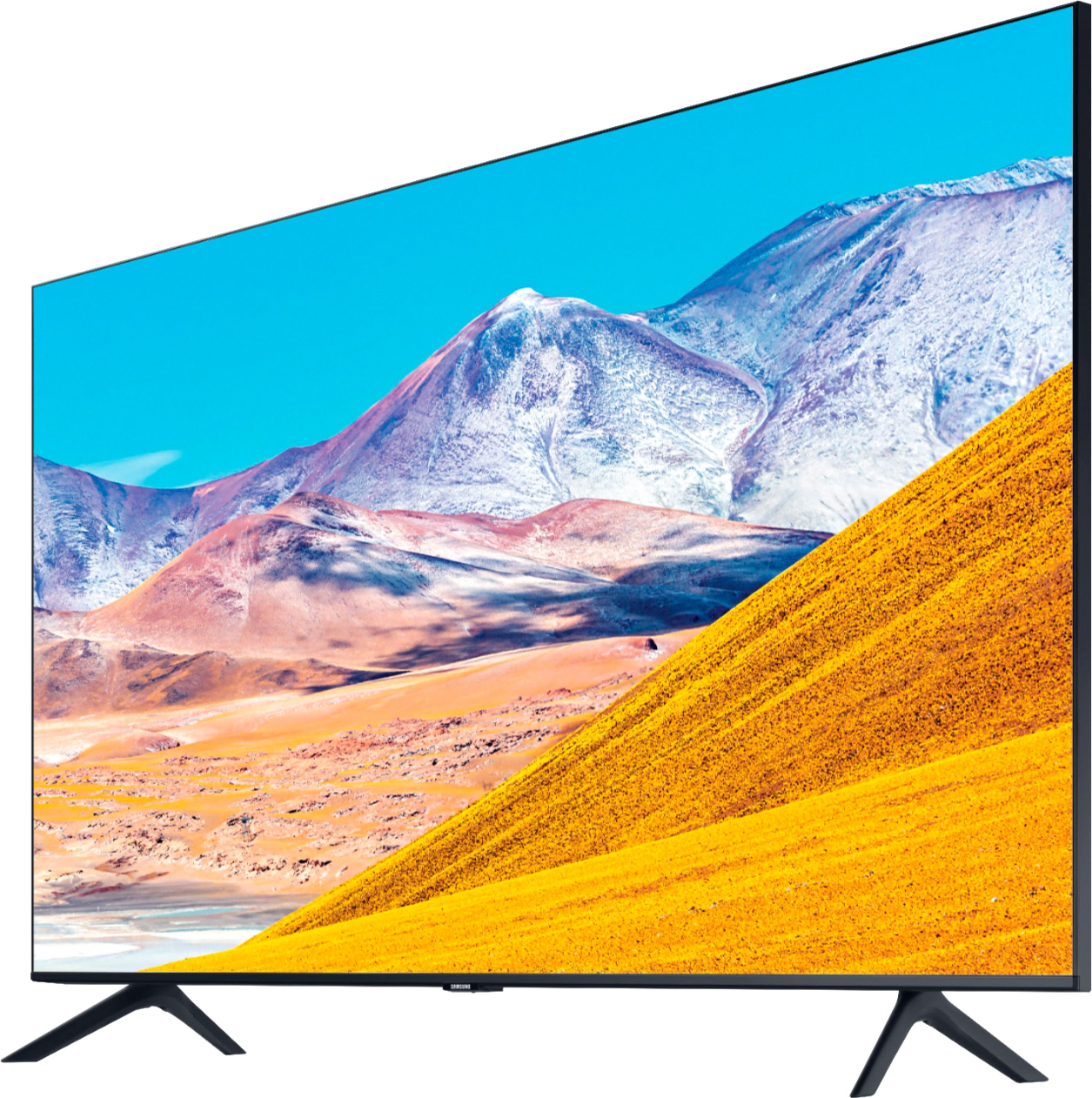
Customers find value in the 75" Class 8 Series LED 4K UHD Smart Tizen TV for its exceptional picture quality, large screen, and affordable price. Many customers rave about the stunning visuals and immersive experience provided by the TV, while others appreciate its user-friendly setup process. However, some users have expressed concerns regarding the complexity of the remote control and the TV's brightness levels.
This summary was generated by AI based on customer reviews.
Bad picture
||Posted . Owned for 1 month when reviewed.This reviewer received promo considerations or sweepstakes entry for writing a review.It’s big but pic is not so great ., never did get to see one in Best Buy so didn’t know for sure how good of a picture it would have. If I’d have that chance I’d never bought it
No, I would not recommend this to a friendGood tv but at times color fades
||Posted . Owned for 2 months when reviewed.This reviewer received promo considerations or sweepstakes entry for writing a review.Good tv but at times color fades . Have to turn off to reset ... will keep monitoring ... might return tv for a new one..purchased guarantee
No, I would not recommend this to a friendBrand response from Samsung
Posted .Sony4,
I am sorry to hear that you are experiencing color fading with your TU8000 4K Smart TV.
What you are describing is not normal.
Please give us the opportunity to assist you by contacting Samsung Customer Support via:
1) Phone: 1-800-SAMSUNG (ask for TVs), available 8AM – 12AM EST 7 days a week
2) LiveChat: https://www.samsung.com/us/support/#contact_us_for_support
3) Facebook Messenger: https://www.facebook.com/samsungsupport
4) Twitter: https://twitter.com/SamsungSupport
If you have not already done so, we invite you to register your new Samsung product at:
https://www.samsung.com/us/account/signin/?redirect=https%3A%2F%2Fwww.samsung.com%2Fus%2Fsupport%2Fregister%2F&user=dsr-registration
Registering your product gives you access to easy warranty support, convenient opt-in to special promos and offers, faster troubleshooting and service, and quick notification of system updates.
Again, thank you for taking the time to share your thoughts. Your feedback helps us continuously deliver best-in-class products and service.
-Samsung Ambassador
Review
||Posted .This reviewer received promo considerations or sweepstakes entry for writing a review.I Bought an open box three weeks ago. It is could not work. and worse thing the delivery left the blue huge box in my house. I have to buy another samung.
I would recommend this to a friendOk for a big cheap tv
||Posted . Owned for 1 year when reviewed.This reviewer received promo considerations or sweepstakes entry for writing a review.In general I like the tv but I've had to replace the screen twice under warranty. Fingers crossed 3rd time is the charm
I would recommend this to a friendMuch to be desired
||Posted . Owned for 1 month when reviewed.This reviewer received promo considerations or sweepstakes entry for writing a review.You get what you pay for. If you are picky - you may not like this one. The deal breaker for me was the angle at which you had to sit in order for the screen to pop the way it should. If you're watching it at an angle, the screen will appear dark and that's as good as it got. I couldn't make the screen any brighter. Also the color was off. I couldn't live with it so I took it back - even if it meant i had to spent a lot more for a tv I could bare to watch.
No, I would not recommend this to a friendBrand response from Samsung
Posted .rafgram:
I am very sorry to see that you were not completely happy with the Samsung TU8000 and have decided to return it. Your thoughts regarding the viewing angle are important to us and will be shared with our internal teams.
You may want to consider our Q80T and Q90T Series, featuring Ultra Viewing Angle engineered to reduce glare and enhance color for a vibrant picture no matter where you sit.
Should you ever have questions or need help with TV features, specs, or operation, we are here to help.
1) Phone: 1-800-SAMSUNG (available 8AM -12AM EST, 7 days a week)
2) LiveChat: https://www.samsung.com/us/support/#contact_us_for_support
3) Facebook Messenger: https://www.facebook.com/samsungsupport
4) Twitter: https://twitter.com/SamsungSupport
5) The Samsung Members Community is also a great resource for getting help from Samsung moderators and customers: https://us.community.samsung.com
Thank you again for taking the time to share your thoughts. Your feedback helps us continuously deliver best-in-class products and service.
~ Samsung Solutions
Traded up
||Posted . Owned for 1.5 years when reviewed.This reviewer received promo considerations or sweepstakes entry for writing a review.Traded it in for the 9000 series. The price difference was 100.00 on sale for a much better upgraded model.
I would recommend this to a friendJust Meh
||Posted . Owned for 3 weeks when reviewed.This reviewer received promo considerations or sweepstakes entry for writing a review.The computer is super laggy. My 2017 65" curved did not have such a huge lag.
No, I would not recommend this to a friendBrand response from Samsung
Posted .RayRamon,
I am sorry that you are experiencing lag with your TU8000 Crystal UHD Smart TV.
To optimize the smart TV performance, please try Device Care option under the Support Menu.
Go to Settings > Support> Device Care > Start Device Care.
This service checks memory and frees up unused cached memory and closes background apps.
I hope this helps to solve your concerns.
If the issues persist, please reach out to Samsung Customer Support at:
1) Phone: 1-800-SAMSUNG, available 8AM – 12AM EST 7 Days A Week
2) LiveChat: https://www.samsung.com/us/support/#contact_us_for_support
3) Facebook Messenger: https://www.facebook.com/samsungsupport
4) Twitter: https://twitter.com/SamsungSupport
Have you registered your new Samsung TV with us? If not, we invite you to do so at: https://www.samsung.com/us/account/signin/?redirect=https%3A%2F%2Fwww.samsung.com%2Fus%2Fsupport%2Fregister%2F, and gain access to easy warranty support, convenient opt-in to special promos & offers, faster troubleshooting & service, and quick notification of system updates.
-Samsung Ambassador
Havent bought a TV In 13 years, super disappointed
||Posted .This reviewer received promo considerations or sweepstakes entry for writing a review.Bought to replace 52” samsung 6 series from 2007. We bumped all services to 4k. I was expecting to be blown away. I do CGI graphics, video and photo editing. I was not able to see this TV in store due to covid. My 1080p tv has the same exact quality. Sorry Samsung, you didnt pull thru with this model. I will be returning as soon as the store opens tomorrow.
No, I would not recommend this to a friendBrand response from Samsung
Posted .Nick,
I am sorry to hear that you are not satisfied with the picture quality.
The TU8000 TV comes with several preset picture modes and many custom settings that can optimize image quality to your viewing scenario.
Go to HOME > SETTINGS > PICTURE > PICTURE MODE and choose:
1) Dynamic: Makes the picture brighter and clearer in bright viewing environments.
2) Standard: This is the default mode suitable for general viewing environments.
3) Natural: Reduces eye strain for a comfortable viewing experience.
4) Movie: Suitable for watching TV or movies in a dark room.
5) Filmmaker: Watch the source content (e.g., movie) as it is.
Here is a link to the downloadable eManual, where you can find a detailed guide to configuring advanced picture setting (pages 92-93):
http://downloadcenter.samsung.com/content/UM/202004/20200403095308351/NIKATSCT-3.0.1_EM_NIKE_USA_ENG_200323.0.pdf
In addition, the quality of the image on your screen depends on the source and the connection.
HDMI cables are recommended for optimal HD viewing; and when possible, 4K content will provide the best picture quality. The TV will upscale as best as possible any content sent to it. The closer the signal is to 4K, the better it will look coming out.
If you have an analog cable box or satellite box, upgrade to a digital cable box or satellite box.
Change the output resolution of your devices, such as digital broadcast receiver, IPTV, and
set-top box to UHD or HD.
Please also give us the opportunity to assist you with image quality adjustments tailored to your preferred viewing experience. You can reach us via any of the following options:
1) Phone: 1-800-SAMSUNG (ask for TVs) Available 8AM – 9PM EST (Mon-Fri)
2) LiveChat: https://www.samsung.com/us/support/#contact_us_for_support
3) Facebook Messenger: https://www.facebook.com/samsungsupport
4) Twitter: https://twitter.com/SamsungSupport
5) The Samsung Members Community is also a great resource for getting help from Samsung moderators and customers: https://us.community.samsung.com/t5/Get-Help/ct-p/get-help
We look forward to hearing from you and assist you with a satisfactory solution.
-Samsung Ambassador
Low flat colors no depth
||Posted . Owned for 3 weeks when reviewed.This reviewer received promo considerations or sweepstakes entry for writing a review.Dark tv wish i had waited to ship an oled. May still return for oled it’s 99 $ difference should have got the new version
I would recommend this to a friendBrand response from Samsung
Posted .Etcs:
Thank you for purchasing the TU8000 TV and for your review. I am sorry to hear that you are not happy with the color quality of your picture. If the colors on your TV are correct but just a little too dark or bright you can try Dynamic Picture Mode, or manually adjust the Brightness settings to your liking.
Dynamic Picture Mode will make pictures brighter and clearer in bright viewing environments. Go to: Settings > Picture > Picture Mode > Dynamic
Or manually adjust the Brightness and other settings to your liking. Press the HOME button on your remote, then navigate to: Settings > Picture > Expert Settings
I hope this helps to improve your picture. Should you need further assistance, please contact Samsung Customer Support.
1) Phone: 1-800-SAMSUNG (ask for TVs), available 8AM – 12AM EST 7 days a week
2) LiveChat: https://www.samsung.com/us/support/#contact_us_for_support
3) Facebook Messenger: https://www.facebook.com/samsungsupport
4) Twitter: https://twitter.com/SamsungSupport
5) The Samsung Members Community is also a great resource for getting help from Samsung moderators and customers: https://us.community.samsung.com
If you have not already done so, we invite you to register your new Samsung product at: https://www.samsung.com/us/account/signin/?redirect=https%3A%2F%2Fwww.samsung.com%2Fus%2Fsupport%2Fregister%2F
Registering your product gives you access to easy warranty support, convenient opt-in to special promos and offers, faster troubleshooting and service, and quick notification of system updates.
~ Samsung Solutions
It's ok
||Posted . Owned for 1 month when reviewed.This reviewer received promo considerations or sweepstakes entry for writing a review.Not as crisp and clear as I would have liked for spending that much. It's ok next time will go for better quality.
No, I would not recommend this to a friendBrand response from Samsung
Posted .Whatever:
Thank you for purchasing the Samsung TU8000 4K Smart TV and for your review. I am sorry to hear that you are not completely happy with your TV’s picture clarity. There are several image settings you can adjust to your liking such as Picture Mode and Expert Settings.
Choose a Picture Mode by going to Settings > Picture > Picture Mode and choose from Dynamic, Standard, Natural, Movie, or Filmmaker Mode.
You can further adjust your sharpness, brightness, contrast, color, tint, contrast, white balance, and more by going to Settings > Picture > Expert Settings
Please also give us the opportunity to assist you with image quality adjustments tailored to your preferred viewing experience. You can reach us via any of the following options:
1) Phone: 1-800-SAMSUNG (ask for TVs), available 8AM – 12AM EST 7 days a week
2) LiveChat: https://www.samsung.com/us/support/#contact_us_for_support
3) Facebook Messenger: https://www.facebook.com/samsungsupport
4) Twitter: https://twitter.com/SamsungSupport
5) The Samsung Members Community is also a great resource for getting help from Samsung moderators and customers: https://us.community.samsung.com
If you have not already done so, we invite you to register your new Samsung product at: https://www.samsung.com/us/account/signin/?redirect=https%3A%2F%2Fwww.samsung.com%2Fus%2Fsupport%2Fregister%2F
Registering your product gives you access to easy warranty support, convenient opt-in to special promos and offers, faster troubleshooting and service, and quick notification of system updates.
~ Samsung Solutions
Definitely not built to last.
||Posted . Owned for more than 2 years when reviewed.This reviewer received promo considerations or sweepstakes entry for writing a review.Screen failed two weeks after warranty expired. Junk
No, I would not recommend this to a friendNot a good buy.
||Posted . Owned for 3 weeks when reviewed.This reviewer received promo considerations or sweepstakes entry for writing a review.The brightness on this TV is very sub par. I highly would not recommend in a lighted area.
No, I would not recommend this to a friendOh well
||Posted . Owned for less than 1 week when reviewed.This reviewer received promo considerations or sweepstakes entry for writing a review.Was really excited for this tv but was a little bit let down . Was hoping the screen would be brighter.
No, I would not recommend this to a friendDisappointed
||Posted .This reviewer received promo considerations or sweepstakes entry for writing a review.I was not happy with the picture after purchasing this model open box. There was a lot of backlight bleed coming from the bottom edge of the display. The set up process was awful and changing apps was very laggy. I realized that my best bet would be to just exchange it for something comparable while I was within the return period.
No, I would not recommend this to a friendBlack spots
||Posted . Owned for 1 year when reviewed.This reviewer received promo considerations or sweepstakes entry for writing a review.Started getting several black spots in different areas, quite annoying.
No, I would not recommend this to a friendGood but lacking
||Posted . Owned for less than 1 week when reviewed.This reviewer received promo considerations or sweepstakes entry for writing a review.Alexa is only able to be used through the remote. We thought it was through the tv.
I would recommend this to a friendBrand response from Samsung
Posted .Lilsquishy:
Thank you for sharing your review for the TU8000 TV and for your review. Your Samsung Smart Remote contains the voice recognition microphone.
Please be sure that it is not too far away from you, turned upside down, or located in an environment with loud ambient noise. Use the Samsung Smart Remote less than 2 ft. away with the remote control buttons facing upward. Do not place the Samsung Smart Remote near the TV speakers or an audio speaker.
If there is anything we can do to improve your enjoyment such as helping to optimize settings for your specific usage scenario, please contact Samsung Customer Support.
1) Phone: 1-800-SAMSUNG (ask for TVs), available 8AM – 12AM EST 7 days a week
2) LiveChat: https://www.samsung.com/us/support/#contact_us_for_support
3) Facebook Messenger: https://www.facebook.com/samsungsupport
4) Twitter: https://twitter.com/SamsungSupport
5) The Samsung Members Community is also a great resource for getting help from Samsung moderators and customers: https://us.community.samsung.com
If you have not already done so, we invite you to register your new Samsung product at: https://www.samsung.com/us/account/signin/?redirect=https%3A%2F%2Fwww.samsung.com%2Fus%2Fsupport%2Fregister%2F
Registering your product gives you access to easy warranty support, convenient opt-in to special promos and offers, faster troubleshooting and service, and quick notification of system updates.
~ Samsung Solutions
Just Ok TV
||Posted . Owned for 2 months when reviewed.This reviewer received promo considerations or sweepstakes entry for writing a review.Just ok TV. Its kinda expensive for its worth. Nothing exciting
I would recommend this to a friendGo for Sony
||Posted . Owned for 1 month when reviewed.This reviewer received promo considerations or sweepstakes entry for writing a review.not worth it, save your money and buy Sony or Samsung QLED....
No, I would not recommend this to a friendBroken in 1 week
||Posted . Owned for 1 year when reviewed.This reviewer received promo considerations or sweepstakes entry for writing a review.Product was defective within a week of purchasing. It would turn on and then back off before showing a picture and continue doing that repeatedly without touching the remote. Trouble shooting with custimer service was unsuccessful. Had to buy a different TV.
No, I would not recommend this to a friendNot what I expected
||Posted . Owned for 3 weeks when reviewed.This reviewer received promo considerations or sweepstakes entry for writing a review.Picture jumps around there is a white light on the top and bottom like a back light really annoying. Colors are good sound is very bad need a external sound source Would not buy again
No, I would not recommend this to a friendBrand response from Samsung
Posted .Huck,
Thank you for sharing your feedback with us.
I am sorry that you are not satisfied with the image and sound quality of your TU8000 TV.
Here are links to picture setting and sound adjustment guides that you may find helpful:
https://www.samsung.com/us/support/answer/ANS00079295/
https://www.samsung.com/us/support/answer/ANS00062196/
Should you need further assistance with features or other product usage, please reach out to Samsung Support and an agent will gladly assist you.
You can reach us via any of the below options:
1) Phone: 1-800-SAMSUNG, available 8AM - 12AM EST (7 days a week)
2) LiveChat: https://www.samsung.com/us/support/#contact_us_for_support
3) Facebook Messenger: https://www.facebook.com/samsungsupport
4) Twitter: https://twitter.com/SamsungSupport
If you have not already done so, we invite you to register your new Samsung product at: https://www.samsung.com/us/account/signin/?redirect=https%3A%2F%2Fwww.samsung.com%2Fus%2Fsupport%2Fregister%2F
Registering your product gives you access to easy warranty support, convenient opt-in to special promos and offers, faster troubleshooting and service, and quick notification of system updates.
Again, thank you for bringing the issue to our attention – we greatly value your feedback and utilize your concerns and opinions towards delivering best-in-class service and products.
-Samsung Ambassador