Customer Ratings & Reviews
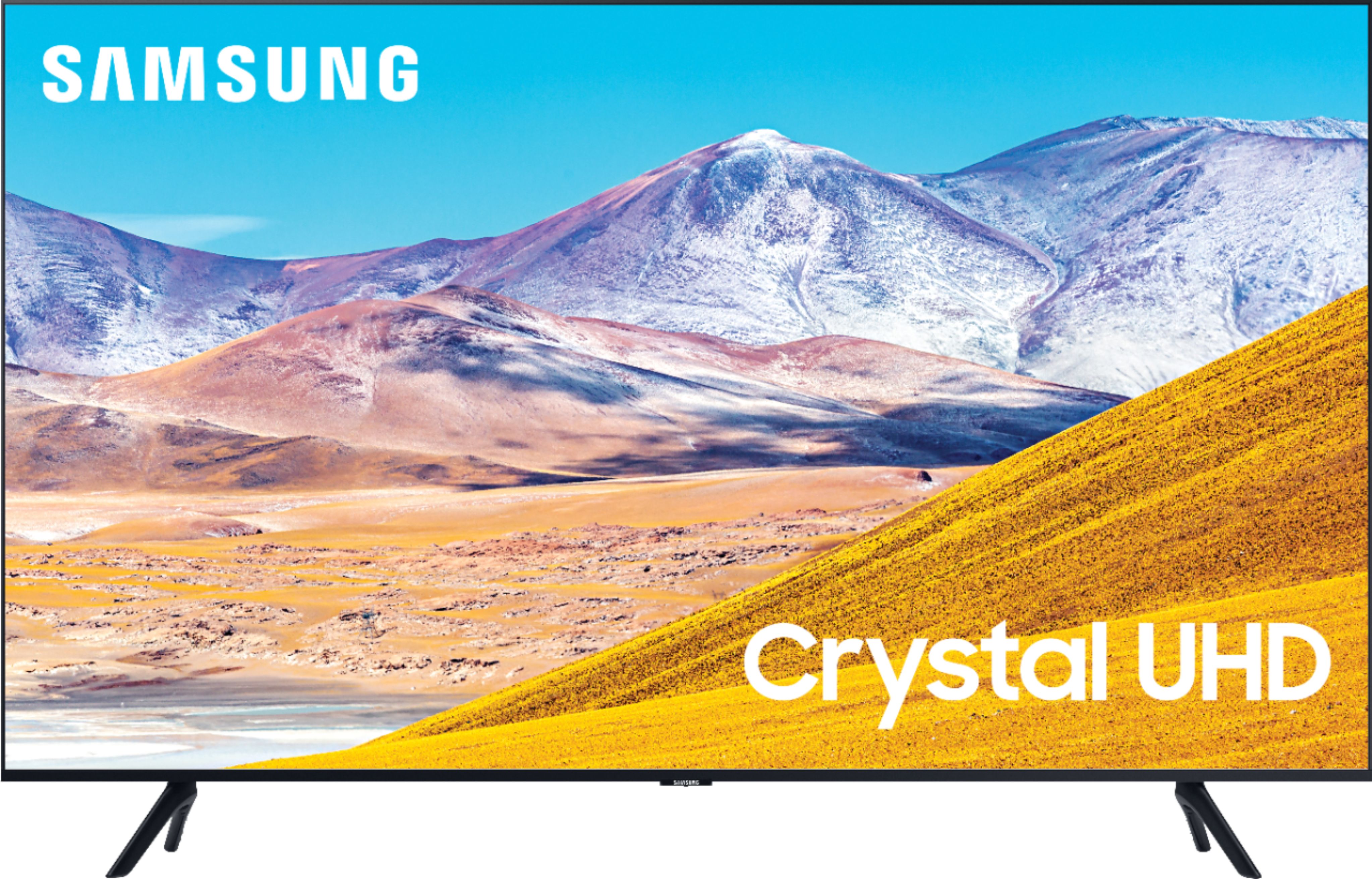
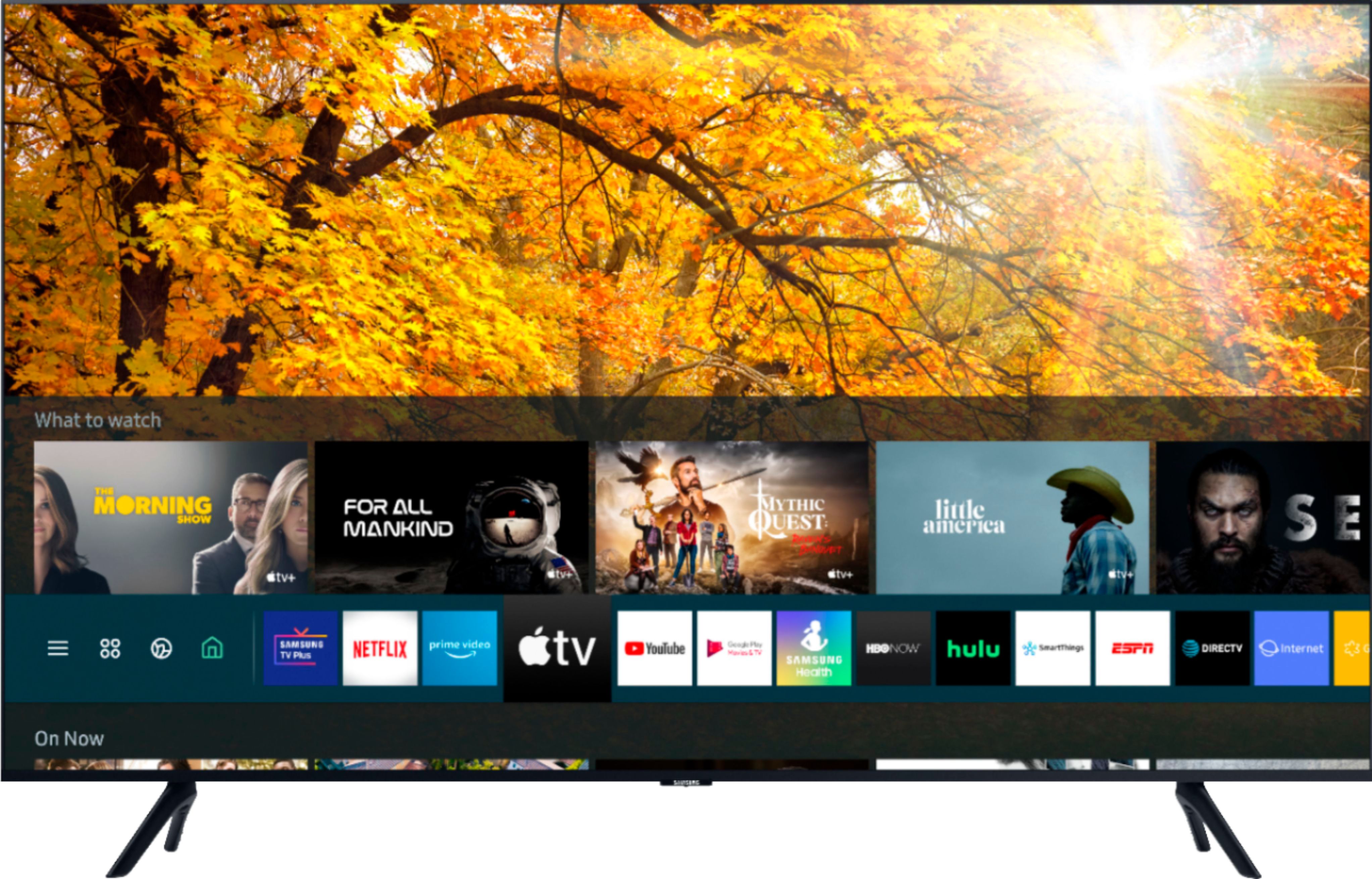
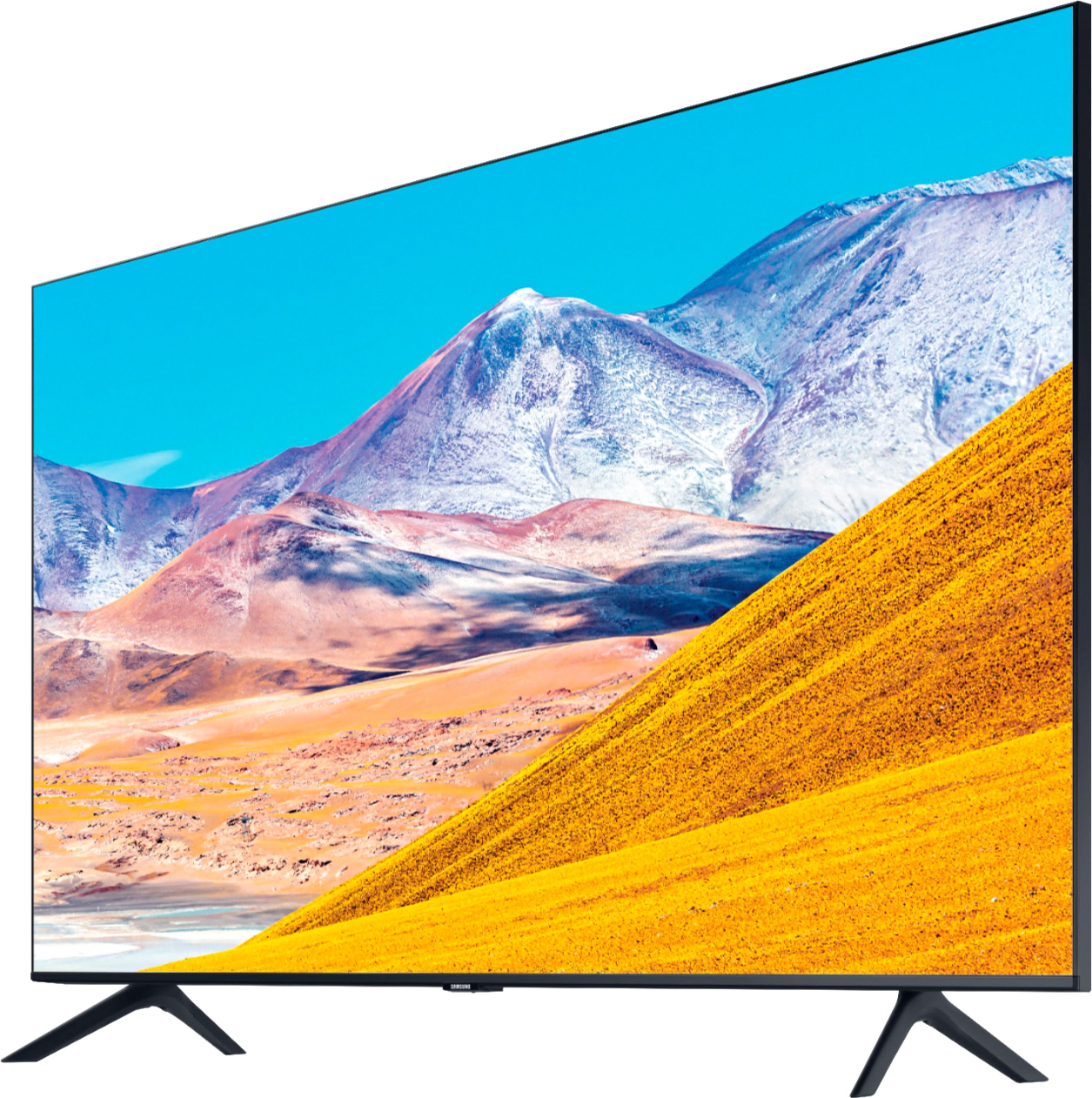

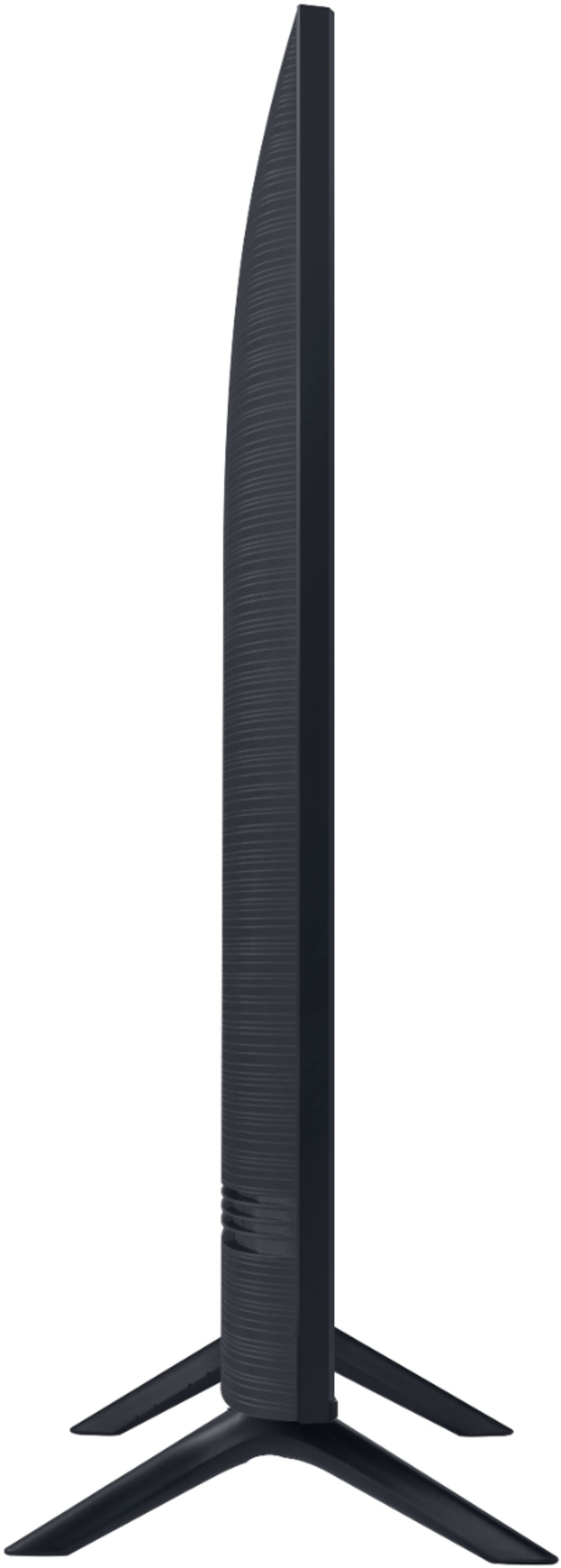

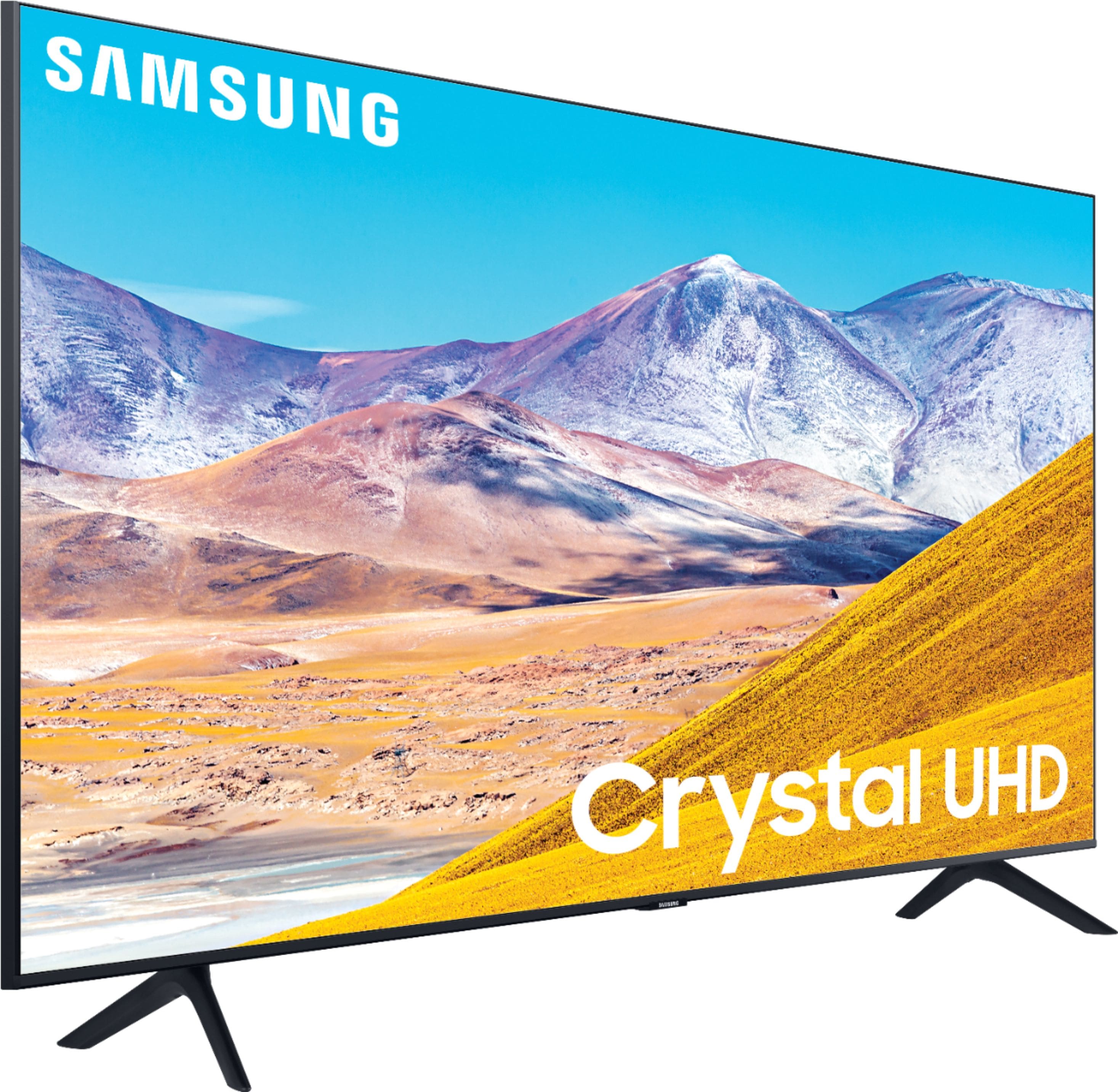
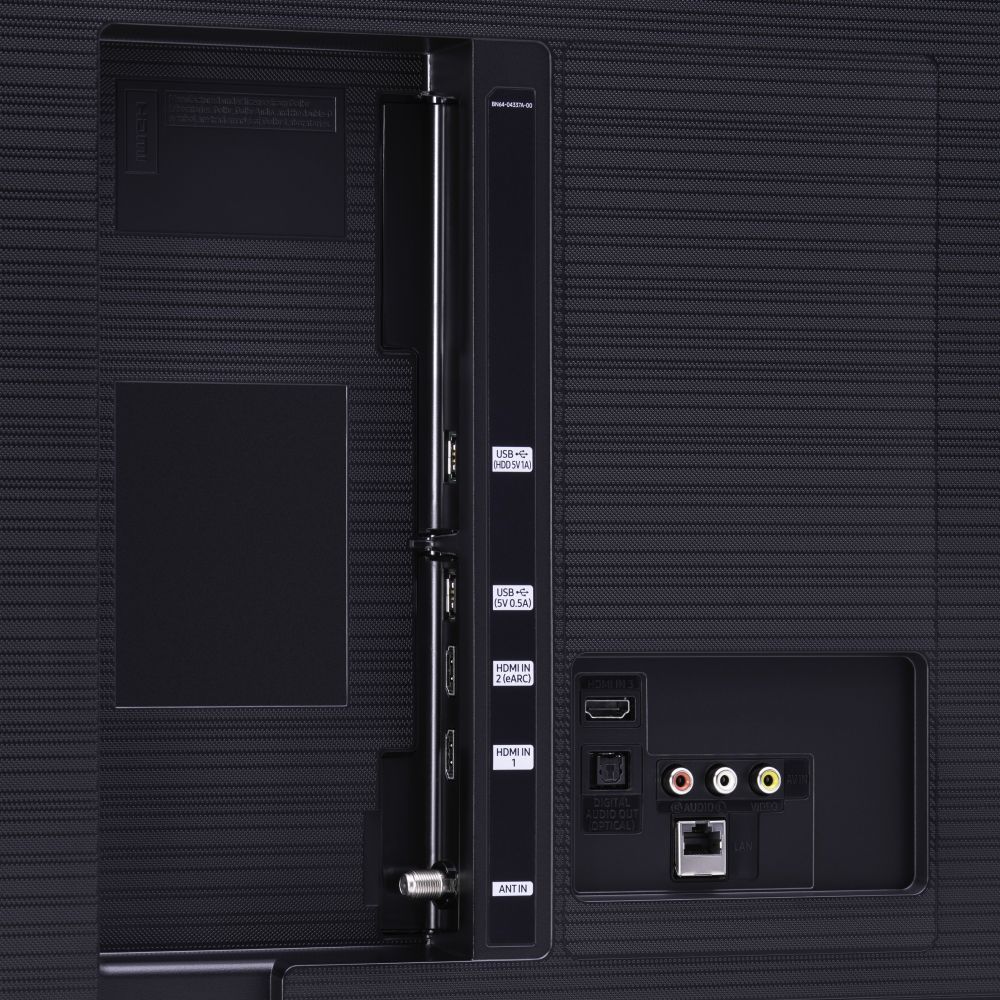







- Model:
- UN75TU8000FXZA
- SKU:
- 6401717
Rating by feature
- Picture Quality
Rating 4.5 out of 5 stars
- Sound Quality
Rating 4.5 out of 5 stars
- Brightness
Rating 4.5 out of 5 stars
Customers are saying
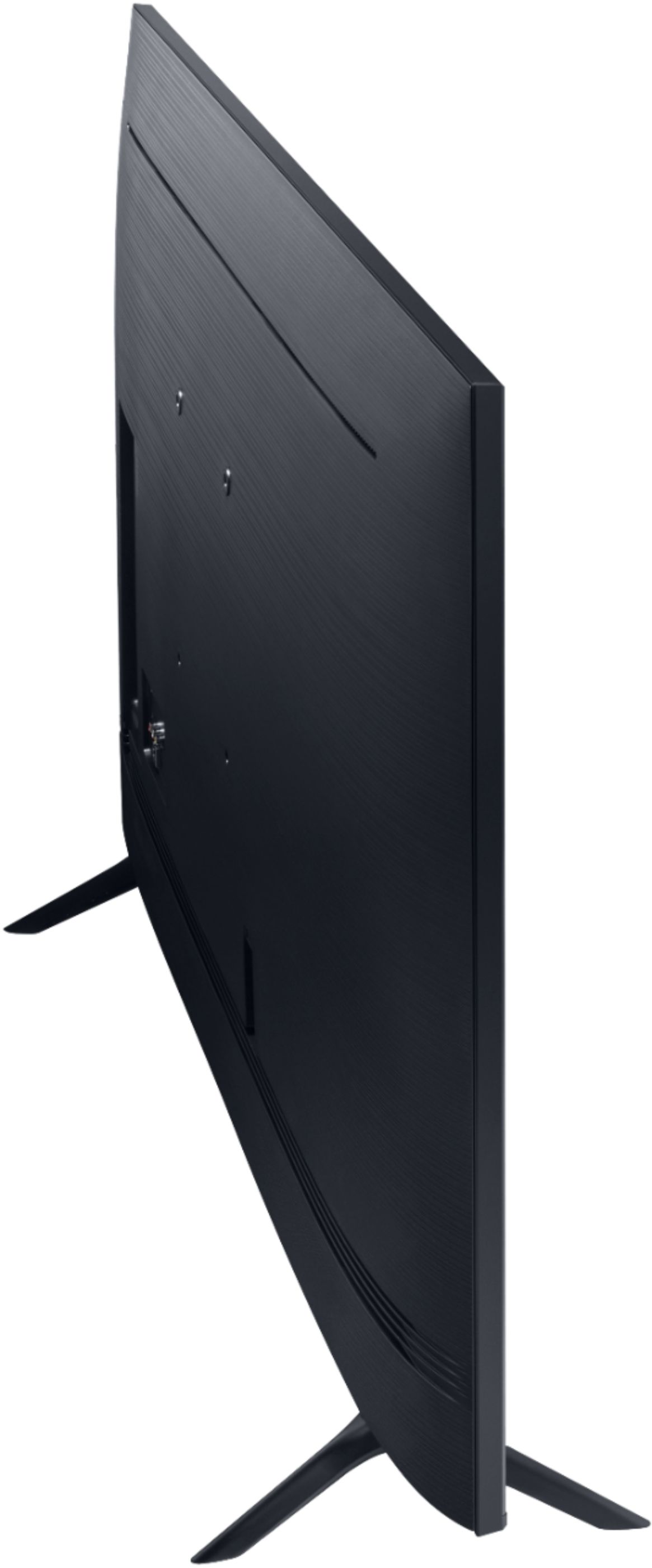
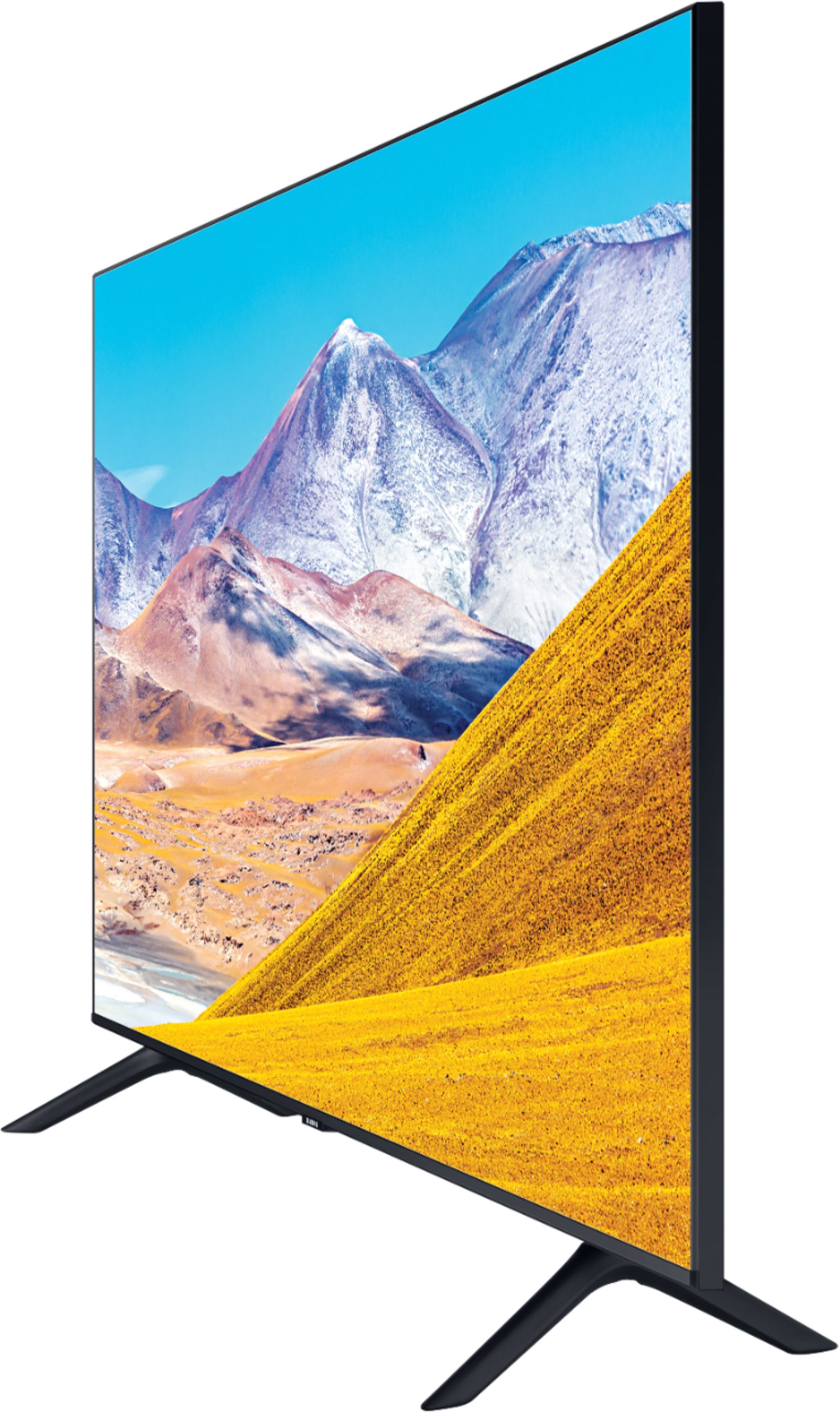
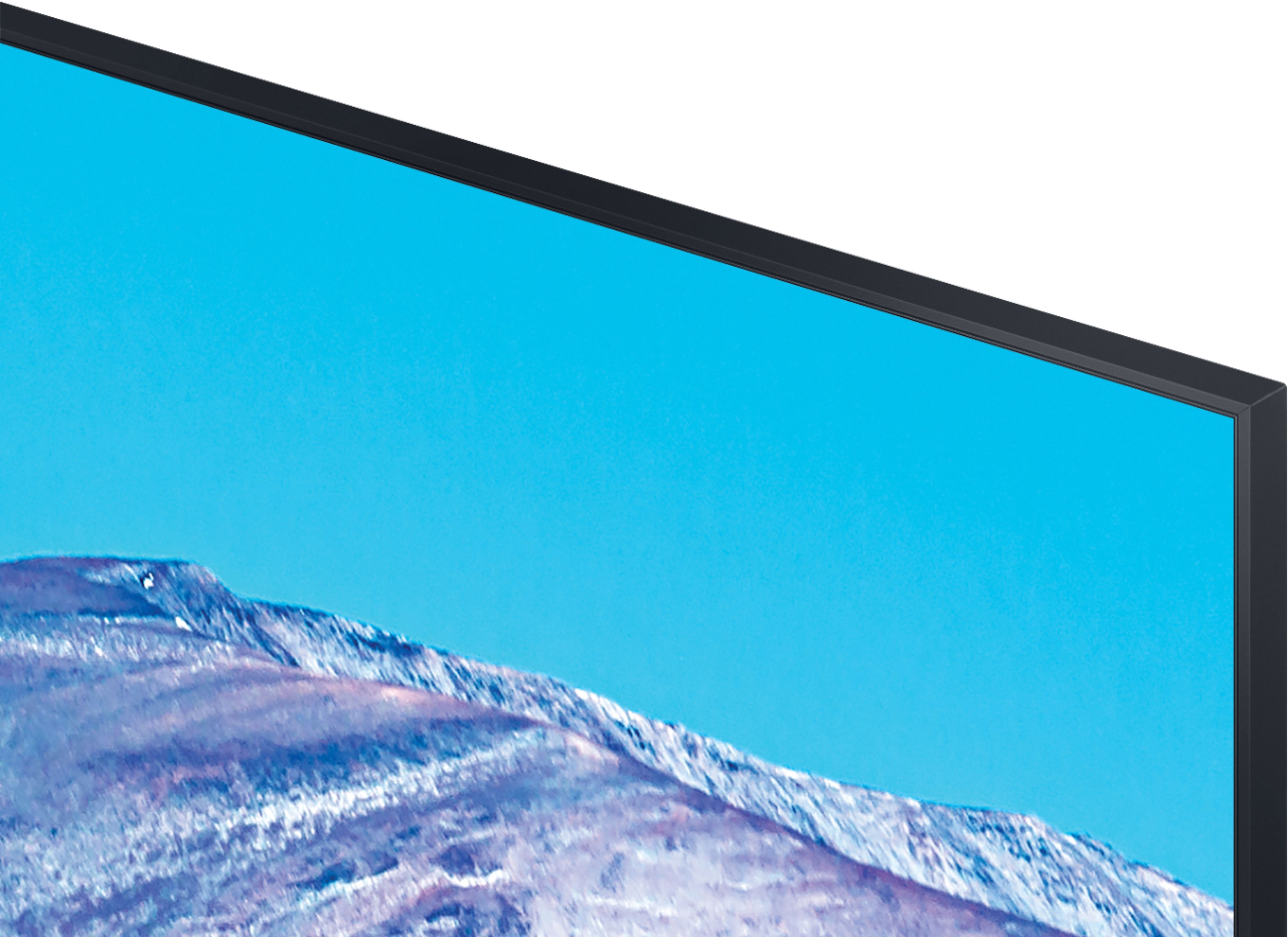
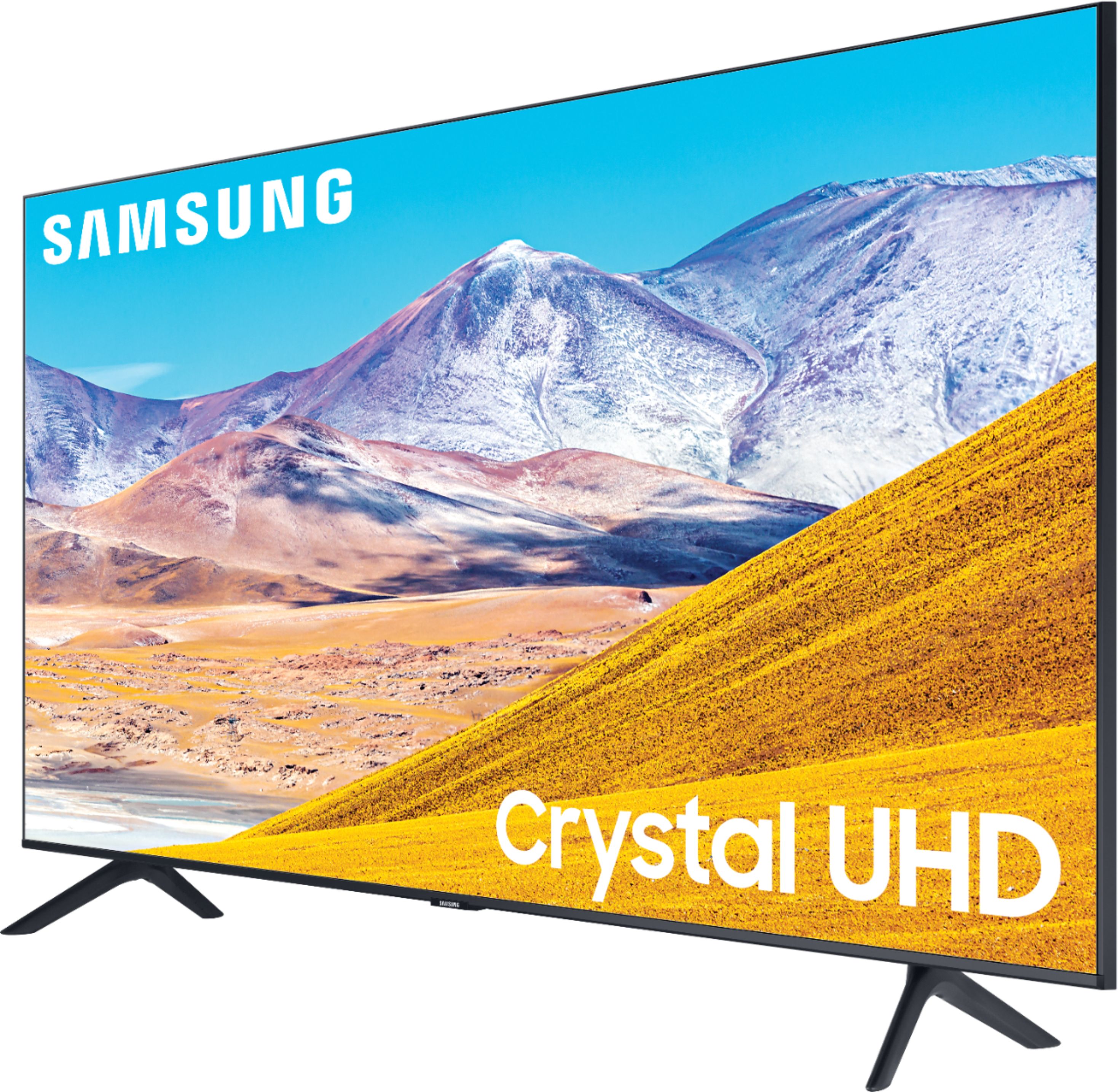
Customers find value in the 75" Class 8 Series LED 4K UHD Smart Tizen TV for its exceptional picture quality, large screen, and affordable price. Many customers rave about the stunning visuals and immersive experience provided by the TV, while others appreciate its user-friendly setup process. However, some users have expressed concerns regarding the complexity of the remote control and the TV's brightness levels.
This summary was generated by AI based on customer reviews.
Good TV for the price
||Posted . Owned for 1 month when reviewed.This reviewer received promo considerations or sweepstakes entry for writing a review.Solid TV for the price. Picture could be better in dark scenes.
I would recommend this to a friendJust stick with Vizio
||Posted . Owned for 1 week when reviewed.This reviewer received promo considerations or sweepstakes entry for writing a review.Our first day of having this TV we went through set up perfectly, later that day we turned it on with no internet connection. The TV would not even pick up any Networks when scanning. I called Samsung directly because in the nearly 50 times this year I've tried to reach someone at our nearest Best Buy Store I have only had one person pick up the phone after waiting 30 minutes for my call to be disconnected when I was transferred. I was told by Samsung that the wifi board has to be what went out on this TV. When trying to reset the TV to factory settings, to enter the PIN, the keyboard never came up to even attempt this option for a repair. We have had Vizio TV's in our home for years and clearly making the switch to Samsung has been a disappointment and mistake.
No, I would not recommend this to a friendBrand response from Samsung
Posted .Brad:
Thank you for your review of Samsung TU7000 TV. I am very sorry you are experiencing issues with your Samsung TV and that initial troubleshooting with Samsung Support was unable to resolve your issue.
Please do reach out to Samsung Customer Support again so we can provide further troubleshooting assistance or begin warranty service.
1) Phone: 1-800-SAMSUNG (ask for TVs), available 8AM – 12AM EST 7 days a week
2) LiveChat: https://www.samsung.com/us/support/#contact_us_for_support
3) Facebook Messenger: https://www.facebook.com/samsungsupport
4) Twitter: https://twitter.com/SamsungSupport
5) The Samsung Members Community is also a great resource for getting help from Samsung moderators and customers: https://us.community.samsung.com
If you have not already done so, we invite you to register your new Samsung product at: https://www.samsung.com/us/account/signin/?redirect=https%3A%2F%2Fwww.samsung.com%2Fus%2Fsupport%2Fregister%2F
Registering your product gives you access to easy warranty support, convenient opt-in to special promos and offers, faster troubleshooting and service, and quick notification of system updates.
~ Samsung Solutions
Too Dark
||Posted . Owned for 1 week when reviewed.This reviewer received promo considerations or sweepstakes entry for writing a review.Too dark for my taste ... couldn't get it bright enough.
No, I would not recommend this to a friendBrand response from Samsung
Posted .Kepley:
Thank you for purchasing the TU8000 TV and for your review. I am sorry to hear that you are not happy with the brightness levels of your picture. If the colors on your TV are correct but just a little too dark or bright you can try Dynamic Picture Mode, or manually adjust the Brightness settings to your liking.
Dynamic Picture Mode will make pictures brighter and clearer in bright viewing environments. Go to: Settings > Picture > Picture Mode > Dynamic
Or manually adjust the Brightness and other settings to your liking. Go to: Settings> Picture> Expert Settings
You may also want to disable Power Saving Mode which automatically adjusts the brightness to reduce the TV’s power consumption.
Go to Settings> General> Eco Solution> Power Saving Mode.
Ambient Light Detection will also automatically adjust the brightness level of the TV, according to the ambient light level, to reduce power consumption. If Ambient Light Detection has adjusted the screen brightness to a too bright or dark level, you can select Minimum Brightness to manually adjust the minimum screen brightness.
Go to Settings> General> Eco Solution> Ambient Light Detection
Please also be sure you are running the latest firmware. You can check to see what software version your TV is using and if there is an available update through the settings on your TV. Go to: Settings>Support>Software Update. (1460.9 released on 12/7/20)
You may want to enable automatic updates for convenience. Select Settings > Support > Software Update, then select Auto Update.
I hope this helps to improve your picture. Should you need further assistance, please contact Samsung Customer Support.
1) Phone: 1-800-SAMSUNG (ask for TVs), available 8AM – 12AM EST 7 days a week
2) LiveChat: https://www.samsung.com/us/support/#contact_us_for_support
3) Facebook Messenger: https://www.facebook.com/samsungsupport
4) Twitter: https://twitter.com/SamsungSupport
5) The Samsung Members Community is also a great resource for getting help from Samsung moderators and customers: https://us.community.samsung.com
If you have not already done so, we invite you to register your new Samsung product at: https://www.samsung.com/us/account/signin/?redirect=https%3A%2F%2Fwww.samsung.com%2Fus%2Fsupport%2Fregister%2F
Registering your product gives you access to easy warranty support, convenient opt-in to special promos and offers, faster troubleshooting and service, and quick notification of system updates.
~ Samsung Solutions
Airplay not working
||Posted . Owned for 7 months when reviewed.This reviewer received promo considerations or sweepstakes entry for writing a review.The price is cheaper than other brands. However, it's airplay does not work. I spent 2 hours online searching for solution but none of them works. I saw 34 other people cannot use it with iphone here: https://discussions.apple.com/thread/251531193
No, I would not recommend this to a friend" F "
||Posted . Owned for 3 weeks when reviewed.This reviewer received promo considerations or sweepstakes entry for writing a review.I went to buy a Samsung series 9. Did not notice until the next day that they sold me a series 8. Called them they said bring it back on Saturday and change it for the 9series. So I went to the store to on Thursday verify and they told me that they could not and would get me the right tv. Basically they told me to F OFF. I emailed the GM Trevor Thrift General Manager North Jacksonville, FL and he pretty much told me the same thing. Now he will not return my emails. Now I have a TV that I did want. I am going to take it back and buy somewhere else. Unless they make it right. So I WARN you do not buy best buy find somewhere else to go.
No, I would not recommend this to a friendTrash
||Posted . Owned for 2 months when reviewed.This reviewer received promo considerations or sweepstakes entry for writing a review.I have this Samsung trash connected to a $700 Samsung Q70 soundbar with the optional $200 rear surround speakers...all with the proper setup and cables. The TV weekly fails to recognize the soundbar and I have to fully reset everything. Even when it is recognized, I have to push about 30 buttons when switching from cable box to Netflix to Xbox to get sound to come out of the soundbar. And even when everything is working and I’m playing the wonderful new Dolby Atmos content, half the time the sound is only marginally better than the TV speaker. This is just a huge headache. I’m never buying another Samsung product. It’s all $2000 worth of trash.
No, I would not recommend this to a friendJust okay
||Posted . Owned for 1 month when reviewed.This reviewer received promo considerations or sweepstakes entry for writing a review.I returned the set for a better quality TV. Didn’t like how the colors got washed out when I wasn’t sitting directly in front of the TV. It’s an okay TV but I’m pretty picky about the picture quality.
No, I would not recommend this to a friendBrand response from Samsung
Posted .David:
Thank you for sharing your review of the Samsung TU8000 TV. I am very sorry that you were not completely happy with image quality and have decided to return it.
Should you ever decide to give Samsung TVs another try and have questions or need assistance with settings, setup, or features, please know we are always here to help.
Again, my sincerest apologies. We hope to regain you as a customer in the future.
1) Phone: 1-800-SAMSUNG (available 8AM -12AM EST, 7 days a week)
2) LiveChat: https://www.samsung.com/us/support/#contact_us_for_support
3) Facebook Messenger: https://www.facebook.com/samsungsupport
4) Twitter: https://twitter.com/SamsungSupport
5) The Samsung Members Community is also a great resource for getting help from Samsung moderators and customers: https://us.community.samsung.com
Thank you again for taking the time to share your thoughts. Your feedback helps us continuously deliver best-in-class products and service.
~ Samsung Solutions
They took all the guts out of it
||Posted . Owned for 1 month when reviewed.This reviewer received promo considerations or sweepstakes entry for writing a review.Below average picture for a model Samsung gutted to make higher margins. Picture shows. I had a four year old 75 inch which was light years ahead as far as features than the one made in January
No, I would not recommend this to a friendBrand response from Samsung
Posted .Stlouissteve,
Our 2020 TU8000 Series features Crystal UHD processor, 4K AI upscaling, HDR, Game Enhencer, and Multiple Voice Assistance and more, all designed to give you the best in dazzling, crystal-clear images and rich digital experience.
I am very sorry to see that you were not happy with the picture quality of your unit
There are several settings you can adjust to your liking such as Picture Mode and Expert Settings. Please see this guide for complete details:
https://www.samsung.com/us/support/answer/ANS00079295/
In addition, the quality of the image on your screen depends on the source and the connection.
HDMI cables are recommended for optimal HD viewing; and when possible, 4K content will provide the best picture quality. The TV will upscale as best as possible any content sent to it. The closer the signal is to 4K, the better it will look coming out.
The quality of the streaming content depends largely on the speed of your internet, as most content providers have adaptive streaming that will automatically adjust the image quality based on the network bandwidth.
Please also give us the opportunity to assist you with image quality adjustments tailored to your preferred viewing experience. You can reach us via any of the following options:
1) Phone: 1-800-SAMSUNG (Ask for TVs)
Available 8AM – 9PM EST (Mon-Fri)
2) LiveChat: https://www.samsung.com/us/support/#contact_us_for_support
3) Facebook Messenger: https://www.facebook.com/samsungsupport
4) Twitter: https://twitter.com/SamsungSupport
5) The Samsung Members Community is also a great resource for getting help from Samsung moderators and customers: https://us.community.samsung.com
If you have not already done so, we invite you to register your new Samsung product at: https://www.samsung.com/us/account/signin/?redirect=https%3A%2F%2Fwww.samsung.com%2Fus%2Fsupport%2Fregister%2F
Registering your product gives you access to easy warranty support, convenient opt-in to special promos and offers, faster troubleshooting and service, and quick notification of system updates.
-Samsung Ambassador
Sad little TV
||Posted . Owned for 2 weeks when reviewed.This reviewer received promo considerations or sweepstakes entry for writing a review.The tv when looking at it in store was awesome. We get ours home and it has light blurs on the top corner and middle of the bottom screen. Horrible experience trying to return it.
No, I would not recommend this to a friendBrand response from Samsung
Posted .Laceymae26:
Thank you for sharing your review of the Samsung TU8000 TV. I am very sorry that you experienced issues with image quality and have decided to return it.
Should you ever decide to give Samsung TVs another try and have questions or need assistance with settings, setup, or features, please know we are always here to help.
Again, my sincerest apologies. We hope to regain you as a customer in the future.
1) Phone: 1-800-SAMSUNG (ask for TVs), available 8AM – 12AM EST 7 days a week
2) LiveChat: https://www.samsung.com/us/support/#contact_us_for_support
3) Facebook Messenger: https://www.facebook.com/samsungsupport
4) Twitter: https://twitter.com/SamsungSupport
5) The Samsung Members Community is also a great resource for getting help from Samsung moderators and customers: https://us.community.samsung.com
If you have not already done so, we invite you to register your new Samsung product at: https://www.samsung.com/us/account/signin/?redirect=https%3A%2F%2Fwww.samsung.com%2Fus%2Fsupport%2Fregister%2F
Registering your product gives you access to easy warranty support, convenient opt-in to special promos and offers, faster troubleshooting and service, and quick notification of system updates.
~ Samsung Solutions
Worst Samsung TV I Have Ever Owned
||Posted . Owned for 1 month when reviewed.This reviewer received promo considerations or sweepstakes entry for writing a review.I have owned Samsungs for years and this is by far the worst I have ever owned. If I could return it I would. The light bleed is horrible the picture is muted and grayed if not always on a bright image. If you are watching anything in letter box the distraction caused by the bleeding edges makes you not want to even watch the TV. My 5 year old 60 looks better than this TV. I am tempted to move it back into my living room and sell this one for whatever I can get for it. I am very disappointed..
No, I would not recommend this to a friendHate it
||Posted . Owned for 2 months when reviewed.This reviewer received promo considerations or sweepstakes entry for writing a review.I've never been the type to return things unless it doesn't fit. This TV, however, is just horrible. I've been having on and off issues since I bought it. If I wasn't outside my return window I would have returned it by now. Doesn't link up to other Samsung phones. Doesn't show true 4k video quality and delays when playing video games. Never will I purchase a TV like this again. Such a waste of money....
No, I would not recommend this to a friendBrand response from Samsung
Posted .challenge520,
Thank you for your feedback. I am sorry to hear that you are not happy with your experience.
Here is a link to a screen mirroring guide that me of help:
https://www.samsung.com/us/support/answer/ANS00062585/
The TV will upscale as best as possible any content sent to it. The closer your content is to 4K, the better the image will look on the screen.
Here are some tips to help improve the picture clarity:
1. HDMI cables are recommended for optimal HD viewing.
2. If you have an analog cable box or satellite box, upgrade to a digital cable box or satellite box.
3. Change the output resolution of your devices, such as digital broadcast receiver, IPTV, and
set-top box to UHD or HD.
4. Expand the reception range of the corresponding HDMI input signal in Input Signal Plus.
Go to Settings- General- External Device Manager- Input Signal Plus
Have you tried Auto Motion Plus? It is a feature designed to eliminate blur and judder on an LED TV, specifically in fast moving images.
You can change Auto Motion Plus settings by following these steps:
1) With the TV powered on, press the Home button on the Samsung remote to open the Home screen
2) Then select Settings > Picture > Expert Settings > Picture Clarity Settings
3) Then you will see the following three options:
a) Off: Picture Clarity Settings will always be off
b) Auto: Picture Clarity Settings will automatically activate and deactivate based on the type of program being watched
c) Custom: Allows custom adjustments and settings to be used
4) By selecting the Custom option, you can access these advanced settings:
a) Judder Reduction: Use the directional keys on the remote to adjust the Judder setting
b) LED Clear Motion: Select to turn on/Off/Auto
c) Noise Reduction: Select to turn Auto/Off
Should you need further assistance with features or other product usage, please reach out to Samsung Support and an agent will gladly assist you.
You can reach us via any of the below options:
1) Phone: 1-800-SAMSUNG, available 8AM - 12AM EST (Mon-Sun)
2) LiveChat: https://www.samsung.com/us/support/#contact_us_for_support
3) Facebook Messenger: https://www.facebook.com/samsungsupport
4) Twitter: https://twitter.com/SamsungSupport
If you have not already done so, we invite you to register your new Samsung product at: https://www.samsung.com/us/account/signin/?redirect=https%3A%2F%2Fwww.samsung.com%2Fus%2Fsupport%2Fregister%2F
Registering your product gives you access to easy warranty support, convenient opt-in to special promos and offers, faster troubleshooting and service, and quick notification of system updates.
Again, thank you for bringing the issue to our attention – we greatly value your feedback and utilize your concerns and opinions towards delivering best-in-class service and products.
-Samsung Ambassador
- Cons mentioned:Refresh rate
Terrible
||Posted . Owned for 1 month when reviewed.This reviewer received promo considerations or sweepstakes entry for writing a review.I was told that by sales that refresh rate compared to my old tv was similar to this one. Wrong.
No, I would not recommend this to a friend Disappointed
||Posted . Owned for 3 months when reviewed.This reviewer received promo considerations or sweepstakes entry for writing a review.Was recommended to get the larger set because more money would equal to better internal parts. Wrong. Still did not connect to my AVR.
No, I would not recommend this to a friendI need a real tv
||Posted .This reviewer received promo considerations or sweepstakes entry for writing a review.Don't even bother!! If its not the colors fading its the picture resizing ...I need to get another TV or trade this one back to Best Buy.
No, I would not recommend this to a friendBrand response from Samsung
Posted .buss:
Thank you for purchasing the Samsung TU8000 4K Smart TV and for your review. I am sorry to hear that you are not completely happy with your TV’s picture. There are several image settings you can adjust to your liking such as Picture Mode and Expert Settings.
Choose a Picture Mode by going to Settings > Picture > Picture Mode and choose from Dynamic, Standard, Natural, Movie, or Filmmaker Mode.
You can further adjust your sharpness, brightness, contrast, color, tint, contrast, white balance, and more by going to Settings > Picture > Expert Settings
Resizing of a picture can be caused by either a setting on your cable/satellite box or by the channel or movie you are watching. However, the TV can be adjusted to help minimize this.
By adjusting the aspect ratio, you will get the image to fill the screen. Go to Settings > General > Picture Size Settings > Picture Size
Should you need further assistance with settings, features, or functions, please contact Samsung Customer Support.
1) Phone: 1-800-SAMSUNG (ask for TVs), available 8AM – 12AM EST 7 days a week
2) LiveChat: https://www.samsung.com/us/support/#contact_us_for_support
3) Facebook Messenger: https://www.facebook.com/samsungsupport
4) Twitter: https://twitter.com/SamsungSupport
5) The Samsung Members Community is also a great resource for getting help from Samsung moderators and customers: https://us.community.samsung.com
If you have not already done so, we invite you to register your new Samsung product at: https://www.samsung.com/us/account/signin/?redirect=https%3A%2F%2Fwww.samsung.com%2Fus%2Fsupport%2Fregister%2F
Registering your product gives you access to easy warranty support, convenient opt-in to special promos and offers, faster troubleshooting and service, and quick notification of system updates.
~ Samsung Solutions
Poor picture quality
||Posted .This reviewer received promo considerations or sweepstakes entry for writing a review.Bought this and got what I paid for. Very poor picture quality. My TV that is 9 yes old has a better picture. Very disappointed.
No, I would not recommend this to a friendVerry disappointed
||Posted . Owned for 2 weeks when reviewed.This reviewer received promo considerations or sweepstakes entry for writing a review.TV was delayed by a week. Once installed I noticed several black dots across the screen and a black line. Verry disappointed
No, I would not recommend this to a friendNot happy
||Posted . Owned for 6 months when reviewed.This reviewer received promo considerations or sweepstakes entry for writing a review.Got it home and installed it and it had lines in the screen so ended up taking it back and Best Buy was very helpful
No, I would not recommend this to a friendSamsung
||Posted .This reviewer received promo considerations or sweepstakes entry for writing a review.I’ll never again buy a Samsung tv. It might require a master in technology to figure out the basics.
No, I would not recommend this to a friendBrand response from Samsung
Posted .Beth:
I am very sorry to see that you are not finding your TU8000 easy to use. We appreciate your review and will share your feedback with our internal teams. The full e-Manual is available both online and directly on your TV for details of features and usages.
On your TV, go to: Settings > Support > Open e-Manual
Online, go to: https://downloadcenter.samsung.com/content/UM/202011/20201116112509205/KT2ATSCT-2.1.5_EM_KANTS_USA_ENG-US_201020.0.pdf
Should you need step-by-step troubleshooting assistance with setup, features, functions, or have any other questions, please contact Samsung Customer Support.
1) Phone: 1-800-SAMSUNG (ask for TVs), available 8AM – 12AM EST 7 days a week
2) LiveChat: https://www.samsung.com/us/support/#contact_us_for_support
3) Facebook Messenger: https://www.facebook.com/samsungsupport
4) Twitter: https://twitter.com/SamsungSupport
5) The Samsung Members Community is also a great resource for getting help from Samsung moderators and customers: https://us.community.samsung.com
If you have not already done so, we invite you to register your new Samsung product at: https://www.samsung.com/us/account/signin/?redirect=https%3A%2F%2Fwww.samsung.com%2Fus%2Fsupport%2Fregister%2F
Registering your product gives you access to easy warranty support, convenient opt-in to special promos and offers, faster troubleshooting and service, and quick notification of system updates.
~ Samsung Solutions
Doesn’t last long
||Posted . Owned for more than 2 years when reviewed.This reviewer received promo considerations or sweepstakes entry for writing a review.It lasted 2 years and now has shadowing in picture.
No, I would not recommend this to a friendDisappointed with the clarity of the picture
||Posted . Owned for 1 month when reviewed.This reviewer received promo considerations or sweepstakes entry for writing a review.I like the size but I’m disappointed with the picture. Not as clear as what I expected.
No, I would not recommend this to a friendBrand response from Samsung
Posted .Grace,
Thank you for sharing your feedback with us.
I am sorry that you are not satisfied with the picture clarity on your TU8000 TV screen.
The TV will upscale as best as possible any content sent to it. The closer your content is to 4K, the better the image will look on the screen.
Here are some tips to help improve the picture clarity:
1. HDMI cables are recommended for optimal HD viewing.
2. If you have an analog cable box or satellite box, upgrade to a digital cable box or satellite box.
3. Change the output resolution of your devices, such as digital broadcast receiver, IPTV, and
set-top box to UHD or HD.
4. Adjust Sharpness and Clarity under Expert settings.
Here is a link to the downloadable eManual, where you can find a detailed guide to configuring advanced picture setting (pages 92-93):
https://downloadcenter.samsung.com/content/UM/202006/20200618112841534/NIKATSCT-3.0.7_EM_NIKE_USA_ENG_200527.0.pdf
Should you need further assistance with clarity issue or any other features, please contact Samsung TV Support at:
1) Phone: 1-800-SAMSUNG (ask for TVs), available 8AM – 12AM EST 7 days a week
2) LiveChat: https://www.samsung.com/us/support/#contact_us_for_support
3) Facebook Messenger: https://www.facebook.com/samsungsupport
4) Twitter: https://twitter.com/SamsungSupport
If you have not already done so, we invite you to register your new Samsung product at:
https://www.samsung.com/us/account/signin/?redirect=https%3A%2F%2Fwww.samsung.com%2Fus%2Fsupport%2Fregister%2F&user=dsr-registration
Registering your product gives you access to easy warranty support, convenient opt-in to special promos and offers, faster troubleshooting and service, and quick notification of system updates.
Again, thank you for taking the time to share your thoughts. Your feedback helps us continuously deliver best-in-class products and service
-Samsung Ambassador