Customer Ratings & Reviews









- Model:
- UN75TU8000FXZA
- SKU:
- 6401717
Rating by feature
- Picture Quality
Rating 4.5 out of 5 stars
- Sound Quality
Rating 4.5 out of 5 stars
- Brightness
Rating 4.5 out of 5 stars
Customers are saying
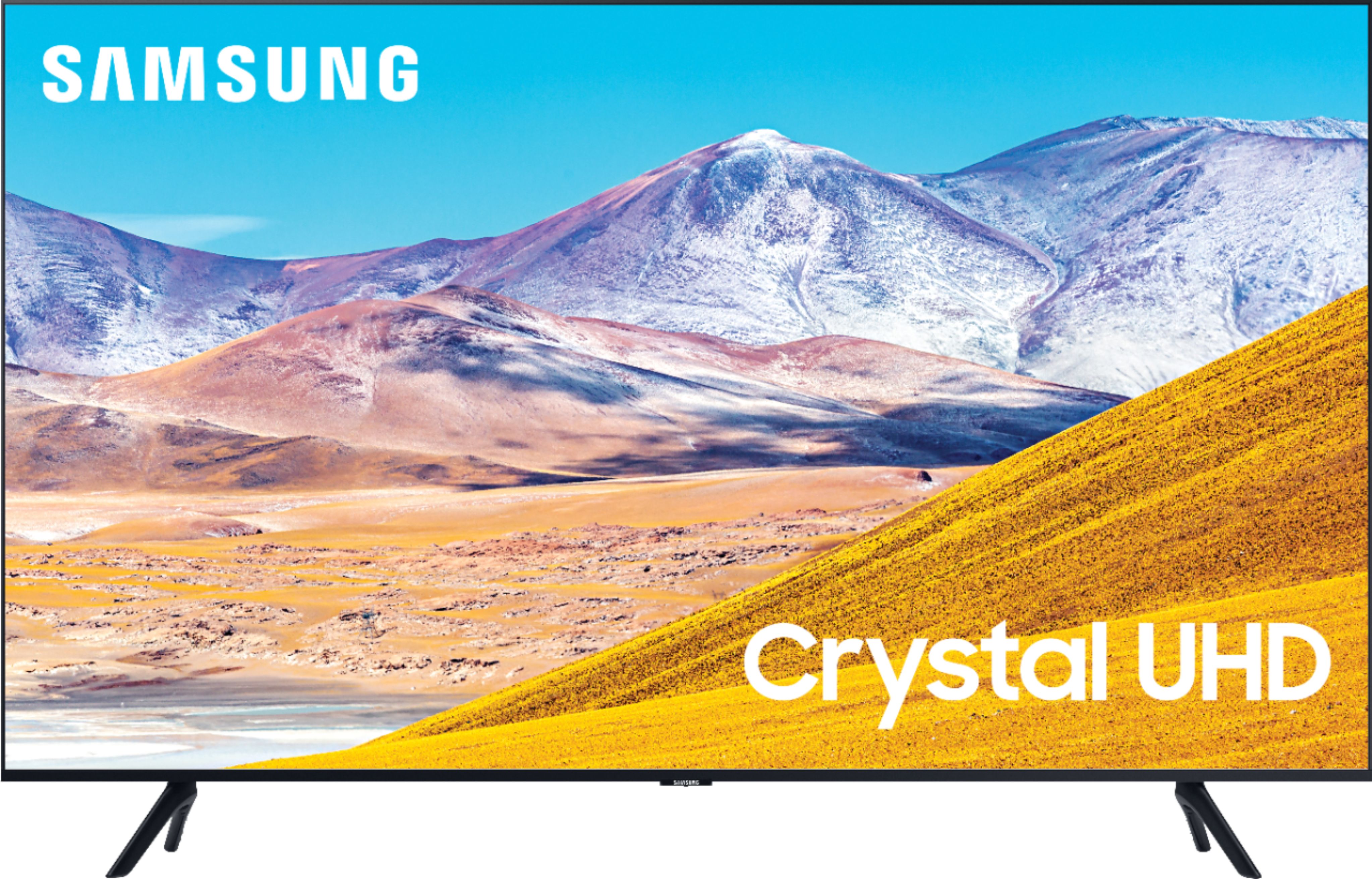
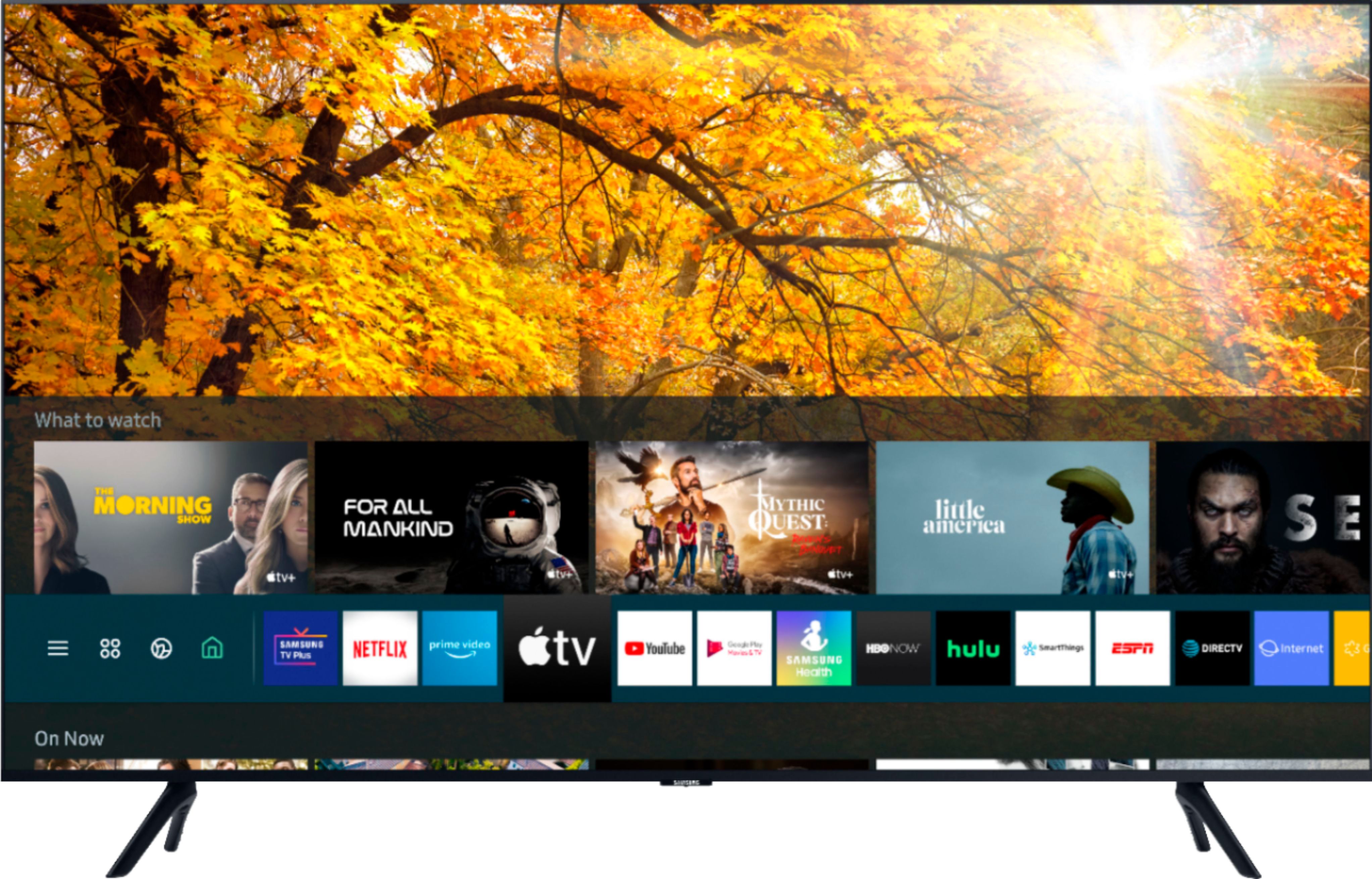
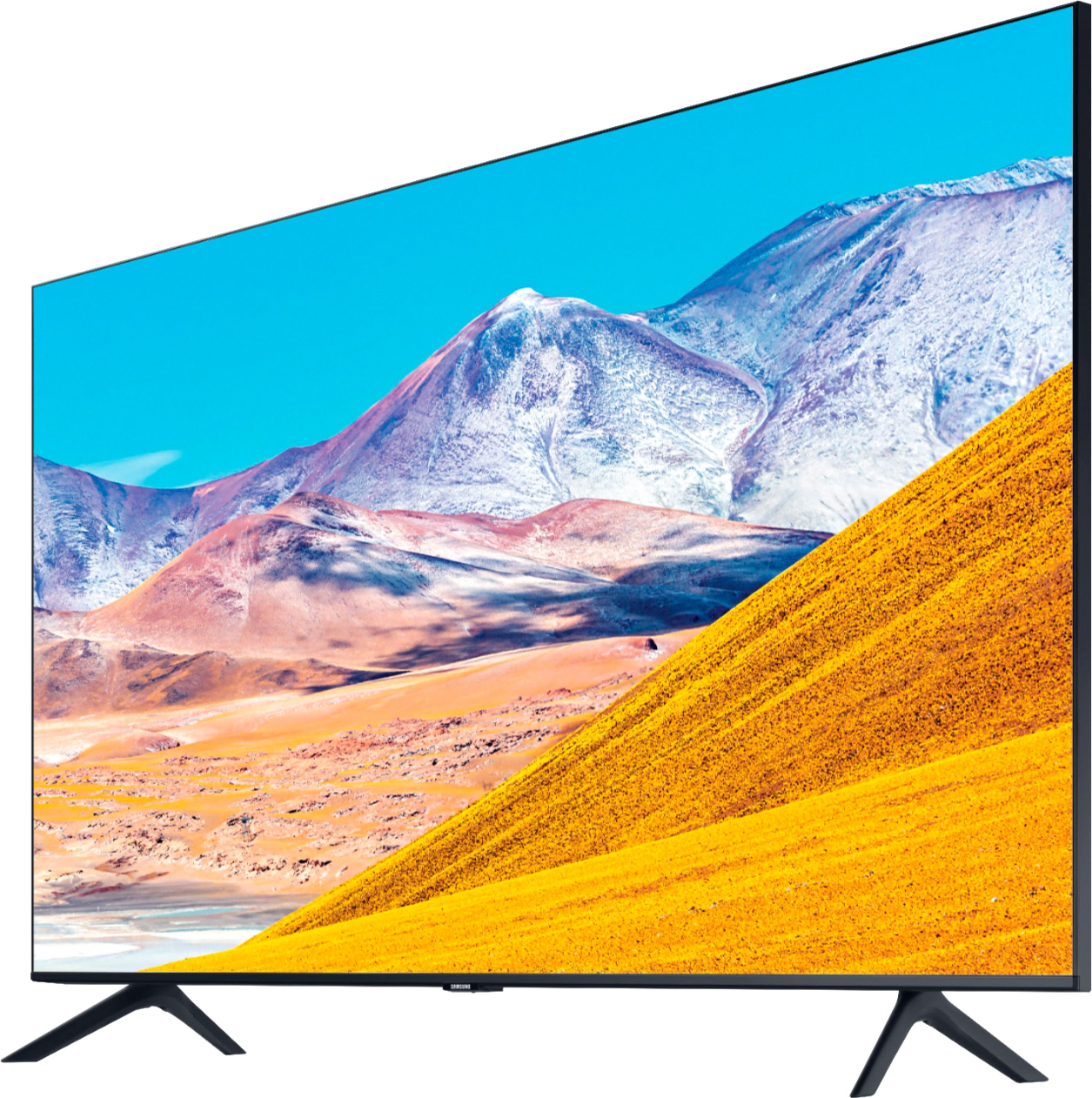
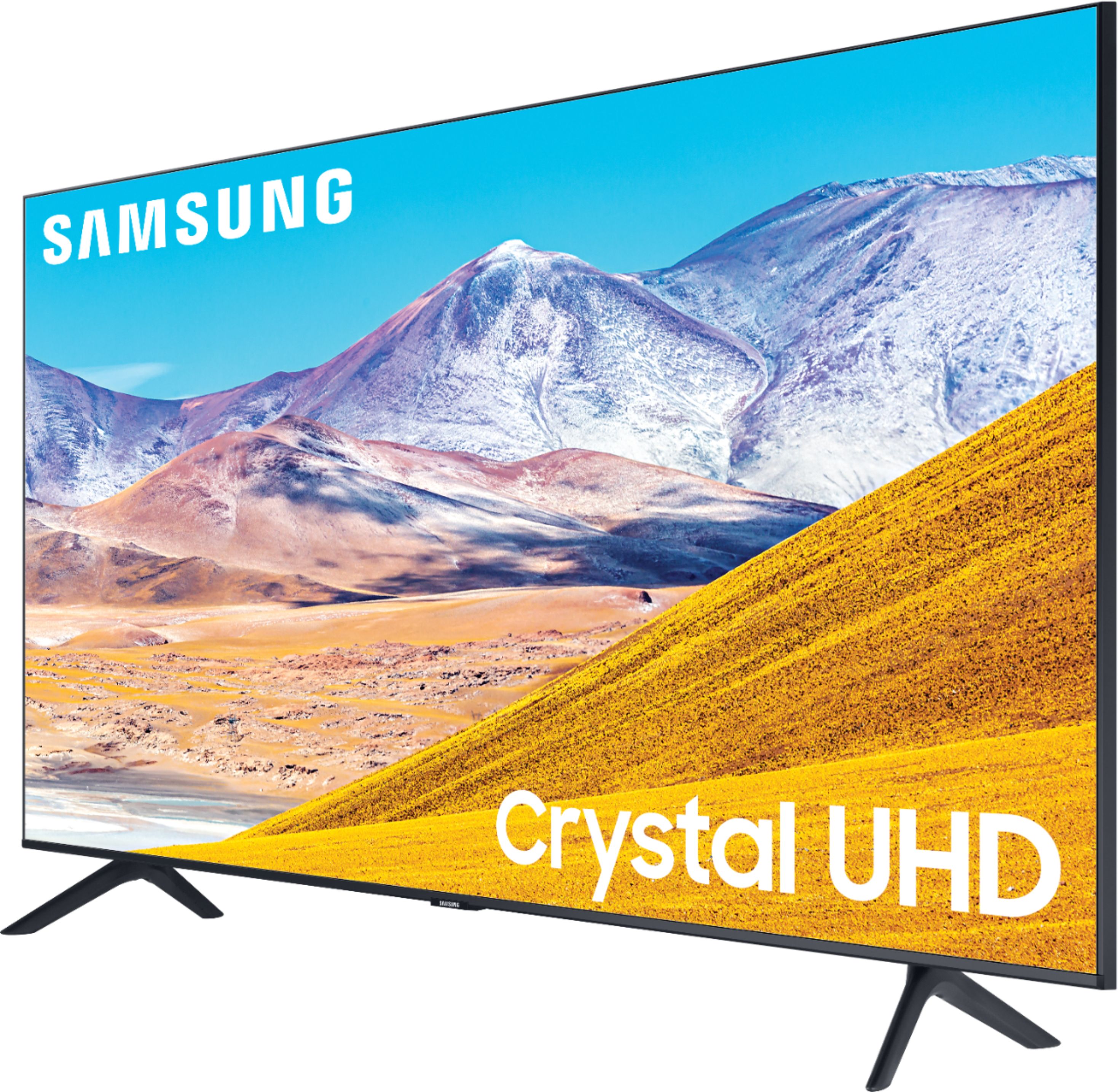
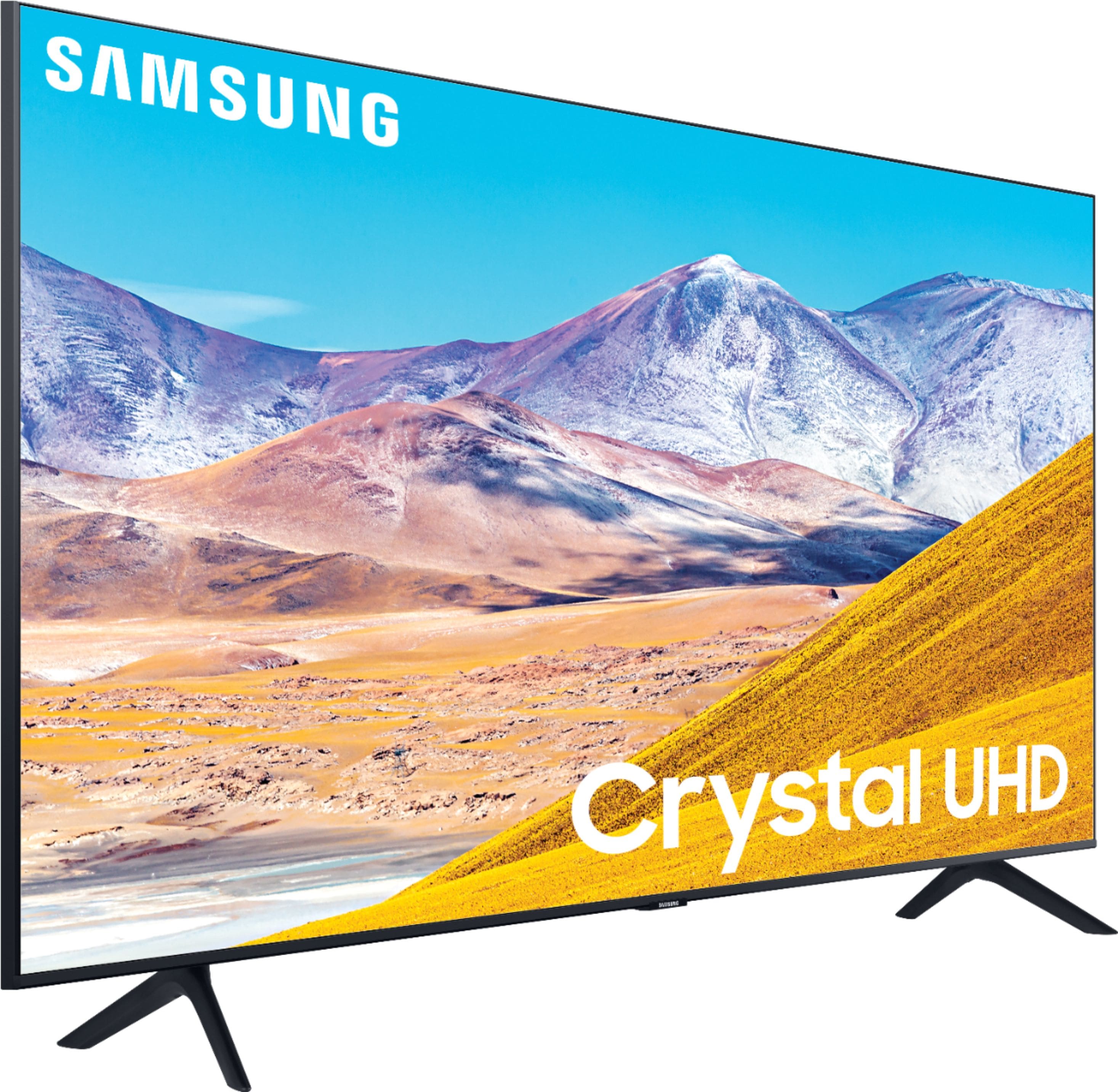
Customers find value in the 75" Class 8 Series LED 4K UHD Smart Tizen TV for its exceptional picture quality, large screen, and affordable price. Many customers rave about the stunning visuals and immersive experience provided by the TV, while others appreciate its user-friendly setup process. However, some users have expressed concerns regarding the complexity of the remote control and the TV's brightness levels.
This summary was generated by AI based on customer reviews.
Terrible quality
||Posted . Owned for 1 month when reviewed.This reviewer received promo considerations or sweepstakes entry for writing a review.After returning 2 previous television’s, I basically have given up. This is the 3rd television set I have gotten- which is also damaged. Their is a line in the center of the tv it comes and goes. I work 6 days a week out of Moreno Valley by the time I get home the Best Buy outlet is already closed.
No, I would not recommend this to a friendZeow
||Posted . Owned for 3 weeks when reviewed.This reviewer received promo considerations or sweepstakes entry for writing a review.Haven’t set it up yet. I’m starting to wonder how it is going to work?
I would recommend this to a friendDoes not support HSMI 2.1
||Posted . Owned for 1 week when reviewed.This reviewer received promo considerations or sweepstakes entry for writing a review.This television does not support HDMI 2.1. I specifically asked for it. Not gonna return it because I threw the box away, this will get tucked away in my guest bedroom. I know what I get is what I pay for but being black friday and all i thought i was good to go. That was not the case.
No, I would not recommend this to a friendBrand response from Samsung
Posted .buffguytv:
Thank you for your interest in the TU8000. With HDMI 2.1 being such a complex topic, we feel it is clearer to highlight the specific features supported by each TV model.
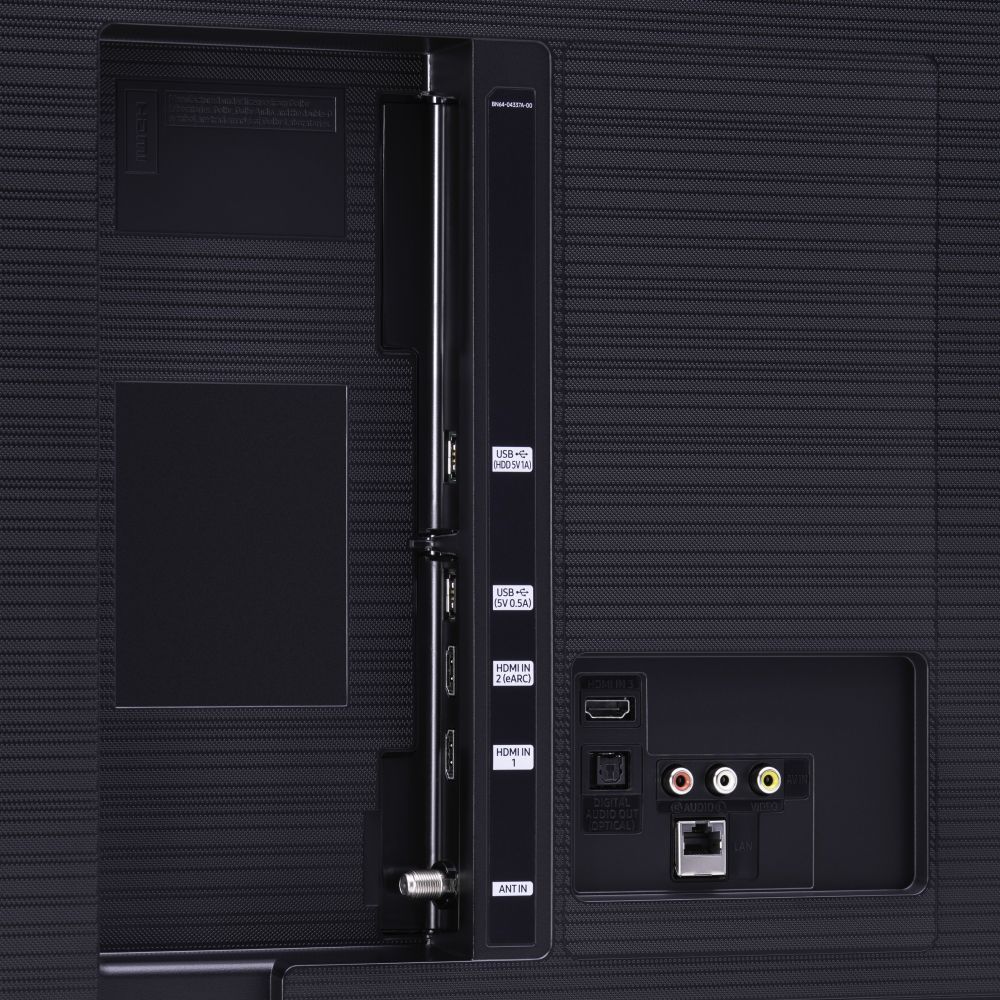
This model has 3 HDMI ports, all of which support HDR10+ and Auto Low Latency Mode (Auto Game Mode). The “HDMI In 2” port further supports eARC.
If you are looking for a TV capable of 4K@120fps (FRL), please consider a step up to the 55" Q70T, which supports FRL on HDMI 4. All Samsung 2020 model year QLED TVs 55” and larger starting from the Q70T Series are capable of 4K@120fps, as well as FreeSync, and VRR. If we can help answer any other questions, please call us at 1-800-SAMSUNG.
1) Phone: 1-800-SAMSUNG (ask for TVs), available 8AM – 12AM EST 7 days a week
2) LiveChat: https://www.samsung.com/us/support/#contact_us_for_support
3) Facebook Messenger: https://www.facebook.com/samsungsupport
4) Twitter: https://twitter.com/SamsungSupport
5) The Samsung Members Community is also a great resource for getting help from Samsung moderators and customers: https://us.community.samsung.com
If you have not already done so, we invite you to register your new Samsung product at: https://www.samsung.com/us/account/signin/?redirect=https%3A%2F%2Fwww.samsung.com%2Fus%2Fsupport%2Fregister%2F
Registering your product gives you access to easy warranty support, convenient opt-in to special promos and offers, faster troubleshooting and service, and quick notification of system updates.
~ Samsung Solutions
Geek squad sucks
||Posted .This reviewer received promo considerations or sweepstakes entry for writing a review.Not worth it do not buy geek squad protection bought this to from the Manhattan store and the employee told me the geek squad warranty covered accidental damage turns out it doesn’t. Corporate doesn’t give a rats. Thanks to the a hole who lied to me.
No, I would not recommend this to a friendLow quality of volume and poor display
||Posted . Owned for 3 weeks when reviewed.This reviewer received promo considerations or sweepstakes entry for writing a review.Good size of tv but it has low quality of volume and poor display
No, I would not recommend this to a friendBrand response from Samsung
Posted .RMax,
Thank you for your purchase and review.
I am sorry that you are not satisfied with the volume and picture performance of your TU8000 TV.
One possible cause for the low volume is the source. Some sources have their own volume control which might be set too low.
We recommend you try a Sound Test under Support > Self Diagnosis > Start Sound Test.
Another way to check the source volume is to test an internal streaming source like Netflix or YouTube to compare.
There are several preset picture modes and many custom settings that can optimize image quality for your viewing scenario.
Go to HOME > SETTINGS > PICTURE > PICTURE MODE and choose:
1) Dynamic: Makes the picture brighter and clearer in bright viewing environments.
2) Standard: This is the default mode suitable for general viewing environments.
3) Natural: Reduces eye strain for a comfortable viewing experience.
4) Movie: Suitable for watching TV or movies in a dark room.
5) Filmmaker: Watch the source content (e.g., movie) as it is.
The quality of the streaming content depends largely on the speed of your internet, as most content providers have adaptive streaming that will automatically adjust the image quality based on the network bandwidth.
Please also give us the opportunity to assist you with image quality adjustments tailored to your preferred viewing experience. You can reach us via any of the following options:
1) Phone: 1-800-SAMSUNG (ask for TVs), available 8AM – 12AM EST 7 days a week
2) LiveChat: https://www.samsung.com/us/support/#contact_us_for_support
3) Facebook Messenger: https://www.facebook.com/samsungsupport
4) Twitter: https://twitter.com/SamsungSupport
5) The Samsung Members Community is also a great resource for getting help from Samsung moderators and customers: https://us.community.samsung.com
If you have not already done so, we invite you to register your new Samsung product at:
https://www.samsung.com/us/account/signin/?redirect=https%3A%2F%2Fwww.samsung.com%2Fus%2Fsupport%2Fregister%2F&user=dsr-registration
Registering your product gives you access to easy warranty support, convenient opt-in to special promos and offers, faster troubleshooting and service, and quick notification of system updates.
-Samsung Ambassador
Price is good, post sale service support not good
||Posted . Owned for 1 month when reviewed.This reviewer received promo considerations or sweepstakes entry for writing a review.The prices at the outlet/scractch n' dent store were good. However, there were parts missing. I tried calling during the 3 or 4 days per week the store is open and no one picked up phone. I still have parts missing from the appliances.
No, I would not recommend this to a friendTV samsung loosing signal tizen
||Posted . Owned for 2 weeks when reviewed.This reviewer received promo considerations or sweepstakes entry for writing a review.Unfournately I had to return this tv model, there is an issue with some samsung tv, loosing wifi signal, does not matter which router or setting you use, your connection automatically drop when you shutdown the tv. I replaced for a Sony.
No, I would not recommend this to a friendLED or Chrystal UHD?
||Posted . Owned for 1 week when reviewed.This reviewer received promo considerations or sweepstakes entry for writing a review.On the description, it says LED, but the box says its Chrystal UHD. We bought it thinking thats its a LED 4K UHD. I dont know what to believe, the box or the description. I will give it a 5 star if its LED.
I would recommend this to a friendBad model
||Posted . Owned for 8 months when reviewed.This reviewer received promo considerations or sweepstakes entry for writing a review.It is really a very bad TV to buy . It is giving me trouble for the day I started using. Please don’t buy this model ever . Looks like they sent me the used one which was already giving trouble.
No, I would not recommend this to a friendBad tv
||Posted .This reviewer received promo considerations or sweepstakes entry for writing a review.Television sucked. It failed within 4 weeks and had to be returned. This was my 2nd failed Samsung tv. Will avoid brand.
No, I would not recommend this to a friendWhite spots
||Posted . Owned for 1 month when reviewed.This reviewer received promo considerations or sweepstakes entry for writing a review.Had white spots had to return it and get another one after mounting it to the wall. The one I got in the exchange still has some white spots around the tv. Will not buy again
No, I would not recommend this to a friendBrand response from Samsung
Posted .75tv:
I am very sorry you are seeing white spots on your screen. They may be pressure points from packing & shipping.
We recommend you contact Best Buy directly for assistance in correcting this situation. We hope your issue is resolved in a timely manner.
Should you have questions or concerns regarding the usage or setup of your TV once your issue is resolved, please contact Samsung Customer Support.
1) Phone: 1-800-SAMSUNG (ask for TVs), available 8AM – 12AM EST 7 days a week
2) LiveChat: https://www.samsung.com/us/support/#contact_us_for_support
3) Facebook Messenger: https://www.facebook.com/samsungsupport
4) Twitter: https://twitter.com/SamsungSupport
5) The Samsung Members Community is also a great resource for getting help from Samsung moderators and customers: https://us.community.samsung.com
If you have not already done so, we invite you to register your new Samsung product at: https://www.samsung.com/us/account/signin/?redirect=https%3A%2F%2Fwww.samsung.com%2Fus%2Fsupport%2Fregister%2F
Registering your product gives you access to easy warranty support, convenient opt-in to special promos and offers, faster troubleshooting and service, and quick notification of system updates.
~ Samsung Solutions
Look elsewhere
||Posted . Owned for 1 month when reviewed.This reviewer received promo considerations or sweepstakes entry for writing a review.Very dissapeared with the prosses speed. Always a blurry picture with any sort of action. Would not work with my Sonos surround system. Returned it and bought a Sony
No, I would not recommend this to a friendBrand response from Samsung
Posted .Greattv:
Thank you for sharing your review of the Samsung Q90T TV. I am very sorry that you were not completely happy with motion image quality, experienced issues connecting with your surround system, and have decided to return it.
Should you ever decide to give Samsung TVs another try and have questions or need assistance with settings, setup, or features, please know we are always here to help.
Again, my sincerest apologies. We hope to regain you as a customer in the future.
1) Phone: 1-800-SAMSUNG (ask for TVs), available 8AM – 12AM EST 7 days a week
2) LiveChat: https://www.samsung.com/us/support/#contact_us_for_support
3) Facebook Messenger: https://www.facebook.com/samsungsupport
4) Twitter: https://twitter.com/SamsungSupport
5) The Samsung Members Community is also a great resource for getting help from Samsung moderators and customers: https://us.community.samsung.com
If you have not already done so, we invite you to register your new Samsung product at: https://www.samsung.com/us/account/signin/?redirect=https%3A%2F%2Fwww.samsung.com%2Fus%2Fsupport%2Fregister%2F
Registering your product gives you access to easy warranty support, convenient opt-in to special promos and offers, faster troubleshooting and service, and quick notification of system updates.
~ Samsung Solutions
Bad buy
||Posted . Owned for 1 week when reviewed.This reviewer received promo considerations or sweepstakes entry for writing a review.The tv is slow and glitchy. We also have a series 7 that operates the same way. It seems the software is just not up to par. You truly get what you pay for!
No, I would not recommend this to a friendBrand response from Samsung
Posted .Swill:
Thank you for sharing your review of the TU8000 TV. I am sorry that you are finding your unit to be slow and glitchy.
To optimize the smart TV performance, please try Device Care option under the Support Menu. Go to Settings > Support> Device Care > Start Device Care
This service checks memory and frees up unused cached memory and closes background apps.
Please also be sure you are running the latest firmware. You can check to see what software version your TV is using and if there is an available update through the settings on your TV. Go to: Settings > Support > Software Update.
Both the current version and new version number will be displayed. The current version is what your TV is using, and the new version is the latest update.
New updates will be downloaded and installed on your TV. Updates usually take a few minutes; please do not turn off the TV until the update is complete. When the update is finished, the TV will restart automatically. If there aren't any new updates, select OK to exit.
You may want to enable automatic updates for convenience by selecting > Auto Update.
Should you need further assistance, please contact Samsung Customer Support.
1) Phone: 1-800-SAMSUNG (ask for TVs), available 8AM – 12AM EST 7 days a week
2) LiveChat: https://www.samsung.com/us/support/#contact_us_for_support
3) Facebook Messenger: https://www.facebook.com/samsungsupport
4) Twitter: https://twitter.com/SamsungSupport
5) The Samsung Members Community is also a great resource for getting help from Samsung moderators and customers: https://us.community.samsung.com
If you have not already done so, we invite you to register your new Samsung product at: https://www.samsung.com/us/account/signin/?redirect=https%3A%2F%2Fwww.samsung.com%2Fus%2Fsupport%2Fregister%2F
Registering your product gives you access to easy warranty support, convenient opt-in to special promos and offers, faster troubleshooting and service, and quick notification of system updates.
~ Samsung Solutions
Good Price But Would Not Recommend
||Posted .This reviewer received promo considerations or sweepstakes entry for writing a review.TV stopped working a month after I bought it. Samsung has been very slow about getting a technician to my house. Horrible service and horrible product.
No, I would not recommend this to a friendBrand response from Samsung
Posted .Tierra,
Thank you for your feedback on the Samsung TU8000 4K Smart TV. I am very sorry for the issues you have encountered and understand your frustration. Your user experience is very important to us and will be shared with our teams.
Should you wish to check the status of your repair or need any further assistance, please contact us:
1) Phone: 1-800-SAMSUNG (ask for TVs), available 8AM – 12AM EST 7 days a week
2) LiveChat: https://www.samsung.com/us/support/#contact_us_for_support
3) Facebook Messenger: https://www.facebook.com/samsungsupport
4) Twitter: https://twitter.com/SamsungSupport
Again, my apologies for the inconvenience you have had. We do hope to hear from you.
-Samsung Ambassador
PCT
||Posted . Owned for 1 year when reviewed.This reviewer received promo considerations or sweepstakes entry for writing a review.After taking all that time setting this TV up, I turned it on and the screen was all shattered. I had to return this TV.
No, I would not recommend this to a friendSamsung
||Posted .This reviewer received promo considerations or sweepstakes entry for writing a review.Had this TV for a short time (4-21-21) and had to come to the store and exchange it for a TV that works. Waiting for the swap.
No, I would not recommend this to a friendDestructive microwave install
||Posted . Owned for 1 month when reviewed.This reviewer received promo considerations or sweepstakes entry for writing a review.Installers put a deep nick in one of our kitchen cabinet doors. Didn’t even bother to tell us. We noticed it once they left.
No, I would not recommend this to a friendIt’s not good working.
||Posted .This reviewer received promo considerations or sweepstakes entry for writing a review.It’s looking beautiful but it’s not good working. Sometimes it’s turning off the screen. It’s so bad.
No, I would not recommend this to a friendtoo big and had issue
||Posted . Owned for 1 month when reviewed.This reviewer received promo considerations or sweepstakes entry for writing a review.I had issue with it after first week, internet was not connecting and had to plug it off and plug it on again
No, I would not recommend this to a friendBrand response from Samsung
Posted .Pooya:
Thank you for purchasing the Samsung TU8000 TV and for your review. I am very sorry you are experiencing internet connection issues. A recent firmware update is available which may help improve your connection. (1460.9 released on 12/7/20)
Using your TV's remote, navigate to Settings, and select Support. Select Software Update, and then select Update Now. New updates will be downloaded and installed on your TV. Updates usually take a few minutes; please do not turn off the TV until the update is complete. When the update is finished, the TV will restart automatically.
You may also want to enable automatic updates for future convenience.
Select Settings > Support > Software Update, then select Auto Update.
Should your problem persist, please contact Samsung Customer Support:
1) Phone: 1-800-SAMSUNG (ask for TVs), available 8AM – 12AM EST 7 days a week
2) LiveChat: https://www.samsung.com/us/support/#contact_us_for_support
3) Facebook Messenger: https://www.facebook.com/samsungsupport
4) Twitter: https://twitter.com/SamsungSupport
5) The Samsung Members Community is also a great resource for getting help from Samsung moderators and customers: https://us.community.samsung.com
If you have not already done so, we invite you to register your new Samsung product at: https://www.samsung.com/us/account/signin/?redirect=https%3A%2F%2Fwww.samsung.com%2Fus%2Fsupport%2Fregister%2F
Registering your product gives you access to easy warranty support, convenient opt-in to special promos and offers, faster troubleshooting and service, and quick notification of system updates.
~ Samsung Solutions
After 1 month the TV stopped working.
||Posted . Owned for 1 month when reviewed.This reviewer received promo considerations or sweepstakes entry for writing a review.The tv will not stay on. Very disappointed in this product.
No, I would not recommend this to a friend