Customer Ratings & Reviews
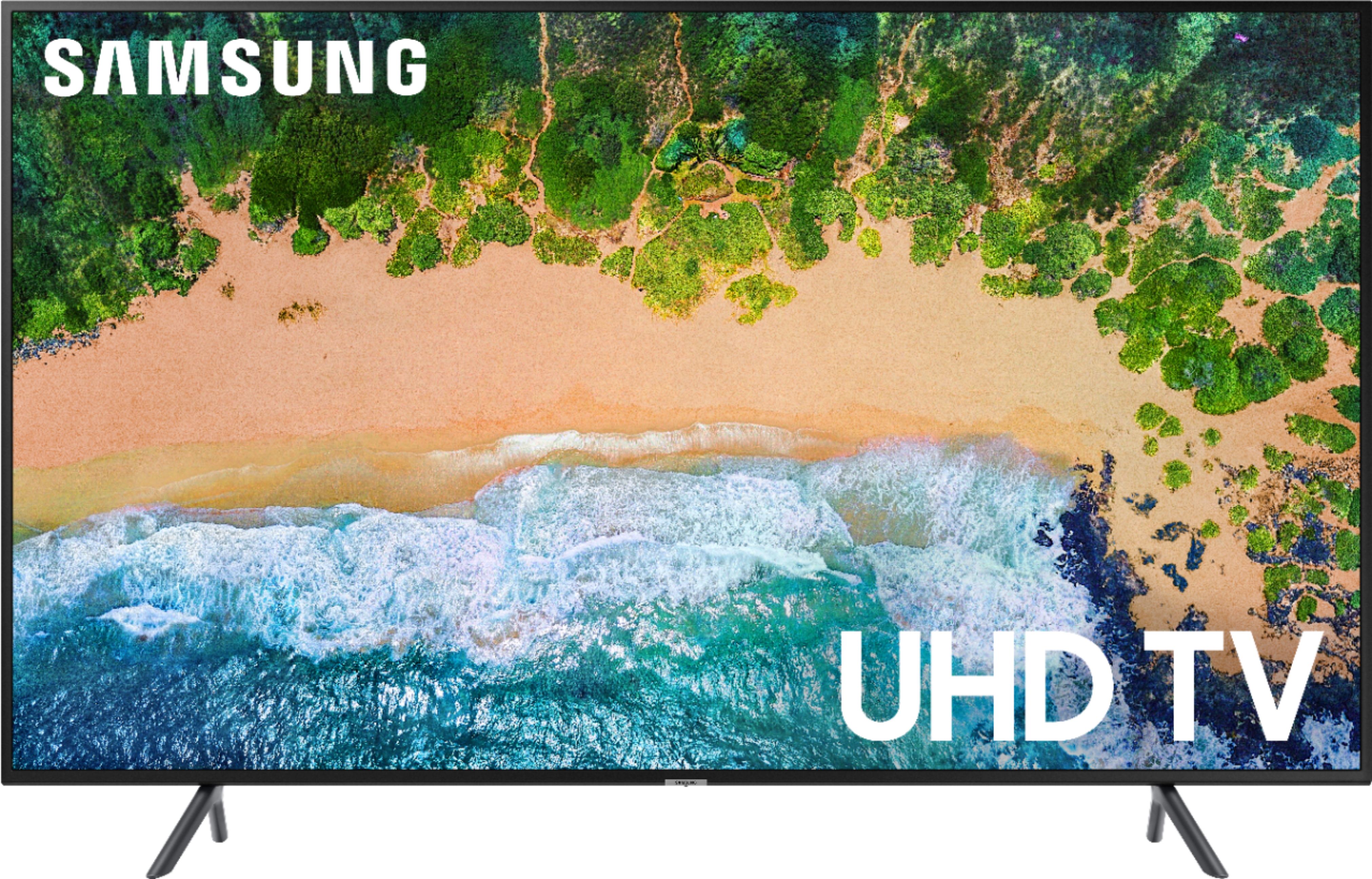
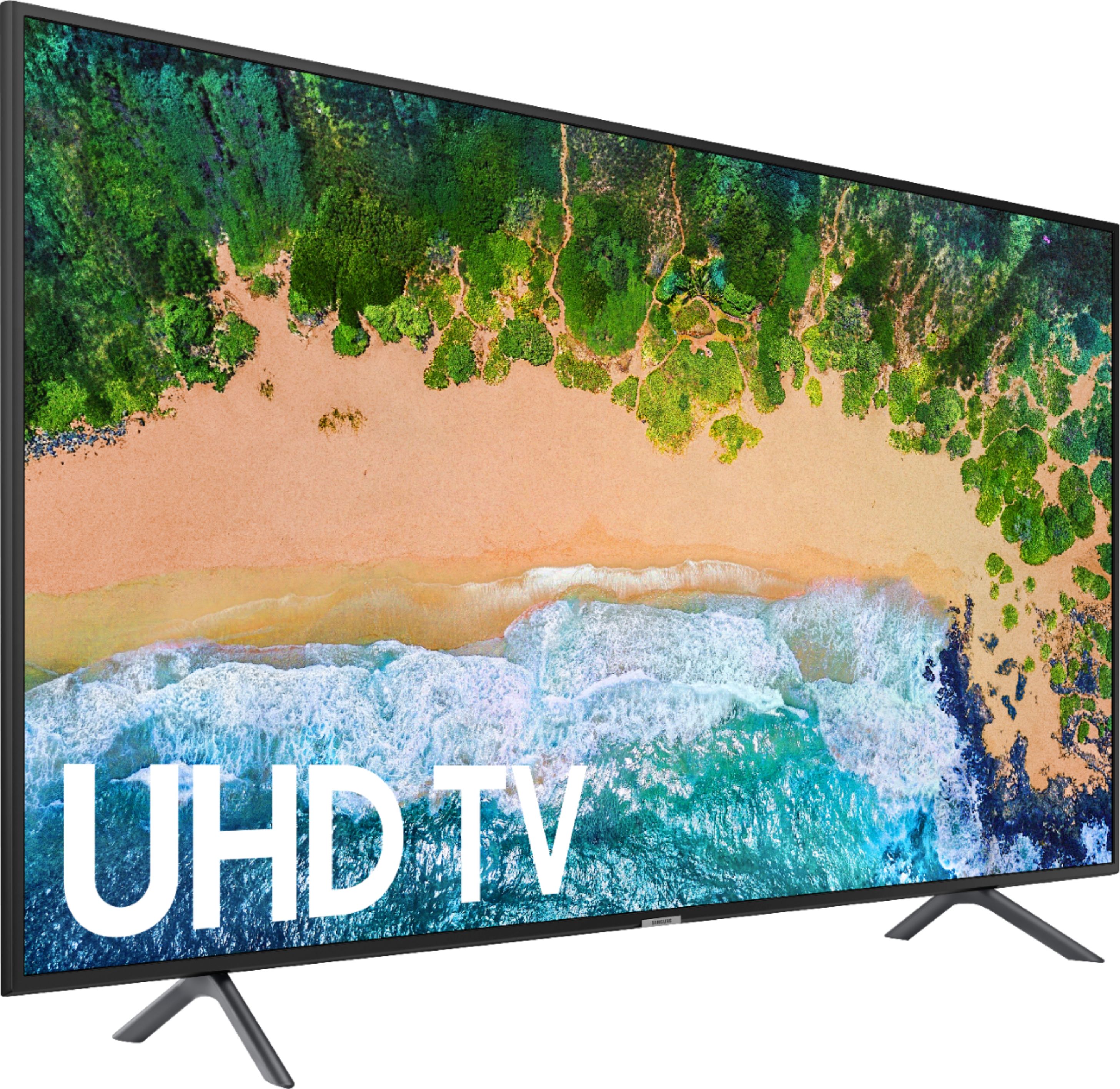
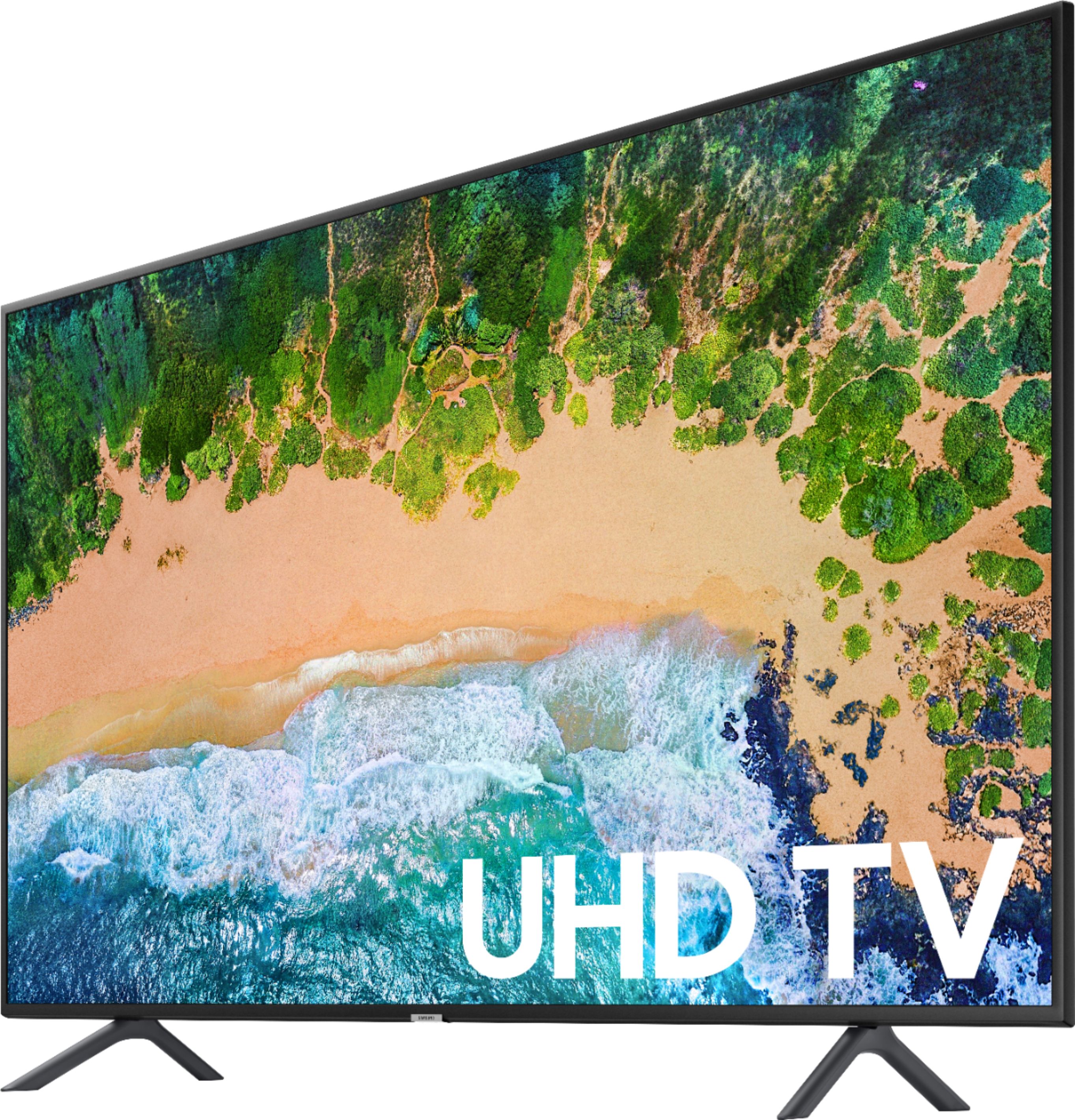
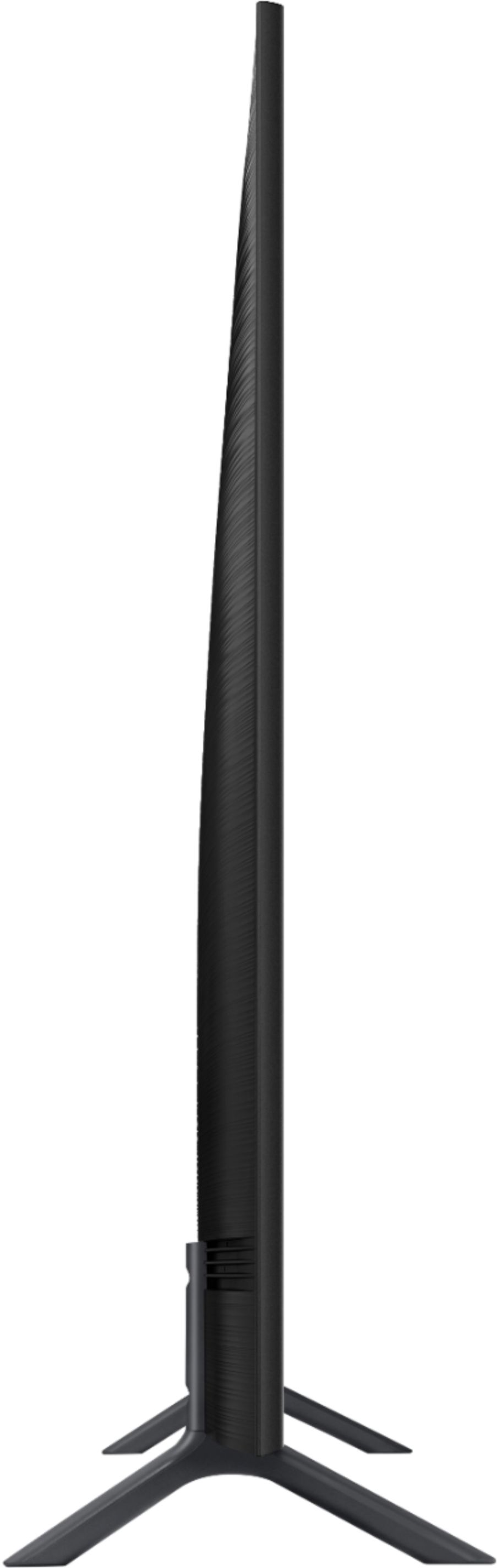
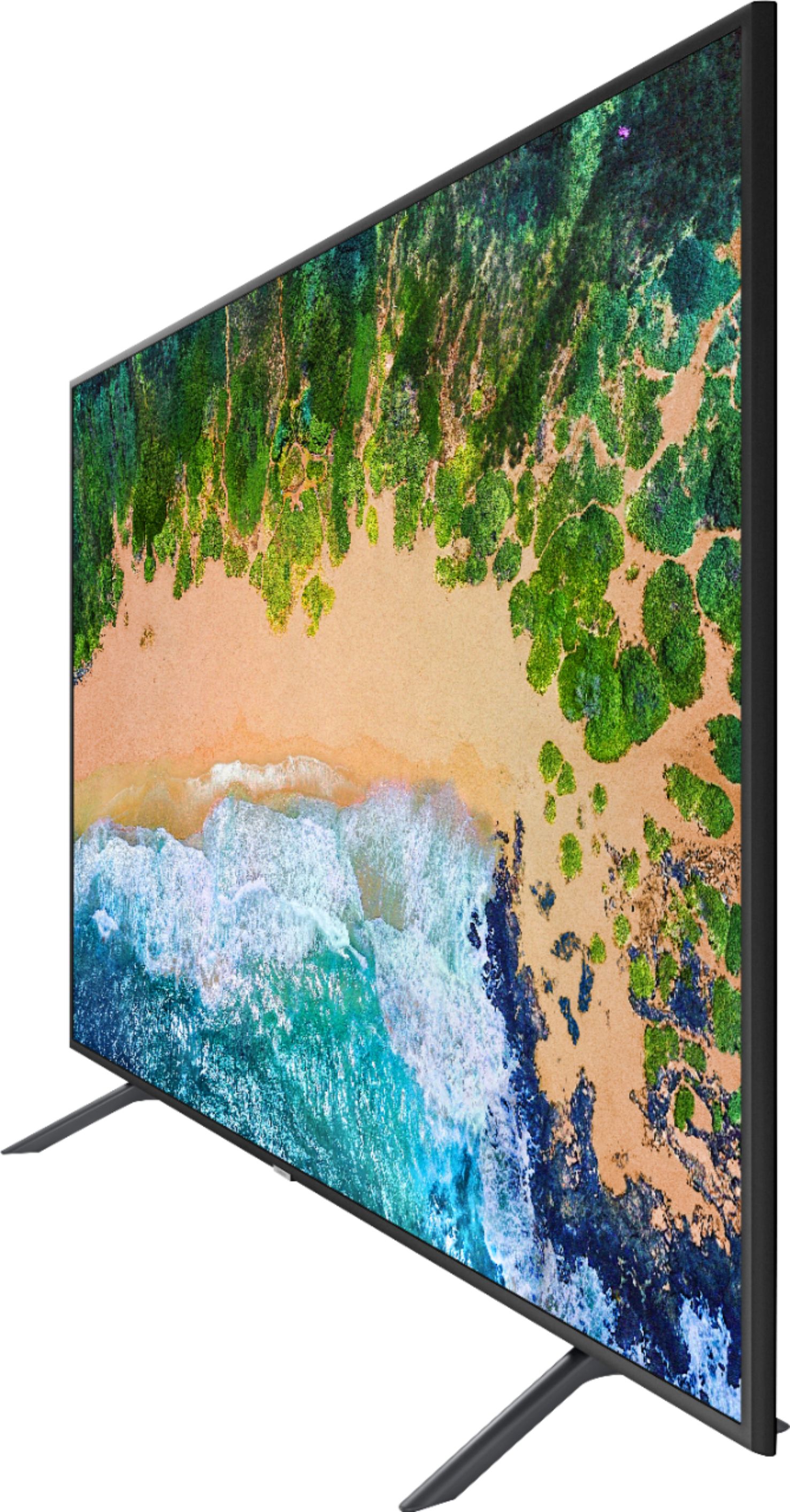




- Model:
- UN75NU7100FXZA
- SKU:
- 6202102
Rating by feature
- Picture Quality
Rating 4.6 out of 5 stars
- Sound Quality
Rating 4.4 out of 5 stars
- Brightness
Rating 4.5 out of 5 stars
Customers are saying
Customers are impressed with the 75" Class LED NU7100 Series 4K UHD TV's picture quality, calling it "great" for the price. Many also appreciate its large 75-inch screen, saying "75 is a good size." While most are pleased with the TV's features, some customers have expressed concerns about its limited HDMI ports, sound quality, remote control, connectivity, and brightness range.
This summary was generated by AI based on customer reviews.
- Pros mentioned:Picture quality
Samsung UHD TV is great!
Posted .This reviewer received promo considerations or sweepstakes entry for writing a review.Great tv! High quality picture and sound. All the options and operations are easy to access and follow.
I would recommend this to a friend - Pros mentioned:Picture quality
Great Value
Posted .This reviewer received promo considerations or sweepstakes entry for writing a review.I purchased two of these TV's for my office about 6 months ago. They're a great value. We have them on all day six days a week. Picture is good--sound is about what you'd expect from a tv speaker.
I would recommend this to a friend - Pros mentioned:Picture quality
Great TV
Posted .This reviewer received promo considerations or sweepstakes entry for writing a review.I just receive my TV Saturday May 5, 2018 and I just love it, great picture. My husband and son set it up and mounted on the wall. Just beautiful!!!!!
I would recommend this to a friend - Pros mentioned:Picture quality
75" Awesome
Posted .This reviewer received promo considerations or sweepstakes entry for writing a review.Excellent picture, vivid colors and the motion is great.
I would recommend this to a friend - Pros mentioned:Picture quality
Good value 75”
Posted .This reviewer received promo considerations or sweepstakes entry for writing a review.Tv has a good picture quality, only downside is the edgelit display but otherwise great tv. I recommend getting the Logitech k400 keyboard for use with the web browser function.
I would recommend this to a friend - Pros mentioned:Picture quality
Far Right Big Brother turns itself on
Posted .This reviewer received promo considerations or sweepstakes entry for writing a review.I love my Samsung refrigerator; and the TV picture is pretty good. But I bought this TV almost 3 years ago and have had 2 mysterious problems. The infamous not requested "I'm Listening" command overriding the TV whenever it wanted. After months of research I was able to work my way through the multiple setting screens to turn this "feature" off. With that fixed, Big Brother has come again in the form of automatically turning itself on about 30 seconds after I have turned the TV off. Additionally, it turns itself on to a ultra far right "America First" station broadcasting far right propaganda. My remote is clean and fine (suggested fixes) but I am stuck with having to wait to see if the TV is going to turn itself on before leaving the house. Will never buy again.
No, I would not recommend this to a friend Excellent Picture, Clean and Crisp!
Posted .This reviewer received promo considerations or sweepstakes entry for writing a review.This Samsung 75 inch is fantastic! Excellent picture. Easy to navigate to all settings and smart apps. Responds super fast on the internet. No complaints at all. Well worth the money.. Highly recommend! A++
I would recommend this to a friendTerrible! Stay away! 0 stars
Posted .This reviewer received promo considerations or sweepstakes entry for writing a review.Absolutely terrible!!! This TV is not even 3 months old. We have intermittent, vertical green lines flashing on the screen. I called Samsung only to find out that we need a software update, which can't be done from the TV. We have to download this system update to a jump drive and install it ourselves. No jump drive? Samsung will mail one out for delivery in 5-10 business days. This system update will happen twice a year and the same process will need to be repeated. This jump drive should come with the television that we can't watch, at less than 3 months old. If I had known we would have such issues, I would've gotten another brand. Picture is mediocre at best and with the issues we are having, it was not worth even the sale price we paid. Are green lines really do to a system update? Guess we will find out after we get the system update jump drive from Samsung in 5-10 business days. I fear we will be back at square one after waiting for this update. Do yourself a favor and try LG. I wish we would have!
No, I would not recommend this to a friendBrand response from Samsung
Posted .TB0424,
I am very sorry for the issues you have encountered and understand your frustration. Your user experience is very important to us and will be shared with our teams.
Should you need assistance with the firmware update or other concerns, please please contact us:
1) Phone: 1-800-SAMSUNG (ask for TVs) Available 8AM - 12AM EST (Mon-Fri) / 9AM - 11PM EST (Sat-Sun)
2) LiveChat or Email: https://www.samsung.com/us/support/#contact_us_for_support
3) Facebook Messenger: https://www.facebook.com/samsungsupport
4) Twitter: https://twitter.com/SamsungSupport
- Samsung Ambassador
Great television
Posted .This reviewer received promo considerations or sweepstakes entry for writing a review.The television works great and has great resolution.
I would recommend this to a friendOutstanding Value
Posted .This reviewer received promo considerations or sweepstakes entry for writing a review.Fantastic value for 75" right up there with NU8000
I would recommend this to a friendMight be done with Samsung
Posted .This reviewer received promo considerations or sweepstakes entry for writing a review.Third Samsung TV to give me issues. 3 of the 4 Samsung Tv sets I've purchased has given me issues. This one lasted 17 whole days before it started cycling on and off before it just stopped turning on at all. The Tv looks great and performed phenomenally but only for 17 days. Going to go exchange it, but I'm deciding whether to try the same model again or going with a different brand entirely. I had to have the screen replaced under warranty for my other Tv for a dark spot, and the last Tv randomly decides if it wants to turn off or not. Have to unplug it.
No, I would not recommend this to a friendBrand response from Samsung
Posted .Uruzu,
I am very sorry for the issues you have encountered with the NU7100 TV, and understand your frustration. Your user experience is very important to us and will be shared with our teams.
Please reach out to us via any of the below options for troubleshooting or warranty services:
1) Toll-free calling: 1-800-SAMSUNG
2) LiveChat or Email: https://www.samsung.com/us/support/#contact_us_for_support
3) Facebook Messenger: http://m.me/samsungsupport
4) Twitter: https://twitter.com/messages/compose?recipient_id=18768513
Again, my apologies for the inconveniences you have had. We do hope to hear from you.
-Samsung Ambassador
4K Streaming NOT Supported
Posted .This reviewer received promo considerations or sweepstakes entry for writing a review.Samsung 4K Televisions CANNOT stream 4K content via their browser (so you can't watch fubo.tv 4K content). From their support staff "Actually our TV's browsers are different then the usual browsers, for live streaming the flash players are needed which are not compatible with our TV models." Please note this if you may ever want to stream 4K content on a Samsung television, you may be out of luck.
No, I would not recommend this to a friendBrand response from Samsung
Posted .TigerPetFish:
Please know that the Samsung NU7100 does support 4K content through the TV’s browser via apps such as YouTube. However, Fubo.tv does not stream in 4K -- not through TV browsers or PC browsers. Thus, the limitation does not appear to be with the NU7100, but with Fubo.tv. In addition, please know that the resolution of your viewing content can vary depending on your account type/level and/or network speed.
For further assistance, please contact us via any of the below options:
1) Toll-free calling: 1-800-SAMSUNG
2) LiveChat or Email: https://www.samsung.com/us/support/#contact_us_for_support
3) Facebook Messenger: http://m.me/samsungsupport
4) Twitter: https://twitter.com/messages/compose?recipient_id=18768513
Don’t buy
Posted .This reviewer received promo considerations or sweepstakes entry for writing a review.This TV is a nightmare. I purchased this tv a month ago. Picture quality is really bad. When you watch sports games picture is really blurry. Samsung told me that I will have to wait till they have a new update to fix this issue. They said Update can take 3 weeks or even till next year. What a waste of money buying this tv, Black Friday is coming be careful buying this tv or you will have the same issue.
No, I would not recommend this to a friendBrand response from Samsung
Posted .Adnank81,
Thank you for your review of this NU7100 UHD Smart TV. I am sorry to hear that you were not happy with the picture quality.
Here are a few tips that may help you better enjoy the 4K viewing experience:
1. The TV will upscale as best as possible any content sent to it. The closer your content is to 4K, the better the image will look on the screen.
2. HDMI cables are recommended for optimal HD viewing.
3. The TV also offers custom settings, allowing you to adjust images to your preference.
4. The quality of streaming content depends largely on the speed of your internet, as most content providers have adaptive streaming that would automatically adjust the image quality based on the network bandwidth.
Please know that Samsung Customer Support is always happy to assist you with image quality adjustments tailored to your preferred viewing experience. Simply
Phone us at 1-800-SAMSUNG.
You can also LiveChat or Email: https://www.samsung.com/us/support/#contact_us_for_support
We are available on Facebook Messenger: http://m.me/samsungsupport
Or Twitter: https://twitter.com/messages/compose?recipient_id=18768513
Again, thank you for taking the time to share your experience. We hope to hear from you soon.
- Samsung Ambassador
Samsung 75" UHD
Posted .This reviewer received promo considerations or sweepstakes entry for writing a review.My Samsung TV crapped out within a year...Samsung was going to fix but was unable to do so...they were suppose to send me a replacement TV but sent me any entry level tv as replacement...every time I call I am on hold for hours..no one will help and they refuse to do what they said they would...I will never buy another Samsung product and I wouldn't recommend anyone buying one either. customer service is the worst I have ever seen in my life.
No, I would not recommend this to a friendSamsung tv
Posted .This reviewer received promo considerations or sweepstakes entry for writing a review.Bought this tv for a Christmas present in December 2018 and it already quit working. We paid 1300.00 for it and can’t get the geek squad or customer service to answer the phone or get back to us Very poor customer service. Was on hold for over 45 min 3 times and nobody answered and then they would just hang up on me.
No, I would not recommend this to a friendLED's BURNT OUT
Posted .This reviewer received promo considerations or sweepstakes entry for writing a review.I purchased a 75" Samsung TV, thinking they were good quality and would last and after a few years the LED's burnt out. I contacted Samsung and they said either buy a new one or try to get it repaired. TV repair techs charged me to look at it and said they can replace the LED's, but they should not have burnt out that fast and cant guarantee it won't happen again, since it shouldn't have happened in the first place. Especially within the first few years. BUYER BEWARE.
No, I would not recommend this to a friendBad pictures
Posted .This reviewer received promo considerations or sweepstakes entry for writing a review.When I watch movies I’m getting blurry spots real bad very disappointed I bought this TV don’t buy this TV motion is very terrible
No, I would not recommend this to a friendBrand response from Samsung
Posted .Reese,
I am sorry to see that you are not happy with the motion image performance of your NU7100 TV.
The NU7 series comes with Auto Motion Plus, a feature designed to eliminate blur and judder on an LED TV, specifically in fast-moving images. It does so by taking a 30-fps signal and adding in additional frames to help smooth out any blur or judder between frames – this is called interpolation.
Here is the step-by-step guide to change Auto Motion Plus settings:
1) With the TV powered on, press the Home button on the Samsung remote to open the Home screen
2) Then select Settings > Picture > Expert Settings > Auto Motion Plus
Note: This option may not be visible initially. Continue scrolling through the Expert Settings Menu to locate Auto Motion Plus
3) Then Select Auto Motion Plus again, and you will see the following three options:
a) Off: Auto Motion Plus will always be off
b) Auto: Auto Motion Plus will automatically activate and deactivate based on the type of program being watched
c) Custom: Allows custom adjustments and settings to be used
4) By selecting the Custom option, you can further access these advanced settings:
a) Judder Reduction: Use the directional keys on the remote to adjust the Judder setting.
b) LED Clear Motion: Select to turn On/Off
I hope this tip helps solve the motion blur issue.
For further assistance, please contact Samsung Customer Support toll-free at 1-800-SAMSUNG and a representative will gladly help you. Or LiveChat with our product experts by copy -paste this link into your browser: http://www.samsung.com/us/support/contact
We are likewise reachable via Facebook Messenger at: http://m.me/samsungsupport
You can also find us on Twitter at: https://twitter.com/messages/compose?recipient_id=18768513
-Samsung Ambassador
defective
Posted .This reviewer received promo considerations or sweepstakes entry for writing a review.I had problems within one month and return policy is for 15 days picture is not smooth ,hdmi bad ,av bad and tv tuner bad wont pick up one channel .The only thing i can use is apps and that even has low space screws to base are so small im sure it will break eventually.
No, I would not recommend this to a friendDon't buy, will break after 60 days.
Posted .This reviewer received promo considerations or sweepstakes entry for writing a review.all HDMI ports stopped working after 2 months. After 2 hours on phone with samsung they want to send a technician out. Please save yourself the pain that I feel, I WISH I bought another brand.
No, I would not recommend this to a friendStopped working
Posted .This reviewer received promo considerations or sweepstakes entry for writing a review.I had this tv almost 4 years it worked great and then the power board went out. They just dont make them like they use to.
No, I would not recommend this to a friend