Customer Ratings & Reviews


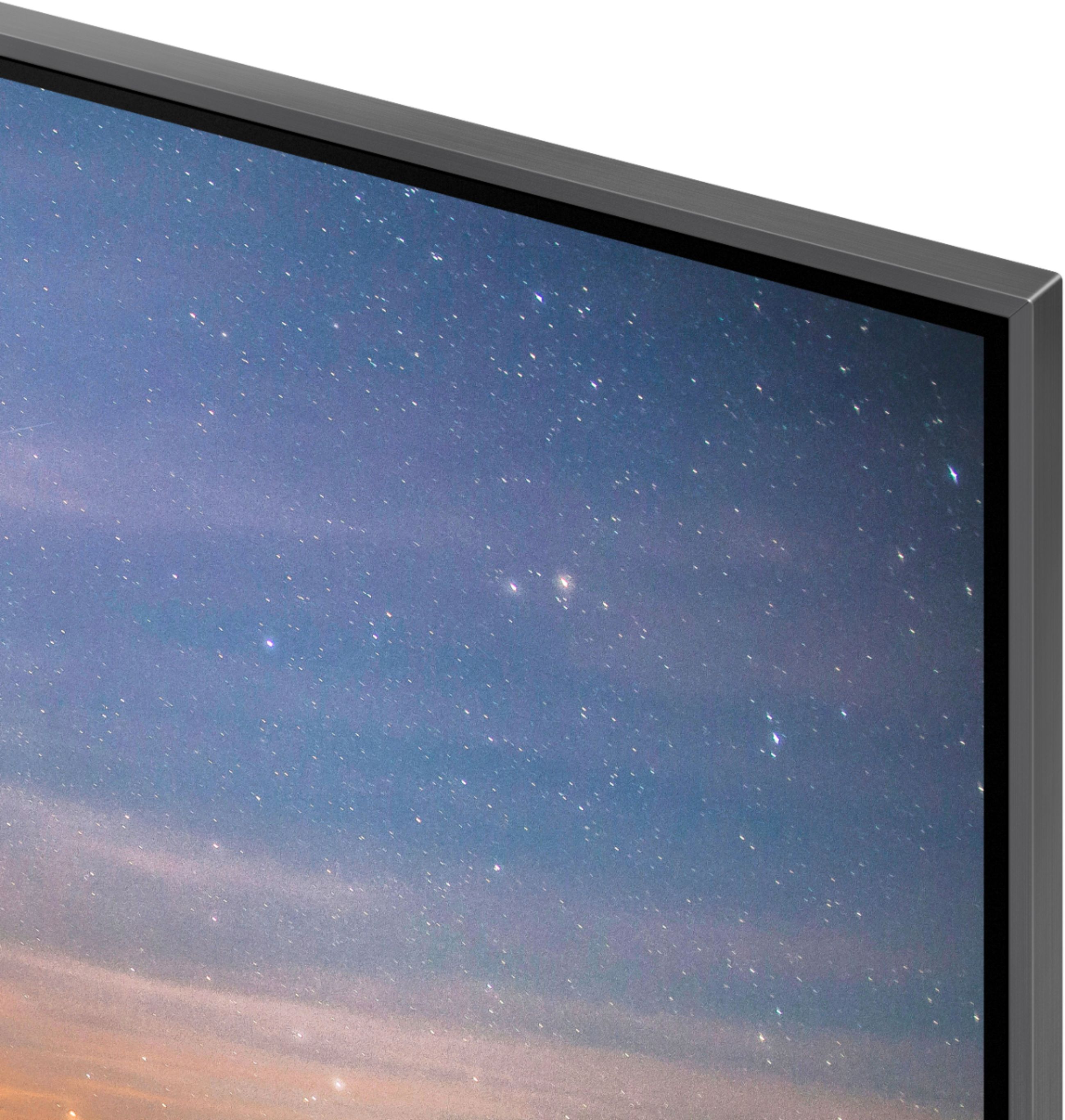


- Model:
- QN75Q80RAFXZA
- SKU:
- 6331769
Rating by feature
- Picture Quality
Rating 4.6 out of 5 stars
- Sound Quality
Rating 4.3 out of 5 stars
- Brightness
Rating 4.6 out of 5 stars
Customers are saying
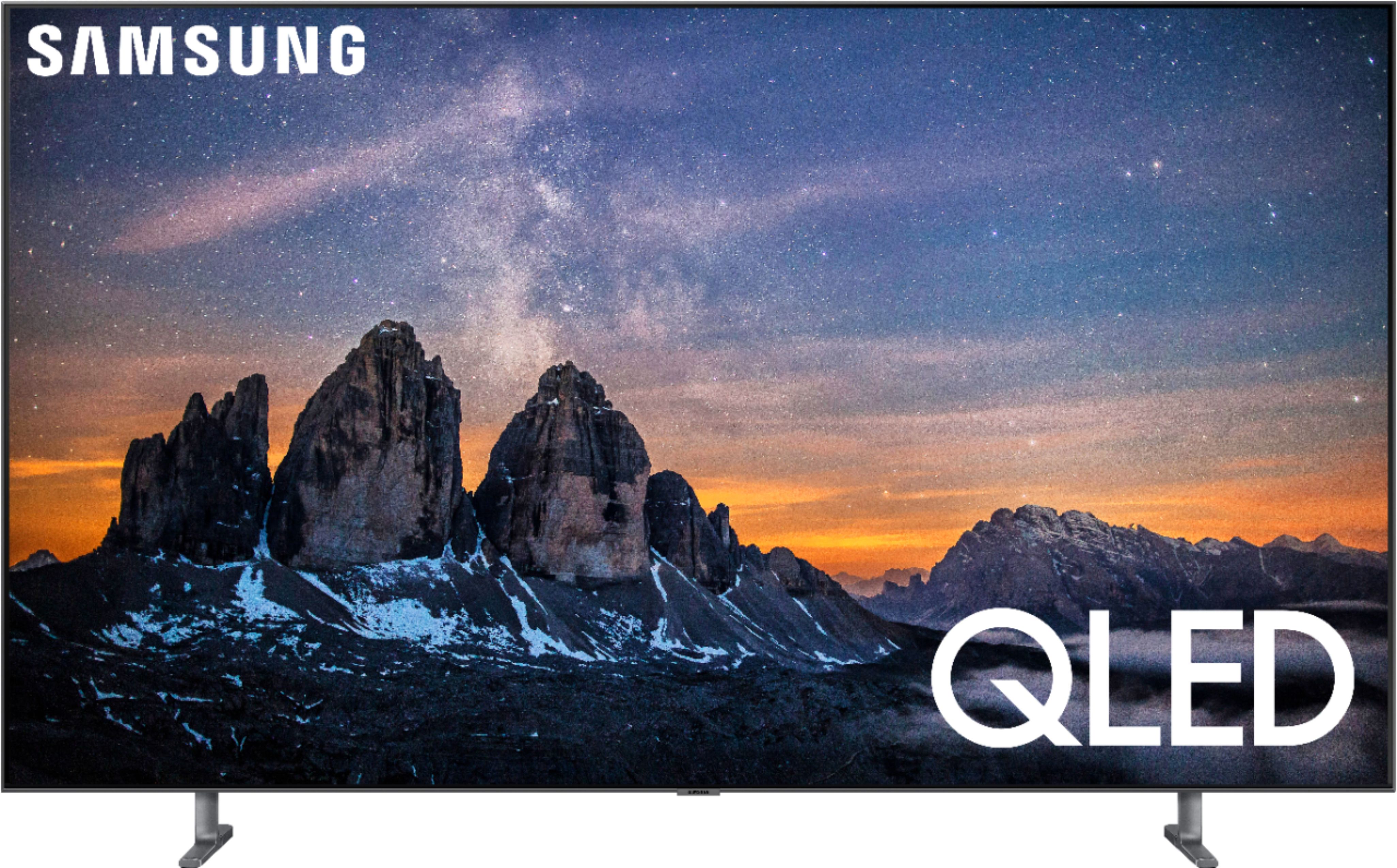
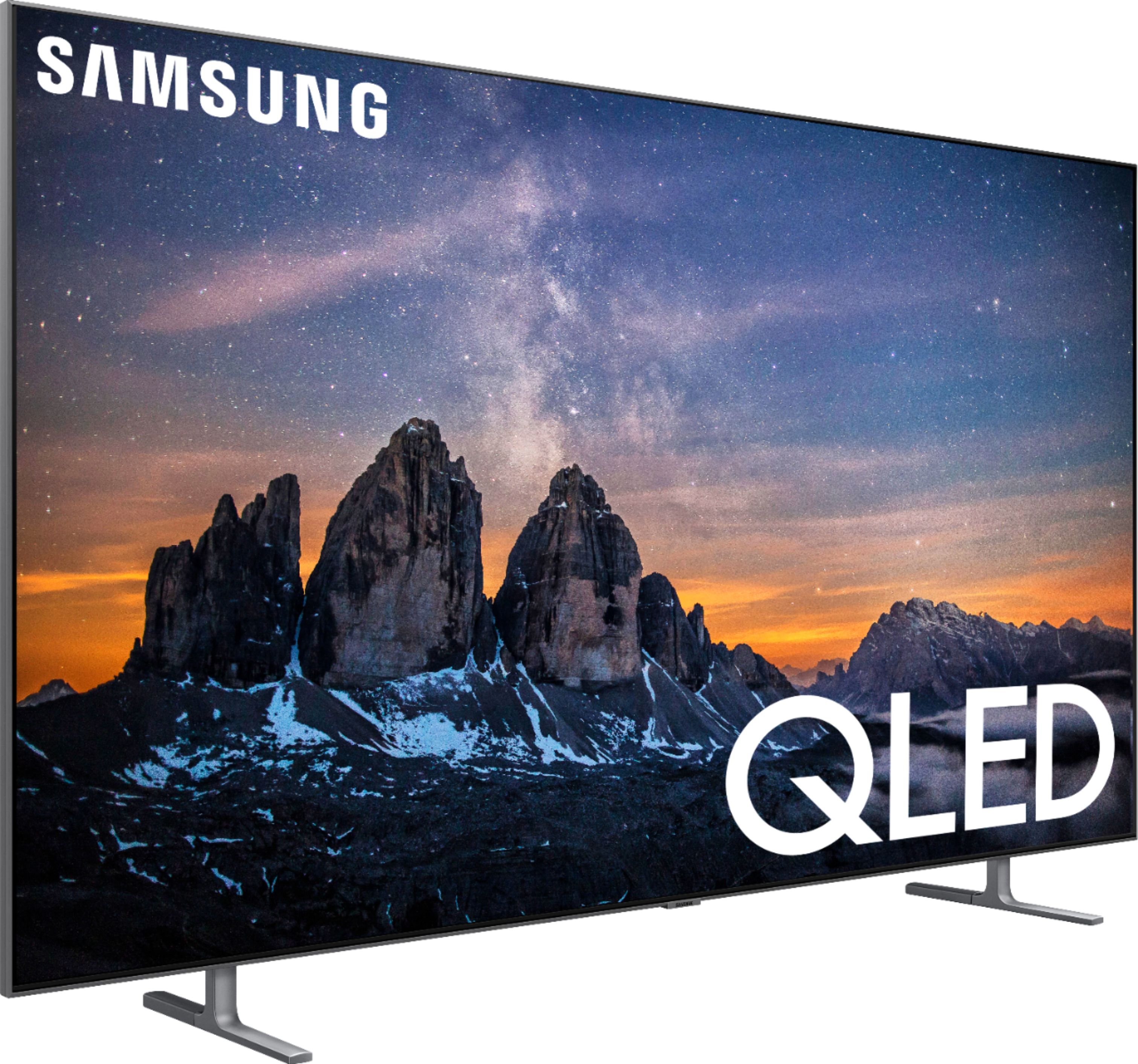
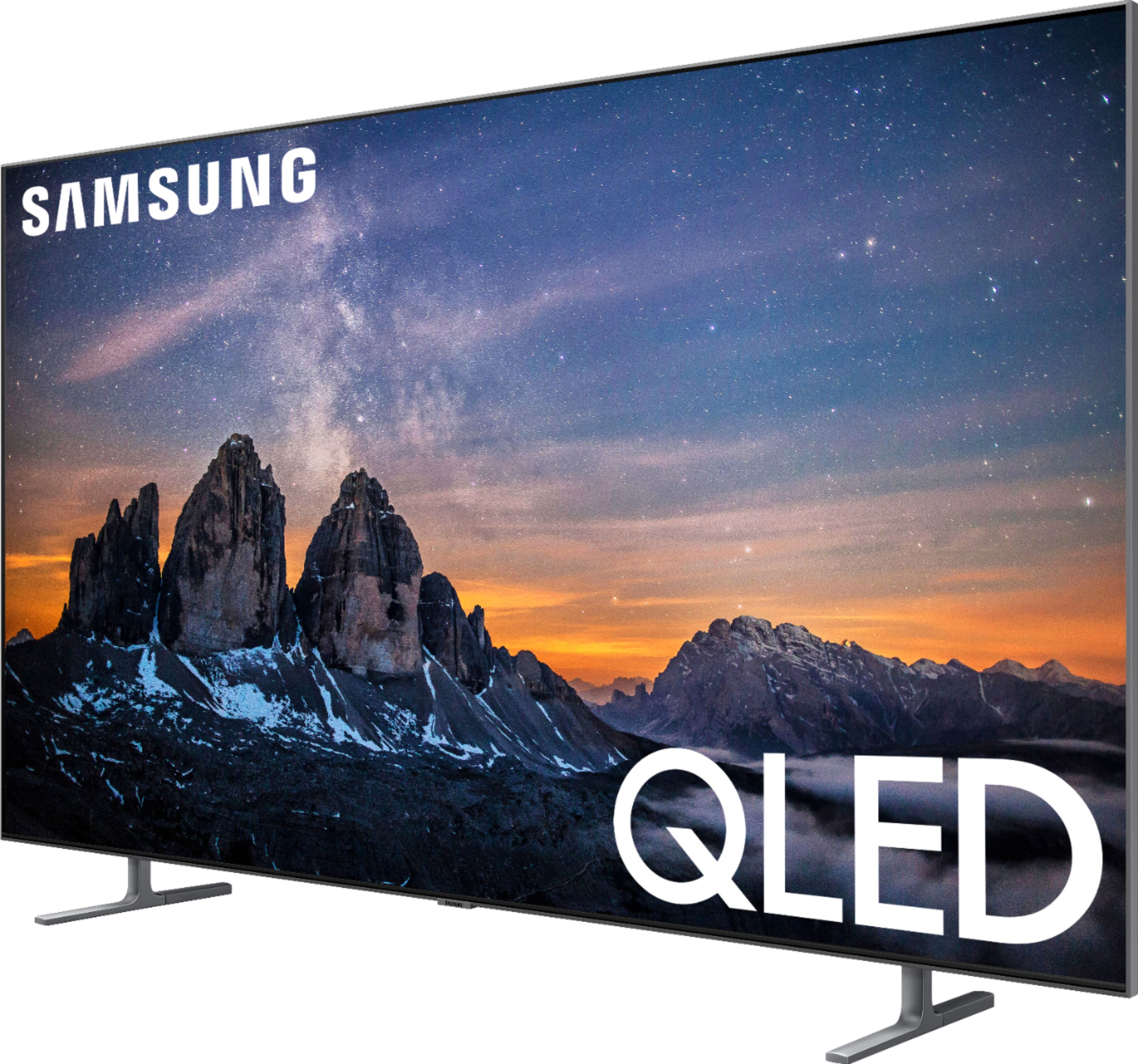
Customers are impressed with the 75" Class Q80 Series LED 4K UHD Smart Tizen TV's picture quality, describing it as "unbelievable" and praising its clarity and color. They also appreciate its large screen and anti-glare feature. While some find the remote control to take some getting used to, overall, customers are very positive about this TV.
This summary was generated by AI based on customer reviews.
- Pros mentioned:Color, Picture quality
Great TV. VERY clear picture
||Posted . Owned for 1 week when reviewed.This reviewer received promo considerations or sweepstakes entry for writing a review.Very Good TV. Clear picture. Vibrant colors. Great clarity and definition. Could not be better.
I would recommend this to a friend - Pros mentioned:Ease of use, Picture quality
Great tv
||Posted . Owned for 1 month when reviewed.This reviewer received promo considerations or sweepstakes entry for writing a review.The picture quality is amazing and it's very easy use. Love all the apps and special features
I would recommend this to a friend - Pros mentioned:Picture quality, Tv quality
Great picture
||Posted . Owned for 1 month when reviewed.This reviewer received promo considerations or sweepstakes entry for writing a review.Great picture! Great tv. Had Best Buy set up tv and sound bar system; they did great.
I would recommend this to a friend - Pros mentioned:Picture quality
An Incredible TV and Value with Open Box
||Posted . Owned for 1 month when reviewed.This reviewer received promo considerations or sweepstakes entry for writing a review.I settled to hunt down a 2019 Q80R, when I read that there is no major difference between this one and the Q90R except for design. I've had no issue so far, TV performs quite well in my bright living room, and 4k movies look spectacular. I purchased this Open Box Satisfactory. I was extremely pleased to open the box and see the TV was in excellent condition, with nothing missing.
I would recommend this to a friend - Pros mentioned:Ease of use, Picture quality
Fantastic oicture
||Posted . Owned for 3 weeks when reviewed.This reviewer received promo considerations or sweepstakes entry for writing a review.The Samsung QLED 8 series is a great TV. Was of set up and picture quality is fantastic.
I would recommend this to a friend - Pros mentioned:Color, Picture quality
Great picture
||Posted . Owned for 1 month when reviewed.This reviewer received promo considerations or sweepstakes entry for writing a review.Awesome picture and great color and great price. Curb side pick up was easy.
I would recommend this to a friend - Pros mentioned:Picture qualityCons mentioned:Price
Great quality, but not picture is not always great
||Posted . Owned for 1 month when reviewed.This reviewer received promo considerations or sweepstakes entry for writing a review.The quality of this TV is good, but you might be able to get the same quality picture with the next step down that is $500 less. I also wish that it was more compatible with Alexa.
I would recommend this to a friend - Pros mentioned:Ease of use, Picture quality
Best TV ever purchased
||Posted . Owned for 1 month when reviewed.This reviewer received promo considerations or sweepstakes entry for writing a review.Sharp, crisp, great color, easy to navigate. Really enjoy the Non glare screen.
I would recommend this to a friend - Pros mentioned:Color, Picture quality
Great TV for movie night!!!
||Posted . Owned for 1 month when reviewed.This reviewer received promo considerations or sweepstakes entry for writing a review.Easy set up and quality picture. Vivid colors and super with surround sound.
I would recommend this to a friend - Pros mentioned:Ease of use, Picture quality
Awesome buy
||Posted . Owned for 2 months when reviewed.This reviewer received promo considerations or sweepstakes entry for writing a review.Great picture, easy instructions. Great sound. Very easy to use all my apps.
I would recommend this to a friend - Pros mentioned:Color, Picture quality
Great size
||Posted . Owned for 1 month when reviewed.This reviewer received promo considerations or sweepstakes entry for writing a review.Love the image, color and sound. The size I great. It is very easy to use.
I would recommend this to a friend - Pros mentioned:Picture qualityCons mentioned:Motion
Nice TV
||Posted . Owned for 1 month when reviewed.This reviewer received promo considerations or sweepstakes entry for writing a review.Picture looks great with Movies and shows, especially 4K. Sports, in particular football, is pretty bad. When watching regular HD broadcasts, which 99% of the games are, the motion blur is horrible. I've watched a couple Thursday night games broadcast in 4K and it looks pretty good. As a sports fan I am hoping they hurry and get more games in 4K.
No, I would not recommend this to a friendBrand response from Samsung
Posted .Erik:
I am sorry to see that you are not happy with the motion image performance of your Samsung Q80R TV.
This TV comes with a feature called Auto Motion Plus that helps to optimize motion image quality.
You can change Auto Motion Plus settings by following these steps:
HOME > SETTINGS > PICTURE > EXPERT SETTINGS > Auto Motion Plus Settings
Then select one of the three options:
1) Off: Auto Motion Plus will always be off
2) Auto: Auto Motion Plus will automatically activate and deactivate based on the type of program being watched
3) Custom: Allows custom adjustments and settings to be used
By selecting the Custom option, you can access these advanced settings:
1) Blur Reduction: Use the directional keys on the remote to adjust the Blur setting
2) Judder Reduction: Use the directional keys on the remote to adjust the Judder setting
3) LED Clear Motion: Select to turn On/Off
If you need further assistance, please know we are here to help. You can reach Samsung Support via:
1) Phone: 1-800-SAMSUNG
Available 8AM - 12AM EST (Mon-Fri) / 9AM - 11PM EST (Sat-Sun)
2) LiveChat: https://www.samsung.com/us/support/#contact_us_for_support
3) Facebook Messenger: https://www.facebook.com/samsungsupport
4) Twitter: https://twitter.com/SamsungSupport
5) The Samsung Members Community is also a great resource for getting help from Samsung moderators and customers: https://us.community.samsung.com
Lastly, we invite you to register your new Samsung product at: https://www.samsung.com/us/support/register/
...for access to easy warranty support, convenient opt-in to special promos & offers, faster troubleshooting & service, and quick notification of system updates.
- Pros mentioned:Ease of use, Picture quality
Beautiful picture i love the remote
||Posted . Owned for 1 month when reviewed.This reviewer received promo considerations or sweepstakes entry for writing a review.Excellent picture, ease to operate, the remote is excellent for streaming.
I would recommend this to a friend - Pros mentioned:Picture quality
75” Samsung Q80
||Posted . Owned for 1 month when reviewed.This reviewer received promo considerations or sweepstakes entry for writing a review.Great tv. Very bright picture and the resolution is amazing. This smart tv has everything built right in and everything is accessible through the built in voice recognition— one note, it sometimes gets triggered by the tv program and doesn’t sound to me like they said anything close to hey bixby, the trigger word. The ambiance mode is very nice when not watching a program.
I would recommend this to a friend - Pros mentioned:Picture qualityCons mentioned:Motion
Motion is not good
||Posted . Owned for 1 week when reviewed.This reviewer received promo considerations or sweepstakes entry for writing a review.I am mixed on this purchase. Fantastic colors and picture, 4 k stuff is awesome but I watch 80% sports and this TV is not very good for watching sports. My much older TV’s have much better motion. In golf, when they show the ball flying through the air, it’s fluttering because the TV doesn’t keep up well with the motion, same thing in football with a pass. Even on a golfer putting, when the putter strikes the ball, the first second is a flutter. I don’t get it, a TV this high in cost and with the technology of today and the motion is better on TV’s I bought 8 years ago. I am not sure why they couldn’t get the motion correct. I am not sure if there is a way to correct or if motion is just a poor quality for this TV. If you watch a lot of sports, probably better off with the Sony or LG high end TV’s. Considering a return.
No, I would not recommend this to a friendBrand response from Samsung
Posted .Shadowrick14,
I am sorry to see that you are not happy with the motion image performance of your Samsung Q80R TV.
It comes with a feature called Auto Motion Plus that helps to optimize motion image quality.
You can change Auto Motion Plus settings by following these steps:
1) With the TV powered on, press the Home button on the Samsung remote to open the Home screen
2) Then select Settings > Picture > Expert Settings > Auto Motion Plus Settings
3) Then you will see the following three options:
a) Off: Auto Motion Plus will always be off
b) Auto: Auto Motion Plus will automatically activate and deactivate based on the type of program being watched
c) Custom: Allows custom adjustments and settings to be used
4) By selecting the Custom option, you can access these advanced settings:
a) Blur Reduction: Use the directional keys on the remote to adjust the Blur setting
b) Judder Reduction: Use the directional keys on the remote to adjust the Judder setting
c) LED Clear Motion: Select to turn On/Off
For further assistance on this feature or other advanced setting adjustments, please contact Samsung Customer Support at 1-800-SAMSUNG and a representative will gladly help you. Or LiveChat with our product experts at: http://www.samsung.com/us/support/contact
We are likewise reachable via Facebook Messenger at: https://www.facebook.com/samsungsupport
You can also find us on Twitter at: https://twitter.com/SamsungSupport
If you have not already done so, we invite you to register your new Samsung TV at: https://www.samsung.com/us/support/register/.
Registering your product gives you access to easy warranty support, convenient opt-in to special promos & offers, faster troubleshooting & service, and quick notification of system updates.
- Samsung Ambassador
- Pros mentioned:Color, Picture quality
Nice picture
||Posted . Owned for 3 weeks when reviewed.This reviewer received promo considerations or sweepstakes entry for writing a review.Nice picture from a wide angle. Color had deep blacks and amazing color.
I would recommend this to a friend - Pros mentioned:Color, Picture quality
Tv
||Posted . Owned for 1 year when reviewed.This reviewer received promo considerations or sweepstakes entry for writing a review.Great color and sharp images. The blacks are reallyblack
I would recommend this to a friend - Pros mentioned:Ease of use, Picture quality
Great tv.
||Posted . Owned for 1 month when reviewed.This reviewer received promo considerations or sweepstakes entry for writing a review.So far , stunning picture ,nice sound . Love it . Great tv . Very easy to use
I would recommend this to a friend - Pros mentioned:Color
Amazing picture
||Posted . Owned for 1 week when reviewed.This reviewer received promo considerations or sweepstakes entry for writing a review.We love Samsung TVs and decided to finally upgrade to a 4K. Color is very rich . The remote takes some getting used to but we mainly use our cable one anyway. I just wish it had the smaller remote that has the beam to select apps with or to be able to search by name like our older Samsung.
I would recommend this to a friend - Pros mentioned:Picture quality
Crisp, Clear, Thin
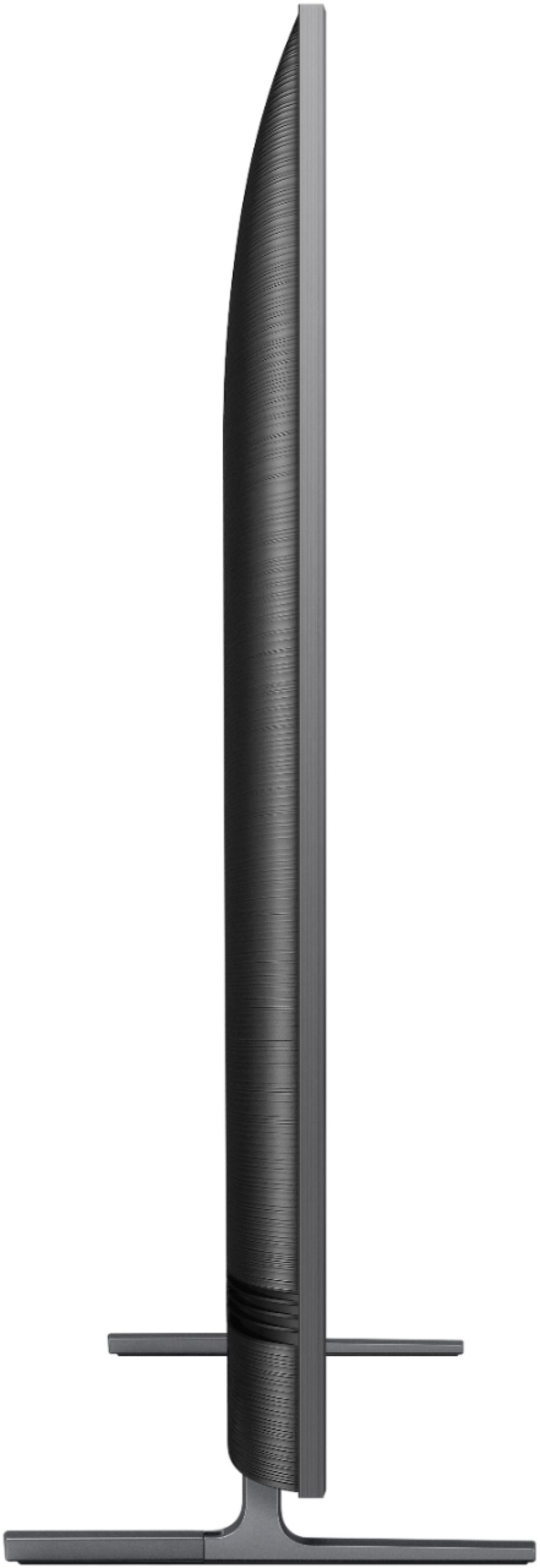
||Posted . Owned for 1 month when reviewed.This reviewer received promo considerations or sweepstakes entry for writing a review.bought this to hang on a long living room wall. Fits perfectly. Picture is crystal clear, little to no glare when the sun was shinning on it. Thinner than other Samsung models and has the flush mount tracks for your cables. Standard HDMI, Coax, RGB cables will fit easily in tracks. Well worth the purchase and can't wait to upgrade the bedrooms to this model.
I would recommend this to a friend