Customer Ratings & Reviews
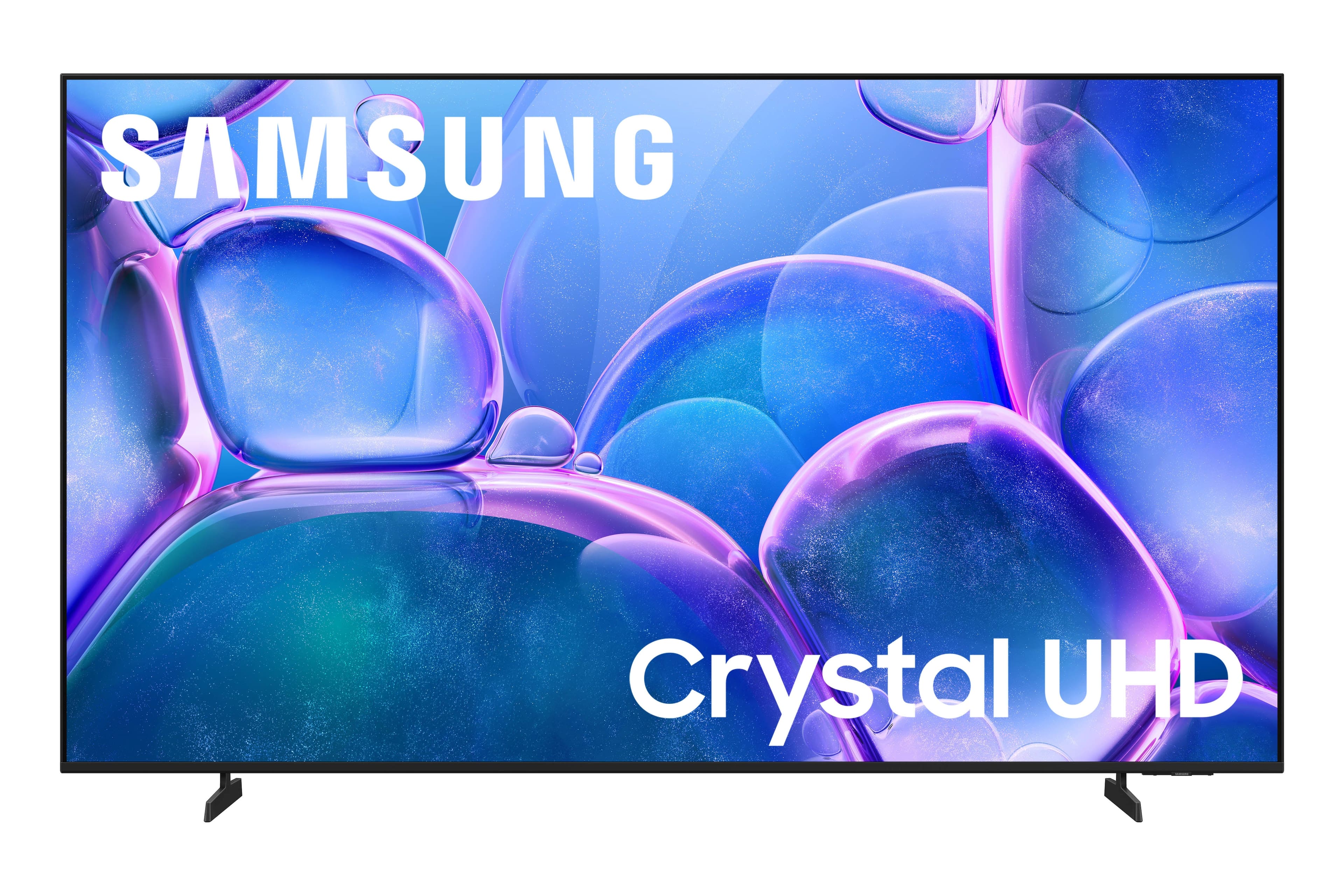



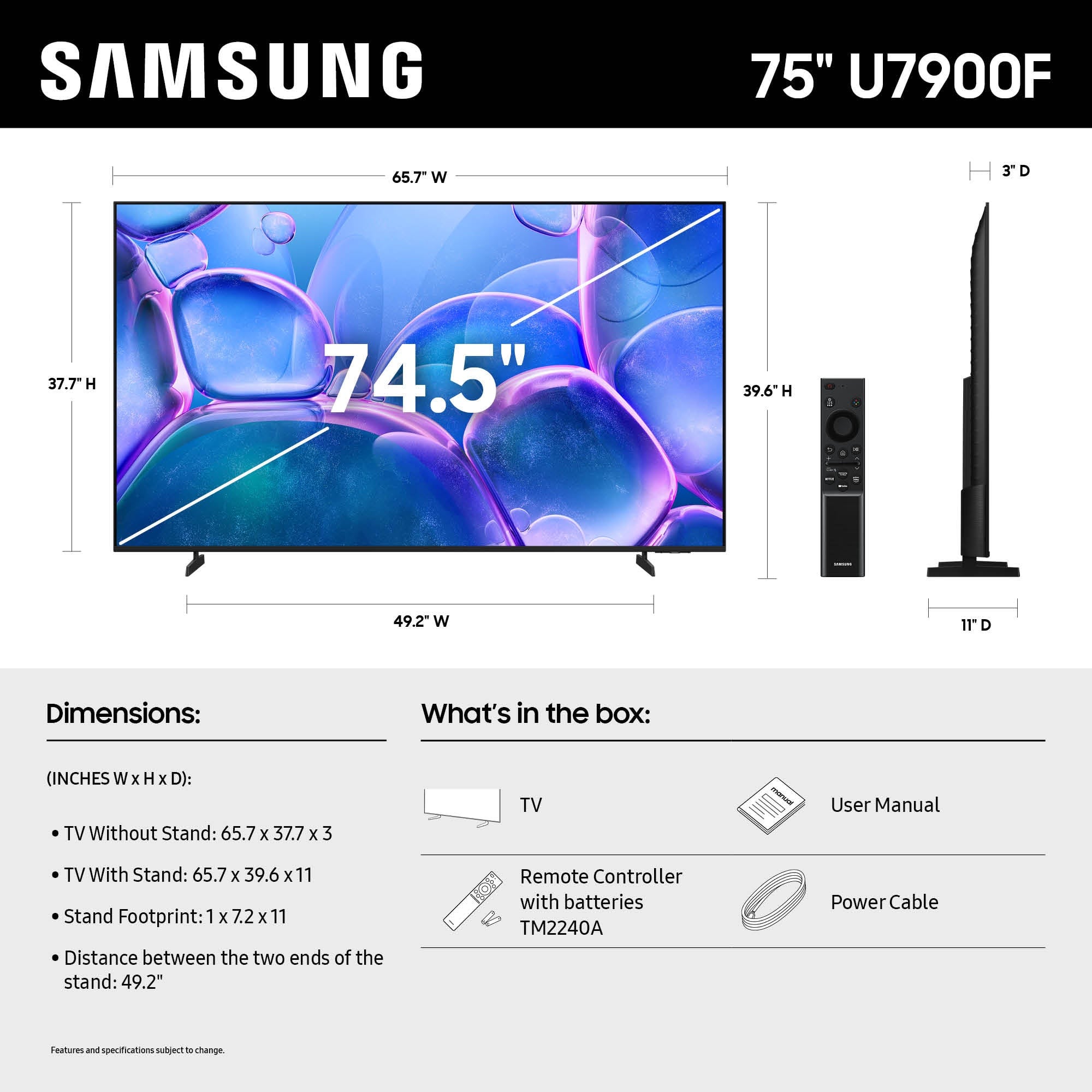




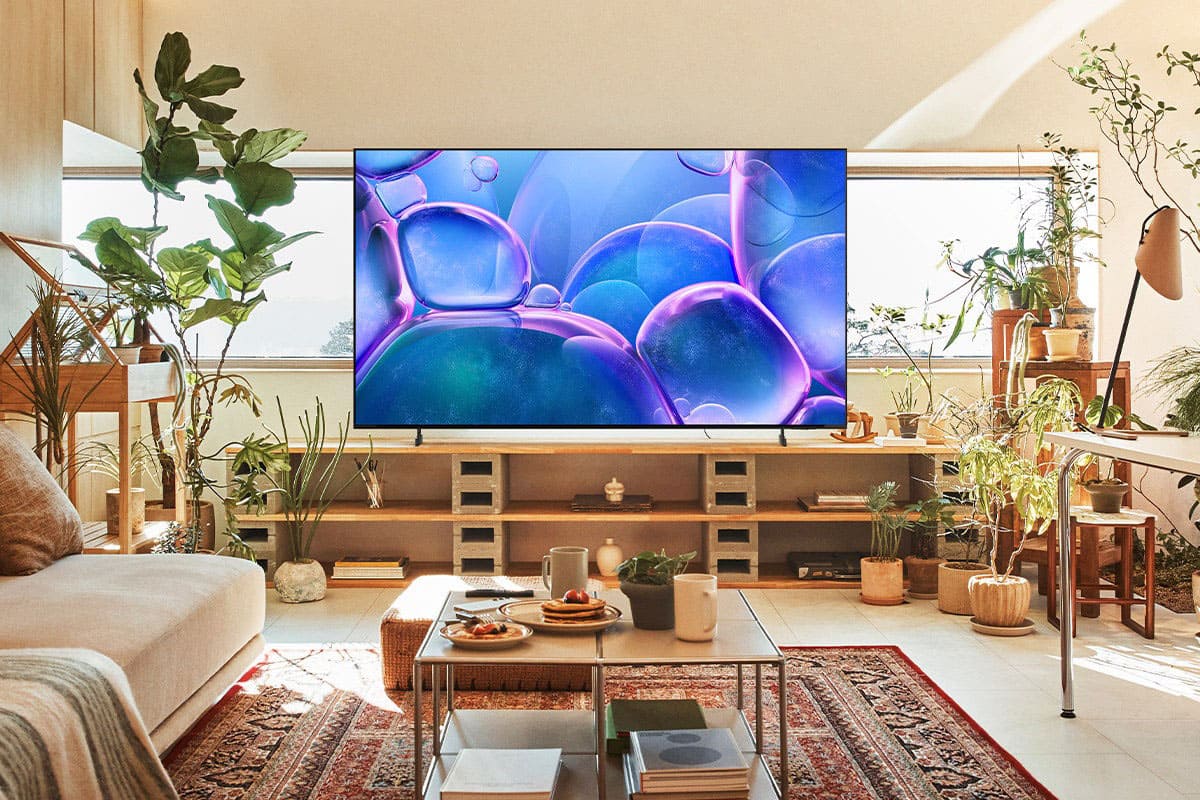


- Model:
- UN75U7900FFXZA
- SKU:
- 6639197
Rating by feature
- Picture Quality
Rating 4.8 out of 5 stars
- Sound Quality
Rating 4.7 out of 5 stars
- Brightness
Rating 4.8 out of 5 stars
Customers are saying
Customers commend the 75" Class U7900 Series UHD 4K Smart Tizen TV (2025) for its excellent 4K picture quality, making it great for shows and gaming. Users also appreciate the easy setup and perfect size for various rooms. However, some customers have reported issues with Bluetooth connectivity.
This summary was generated by AI based on customer reviews.
Not Happy
||Posted .This reviewer received promo considerations or sweepstakes entry for writing a review.I really like the TV to a point I tried to work through it because some channels through the apps do well however, I'm highly disappointed with some of the functions such as a very slow response time and it lags; sound don't match the character's lips, and some channels don't come in as clear as others. I'm wondering if I got one with some sort of cliche
No, I would not recommend this to a friendBrand response from Samsung
Posted .TsW11,
We appreciate your feedback regarding response time. For optimal performance, please ensure your TV is running the latest firmware. You can check this by going to: Home > left directional key > Settings > Support > Software Update
To further optimize performance, try running Device Care, which checks memory, clears unused cached data, and closes background apps: Home > left directional key > Settings > Support > Device Care > Start Device Care
If issues continue, please reach Samsung Support at 1-800-SAMSUNG, available 8AM – 12AM EST, 7 days a week.
LiveChat is also available via the ‘Support’ link on our website.
~ Samsung Specialist
Dissatisfied
||Posted . Owned for 1 month when reviewed.This reviewer received promo considerations or sweepstakes entry for writing a review.Don’t make the same mistake of thinking you can get a tv with no issues on the cheap.. I decided to go against my instincts and see if I get a good 75 inch tv for under $500 .. Problem after problem ensued so unless you’re very tech savvy, pay the extra $200-300 to buy the better tv !!
No, I would not recommend this to a friendBrand response from Samsung
Posted .Hi Mack,
We appreciate your feedback. If there’s anything we can assist with, please don’t hesitate to call us at 1-800-SAMSUNG, available daily from 8AM - 12AM EST. You can also visit the Samsung website and click on ‘Support’ for:
• Live Chat
• Manuals, Software, & Warranty Info
~ Samsung Advisor
!!! DO NOT BUY!!!
||Posted . Owned for 1 month when reviewed.This reviewer received promo considerations or sweepstakes entry for writing a review.Please keep walking if you are thinking abot this TV. The color is horrible and the brightness drowns out any color left on the screen. I have seen rocks with more vivid color than this TV. You can tell I'm not a verified purchase, I wont lie !
No, I would not recommend this to a friendBrand response from Samsung
Posted .Hi OdellL,
We’re sorry to hear you’re not fully satisfied with the picture quality on your Samsung U7900 TV. If the image appears too dark, we suggest disabling certain energy-saving features, which can automatically adjust brightness and affect how the screen looks.
Go to: Settings > All Settings > General & Privacy > Power and Energy Saving, then turn off Brightness Optimization, Energy Saving Solution, Motion Lighting, and/or Contrast Enhancer.
You can also adjust the Picture Mode to better suit your environment: Settings > All Settings > Picture > Picture Mode
• Standard – Default mode for general viewing
• Dynamic – Brighter and clearer, ideal for well-lit rooms
• Movie – Best for dark room viewing
• Eco – Energy-saving mode
• Filmmaker Mode – Preserves content as intended by creators
To fine-tune brightness, go to: Home > left directional key > Settings > All Settings > Picture > Expert Settings, then adjust the Brightness level (0–50) to your preference.
Lastly, please make sure your TV is running the latest firmware: Home > Home > left directional key > Settings > Support > Software Update > Update Now
We hope these tips help improve your viewing experience. If you need further support, feel free to contact us at 1-800-SAMSUNG, 8AM – 12AM EST, 7 days a week. LiveChat is also available via the ‘Support’ link on our website.
~ Samsung Advisor
Samsung crystal led
||Posted .This reviewer received promo considerations or sweepstakes entry for writing a review.Poor picture quality. I returned it for a better model.
No, I would not recommend this to a friendBrand response from Samsung
Posted .KenH,
We're sorry to hear that your experience with the U7900F TV led to a return. Your feedback matters to us and will be shared with our product team.
If you decide to explore Samsung TVs again in the future, we’re always here to support you - whether it’s setup, features, or troubleshooting. Reach us anytime at 1-800-SAMSUNG (8AM – 12AM EST, 7 days a week), or visit the ‘Support’ section of our website for LiveChat, manuals, and more.
~ Samsung Specialist
Best Buy as a company
||Posted . Owned for 3 weeks when reviewed.This reviewer received promo considerations or sweepstakes entry for writing a review.The tv is great but the Best Buy as a whole is horrible from the customer service in the contact center to dealing with people in the store. Im not certain where empathy went but it cant be found at Best w
No, I would not recommend this to a friendBrand response from Samsung
Posted .CPPM,
It appears your 1-star review for the Samsung U7900F TV is based on your experience with Best Buy, and we’re sorry to hear that. We recommend contacting the store directly to share your feedback.
If you need help with the TV itself, Samsung Support is available at 1-800-SAMSUNG, 8AM – 12AM EST, 7 days a week, or via LiveChat under the ‘Support’ section of our website.
~ Samsung Specialist
Worst colors, by far.
||Posted . Owned for 3 weeks when reviewed.This reviewer received promo considerations or sweepstakes entry for writing a review.Very poor color, actually wrong colors, very slow interface, not a good buy at all. Pay same amount for other brands and get a better picture.
No, I would not recommend this to a friendBrand response from Samsung
Posted .EmadM,
We appreciate your feedback on the picture quality of Samsung’s U7900F TV. If the image doesn’t quite match your preferences, there are several adjustments you can make to better suit your viewing environment and content type.
First, please ensure your TV is running the latest firmware, as updates may include important picture quality enhancements. Go to: Home > Left directional button > Settings > Support > Software Update > Update Now
To explore picture mode options, navigate to: Home > Left directional button > Settings > All Settings > Picture > Picture Mode. Options include:
• Standard – Ideal for general viewing
• Dynamic – Brighter and more vibrant for well-lit spaces
• Eco – Optimized for energy efficiency
• Movie – Best for viewing in low light
• Filmmaker Mode – Preserves the content creator’s intent and disables motion smoothing for supported content
You can further customize your image by going to: Settings > All Settings > Picture > Expert Settings, where you can adjust Brightness, Contrast, Color Tone, Sharpness, Contrast Enhancer and more.
If you’d like help finding the best picture settings for your preferences, please don’t hesitate to contact Samsung Support at 1-800-SAMSUNG, available 8AM – 12AM EST, 7 days a week. You can also LiveChat with an agent or explore additional resources on our website by clicking the ‘Support’ link.
~ Samsung Specialist
wrong
||Posted . Owned for 3 weeks when reviewed.This reviewer received promo considerations or sweepstakes entry for writing a review.picture went out i'm going to return next week will go to the best buy when i arrive home lines running through the picture needs replacing not repaired
No, I would not recommend this to a friendBrand response from Samsung
Posted .MichaelB,
We appreciate you sharing your experience. If you haven’t returned your unit yet, we’d appreciate the chance to troubleshoot and help resolve the issue.
Please contact Samsung Support at 1-800-SAMSUNG, available daily from 8 AM to 12 AM EST.
We look forward to assisting you.
~ Samsung Specialist
Returned
||Posted . Owned for 2 weeks when reviewed.This reviewer received promo considerations or sweepstakes entry for writing a review.In complete and very slow returning process , personal attention at the store so poor
I would recommend this to a friendBrand response from Samsung
Posted .Hi RodrigoR,
We're very sorry to hear that you did not have a good experience with the U7900 TV. If you ever revisit Samsung TVs, call us at 1-800-SAMSUNG (8AM – 12AM EST daily) or LiveChat with an agent through the ‘Support’ section on our website.
~ Samsung Advisor
- Pros mentioned:Picture quality
Glad I purchased this
Posted .This reviewer received promo considerations or sweepstakes entry for writing a review.I love it! The clarity is great & the size fits perfectly with my living room. My only draw back is that it doesn't automatically dim in the evening time like my old tv did. But I would still recommend
I would recommend this to a friend Poor quality doesn’t worth buying
||Posted . Owned for 1 month when reviewed.This reviewer received promo considerations or sweepstakes entry for writing a review.Very low quality screen broke right away with a very light touch due to poor quality. Very poor contrast and picture/sound quality.
No, I would not recommend this to a friendBrand response from Samsung
Posted .Hi WaheedM,
We’re sorry to hear about the crack that developed on your screen. While we understand this is frustrating, it’s important to note that screen cracks do not occur spontaneously. In most cases, some form of physical impact - however minor or unintentional - at just the right angle can result in this type of damage. As this type of damage is not the result of a manufacturing defect, it is not covered under warranty. Our warranty applies only to defects in materials or workmanship encountered during normal, noncommercial use. You can read more about our warranty by entering your model here: https://www.samsung.com/us/support/warranty/
If there’s anything we can assist with, please don’t hesitate to call us at 1-800-SAMSUNG, available daily from 8AM - 12AM EST. You can also visit the Samsung website and click on ‘Support’ for:
• Live Chat
• Manuals, Software, & Warranty Info
~ Samsung Advisor
- Pros mentioned:Picture quality
Perfect smart tv
Posted .This reviewer received promo considerations or sweepstakes entry for writing a review.Perfect tv for the sie and price. Fits in my space well. Big. Clear picture. Audio feels like i have a sound box. Several great features too many to list. Customizable. Easy to navigate. Would definitely recommend to buy
I would recommend this to a friend Owner
||Posted . Owned for 2 weeks when reviewed.This reviewer received promo considerations or sweepstakes entry for writing a review.There is something wrong with the picture. A sharp red tint is causing the picture to look peculiar
No, I would not recommend this to a friendBrand response from Samsung
Posted .Hi DominicB,
We're very sorry to hear about your experience. If your TV is displaying a red tint on the screen, we recommend the following steps to help isolate the issue:
1. Check all input cable connections for any external devices (e.g., HDMI, streaming boxes, Blu-ray players)
2. Switch channels or inputs to see if the issue appears across all sources
3. Run a Picture Test to check for panel-related issues: Settings > Support > Device Care > Self Diagnosis > Picture Test
4. Perform a cold boot by holding the power button on your remote for about 10 seconds
5. Ensure your TV has the latest software installed: Settings > Support > Software Update
If the issue continues after these steps, the TV may require service. For further assistance, please contact Samsung Support at 1-800-SAMSUNG, 8AM – 12AM EST, 7 days a week. LiveChat and additional support resources are also available through the Support link on our website.
~Samsung Advisor
Not good
||Posted . Owned for 1 month when reviewed.This reviewer received promo considerations or sweepstakes entry for writing a review.Stopped working after a week and Best Buy tried charging me restocking and fees if I need services.
No, I would not recommend this to a friendBrand response from Samsung
Posted .Hi Value,
We appreciate your patience in having to deal with the hassle of an exchange. Please reach out to Best Buy directly for assistance with any refund issues. We hope you’ll consider Samsung again in the future. If you do, we’re always here to help with setup and support. Reach us at 1-800-SAMSUNG (8AM – 12AM EST, 7 days a week), or visit our website to chat live and access manuals or software.
~Samsung Advisor
TV review
||Posted . Owned for 2 weeks when reviewed.This reviewer received promo considerations or sweepstakes entry for writing a review.The tv cannot run the tv apps without lagging a fire stick is needed to help with processing as tv wifi processor is not affective
No, I would not recommend this to a friendBrand response from Samsung
Posted .Hi PatrickM,
Thank you for sharing your experience. Buffering during streaming is typically related to internet speed or signal strength. This can happen when your connection isn’t able to deliver data quickly enough for smooth playback.
We recommend the following steps to help improve streaming performance:
1. Use a 5GHz Wi-Fi connection, if available
2. Try a wired LAN connection for more stability
3. Reposition your router to minimize obstacles between it and the TV
4. Make sure your TV is running the latest firmware (Settings > Support > Software Update)
5. Run Device Care to optimize performance: Home > left directional key > Settings > Support > Device Care > Start Device Care
If buffering continues, you may want to contact your internet service provider to check your current speed or explore upgrade options.
If we can assist further, please call us at 1-800-SAMSUNG (8AM – 12AM EST, 7 days a week), or connect with a LiveChat agent by selecting ‘Support’ on our website.
~ Samsung Advisor
Television
||Posted .This reviewer received promo considerations or sweepstakes entry for writing a review.The whole process got delayed and ruined my experience
I would recommend this to a friendBrand response from Samsung
Posted .User485,
Please know that you're leaving a review and 1-star rating for the U7900F TV, but we’re sorry to hear of your experience with Best Buy, nonetheless. You may want to consider providing your feedback directly to the Best Buy store where the purchase was made.
If you have questions about the TV itself, Samsung is here to help. You can reach us at 1-800-SAMSUNG, 8AM – 12AM EST, 7 days a week. LiveChat agents are also available by clicking the ‘Support’ link on our website.
~ Samsung Specialist
Samsung tv
||Posted . Owned for 3 weeks when reviewed.This reviewer received promo considerations or sweepstakes entry for writing a review.Not a good tv was definitely lied to about quality
No, I would not recommend this to a friendBrand response from Samsung
Posted .Hi AdamH,
It's unfortunate to hear that you are not satisfied with the U7900 TV. If the image doesn’t quite match your preferences, there are several adjustments you can make to better suit your viewing environment and content type.
First, please ensure your TV is running the latest firmware, as updates may include important picture quality enhancements. Go to: Home > Left directional button > Settings > Support > Software Update > Update Now
To explore picture mode options, navigate to: Home > Left directional button > Settings > All Settings > Picture > Picture Mode. Options include:
• Standard – Ideal for general viewing
• Dynamic – Brighter and more vibrant for well-lit spaces
• Eco – Optimized for energy efficiency
• Movie – Best for viewing in low light
• Filmmaker Mode – Preserves the content creator’s intent and disables motion smoothing for supported content
You can further customize your image by going to: Settings > All Settings > Picture > Expert Settings, where you can adjust Brightness, Contrast, Color Tone, Sharpness, Contrast Enhancer and more.
If you’d like help finding the best picture settings for your preferences, please don’t hesitate to contact Samsung Support at 1-800-SAMSUNG, available 8AM – 12AM EST, 7 days a week. You can also LiveChat with an agent or explore additional resources on our website by clicking the ‘Support’ link.
~ Samsung Advisor
Black line down side of TV
||Posted .This reviewer received promo considerations or sweepstakes entry for writing a review.Tv came with a black line down the screen as soon as I plugged it in. Didn’t realize best buy only had 2 weeks return policy.
No, I would not recommend this to a friendBrand response from Samsung
Posted .Hi DerekA,
We're very sorry to hear about your experience. If there’s anything we can assist with, please don’t hesitate to call us at 1-800-SAMSUNG, available daily from 8AM - 12AM EST. You can also visit the Samsung website and click on ‘Support’ for:
• Live Chat
• Manuals, Software, & Warranty Info
~ Samsung Advisor
Broken cinched HDMI
||Posted . Owned for 3 weeks when reviewed.This reviewer received promo considerations or sweepstakes entry for writing a review.Terrible installation HDMI was cinched and broken in HDMI port
I would recommend this to a friendBrand response from Samsung
Posted .Hi RoryS,
We're very sorry to hear about your installation. You may want to reach out to Best Buy to assist you. If there’s anything we can assist with, please don’t hesitate to call us at 1-800-SAMSUNG, available daily from 8AM - 12AM EST. You can also visit the Samsung website and click on ‘Support’ for:
• Live Chat
• Manuals, Software, & Warranty Info
~Samsung Advisor
Cracked screen
||Posted . Owned for 3 weeks when reviewed.This reviewer received promo considerations or sweepstakes entry for writing a review.It came with the screen damaged and wasn’t able to use it and had to get replaced
No, I would not recommend this to a friendBrand response from Samsung
Posted .Hi DavidG,
I'm sorry you received a cracked screen on your U7900 TV. If you have not already done so, please reach out to Best Buy directly to assist you.
If there’s anything we can assist with, please don’t hesitate to call us at 1-800-SAMSUNG, available daily from 8AM - 12AM EST. You can also visit the Samsung website and click on ‘Support’ for:
• Live Chat
• Manuals, Software, & Warranty Info
~ Samsung Advisor
Get Broken tv
||Posted .This reviewer received promo considerations or sweepstakes entry for writing a review.Broken tv we got and no return or replacement offer
No, I would not recommend this to a friendBrand response from Samsung
Posted .Hi user521002,
We appreciate you sharing your delivery experience and are sorry to hear that your TV arrived damaged. For issues related to shipping or delivery, we recommend reaching out to Best Buy directly so they can assist in resolving the situation.
Once your issue is resolved, if you have any questions about setup, usage, or features, please don’t hesitate to contact Samsung Support at 1-800-SAMSUNG (8AM – 12AM EST, 7 days a week), or connect with a LiveChat agent via the ‘Support’ link on our website.
~ Samsung Advisor