Customer Ratings & Reviews









- Model:
- UN75U7900FFXZA
- SKU:
- 6639197
Rating by feature
- Picture Quality
Rating 4.8 out of 5 stars
- Sound Quality
Rating 4.7 out of 5 stars
- Brightness
Rating 4.8 out of 5 stars
Customers are saying
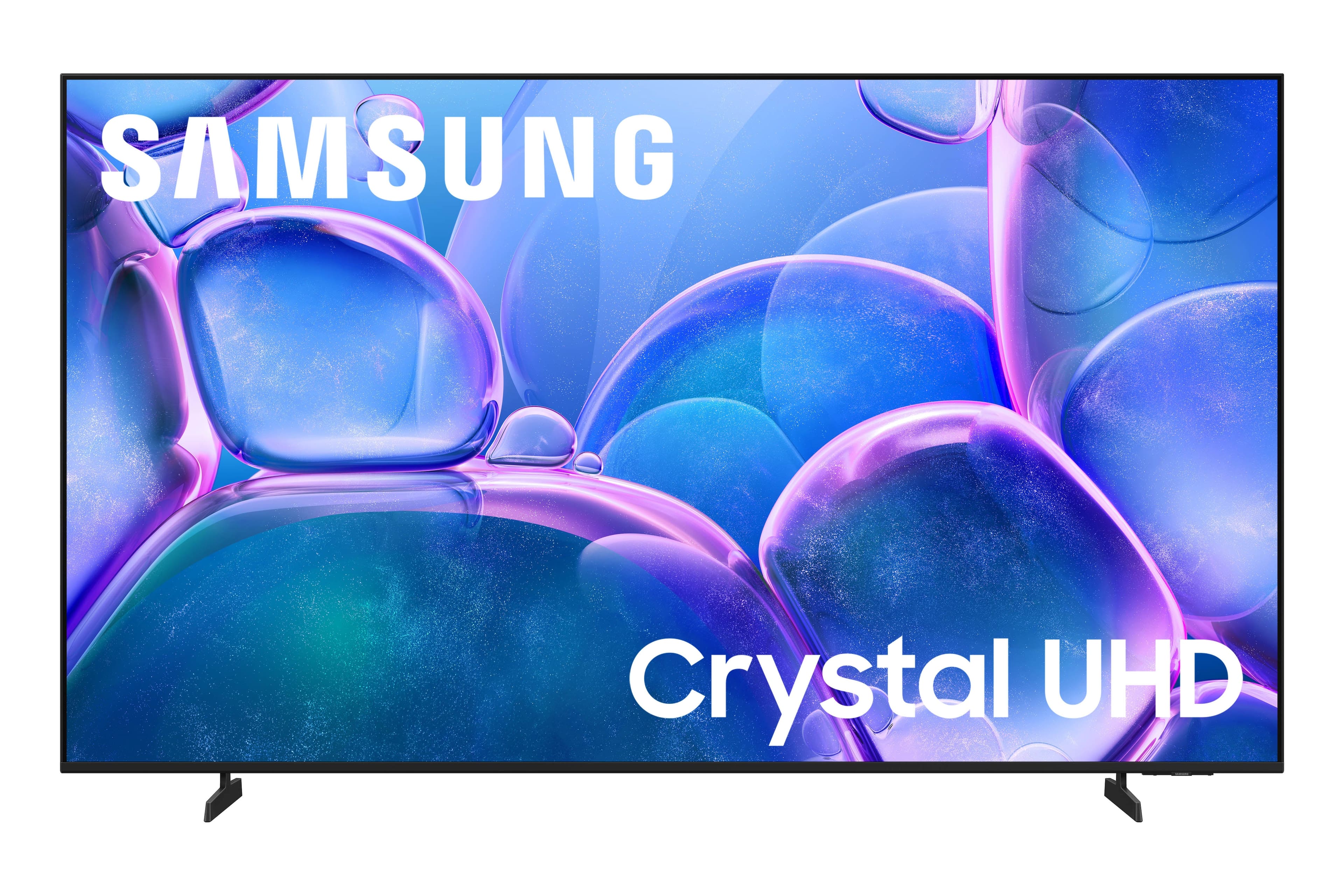
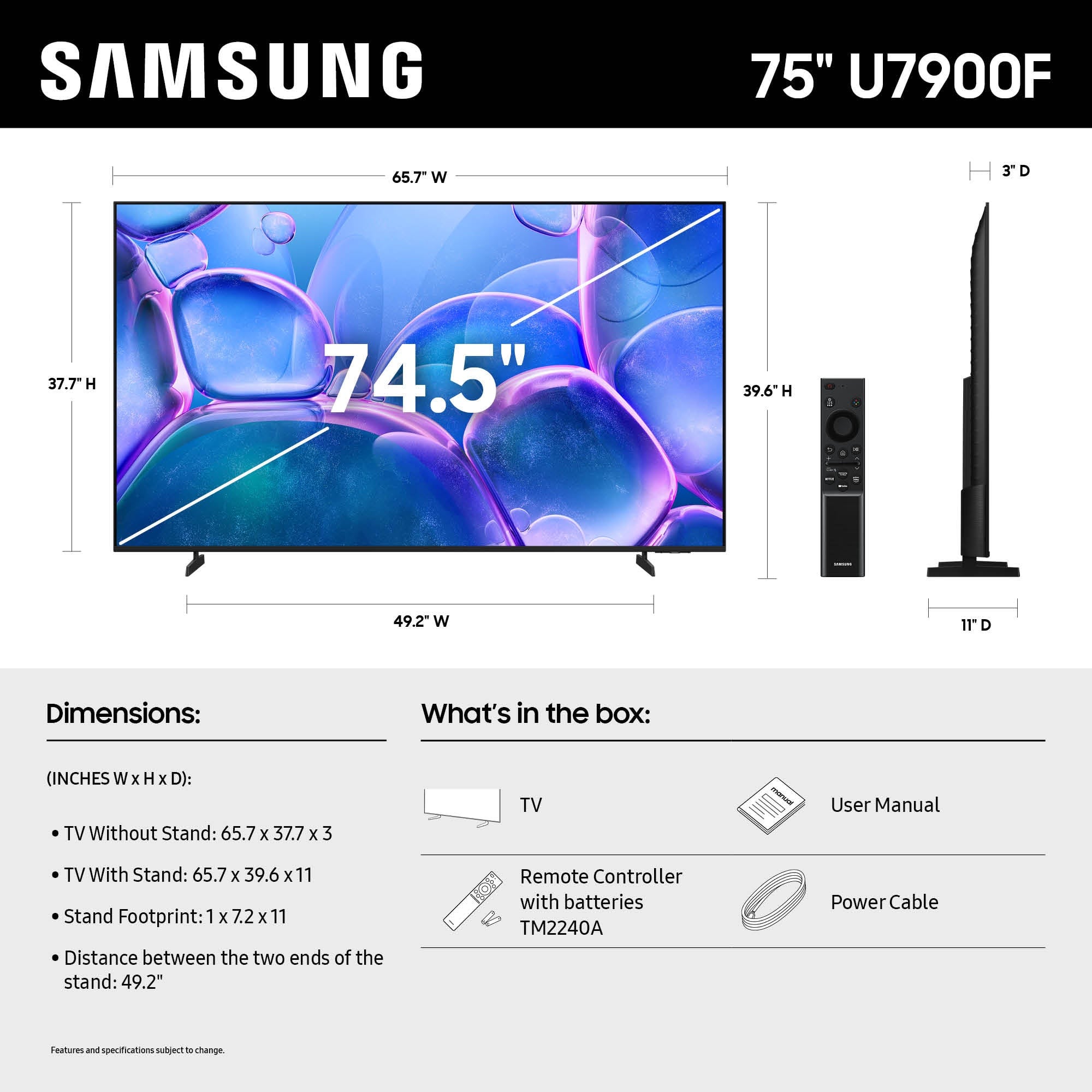
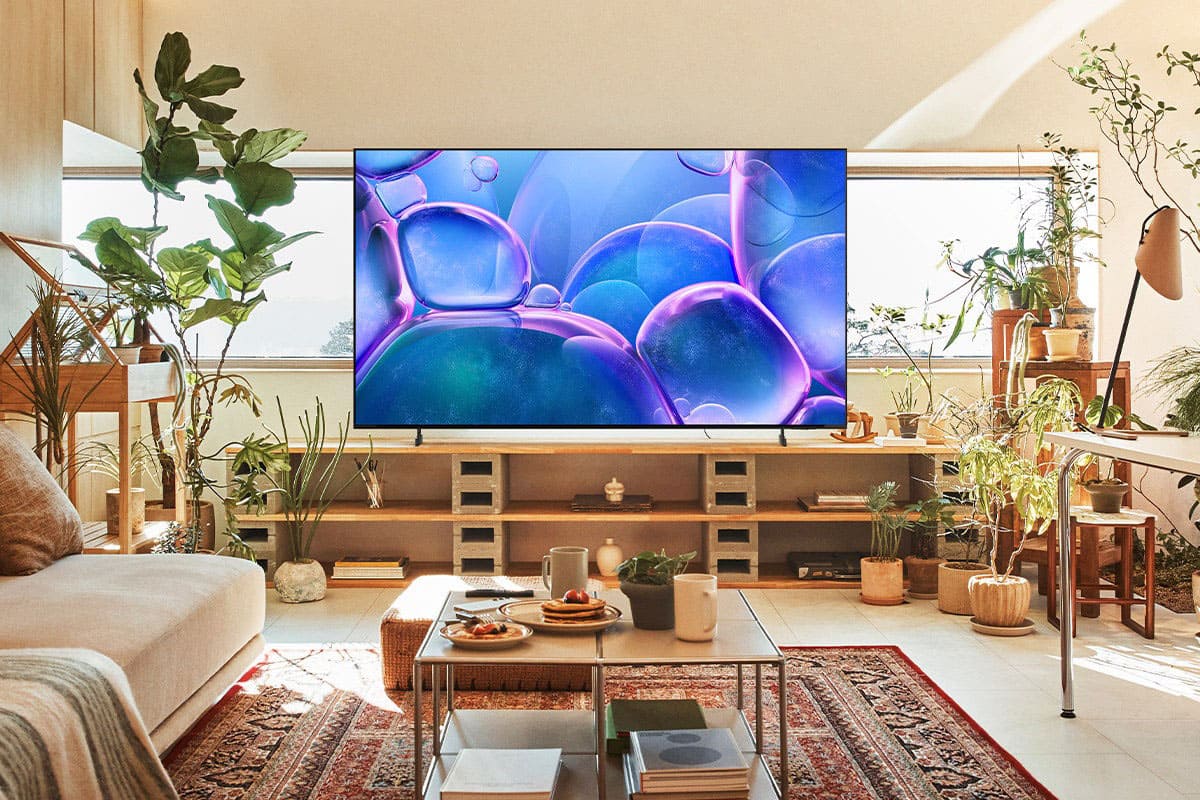
Customers commend the 75" Class U7900 Series UHD 4K Smart Tizen TV (2025) for its excellent 4K picture quality, making it great for shows and gaming. Users also appreciate the easy setup and perfect size for various rooms. However, some customers have reported issues with Bluetooth connectivity.
This summary was generated by AI based on customer reviews.
Samsung Tv
Posted .This reviewer received promo considerations or sweepstakes entry for writing a review.Good quality and great service, I would shop again
I would recommend this to a friendGreat picture
Posted .This reviewer received promo considerations or sweepstakes entry for writing a review.Great picture quality for a reasonably priced large tv
I would recommend this to a friendLove it
Posted .This reviewer received promo considerations or sweepstakes entry for writing a review.My son was very happy he loves playing his video game on it
I would recommend this to a friend75” TV
Posted .This reviewer received promo considerations or sweepstakes entry for writing a review.Great TV for the price, easy to install Apps from previous TV
I would recommend this to a friendLove Best By
Posted .This reviewer received promo considerations or sweepstakes entry for writing a review.Great delivery, set up went very smoothly. So far so good.
I would recommend this to a friendSamaung tv
Posted .This reviewer received promo considerations or sweepstakes entry for writing a review.The product is great, the service also was great thanks!
I would recommend this to a friendTv delay speech
Posted .This reviewer received promo considerations or sweepstakes entry for writing a review.Speech delay on tv looks funny when catches up wish i could return it but i can't i don't have box no more
No, I would not recommend this to a friendBrand response from Samsung
Posted .Hi Maria,
Thank you for your feedback on the lip sync issues you're experiencing with your Samsung U7900 TV. This may be related to the content source, but if you're noticing the audio delay across all sources or channels, especially when using an external speaker setup (soundbar, receiver, etc.), there are a few settings that may help:
1. Adjust Digital Audio Delay. You can manually increase the audio delay to better match the video: Settings > All Settings > Sound > Expert Settings > Digital Output Audio Delay
2. Enable Audio Pass-Through. Samsung TVs include an audio pass-through option, which sends the audio signal directly to your connected soundbar or receiver without additional processing by the TV. This can reduce delay when using external audio devices: Settings > All Settings > Sound > Expert Settings > Digital Audio Output Format > Pass-Through
3. Check for Firmware Updates. Ensure your TV is running the latest software, which may include performance improvements related to sound or sync: Home > left directional key > Settings > Support > Software Update > Update Now
If the issue continues after these steps, please contact Samsung Support for additional troubleshooting or assistance. We’re here to help at 1-800-SAMSUNG, 8AM – 12AM EST, 7 days a week. LiveChat and additional support resources are also available through the Support link on our website.
~ Samsung Advisor
Nice!
Posted .This reviewer received promo considerations or sweepstakes entry for writing a review.Niceeeeeeeeeeeeeeeeeeeeeeeeeeeeeeeeeeeeeeeeeeeeee!
I would recommend this to a friendSamsung tv
Posted .This reviewer received promo considerations or sweepstakes entry for writing a review.I don’t like the fact that the tv doesnt have a voice controller
No, I would not recommend this to a friendSamsung TV
Posted .This reviewer received promo considerations or sweepstakes entry for writing a review.A few hiccups at the beginning but a great size TV for that price
I would recommend this to a friend- Pros mentioned:Picture quality
Spend a little more!
Posted .This reviewer received promo considerations or sweepstakes entry for writing a review.The picture is very nice, the remote doesn't have any numbers.
No, I would not recommend this to a friendBrand response from Samsung
Posted .Hi JohnW,
It's great to hear that your are enjoying the picture on your U7900F TV. While Samsung remotes are designed for ease and versatility, universal remotes can also be used to control your TV. If you're using a third-party remote, please refer to its manufacturer guide for the correct Samsung code and setup process.
If you run into any trouble or have compatibility questions, Samsung Support is happy to help. You can reach us at 1-800-SAMSUNG, 8AM – 12AM EST, 7 days a week. LiveChat agents are also available at the ‘Support’ link on our website.
~ Samsung Advisor
Good for the price
Posted .This reviewer received promo considerations or sweepstakes entry for writing a review.decent TV for the price. nothing special. picture quality just ok
I would recommend this to a friendSamsung is the best
Posted .This reviewer received promo considerations or sweepstakes entry for writing a review.I never got a 75" tv, but i do love samsung........
I would recommend this to a friendSamsung is Good
Posted .This reviewer received promo considerations or sweepstakes entry for writing a review.Yes, Good product. I like how easy to setup and mount.
I would recommend this to a friendBrand response from Samsung
Posted .Hi Median,
Thank you for reviewing Samsung’s U7900F TV. If any concerns influenced your 3-star rating, please know our Customer Support team is ready and available to assist. You can call us at 1-800-SAMSUNG, available daily from 8AM – 9PM EST Mon – Fri, 8AM – 6PM Sat – Sun. You can also visit the Samsung website and click on ‘Support’ for:
• Live Chat
• Manuals, Software, & Warranty Info
~ Samsung Advisor
It's ok for the price
Posted .This reviewer received promo considerations or sweepstakes entry for writing a review.Picture and sound quality isn't all that great, I've had better.
No, I would not recommend this to a friendBrand response from Samsung
Posted .Hi TakeylaW,
We appreciate your feedback on the picture quality of Samsung’s U7900F TV. If the image and sound don’t quite match your preferences, you can make several adjustments to better suit your viewing environment and content type.
First, please ensure your TV is running the latest firmware, as updates may include important picture quality enhancements. Go to: Home > Left directional button > Settings > Support > Software Update > Update Now
To explore picture mode options, navigate to: Home > Left directional button > Settings > All Settings > Picture > Picture Mode. Options include:
• Standard – Ideal for general viewing
• Dynamic – Brighter and more vibrant for well-lit spaces
• Eco – Optimized for energy efficiency
• Movie – Best for viewing in low light
• Filmmaker Mode – Preserves the content creator’s intent and disables motion smoothing for supported content
You can further customize your image by going to: Settings > All Settings > Picture > Expert Settings, where you can adjust Brightness, Contrast, Color Tone, Sharpness, Contrast Enhancer and more.
To improve your sound, try different Sound Modes (Standard, Optimized, Amplify), or fine-tune your setup in Expert Settings under: Settings > All Settings > Sound
If you’d like help finding the best picture settings for your preferences, please don’t hesitate to contact Samsung Support at 1-800-SAMSUNG, available 8AM – 9PM EST Mon – Fri, 8AM – 6PM Sat – Sun. You can also LiveChat with an agent or explore additional resources on our website by clicking the ‘Support’ link.
~ Samsung Advisor
Laggy UI
Posted .This reviewer received promo considerations or sweepstakes entry for writing a review.It laggs a lot even with fast internet. Since getting it I need to restart it sometimes just to get the menu to respond.
No, I would not recommend this to a friendBrand response from Samsung
Posted .Hi JpV1,
We appreciate your feedback regarding response time. For optimal performance, please ensure your U7900F TV is running the latest firmware. You can check this by going to: Home > left directional key > Settings > Support > Software Update
To further optimize performance, try running Device Care, which checks memory, clears unused cached data, and closes background apps: Home > left directional key > Settings > Support > Device Care > Start Device Care
If issues continue, please reach Samsung Support at 1-800-SAMSUNG, available 8AM – 12AM EST, 7 days a week.
LiveChat is also available via the ‘Support’ link on our website.
~ Samsung Advisor
Not worth it!
Posted .This reviewer received promo considerations or sweepstakes entry for writing a review.After less than a month the picture went out. I could still hear the TV however I could not see any picture. It was totally black. Thankfully I was able to return the tv. I did not buy the same one, I upgraded to the one right above this one and have been happy.
No, I would not recommend this to a friendBrand response from Samsung
Posted .Hi Kelkelatwk,
We appreciate your patience in having to deal with the hassle of an exchange. If you ever have questions or need support, we’re here to help. Call us at 1-800-SAMSUNG, available from 8AM – 9PM EST Mon – Fri, 8AM – 6PM Sat – Sun seven days a week. You can also connect with a LiveChat agent by clicking the ‘Support’ link on our website.
~ Samsung Advisor
Don’t waste your time
Posted .This reviewer received promo considerations or sweepstakes entry for writing a review.Unfortunately I purchased this TV during the Black Friday sale November of 2025. A couple days after setting up the TV the speakers started “clicking” every time you turned the TV on. It would even happen sometimes after the TV was turned off. I assumed I was given a lemon and decided to pull it off my wall and take it back to best buy. After receiving another one, a month later the same thing is happening with the new one.
No, I would not recommend this to a friendBrand response from Samsung
Posted .Hi Therealdyl06,
Thanks for sharing your experience with your U7900F TV. Unusual sounds can come from different sources, so first check whether it’s from the TV speakers, an external device (like a soundbar), or the back of the TV.
• For external audio, ensure cables are connected to the correct output
• If using antenna or cable, check signal strength: Settings > Support > Device Care > Self Diagnosis > Broadcast Signal
• Popping sounds from the back may be due to thermal expansion - this is normal and not a malfunction
• Run a Sound Test to troubleshoot: Settings > Support > Device Care > Self Diagnosis > Sound Test
If the issue continues, please contact Samsung Support at 1-800-SAMSUNG, 8AM – 12AM EST, 7 days a week. LiveChat and additional support resources are also available through the Support link on our website.
~ Samsung Advisor
Review
Posted .This reviewer received promo considerations or sweepstakes entry for writing a review.Too hard to navigate. Just too difficult to figure things out.
No, I would not recommend this to a friendBrand response from Samsung
Posted .Hi DarleneB,
We appreciate you sharing your user experience. To help you get the most from your TV, you can download the full e-Manual and more by visiting Samsung’s website then navigating to: Support > Manual & Software > TVs & Home Theater. From there, you can search for and select your U7900F TV model to view or download the available guides.
The e-Manual and Remote Control Guide are also conveniently built into your TV: Settings > Support > Tips and User Guides
If you need additional help, please contact Samsung Support at 1-800-SAMSUNG, 8AM – 12AM EST, 7 days a week. LiveChat agents are also available through the ‘Support’ link on our website.
~ Samsung Advisor
Exchange
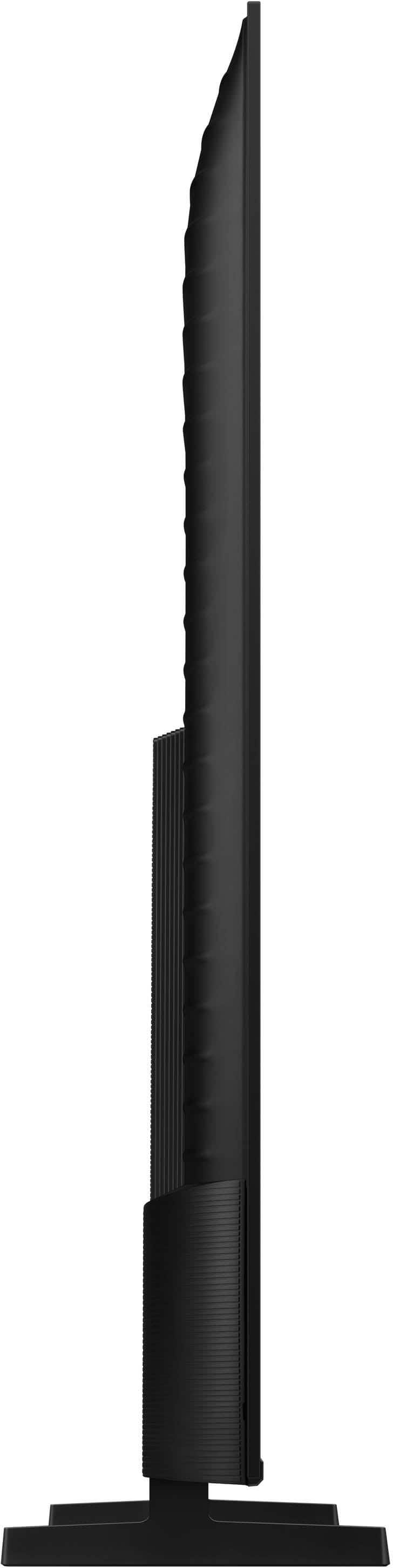
Posted .This reviewer received promo considerations or sweepstakes entry for writing a review.This TV IS NOT WHAT I ORDERED IT IS NOT A FLAT SCREEN IT HAS A BIG BACK AND I DONT LIKE I WANT TO EXCHANGE IT ASAP but I’m being told that I cannot
No, I would not recommend this to a friendBrand response from Samsung
Posted .Hi MayraR,
Thank you for your review. Please know that your opinion is important to us and will be shared with our internal teams. If you ever have questions or need support, we’re here to help. Call us at 1-800-SAMSUNG, available from 8AM - 12AM EST, seven days a week. You can also connect with a LiveChat agent by clicking the ‘Support’ link on our website.
~ Samsung Advisor