Customer Ratings & Reviews










- Model:
- UN75U7900FFXZA
- SKU:
- 6639197
Rating by feature
- Picture Quality
Rating 4.8 out of 5 stars
- Sound Quality
Rating 4.7 out of 5 stars
- Brightness
Rating 4.8 out of 5 stars
Customers are saying
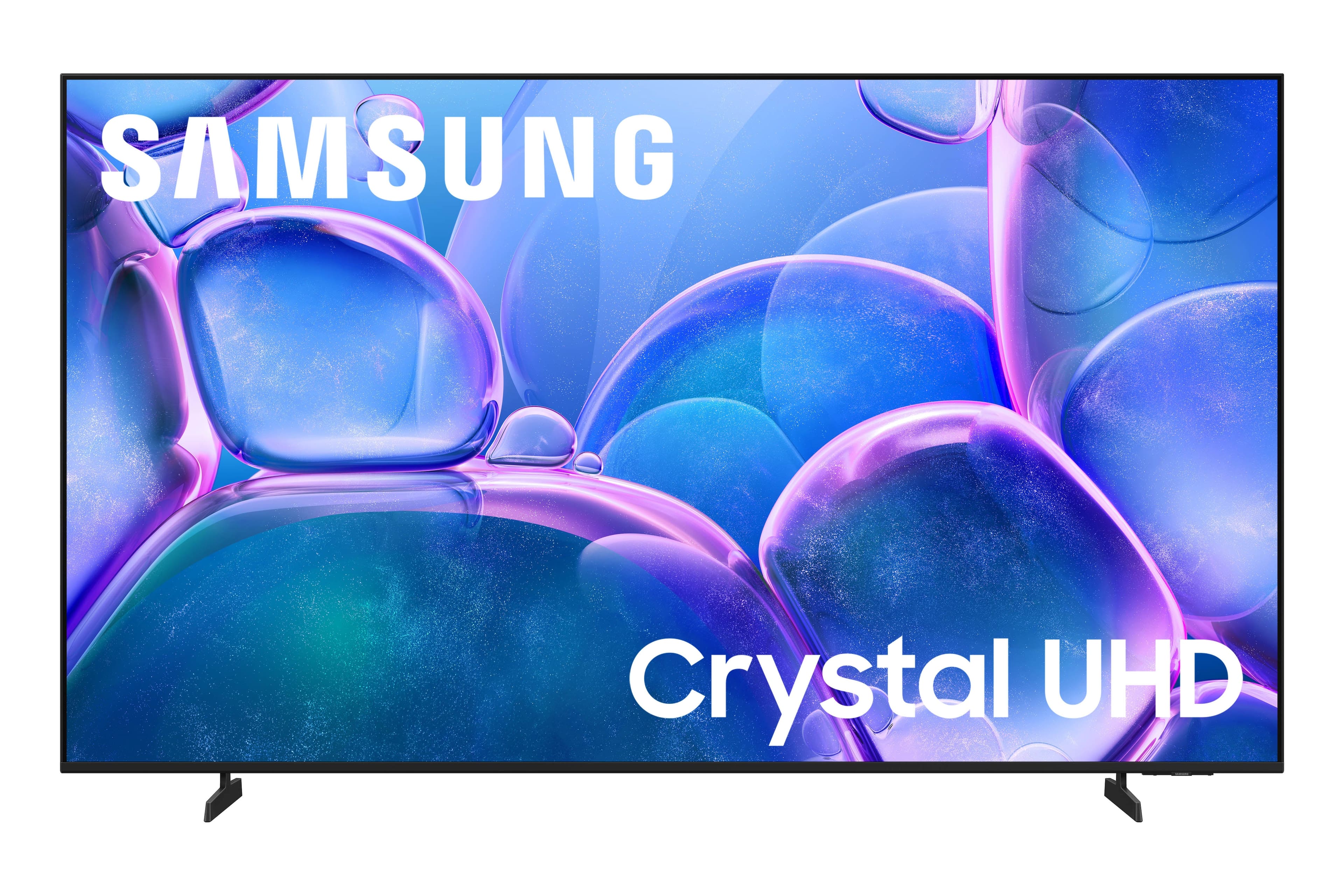
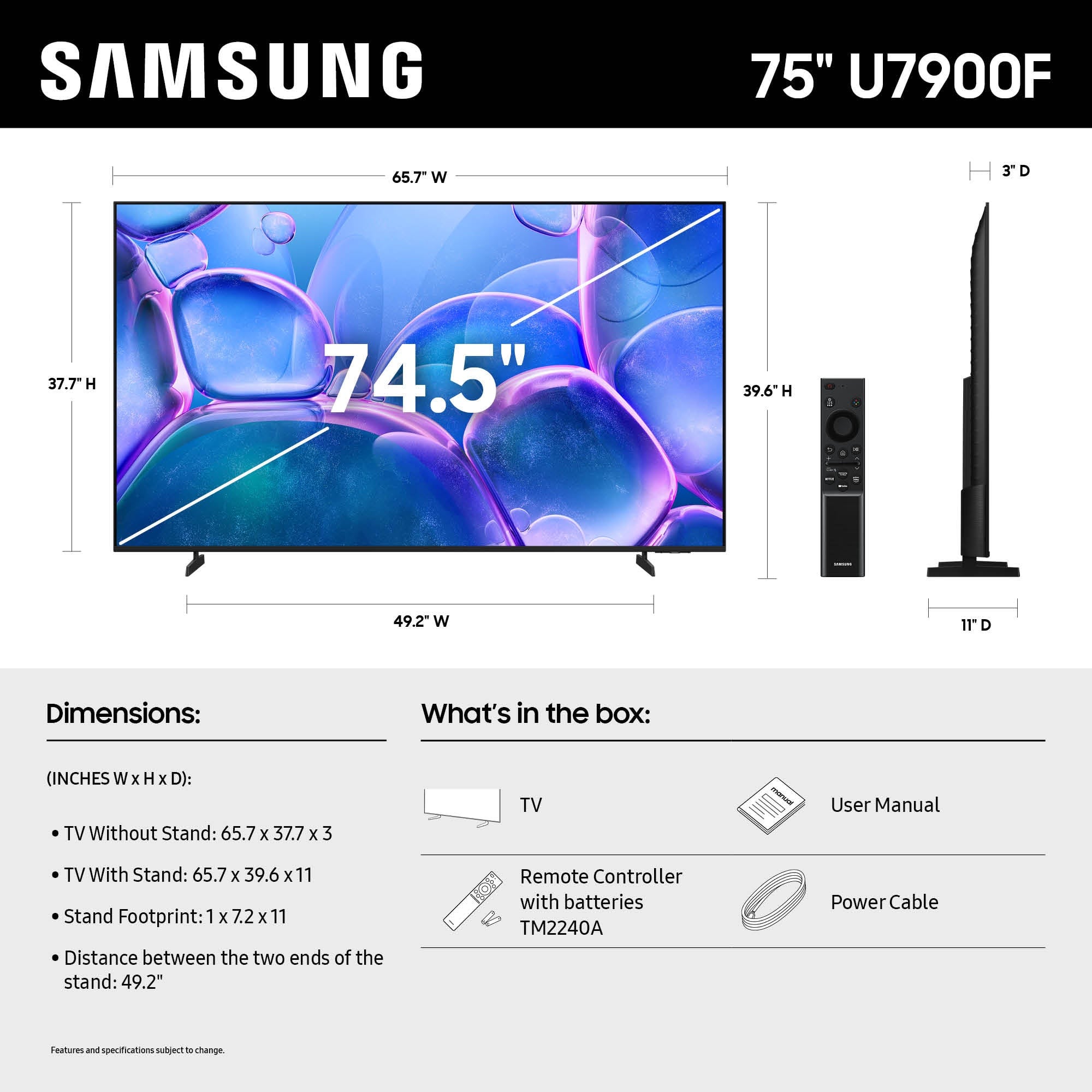
Customers commend the 75" Class U7900 Series UHD 4K Smart Tizen TV (2025) for its excellent 4K picture quality, making it great for shows and gaming. Users also appreciate the easy setup and perfect size for various rooms. However, some customers have reported issues with Bluetooth connectivity.
This summary was generated by AI based on customer reviews.
What's up
Posted .This reviewer received promo considerations or sweepstakes entry for writing a review.Tv worked 3 days. Will not turn on, but has sound.
No, I would not recommend this to a friendBrand response from Samsung
Posted .Hi SallyM,
Thank you for sharing your experience with your U7900F TV. If your screen goes black or you're intermittently losing picture and no external device is connected, please try the following:
1. Check for signs of power. Press the Home button on your remote - if the menu appears, the TV is powered on and the issue may be with the signal or source.
2. Confirm the red standby light is functioning. When off, the standby light should be on. When the TV is in use, the light should turn off. If the standby light is off at all times, your TV may not be receiving power.
3. Run a Picture Test to rule out hardware issues: Home > left directional key > Settings > Support > Device Care > Self Diagnosis > Picture Test
4. Update your TV's firmware if the screen stays on long enough: Settings > Support > Software Update > Update Now
5. Factory Reset if the issue persists: Settings > General & Privacy > Reset > Enter PIN (default: 0000)
If the screen remains black and you’re unable to access any menu, the TV may require service. Please give us a call at 1-800-SAMSUNG, 8AM – 9PM EST Mon – Fri, 8AM – 6PM Sat – Sun, or visit the ‘Support’ section on our website to chat live with an agent.
~ Samsung Advisor