Customer Ratings & Reviews
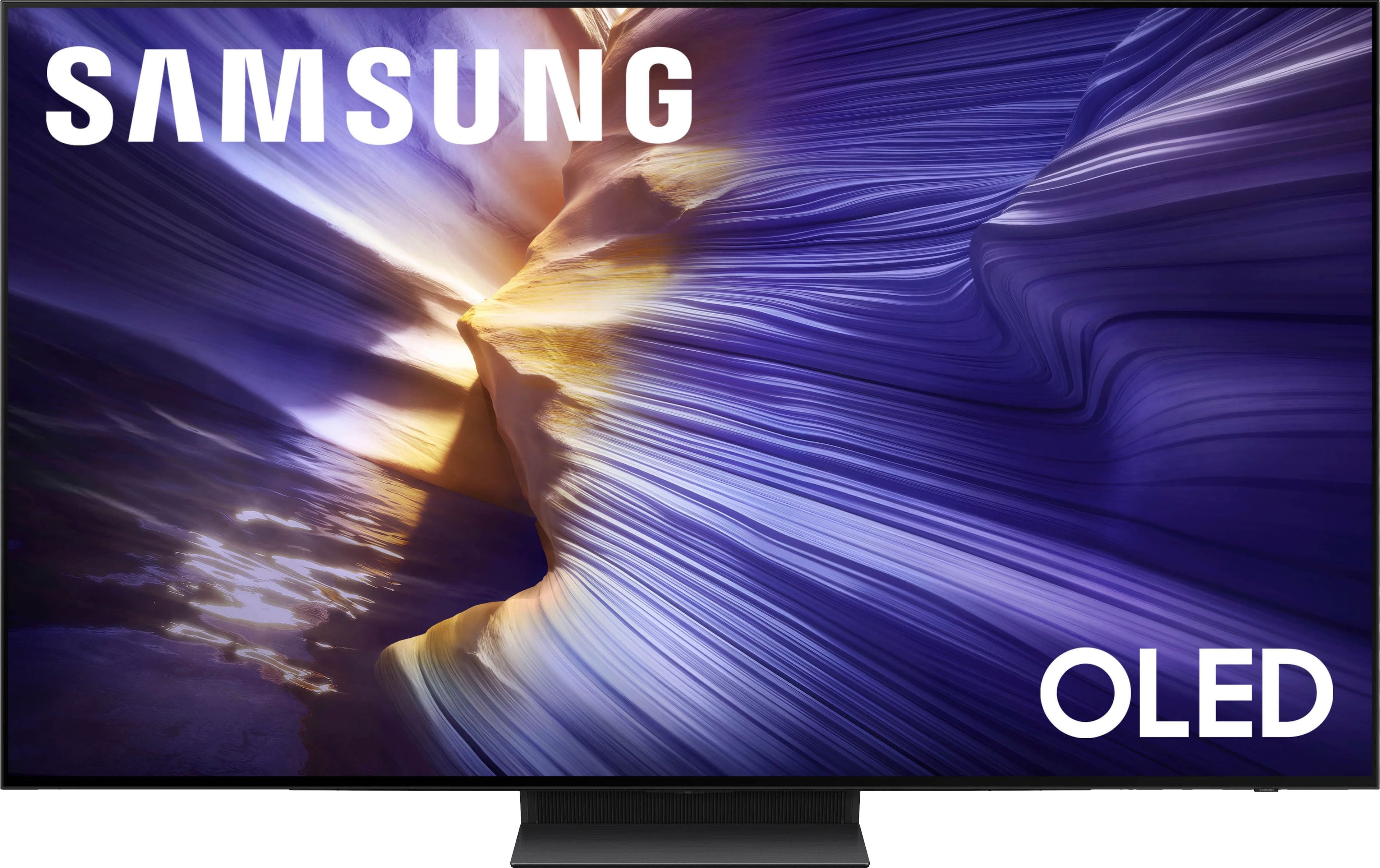
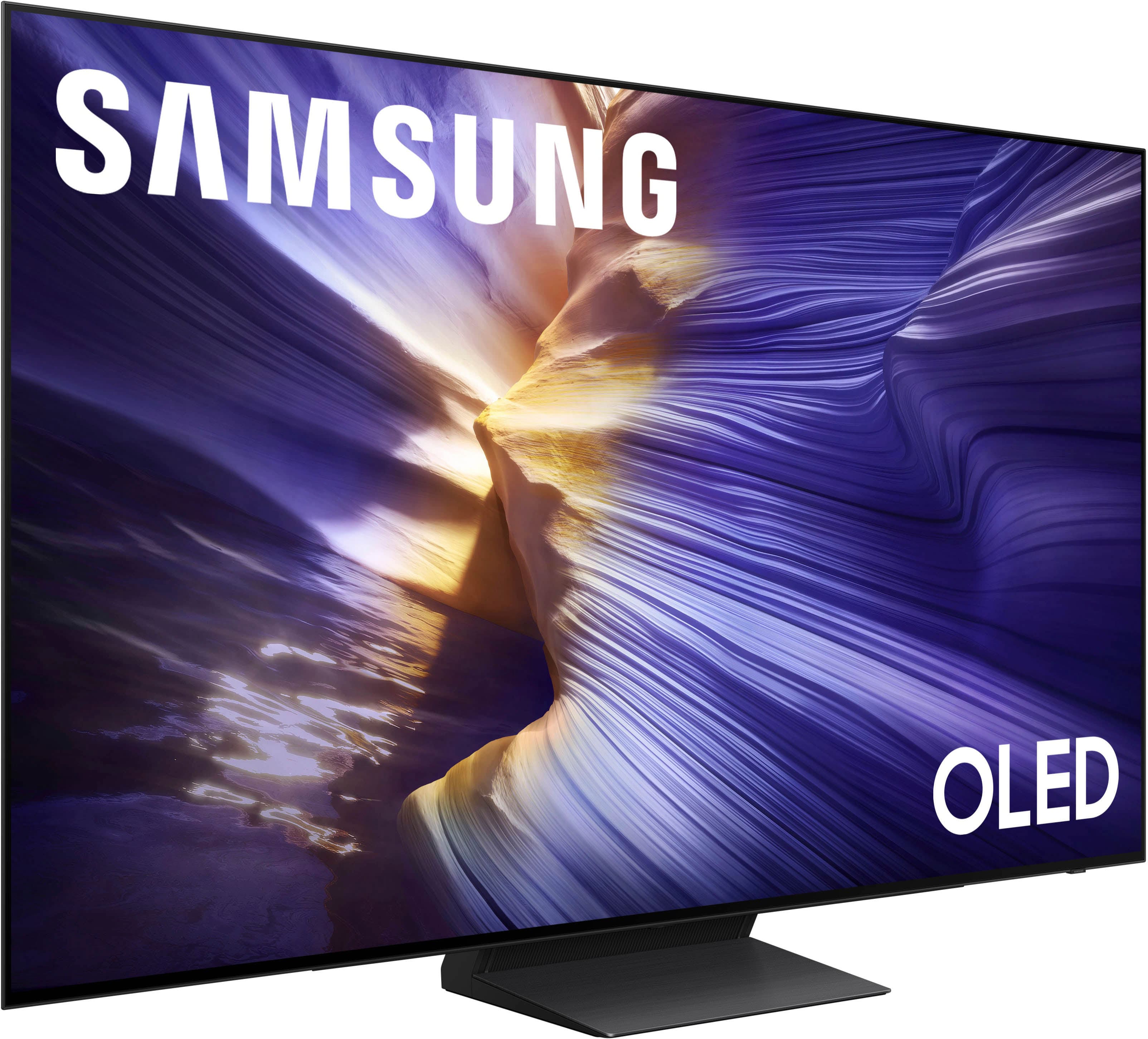
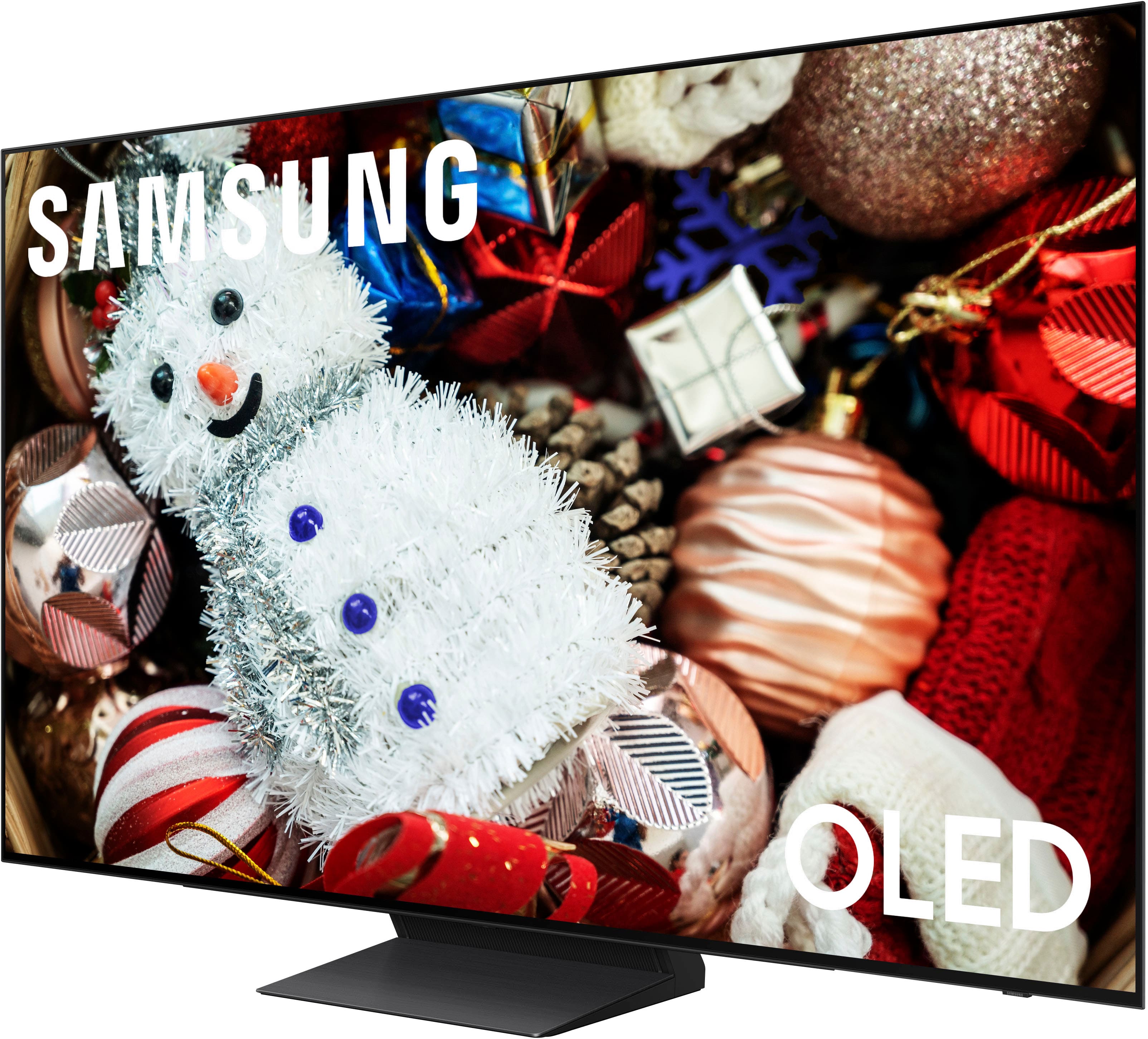
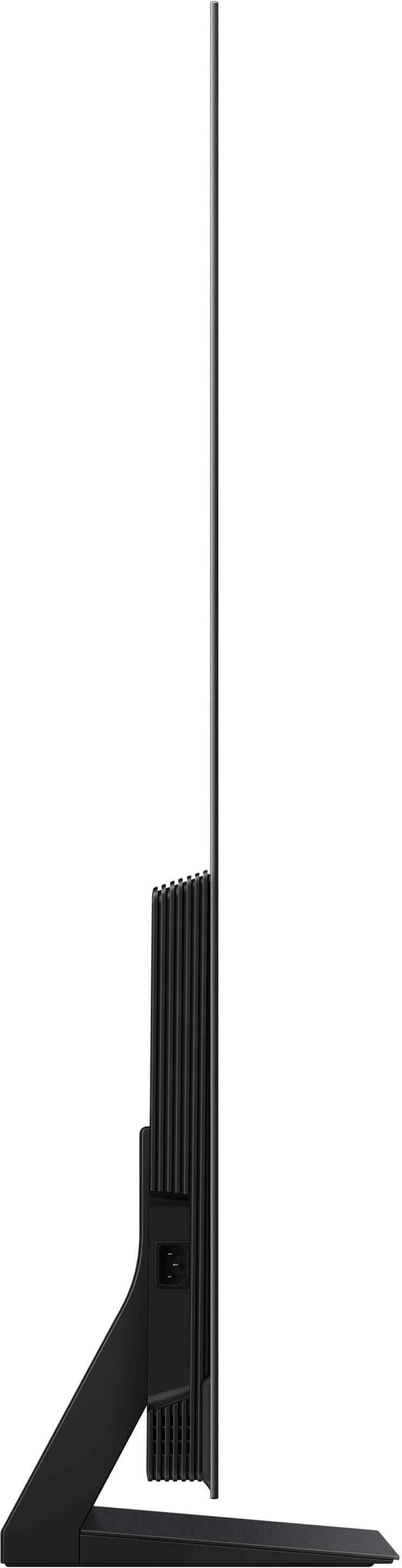








- Model:
- QN77S90FAFXZA
- SKU:
- 10313317
Rating by feature
- Picture Quality
Rating 4.9 out of 5 stars
- Sound Quality
Rating 4.7 out of 5 stars
- Brightness
Rating 4.9 out of 5 stars
to a friend
Quantum Dot oleds are the best
Posted .This reviewer received promo considerations or sweepstakes entry for writing a review.Amazing picture.. Quantum dot color blows Lg oleds away. Alive color vs LG dead color
I would recommend this to a friendReview for Samsung TV
Posted .This reviewer received promo considerations or sweepstakes entry for writing a review.Had to reset screen multiple times to fix pixels . Customer service at Samsung to request for technical al support is so complicated and tedious
No, I would not recommend this to a friendNot sure.....
Posted .This reviewer received promo considerations or sweepstakes entry for writing a review.Not sure....its fine when it works...just doen't like to turn sometimes.
I would recommend this to a friendPicture not as great as advertised
Posted .This reviewer received promo considerations or sweepstakes entry for writing a review.The picture is not as great as was stated. You have to change the settings whether you are watching daytime, night time or sports. I would of probably bought a QLED or LG model instead.
No, I would not recommend this to a friendBrand response from Samsung
Posted .JohnS,
We appreciate your input on the picture quality of Samsung’s S90F TV. If the image isn’t meeting your expectations, there are several adjustments you can make to improve your viewing experience.
First, please ensure your TV is running the latest firmware, as updates may include important picture quality enhancements. Go to: Home > Left directional button > Settings > Support > Software Update > Update Now
Then, select a Picture Mode that best fits your environment: Home > Home > left directional key > Settings > All Settings > Picture > Picture Mode
1. Standard – Default mode for general viewing
2. Dynamic – Brighter and clearer in well-lit rooms
3. Eco – Optimized for energy saving
4. Movie – Best for watching in dark environments
5. Filmmaker Mode – Preserves content exactly as intended by creators
You can also enhance your experience by enabling AI Mode, which automatically adjusts picture and sound based on your surroundings and usage patterns: Settings > All Settings > Advanced Features > AI Mode Settings > AI Mode
If these adjustments don’t improve your picture quality, feel free to contact Samsung Customer Support at 1-800-SAMSUNG, available 8AM – 12AM EST, 7 days a week. You can also LiveChat with an agent or find helpful guides by visiting the ‘Support’ section of our website.
~ Samsung Specialist
Too bad
Posted .This reviewer received promo considerations or sweepstakes entry for writing a review.Beautiful tv. It busted 3 weeks after. The screen would go out pitch black but can hear it still going. I have another old Samsung still going but this new one just didnt handle. I dont know how to feel of the oled now.
No, I would not recommend this to a friendBrand response from Samsung
Posted .Lilmsb,
It’s unfortunate to hear about your experience with Samsung’s S90F TV. We’re committed to delivering quality, value, and the best possible product experience. This TV is backed by a 1-year limited manufacturer’s warranty, which includes authorized repair for eligible defects when purchased brand-new from an authorized retailer. To review full warranty terms, you can enter your model number here: https://www.samsung.com/us/support/warranty/
We’d appreciate the opportunity to assist further. Please contact Samsung Customer Support at 1-800-SAMSUNG (8AM – 12AM EST, 7 days a week), or connect with a LiveChat agent by clicking the ‘Support’ link on our website.
~ Samsung Specialist
The free music frame that comes with it is great!
Posted .This reviewer received promo considerations or sweepstakes entry for writing a review.If you are considering buying this tv just don’t. I had it for two days and on the second day I had all kinds of problems with it. Complete headache. I took it back and exchanged it for an LG C4. The C4 is superior in every way. Don’t listen to the nonsense about the Samsung having a better oled screen.Half the time mine wouldn’t even turn on and when it did I was seldomly impressed. I already had a 42” and an 48” LG oled and I am thankful that I now have a 55” LG instead of this monstrosity.
No, I would not recommend this to a friendBrand response from Samsung
Posted .Hi Robin,
Sorry to hear your experience didn’t line up with what most of our customers have shared about the 2025 S90F OLED. While we regret that you returned the TV, we would have been happy to assist with troubleshooting through phone or remote support - many issues can be quickly resolved that way!
Should you give Samsung another look in the future, we’d be glad to assist with setup, settings, or features. You can contact us at 1-800-SAMSUNG, 8AM – 12AM EST daily, or LiveChat with a representative at the ‘Support’ link on our website.
~ Samsung Specialist