Customer Ratings & Reviews
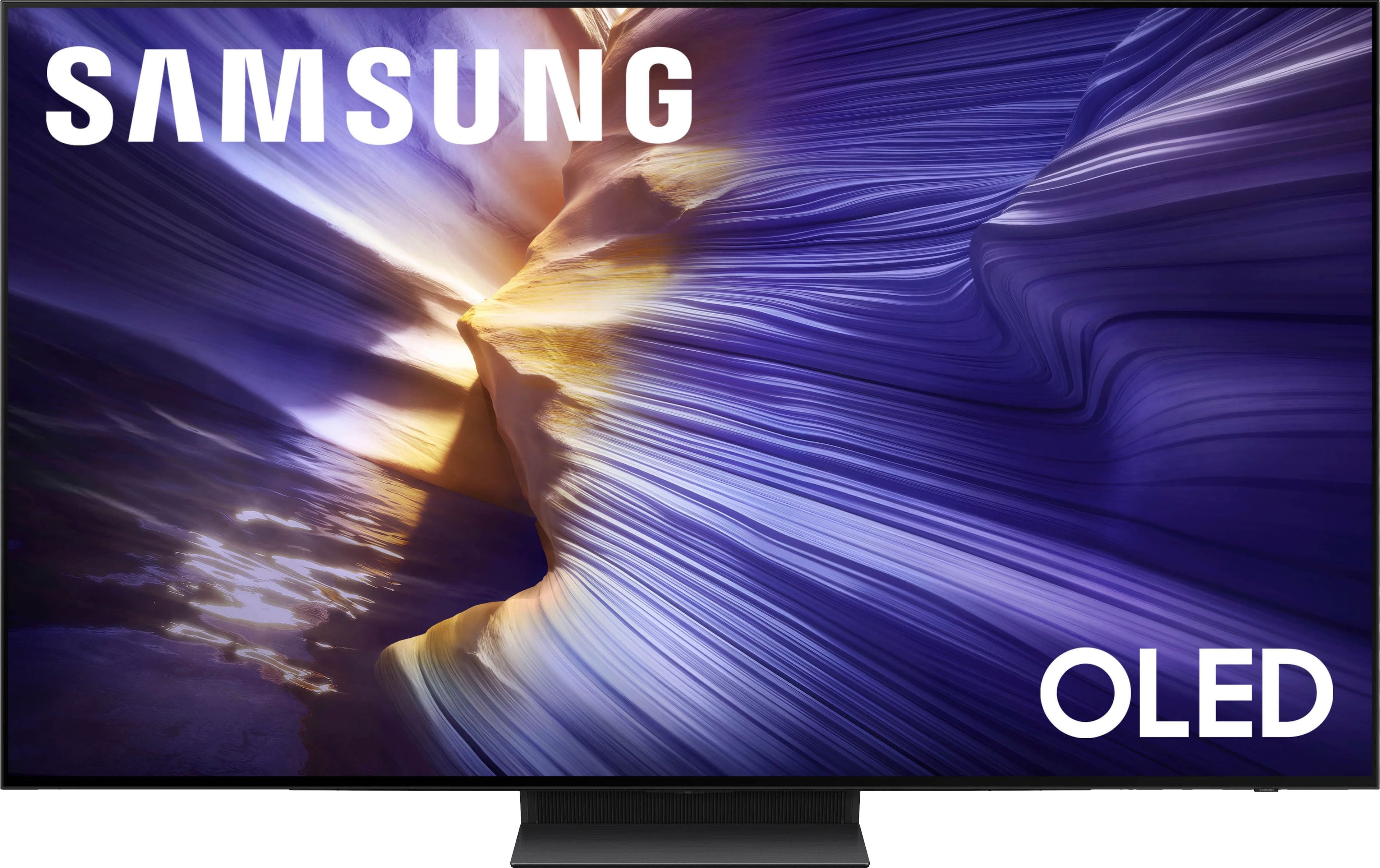
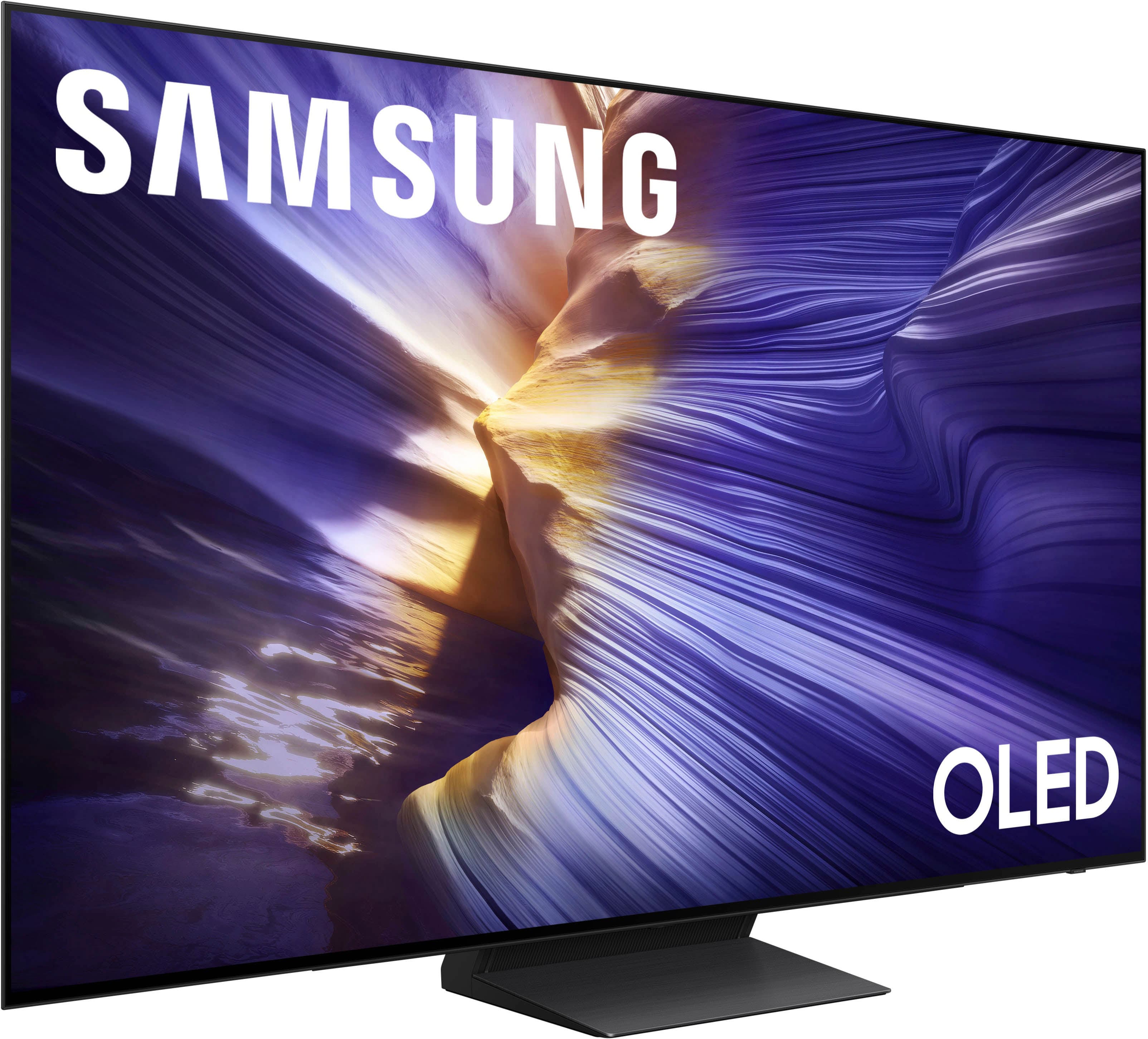
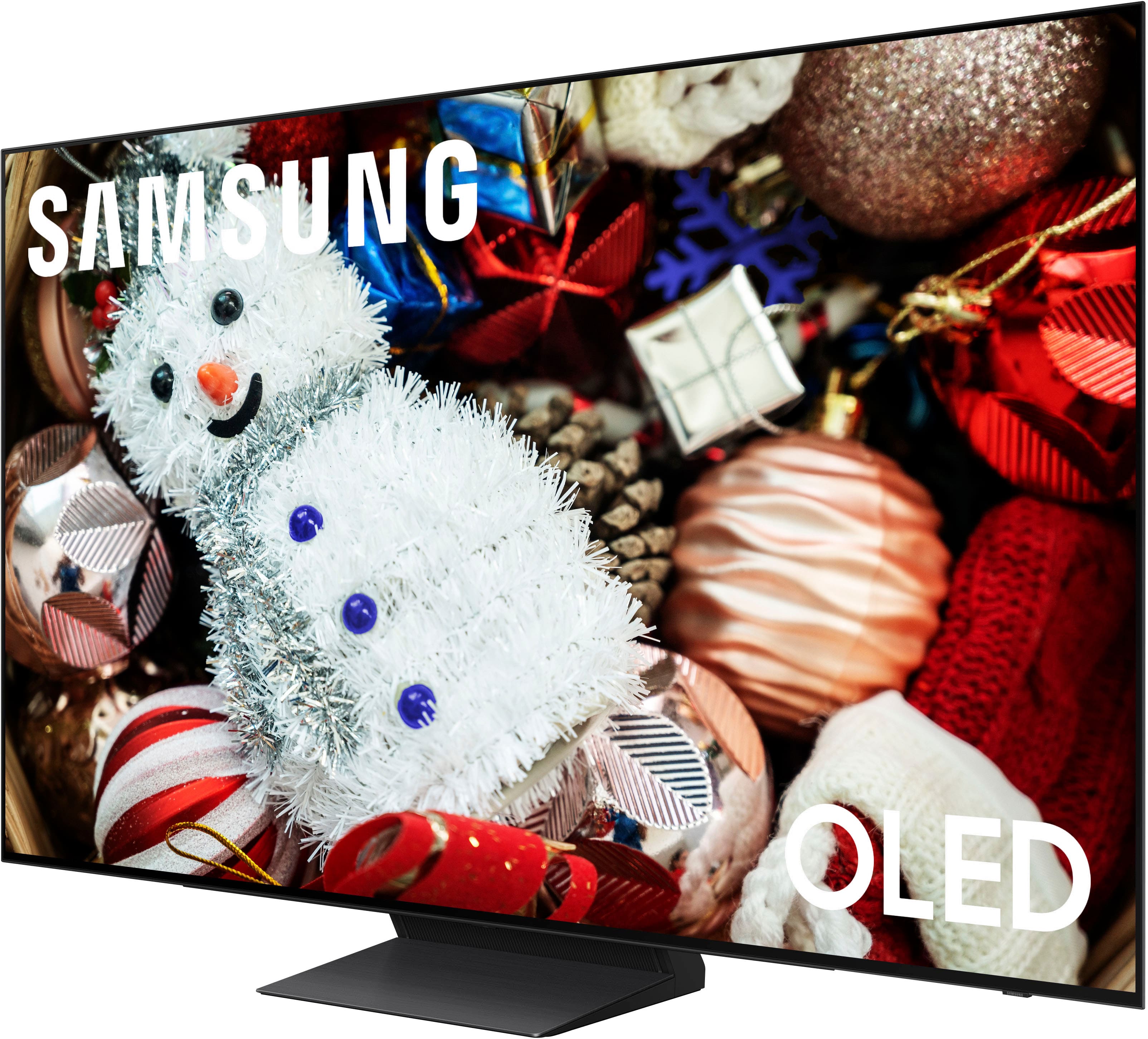








- Model:
- QN77S90FAFXZA
- |
- SKU:
- 10735723
Customer reviews
Rating 4.8 out of 5 stars with 401 reviews
(401 customer reviews)Rating by feature
- Picture Quality4.9
Rating 4.9 out of 5 stars
- Sound Quality4.7
Rating 4.7 out of 5 stars
- Brightness4.9
Rating 4.9 out of 5 stars
Customers are saying
Customers consistently note the excellent picture quality of the product. In fact, customers specifically mention that the picture quality is excellent.
This summary was generated by AI based on customer reviews.
- Pros mentioned:Picture quality
Rated 5 out of 5 stars
Great TV
Posted .This reviewer received promo considerations or sweepstakes entry for writing a review.This Samsung TV is the best we have ever purchased. The picture quality is so impressive we are very happy with this TV.
This review is from Samsung - 77” Class S90F Series OLED 4K UHD SamsungVision AI Smart Tizen TV (2025)
I would recommend this to a friend - Pros mentioned:Picture quality
Rated 5 out of 5 stars
Amazing picture.
Posted .This reviewer received promo considerations or sweepstakes entry for writing a review.Extremely happy with TV. Clear, crisp picture with vivid colors.
This review is from Samsung - 77” Class S90F Series OLED 4K UHD SamsungVision AI Smart Tizen TV (2025)
I would recommend this to a friend - Pros mentioned:Picture quality
Rated 5 out of 5 stars
Wonderful TV. Wonderful service!
Posted .This reviewer received promo considerations or sweepstakes entry for writing a review.I love our new Samsung 77in TV. The color is great. The Geek Squade who installef it werr excellent! Very professional and caring!!
This review is from Samsung - 77” Class S90F Series OLED 4K UHD SamsungVision AI Smart Tizen TV (2025)
I would recommend this to a friend Rated 5 out of 5 stars
Awesome Samsung OLED 77 inch TV
Posted .This reviewer received promo considerations or sweepstakes entry for writing a review.This television is the best OLED Samsung TV ever. It runs cooler than my old Samsung OLED TV. I think with the TV running cooler it will last longer. Thank you Samsung for making such a great product and a TV enthusiast. Very happy!
This review is from Samsung - 77” Class S90F Series OLED 4K UHD SamsungVision AI Smart Tizen TV (2025)
I would recommend this to a friend- Pros mentioned:Picture quality
Rated 5 out of 5 stars
My Samsung 77
Posted .This reviewer received promo considerations or sweepstakes entry for writing a review.It’s bigger than the one I had which was 65. It fills the wall a lot better. The color is much better than the older one much brighter and I love how it looks and the sound is excellent.
This review is from Samsung - 77” Class S90F Series OLED 4K UHD SamsungVision AI Smart Tizen TV (2025)
I would recommend this to a friend - Pros mentioned:Picture quality
Rated 5 out of 5 stars
Love this OLED!
Posted .This reviewer received promo considerations or sweepstakes entry for writing a review.This TV is BEAUTIFUL! I upgraded from my previous Samsung S89C (which is still a great tv) to this Beast! God is Great!
This review is from Samsung - 77” Class S90F Series OLED 4K UHD SamsungVision AI Smart Tizen TV (2025)
I would recommend this to a friend - Pros mentioned:Picture quality
Rated 5 out of 5 stars
Oled TV
Posted .This reviewer received promo considerations or sweepstakes entry for writing a review.Excellent picture quality. Audio is OK but I added a sound bar to make it great. Would recommend to anybody.
This review is from Samsung - 77” Class S90F Series OLED 4K UHD SamsungVision AI Smart Tizen TV (2025)
I would recommend this to a friend - Pros mentioned:Picture quality
Rated 5 out of 5 stars
Great TV
Posted .This reviewer received promo considerations or sweepstakes entry for writing a review.Great performance in every way See below for details
This review is from Samsung - 77” Class S90F Series OLED 4K UHD SamsungVision AI Smart Tizen TV (2025)
I would recommend this to a friend - Pros mentioned:Picture quality
Rated 5 out of 5 stars
color
Posted .This reviewer received promo considerations or sweepstakes entry for writing a review.great color went into store and found profesional help and sales associate was courtous and knowledgeable
This review is from Samsung - 77” Class S90F Series OLED 4K UHD SamsungVision AI Smart Tizen TV (2025)
I would recommend this to a friend - Pros mentioned:Picture quality
Rated 5 out of 5 stars
Home TV
Posted .This reviewer received promo considerations or sweepstakes entry for writing a review.Best tv ever! Great picture sound and price! The picture is so vivid and the sound is great!
This review is from Samsung - 77” Class S90F Series OLED 4K UHD SamsungVision AI Smart Tizen TV (2025)
I would recommend this to a friend - Pros mentioned:Picture quality
Rated 5 out of 5 stars
Samsung great
Posted .This reviewer received promo considerations or sweepstakes entry for writing a review.Fantastic, very satisfied with this model. The people at the store, folsom, were most helpful. With just the right questions, to get us what we wanted.
This review is from Samsung - 77” Class S90F Series OLED 4K UHD SamsungVision AI Smart Tizen TV (2025)
I would recommend this to a friend Rated 5 out of 5 stars
Easy wall-mount.
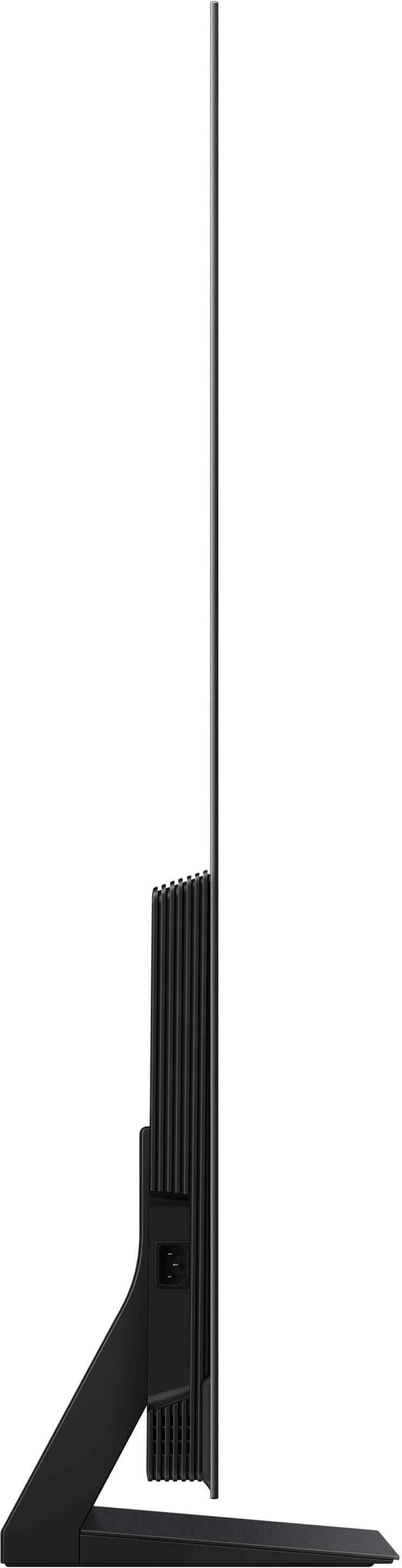
Posted .This reviewer received promo considerations or sweepstakes entry for writing a review.Happy with this purchase. Super thin and light made this wall-mount easy.
This review is from Samsung - 77” Class S90F Series OLED 4K UHD SamsungVision AI Smart Tizen TV (2025)
I would recommend this to a friend- Pros mentioned:Picture quality
Rated 5 out of 5 stars
Samsung 77" TV Review
Posted .This reviewer received promo considerations or sweepstakes entry for writing a review.Picture quality is excellent. Remote is easy to use.
This review is from Samsung - 77” Class S90F Series OLED 4K UHD SamsungVision AI Smart Tizen TV (2025)
I would recommend this to a friend - Pros mentioned:Picture quality
Rated 5 out of 5 stars
Great Purchase
Posted .This reviewer received promo considerations or sweepstakes entry for writing a review.Outstanding picture quality and sound. I am very pleased!
This review is from Samsung - 77” Class S90F Series OLED 4K UHD SamsungVision AI Smart Tizen TV (2025)
I would recommend this to a friend - Pros mentioned:Picture quality
Rated 5 out of 5 stars
Great picture
Posted .This reviewer received promo considerations or sweepstakes entry for writing a review.This TV has a great picture and ok sound but you might want to get a sound bar.
This review is from Samsung - 77” Class S90F Series OLED 4K UHD SamsungVision AI Smart Tizen TV (2025)
I would recommend this to a friend - Pros mentioned:Picture quality
Rated 5 out of 5 stars
Awesome SAMSUNG TV!
Posted .This reviewer received promo considerations or sweepstakes entry for writing a review.Love the new purchase! Great picture, such great quality features, easy to get into settings, and the adjustments too my liking.
This review is from Samsung - 77” Class S90F Series OLED 4K UHD SamsungVision AI Smart Tizen TV (2025)
I would recommend this to a friend - Pros mentioned:Picture quality
Rated 5 out of 5 stars
Great picture quality
Posted .This reviewer received promo considerations or sweepstakes entry for writing a review.Great picture quality, love the screen size and sharpness
This review is from Samsung - 77” Class S90F Series OLED 4K UHD SamsungVision AI Smart Tizen TV (2025)
I would recommend this to a friend - Pros mentioned:Picture quality
Rated 5 out of 5 stars
Samsung OLED
Posted .This reviewer received promo considerations or sweepstakes entry for writing a review.Great picture! Excellent price and quality product!
This review is from Samsung - 77” Class S90F Series OLED 4K UHD SamsungVision AI Smart Tizen TV (2025)
I would recommend this to a friend - Pros mentioned:Picture quality
Rated 5 out of 5 stars
Excellent!
Posted .This reviewer received promo considerations or sweepstakes entry for writing a review.It is all that I expected. I’m very pleased with it.
This review is from Samsung - 77” Class S90F Series OLED 4K UHD SamsungVision AI Smart Tizen TV (2025)
I would recommend this to a friend - Pros mentioned:Picture quality
Rated 5 out of 5 stars
Our new giant tv
Posted .This reviewer received promo considerations or sweepstakes entry for writing a review.wonderful, gorgeous, even breathtaking. we are in love!
This review is from Samsung - 77” Class S90F Series OLED 4K UHD SamsungVision AI Smart Tizen TV (2025)
I would recommend this to a friend