Customer Ratings & Reviews








- Model:
- QN77S95FAFXZA
- SKU:
- 10735487
Rating by feature
- Picture Quality
Rating 4.9 out of 5 stars
- Sound Quality
Rating 4.6 out of 5 stars
- Brightness
Rating 4.9 out of 5 stars
to a friend
Wait for the next model in June
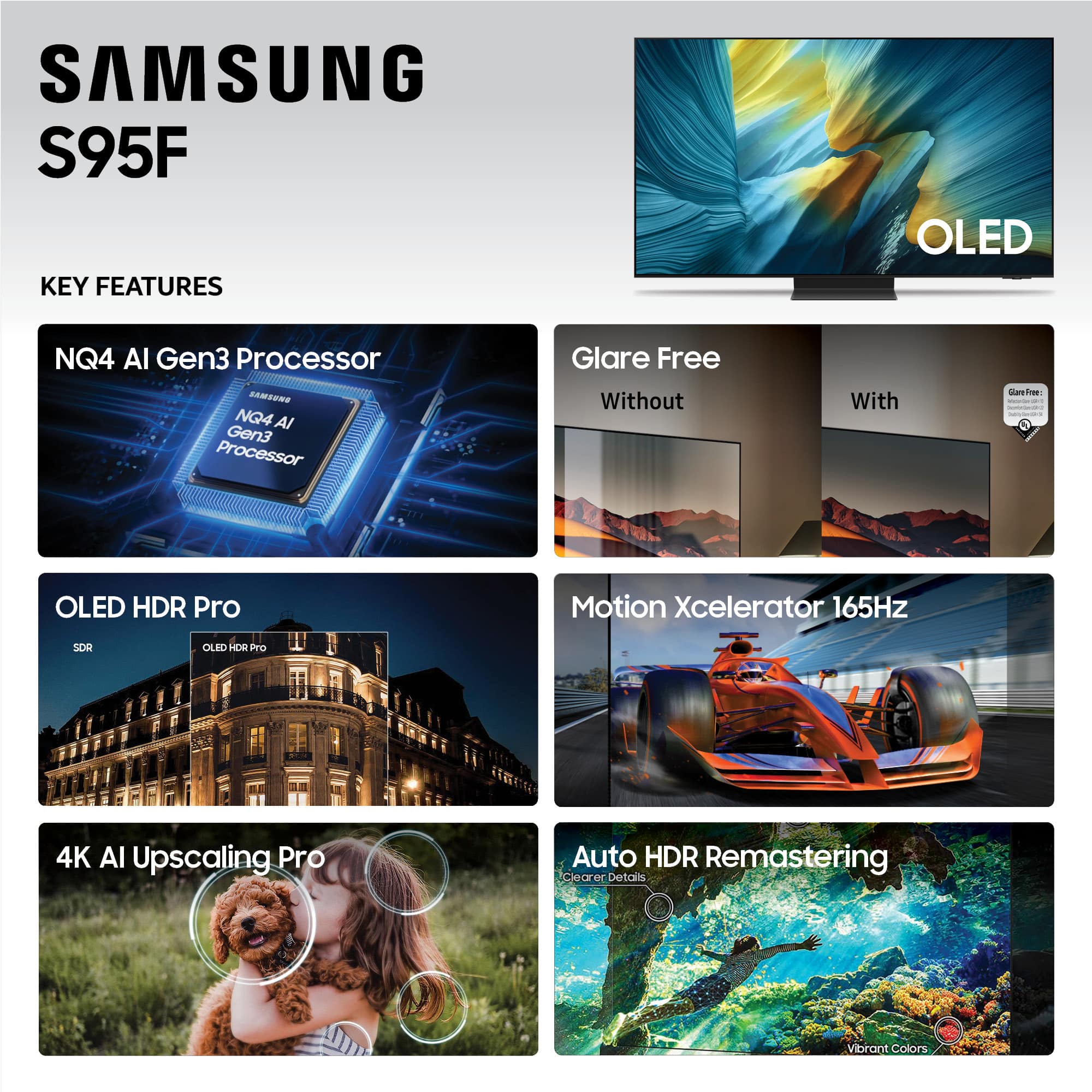
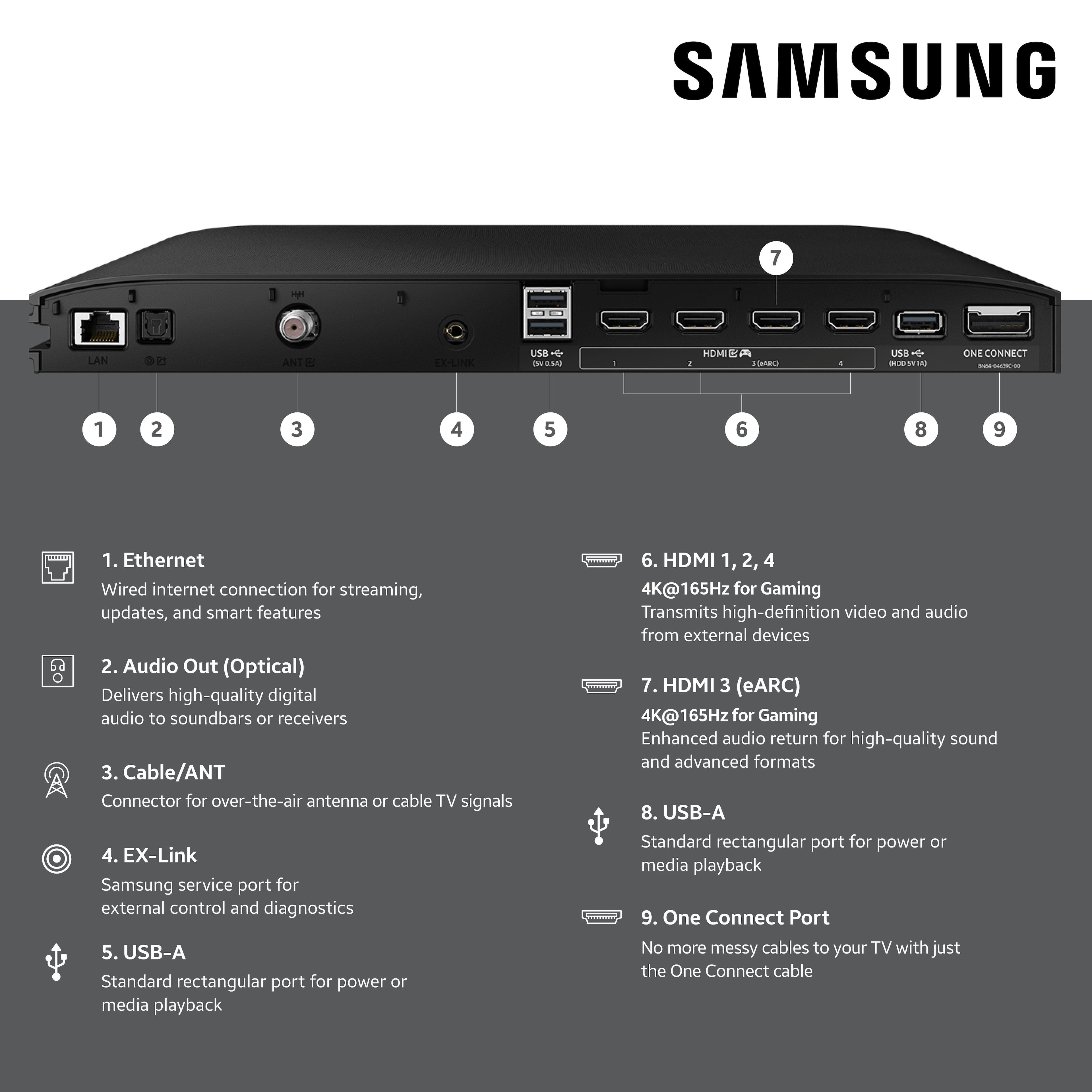
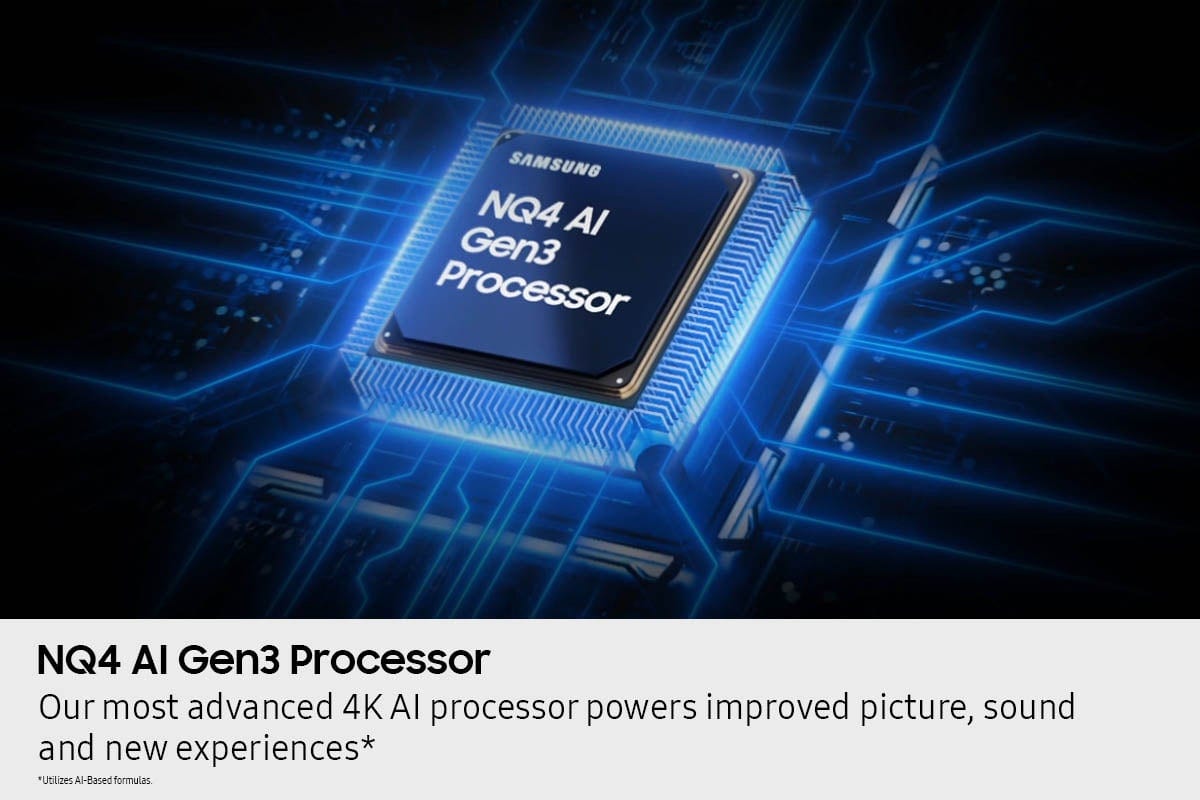
Posted .This reviewer received promo considerations or sweepstakes entry for writing a review.Pros: Crispy black Bright at sun light. Though direct sun is still an issue. Q-Symphony with the soundbar is a real thing. 2 cables for one-connect. Meaning you have several options for set up with less cables Lot's of apps. Personally, I love Samsung remotes. Unversal with soundbar and rechargeable Really love ability to connect mouse and keyboard AI Upscale seems to work as required Samsung TV is a really great thing helping not only to watch channels, but track where you can watch desired films and how much it is expected to cost Cons Alexa app is of old version. For unknown reason if you unable it on TV it shuts of current app / device and moves to Alexa One connect would have won a lot, should it allow at least one DP port and USB-C / Thunderbolt Have some issues with HW-Q930F. Sound periodically disappears, especially with PC connect. Still investigating If you set TV to parameters not supported by cable from PC, image will disappear. Don't know how to fight it It seems panel is in constant conflict with PC source. Every time I need to adjust settings, especially saturation, HDMI Black level, HDR It seems One Connect cause cable overheats. Took me a week of testing different cables to find correct ones It is high time to have HDMI 2.2 support enabled. Would be nice if in future you can have it with replacing One-Connect box and not the panel Q-Symphony periodically glitches. Need to reset TV and soundbar. I expect problem is with HDMI cable, subject to testing I like the idea of display in information on the panel. But let's be honest - it should not be always there. It is OLED display and we want to avoid burn outs. Price Next models will have mate finish for S90 as well. I assume that will be a better choice For unkown reason all videos I played from PC (after a lot of tweaking) is grainy. Please remember to slide HDR to 0 in PC Display options and enable Full RGB transfer (not limited) . Also, with wriong color picture still might have artefacts at higher refresh rate Dolby Vision is highly desired. Uncertain I loved how Q-Symphony works. I thought that room was loud until I went away to the kitchen. Sound became much less loud. And I was in the same room, just not in the center of the speakers. Good for condo, makes me relieved about neighbours. But at the same time it is an issue if you want to watch something from a different location by turning TV Overall I am happy. But TV requires a lot of tweaking, thus I can't put 5 star for Picture and sound. For such a high price you do not expect loosing a week studying how to tweak picture quality. AI seems not to work as well. Just marketing.
I would recommend this to a friendOutstanding picture
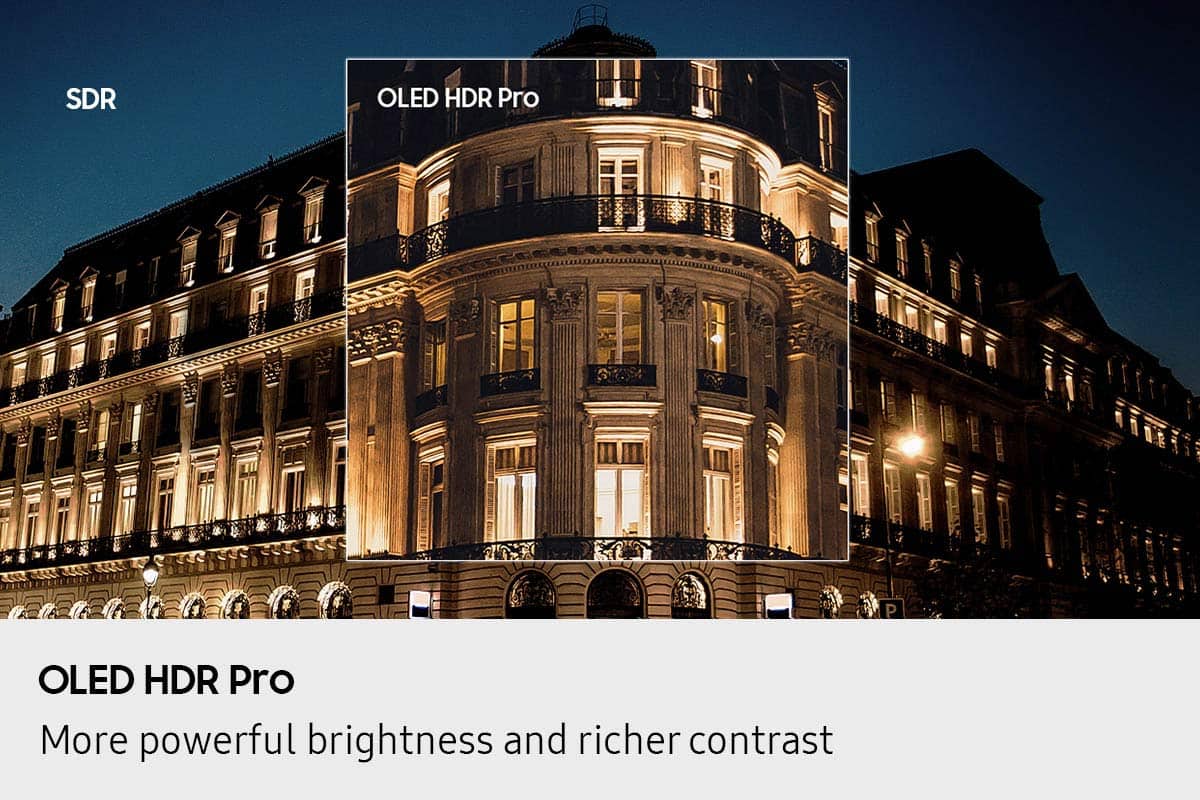
||Posted . Owned for 1 week when reviewed.This reviewer received promo considerations or sweepstakes entry for writing a review.Outstanding tv. Brilliant and super clear picture. It’s the highest quality picture I’ve ever seen.
I would recommend this to a friendBest TV picture for no reflection
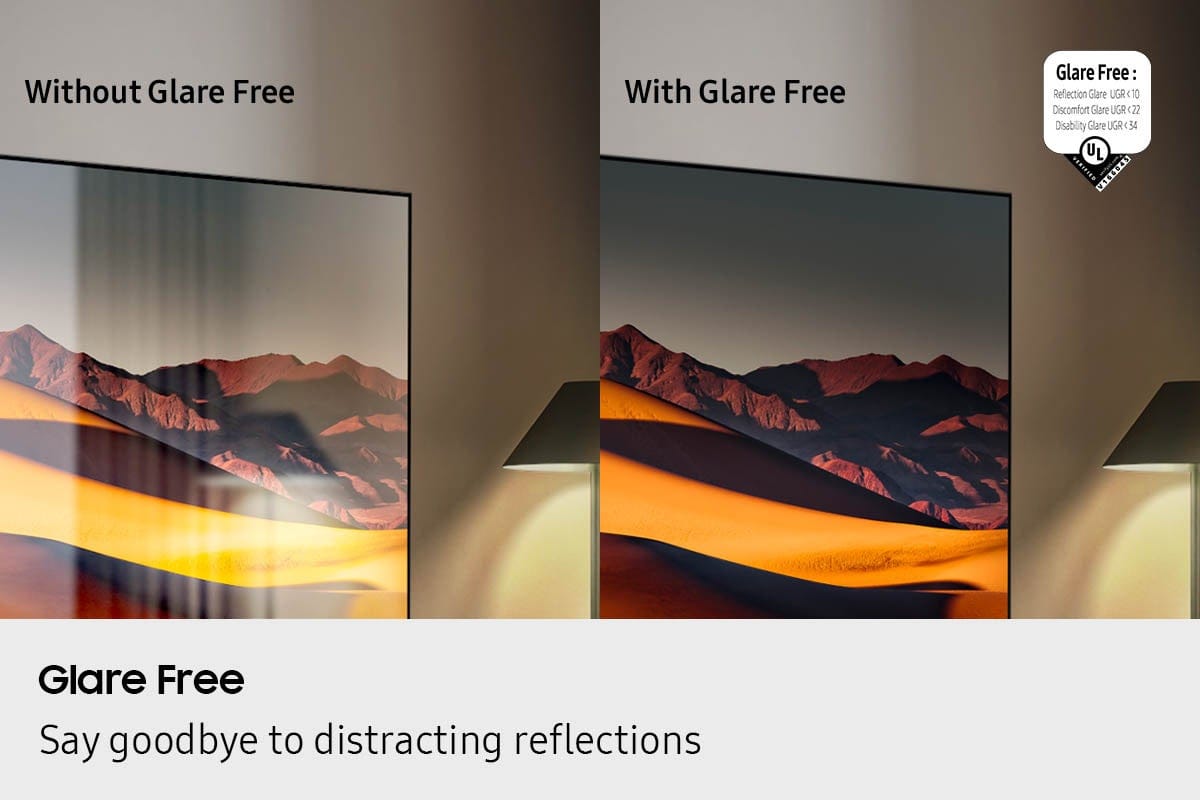
||Posted . Owned for 2 weeks when reviewed.This reviewer received promo considerations or sweepstakes entry for writing a review.This TV is worth every penny. We had no idea how much reflection was causing a bad picture on our previous TV. This TV cuts down all reflection from lights in your room and from natural light.
I would recommend this to a friendGreat Product
||Posted . Owned for 1 month when reviewed.This reviewer received promo considerations or sweepstakes entry for writing a review.TV looks great. Staff in store recommended an incompatible mount and I ended up installing it myself because Geek Squad canceled. But the TV looks great.
I would recommend this to a friendSuper TV
||Posted . Owned for 3 weeks when reviewed.This reviewer received promo considerations or sweepstakes entry for writing a review.Super bright in my great room with all doors and window, no glare.
I would recommend this to a friendSamsung 77inch TV
||Posted . Owned for 3 weeks when reviewed.This reviewer received promo considerations or sweepstakes entry for writing a review.Beautiful clear and bright picture. Love it! Also no glare from outside or interior lighting.
I would recommend this to a friendMatte Flagship Perfection
||Posted . Owned for 2 weeks when reviewed.This reviewer received promo considerations or sweepstakes entry for writing a review.Amazing tv, if you’re looking for a flagship model you can’t go wrong with this one. The big difference the Samsung has over competitors is the anti glare screen. It works like a charm doesn’t distort the black levels and I can’t see any real glare. I’d take it over a glossy screen any day. Clearly one of the top tvs on the market and performs as well as you could imagine.
I would recommend this to a friendSamsung 77 inch tv
||Posted . Owned for less than 1 week when reviewed.This reviewer received promo considerations or sweepstakes entry for writing a review.Have had it connected for 24 hours, so far it is working great, this tv replaces an LG tv that had problems from day 1.
I would recommend this to a friendAmazing TV
||Posted . Owned for 1 month when reviewed.This reviewer received promo considerations or sweepstakes entry for writing a review.Great TV! Quality is out of this world, and its extremely clear
I would recommend this to a friendGreat TV
||Posted . Owned for 3 weeks when reviewed.This reviewer received promo considerations or sweepstakes entry for writing a review.Outstanding quality, super clear picture, even when viewing it from and angle or close up
I would recommend this to a friendI love this TV!
||Posted . Owned for 2 weeks when reviewed.This reviewer received promo considerations or sweepstakes entry for writing a review.It is in a well-lit room, with a south-facing sliding glass door & windows on two other walls. I have no reflections blocking the view of the screen. It does particularly well when watching sports. You don't miss a bit of the action.
No, I would not recommend this to a friendGreat TV
||Posted . Owned for 2 weeks when reviewed.This reviewer received promo considerations or sweepstakes entry for writing a review.This is an amazing television, and for a good price.
I would recommend this to a friendTV set up and removal
||Posted . Owned for 1 month when reviewed.This reviewer received promo considerations or sweepstakes entry for writing a review.Excellent TV, set-up, and removal. Left with TV up and running
I would recommend this to a friendExcellent
||Posted . Owned for 1 month when reviewed.This reviewer received promo considerations or sweepstakes entry for writing a review.This is good tv recommend to all thanks Quality superb
I would recommend this to a friendSamsung S95F Anti-Glare Matt Finish is Horrible!
Posted .This reviewer received promo considerations or sweepstakes entry for writing a review.So the Samsung S95F 77 inch Anti-Glate Matt finish screen is horrible. Any light and the tv blacks are lifted. The light is disbursed on the entire tv and you lose out on the picture. Buy the S90F for a real glass with inky black images. When you calibrate this tv to greatness the tv is as dim as the S90F so why would you pay more just to have the same tv for less? I got the 77 inch because it has the Quantom Dot Oled color and saw nothing special about this. And DTS sound is also blocked. You can't even pass DTS audio to your home theater. So a movie like Backdraft can not be heard.
No, I would not recommend this to a friendBrand response from Samsung
Posted .Utahguru,
We appreciate your input on the picture quality of Samsung’s S95F TV. If the image isn’t meeting your expectations, there are several adjustments you can make to improve your viewing experience.
First, please ensure your TV is running the latest firmware, as updates may include important picture quality enhancements. Go to: Home > Left directional button > Settings > Support > Software Update > Update Now
Then, select a Picture Mode that best fits your environment: Home > Home > left directional key > Settings > All Settings > Picture > Picture Mode
1. Standard – Default mode for general viewing
2. Dynamic – Brighter and clearer in well-lit rooms
3. Eco – Optimized for energy saving
4. Movie – Best for watching in dark environments
5. Filmmaker Mode – Preserves content exactly as intended by creators
You can also enhance your experience by enabling AI Mode, which automatically adjusts picture and sound based on your surroundings and usage patterns: Settings > All Settings > Advanced Features > AI Mode Settings > AI Mode
If these adjustments don’t improve your picture quality, feel free to contact Samsung Customer Support at 1-800-SAMSUNG, available 8AM – 12AM EST, 7 days a week. You can also LiveChat with an agent or find helpful guides by visiting the ‘Support’ section of our website.
~ Samsung Specialist
Samsung OLED
||Posted . Owned for 1 week when reviewed.This reviewer received promo considerations or sweepstakes entry for writing a review.The best tv I've ever had and I've had a lot. There is absolutely no glare.
I would recommend this to a friendThe best
||Posted . Owned for 3 weeks when reviewed.This reviewer received promo considerations or sweepstakes entry for writing a review.Excellent everything shows in the description is true
I would recommend this to a friendTv review
||Posted .This reviewer received promo considerations or sweepstakes entry for writing a review.Picture quality is amazing. Reflation coating isn't that bad.
I would recommend this to a friendSamsung OLED
||Posted . Owned for 1 week when reviewed.This reviewer received promo considerations or sweepstakes entry for writing a review.Excellent purchase!! Great staff… helpful and informative.
I would recommend this to a friendNew Top of Line Samsung is without equal
||Posted .This reviewer received promo considerations or sweepstakes entry for writing a review.Startling picture. Most incredible tv I have ever seen.
I would recommend this to a friend