Customer Ratings & Reviews
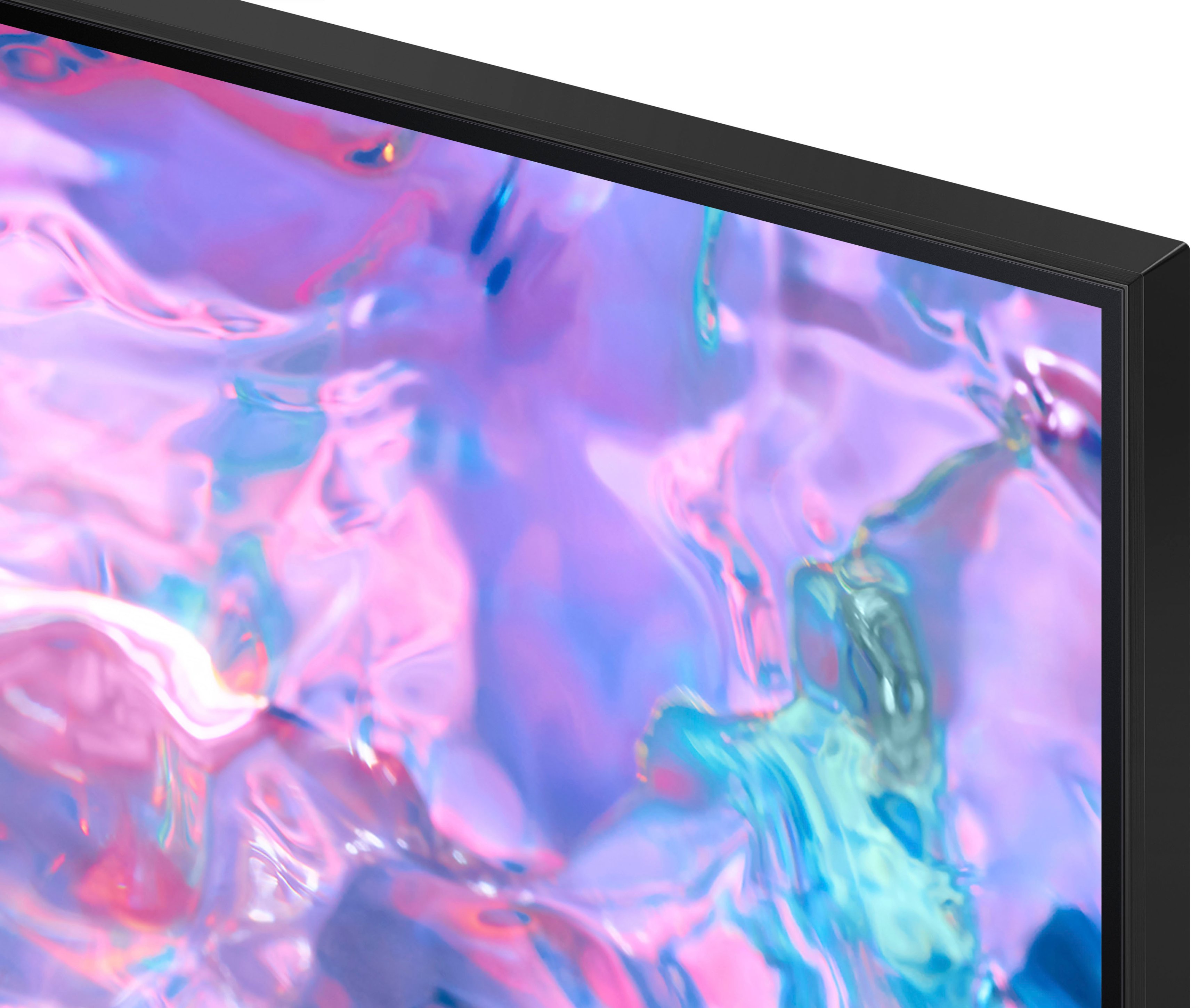



- Model:
- UN85CU7000FXZA
- SKU:
- 6537371
Rating by feature
- Picture Quality
Rating 4.8 out of 5 stars
- Sound Quality
Rating 4.6 out of 5 stars
- Brightness
Rating 4.8 out of 5 stars
Customers are saying
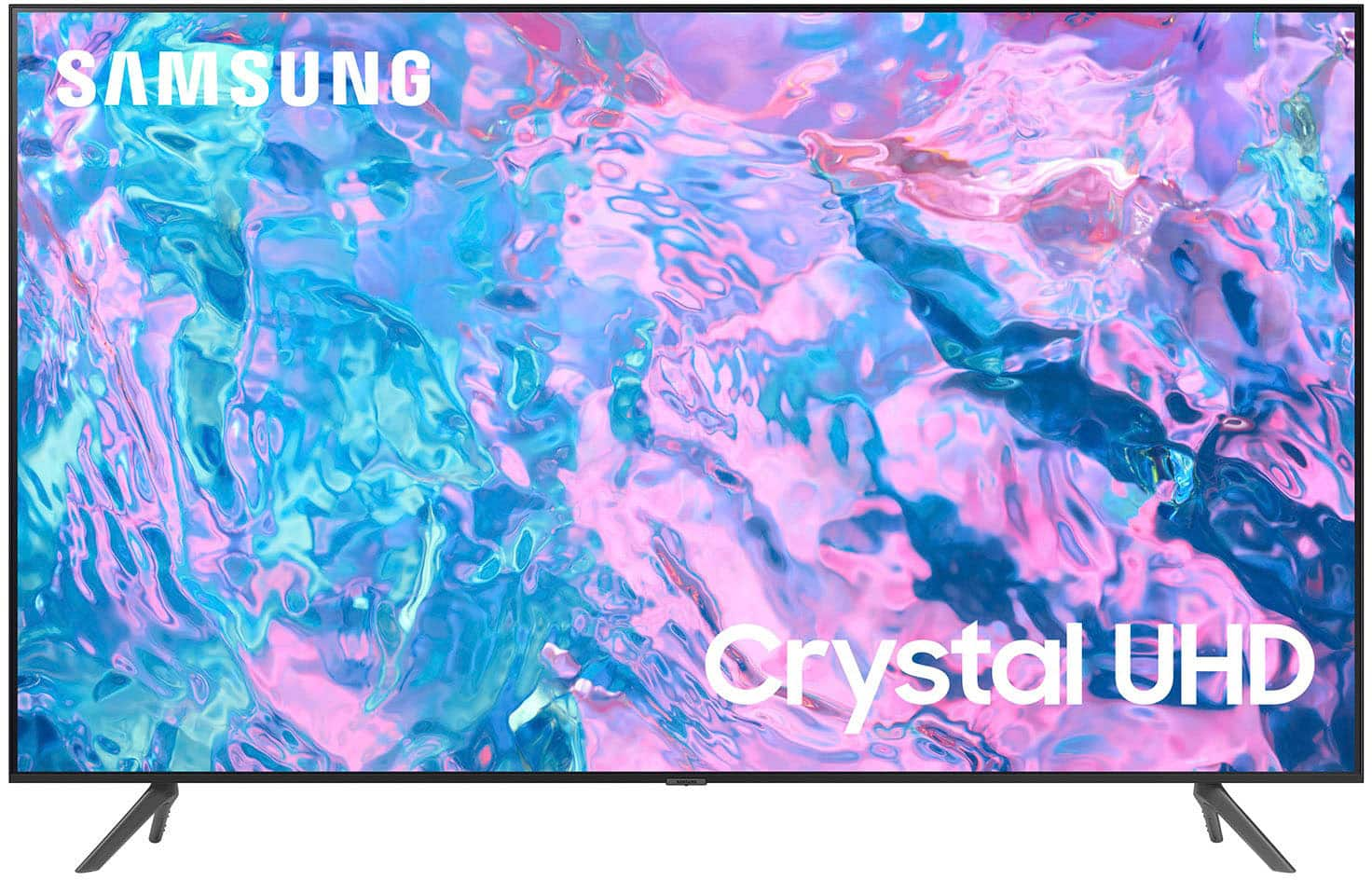
Customers are impressed with the 85” Class CU7000 Crystal UHD 4K Smart Tizen TV's picture quality, ease of use, and value for its price. Many appreciate the large screen size and vibrant colors, while some found the remote control could be improved and the volume could be louder. Positive feedback frequently highlighted the smart features and overall ease of setup. However, a few users noted the TV's weight as a potential challenge during installation.
This summary was generated by AI based on customer reviews.
Samsung 85in
||Posted . Owned for 3 weeks when reviewed.This reviewer received promo considerations or sweepstakes entry for writing a review.The tv has been good so far. The picture quality could be better, but I am satisfied overall.
No, I would not recommend this to a friendTv
||Posted . Owned for 1 month when reviewed.This reviewer received promo considerations or sweepstakes entry for writing a review.Awesome deal for awesome tv!! Samsung tvs are the way to go i have three in my home !!
I would recommend this to a friendOk
||Posted . Owned for 2 weeks when reviewed.This reviewer received promo considerations or sweepstakes entry for writing a review.Tv is good. I brought 85" tv. Every tbis good but tv Bluetooth stop working after 3 weeks.
I would recommend this to a friendSamsung Tv
||Posted . Owned for 3 weeks when reviewed.This reviewer received promo considerations or sweepstakes entry for writing a review.Decent tv, but not what i expected, average picture and not to user friendly.
No, I would not recommend this to a friendGreat if it didn't change channels
||Posted . Owned for 3 weeks when reviewed.This reviewer received promo considerations or sweepstakes entry for writing a review.Live the TV BUT... it kept changing channels Traded back for LG which i hate!
I would recommend this to a friendBrand response from Samsung
Posted .Hi Tlbbav,
I'm sorry to hear that you had issues with your CU7000 TV changing channels. Please know we are always here to help, and we could have assisted in providing settings adjustments to resolve any issues you were experiencing.
Should you ever decide to give Samsung TVs another try and have questions or need help with settings, setup, or features, please know we’re here to help. Call us at 1-800-SAMSUNG, 8 AM – 12 AM EST, seven days a week. LiveChat with an agent, as well as manuals, software, and warranty info, can be found at the ‘Support’ link on our Samsung website.
We hope to regain you as a customer in the future.
~Samsung Advisor
85” Samsung TV
||Posted . Owned for 1 month when reviewed.This reviewer received promo considerations or sweepstakes entry for writing a review.Awesome tv, but had to buy a sound bar bc the sound wasn’t loud at all
I would recommend this to a friendOn
||Posted . Owned for 1 month when reviewed.This reviewer received promo considerations or sweepstakes entry for writing a review.Very good TV I like it number one TV good TV good TV good TV good TV
I would recommend this to a friendGreat
||Posted . Owned for 3 weeks when reviewed.This reviewer received promo considerations or sweepstakes entry for writing a review.Great Tv overall, just bad sound. I had to buy a soundbar for it.
I would recommend this to a friendSamsung TV
||Posted . Owned for 3 weeks when reviewed.This reviewer received promo considerations or sweepstakes entry for writing a review.Satisfied with this TV. Great buy and elevates watching experience!!
I would recommend this to a friendLarge TV Smallish price!
||Posted . Owned for 1 month when reviewed.This reviewer received promo considerations or sweepstakes entry for writing a review.Nice television! Just need to get it mounted now!!
I would recommend this to a friendTV
||Posted . Owned for 1 month when reviewed.This reviewer received promo considerations or sweepstakes entry for writing a review.Great TV would like it better if I got Manual with it.
I would recommend this to a friendBuy
||Posted . Owned for 1 month when reviewed.This reviewer received promo considerations or sweepstakes entry for writing a review.Great tv for the price i would recommend ro anyone
I would recommend this to a friendHuge TV.
||Posted . Owned for 1 month when reviewed.This reviewer received promo considerations or sweepstakes entry for writing a review.Great TV, great quality display, and large interface.
I would recommend this to a friendUpdate
||Posted . Owned for 3 weeks when reviewed.This reviewer received promo considerations or sweepstakes entry for writing a review.Was a nuce tv but ended up getting newer version!!
I would recommend this to a friendNice but slow!
||Posted . Owned for 1 month when reviewed.This reviewer received promo considerations or sweepstakes entry for writing a review.Nice for the low, low price (reason why I got)! However, it is extremely slow to react to any command from the remote control and that is quite infuriating. However, I shall put up with this feature - for now .
I would recommend this to a friendBrand response from Samsung
Posted .Hi KikaC,
Thank you for sharing with us the issues you’re experiencing with remote lag time. To ensure performance is fully optimized, please make sure your TV is running the latest firmware. To do so, go to Settings> Support> Software Update. You can easily update from there if necessary.
Next, I recommend utilizing the self-diagnostic tool, which checks memory, frees unused cached memory, and closes background apps. Go to Settings > Support > Device Care > Start Device Care.
I hope these tips help you enjoy your new product.
You can contact us for further help at 1-800-SAMSUNG, 8 AM - 12 AM EST, seven days a week. Our LiveChat agents are also available by clicking on the ‘Support’ link on our website.
~ Samsung Advisor
J
||Posted . Owned for 3 weeks when reviewed.This reviewer received promo considerations or sweepstakes entry for writing a review.The TV speakers are of low quality, now you have to buy speakers to make it sound good when before the speakers had better quality
No, I would not recommend this to a friendBrand response from Samsung
Posted .Hi JesuslP,
Thank you for sharing your thoughts regarding the CU7000 TV’s sound quality. We recommend adjusting the Sound Settings to improve your experience. You can change the Sound Mode by going to Settings > All Settings> Sound > Sound Mode.
You can also customize the sound with Expert Settings by going to Settings > All Settings> Sound > Expert Settings.
To assist you with possible sound settings adjustments for a better audio experience or choosing a Samsung Soundbar to complement your viewing enjoyment, please reach out to us at 1-800-SAMSUNG, 8 AM - 12 AM EST, seven days a week. Our LiveChat agents are also available by clicking on the ‘Support’ link on our website.
~ Samsung Advisor
It’s eh!
||Posted . Owned for 2 weeks when reviewed.This reviewer received promo considerations or sweepstakes entry for writing a review.It’s nice because it’s big. But I do get what I pay for. My Samsung 8200 series I bought like 6 years ago has a better picture quality
No, I would not recommend this to a friendBrand response from Samsung
Posted .Hi RandyC,
Thank you for sharing your thoughts on the picture quality of your CU7000 TV. I have a few recommendations that may improve your visual experience:
Go to Home > Settings > All Settings > Picture > Picture Mode and select the mode that best fits your usage:
1) Standard: Default mode suitable for general viewing environments.
2) Natural: Reduces eye strain for a comfortable viewing experience.
3) Movie: Most suitable for watching TV or movies in a dark room.
4) Dynamic: Makes the picture brighter and clearer in bright viewing environments.
5) Filmmaker Mode: You can watch the source content (e.g., movie) as it is. If the image is defined as Filmmaker Mode, it will automatically switch to Filmmaker Mode while watching.
You can also go to Settings > All Settings> Picture > Expert Settings > to manually fine-tune your image.
If you need more help, Samsung is here for you. Call us at 1-800-SAMSUNG, 8 AM - 12 AM EST, seven days a week. Our LiveChat agents are also available by clicking on the ‘Support’ link on our website.
~ Samsung Advisor
- Pros mentioned:Picture quality
Lowest sound Samsung ever
||Posted . Owned for 1 month when reviewed.This reviewer received promo considerations or sweepstakes entry for writing a review.Nice picture. But the lowest sound ever in a tv. Even with a sound bar Samsung the original sound power sucks.
No, I would not recommend this to a friendBrand response from Samsung
Posted .Hi Josue,
Thank you for sharing your experience with low volume. There are several volume features you can adjust, which may improve your audio experience.
1) Auto Volume automatically adjusts the sound to a certain level when changing channels or switching to another external input. Go to Settings > All Settings> Sound > Expert Settings > Auto Volume.
2) Adaptive Sound automatically adjusts to a specific volume level while watching TV. The TV analyzes your volume usage history by time period to automatically adjust the volume when you use an app or switch to an external input source. Go to Settings> All Settings> Sound> Sound Mode> Adaptive Sound.
3) Several Sound Modes are likewise available to meet your personal preferences: Home > Settings > All Settings> Sound > Sound Mode.
When connected to the Samsung Sound Bar, please check the volume control of the external device (cable box or satellite box, DVD, Blu-ray, etc.) connected to your TV. Also, check the cable connection between an external device and the TV and then try the cable connection again.
We also recommend you try a Sound Test under Support > Self Diagnosis > Start Sound Test. Another way to check the source volume is to test an internal streaming source like Netflix or YouTube to compare.
If you’d like more help with settings, please know we’re here to help! Call us at 1-800-SAMSUNG, 8 AM - 12 AM EST, seven days a week. Or visit us on the Samsung website and click on the ‘Support’ link for:
1) LiveChat
2) Manuals, Software, & Warranty Info
~ Samsung Advisor
Good TV
||Posted . Owned for 1 month when reviewed.This reviewer received promo considerations or sweepstakes entry for writing a review.Tv is really good for the price. Definately need a sound bar because the sound is not so greaf but for this price I would purchase again.
I would recommend this to a friendBrand response from Samsung
Posted .Hi Michelle,
It's great to hear you are enjoying your CU7000 TV. Please know there are several Sound Settings available on your TV that can be adjusted to your personal preference. I will put a few below.
To adjust the sound on your TV, go to Settings > All Settings> Sound > Sound Mode or customize the sound with Expert Settings by going to Settings > All Settings> Sound > Expert Settings.
To assist you with possible sound settings adjustments for a better audio experience or choosing a Samsung Soundbar to complement your viewing enjoyment, please reach out to us at 1-800-SAMSUNG, 8 AM - 12 AM EST, seven days a week. Or visit us on the Samsung website and click on the ‘Support’ link for:
1) LiveChat
2) Manuals, Software, & Warranty Info
~ Samsung Advisor
Screen arrived broken, exchanged for a different 1
||Posted . Owned for 1 month when reviewed.This reviewer received promo considerations or sweepstakes entry for writing a review.I am sure it would have worked fine but screen was cracked up one arrival, it looked like it was cracked before it was put into the box though.
I would recommend this to a friendBrand response from Samsung
Posted .Hi SilentWhisper,
I'm sorry to hear that you had to deal with the hassle of an exchange due to a broken screen on your CU7000 TV. If there’s anything we can ever help with, please call us at 1-800-SAMSUNG, 8 AM - 12 AM EST, seven days a week. Or visit us on the Samsung website and click on the ‘Support’ link for:
1) LiveChat
2) Manuals, Software, & Warranty Info
~ Samsung Advisor