Customer Ratings & Reviews
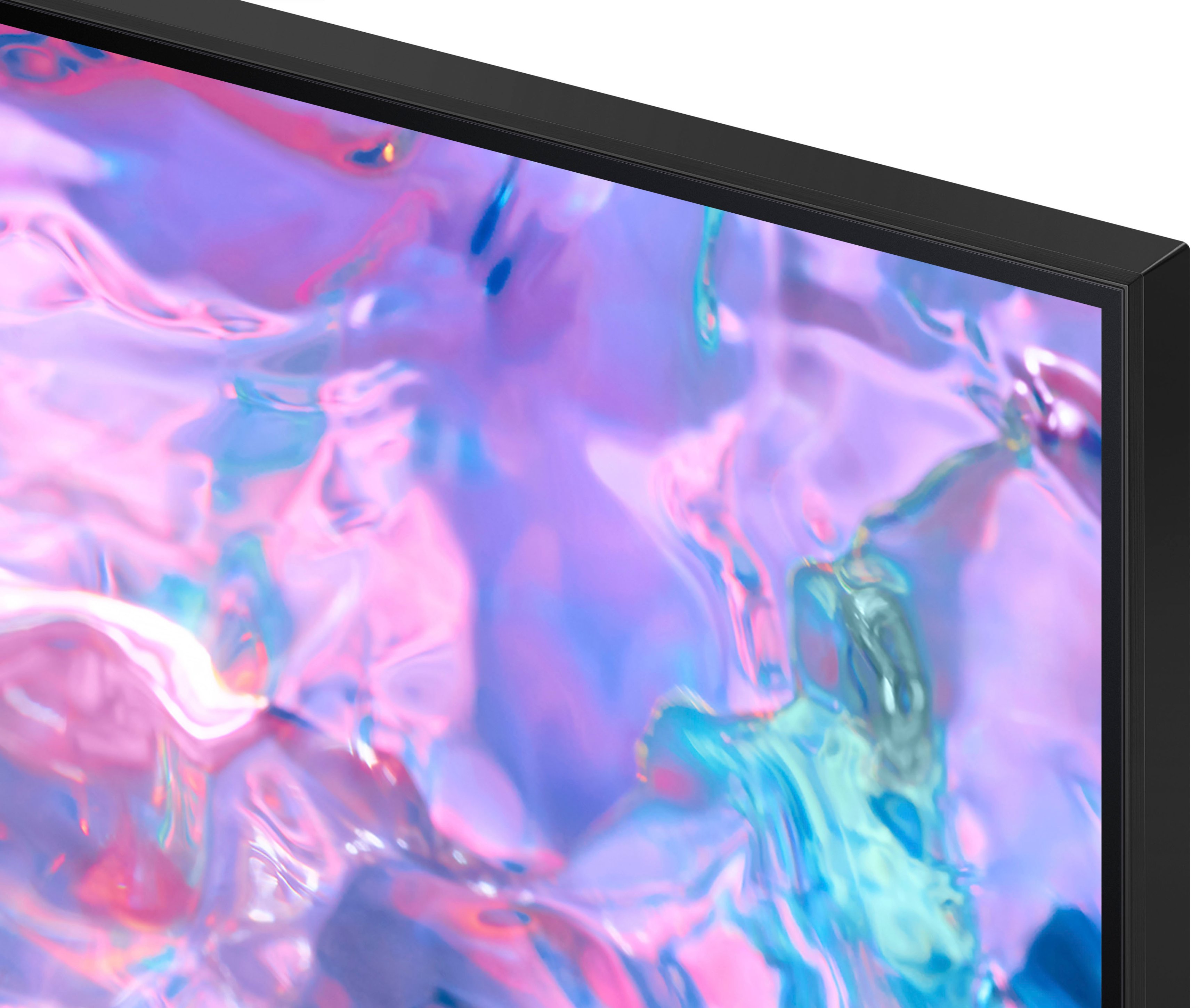



- Model:
- UN85CU7000FXZA
- SKU:
- 6537371
Rating by feature
- Picture Quality
Rating 4.8 out of 5 stars
- Sound Quality
Rating 4.6 out of 5 stars
- Brightness
Rating 4.8 out of 5 stars
Customers are saying
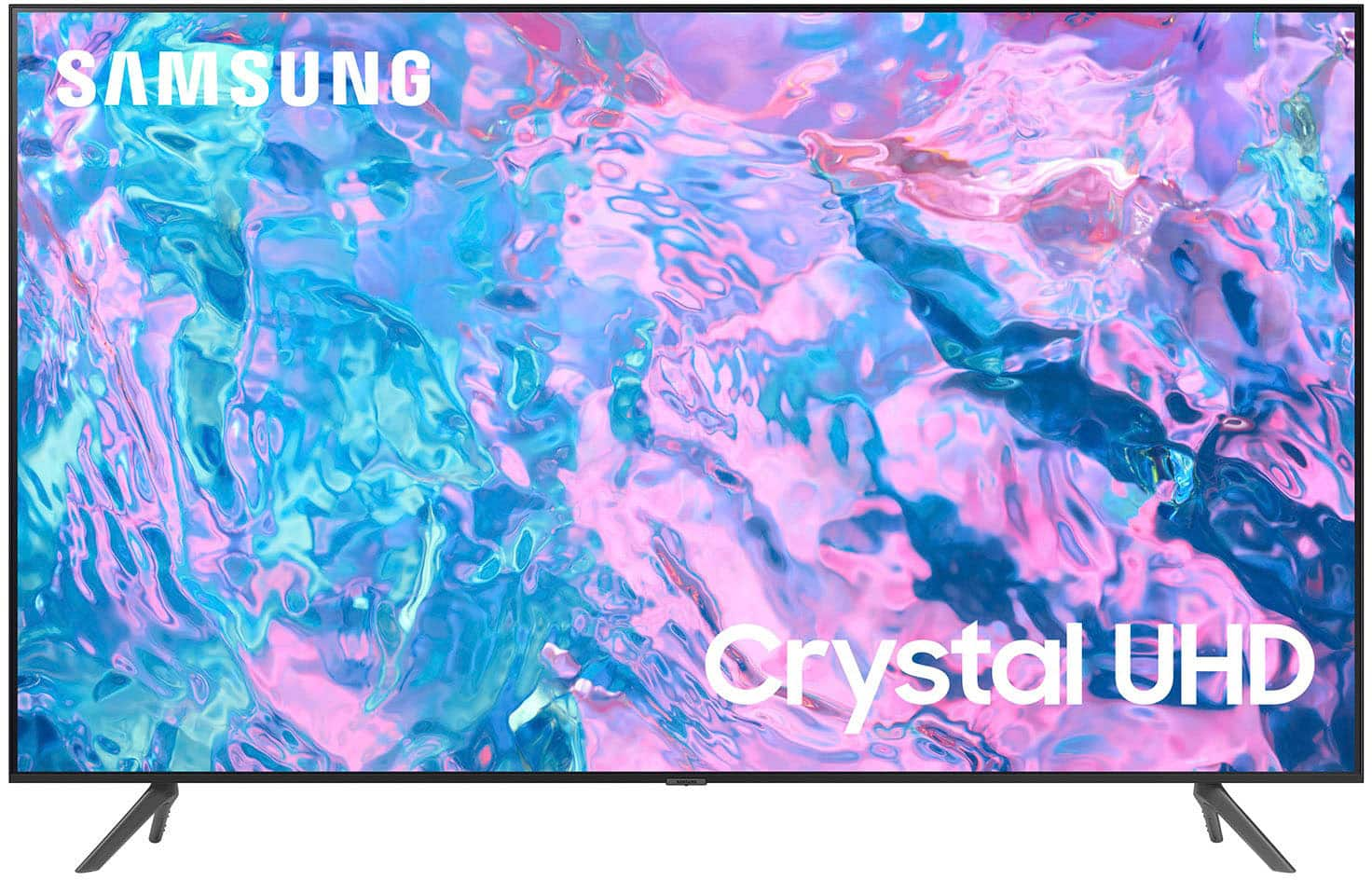
Customers are impressed with the 85” Class CU7000 Crystal UHD 4K Smart Tizen TV's picture quality, ease of use, and value for its price. Many appreciate the large screen size and vibrant colors, while some found the remote control could be improved and the volume could be louder. Positive feedback frequently highlighted the smart features and overall ease of setup. However, a few users noted the TV's weight as a potential challenge during installation.
This summary was generated by AI based on customer reviews.
Bad tv
||Posted . Owned for 3 weeks when reviewed.This reviewer received promo considerations or sweepstakes entry for writing a review.Tv is not what I expected it not as good a the quality it’s overrated picture bed
No, I would not recommend this to a friendBrand response from Samsung
Posted .Hi AlbertS,
It’s unfortunate to hear you’re not fully satisfied with the image quality of your CU7000 TV. Below are a few settings that I recommend adjusting:
Go to Home > Settings > All Settings > Picture > Picture Mode and select the mode that best fits your usage:
1) Standard: Default mode suitable for general viewing environments.
2) Natural: Reduces eye strain for a comfortable viewing experience.
3) Movie: Most suitable for watching TV or movies in a dark room.
4) Dynamic: Makes the picture brighter and clearer in bright viewing environments.
5) Filmmaker Mode: You can watch the source content (e.g., movie) as it is. If the image is defined as Filmmaker Mode, it will automatically switch to Filmmaker Mode while watching.
You can also go to Settings > All Settings> Picture > Expert Settings > to manually fine-tune your image.
If you need more help, Samsung is here for you. Call us at 1-800-SAMSUNG, 8 AM - 12 AM EST, seven days a week. Our LiveChat agents are also available by clicking on the ‘Support’ link on our website.
~ Samsung Advisor
Terrible
||Posted . Owned for less than 1 week when reviewed.This reviewer received promo considerations or sweepstakes entry for writing a review.Terrible picture quality. Don’t recommend no better than very cheap brands
No, I would not recommend this to a friendBrand response from Samsung
Posted .Hi EveF,
Thank you for sharing your thoughts on the picture quality of your CU7000 TV. I have a few recommendations that may improve your visual experience:
Go to Home > Settings > All Settings > Picture > Picture Mode and select the mode that best fits your usage:
1) Standard: Default mode suitable for general viewing environments.
2) Natural: Reduces eye strain for a comfortable viewing experience.
3) Movie: Most suitable for watching TV or movies in a dark room.
4) Dynamic: Makes the picture brighter and clearer in bright viewing environments.
5) Filmmaker Mode: You can watch the source content (e.g., movie) as it is. If the image is defined as Filmmaker Mode, it will automatically switch to Filmmaker Mode while watching.
You can also go to Settings > All Settings> Picture > Expert Settings > to manually fine-tune your image.
If you need more help, Samsung is here for you. Call us at 1-800-SAMSUNG, 8 AM - 12 AM EST, seven days a week. Our LiveChat agents are also available by clicking on the ‘Support’ link on our website.
~ Samsung Advisor
Don't buy
||Posted . Owned for 3 weeks when reviewed.This reviewer received promo considerations or sweepstakes entry for writing a review.Terrible picture. Not worth the price tag at all..
No, I would not recommend this to a friendNo refund
||Posted . Owned for 1 month when reviewed.This reviewer received promo considerations or sweepstakes entry for writing a review.Still waiting for my refund from my purchase it has been 90 days
No, I would not recommend this to a friendBrand response from Samsung
Posted .Hi MichelleS,
I'm truly sorry that you had to go through the hassle of a refund for your CU7000 TV. If you are waiting on a refund from Best Buy, I recommend reaching back out to them. If you are working with Samsung, please give us a call at 1-800-SAMSUNG, 8 AM - 12 AM EST, seven days a week. Or visit us on the Samsung website and click on the ‘Support’ link for:
1) LiveChat
2) Manuals, Software, & Warranty Info
~ Samsung Advisor
Poor quality
||Posted . Owned for 1 month when reviewed.This reviewer received promo considerations or sweepstakes entry for writing a review.It’s not as clear as the picture shows you definitely don’t recommend
No, I would not recommend this to a friendBrand response from Samsung
Posted .Hi Joann,
Thank you for sharing your thoughts on your CU7000 TV’s image quality. The TV will upscale any content sent to it as best as possible. The closer your content is to 4K, the better the image will look on the screen.
Here are some tips to help improve picture clarity:
1) HDMI cables are recommended for optimal HD viewing.
2) If you have an analog cable box or satellite box, upgrade to a digital cable box or satellite box.
3) Change the output resolution of your devices, such as digital broadcast receivers, IPTV, and set-top boxes, to UHD or HD.
4) You can further adjust your sharpness, brightness, contrast, color, and more by going to Settings > All Settings> Picture > Expert Settings
5) Choose a Picture Mode by going to Settings > All Settings> Picture > Picture Mode and choose from Dynamic, Standard, Natural, Movie, or Filmmaker Mode.
Should you ever have questions or need help with TV features, specs, or operations, we are here to help. You can call us at 1-800-SAMSUNG, 8 AM - 12 AM EST, seven days a week. Our LiveChat agents are also available by clicking on the ‘Support’ link on our website.
~ Samsung Advisor
Review
||Posted . Owned for 3 weeks when reviewed.This reviewer received promo considerations or sweepstakes entry for writing a review.Screen was broken…………………………………………………………………………………..
No, I would not recommend this to a friendBrand response from Samsung
Posted .Hi Phil,
We appreciate you sharing your delivery experience and that your TV exhibited damage upon opening and setup. Unfortunately, even if a TV is double-boxed and the packaging shows no evidence of harm, a TV can still be damaged during transit if proper care is not taken. For example, if the TV were sitting in an incorrect orientation – laid on its side or tilted – during transit, the damage could have been done.
We recommend you contact Best Buy directly for assistance in correcting this situation. We hope your issue is resolved in a timely manner. If you need more help, Samsung is here for you. Please call us at 1-800-SAMSUNG, 8 AM - 12 AM EST, seven days a week. Our LiveChat agents are also available by clicking on the ‘Support’ link on our website.
~ Samsung Advisor
- Pros mentioned:Ease of use, Picture quality
As advertised
Posted .This reviewer received promo considerations or sweepstakes entry for writing a review.Great picture, easy to mount to existing tv mount, easy to connect to other remotes. Bought an LG from another Big box retailer for a little cheaper and the screen came cracked so was relieved to see better shipping and handling with the Samsung from Best Buy. The home setup screen makes the Firestick useless, appreciate the quick tap buttons to Disney, Prime and Netflix. The family is really happy with the result, upgraded from a 8 year old 60 inch and you can really notice the size and quality difference especially in the 4K channels and UHD streaming.
I would recommend this to a friend - Pros mentioned:Ease of use, Picture quality, Price
Samsung 85" TV
Posted .This reviewer received promo considerations or sweepstakes entry for writing a review.Awesome price on a TV with beautiful picture. Easy to use with 2 remotes included.
I would recommend this to a friend - Pros mentioned:Picture quality, Price
Perfection
Posted .This reviewer received promo considerations or sweepstakes entry for writing a review.Perfect tv for my basement. Picture and sound quality are perfect for the price point. Best deal at 85” on the market in my opinion.
I would recommend this to a friend - Pros mentioned:Ease of use, Picture quality
Love this TV
Posted .This reviewer received promo considerations or sweepstakes entry for writing a review.Love this TV. Just installed yesterday. Great quality especially the picture and also the ease of setup was a great plus!!!
I would recommend this to a friend - Pros mentioned:Picture quality, Price
Samsun TV great quality
Posted .This reviewer received promo considerations or sweepstakes entry for writing a review.Amazing TV great picture great price I purchase Samsung TVs in the past, and they are excellent
I would recommend this to a friend - Pros mentioned:Ease of use, Picture quality
Excellent TV
Posted .This reviewer received promo considerations or sweepstakes entry for writing a review.TV has a great picture, easy setup and intuitive operation. I would definitely recommend
I would recommend this to a friend - Pros mentioned:Picture quality, Tv size
Size does matter!
Posted .This reviewer received promo considerations or sweepstakes entry for writing a review.Size does matter and the quality, price, got it delivered free!!!
I would recommend this to a friend - Pros mentioned:Ease of use, Picture quality
Picture!
Posted .This reviewer received promo considerations or sweepstakes entry for writing a review.Amazing picture! It’s crystal clear and easy to use.
I would recommend this to a friend - Pros mentioned:Ease of use, Picture quality
Samsung 85
Posted .This reviewer received promo considerations or sweepstakes entry for writing a review.Great picture, sound...easy setup and use. Go get one!
I would recommend this to a friend - Pros mentioned:Picture qualityCons mentioned:Remote control
85” Samsung
Posted .This reviewer received promo considerations or sweepstakes entry for writing a review.Great value and looks nice with a great picture but the remote is a joke. Way too small and can’t read it. In the dark it’s worthless
I would recommend this to a friendBrand response from Samsung
Posted .Hi JeffreyN,
Thank you for your feedback on the CU7000 TV. Next, If the colors on your TV are correct but just a little too dark or bright, you can try adjusting Picture Modes, Contrast, Brightness, or Sharpness settings.
For darker scenes, I recommend Dynamic Picture Mode, which makes pictures brighter and clearer in bright viewing environments. Go to Settings > All Settings> Picture > Picture Mode > Dynamic.
Or you can manually adjust the Brightness by pressing the HOME button on your remote, then navigating to Settings > All Settings> Picture > Expert Settings.
You may also want to disable Power Saving Mode, which automatically adjusts the brightness to reduce the TV’s power consumption. Go to Settings > All Settings> General > Eco Solution> Power Saving Mode.
I hope this helps to improve your picture. Should you need further assistance, please contact us at 1-800-SAMSUNG, 8 AM - 12 AM EST, seven days a week. Our LiveChat agents are also available by clicking on the ‘Support’ link on our website.
~ Samsung Advisor
- Pros mentioned:Color, Picture quality
Great tv
Posted .This reviewer received promo considerations or sweepstakes entry for writing a review.Love the color and how big it is! Sounds great. The family loves it!
I would recommend this to a friend - Pros mentioned:Picture quality
Happy Grandma
Posted .This reviewer received promo considerations or sweepstakes entry for writing a review.I bought this Samsung 85" TV. I am so pleased with the purchase . When you seat down to watch TV, seems like you are At the theater. It is Big, crystal clear,and the sound is extraordinary. I am a happy customer. Would I recommend to my friends? Definitely I would, and I will. Thanks Samsung for the quality of your products.
I would recommend this to a friend - Pros mentioned:Picture quality
Very pleased
Posted .This reviewer received promo considerations or sweepstakes entry for writing a review.Excellent TV, great picture quality and brightness.
I would recommend this to a friend - Pros mentioned:Picture quality
Good tv
Posted .This reviewer received promo considerations or sweepstakes entry for writing a review.Good tv. This tv has a good picture and sound. If you just want a big screen it will be perfect for you. It doesn't have the bells and whistles of the more expensive models. But is an excellent value.
I would recommend this to a friend