Customer Ratings & Reviews
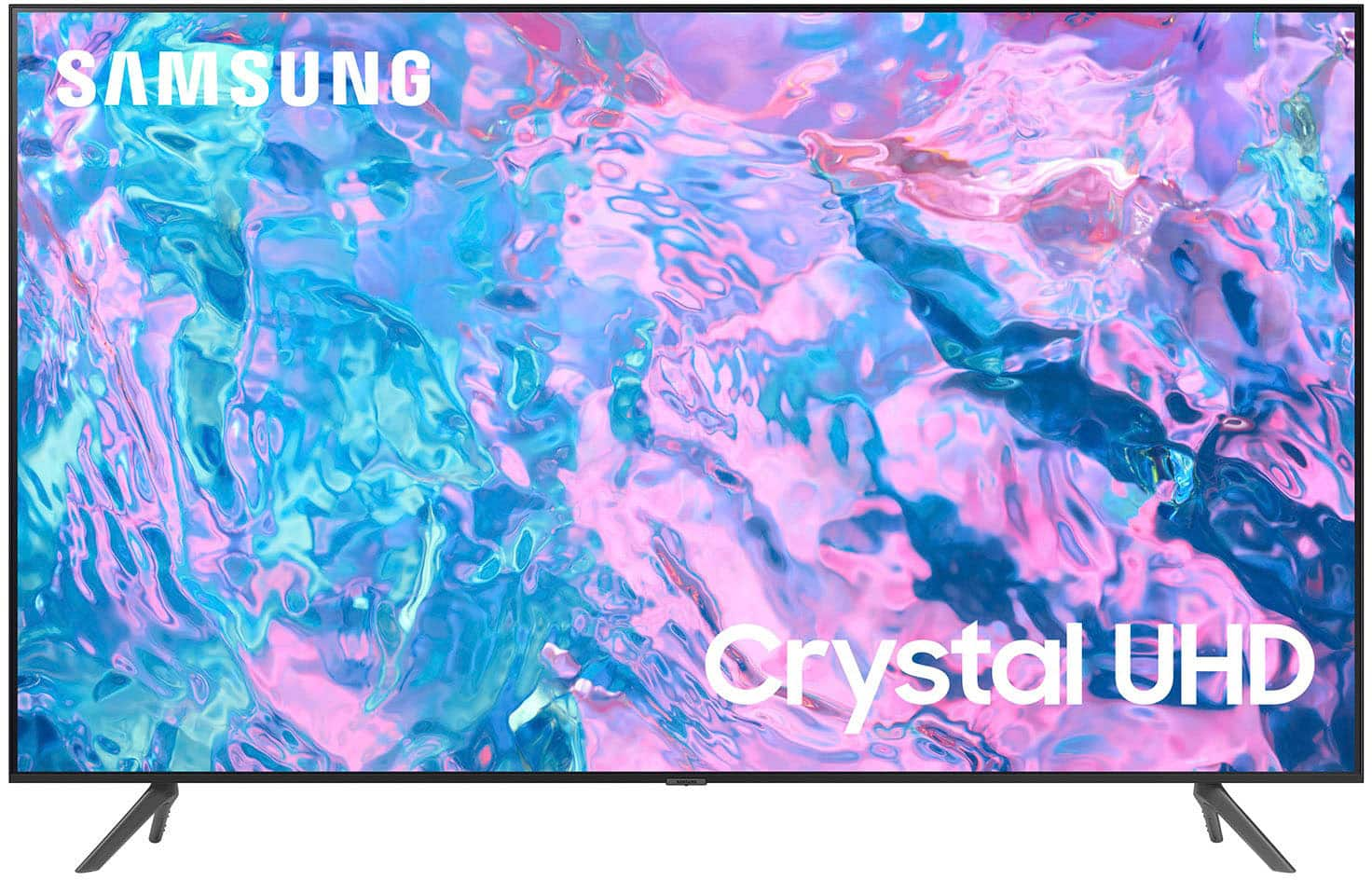
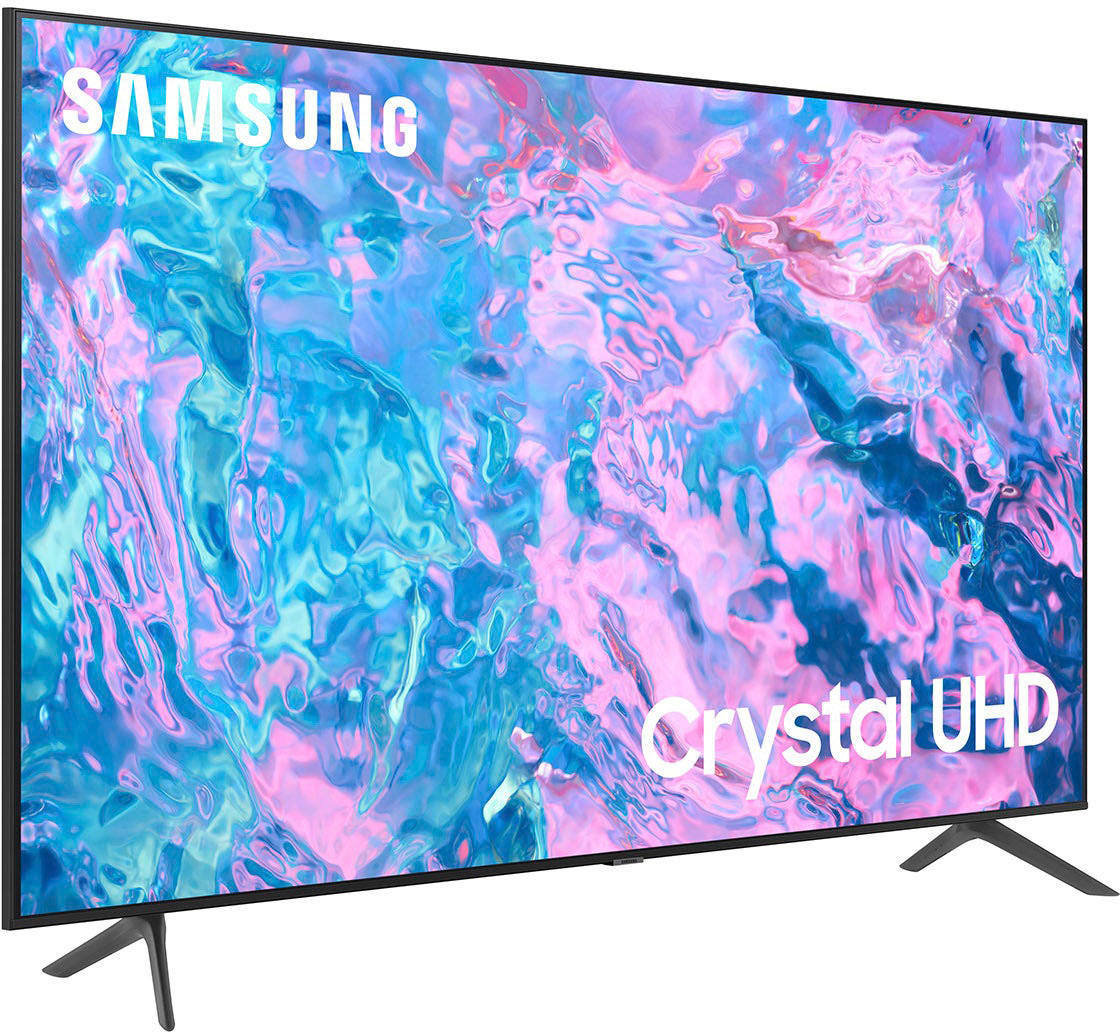
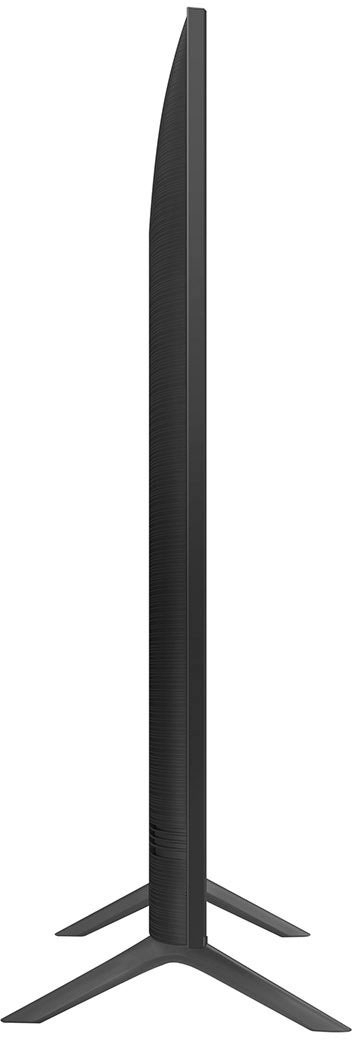
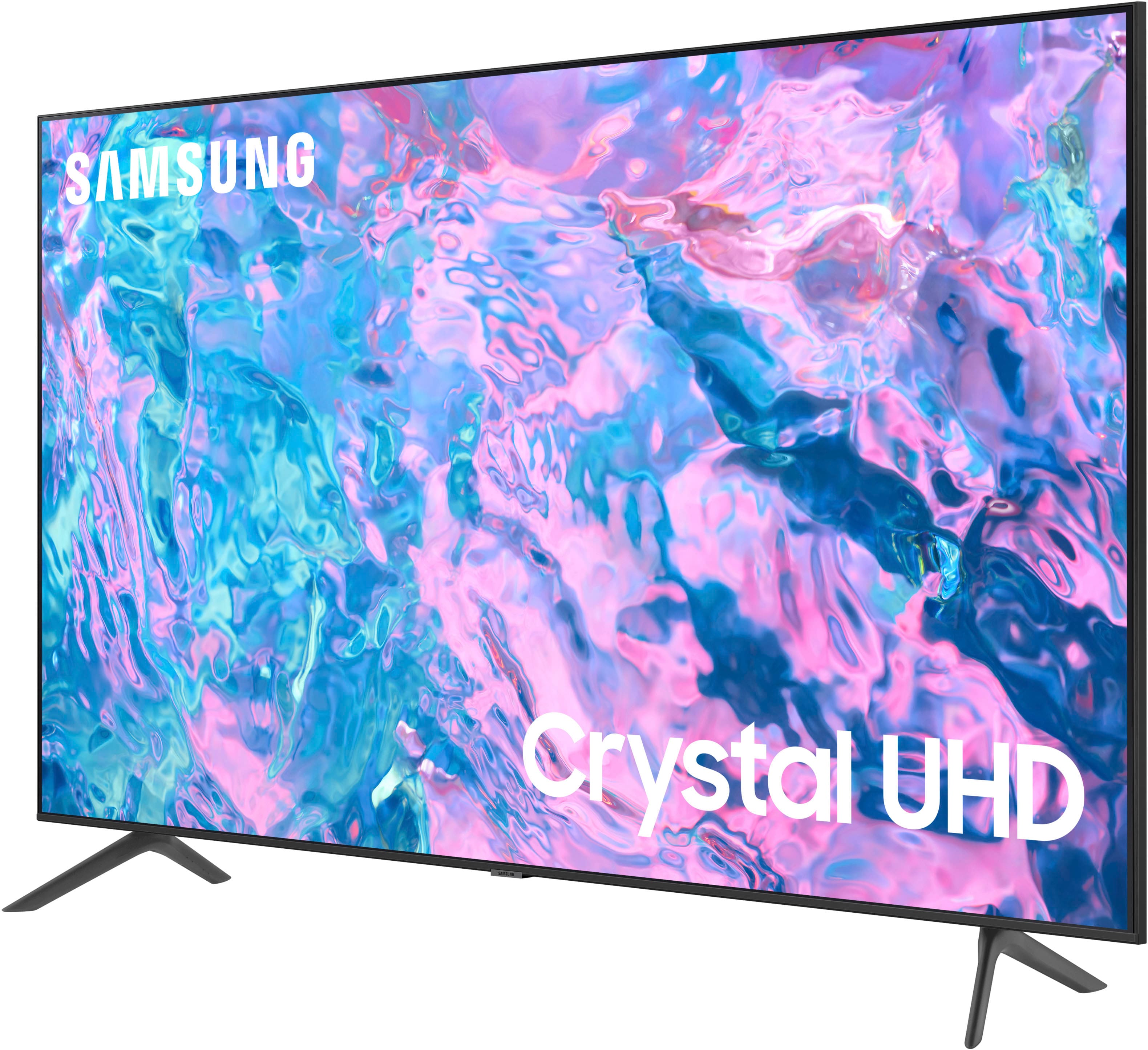
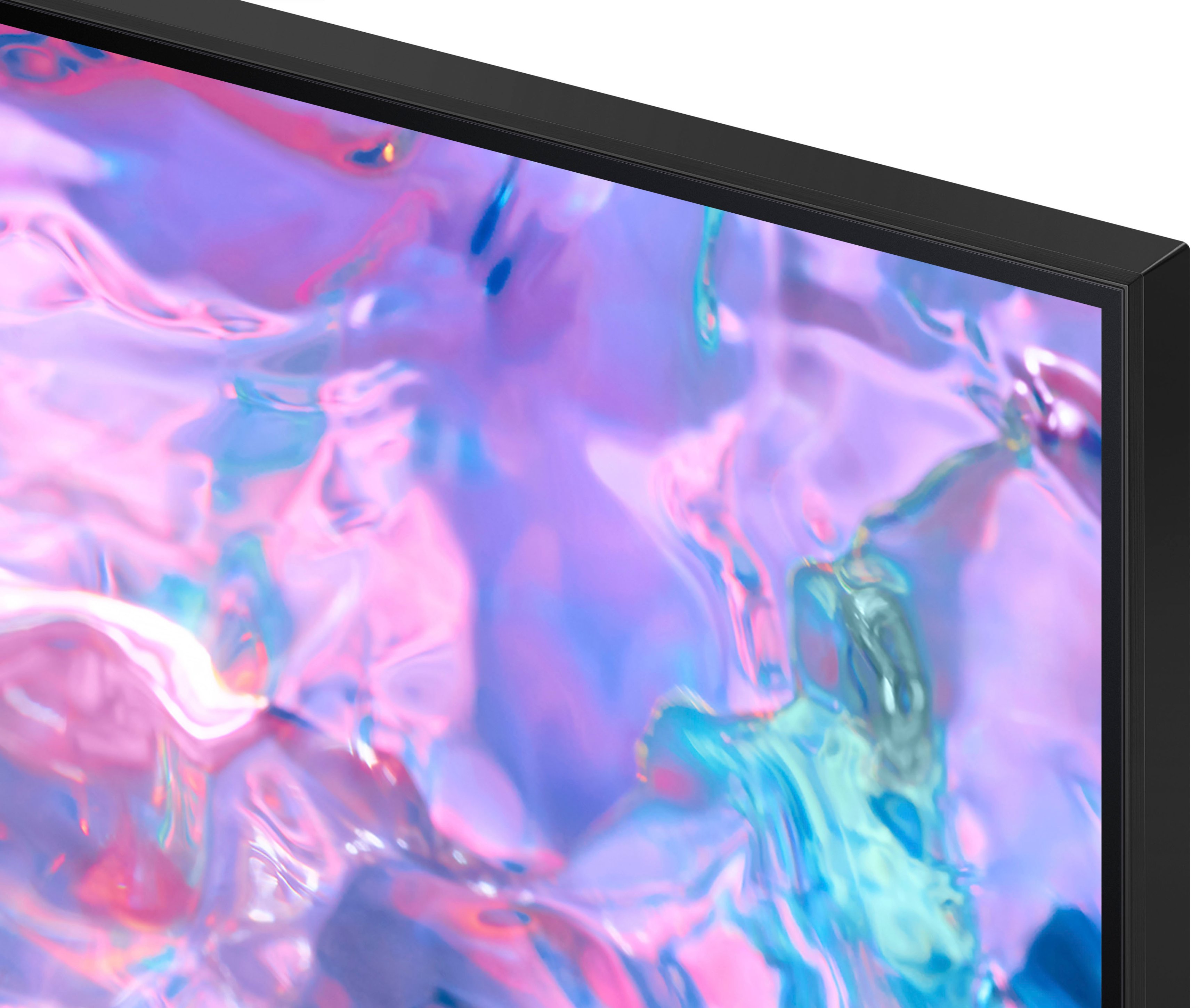



- Model:
- UN85CU7000FXZA
- SKU:
- 6537371
Rating by feature
- Picture Quality
Rating 4.8 out of 5 stars
- Sound Quality
Rating 4.6 out of 5 stars
- Brightness
Rating 4.8 out of 5 stars
Customers are saying
Customers are impressed with the 85” Class CU7000 Crystal UHD 4K Smart Tizen TV's picture quality, ease of use, and value for its price. Many appreciate the large screen size and vibrant colors, while some found the remote control could be improved and the volume could be louder. Positive feedback frequently highlighted the smart features and overall ease of setup. However, a few users noted the TV's weight as a potential challenge during installation.
This summary was generated by AI based on customer reviews.
Samsung tv
Posted .This reviewer received promo considerations or sweepstakes entry for writing a review.Great tv great size great price, picture quality could be a little better but im happy with it, just what i was looking for
I would recommend this to a friendGreat Value
Posted .This reviewer received promo considerations or sweepstakes entry for writing a review.Great value on an excellent condition open box buy!
I would recommend this to a friendBeautiful tv smart tv not so great
Posted .This reviewer received promo considerations or sweepstakes entry for writing a review.Great beautiful tv, the smart tv part can freeze up. Better off using a 3rd party device
I would recommend this to a friendHDMI 2.1 support
Posted .This reviewer received promo considerations or sweepstakes entry for writing a review.Does the TV really support HDMI 2.1? That would be amazing because even 85" Q60C only supports HDMI 2.0. I am writing a question here because somehow it is not working to write a question in the question section. Please verify it is true.
I would recommend this to a friendBrand response from Samsung
Posted .Hi Kalpha,
Thank you for considering this TV. Because HDMI 2.1 is a complicated spec, we hope that focusing on TV features will be more helpful to you when deciding on the best model for your usage scenario. The CU7000 TV has 3 HDMI ports, all of which support Auto Low Latency Mode (ALLM) and Dynamic Metadata (HDR10+). “HDMI In 3” port further supports eARC. If you’re looking for a TV capable of 4K@120fps (FRL), please consider the 85” CU8000 Series and above.
If you ever have questions or need help, Samsung is here for you! Give us a call at 1-800-SAMSUNG, 8 AM - 12 AM EST, seven days a week. Our LiveChat agents are also available by clicking on the ‘Support’ link on our website.
~ Samsung Advisor
Samsung 85 class 7000 series
Posted .This reviewer received promo considerations or sweepstakes entry for writing a review.Quality is ok, not much great, must go for 8000 series to see the difference.
No, I would not recommend this to a friendBrand response from Samsung
Posted .AlexP,
We appreciate your thoughts on the picture quality of Samsung’s CU7000F TV. If the image you’re seeing isn’t to your liking, there are several picture settings you may want to adjust.
Go to Home > left direction button > Settings > All Settings > Picture > Picture Mode
...and select the mode that best fits your usage:
1. Standard: Is the default mode suitable for general viewing environments
2. Dynamic: Makes the picture brighter and clearer in bright viewing environments
3. Eco: Provided to save energy
4. Movie: Suitable for watching TV or movies in a dark room
5. Filmmaker Mode: Provides source content just as the creators intended. If the image is defined as Filmmaker Mode, it’ll automatically switch to Filmmaker Mode while watching.
You can also fine-tune your picture with expert settings such as brightness, contrast, sharpness and more (All Settings > Picture > Expert Settings).
For further assistance with settings adjustments, please contact Samsung Customer Support at 1-800-SAMSUNG, 8AM - 12AM EST, 7 days a week. Or visit us on the Samsung website and click on the ‘Support’ link for:
• LiveChat
• Manuals, Software, & Warranty Info
~ Samsung Specialist
TV not Happy
Posted .This reviewer received promo considerations or sweepstakes entry for writing a review.Not happy with is TV at all. Picture not clear and poor quality.
No, I would not recommend this to a friendBrand response from Samsung
Posted .Hi MariaC,
We appreciate you sharing your experience with the CU7000 TV. Your feedback regarding image quality is essential to us and will be shared with our internal teams. Please try adjusting the below image settings to improve your picture.
Go to Home > Settings > All Settings > Picture > Picture Mode and select the mode that best fits your usage:
1) Standard: Default mode suitable for general viewing environments.
2) Natural: Reduces eye strain for a comfortable viewing experience.
3) Movie: Most suitable for watching TV or movies in a dark room.
4) Dynamic: Makes the picture brighter and clearer in bright viewing environments.
5) Filmmaker Mode: You can watch the source content (e.g., movie) as it is. If the image is defined as Filmmaker Mode, it will automatically switch to Filmmaker Mode while watching.
You can also go to Settings > All Settings> Picture > Expert Settings > to manually fine-tune your image.
If you need more help, Samsung is here for you. Call us at 1-800-SAMSUNG, 8 AM - 12 AM EST, seven days a week. Our LiveChat agents are also available by clicking on the ‘Support’ link on our website.
~ Samsung Advisor
TV Shuts Off
Posted .This reviewer received promo considerations or sweepstakes entry for writing a review.Thought I had done my homework with this TV purchase. The picture quality is not that great, but we rolled with it. We ended returning TV because 6 days after while watching a football game the TV shut off 5 times. Each time we had to turn TV back on in order to continue watching game. Was really hopeful that this TV would be an awesome purchased based upon the reviews.
No, I would not recommend this to a friendBrand response from Samsung
Posted .Hi DeeShep,
Thank you for taking the time to provide feedback on your CU7000 TV. Please know that your feedback will be shared with our internal product teams. We take pride in our products and are sorry to hear that your experience was not up to our high standards.
We do hope you will give Samsung another chance when purchasing your next TV. If there’s anything we can ever help with, please call us at 1-800-SAMSUNG, 8 AM - 12 AM EST, seven days a week. Or visit us on the Samsung website and click on the ‘Support’ link for:
1) LiveChat
2) Manuals, Software, & Warranty Info
~ Samsung Advisor
Subpar picture quality
Posted .This reviewer received promo considerations or sweepstakes entry for writing a review.Picture quality was no good for movies or live sports. Don’t waste your time or money.
No, I would not recommend this to a friendBrand response from Samsung
Posted .Hi John,
We appreciate your feedback on your CU7000 TV’s picture when watching fast-motion. For optimal motion image performance, you may want to adjust the picture clarity setting by going to Settings > All Settings> Picture > Expert Settings > Picture Clarity Settings.
- Off: Picture Clarity Settings will always be off
- Auto: Picture Clarity Settings will automatically activate and deactivate based on the type of program being watched
- Custom: Allows custom adjustments and settings to be used. By selecting the Custom option, you can access these advanced settings for Judder Reduction, LED Clear Motion, and Noise Reduction.
Should you need further assistance with features or other product usage, please reach out to Samsung Support at 1-800-SAMSUNG, 8 AM - 12 AM EST, seven days a week. Our LiveChat agents are also available by clicking on the ‘Support’ link on our website.
~ Samsung Advisor
Black screen after 1 year
Posted .This reviewer received promo considerations or sweepstakes entry for writing a review.Tv overheated and went black at 1 year 6 months. Says to fix it go to main menu.... uhhh the screen is black.
No, I would not recommend this to a friendBrand response from Samsung
Posted .Hi Rosa,
Thank you for reviewing Samsung’s CU7000 TV and for sharing your experience with display issues. If your TV is out of the 1-year Manufacturer's Warranty, you can locate a service center in your area by following this link: https://www.samsung.com/us/support/service/locations/.
Should you have additional questions or wish to troubleshoot the issue, please call us at 1-800-SAMSUNG, 8 AM - 12 AM EST, seven days a week. Our LiveChat agents are also available by clicking on the ‘Support’ link on our website.
~ Samsung Advisor