Customer Ratings & Reviews
- Model:
- MZ-76E1T0B/AM
- SKU:
- 6178649
Rating by feature
- Value
Rating 4.7 out of 5 stars
- Quality
Rating 4.9 out of 5 stars
- Ease of Use
Rating 4.9 out of 5 stars
Customers are saying
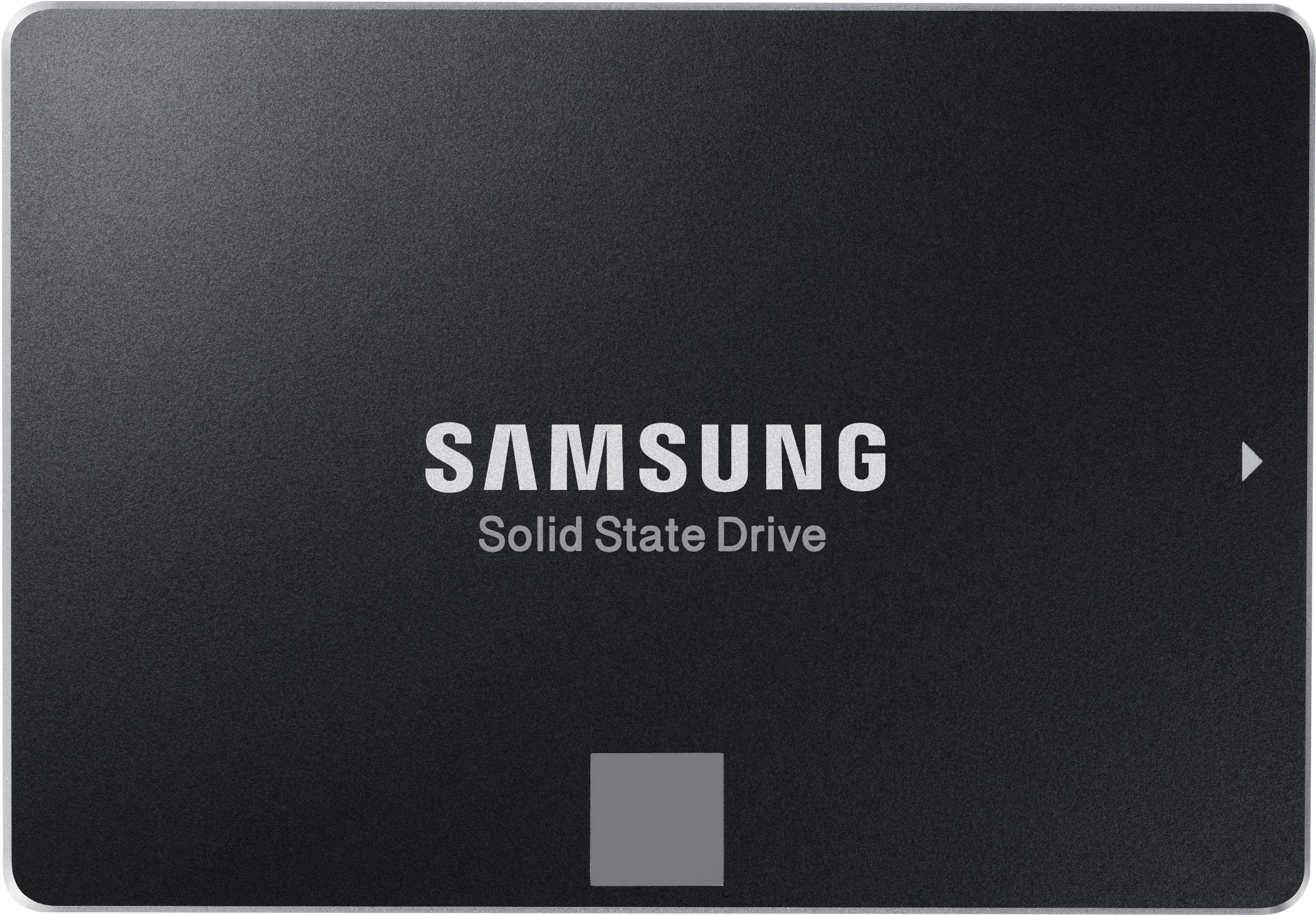
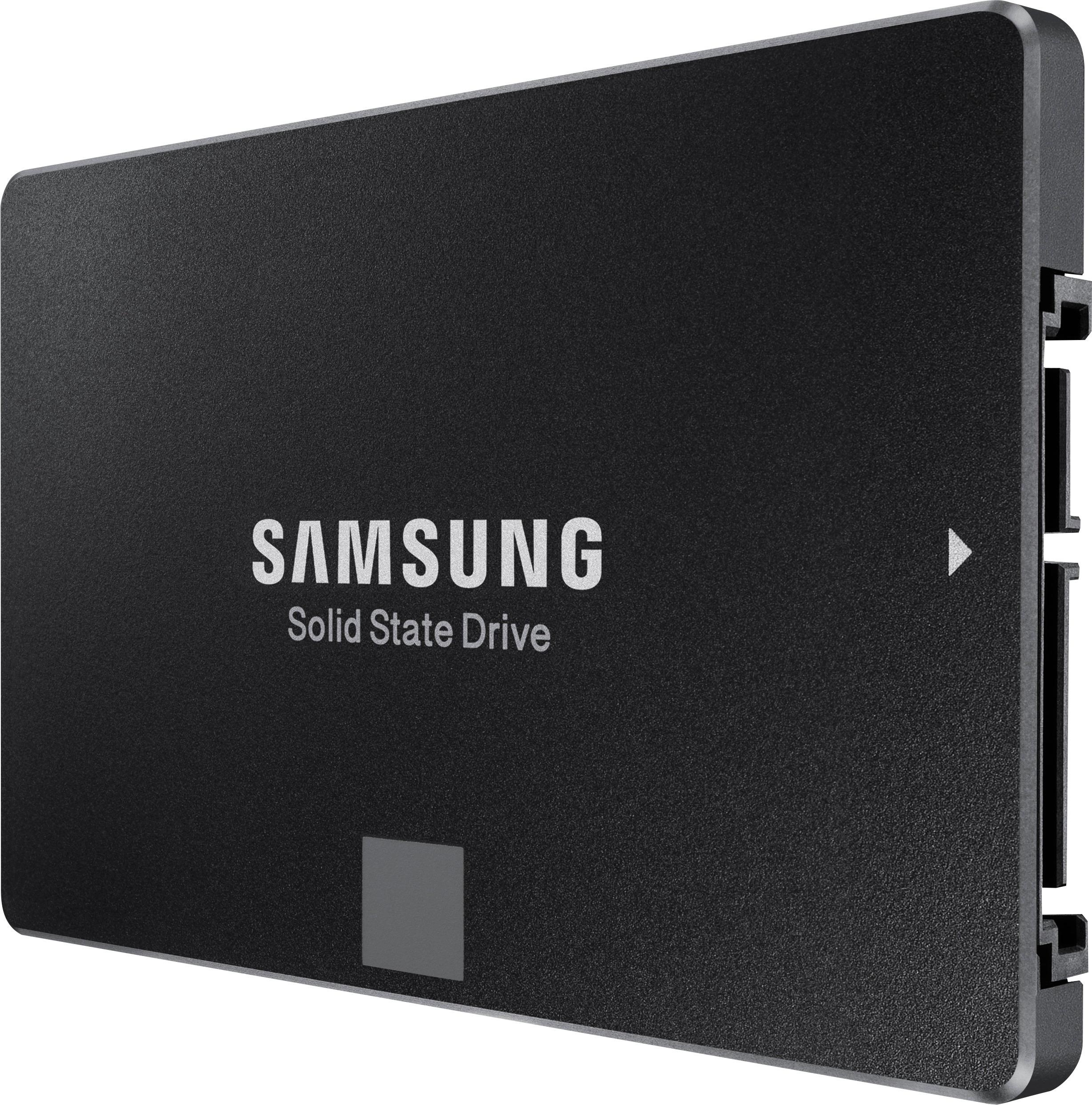
Customers commend the 860 EVO 1TB Internal SATA 2.5" Solid State Drive for its excellent performance, ease of use, and significant storage capacity. Many appreciate the fast boot times and straightforward installation process, along with the drive's affordability. While some users noted minimal heat generation, the overwhelming majority highlighted the quiet operation of the drive. The positive feedback consistently points to a high-quality product that delivers on its promises.
This summary was generated by AI based on customer reviews.
- Pros mentioned:Performance, Speed, Ssd
One of the brand name you can trust - Reliable
||Posted .This reviewer received promo considerations or sweepstakes entry for writing a review.Replaced my current Aurora R4 desktop to Linux machine using this 1TB SSD hard drive.... fast and reliable
I would recommend this to a friend - Pros mentioned:Performance
Ssd
||Posted . Owned for more than 2 years when reviewed.This reviewer received promo considerations or sweepstakes entry for writing a review.Perfect for everything I needed. Works wonderful!!
I would recommend this to a friend - Pros mentioned:Ease of use, Storage
Preferred SSD if you need large amount of storage
||Posted . Owned for 4 months when reviewed.This reviewer received promo considerations or sweepstakes entry for writing a review.This is my SSD of choice for demanding applications and which the owners also need more storage space than the average user. You can download the Samsung Magician application for free which allows you to maintain and fine-tune the drive. I've never had one fail or come DOA, although I know both these things happen. If you're looking for a larger capacity SSD, you can't go wrong with this model.
I would recommend this to a friend - Pros mentioned:Speed, Storage
New life for an old machine
||Posted . Owned for 1 month when reviewed.This reviewer received promo considerations or sweepstakes entry for writing a review.I have an old extra Sony i5 VPC-EB190X (2010) that was just too slow these days. I was going to get rid of it but decided to take the risk and swapped out the old 500MB HDD for this 1TB SSD and it hums right along now. It was easy to swap and I did a back up and restore with Microsoft tools. This computer now has many more years thanks to the new SSD, also a tribute to the Sony laptop.
I would recommend this to a friend - Pros mentioned:Speed
Great desl
||Posted . Owned for 1 week when reviewed.This reviewer received promo considerations or sweepstakes entry for writing a review.Big, fast and super easy to install in my laptop. Second one I’ve bought.
I would recommend this to a friend - Pros mentioned:Performance, Speed
Sets the Standard for Consumer SSD
||Posted .This reviewer received promo considerations or sweepstakes entry for writing a review.Upgraded an old desktop PC from an older mechanical drive to SSD. This really made a night and day performance difference. The SSD is significantly faster than a mechanical drive. Samsung has imaging software that allows you to "clone" your old drive to the new SSD. This worked flawlessly. You may also need a USB to SATA adapter to complete the cloning process (this is not included with the SSD drive). Highly recomended.
I would recommend this to a friend My old PC is really fast now.
||Posted .This reviewer received promo considerations or sweepstakes entry for writing a review.After cloning my aging Dell Inspiron's hard drive to this SSD my PC boots in 15 seconds and my apps load super fast. It's like a new computer. To mount this in a desktop you will need to purchase a 3 1/2" mounting bracket to fit into a drive bay. You will also need a SATA cable. To clone and replace your old drive with this SSD perform the following steps: 1) Shut down the PC. Screw the mounting bracket onto the SSD and screw the drive bay's rails to the bracket. Slide the assembly into the bay. 2) Attach the SATA cable and one of your PC's unused power cables to the SSD. 3) Start your PC and download the free Home Use version of Macrium Reflect. Install and run it. I was able to clone my old drive to the SSD in one hour. 4) Upon restarting the PC, press F2 as soon as the keyboard is recognized. This gets you into the BIOS configuration. Select the SSD as the primary boot device. Save and restart. Voila! You may disconnect your old drive or keep it there to use for backups.
I would recommend this to a friend- Pros mentioned:Performance

A great hard drive
|Posted . Owned for more than 2 years when reviewed.This reviewer received promo considerations or sweepstakes entry for writing a review.Great hard drive. In 2 years I ran into zero issues
I would recommend this to a friend - Pros mentioned:Speed
Big, Fast, Cool, Quiet
||Posted .This reviewer received promo considerations or sweepstakes entry for writing a review.When i started out you could not fit 1t into a building, let alone a drive. Scheduled replacement (3 year) for desktop 'C' drive. I did not 'migrate' old drive to new. (I don't know why anyone would migrate old issues onto new drive.) Installed factory OS, reinstalled software, restored documents and watched it fly. Machine is fast, attribite 1/2 to de crap install and 1/2 to this drive. Will buy again.
I would recommend this to a friend - Pros mentioned:Speed
Great ssd
||Posted . Owned for 1 month when reviewed.This reviewer received promo considerations or sweepstakes entry for writing a review.I installed this a month ago and it's like having a whole new computer. Everything went smoothly hardware-wise. Had a small hiccup in software but that was the fault of Windows 10. If your drive isn't detected during Windows setup and you have other drives plugged in, you're going to have to remove them and then plug them back in after windows is installed. Great product and will buy again!
I would recommend this to a friend - Pros mentioned:Performance, Speed
Samsung SSDs are great!
||Posted . Owned for 3 weeks when reviewed.This reviewer received promo considerations or sweepstakes entry for writing a review.I love SSD storage! You cannot go wrong choosing Samsung when it comes to SSDs. This is a great option from a reliable brand and SSDs have fantastic speeds and little to worry about when it comes to mechanical failures that come with HDD storage. Redundancy is the best way to backup your data so continue make copies of important stuff on multiple storage devices.
I would recommend this to a friend - Pros mentioned:Performance
Fast and Reliable
||Posted .This reviewer received promo considerations or sweepstakes entry for writing a review.We all know SSDs are a great performance upgrade, but the big hindrance for years was always the price. The Samsung 860EVO 1TB model when introduced sold for around $400, so Best Buy’s price is an insane bargain. You can use the Samsung Magician software to clone your existing drive to the SSD, or use free third-party software if you want to move from a bigger disk to a smaller SSD. Either way, you won’t regret your purchase.
I would recommend this to a friend - Pros mentioned:Performance
Great Value
||Posted .This reviewer received promo considerations or sweepstakes entry for writing a review.I purchased this SSD drive based on the good reviews on the web site. I utilized the cloning software that came with the Samsung product and utilized it to replace my aging C drive. First time boot was flawless. Only negative was the case I purchased on the BB web site. Although the SSD fit in the case fine, the case did not align properly in the disk cage. Performance is spectacular. Fast boot time and plenty of space for my needs.
I would recommend this to a friend - Pros mentioned:Speed
Samsung SSD to fix broken PC
||Posted .This reviewer received promo considerations or sweepstakes entry for writing a review.Fast, solid state drive to replace corrupt hard disc in a work PC. Easy replacement, easy fresh Windows 10 installation. Very fast install, only took 15 minutes from start to finish. Overall PC performance (an HP SmartTouch) doesn't seem much faster, however, which is surprising considering we swapped out a spinning drive for an SSD. Might be the PC itself that is the bottleneck.
I would recommend this to a friend - Pros mentioned:Performance, Speed
Samsung
||Posted .This reviewer received promo considerations or sweepstakes entry for writing a review.Great price on a quality drive. Samsung drives are fast and reliable.
I would recommend this to a friend - Pros mentioned:Ease of use, Performance
Great drive, awesome software
||Posted . Owned for 5 months when reviewed.This reviewer received promo considerations or sweepstakes entry for writing a review.This ssd is great and is fast. It is easy to install and if you download the Samsung data migration software, not the magician software, you can clone your data to the new hard drive quickly. The software is very easy to use and is a key feature of this ssd. It limits you from erasing your existing drive in error and usually takes 30-60 minutes
I would recommend this to a friend - Pros mentioned:Ease of use, Speed, Storage
Great drive to speed up your OS
||Posted . Owned for 1 month when reviewed.This reviewer received promo considerations or sweepstakes entry for writing a review.Easy to install. OS significantly quicker. Large enough for multiple large data sets.
I would recommend this to a friend - Pros mentioned:Speed, Storage
Fast drive, great value
||Posted . Owned for 2 months when reviewed.This reviewer received promo considerations or sweepstakes entry for writing a review.Fast drive, plenty of space great value Samsung always a good name
I would recommend this to a friend - Pros mentioned:Speed, Ssd
Can't go wrong with Samsung SSD's
||Posted . Owned for 3 weeks when reviewed.This reviewer received promo considerations or sweepstakes entry for writing a review.I've had a small 256GB Samsung SSD that I've been wanting to upgrade from to get at least 1TB and got a great deal during black friday that dropped it close to about $105. Amazing speeds and no issues as of now and plan on using this for several years down the road. Be sure to install the Samsung Magician software and enable RAPID mode to get the highest performance possible with this drive.
I would recommend this to a friend - Pros mentioned:Ease of use, Speed, Storage
A fast and solid SSD.
||Posted . Owned for 3 months when reviewed.This reviewer received promo considerations or sweepstakes entry for writing a review.Easy to install, easy to use, and FAST. Great price for a full terabyte, too!
I would recommend this to a friend