Customer Ratings & Reviews
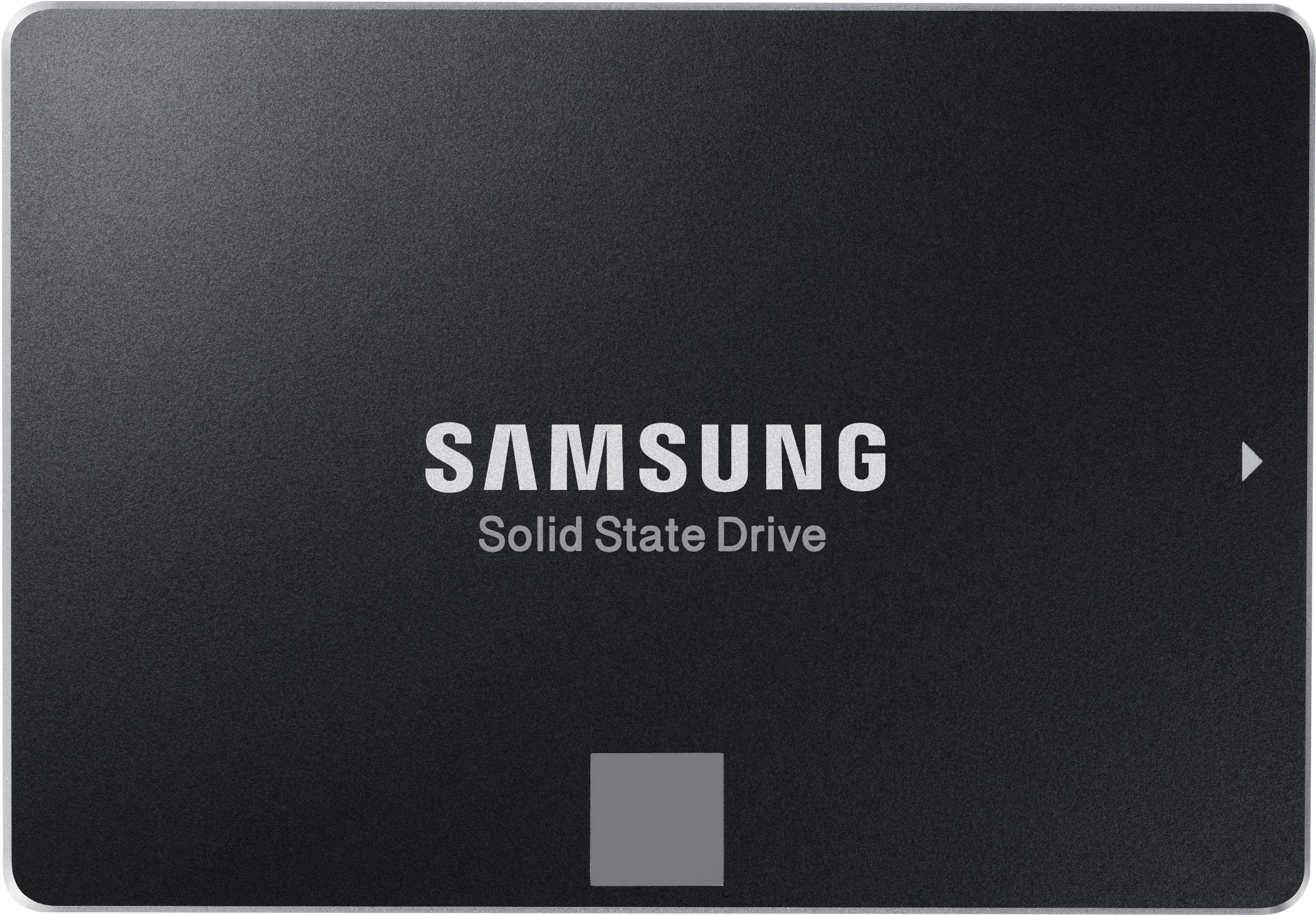
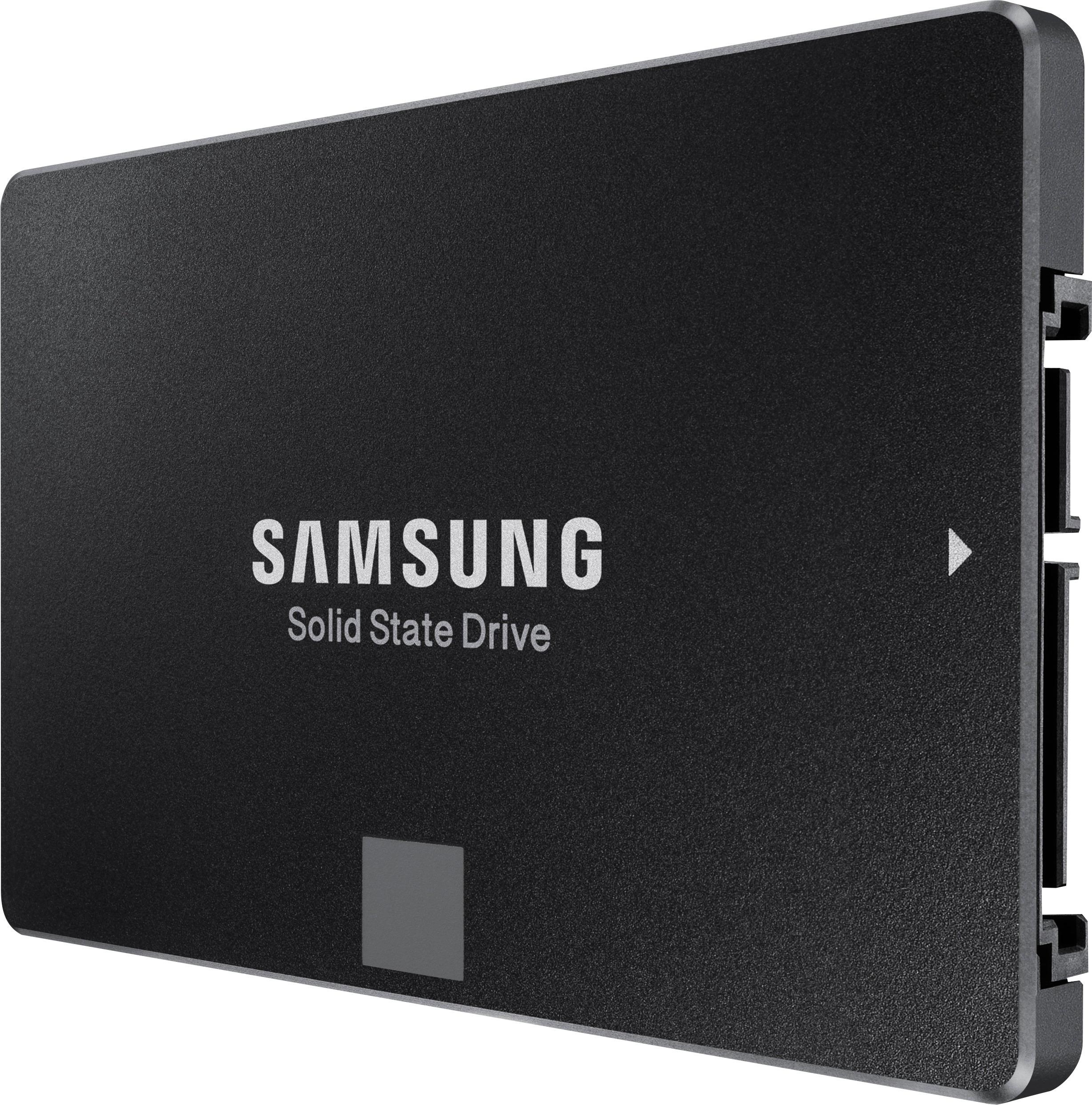
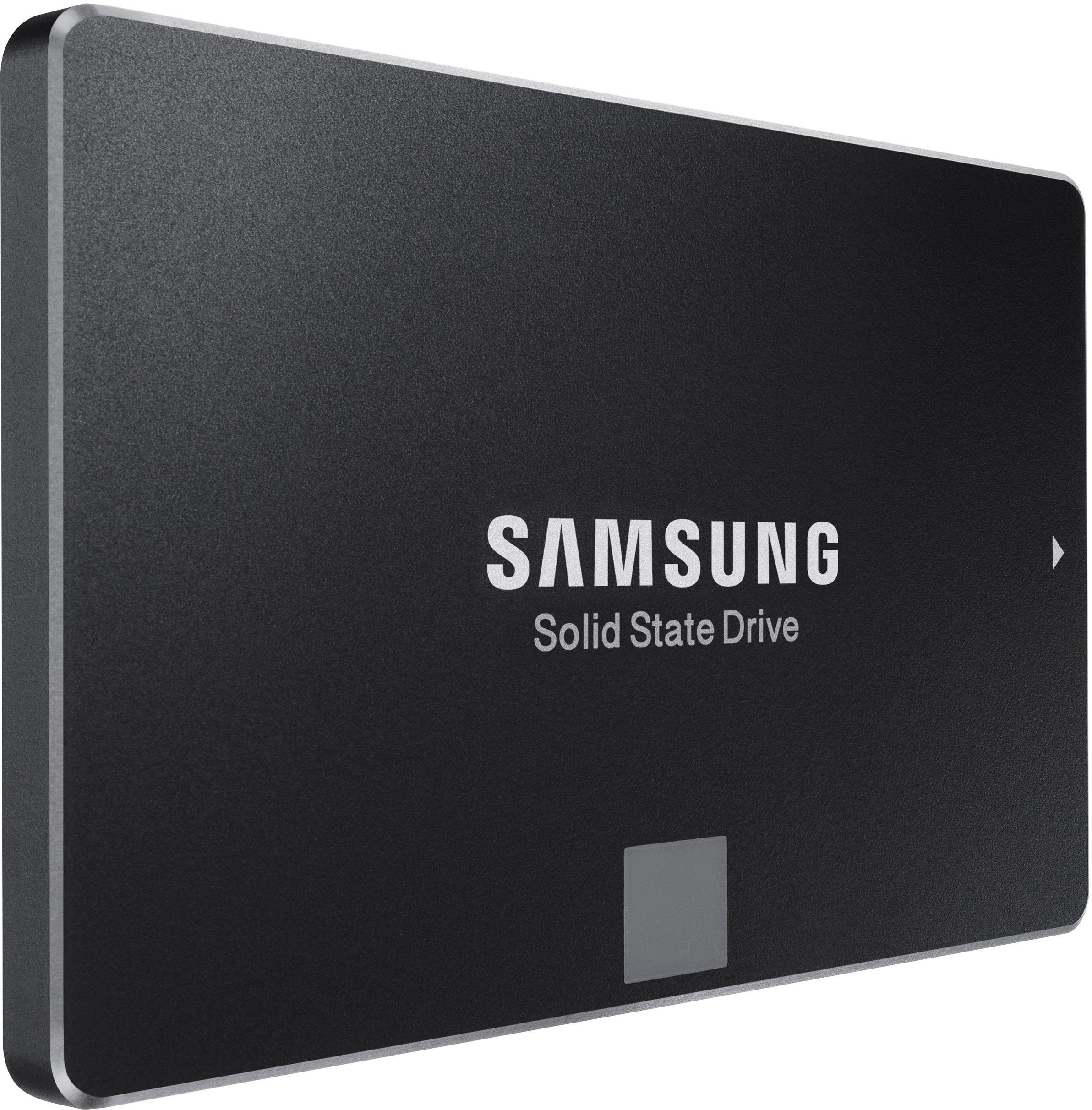
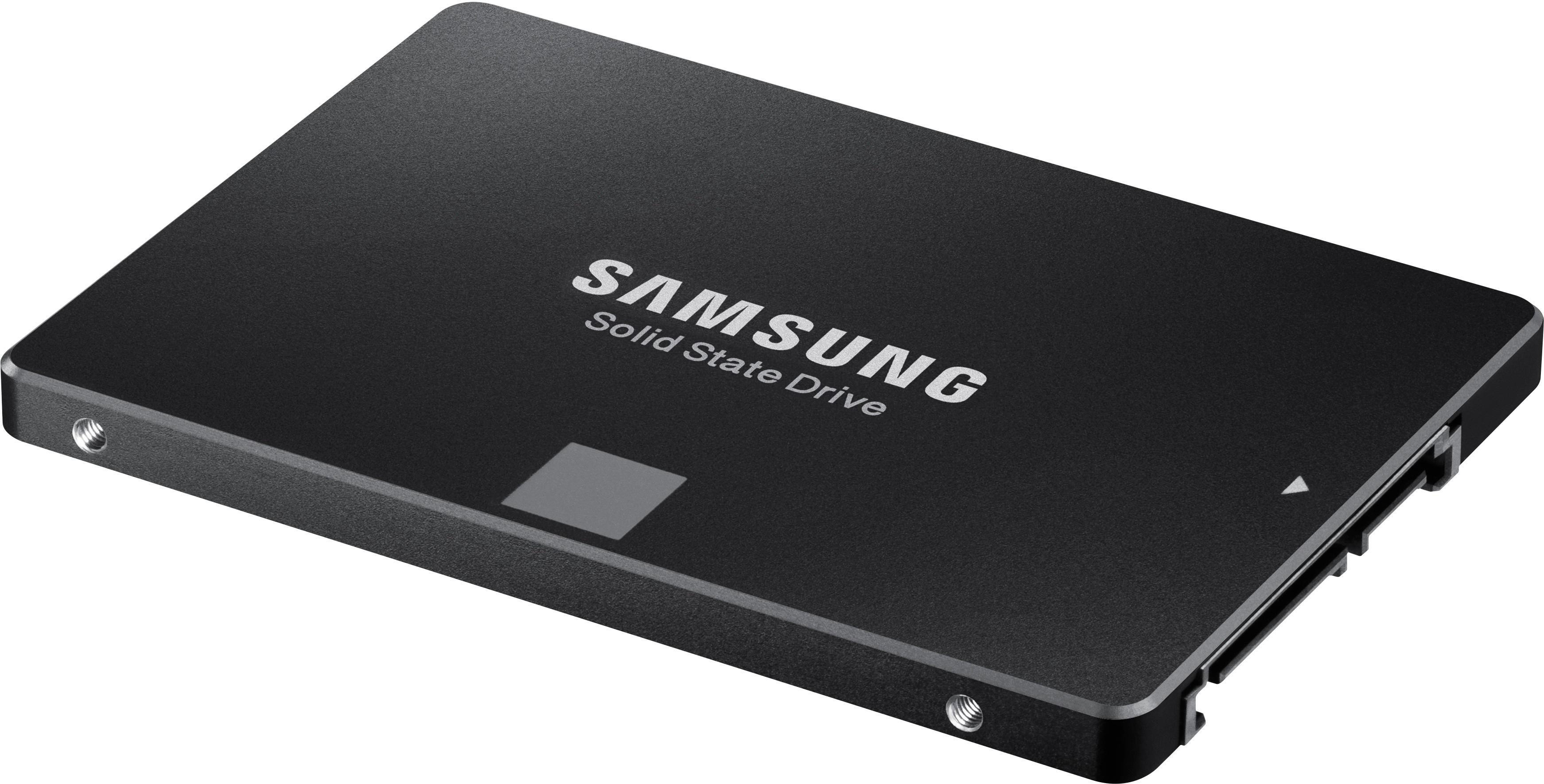
- Model:
- MZ-76E1T0B/AM
- SKU:
- 6178649
Rating by feature
- Value
Rating 4.7 out of 5 stars
- Quality
Rating 4.9 out of 5 stars
- Ease of Use
Rating 4.9 out of 5 stars
Customers are saying
Customers commend the 860 EVO 1TB Internal SATA 2.5" Solid State Drive for its excellent performance, ease of use, and significant storage capacity. Many appreciate the fast boot times and straightforward installation process, along with the drive's affordability. While some users noted minimal heat generation, the overwhelming majority highlighted the quiet operation of the drive. The positive feedback consistently points to a high-quality product that delivers on its promises.
This summary was generated by AI based on customer reviews.
- Pros mentioned:Speed, Ssd
exquisite performance upgrade
Posted .This reviewer received promo considerations or sweepstakes entry for writing a review.I went to Best Buy in Poughkeepsie and immediately sought out a Geek Squad Tech to pick his brain about SSD's because I know nothing, period, about computer hardware. I told him I wanted to replace my 5yr old spinning HDD before it decides to go haywire on me. He explained that I would need to match the size (one terabyte). He showed me one brand and said that it was known to be unreliable and pointed me in the direction of the Samsung end cap display with Evo's and Pro's. I gulped at the $299.99 price tag, but he explained that the 860 EVO comes with reliable software. So, I bought it and an Insignia SSD mount #NS-PCSSDM7 which was an additional $9.99. Mind you, I am an uninitiated computer newbie as far as upgrading, but I am not stupid. I can do this without the Geek Squad. My Asus Essentio has been a great computer for five years. I have upgraded from Win7 to Win 10, upgraded the ram to 16 gigabytes from 8 and now the it is time for an SSD. When I get home all excited to get started on the project, I realize that there is no PCI-Express to USB 3.0 adapter wire included in the 860 EVO box. I had to order one from Vea Yook on Amazon because Best Buy does not sell them. For $9.99 , it arrived in two days and did the job perfectly. Next issue: The directions that came in the Samsung SSD box were so small (microfiche small) that I could not read them at all. Then, after I borrowed my neighbor's magnifying glass, I realize that these are not really directions but they are basically hints. It says after you open the box, that the USB cable is only in the retail package. What did I buy? And, it says you must use Samsung Software. The next page shows pictures (a wordless workshop) that shows you how to plug in a USB cable. Wow. Big help. Next Issue: Included in the SSD package is another tiny piece of paper suggesting that I download Samsung Magician. I do that, and assume (wrongly) that if I download Magician Software version 5.2, the installation guide and the open source announcement that It should do the whole job. Guess what. Nope. Next Issue: After scratching my head and wondering how and where the Data gets migrated, I realize that there was no Data Migration Software in those three downloads. It turns out, that there is a separate Samsung website to download the Data Migration Software, at Samsung.com. Next issue: The advertised price of the SSD is $299.99, plus over $24 tax so I used my Best Buy credit card on Sunday May 6, 2018. On Wednesday I was showing my lunchtime friends the item on my IPhone Best Buy App and it says there is a price drop to $269.99. I marched right back to the store to the Customer Service counter and they gave back the $30 to my card. The store display still shows $299.99. Next issue: The Data Migration Software shows that that there were errors. The software does not explain what the errors are, does not say how to fix them or prevent them. I am unaffected by whatever errors occurred. I am very pleased with the performance of the SSD. It is eye-blink fast at every turn. I would recommend that anyone should do a hard drive defragmentation before beginning this venture, something that occurred to me after I finished the migration.
I would recommend this to a friend Not good
||Posted . Owned for 7 months when reviewed.This reviewer received promo considerations or sweepstakes entry for writing a review.We did not like this item,but eith the shortage of devices due to the pandemic we had no choice but to keep it the online school. Its slow, it does not hold a charge.
No, I would not recommend this to a friendPorky packaged
||Posted . Owned for less than 1 week when reviewed.This reviewer received promo considerations or sweepstakes entry for writing a review.The price is good and the drive was new but it was poorly packaged and just thrown in a box that was over sized so I’m sure it was tumbling the whole way to my house.
I would recommend this to a friend- Pros mentioned:Speed
Keeps failing
||Posted .This reviewer received promo considerations or sweepstakes entry for writing a review.The drive is fast, but fails monthly; having to reinstall everything. Finally I gave up and bought a different brand.
No, I would not recommend this to a friend Don't Bother Upgrading
||Posted .This reviewer received promo considerations or sweepstakes entry for writing a review.If you are doing a clean install of Windows, you will be fine. Do not use the Samsung software to transfer your version of Windows over. It doesn't work, just like the other reviewers claimed. It errors out, and cannot create the partitions you need to transfer your copy of Windows over. If you have a lot of experience with PCs and patience, you might be able to use one of the other pay versions of software to transfer your Windows installation.
No, I would not recommend this to a friendBrand response from Samsung
Posted .Stridersbox:
Thank you for purchasing the Samsung 860 EVO SATA III SSD. I am sorry to hear that you are having difficulties with this SSD and Windows 10.
Please know that there are updates that might solve your issue.
A. Samsung Magician Software, Version 6.0.
1. Required for RAPID Mode
2. Windows 10 support
B. Samsung Data Migration, Version 3.1, with the below improvements:
1. Support for new models
2. Improvements to the cloning compatibility
Both updates can be found at:
https://www.samsung.com/semiconductor/minisite/ssd/download/tools/
If you should need further assistance or have any questions, please contact Samsung Customer Support.
1) Call: 1-800-SAMSUNG (ask for Memory) Available 9AM - 12AM EST (Mon-Fri)
2) Email: samsungmemorysupport@sea.samsung.com
3) LiveChat: https://www.livehelpnow.net/lhn/lcv.aspx?d=34834&ms=&zzwindow=0&lhnid=29783
Available 12PM-6PM EST (Mon-Fri)
The Samsung Members Community is also a great resource for getting help from Samsung moderators and customers: https://us.community.samsung.com/t5/Get-Help/ct-p/get-help
~Samsung Memory
Hassle from Samsung
||Posted . Owned for 1 month when reviewed.This reviewer received promo considerations or sweepstakes entry for writing a review.When my wife tried to register the drive with Samsung they would not accept the related proof of purchase. Apparently the documentation that accompanied the online purchase and curb side pick up isn't sufficient for them to accept that we purchased this from Best Buy. I think from now on I'll just order different brand from New Egg and skip the hassles with curbside pick / documentation/ Samsung...etc...
No, I would not recommend this to a friendBrand response from Samsung
Posted .SamsungRunAround:
I am very sorry you had a less than perfect experience with getting support for your SSD. Please try contacting our Memory Customer Service directly via the below options so that we can better investigate your issue and assist you with step-by-step troubleshooting or warranty service.
1) Call: 1-800-SAMSUNG (ask for Memory) Available 9AM - 12AM EST (Mon-Fri)
2) Email: samsungmemorysupport@sea.samsung.com
3) LiveChat: https://www.livehelpnow.net/lhn/lcv.aspx?d=34834&ms=&zzwindow=0&lhnid=29783
Available 12PM-6PM EST (Mon-Fri)
The Samsung Members Community is also a great resource for getting help from Samsung moderators and customers: https://us.community.samsung.com/t5/Get-Help/ct-p/get-help
Samsung stands behind the quality and performance of every product we manufacture with a limited 5-year manufacturer's limited warranty when purchased brand-new, directly from an authorized seller, like Best Buy.
We hope to hear from you.
~ Samsung Memory
Ok to buy
||Posted .This reviewer received promo considerations or sweepstakes entry for writing a review.It was only giving 50% less speeds than specifications. I have a 5 yr old Samsung SSD with same operating system which was reading
No, I would not recommend this to a friend- Pros mentioned:Ease of use
External use requires USB 3.0
Posted .This reviewer received promo considerations or sweepstakes entry for writing a review.I purchased two Samsung 860 EVO SSDs, one for each of my two computers. The SSD has reduced the boot-up time in both computers by about 2/3. Well worth the price. It is easy to clone your old hard drive to the 860 EVO using free Samsung data migration software. Buyers should be aware that if you plan to operate the 860 EVO externally using a SATA-USB connector cable, your computer and the cable must support USB 3.0 or higher. USB 2.0 produces only 500 mA of power which is not enough to operate the SSD. USB 3.0 provides 900mA or more. I found this out after about 4 hours of frustration trying to figure out why Windows 10 would not recognize my new SSD using a SATA-USB 3.0 cable. As soon as I connected the SSD to a USB 3.0 port (on another computer), bingo, all was then OK. Since my laptop only has USB 2.0, I devised a work-around. I removed the internal hard drive from my laptop, and installed that drive internally in my desktop computer (which has USB 3.0 ports) as drive “C:”. Then I connected the new SSD externally to the desktop computer USB 3.0 port using a SATA-USB 3.0 cable and cloned the SSD using Samsung data migration software. To my knowledge Samsung’s data migration software will only clone a “C:” drive. Then I removed the old laptop hard drive from my desktop computer, returned the desktop to its original configuration, and installed the newly cloned SSD internally in my laptop. A little awkward perhaps, but it worked just fine.
I would recommend this to a friend Did not work for me
||Posted .This reviewer received promo considerations or sweepstakes entry for writing a review.I don’t know if I got a defective model or my compute just didn’t like it, but this guy just didn’t want to work with me at all.
No, I would not recommend this to a friendI'm not sure if I would buy this brand again.
||Posted . Owned for 1 year when reviewed.This reviewer received promo considerations or sweepstakes entry for writing a review.crashed on me. I had to keep running a first aid on this ssd drive.
No, I would not recommend this to a friendWorked for a hour
||Posted . Owned for 3 weeks when reviewed.This reviewer received promo considerations or sweepstakes entry for writing a review.This worked for an hour then my pc quit working. It doesn’t boot up or does anything now.
No, I would not recommend this to a friendBrand response from Samsung
Posted .Stephen:
I am very sorry for the issues you have encountered with your Samsung 860 EVO 1TB SATA III SSD. I understand the frustrations and the inconveniences this has caused.
Please contact Samsung Customer Support directly so that we can better investigate your issue and assist you towards a resolution or replacement.
1) Call: 1-800-SAMSUNG (ask for Memory) Available 9AM - 12AM EST (Mon-Fri)
2) Email: samsungmemorysupport@sea.samsung.com
3) LiveChat: https://www.livehelpnow.net/lhn/lcv.aspx?d=34834&ms=&zzwindow=0&lhnid=29783
Available 12PM-6PM EST (Mon-Fri)
The Samsung Members Community is also a great resource for getting help from Samsung moderators and customers: https://us.community.samsung.com/t5/Get-Help/ct-p/get-help
Samsung stands behind the quality and performance of every 860 EVO SATA III SSD we manufacture with a limited 5-year manufacturer’s warranty when purchased brand-new, directly from any authorized dealer, like Best Buy.
Again, I am very sorry for the inconveniences you have had and hope that we will hear from you soon.
~ Samsung Memory
Never had one of these fail before
||Posted . Owned for 2 weeks when reviewed.This reviewer received promo considerations or sweepstakes entry for writing a review.This is the first Samsung SSD that hasn't worked as it should. Had to return it and try again. After formatting I used it for storage of photos. After about a week the computer wouldn't recognize it and said it needed to be initialized again.
No, I would not recommend this to a friendBrand response from Samsung
Posted .photograbber:
I am very sorry for the issues you have encountered with your Samsung 860 EVO SATA SSD. I understand the frustrations and the inconveniences this has caused.
Samsung stands behind the quality and performance of every 860 EVO SATA III SSD we manufacture with a limited 5-year manufacturer’s warranty when purchased brand-new, directly from any authorized dealer, like Best Buy.
Please contact Samsung Customer Support directly so that we can better investigate your issue and assist you towards a resolution or replacement.
1) Call: 1-800-SAMSUNG (ask for Memory) Available 9AM - 12AM EST (Mon-Fri)
2) Email: samsungmemorysupport@sea.samsung.com
3) LiveChat: https://www.livehelpnow.net/lhn/lcv.aspx?d=34834&ms=&zzwindow=0&lhnid=29783
Available 12PM-6PM EST (Mon-Fri)
The Samsung Members Community is also a great resource for getting help from Samsung moderators and customers: https://us.community.samsung.com/t5/Get-Help/ct-p/get-help
We hope to hear from you soon.
~ Samsung Memory
Kept freezing
||Posted . Owned for 1 month when reviewed.This reviewer received promo considerations or sweepstakes entry for writing a review.I don’t know if the drive was faulty or if it’s because I was using it on an HP Omen gaming computer but it would constantly freeze. The drive would sometimes not respond when accessing saved information on the drive like programs and documents.
No, I would not recommend this to a friendBrand response from Samsung
Posted .ShaolinB:
I am very sorry for the issues you have encountered with your Samsung 860 EVO SATA III SSD. I understand the frustrations and the inconveniences this has caused.
Samsung stands behind the quality and performance of every 860 EVO SATA III SSD we manufacture with a limited 5-year manufacturer’s warranty when purchased brand-new, directly from any authorized dealer, like Best Buy.
Please contact Samsung Customer Support directly so that we can better investigate your issue and assist you towards a resolution or replacement.
1) Call: 1-800-SAMSUNG (ask for Memory) Available 9AM - 12AM EST (Mon-Fri)
2) Email: samsungmemorysupport@sea.samsung.com
3) LiveChat: https://www.livehelpnow.net/lhn/lcv.aspx?d=34834&ms=&zzwindow=0&lhnid=29783
Available 12PM-6PM EST (Mon-Fri)
The Samsung Members Community is also a great resource for getting help from Samsung moderators and customers: https://us.community.samsung.com/t5/Get-Help/ct-p/get-help
Again, I am very sorry for the inconveniences you have had and hope that we will hear from you soon.
- Samsung Memory
Owner
||Posted . Owned for 3 weeks when reviewed.This reviewer received promo considerations or sweepstakes entry for writing a review.Took my computer in for an upgrade and other minor issues I've had since the last time it was worked on. I can't even log in now and half of my icons are missing. VERY DISAPPOINTED! I will give them one more try ? I am using my cell phone for this survey, what does that tell you ! HELP...
No, I would not recommend this to a friendBrand response from Samsung
Posted .Needhelp:
You are leaving a review for the 860 EVO SATA SSD. From your description, I believe your review was intended for a computer.
Should you ever need an Internal Solid State Drive, please consider Samsung. For further information on Samsung memory products, please visit https://www.samsung.com/us/computing/memory-storage/
Should you have any questions or concerns regarding our memory products, please contact Samsung Customer Support.
1) Call: 1-800-SAMSUNG (ask for Memory) Available 9AM - 12AM EST (Mon-Fri)
2) Email: samsungmemorysupport@sea.samsung.com
3) LiveChat: https://www.livehelpnow.net/lhn/lcv.aspx?d=34834&ms=&zzwindow=0&lhnid=29783
Available 12PM-6PM EST (Mon-Fri)
The Samsung Members Community is also a great resource for getting help from Samsung moderators and customers: https://us.community.samsung.com/t5/Get-Help/ct-p/get-help
Samsung is committed to providing the best possible product experience, quality, and value, and we are always here to help with any of your questions or concerns.
~ Samsung Memory
warning !!
||Posted . Owned for 5 months when reviewed.This reviewer received promo considerations or sweepstakes entry for writing a review.drive started to randomly not boot after about 2 months, now worse, 8 out of every boot cycle screen says no boot device, do not buy this, now problems with random blue screens on games and apps, swapped with a crucial same size , cloned data. boots fine. no problems. do not buy.
No, I would not recommend this to a friend- Pros mentioned:Ssd
Installed in my 2017 21.5" iMac
Posted .This reviewer received promo considerations or sweepstakes entry for writing a review.I bought the standard iMac a few months ago from BB, 1TB HDD and 8GB memory was annoyingly slow, which I figured, but not this slow! I had to do something! This Samsung 860 EVO, 1 TB SSD solved that problem, now the slow iMac is running on rocket fuel, no more waiting and waiting... The Samsung 860 was easy to format, APFS is the formatting, it is no longer Mac journaled. I used a Sabrent ec-sshd USB 3.0 to SSD adapter to format the Samsung SSD. I tried using Disk Utility to clone the HDD to SSD, it did not work, sadly. So, I used Carbon Copy Clone to transfer all of the data off of my internal HDD to the Samsung SSD before tearing apart the iMac. I also tested the Samsung to make sure it was working correctly by designating it as the start up drive using the adapter cable. It worked, the iMac fired right up and worked. Time to start the surgical procedure. The install instructions are all over YouTube, it was not that bad, OWC had the best instructions. You will need the adhesive tape to reattach the screen, a T5, T8, T10 and a very small Philips 000 if you upgrade the memory too, if just the SSD install, a T8 and T10 will suffice. I bought the adhesive tape with the disc on a handle tool from Amazon, it worked perfectly after releasing a corner with a utility knife. No need to heat the glass. And, I figured if I am going to be in there, may as well upgrade the memory! The adhesive tape for the 2012 and newer iMac will work on the 2017 model and all in between, so don't worry if you cannot find year specific adhesive tape kits, the 2012 will work just fine, get the kit with the pizza cutter tool, around $10. Memory, I bought the Corsair Vengeance DDR4 2400mhz 160 pin 2x8GB for 16GB of memory, here is the model number, BB sells it, CMSX16GX4M2A2400C16. The iMac uses memory in pairs, remember that. One stick will not work. And, there are only two slots for memory in the 2017 21.5" iMac. I believe the largest you can install is two 16GB sticks for a total of 32GB of memory. To me, 16GB is plenty for everyday use and basic photo and video editing as a novice. Here is the kicker, and why I went this route by purchasing the baseline 21.5" iMac. To match this configuration in this particular iMac, if bought through Apple, would have cost $2,000! And you would not get a real SSD drive, you can only get a 1TB Fusion drive, which is like a hybrid HDD and SDD, not as fast as a straight SSD. I saved a chunk of change going this route, the parts and pieces worked out to roughly $270 + $40 for the cloning software and my time. I just finished the install and am typing this review on my now rocket fueled iMac! The new memory and Samsung 860 EVO SSD are working flawlessly! Very Happy! The Samsung 860 made all of the difference, much more so than the memory. My local BB had them in stock. I hope my long winded review helps my fellow iMac users that want to upgrade and are on the fence... It is not that bad, if you do do it, just take your time, follow the instructions and all should go well. ;-)
I would recommend this to a friend Overheats in my gaming laptop and crashes
||Posted . Owned for 8 months when reviewed.This reviewer received promo considerations or sweepstakes entry for writing a review.Overheats in my Alienware gaming laptop and crashes.
No, I would not recommend this to a friendDrive to longer working
||Posted . Owned for 1 year when reviewed.This reviewer received promo considerations or sweepstakes entry for writing a review.After just a little bit over 1 year, the SSD is not working. I only use this SSD to store pics, png, psd, ai files. Now everything I had worked on is lost. Truly disappointed in Samsung products as of late.
No, I would not recommend this to a friend- Pros mentioned:Speed
Outstanding Improvement
Posted .This reviewer received promo considerations or sweepstakes entry for writing a review.I bought this to replace the 750 GB drive in my 7 year old Toshiba notebook. The speed improvement was dramatic. Boot time went from 5 minutes to 30 secs, and apps load in a blink. Installation was very easy as I had a USB to SATA enclosure from a previous upgrade. Data transfer to the new SSD was very slow using Samsung's Data Migration software which I downloaded from the Samsung support site listed on the installation instruction. It took 6 hours to transfer 500GB of data, but there were no hitches along the way.
I would recommend this to a friend Get the 860 PRO its on sale for the same price
||Posted .This reviewer received promo considerations or sweepstakes entry for writing a review.860 PRO has better read write grab it while the price is on sale
No, I would not recommend this to a friend