Customer Ratings & Reviews
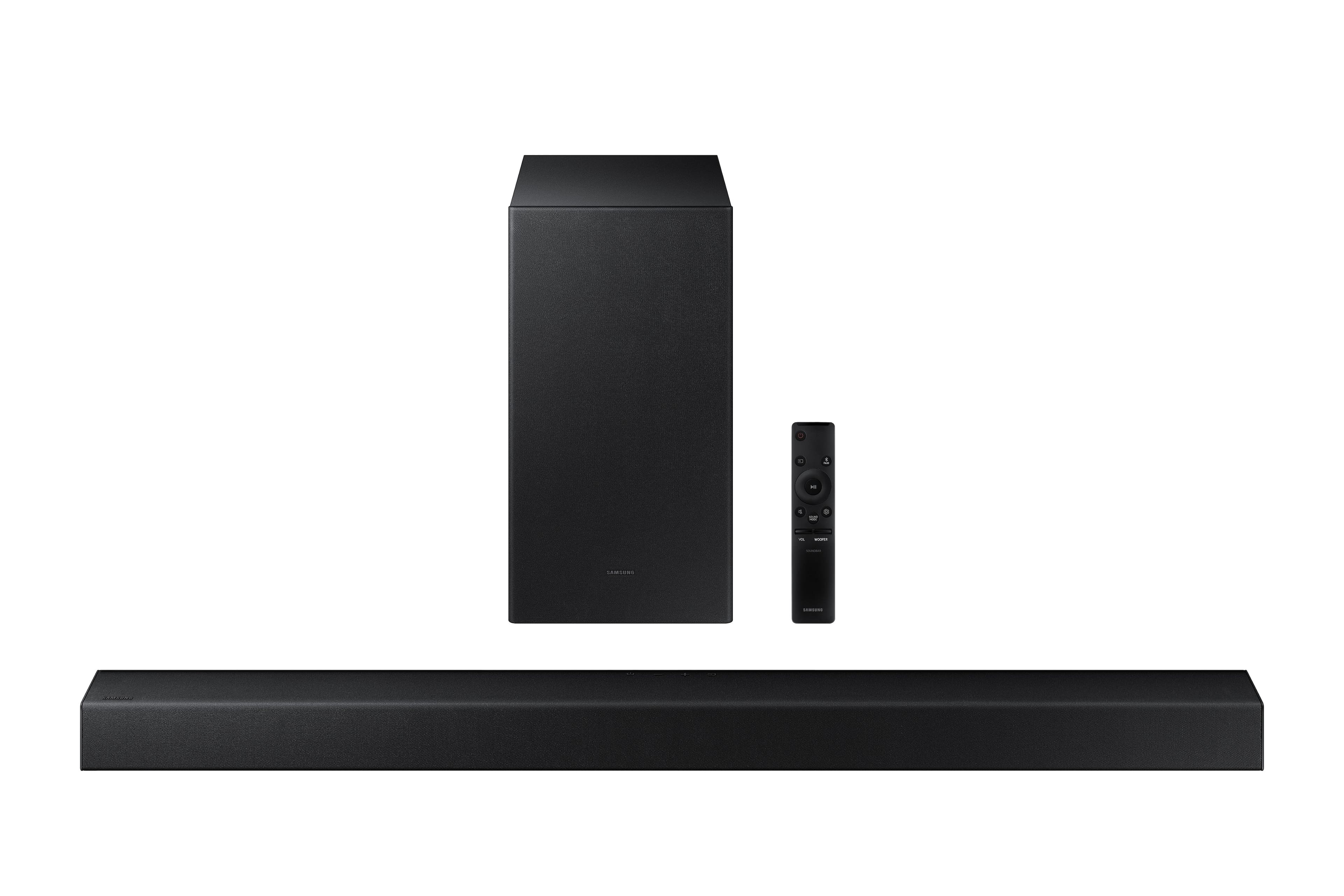
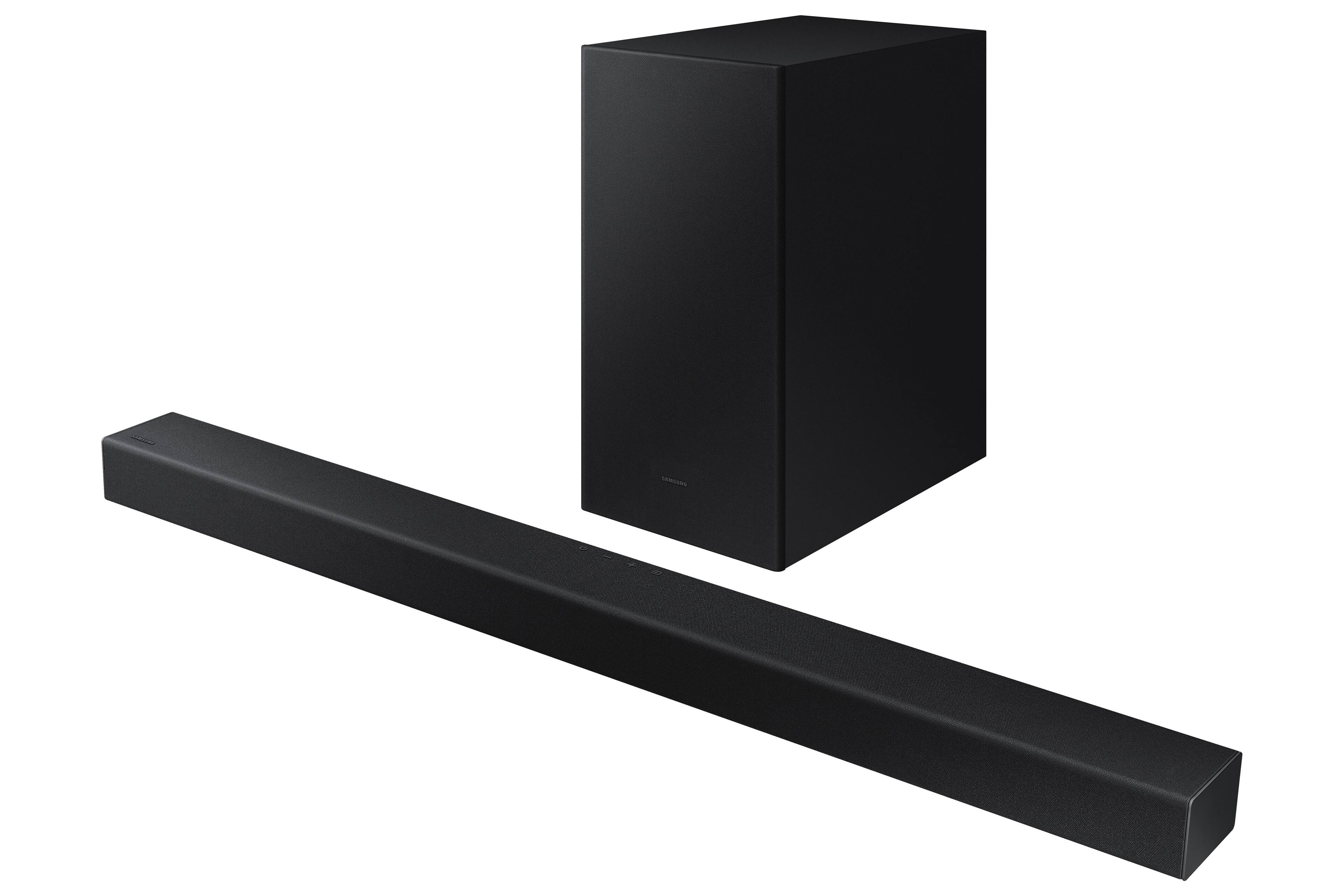
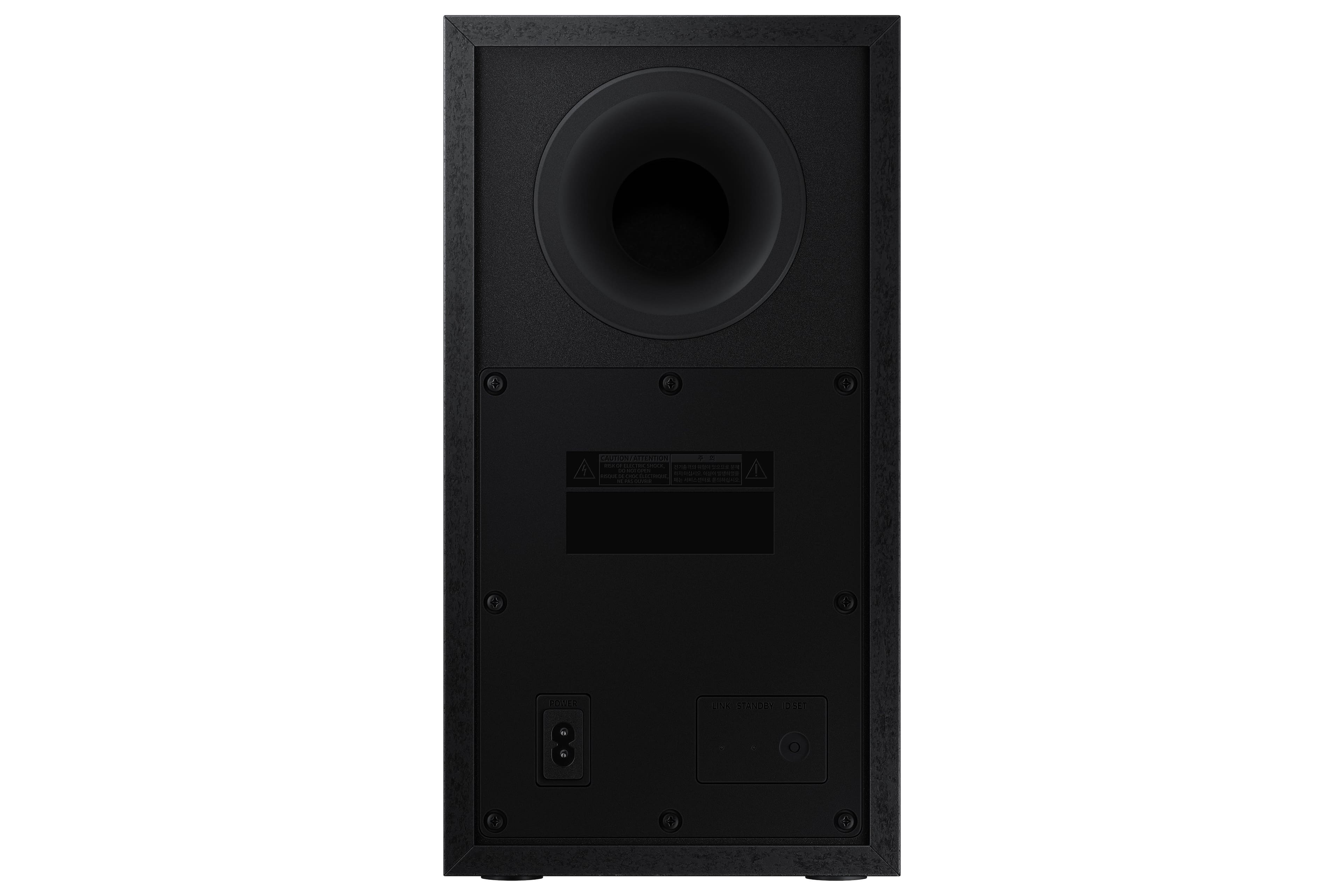
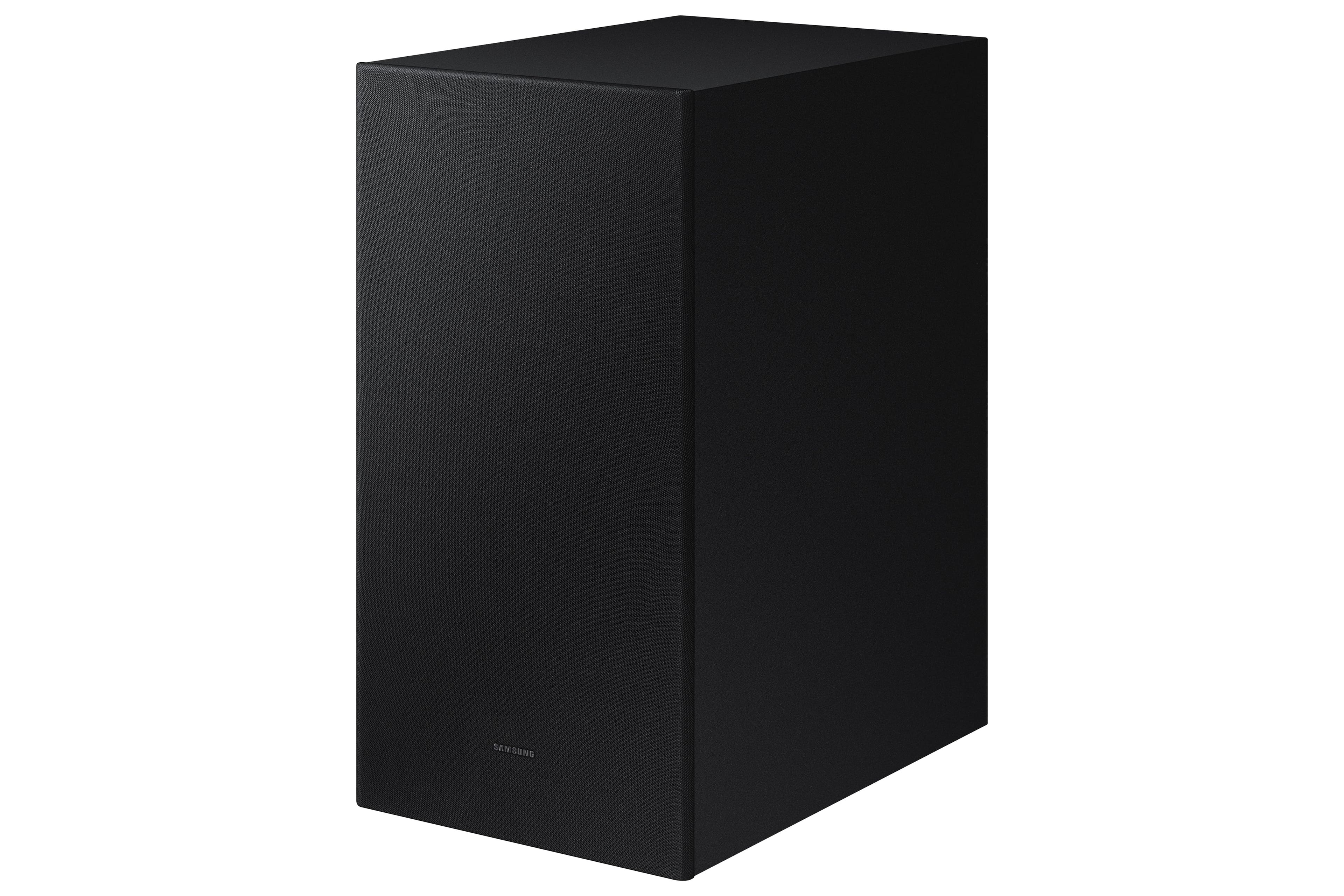
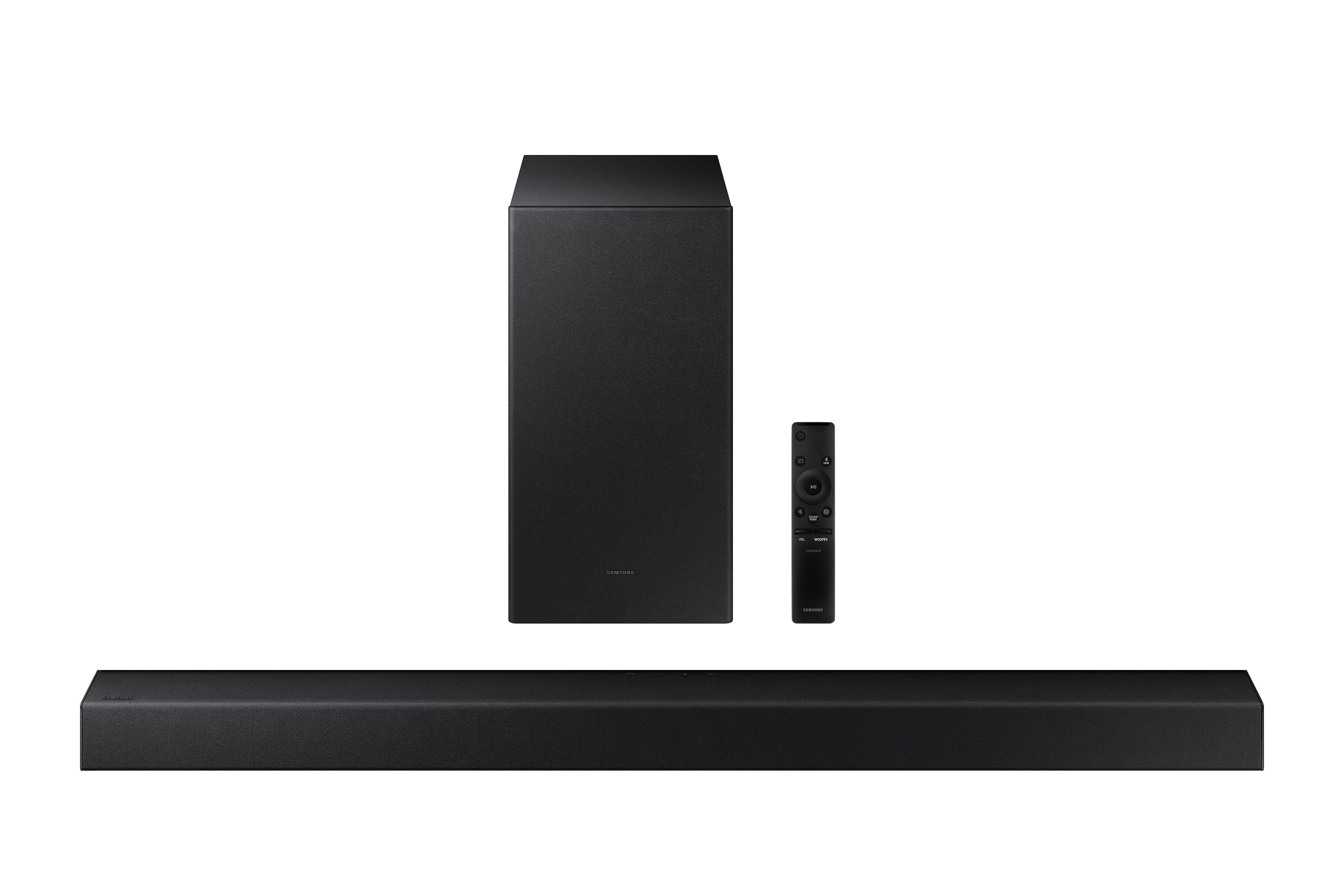


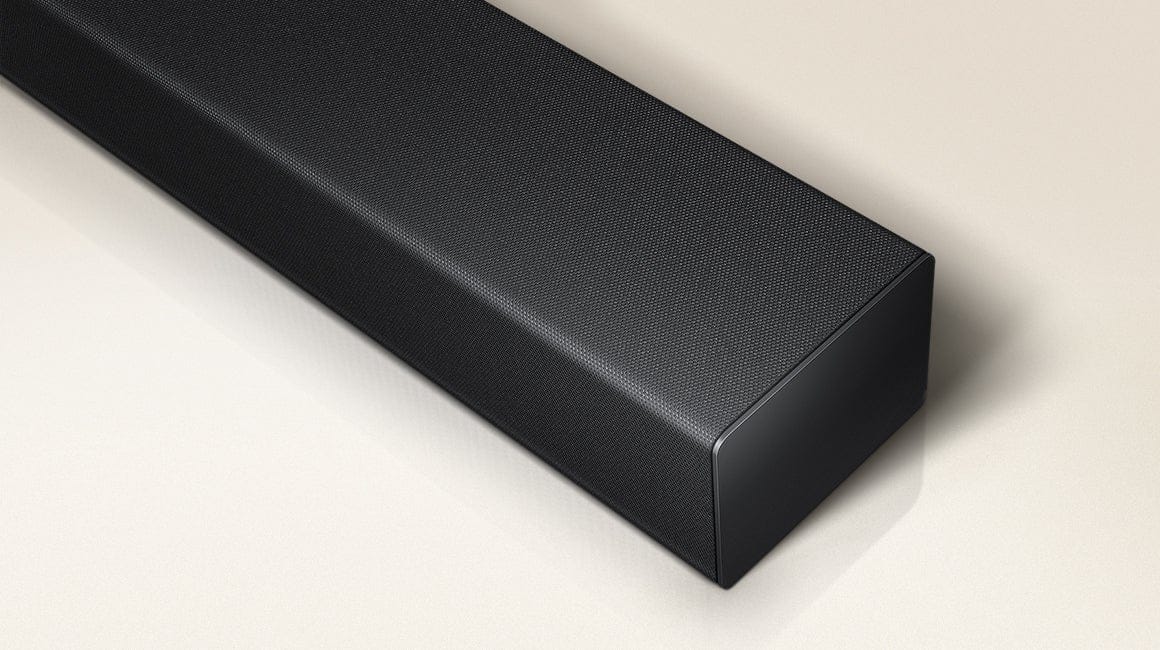

- Model:
- HW-A445/ZA
- SKU:
- 6551333
Rating by feature
- Value
Rating 4.7 out of 5 stars
- Quality
Rating 4.5 out of 5 stars
- Ease of Use
Rating 4.6 out of 5 stars
Customers are saying
Customers appreciate the superb sound quality and strong bass of this soundbar, frequently praising its ease of setup and use. Many also find it to be a great value for its price, with positive comments about its compact size and sleek design. However, some users have reported issues with the remote control's volume functionality.
This summary was generated by AI based on customer reviews.
- Pros mentioned:Sound quality
Sound bar
||Posted . Owned for 3 weeks when reviewed.This reviewer received promo considerations or sweepstakes entry for writing a review.Vey good quality nice sound bar my wife is very happy
I would recommend this to a friend Good for a beginner
||Posted . Owned for 1.5 years when reviewed.This reviewer received promo considerations or sweepstakes entry for writing a review.Not a bad sound system, but I didnt like the lack of settings
I would recommend this to a friend- Pros mentioned:Sound quality
Soundbar
||Posted . Owned for 3 weeks when reviewed.This reviewer received promo considerations or sweepstakes entry for writing a review.It’s sound quality is amazing and just sound so likely
I would recommend this to a friend - Pros mentioned:Price
Better sound for our TV
||Posted . Owned for 3 weeks when reviewed.This reviewer received promo considerations or sweepstakes entry for writing a review.Its a nice addition to our TV for an inexpensive unit.
I would recommend this to a friend - Pros mentioned:Sound quality
sound bar
||Posted . Owned for 1 month when reviewed.This reviewer received promo considerations or sweepstakes entry for writing a review.It the right size. For the family room. Sound good
I would recommend this to a friend - Pros mentioned:Sound quality
Made for a room
||Posted . Owned for 3 weeks when reviewed.This reviewer received promo considerations or sweepstakes entry for writing a review.Can’t use it on the Samsung app like you can the other speakers. This is really for a room. Not a living room. It came as a bundle deal. Glad I didn’t have to pay for it. Great for the room, not a living room
No, I would not recommend this to a friendBrand response from Samsung
Posted .Taybabii69,
Thank you for sharing your thoughts on the A445 Soundbar - we'll be sure to pass your feedback along to our internal teams.
Should you need further assistance with features, functions, settings, or adjustments, please contact Samsung Customer Support at 1-800-SAMSUNG, 8AM - 12AM EST, 7 days a week. Our LiveChat agents are also available by clicking on the ‘Support’ link on our website.
~ Samsung Specialist
- Pros mentioned:Sound quality
Great product but lacked consistent Bluetooth
||Posted . Owned for 1 month when reviewed.This reviewer received promo considerations or sweepstakes entry for writing a review.I bought this on a great discount. I unfortunately had to buy a wired connection for this because the Bluetooth feature become inconsistent at best. Otherwise sound is great and I love this product
I would recommend this to a friendBrand response from Samsung
Posted .Hello JeffH2019,
I am sorry to hear that you are experiencing issues with the sound occasionally dropping from your HW-A445 soundbar. You may first want to check the cable connection of the soundbar to the TV or external device to ensure it is secure, and properly connected to the correct port.
In addition to checking the connections of the soundbar, please make sure your soundbar is using the latest firmware version. Updating the firmware on your soundbar gives you all the benefits of the latest improvements. You can update your firmware by using a USB device.
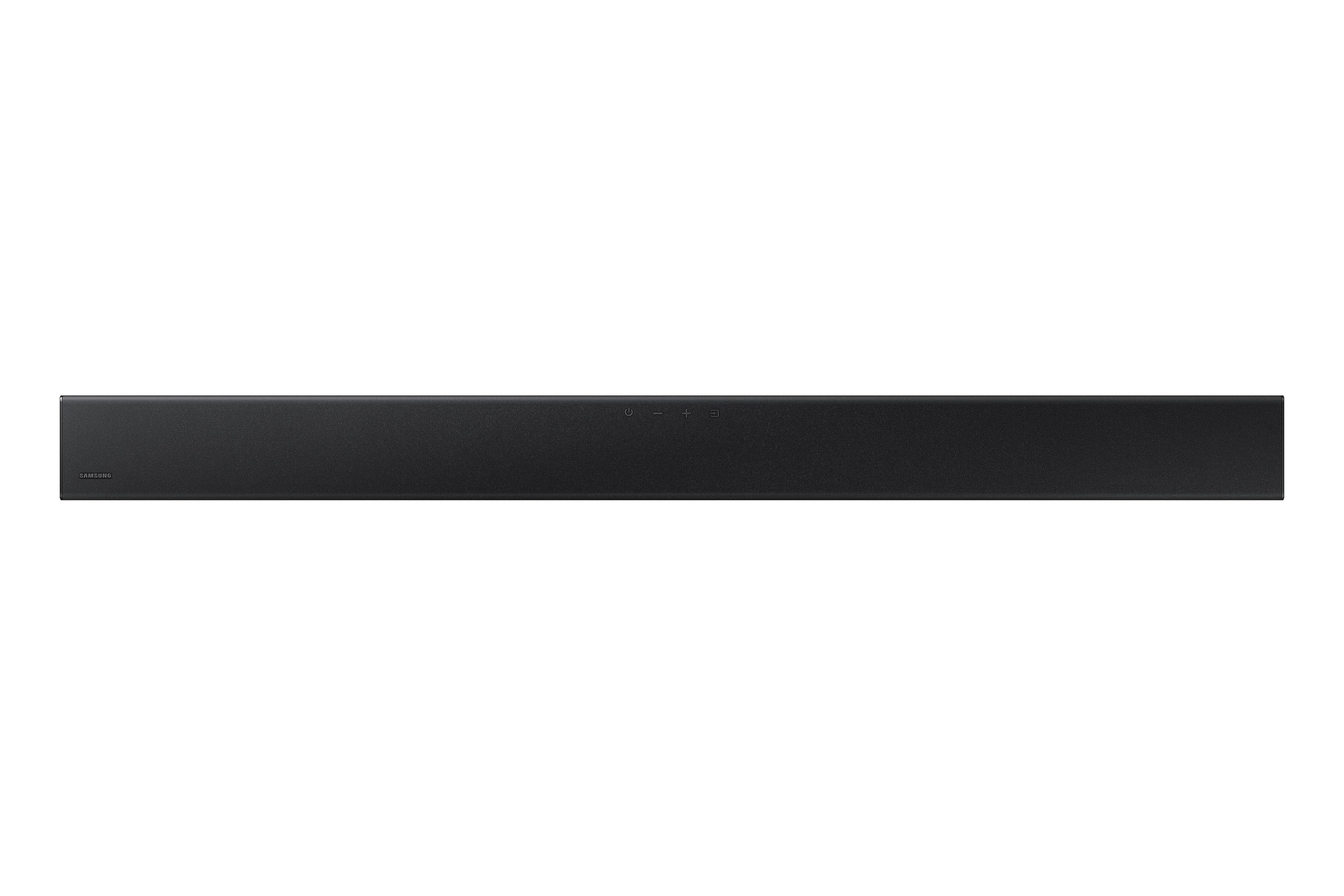
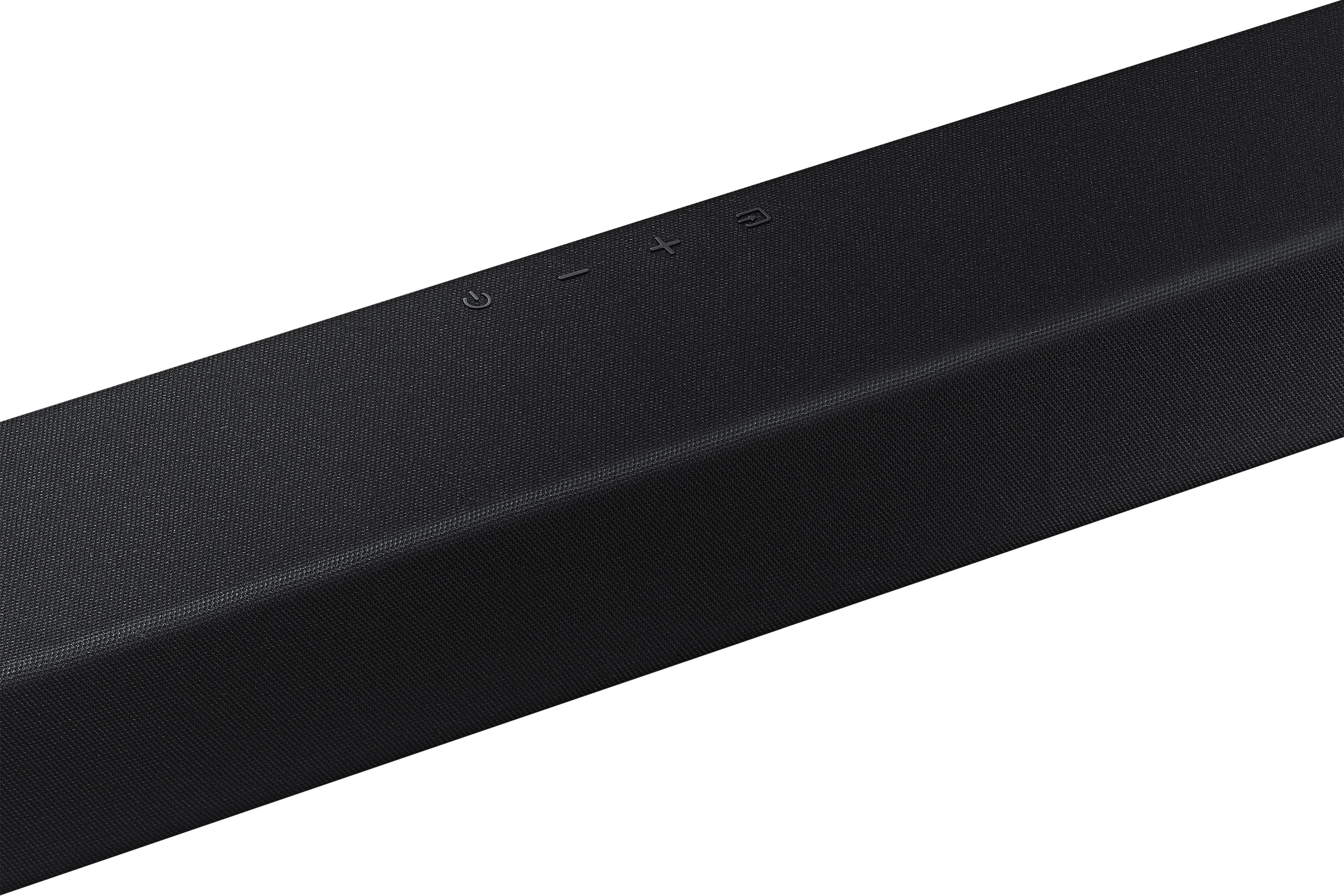
You may also want to initialize your soundbar by pressing the - and + (volume) buttons on the side of the soundbar at the same time for at least 5 seconds. “INIT OK” appears on the display and then the Soundbar is reset. Please know, this will reset all settings on the soundbar back to default; any sound adjustments will need to be performed again.
Should you continue to experience audio dropouts, and are connected wirelessly, please use the included cable to connect the soundbar to the TV. Using a wired connection instead of wireless often eliminates the issue entirely and improves the user experience.
I hope these tips help resolve your issues.
You can always contact us for further help at 1-800-SAMSUNG (Ask for Soundbars), 8 AM – 12 AM EST, 7 days a week. Our LiveChat agents are also available by clicking on the ‘Support’ link on our website.
~ Samsung Solutions
Sound bar
||Posted . Owned for 1 month when reviewed.This reviewer received promo considerations or sweepstakes entry for writing a review.I returned it because Best Buy charged me $79.99 even tho I am a Total Tech member and called for a tech setup because I didn’t ask for setup on day of purchase because I was told it was easy to install and it wasn’t
I would recommend this to a friendGood buy!
||Posted . Owned for 2 weeks when reviewed.This reviewer received promo considerations or sweepstakes entry for writing a review.Sale price is fair for this sound bar. The initial blue tooth set up at the start from the sound bar to the subwoofer took some time to connect. Once the connection was made, no problems moving forward.
I would recommend this to a friendAverage because it was Free!
||Posted . Owned for 3 weeks when reviewed.This reviewer received promo considerations or sweepstakes entry for writing a review.Three stars because I got it for free with the purchase of my Samsung TV. It’s Bluetooth or Optical Audio connections only. No HDMI connections. I would not buy this system.
No, I would not recommend this to a friendBrand response from Samsung
Posted .Hello Jake,
Thank you for sharing your review of the Samsung HW-A445. I am sorry to see that your expectations were not met when using your new Soundbar.
You can manually optimize your settings by pressing the SOUND MODE button on your remote, and then selecting the desired sound effect by choosing STANDARD, SURROUND SOUND, or BASS BOOST.
You can further adjust TREBLE via the SOUND CONTROL button (looks like a gear symbol).
There are two additional adjustments that can be made for bass and subwoofer:
1) Using the WOOFER button on the remote, you can adjust the volume of the subwoofer between -6 to +6 by toggling the button up or down. To set the subwoofer volume level to 0, press the button down
2) Adjust the bass control by pressing the SOUND CONTROL button on the remote control, then select BASS to increase the level. You can adjust the volume between -6 to +6 by using the Up/Down buttons.
For precise audio adjustments, you can use the 7-band frequency equalizer to optimize the sound for your room acoustics. With the sound mode set to Standard, press, and hold the Sound Control button for about 5 seconds. 150Hz, 300Hz, 600Hz, 1.2kHz, 2.5kHz, 5kHz, and 10kHz are selectable using the Left/Right buttons and each can be adjusted to a setting between -6 to +6 using the Up/Down buttons.
If you need more help, Samsung is here for you. Please call us at 1-800-SAMSUNG, 8AM - 12AM EST (Ask for Soundbars), 7 days a week. Our LiveChat agents are also available by clicking on the ‘Support’ link on our website.
~ Samsung Solutions
Open box
||Posted . Owned for 1.5 years when reviewed.This reviewer received promo considerations or sweepstakes entry for writing a review.Did not come with a remote or a power cord. Best Buy open box description said they would. There wasn’t even a box.
I would recommend this to a friendAlright speaker
||Posted . Owned for 3 weeks when reviewed.This reviewer received promo considerations or sweepstakes entry for writing a review.Price wasnt bad sound isnt as full and I thought. The instructions were kind of lacking and the remote didnt automatically connect to my samsung tv which i thouht was weird
I would recommend this to a friendBrand response from Samsung
Posted .Hello SheldonG,
Thank you for sharing your review of the HW-A445 Samsung Soundbar. I am sorry to see that you were not satisfied with your purchase.
You can manually optimize your settings by pressing the SOUND MODE button on your remote, and then selecting the desired sound effect by choosing STANDARD, SURROUND SOUND, or BASS BOOST.
You can further adjust TREBLE via the SOUND CONTROL button (looks like a gear symbol).
There are two additional adjustments that can be made for bass and subwoofer:
1) Using the WOOFER button on the remote, you can adjust the volume of the subwoofer between -6 to +6 by toggling the button up or down. To set the subwoofer volume level to 0, press the button down
2) Adjust the bass control by pressing the SOUND CONTROL button on the remote control, then select BASS to increase the level. You can adjust the volume between -6 to +6 by using the Up/Down buttons.
For precise audio adjustments, you can use the 7-band frequency equalizer to optimize the sound for your room acoustics. With the sound mode set to Standard, press, and hold the Sound Control button for about 5 seconds. 150Hz, 300Hz, 600Hz, 1.2kHz, 2.5kHz, 5kHz, and 10kHz are selectable using the Left/Right buttons and each can be adjusted to a setting between -6 to +6 using the Up/Down buttons.
If your soundbar is connected to your TV with an optical cable, you can control the volume and mute the soundbar using your Samsung TV's remote.
1) Use the TV remote to navigate to Settings, select Sound, and then select Sound Output on your Samsung TV.
2) Select your Samsung soundbar, and then select Close. Now you can use your TV remote to adjust volume and mute the soundbar. The soundbar should also turn on and off with the TV.
Other manufacturers’ remotes may have to be enabled on your soundbar. First, turn Off the Soundbar. Once powered off, push up and hold the WOOFER button for 5 seconds. Each time you push the WOOFER button up and hold it for 5 seconds, the mode switches in the following order: “OFF-TV REMOTE” (Default mode), “SAMSUNG-TV REMOTE”, “ALL-TV REMOTE”. Please also make sure your speaker settings on the TV are set to External Speaker.
To assist you in the functions and settings of your new soundbar, you can download the full user manual directly from Samsung’s website by clicking “Support” in the top right corner. Then go to “Manuals & Software” > “TVs & Home Theater” > “Home Theater” > “Sound Bars”. From there, you can select the HW-A445 under A Series.
If you need more help, Samsung is here for you. Please call us at 1-800-SAMSUNG, 8AM - 12AM EST (Ask for Soundbars), 7 days a week. Our LiveChat agents are also available by clicking on the ‘Support’ link on our website.
~ Samsung Solutions
Soundbar
||Posted . Owned for 1 month when reviewed.This reviewer received promo considerations or sweepstakes entry for writing a review.Once we got it hooked up and figured out how to use it, it has been great! We had an issue with it connecting and sound on but figured it out and it has worked great since. We enjoy the sound
I would recommend this to a friendC
||Posted . Owned for 1 year when reviewed.This reviewer received promo considerations or sweepstakes entry for writing a review.Purchased for my Daughter and Son in law. Works well with there Samsung tv. Over all there happy with it
I would recommend this to a friendGreat Soundbar
||Posted . Owned for 4 months when reviewed.This reviewer received promo considerations or sweepstakes entry for writing a review.Actually got this in a deal to buy a TV and get the Soundbar for free. I figured I couldn't lose. So far the soundbar has been superb and I am glad we got it.
I would recommend this to a friend- Pros mentioned:Sound quality
Kinda good
||Posted . Owned for 1 month when reviewed.This reviewer received promo considerations or sweepstakes entry for writing a review.Sound bar works great, but subwoofer only worked for about 3 days and then connection was lost. Tried everything and would not reconnect by Bluetooth.
No, I would not recommend this to a friendBrand response from Samsung
Posted .Hello MikiK,
Thank you for your purchase of the Samsung HW-A445 Soundbar, I am sorry that you have experienced this issue with your soundbar.
So that we can better assist you, please reach out to Samsung Support at
1) 1-800-SAMSUNG (ask for Soundbars), 8 AM - 12 AM EST, 7 days a week.
2) LiveChat with an agent by clicking the ‘Support’ link on the Samsung website homepage.
~Samsung Solutions
Christmas
||Posted . Owned for 1 week when reviewed.This reviewer received promo considerations or sweepstakes entry for writing a review.Perfect excited to give it to my daughter for Christmas. Love the online fast response and merry Christmas never want anything and it would be nice to get a gift card.
I would recommend this to a friendGreat products
||Posted . Owned for 3 weeks when reviewed.This reviewer received promo considerations or sweepstakes entry for writing a review.My Samsung tv didn’t need a soundbar but with the deal, I got this for free with purchase. And im very happy with it. Feel like I have my own personal theatre
I would recommend this to a friend..
||Posted . Owned for 1 year when reviewed.This reviewer received promo considerations or sweepstakes entry for writing a review.Sounds really good. We have movie night often.....
I would recommend this to a friend- Pros mentioned:Bass
Not a full sound, almost no mid range.
||Posted . Owned for less than 1 week when reviewed.This reviewer received promo considerations or sweepstakes entry for writing a review.Good highs and bass for the lows, but weak middle range. Doesn't have a full sound. Wouldn't recommend unless you're adding a few extra speakers for the surround sound. I had a pair of $60 logitech computer speakers hooked up to my TV before that sounded better. Was hoping this was going to be a slight upgrade but definitely not. Only worth it if "on sale" and you're specically looking for a cheap sound bar and planning to add more speakers.
No, I would not recommend this to a friendBrand response from Samsung
Posted .Hello ChrisPeterMedia,
Thank you for sharing your review of the Samsung HW-A445. We appreciate your feedback regarding the audio performance of your soundbar.
This soundbar features a powerful wireless subwoofer, as well as Bass Boost mode to instantly amplify the bass with a touch of a button. You can try manually optimizing your settings by pressing the SOUND MODE button on your remote, and then selecting the desired sound effect by choosing STANDARD, SURROUND SOUND, or BASS BOOST.
You can further adjust TREBLE via the SOUND CONTROL button (looks like a gear symbol).
There are two additional adjustments that can be made for bass and subwoofer:
1) Using the WOOFER button on the remote, you can adjust the volume of the subwoofer between -6 to +6 by toggling the button up or down. To set the subwoofer volume level to 0, press the button down
2) Adjust the bass control by pressing the SOUND CONTROL button on the remote control, then select BASS to increase the level. You can adjust the volume between -6 to +6 by using the Up/Down buttons.
For precise audio adjustments, you can use the 7-band frequency equalizer to optimize the sound for your room acoustics. With the sound mode set to Standard, press, and hold the Sound Control button for about 5 seconds. 150Hz, 300Hz, 600Hz, 1.2kHz, 2.5kHz, 5kHz, and 10kHz are selectable using the Left/Right buttons and each can be adjusted to a setting between -6 to +6 using the Up/Down buttons.
Should you ever have questions or need help, please call us at 1-800-SAMSUNG (ask for Soundbars), available 8 AM – 12 AM EST, 7 days a week.
For additional support resources such as downloading a full manual, visit us on the Samsung website and click on the ‘Support’ link in the upper right corner of the homepage.
~Samsung Solutions