Customer Ratings & Reviews
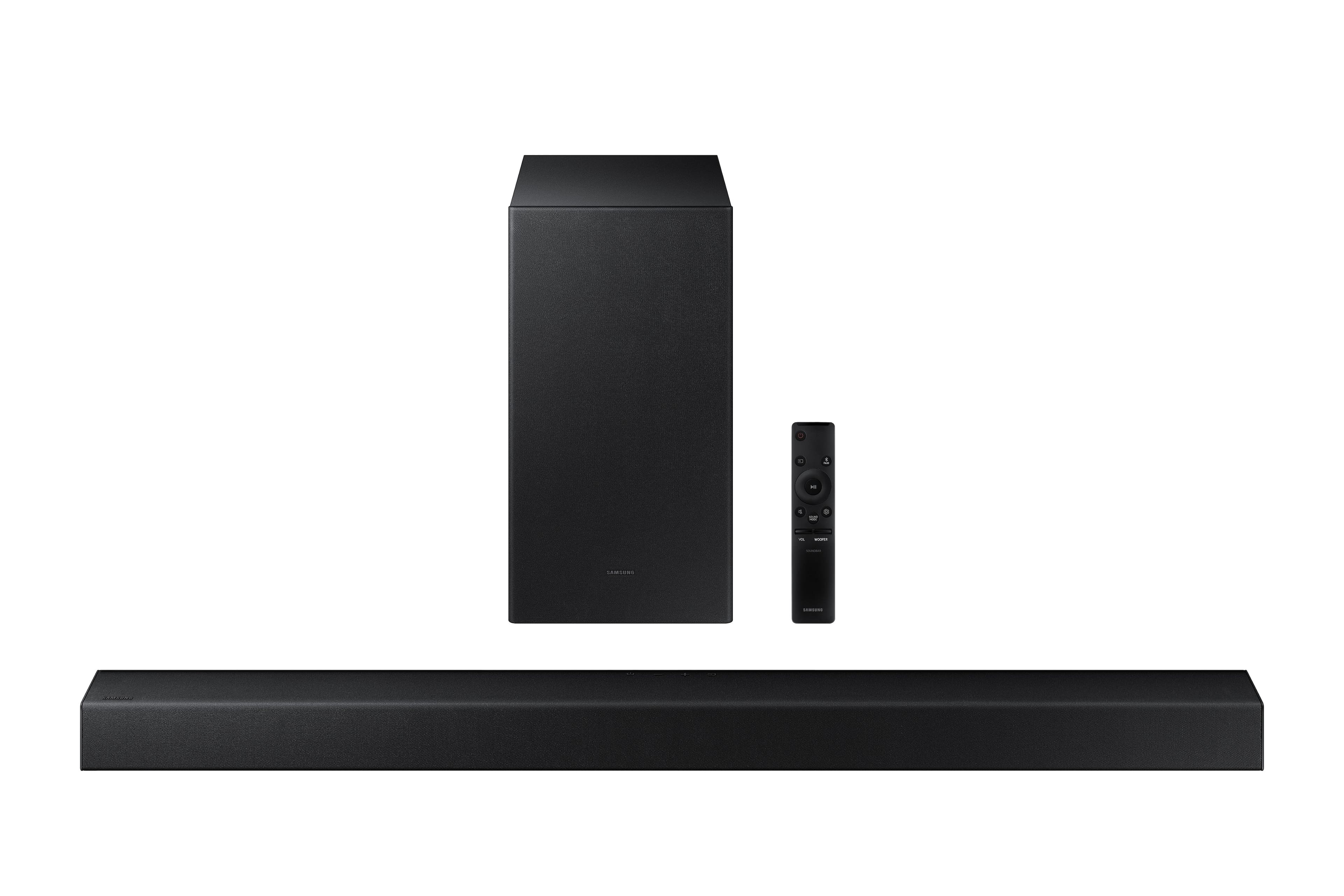
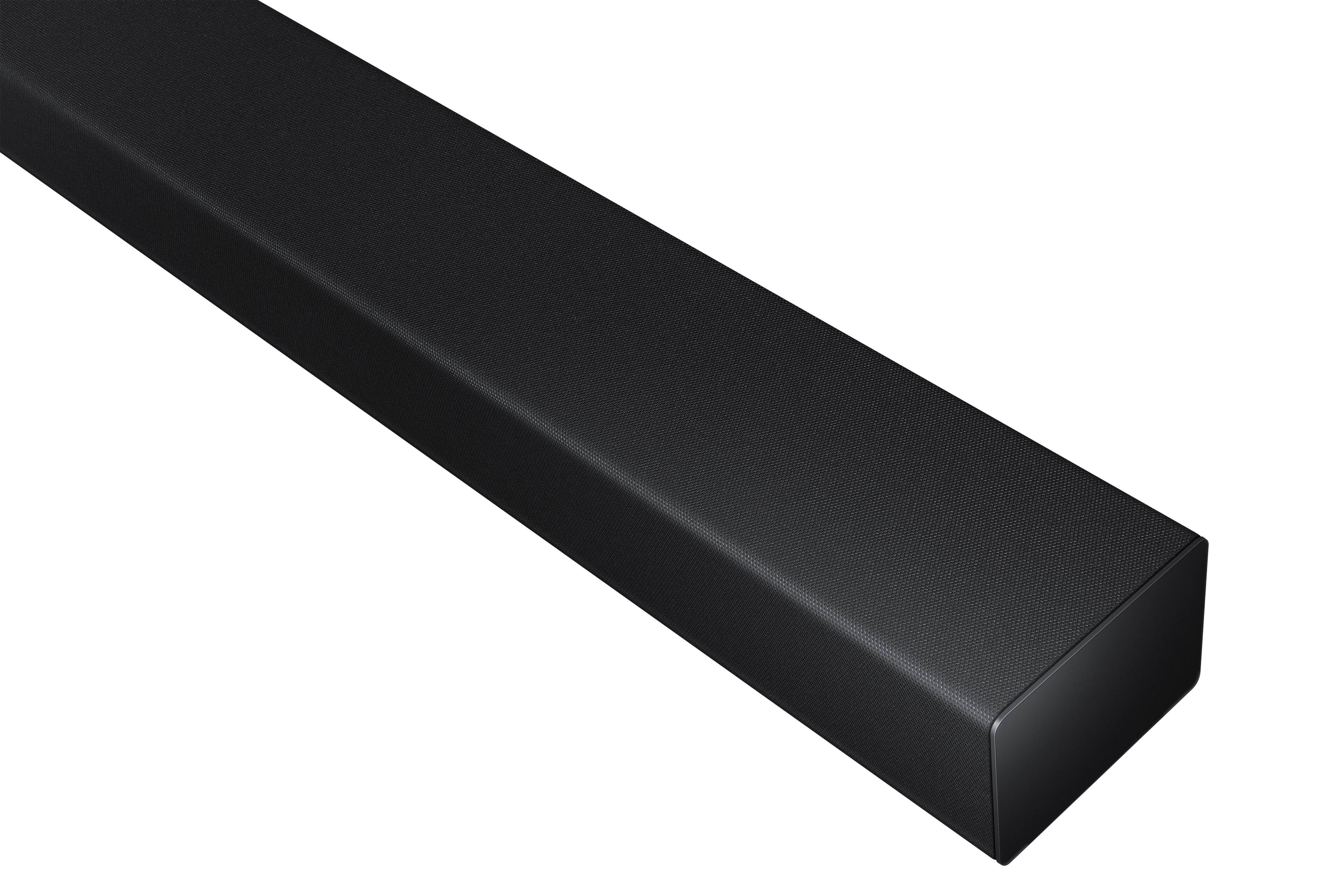
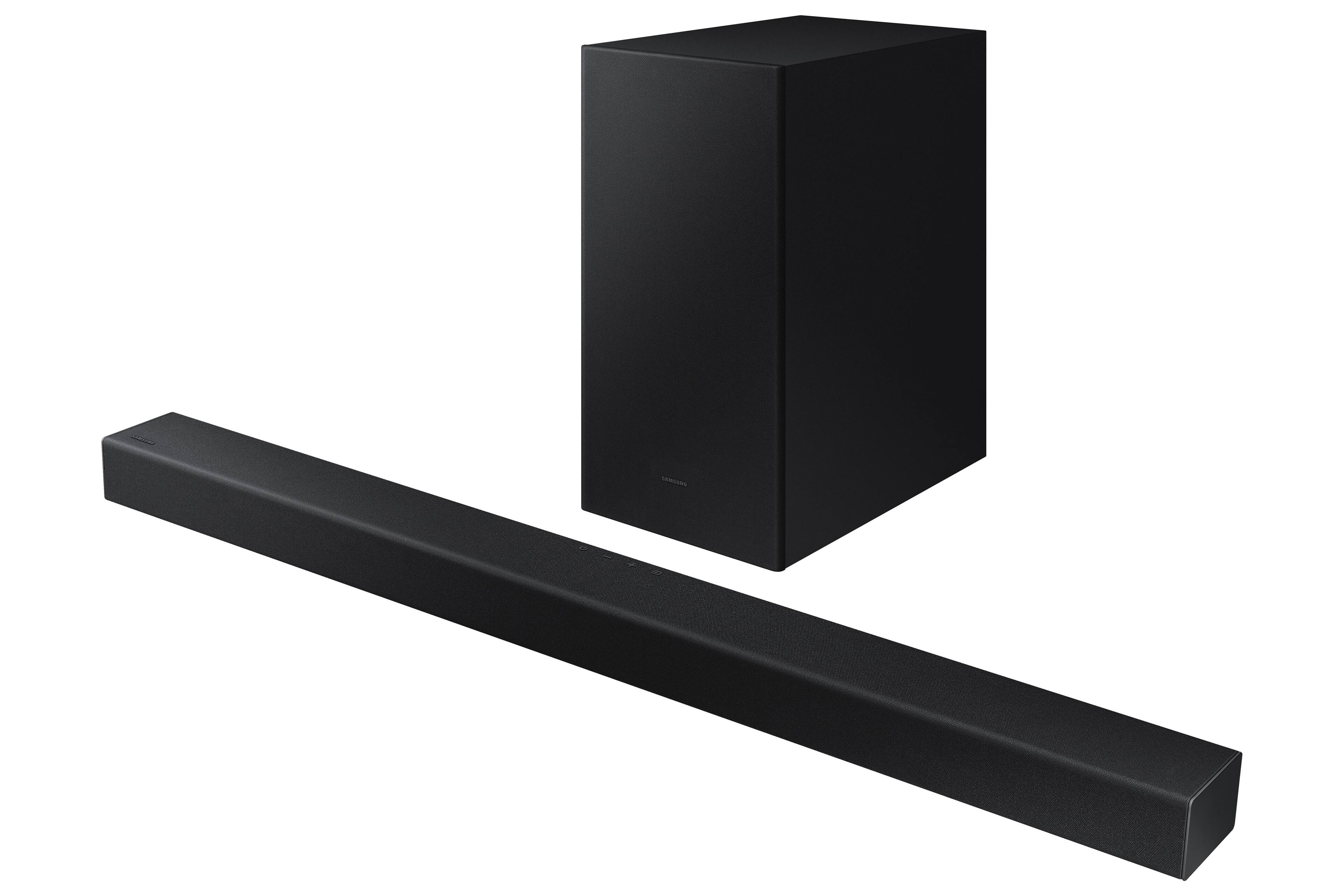

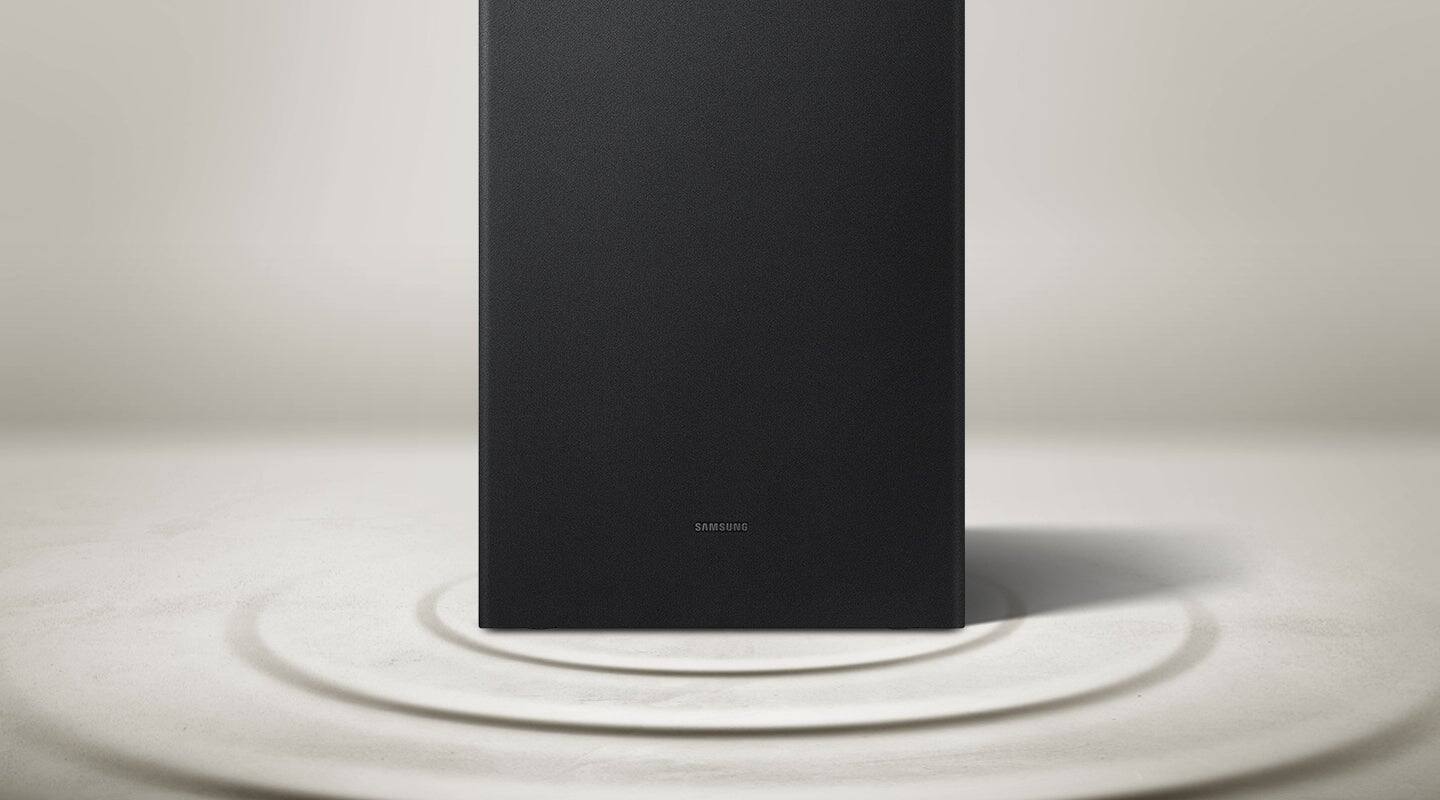
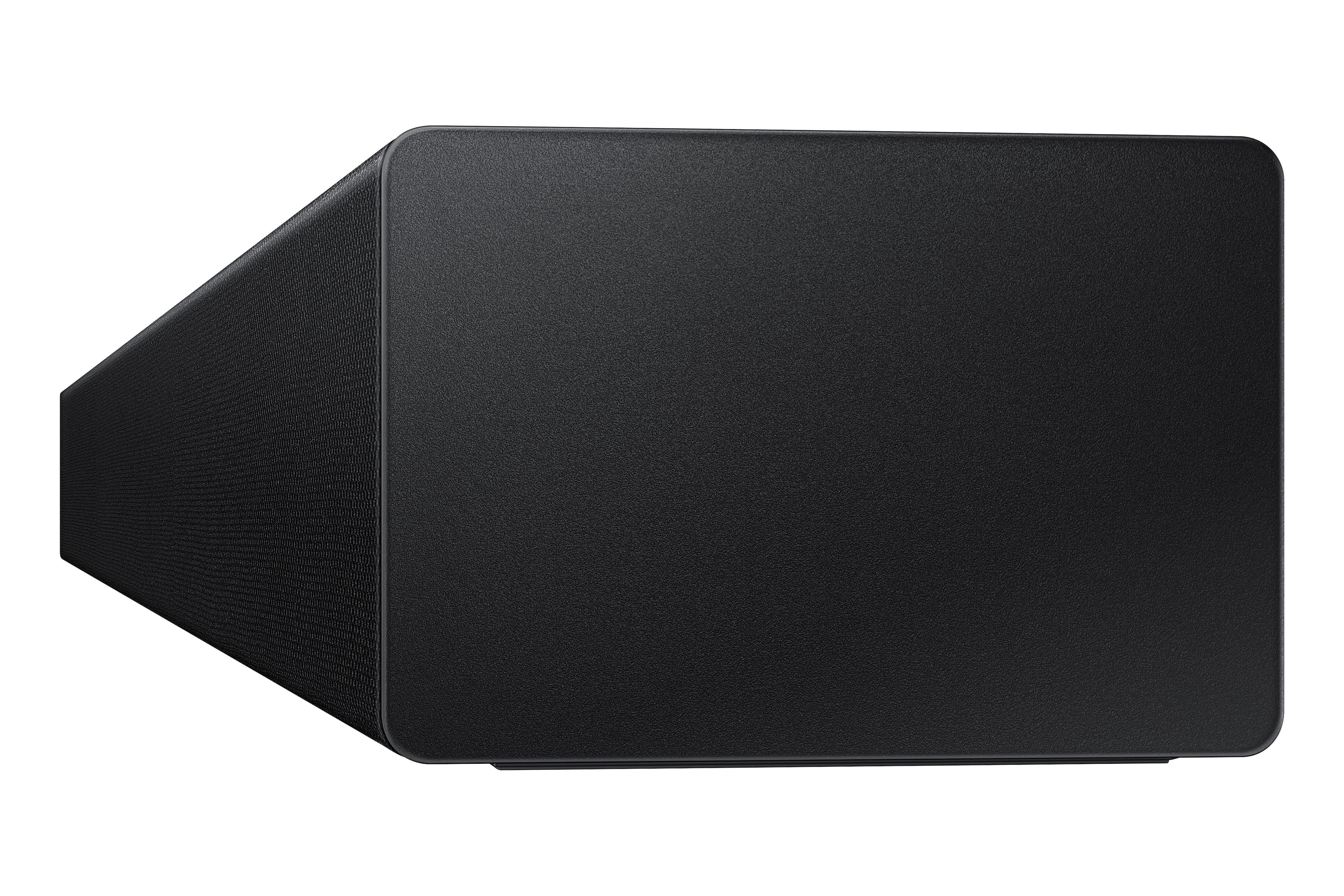
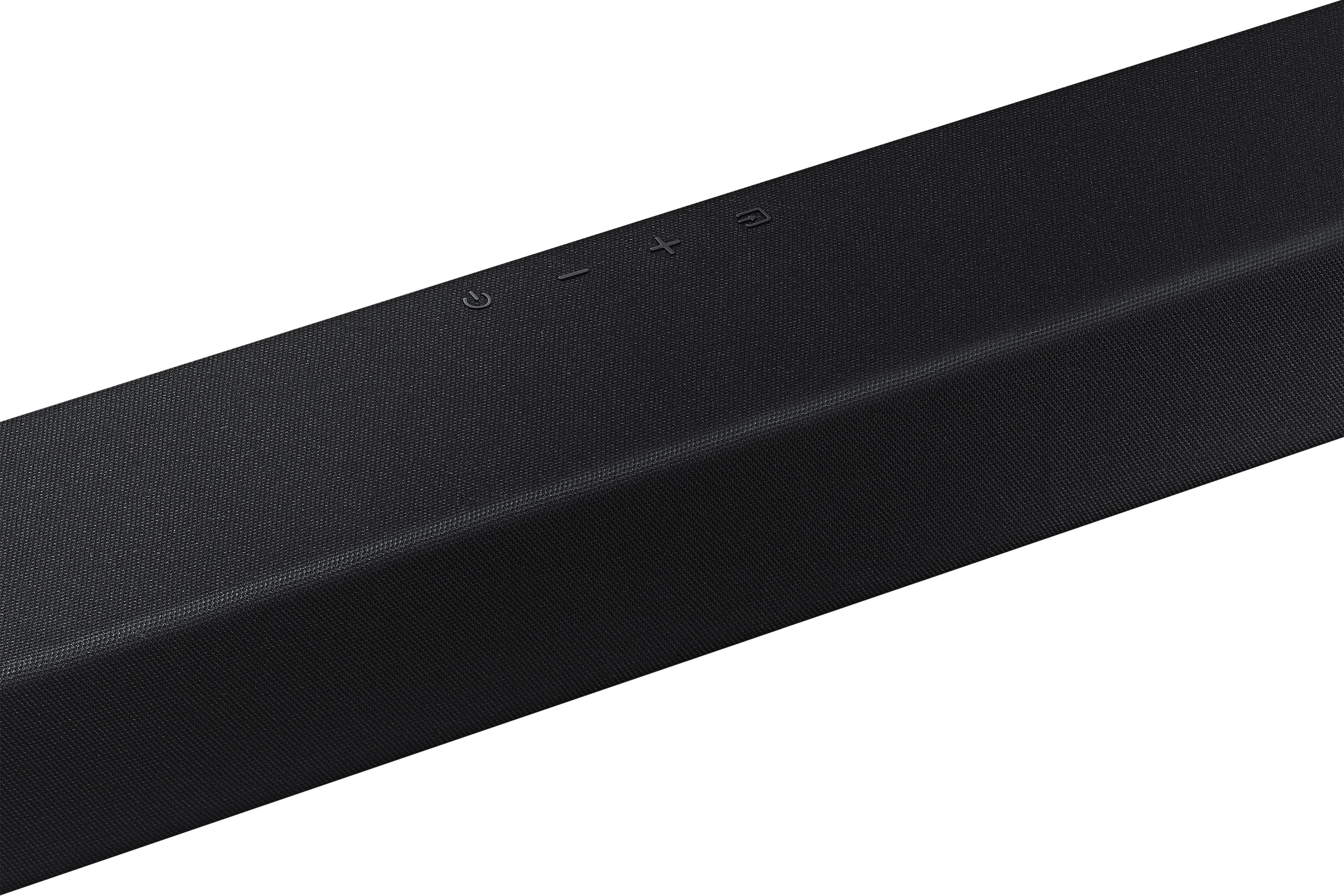
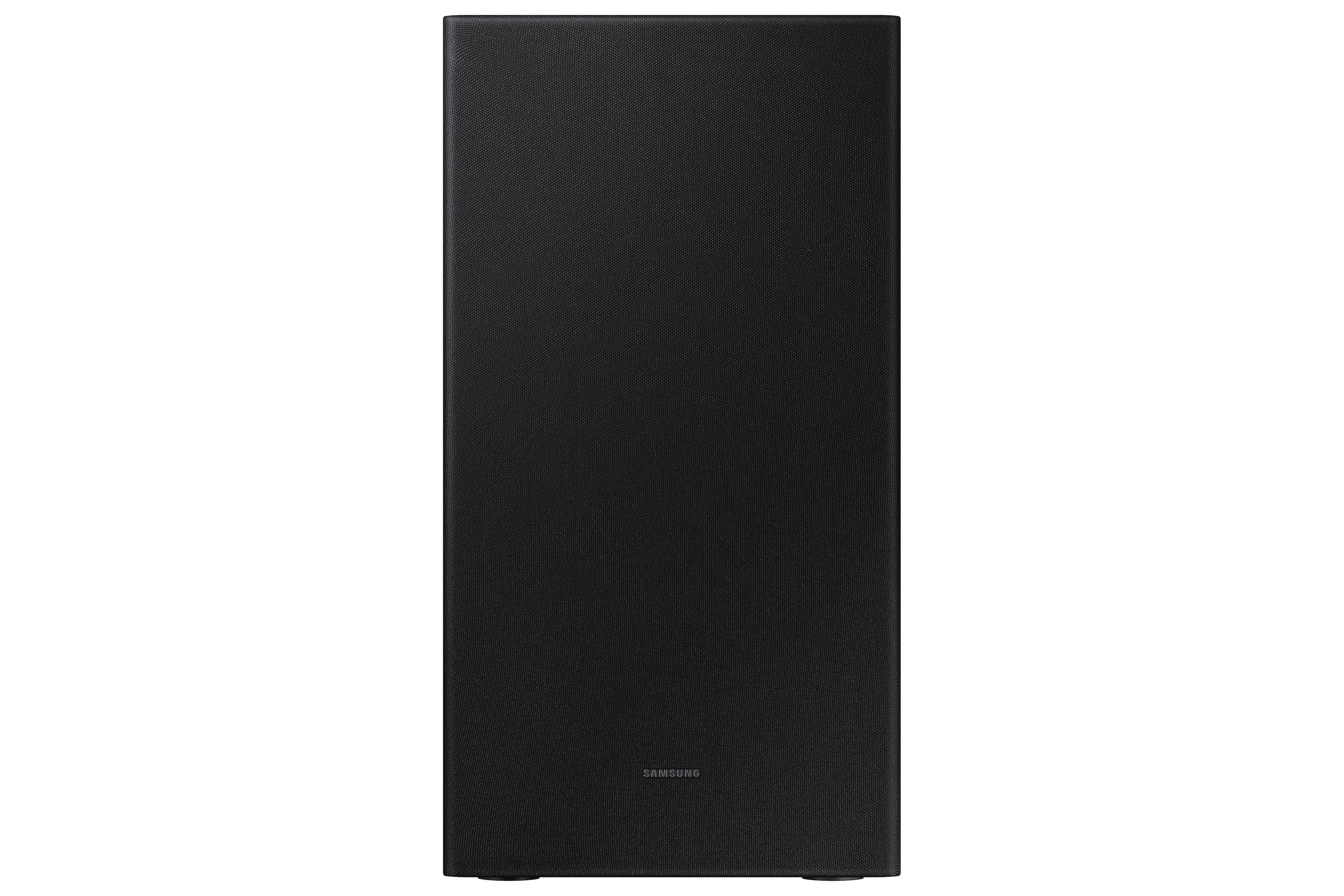
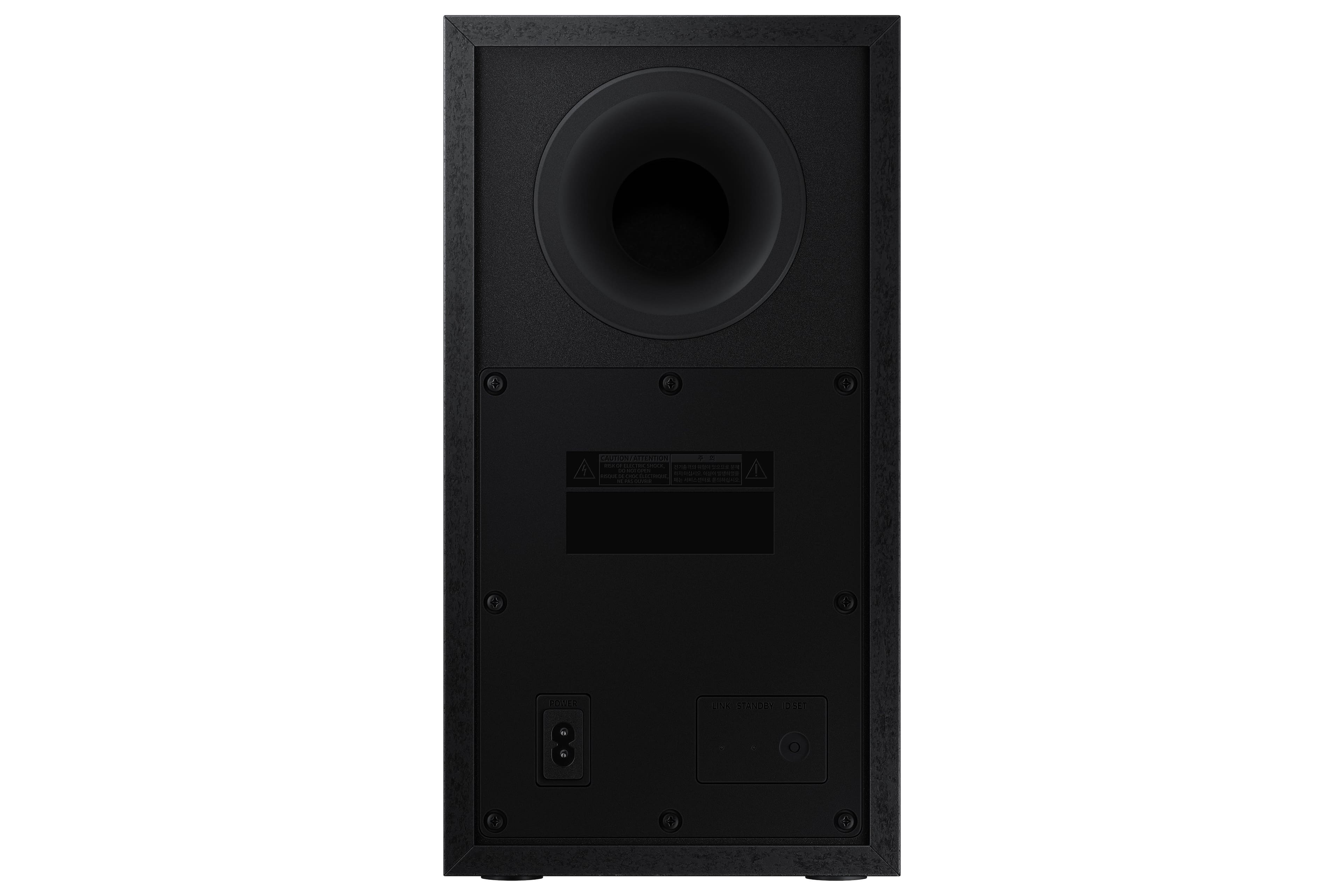



- Model:
- HW-A445/ZA
- SKU:
- 6551333
Rating by feature
- Value
Rating 4.7 out of 5 stars
- Quality
Rating 4.5 out of 5 stars
- Ease of Use
Rating 4.6 out of 5 stars
Customers are saying
Customers appreciate the superb sound quality and strong bass of this soundbar, frequently praising its ease of setup and use. Many also find it to be a great value for its price, with positive comments about its compact size and sleek design. However, some users have reported issues with the remote control's volume functionality.
This summary was generated by AI based on customer reviews.
Great
||Posted . Owned for 3 weeks when reviewed.This reviewer received promo considerations or sweepstakes entry for writing a review.Let me know where the stuff was at, and I bought it
I would recommend this to a friendStereo
||Posted . Owned for 1 month when reviewed.This reviewer received promo considerations or sweepstakes entry for writing a review.Great product and i would purchase again...........
I would recommend this to a friendSound-bar
||Posted . Owned for 3 weeks when reviewed.This reviewer received promo considerations or sweepstakes entry for writing a review.Great sound! xxxxxxxxxxxxxxxxxxxxxxxxxxxxxxxxxxxxx
I would recommend this to a friendAll good
||Posted . Owned for 3 weeks when reviewed.This reviewer received promo considerations or sweepstakes entry for writing a review.All good. Delivery went well. Product is very good
I would recommend this to a friendGood product
||Posted . Owned for 3 weeks when reviewed.This reviewer received promo considerations or sweepstakes entry for writing a review.Does everything as advertised. Simple installation.
I would recommend this to a friendWin
||Posted . Owned for 3 weeks when reviewed.This reviewer received promo considerations or sweepstakes entry for writing a review.Just love it ! This record player is the best one !
I would recommend this to a friendSurround sound
||Posted . Owned for 1 month when reviewed.This reviewer received promo considerations or sweepstakes entry for writing a review.I expected it to be a little bit louder but can’t complain.
I would recommend this to a friendNice product
||Posted . Owned for 1 month when reviewed.This reviewer received promo considerations or sweepstakes entry for writing a review.Works good, had just a little problem with setting it up.
I would recommend this to a friendNot too bad
||Posted . Owned for 3 weeks when reviewed.This reviewer received promo considerations or sweepstakes entry for writing a review.Gets the job done. Not too bad of a sound for a small Apartment
I would recommend this to a friend- Pros mentioned:Bass
I got it for free, still would like to return it
||Posted . Owned for less than 1 week when reviewed.This reviewer received promo considerations or sweepstakes entry for writing a review.I got these speakers for free when i bought a TV. The BB rep said it is a bad speaker system. I still got it because it was free. Now i regret getting it anyway. This is one of the worst sounding speakers that I've ever listened to. My TV speakers on my LG OLED had more depth and clarity than this. It gives a muffled sound and the music details are completely lost. Only thing it produces is bass and rest is trash. If you are into muffled sounds and lack of music details, you should get this. I'm not really sure why it got good reviews. Like, there is no two ways about it, its just a bad speaker system.
No, I would not recommend this to a friendBrand response from Samsung
Posted .Hello MildTechie,
Thank you for sharing your review of the Samsung HW-A445. We appreciate your feedback regarding the audio performance of your soundbar.
This soundbar features Bass Boost which will instantly amplify the bass with a touch of a button. You can manually optimize your settings by pressing the SOUND MODE button on your remote, and then selecting the desired sound effect by choosing STANDARD, SURROUND SOUND, or BASS BOOST.
You can further adjust TREBLE via the SOUND CONTROL button (looks like a gear symbol).
There are two additional adjustments that can be made for bass and subwoofer:
1) Using the WOOFER button on the remote, you can adjust the volume of the subwoofer between -6 to +6 by toggling the button up or down. To set the subwoofer volume level to 0, press the button down
2) Adjust the bass control by pressing the SOUND CONTROL button on the remote control, then select BASS to increase the level. You can adjust the volume between -6 to +6 by using the Up/Down buttons.
For precise audio adjustments, you can use the 7-band frequency equalizer to optimize the sound for your room acoustics. With the sound mode set to Standard, press, and hold the Sound Control button for about 5 seconds. 150Hz, 300Hz, 600Hz, 1.2kHz, 2.5kHz, 5kHz, and 10kHz are selectable using the Left/Right buttons and each can be adjusted to a setting between -6 to +6 using the Up/Down buttons.
If we can further help with any other issues, please know we are here for you. Just call us at 1-800-SAMSUNG (Ask for Soundbars), 8 AM – 12 AM EST, 7 days a week. Or visit us on the Samsung website and click on the ‘Support’ link for:
• LiveChat with an agent
• Manuals, Software, & Warranty Info
~ Samsung Solutions
Good Buy at Best Buy!
||Posted . Owned for 1 month when reviewed.This reviewer received promo considerations or sweepstakes entry for writing a review.Very satisfied with the quality of the product....
I would recommend this to a friendTGoody50
||Posted . Owned for 1 week when reviewed.This reviewer received promo considerations or sweepstakes entry for writing a review.The delivery was great. No problems with the soundbar.
I would recommend this to a friendSound bar
||Posted .This reviewer received promo considerations or sweepstakes entry for writing a review.Just good for a small room, not recommended for a big one.
I would recommend this to a friend- Cons mentioned:Remote control
Blah
||Posted . Owned for 3 weeks when reviewed.This reviewer received promo considerations or sweepstakes entry for writing a review.The sound bar didn’t link well to the sub woofer and was low so when I tried to increase the volume with the remote it then went to mute so I would have to get up to turn the volume up
No, I would not recommend this to a friendBrand response from Samsung
Posted .Hello MonicaM,
Thank you for sharing your experiences with the HW-A445 Soundbar.
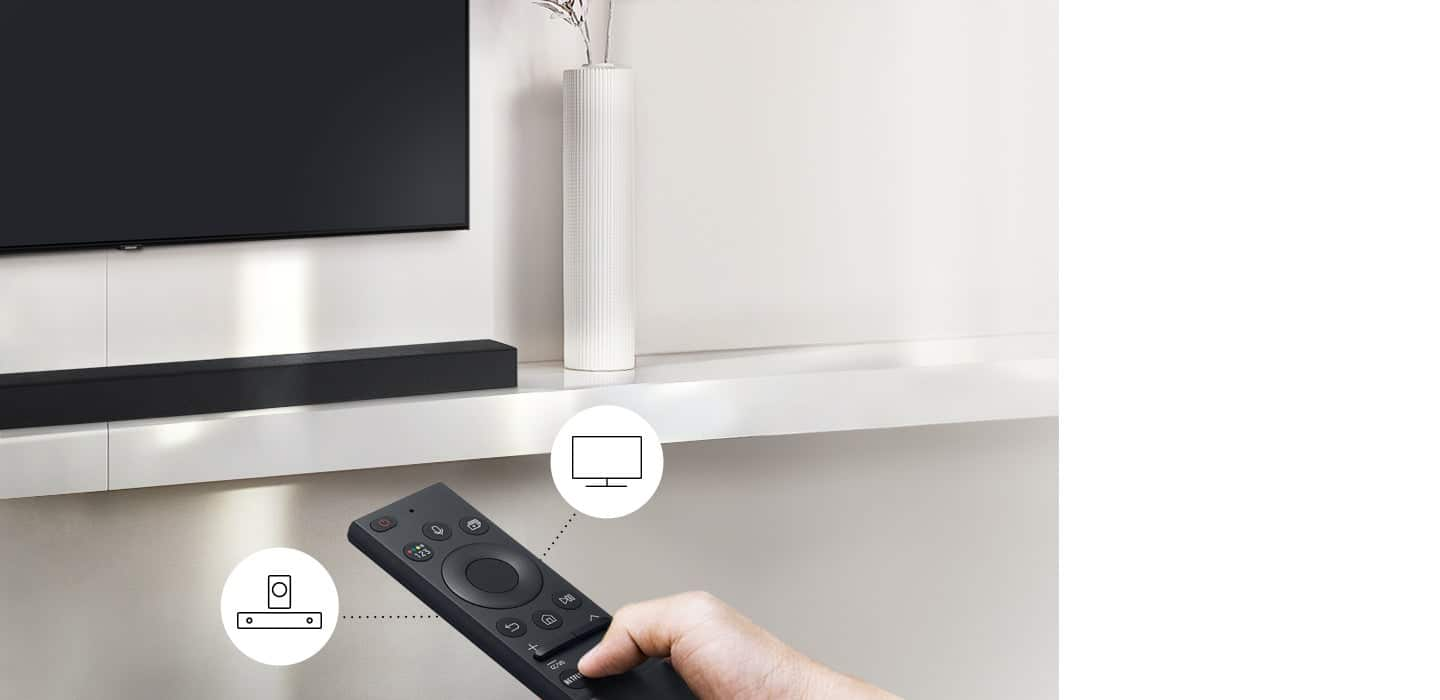
When using the provided Soundbar remote, you will need to use the Volume and Woofer buttons like toggle switches. You will push the switch forward or pull it backward to increase/decrease either the volume or bass levels. When you press the button in, it will mute the volume or set the bass levels back to default.
Should you ever have questions or need help, please call us at 1-800-SAMSUNG (ask for Soundbars), available 8 AM – 12 AM EST, 7 days a week.
For additional support resources such as downloading a full manual, visit us on the Samsung website and click on the ‘Support’ link in the upper right corner of the homepage.
~Samsung Solutions
Poor Customer Service
||Posted . Owned for 1 month when reviewed.This reviewer received promo considerations or sweepstakes entry for writing a review.I purchased this product with the assumption that it would work well with my system. The system never worked properly out of the box. After working with Samsung Technical Service I was told that I would receive replacement components in 10-12 business days. After 14 business days I called TS to inquire about status of delivery and was told that nothing shipped and that they would like to do more TS via texting. At this point I returned the product to my Best Buy store and purchased a different brand Soundbar of which I’m totally happy with. Thank you Best Buy. Shame on you Samsung for your deceitful business practice.
No, I would not recommend this to a friendBrand response from Samsung
Posted .Hello KurtC
Thank you for your review of the Samsung HW-A445 Soundbar and for sharing the experience that has caused you to return your unit. Your feedback is very important to us and will be shared with our product team.
Should you ever decide to give Samsung Soundbars another try and have questions or need assistance with settings, setup, or features, please know we are always here to help.
Call us at 1-800-SAMSUNG (ask for Soundbars), available 8 AM – 12 AM EST, 7 days a week.
~ Samsung Solutions
Besssssst surround sound
||Posted . Owned for 1 month when reviewed.This reviewer received promo considerations or sweepstakes entry for writing a review.Came with TV as bundle deal. Very happy with it but sometimes the BT sounds scratchy and needs to unpaired and then re- paired.. then works fine. Sometimes theres a time lag between voice and sound on movies
I would recommend this to a friendBrand response from Samsung
Posted .PaydinGiftcards,
Thank you for sharing your experience. If the video on the TV and audio from the soundbar are not synchronized, press the SOUND CONTROL button on the soundbar remote, until you see AUDIO SYNC on the display. You can then set the audio delay between 0~300 milliseconds by using the Up/Down buttons.
You can also try the below to minimize the delay:
1) Connect the source directly to the Soundbar’s HDMI input, then connect the Soundbar to the HDMI ARC input on the TV.
2) On the TV, set the Sound Delay level to 0. Home > Settings > Sound > Expert Settings > Digital Output Audio Delay: “0”
3) Change the audio format to PCM on both the source device and the TV.
For additional troubleshooting steps, please refer to this online guide:
https://www.samsung.com/us/support/troubleshooting/TSG01110022/
I hope the above helps to solve your issue. If you need further help, please reach out to Samsung Customer Support at 1-800-SAMSUNG, 8AM - 12AM EST, 7 days a week. Or visit us on the Samsung website and click on the ‘Support’ link for:
• LiveChat
• Manuals, Software, & Warranty Info
~ Samsung Specialist
Value for money
||Posted . Owned for 1.5 years when reviewed.This reviewer received promo considerations or sweepstakes entry for writing a review.Good value for money but not amazing in performance
I would recommend this to a friendSoundbar
||Posted . Owned for 3 weeks when reviewed.This reviewer received promo considerations or sweepstakes entry for writing a review.Again, not good direction on how to Bluetooth woofer to sound bar. Next time I purchase TV try it without sound bar the only difference I hear is the woofer. Can be annoying when watching regular TV.
No, I would not recommend this to a friendBrand response from Samsung
Posted .Hello Richard,
We appreciate your feedback regarding the manual included with your soundbar. To assist you in the functions and settings of your new soundbar, you can download the full user manual directly from Samsung’s website by clicking “Support” in the top right corner. Then go to “Manuals & Software” > “TVs & Home Theater” > “Home Theater” > “Sound Bars”. From there, you can select the HW-A445 under A Series.
Follow the below instructions on how to pair your Subwoofer if it does not have automatically pair.
Before performing the manual connection procedure below:
• Check whether the power cables for the Soundbar and subwoofer are connected properly.
• Make sure that the Soundbar is turned on.
1. Press and hold ID SET on the rear of the subwoofer for at least 5 seconds.
• The red indicator on the rear of the subwoofer turns off and the blue indicator blinks.
2. Press and hold the Up button on the remote control for at least 5 seconds.
• The ID SET message appears on the display of the Soundbar for a moment, and then it disappears.
• The Soundbar will automatically power on when ID SET is complete.
3. Check if the LINK LED is solid blue (connection complete). The LINK LED indicator stops blinking and glows a solid blue when a connection is established between the Soundbar and the Wireless Subwoofer.
Should you ever have questions or need help, please call us at 1-800-SAMSUNG (ask for Soundbars), available 8 AM – 12 AM EST, 7 days a week.
For additional support resources, visit us on the Samsung website and click on the ‘Support’ link in the upper right corner of the homepage for:
1) Chat with Us/Product Help: To begin a chat or find solutions, choose ‘TVs & Home Theater’ and select your model & topic.
2) Manuals & Software
3) Warranty Info
4) Register a Product: For access to easy warranty support, convenient opt-in to special promos and offers, faster troubleshooting and service, and quick notification of system updates
5) Contact Us
~ Samsung Solutions
sub wolfer
||Posted . Owned for 3 weeks when reviewed.This reviewer received promo considerations or sweepstakes entry for writing a review.sound bar and wolfer are not pairing, blue light continues to blink. I followed instructions and watched video, still not able to get the sub wolfer to work,
No, I would not recommend this to a friendBrand response from Samsung
Posted .Hello Pappy,
Thank you for purchasing the HW-A445 Samsung Soundbar. I am sorry to see that your initial time with your Soundbar has not been ideal.
So we can offer step-by-step troubleshooting please call us at 1-800-SAMSUNG (ask for Soundbars), available 8 AM – 12 AM EST, 7 days a week.
LiveChat with an agent by clicking the ‘Support’ link on the Samsung website.
~Samsung Solutions
ok sound bar for the price
||Posted . Owned for 3 months when reviewed.This reviewer received promo considerations or sweepstakes entry for writing a review.not the best sound bar I've had. wish it was louder and seems like sound quality is better through blue tooth than the optical cable
No, I would not recommend this to a friendBrand response from Samsung
Posted .Chris,
Thank you for sharing your review of the Samsung HW-A445. We appreciate your feedback regarding the audio performance of your soundbar.
You can manually optimize your settings by pressing the SOUND MODE button on your remote, and then selecting the desired sound effect by choosing STANDARD, SURROUND SOUND, or BASS BOOST.
You can further adjust TREBLE via the SOUND CONTROL button (looks like a gear symbol).
There are two additional adjustments that can be made for bass and subwoofer:
1) Using the WOOFER button on the remote, you can adjust the volume of the subwoofer between -6 to +6 by toggling the button up or down. To set the subwoofer volume level to 0, press the button down
2) Adjust the bass control by pressing the SOUND CONTROL button on the remote control, then select BASS to increase the level. You can adjust the volume between -6 to +6 by using the Up/Down buttons.
For precise audio adjustments, you can use the 7-band frequency equalizer to optimize the sound for your room acoustics. With the sound mode set to Standard, press, and hold the Sound Control button for about 5 seconds. 150Hz, 300Hz, 600Hz, 1.2kHz, 2.5kHz, 5kHz, and 10kHz are selectable using the Left/Right buttons and each can be adjusted to a setting between -6 to +6 using the Up/Down buttons.
I hope this tip helps improve your enjoyment. For more help, please call us at 1-800-SAMSUNG (Ask for Soundbars), 8 AM – 12 AM EST, 7 days a week. Live Chat with an agent as well as manuals, software, and warranty info can be found at the ‘Support’ link on our Samsung website.
~ Samsung Solutions