Customer Ratings & Reviews
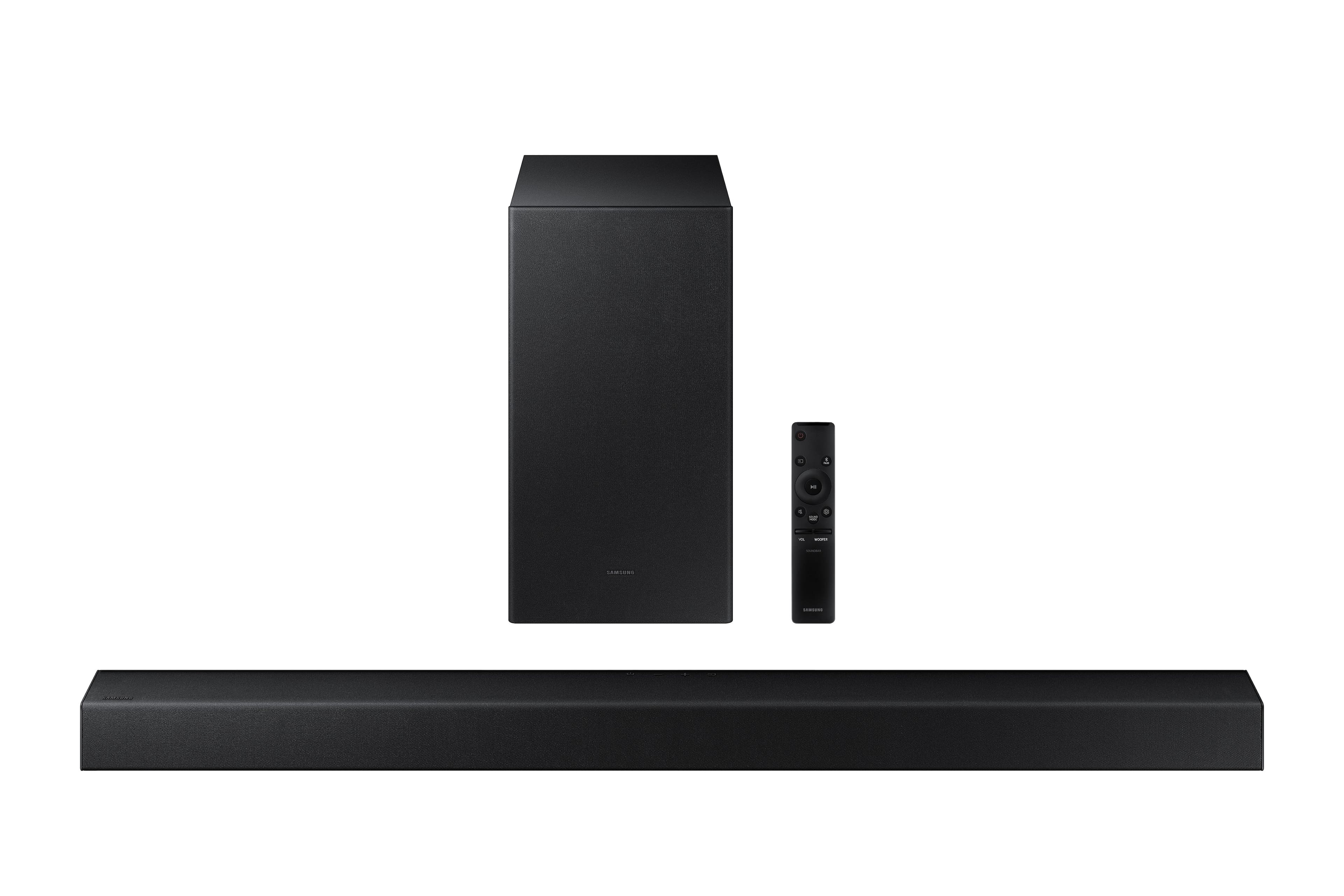
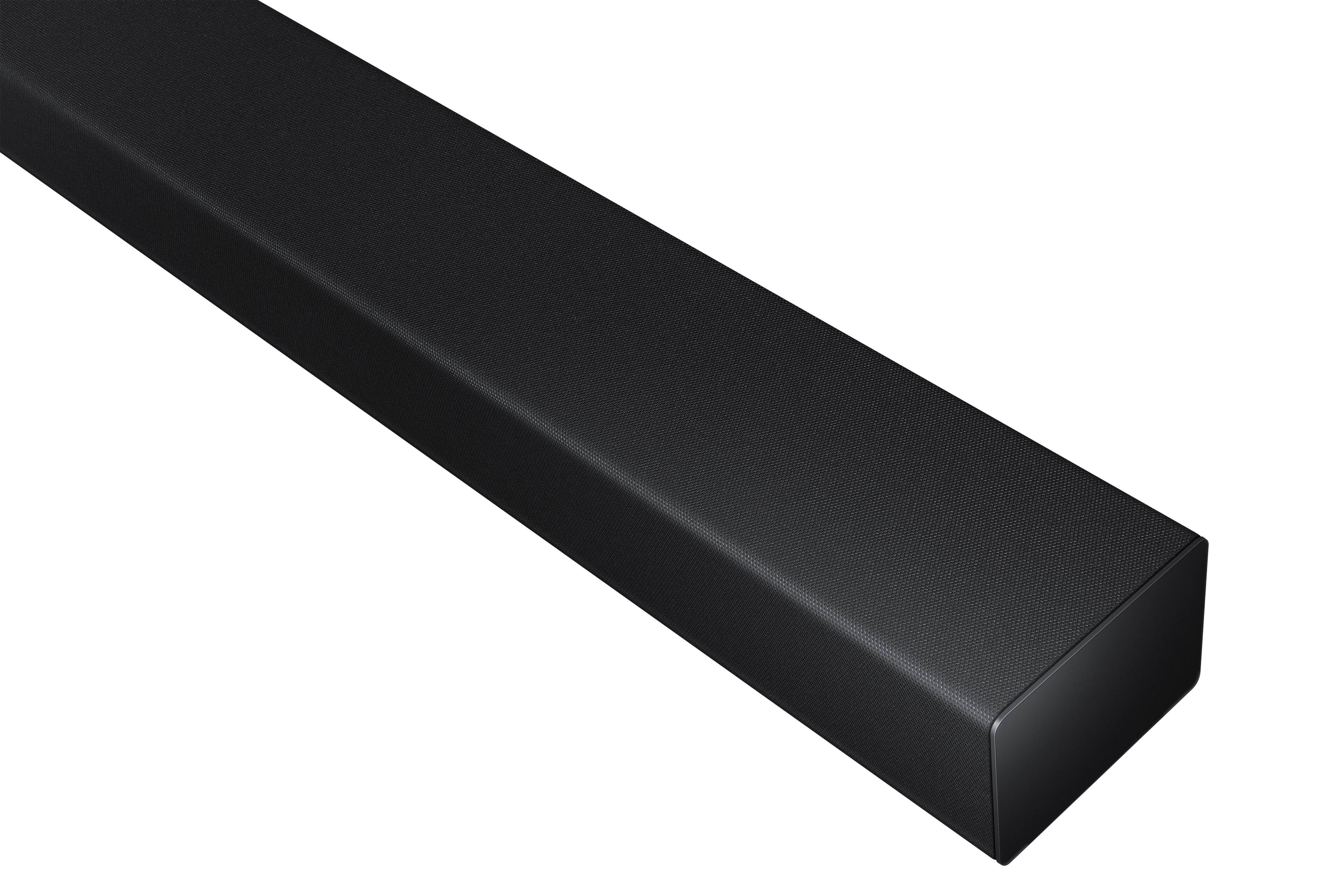
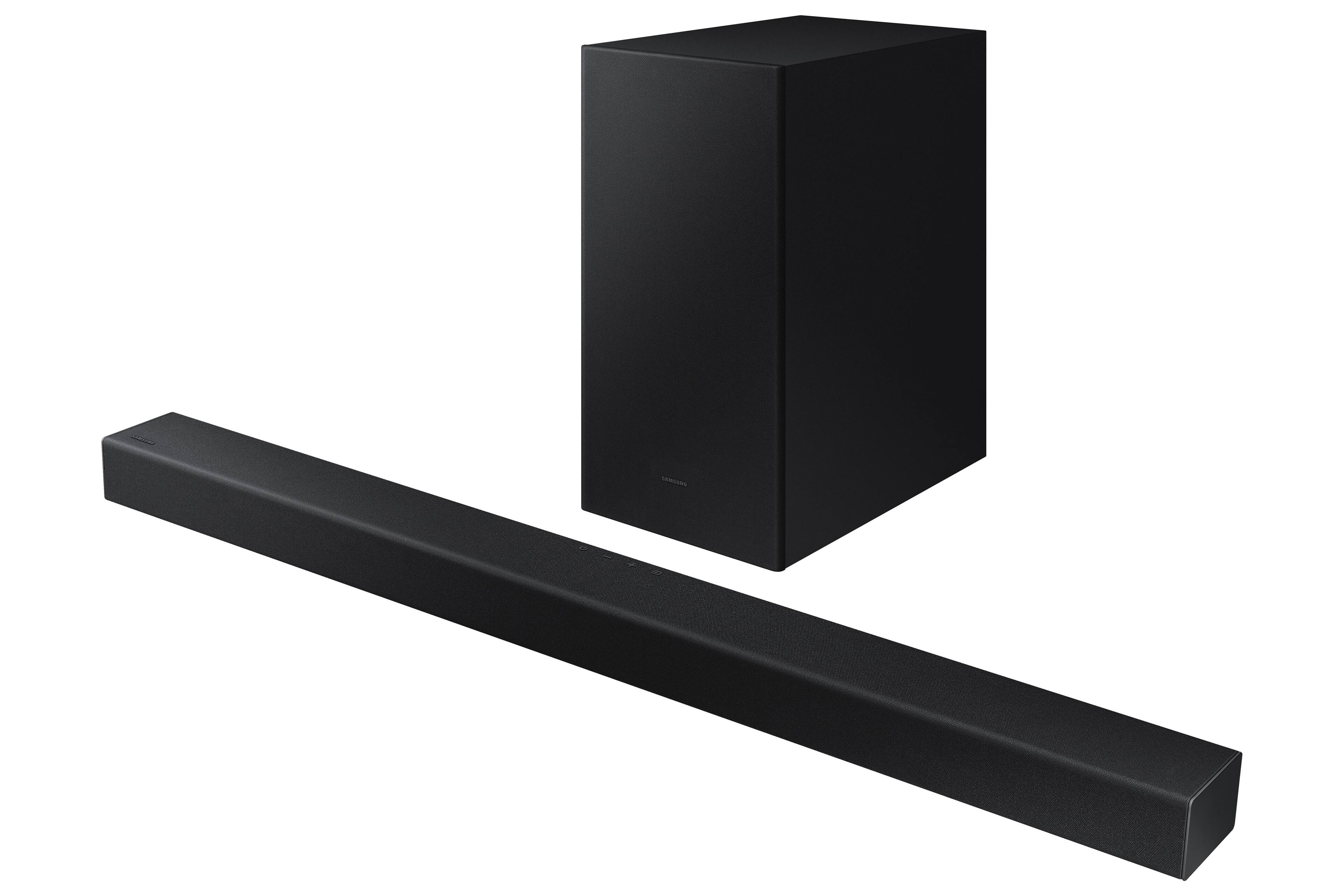
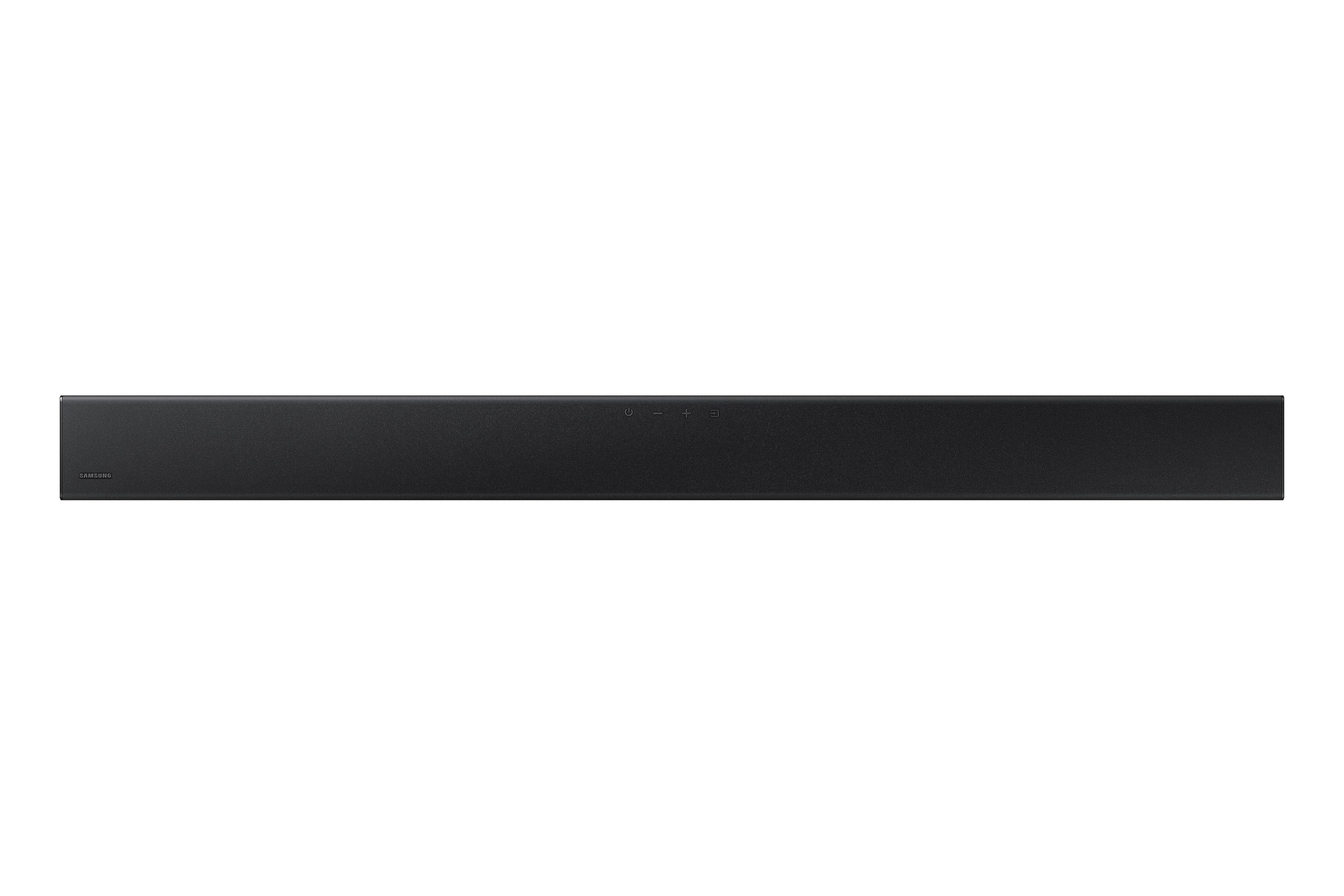
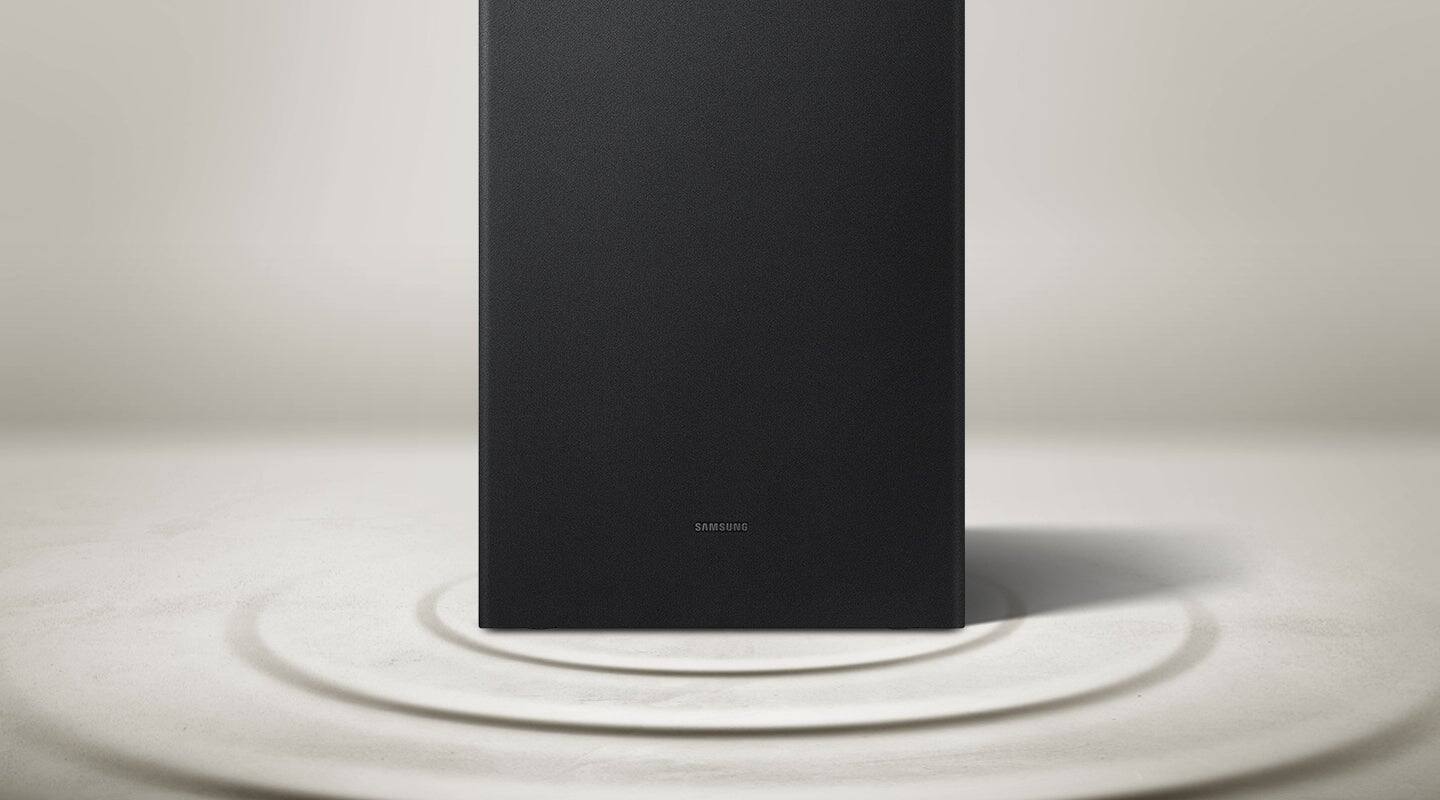
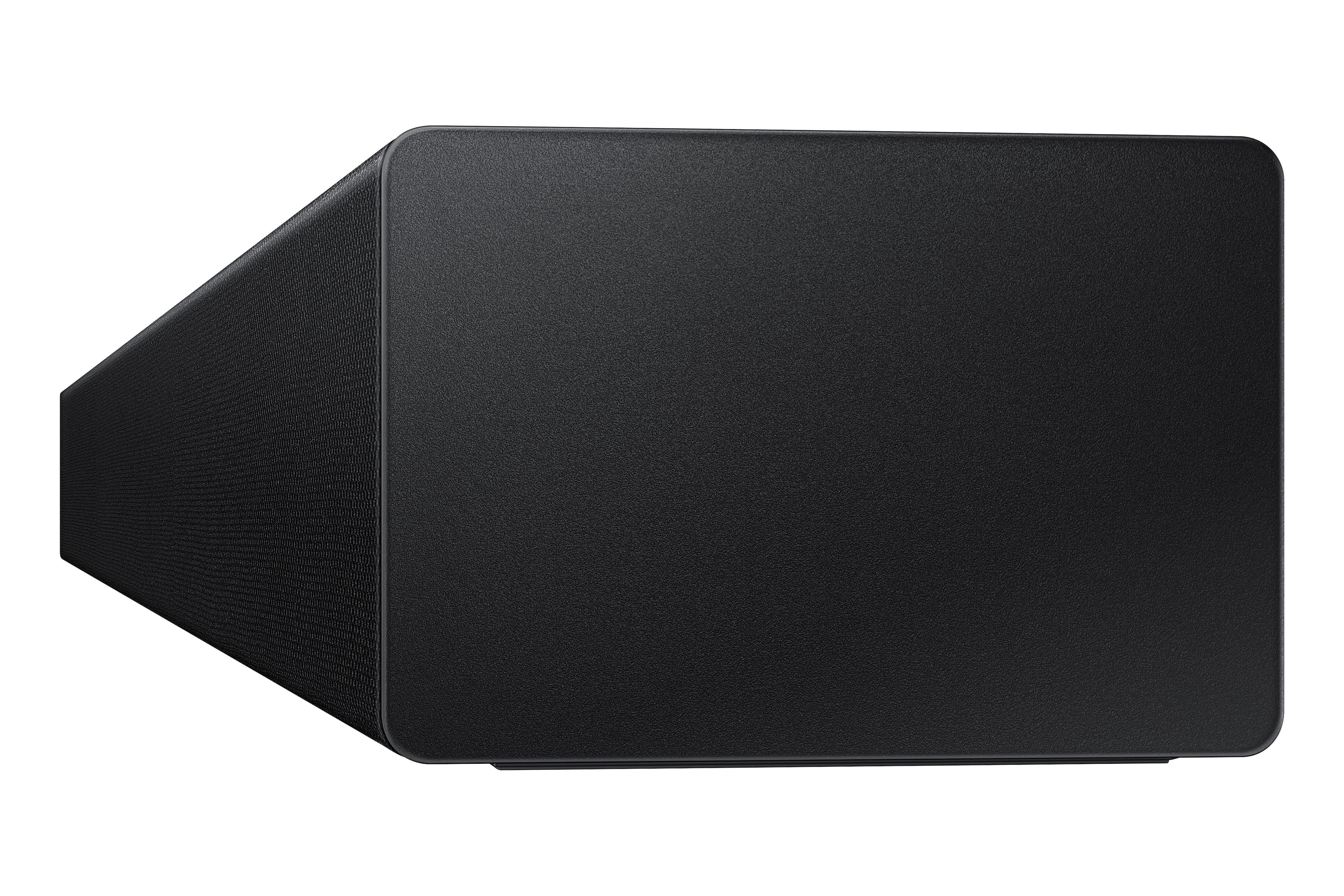
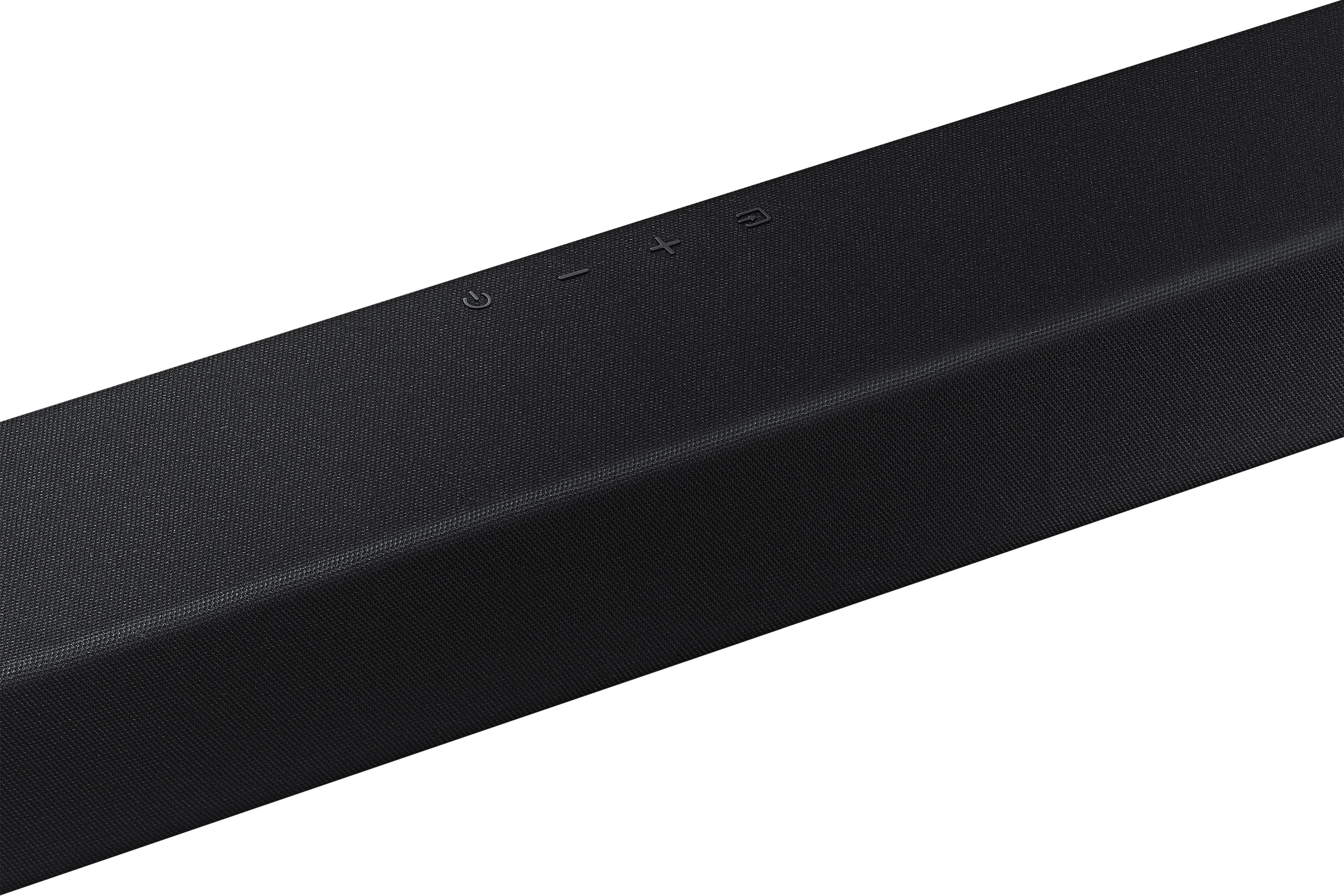
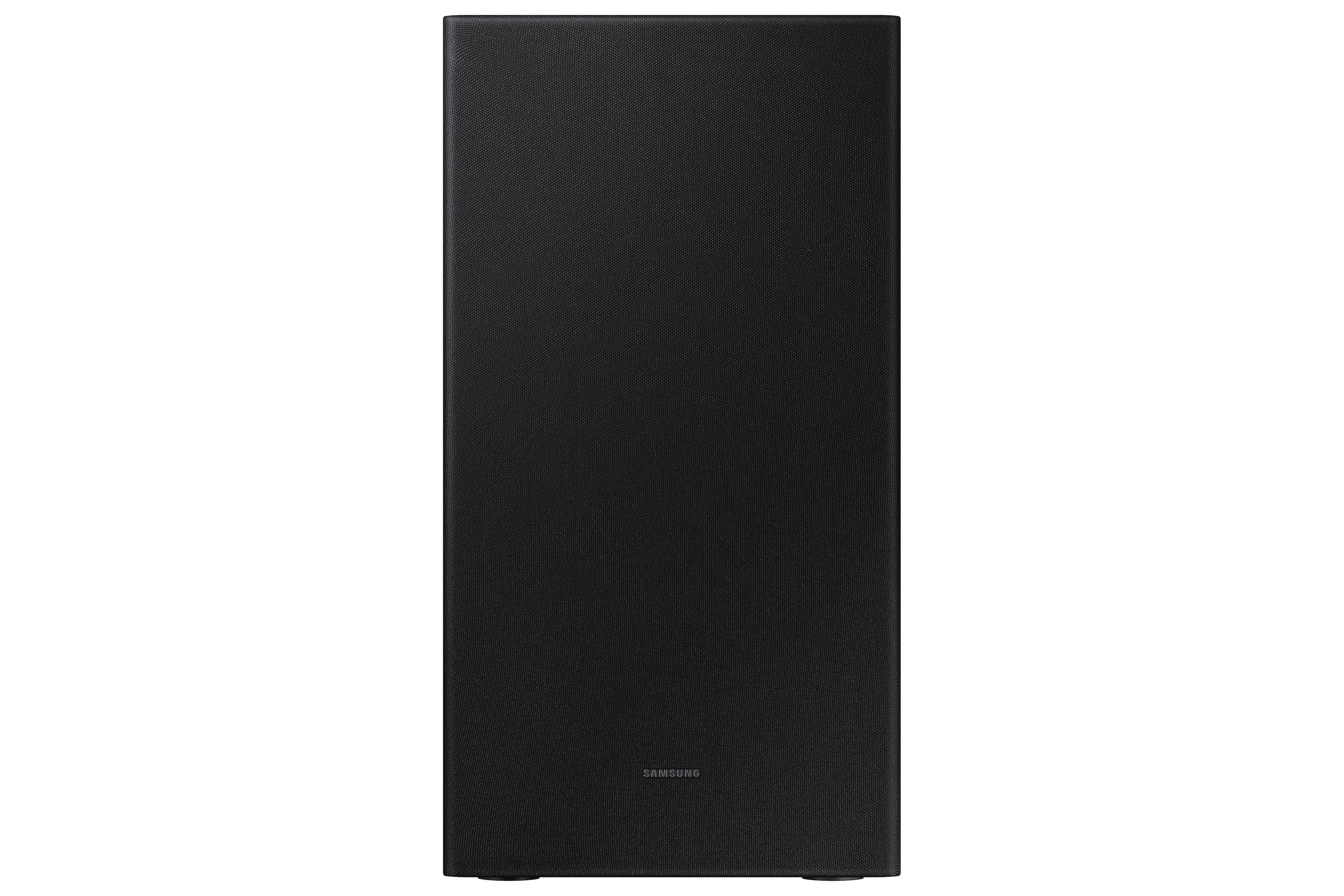
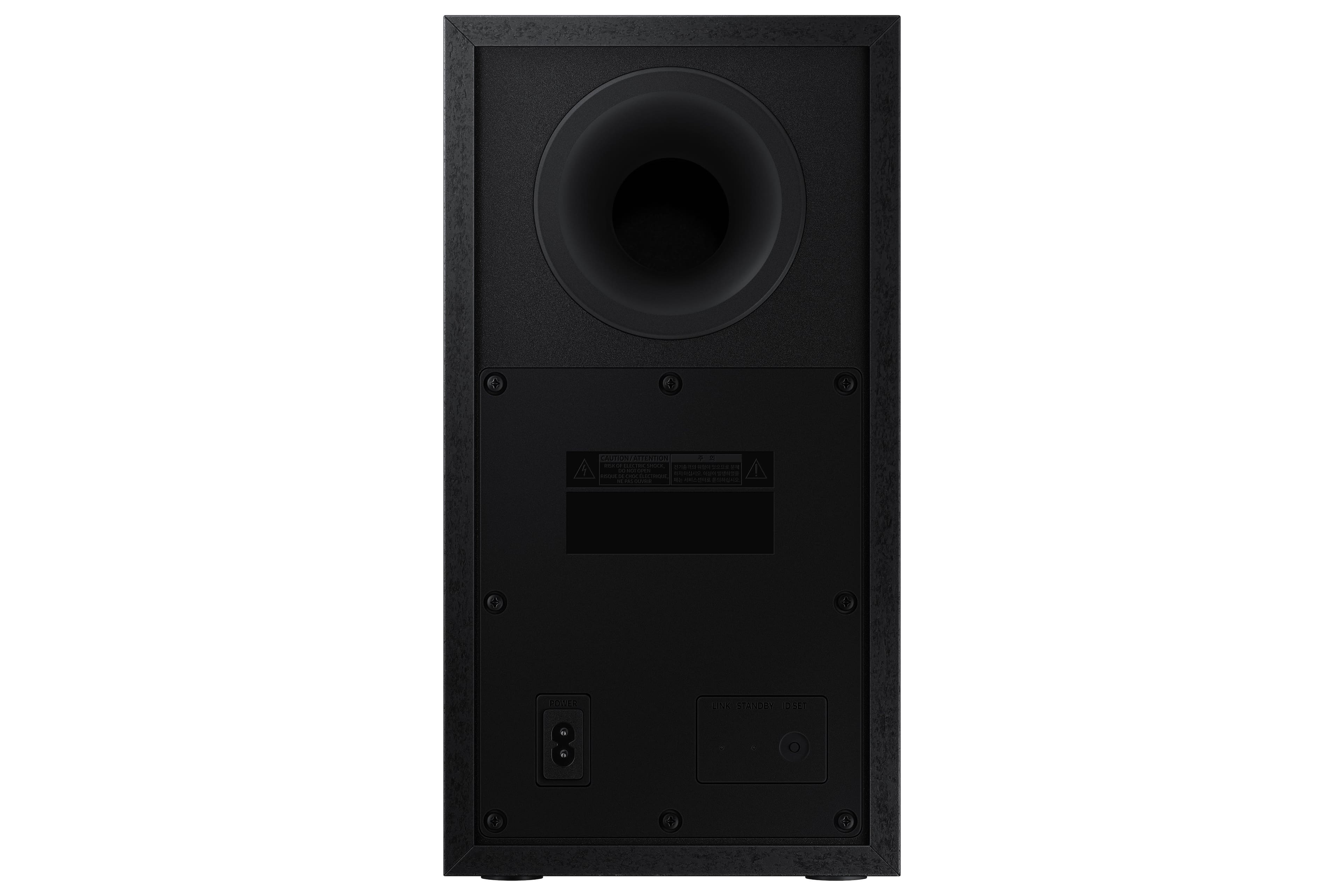
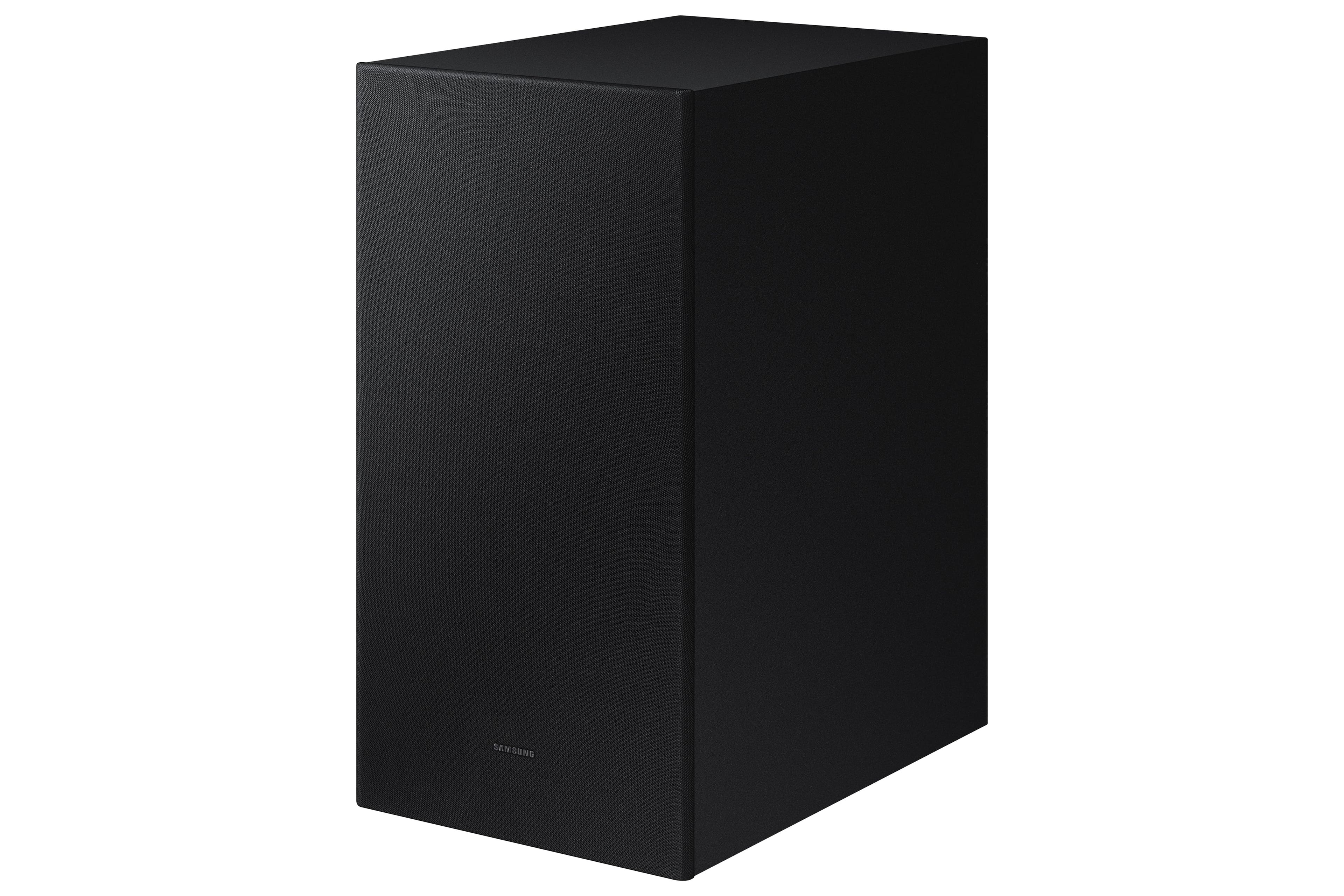
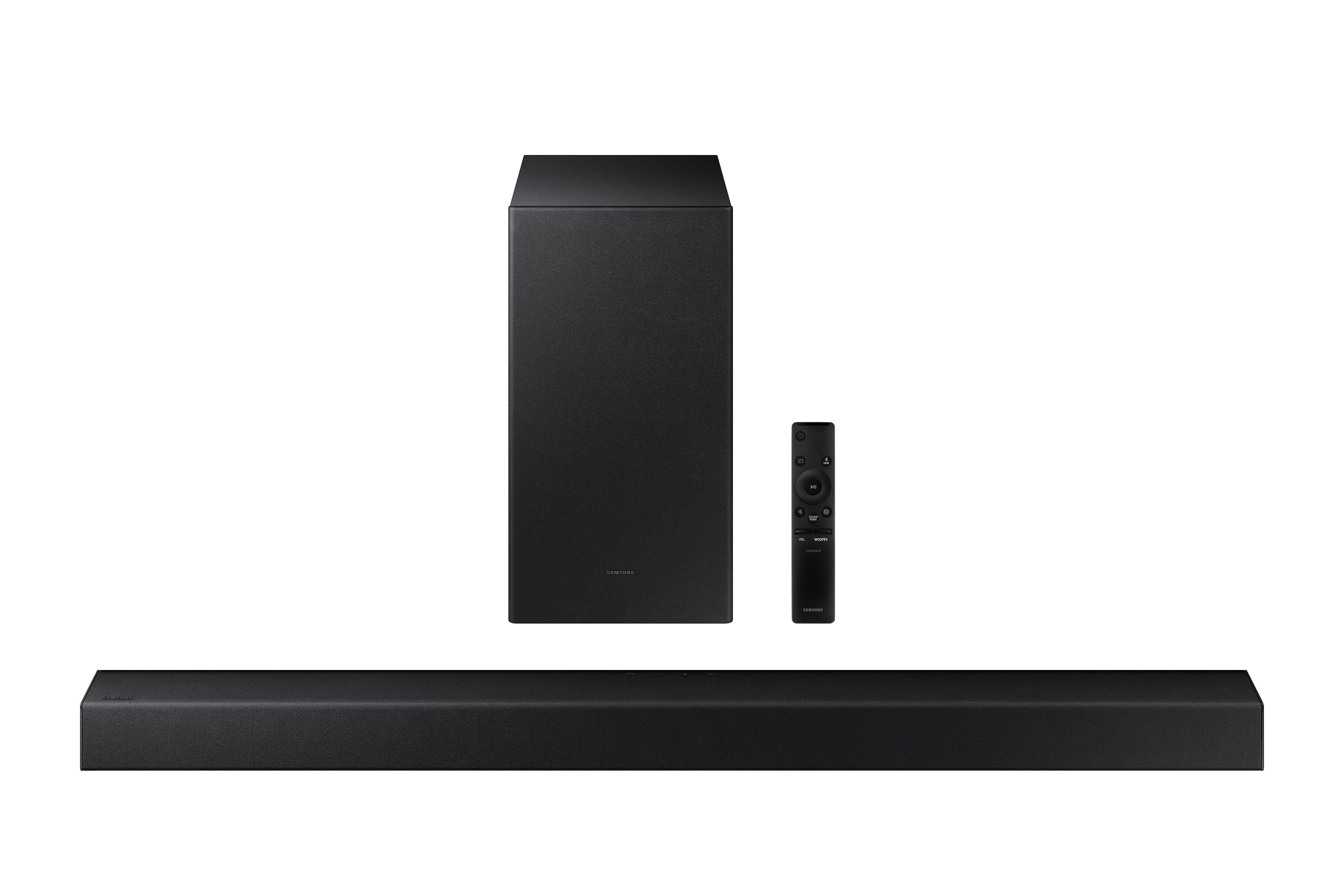


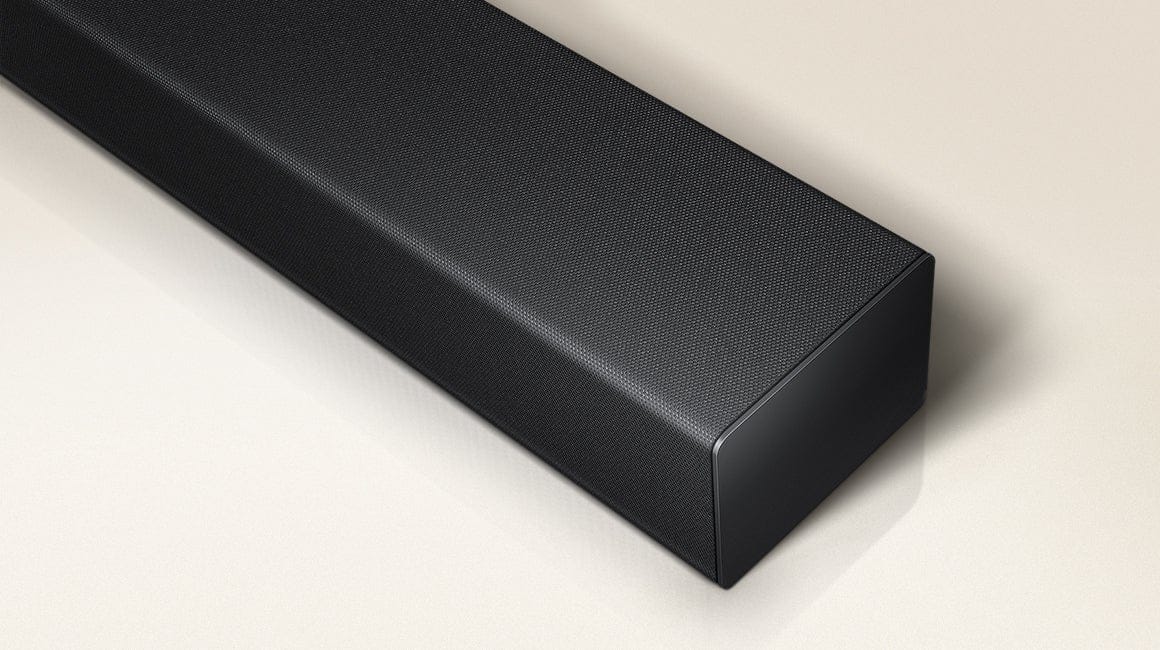

- Model:
- HW-A445/ZA
- SKU:
- 6551333
Rating by feature
- Value
Rating 4.7 out of 5 stars
- Quality
Rating 4.5 out of 5 stars
- Ease of Use
Rating 4.6 out of 5 stars
Customers are saying
Customers appreciate the superb sound quality and strong bass of this soundbar, frequently praising its ease of setup and use. Many also find it to be a great value for its price, with positive comments about its compact size and sleek design. However, some users have reported issues with the remote control's volume functionality.
This summary was generated by AI based on customer reviews.
Soundbar
||Posted . Owned for 1 month when reviewed.This reviewer received promo considerations or sweepstakes entry for writing a review.Nice little soundbar for the sale price. I do wish the sound quality was slightly better. Does the job for family movie night. So happy overall
I would recommend this to a friendBrand response from Samsung
Posted .Hello SWANC,
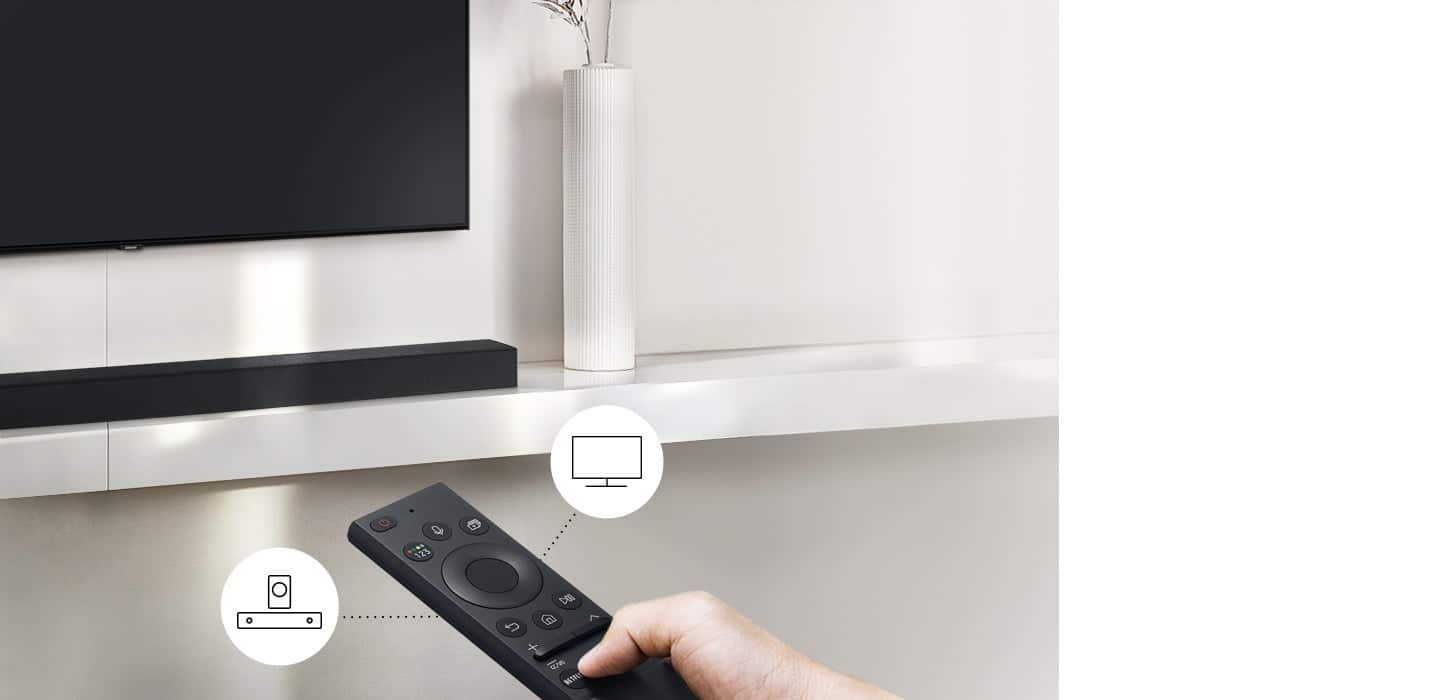
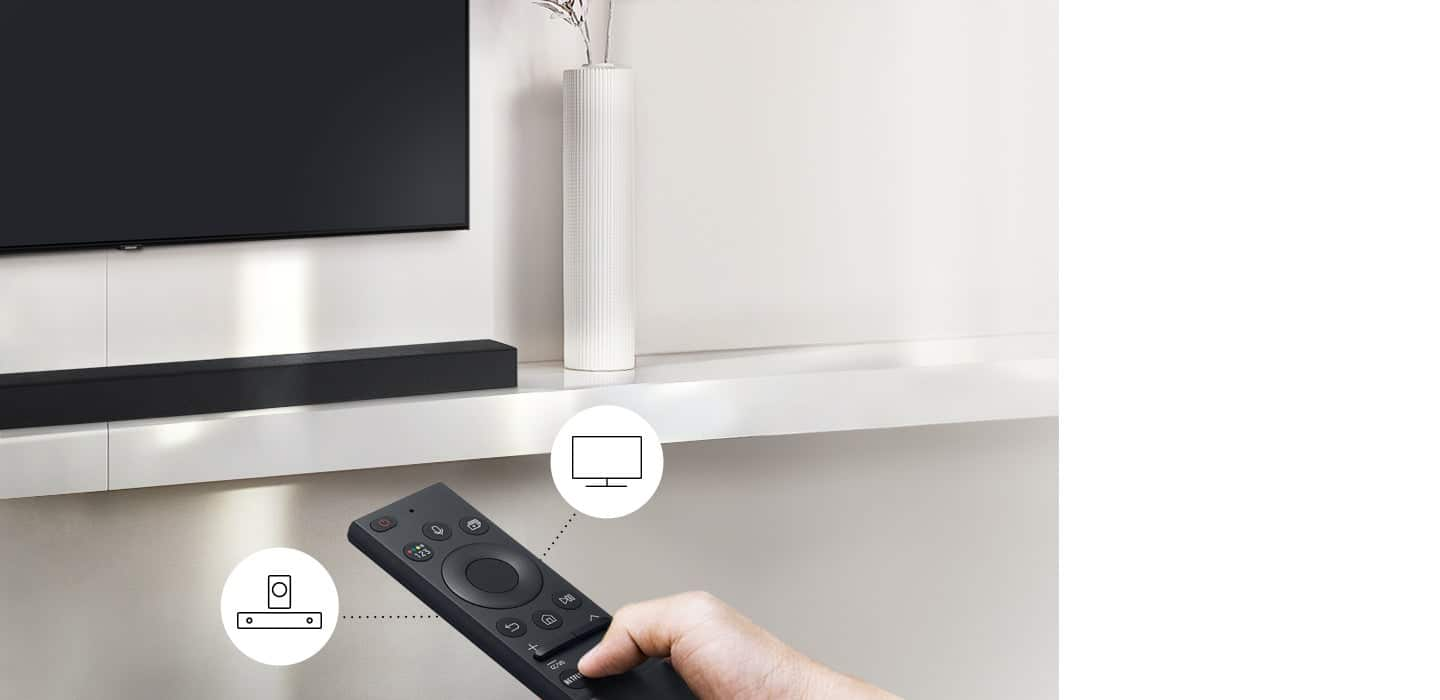
We appreciate you taking the time to leave a review of the HW-A445 Samsung Soundbar. You can manually optimize your settings by pressing the SOUND MODE button on your remote, and then selecting the desired sound effect by choosing STANDARD, SURROUND SOUND, or BASS BOOST.
You can further adjust TREBLE via the SOUND CONTROL button (looks like a gear symbol).
There are two additional adjustments that can be made for bass and subwoofer:
1) Using the WOOFER button on the remote, you can adjust the volume of the subwoofer between -6 to +6 by toggling the button up or down. To set the subwoofer volume level to 0, press the button down
2) Adjust the bass control by pressing the SOUND CONTROL button on the remote control, then select BASS to increase the level. You can adjust the volume between -6 to +6 by using the Up/Down buttons.
For precise audio adjustments, you can use the 7-band frequency equalizer to optimize the sound for your room acoustics. With the sound mode set to Standard, press, and hold the Sound Control button for about 5 seconds. 150Hz, 300Hz, 600Hz, 1.2kHz, 2.5kHz, 5kHz, and 10kHz are selectable using the Left/Right buttons and each can be adjusted to a setting between -6 to +6 using the Up/Down buttons.
If we can further help with any other issues, please know we are here for you. Just call us at 1-800-SAMSUNG (Ask for Soundbars), 8 AM – 12 AM EST, 7 days a week. Or visit us on the Samsung website and click on the ‘Support’ link for:
• LiveChat with an agent
• Manuals, Software, & Warranty Info
~ Samsung Solutions
Poor sounds
||Posted . Owned for 5 months when reviewed.This reviewer received promo considerations or sweepstakes entry for writing a review.The sound quality was not good. No bass at all. No change or show how it’s was connected to your Bluetooth device
No, I would not recommend this to a friendBrand response from Samsung
Posted .ScottTran,
Thank you for sharing your review of the Samsung HW-A445. We appreciate your feedback regarding the audio performance of your soundbar.
You can manually optimize your settings by pressing the SOUND MODE button on your remote, and then selecting the desired sound effect by choosing STANDARD, SURROUND SOUND, or BASS BOOST.
You can further adjust TREBLE via the SOUND CONTROL button (looks like a gear symbol).
There are two additional adjustments that can be made for bass and subwoofer:
1) Using the WOOFER button on the remote, you can adjust the volume of the subwoofer between -6 to +6 by toggling the button up or down. To set the subwoofer volume level to 0, press the button down
2) Adjust the bass control by pressing the SOUND CONTROL button on the remote control, then select BASS to increase the level. You can adjust the volume between -6 to +6 by using the Up/Down buttons.
For precise audio adjustments, you can use the 7-band frequency equalizer to optimize the sound for your room acoustics. With the sound mode set to Standard, press, and hold the Sound Control button for about 5 seconds. 150Hz, 300Hz, 600Hz, 1.2kHz, 2.5kHz, 5kHz, and 10kHz are selectable using the Left/Right buttons and each can be adjusted to a setting between -6 to +6 using the Up/Down buttons.
If you need more help, Samsung is here for you. Please call us at 1-800-SAMSUNG, 8AM - 12AM EST (Ask for Soundbars), 7 days a week. Our Live Chat agents are also available by clicking on the ‘Support’ link on our website.
~ Samsung Solutions
Great Sound System
||Posted . Owned for 2 weeks when reviewed.This reviewer received promo considerations or sweepstakes entry for writing a review.If you can get it on sale perfect if not it makes movies more immersive only downside is it uses digital optical cable only not hdmi
I would recommend this to a friendBrand response from Samsung
Posted .Hello JavierV,
Thank you for sharing your thoughts regarding the inputs of the HW-A445 Samsung Soundbar.
Your review will be shared among our product teams. Should you ever have questions or need help, please call us at 1-800-SAMSUNG (ask for Soundbars), available 8 AM – 12 AM EST, 7 days a week.
For additional support resources, visit us on the Samsung website and click on the ‘Support’ link in the upper right corner of the homepage for:
1) Chat with Us/Product Help: To begin a chat or find solutions, choose ‘TVs & Home Theater’ and select your model & topic.
2) Manuals & Software
3) Warranty Info
4) Register a Product: For access to easy warranty support, convenient opt-in to special promos and offers, faster troubleshooting and service, and quick notification of system updates
5) Contact Us
~ Samsung Solutions
Sound bar Free w purchased TV.
||Posted . Owned for 3 weeks when reviewed.This reviewer received promo considerations or sweepstakes entry for writing a review.This was an free gift when purchasing a large TV. Sound is ok spend a while figuring out how the subwolfer connected to sound bar.
I would recommend this to a friendBrand response from Samsung
Posted .Hello JohnC,
Thank you for sharing your review of the HW-A445 Samsung Soundbar. You can manually optimize your settings by pressing the SOUND MODE button on your remote, and then selecting the desired sound effect by choosing STANDARD, SURROUND SOUND, or BASS BOOST.
You can further adjust TREBLE via the SOUND CONTROL button (looks like a gear symbol).
There are two additional adjustments that can be made for bass and subwoofer:
1) Using the WOOFER button on the remote, you can adjust the volume of the subwoofer between -6 to +6 by toggling the button up or down. To set the subwoofer volume level to 0, press the button down
2) Adjust the bass control by pressing the SOUND CONTROL button on the remote control, then select BASS to increase the level. You can adjust the volume between -6 to +6 by using the Up/Down buttons.
For precise audio adjustments, you can use the 7-band frequency equalizer to optimize the sound for your room acoustics. With the sound mode set to Standard, press, and hold the Sound Control button for about 5 seconds. 150Hz, 300Hz, 600Hz, 1.2kHz, 2.5kHz, 5kHz, and 10kHz are selectable using the Left/Right buttons and each can be adjusted to a setting between -6 to +6 using the Up/Down buttons.
If you need more help, Samsung is here for you. Please call us at 1-800-SAMSUNG, 8AM - 12AM EST (Ask for Soundbars), 7 days a week. Our LiveChat agents are also available by clicking on the ‘Support’ link on our website.
~ Samsung Solutions
It's okay.
||Posted . Owned for 3 weeks when reviewed.This reviewer received promo considerations or sweepstakes entry for writing a review.It's okay. I replaced an old Sony home theater system because it was dieing. This unit doesn't have the theater feel but it'll do.
I would recommend this to a friendBrand response from Samsung
Posted .Hello JeffreyD,
Thank you for sharing your review of the Samsung HW-A445. We appreciate your feedback regarding the audio performance of your soundbar.
You can manually optimize your settings by pressing the SOUND MODE button on your remote, and then selecting the desired sound effect by choosing STANDARD, SURROUND SOUND, or BASS BOOST.
You can further adjust TREBLE via the SOUND CONTROL button (looks like a gear symbol).
There are two additional adjustments that can be made for bass and subwoofer:
1) Using the WOOFER button on the remote, you can adjust the volume of the subwoofer between -6 to +6 by toggling the button up or down. To set the subwoofer volume level to 0, press the button down
2) Adjust the bass control by pressing the SOUND CONTROL button on the remote control, then select BASS to increase the level. You can adjust the volume between -6 to +6 by using the Up/Down buttons.
For precise audio adjustments, you can use the 7-band frequency equalizer to optimize the sound for your room acoustics. With the sound mode set to Standard, press, and hold the Sound Control button for about 5 seconds. 150Hz, 300Hz, 600Hz, 1.2kHz, 2.5kHz, 5kHz, and 10kHz are selectable using the Left/Right buttons and each can be adjusted to a setting between -6 to +6 using the Up/Down buttons.
If we can help with anything else, please call us at 1-800-SAMSUNG (Ask for Soundbars), 8 AM – 12 AM EST, 7 days a week. LiveChat with an agent as well as manuals, software, and warranty info can be found at the ‘Support’ link on our Samsung website.
~ Samsung Solutions
- Cons mentioned:Remote control
BAD REMOTE
||Posted . Owned for less than 1 week when reviewed.This reviewer received promo considerations or sweepstakes entry for writing a review.Got this soundbar today, sounds not bad but the remote volume control does not WORK. Go figure.
No, I would not recommend this to a friendBrand response from Samsung
Posted .Hello Danlaw,
Thank you for sharing your experiences with the HW-A445 Soundbar.
I am sorry that your time with the remote has not been ideal. Make sure that when you are using the remote you think of it as if it is a toggle switch. You will push the toggle forward or pull it back to increase/decrease the volume.
Please know that Samsung Customer Support is here and happy to help you. Should you ever have questions or need help, please call us at 1-800-SAMSUNG (ask for Soundbars), available 8 AM – 12 AM EST, 7 days a week.
For additional support resources such as downloading a full manual, visit us on the Samsung website and click on the ‘Support’ link in the upper right corner of the homepage.
~Samsung Solutions
too base heavy
||Posted . Owned for 4 months when reviewed.This reviewer received promo considerations or sweepstakes entry for writing a review.i didn’t like the default setting sounds too base heavy. also overpriced get yourself a 5.1 at this price tbh
No, I would not recommend this to a friendBrand response from Samsung
Posted .Hi fern,
Thank you for sharing your review of the Samsung HW-A445. We appreciate your feedback regarding the audio performance of your soundbar.
Did you know that you can further adjust TREBLE via the SOUND CONTROL button (looks like a gear symbol)? There are two additional adjustments that can be made for bass and subwoofer: 1) Using the WOOFER button on the remote, you can adjust the volume of the subwoofer between -6 to +6 by toggling the button up or down. To set the subwoofer volume level to 0, press the button down 2) Adjust the bass control by pressing the SOUND CONTROL button on the remote control, then select BASS to increase the level. You can adjust the volume between -6 to +6 by using the Up/Down buttons. For precise audio adjustments, you can use the 7-band frequency equalizer to optimize the sound for your room acoustics. With the sound mode set to Standard, press, and hold the Sound Control button for about 5 seconds. 150Hz, 300Hz, 600Hz, 1.2kHz, 2.5kHz, 5kHz, and 10kHz are selectable using the Left/Right buttons and each can be adjusted to a setting between -6 to +6 using the Up/Down buttons.
I hope this tip helps improve your enjoyment. For more help, please call us at 1-800-SAMSUNG (Ask for Soundbars), 8 AM – 12 AM EST, 7 days a week. Live Chat with an agent as well as manuals, software, and warranty info can be found at the ‘Support’ link on our Samsung website.
~ Samsung Solutions
Dont waste your money
||Posted . Owned for 8 months when reviewed.This reviewer received promo considerations or sweepstakes entry for writing a review.Not the loudest and the settings suck. I should have gone for the next level up.
No, I would not recommend this to a friendBrand response from Samsung
Posted .Hi NatalieS,
Thank you for sharing your review of the Samsung HW-A445. We appreciate your feedback regarding the audio performance of your soundbar.
You can manually optimize your settings by pressing the SOUND MODE button on your remote, and then selecting the desired sound effect by choosing STANDARD, SURROUND SOUND, or BASS BOOST.
You can further adjust TREBLE via the SOUND CONTROL button (looks like a gear symbol).
There are two additional adjustments that can be made for bass and subwoofer:
1) Using the WOOFER button on the remote, you can adjust the volume of the subwoofer between -6 to +6 by toggling the button up or down. To set the subwoofer volume level to 0, press the button down
2) Adjust the bass control by pressing the SOUND CONTROL button on the remote control, then select BASS to increase the level. You can adjust the volume between -6 to +6 by using the Up/Down buttons.
For precise audio adjustments, you can use the 7-band frequency equalizer to optimize the sound for your room acoustics. With the sound mode set to Standard, press, and hold the Sound Control button for about 5 seconds. 150Hz, 300Hz, 600Hz, 1.2kHz, 2.5kHz, 5kHz, and 10kHz are selectable using the Left/Right buttons and each can be adjusted to a setting between -6 to +6 using the Up/Down buttons.
If we can help with anything else, please call us at 1-800-SAMSUNG (Ask for Soundbars), 8 AM – 12 AM EST, 7 days a week. Live Chat with an agent as well as manuals, software, and warranty info can be found at the ‘Support’ link on our Samsung website.
~ Samsung Solutions
mid
||Posted . Owned for 1 month when reviewed.This reviewer received promo considerations or sweepstakes entry for writing a review.Decent audio , the subwoofer is ok, good entry level sound bard for a smaller room or gaming setup.
I would recommend this to a friendBrand response from Samsung
Posted .Hello James,
Thank you for sharing your review of the Samsung HW-A445. We appreciate your feedback regarding the audio performance of your soundbar.
You can manually optimize your settings by pressing the SOUND MODE button on your remote, and then selecting the desired sound effect by choosing STANDARD, SURROUND SOUND, or BASS BOOST.
You can further adjust TREBLE via the SOUND CONTROL button (looks like a gear symbol).
There are two additional adjustments that can be made for bass and subwoofer:
1) Using the WOOFER button on the remote, you can adjust the volume of the subwoofer between -6 to +6 by toggling the button up or down. To set the subwoofer volume level to 0, press the button down
2) Adjust the bass control by pressing the SOUND CONTROL button on the remote control, then select BASS to increase the level. You can adjust the volume between -6 to +6 by using the Up/Down buttons.
For precise audio adjustments, you can use the 7-band frequency equalizer to optimize the sound for your room acoustics. With the sound mode set to Standard, press, and hold the Sound Control button for about 5 seconds. 150Hz, 300Hz, 600Hz, 1.2kHz, 2.5kHz, 5kHz, and 10kHz are selectable using the Left/Right buttons and each can be adjusted to a setting between -6 to +6 using the Up/Down buttons.
If we can help with anything else, please call us at 1-800-SAMSUNG (Ask for Soundbars), 8 AM – 12 AM EST, 7 days a week. LiveChat with an agent as well as manuals, software, and warranty info can be found at the ‘Support’ link on our Samsung website.
~ Samsung Solutions
Soundbar
||Posted . Owned for 3 weeks when reviewed.This reviewer received promo considerations or sweepstakes entry for writing a review.Works well i use it in my bedroom not a bad buy just wish i didn't have to turn it up high
I would recommend this to a friendBrand response from Samsung
Posted .Hello DiegoG,
Thank you for sharing your review of the Samsung HW-A445. We appreciate your feedback regarding the audio performance of your soundbar.
You can manually optimize your settings by pressing the SOUND MODE button on your remote, and then selecting the desired sound effect by choosing STANDARD, SURROUND SOUND, or BASS BOOST.
You can further adjust TREBLE via the SOUND CONTROL button (looks like a gear symbol).
There are two additional adjustments that can be made for bass and subwoofer:
1) Using the WOOFER button on the remote, you can adjust the volume of the subwoofer between -6 to +6 by toggling the button up or down. To set the subwoofer volume level to 0, press the button down
2) Adjust the bass control by pressing the SOUND CONTROL button on the remote control, then select BASS to increase the level. You can adjust the volume between -6 to +6 by using the Up/Down buttons.
For precise audio adjustments, you can use the 7-band frequency equalizer to optimize the sound for your room acoustics. With the sound mode set to Standard, press, and hold the Sound Control button for about 5 seconds. 150Hz, 300Hz, 600Hz, 1.2kHz, 2.5kHz, 5kHz, and 10kHz are selectable using the Left/Right buttons and each can be adjusted to a setting between -6 to +6 using the Up/Down buttons.
I hope this tip helps improve your enjoyment. For more help, please call us at 1-800-SAMSUNG (Ask for Soundbars), 8 AM – 12 AM EST, 7 days a week. LiveChat with an agent as well as manuals, software, and warranty info can be found at the ‘Support’ link on our Samsung website.
~ Samsung Solutions
quality of Samsung soundbar #445
||Posted . Owned for 1 month when reviewed.This reviewer received promo considerations or sweepstakes entry for writing a review.sound isn't as clear as I thought it would be wish it was easier to adjust the treble and bass
No, I would not recommend this to a friendBrand response from Samsung
Posted .Hello MichaelR,
Thank you for sharing your review of the Samsung HW-A445. We appreciate your feedback regarding the audio performance of your soundbar.
You can manually optimize your settings by pressing the SOUND MODE button on your remote, and then selecting the desired sound effect by choosing STANDARD, SURROUND SOUND, or BASS BOOST.
You can further adjust TREBLE via the SOUND CONTROL button (looks like a gear symbol).
There are two additional adjustments that can be made for bass and subwoofer:
1) Using the WOOFER button on the remote, you can adjust the volume of the subwoofer between -6 to +6 by toggling the button up or down. To set the subwoofer volume level to 0, press the button down
2) Adjust the bass control by pressing the SOUND CONTROL button on the remote control, then select BASS to increase the level. You can adjust the volume between -6 to +6 by using the Up/Down buttons.
For precise audio adjustments, you can use the 7-band frequency equalizer to optimize the sound for your room acoustics. With the sound mode set to Standard, press, and hold the Sound Control button for about 5 seconds. 150Hz, 300Hz, 600Hz, 1.2kHz, 2.5kHz, 5kHz, and 10kHz are selectable using the Left/Right buttons and each can be adjusted to a setting between -6 to +6 using the Up/Down buttons.
If we can help with anything else, please call us at 1-800-SAMSUNG (Ask for Soundbars), 8 AM – 12 AM EST, 7 days a week. LiveChat with an agent as well as manuals, software, and warranty info can be found at the ‘Support’ link on our Samsung website.
~ Samsung Solutions
Not enough power
||Posted . Owned for 2 weeks when reviewed.This reviewer received promo considerations or sweepstakes entry for writing a review.Cranked it up to max bass and treble but the sound is weak. Surround sound is not good.
No, I would not recommend this to a friendBrand response from Samsung
Posted .Hello Sugarland,
Thank you for sharing your thoughts regarding the HW-A445 Samsung Soundbar.
You can manually optimize your settings by pressing the SOUND MODE button on your remote, and then selecting the desired sound effect by choosing STANDARD, SURROUND SOUND, or BASS BOOST.
When you set your Soundbar to Standard, you can adjust the 7-Band EQ. Press and hold the Sound Control button for about 5 seconds. 150Hz, 300Hz, 600Hz, 1.2kHz, 2.5kHz, 5kHz, and 10kHz are selectable using the Left/Right buttons and each can be adjusted to a setting between -6 to +6 using the Up/Down buttons.
If we can help with anything else, please call us at 1-800-SAMSUNG (Ask for Soundbars), 8 AM – 12 AM EST, 7 days a week. LiveChat with an agent as well as manuals, software, and warranty info can be found at the ‘Support’ link on our Samsung website.
~ Samsung Solutions
Meh
||Posted . Owned for 1 month when reviewed.This reviewer received promo considerations or sweepstakes entry for writing a review.Not the best, also sounds like static sometimes. Should honestly only be worth $60.
No, I would not recommend this to a friendBrand response from Samsung
Posted .Hello JuanG,
Thank you for sharing your thoughts regarding the HW-A445 Soundbar.
So that we can offer step-by-step troubleshooting, please call us at 1-800-SAMSUNG (ask for Soundbars), available 8 AM – 12 AM EST, 7 days a week.
LiveChat with an agent by clicking the ‘Support’ link on the Samsung website.
~Samsung Solutions
Too low in sound
||Posted . Owned for 1 month when reviewed.This reviewer received promo considerations or sweepstakes entry for writing a review.Its a good speaker but its more for like a small room not for a living room.
No, I would not recommend this to a friendBrand response from Samsung
Posted .Hello Pacman,
Thank you for sharing your review of the Samsung HW-A445, I am sorry to see that you are not fully satisfied with your purchase.
You can manually optimize your settings by pressing the SOUND MODE button on your remote, and then selecting the desired sound effect by choosing STANDARD, SURROUND SOUND, or BASS BOOST.
You can further adjust TREBLE via the SOUND CONTROL button (looks like a gear symbol).
There are two additional adjustments that can be made for bass and subwoofer:
1) Using the WOOFER button on the remote, you can adjust the volume of the subwoofer between -6 to +6 by toggling the button up or down. To set the subwoofer volume level to 0, press the button down
2) Adjust the bass control by pressing the SOUND CONTROL button on the remote control, then select BASS to increase the level. You can adjust the volume between -6 to +6 by using the Up/Down buttons.
For precise audio adjustments, you can use the 7-band frequency equalizer to optimize the sound for your room acoustics. With the sound mode set to Standard, press, and hold the Sound Control button for about 5 seconds. 150Hz, 300Hz, 600Hz, 1.2kHz, 2.5kHz, 5kHz, and 10kHz are selectable using the Left/Right buttons and each can be adjusted to a setting between -6 to +6 using the Up/Down buttons.
If we can help with anything else, please call us at 1-800-SAMSUNG (Ask for Soundbars), 8 AM – 12 AM EST, 7 days a week. LiveChat with an agent as well as manuals, software, and warranty info can be found at the ‘Support’ link on our Samsung website.
~ Samsung Solutions
Surround sound
||Posted . Owned for 1 month when reviewed.This reviewer received promo considerations or sweepstakes entry for writing a review.Ok sound for the price of the surround sound .... Easy installation
I would recommend this to a friendBrand response from Samsung
Posted .Cotywages1990,
Thanks for reviewing Samsung’s A445 Soundbar. If you’re experiencing specific issues which prevented this Soundbar from receiving a higher star rating, please know Samsung Customer Support is here to help.
You can reach us at 1-800-SAMSUNG, 8AM - 12AM EST, 7 days a week. Our LiveChat agents are also available by clicking on the ‘Support’ link on our website.
~ Samsung Specialist
Soundbox
||Posted . Owned for 1 month when reviewed.This reviewer received promo considerations or sweepstakes entry for writing a review.Very difficult for me install it is not working the Bluetooth
No, I would not recommend this to a friendBrand response from Samsung
Posted .Hello Apple,
Thank you for purchasing the HW-A445 Samsung Soundbar. I am sorry to see that your initial time with the Soundbar has not been ideal.
So we can assist with step-by-step troubleshooting, please call us at 1-800-SAMSUNG (ask for Soundbars), available 8 AM – 12 AM EST, 7 days a week.
LiveChat with an agent by clicking the ‘Support’ link on the Samsung website.
~Samsung Solutions
Frustrated
||Posted . Owned for 2 months when reviewed.This reviewer received promo considerations or sweepstakes entry for writing a review.Does'nt always connect to tv with bluetooth not happy
No, I would not recommend this to a friendBrand response from Samsung
Posted .GrocaBx,
We appreciate you sharing your experience regarding Bluetooth connection issues with the HW-A445 soundbar.
Please make sure you download and install the latest firmware update which includes improved Bluetooth connectivity.
You can update the Soundbar by connecting the USB drive that contains the update firmware to the SERVICE port of the Soundbar.
1.Go to the Samsung Electronics website (www.samsung.com) → click on the “Support” option in the upper right corner.
2.Click on “Manuals & Software” from the pop-up list > TVs & Home Theater > Home Theater > Select your model
2. Download the firmware file (USB type).
3. Unzip the file to create a folder with the file name.
4. Store the created folder in a USB and then connect it to the Soundbar.
5. A sequence of “UPDATE” > “BYE” > “ON” will appear on the display 3 times. This will take around 6 minutes.
- During update, do not turn it off or remove the USB.
- If “UPDATE” does not appear on the display window, remove the power cord from the Soundbar and then reconnect it.
- When the latest Version is installed, no update is performed.
- Depending on the USB type, update may not be supported.
6. After the 3 cycles are complete, the Soundbar will restart and last source used will appear on the display for about 20 seconds and then it will go off (“UPDATE” > “BYE” > “ON”) 3 times “D.IN” > off
I hope this tip helps improve your enjoyment. For more help, please call us at 1-800-SAMSUNG (Ask for Soundbars), 8 AM – 12 AM EST, 7 days a week. LiveChat with an agent as well as manuals, software, and warranty info can be found at the ‘Support’ link on our Samsung website.
~ Samsung Solutions
More work
||Posted . Owned for 3 weeks when reviewed.This reviewer received promo considerations or sweepstakes entry for writing a review.It needs more volume and a hdmi port, rather than that it's ok
I would recommend this to a friendBrand response from Samsung
Posted .Hello Frank,
Thank you for sharing your thoughts regarding the design of the HW-A445 Soundbar. Your review will be shared among our internal teams.
Should you ever have questions or need help, please call us at 1-800-SAMSUNG (ask for Soundbars), available 8 AM – 12 AM EST, 7 days a week.
For additional support resources, visit us on the Samsung website and click on the ‘Support’ link in the upper right corner of the homepage for:
1) Chat with Us/Product Help: To begin a chat or find solutions, choose ‘TVs & Home Theater’ and select your model & topic.
2) Manuals & Software
3) Warranty Info
4) Register a Product: For access to easy warranty support, convenient opt-in to special promos and offers, faster troubleshooting and service, and quick notification of system updates
5) Contact Us
~ Samsung Solutions
- Cons mentioned:Remote control
It was free with the TV but STILL not worth it
||Posted . Owned for 3 weeks when reviewed.This reviewer received promo considerations or sweepstakes entry for writing a review.Remote Volume button doesn’t work. Only mutes the soundbar. Changing the volume via the Samsung TV remote is sluggish and the voices don’t sync with the mouth movements of the actors.
No, I would not recommend this to a friendBrand response from Samsung
Posted .Hello AlfredE,
Thank you for sharing your review of the HW-A445 Samsung Soundbar. We appreciate you taking the time out of your day and this will be shared among our internal teams.
The remote volume button has multiple functions, if you press the button IN then it will mute/unmute the volume. To increase/decrease the volume you will need to push the button forward or pull it back like a toggle switch.
Make sure that you are using a Digital Optical cable as this will offer the best audio and user experience available.
Should you ever have questions or need help, please call us at 1-800-SAMSUNG (ask for Soundbars), available 8 AM – 12 AM EST, 7 days a week.
For additional support resources, visit us on the Samsung website and click on the ‘Support’ link in the upper right corner of the homepage for:
1) Chat with Us/Product Help: To begin a chat or find solutions, choose ‘TVs & Home Theater’ and select your model & topic.
2) Manuals & Software
3) Warranty Info
4) Register a Product: For access to easy warranty support, convenient opt-in to special promos and offers, faster troubleshooting and service, and quick notification of system updates
5) Contact Us
~ Samsung Solutions
Meh...
||Posted . Owned for 3 weeks when reviewed.This reviewer received promo considerations or sweepstakes entry for writing a review.I wasn't impressed at all Rather just use my TV's speakers. If your tv speaks suck and you just need something, I'd say go for it. But if you are looking for something impressive, don't waste your money on this.
No, I would not recommend this to a friendBrand response from Samsung
Posted .Hello Jess,
Thank you for sharing your thoughts regarding the audio quality of the HW-A445 Samsung Soundbar.
You can manually optimize your settings by pressing the SOUND MODE button on your remote, and then selecting the desired sound effect by choosing STANDARD, SURROUND SOUND, or BASS BOOST.
You can further adjust TREBLE via the SOUND CONTROL button (looks like a gear symbol).
There are two additional adjustments that can be made for bass and subwoofer:
1) Using the WOOFER button on the remote, you can adjust the volume of the subwoofer between -6 to +6 by toggling the button up or down. To set the subwoofer volume level to 0, press the button down
2) Adjust the bass control by pressing the SOUND CONTROL button on the remote control, then select BASS to increase the level. You can adjust the volume between -6 to +6 by using the Up/Down buttons.
For precise audio adjustments, you can use the 7-band frequency equalizer to optimize the sound for your room acoustics. With the sound mode set to Standard, press, and hold the Sound Control button for about 5 seconds. 150Hz, 300Hz, 600Hz, 1.2kHz, 2.5kHz, 5kHz, and 10kHz are selectable using the Left/Right buttons and each can be adjusted to a setting between -6 to +6 using the Up/Down buttons.
Should you ever have questions or need help, please call us at 1-800-SAMSUNG (ask for Soundbars), available 8 AM – 12 AM EST, 7 days a week.
For additional support resources such as downloading a full manual, visit us on the Samsung website and click on the ‘Support’ link in the upper right corner of the homepage.
~Samsung Solutions