Customer Ratings & Reviews
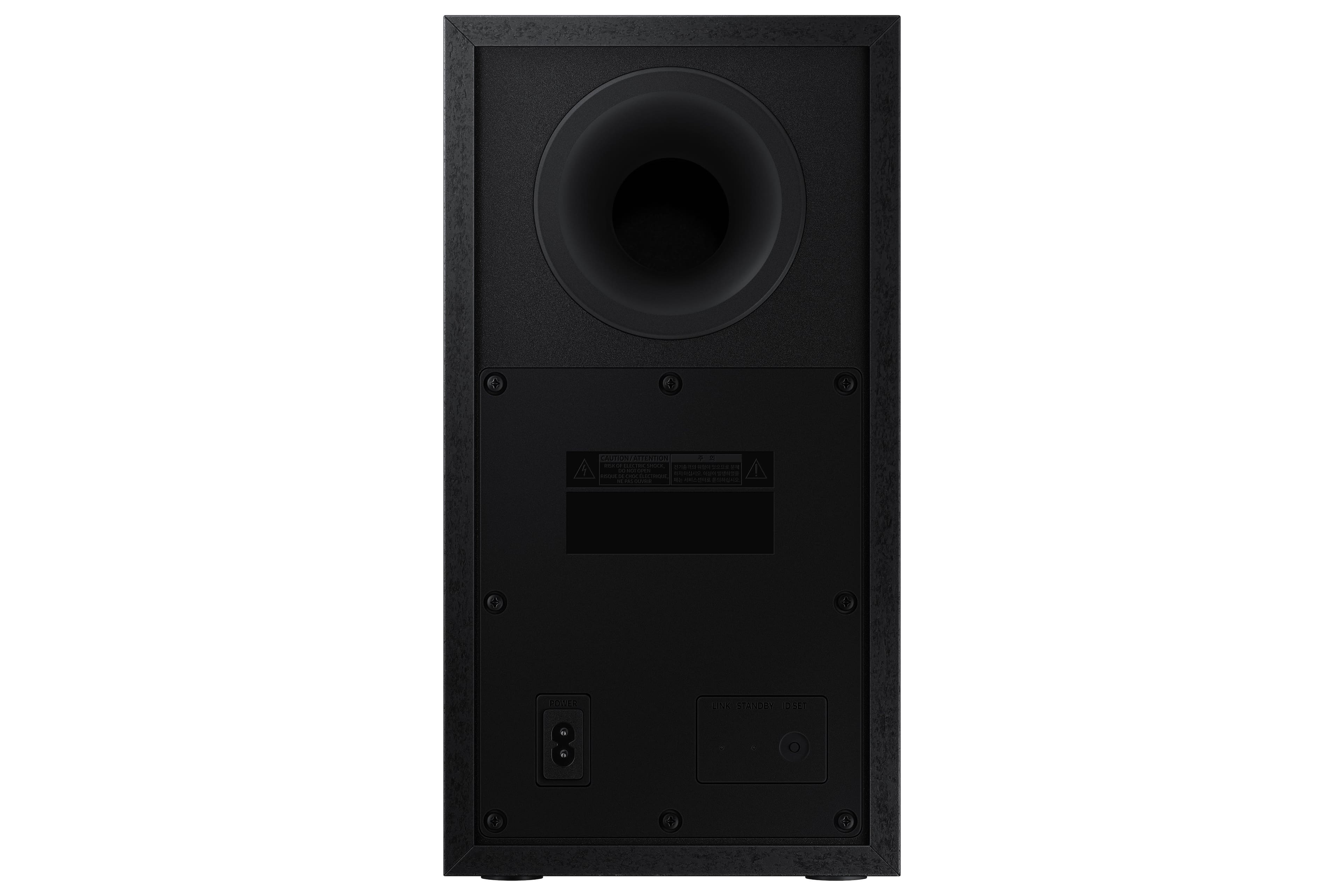
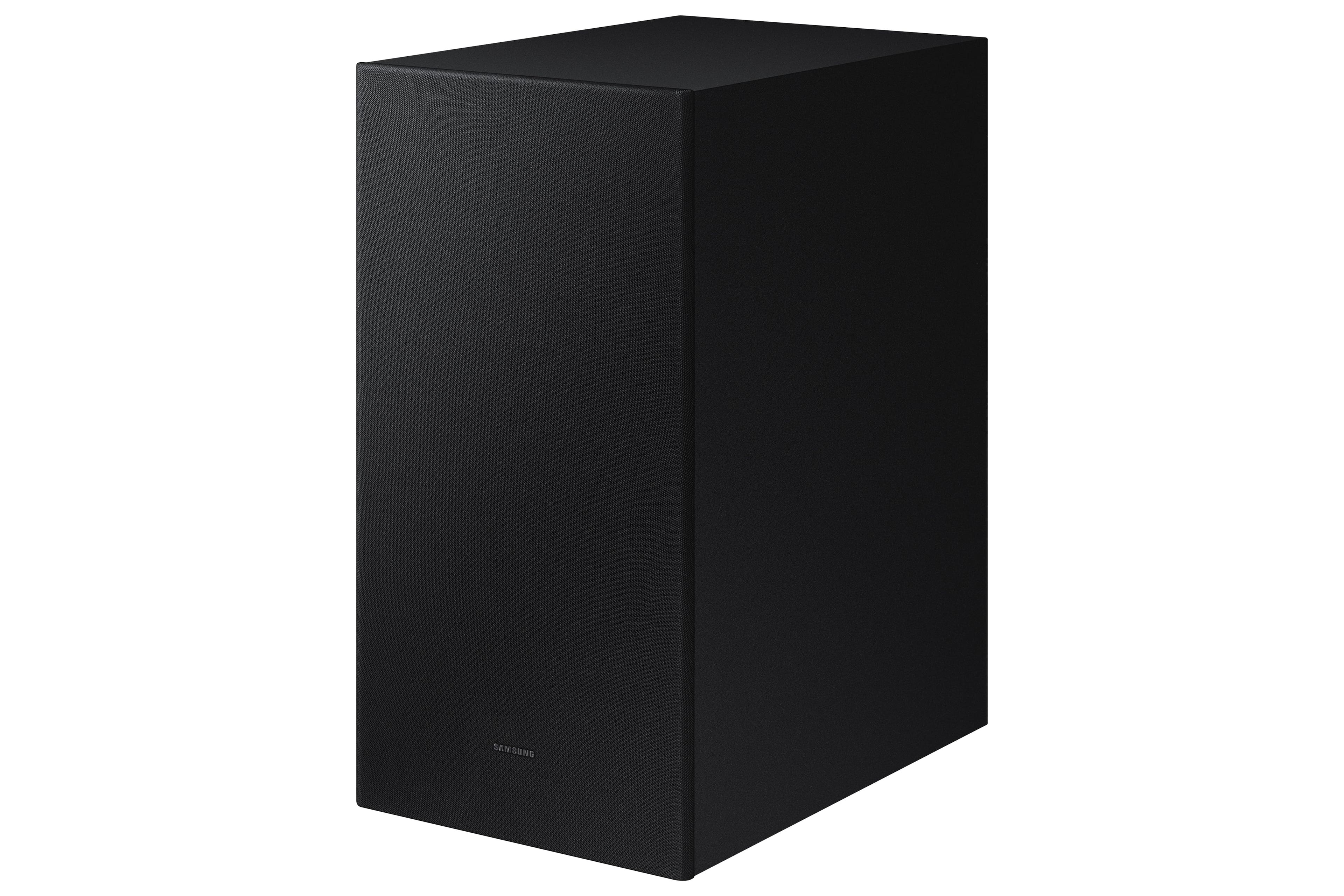
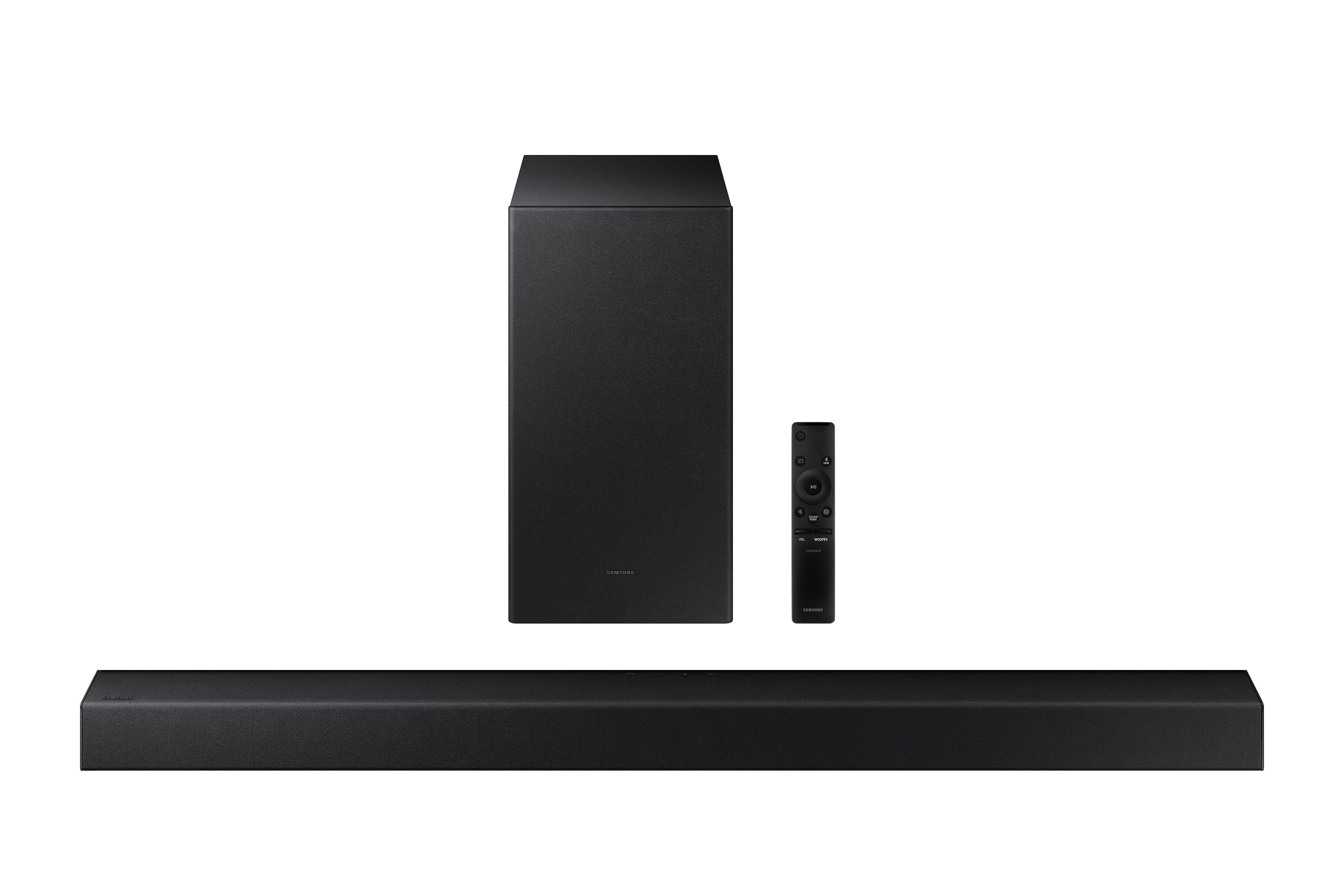


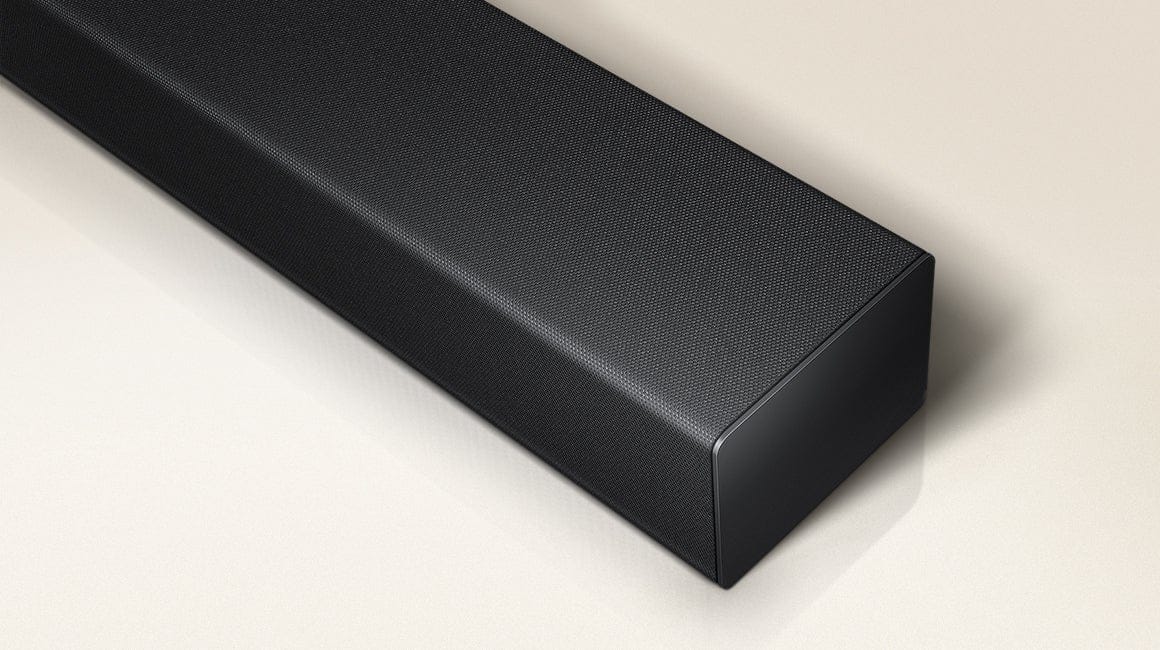

- Model:
- HW-A445/ZA
- SKU:
- 6551333
Rating by feature
- Value
Rating 4.7 out of 5 stars
- Quality
Rating 4.5 out of 5 stars
- Ease of Use
Rating 4.6 out of 5 stars
Customers are saying
Customers appreciate the superb sound quality and strong bass of this soundbar, frequently praising its ease of setup and use. Many also find it to be a great value for its price, with positive comments about its compact size and sleek design. However, some users have reported issues with the remote control's volume functionality.
This summary was generated by AI based on customer reviews.
Great product!
Posted .This reviewer received promo considerations or sweepstakes entry for writing a review.Great product! Needs better instructions on how to connect the subwoofer with bluetooth. Other than that I have no complaints.
I would recommend this to a friendGreat servis
Posted .This reviewer received promo considerations or sweepstakes entry for writing a review.Fast and easy to order online. The representative on the phone werent helpful just kept getting transferred
I would recommend this to a friend- Cons mentioned:Remote control
Doesn't work!!
Posted .This reviewer received promo considerations or sweepstakes entry for writing a review.Can't get it to work the clicker turns it on/off but can't control the volume. Four of my relatives tried and failed to get it to work. The instructions are too small to be read easily and not detailed enough. It may be a good product if it worked.!
No, I would not recommend this to a friendBrand response from Samsung
Posted .Hello T111,
Thank you for sharing your review of the HW-A445 Soundbar. I am sorry to see that your initial time with the Soundbar has not been ideal.
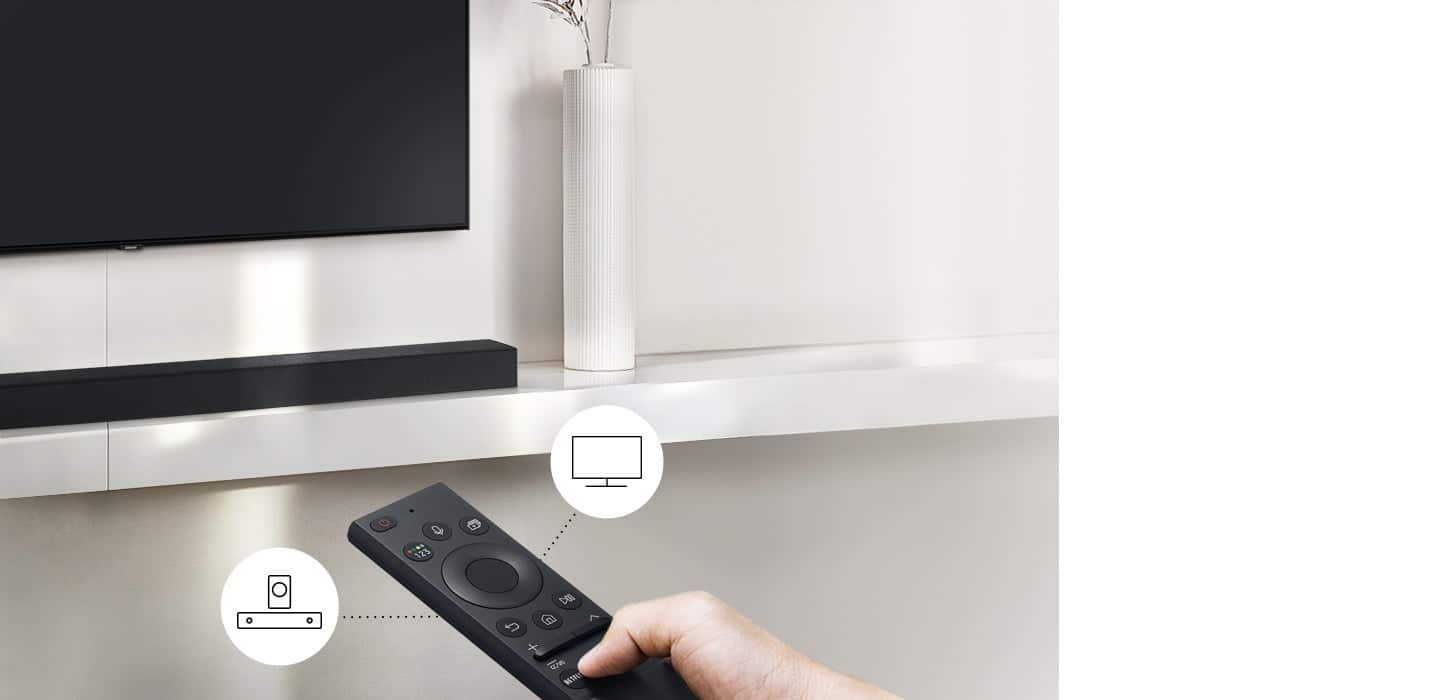
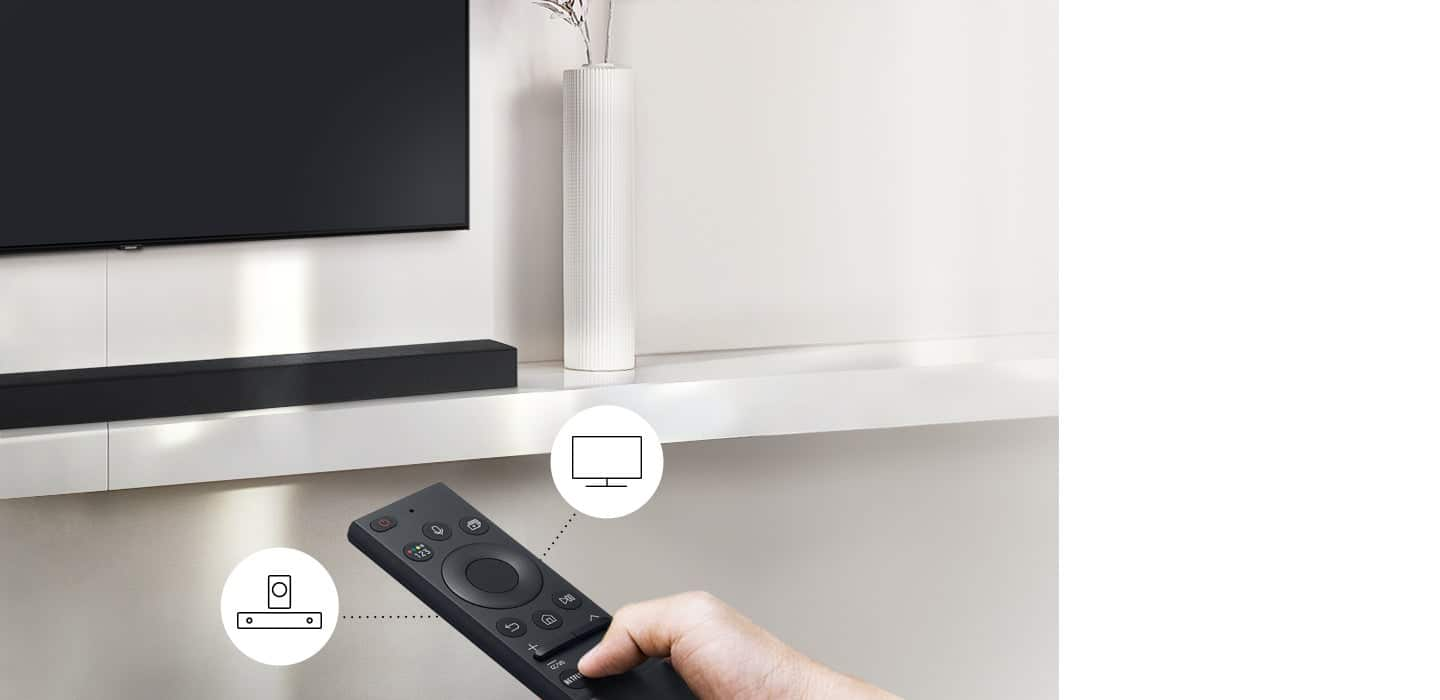
Follow these instructions to use your TV remote to control the Soundbar.
1) Use the TV remote to navigate to Settings, select Sound, and then select Sound Output on your Samsung TV.
2) Select your Samsung soundbar, and then select Close. Now you can use your TV remote to adjust volume and mute the soundbar. The soundbar should also turn on and off with the TV.
Other manufacturers’ remotes may have to be enabled on your soundbar. First, turn Off the Soundbar. Once powered off, push up and hold the WOOFER button for 5 seconds. Each time you push the WOOFER button up and hold it for 5 seconds, the mode switches in the following order: “OFF-TV REMOTE” (Default mode), “SAMSUNG-TV REMOTE”, “ALL-TV REMOTE”. Please also make sure your speaker settings on the TV are set to External Speaker.
If we can further help with any other issues, please know we are here for you. Just call us at 1-800-SAMSUNG (Ask for Soundbars), 8 AM – 12 AM EST, 7 days a week. Or visit us on the Samsung website and click on the ‘Support’ link for:
• LiveChat with an agent
• Manuals, Software, & Warranty Info
~ Samsung Solutions
Sound bar
Posted .This reviewer received promo considerations or sweepstakes entry for writing a review.Good item but wish it was louder and the speaker box don’t sound i want it to sound
I would recommend this to a friendGift
Posted .This reviewer received promo considerations or sweepstakes entry for writing a review.It was a Christmas gift for a family member. I’m hoping he will like it.
I would recommend this to a friendThe Rome theater
Posted .This reviewer received promo considerations or sweepstakes entry for writing a review.I buy the home theater a the sansung tv bolt working good together
I would recommend this to a friendSamsung soundbar
Posted .This reviewer received promo considerations or sweepstakes entry for writing a review.Every once in awhile it losses the connection a chooses blitooth over optical input.
I would recommend this to a friendJudy woodcock
Posted .This reviewer received promo considerations or sweepstakes entry for writing a review.Awesome buy I would buy it for a gift or even a christmas gift
I would recommend this to a friendRate on sound bar
Posted .This reviewer received promo considerations or sweepstakes entry for writing a review.Not great but, ok. Was not that please but will keep it since it was a gift. But, my husband was not really please after setting it up.
No, I would not recommend this to a friendBrand response from Samsung
Posted .Hello,
Thank you for sharing your thoughts regarding the HW-A445 Samsung Soundbar. I am sorry to see that you are not fully satisfied with your purchase.
So we can offer step-by-step assistance please call us at 1-800-SAMSUNG (ask for Soundbars), available 8 AM – 12 AM EST, 7 days a week.
LiveChat with an agent by clicking the ‘Support’ link on the Samsung website.
~Samsung Solutions
Sound System
Posted .This reviewer received promo considerations or sweepstakes entry for writing a review.The sound wasn't as clear as I would expect. After a while it started to buzz even though I have it hard wire to the TV.
No, I would not recommend this to a friendBrand response from Samsung
Posted .Hello KueX,
Thank you for sharing your review of the Samsung HW-A445. I am sorry to see that the Soundbar did not meet your expectations.
You can manually optimize your settings by pressing the SOUND MODE button on your remote, and then selecting the desired sound effect by choosing STANDARD, SURROUND SOUND, or BASS BOOST.
You can further adjust TREBLE via the SOUND CONTROL button (looks like a gear symbol).
There are two additional adjustments that can be made for bass and subwoofer:
1) Using the WOOFER button on the remote, you can adjust the volume of the subwoofer between -6 to +6 by toggling the button up or down. To set the subwoofer volume level to 0, press the button down
2) Adjust the bass control by pressing the SOUND CONTROL button on the remote control, then select BASS to increase the level. You can adjust the volume between -6 to +6 by using the Up/Down buttons.
For precise audio adjustments, you can use the 7-band frequency equalizer to optimize the sound for your room acoustics. With the sound mode set to Standard, press, and hold the Sound Control button for about 5 seconds. 150Hz, 300Hz, 600Hz, 1.2kHz, 2.5kHz, 5kHz, and 10kHz are selectable using the Left/Right buttons and each can be adjusted to a setting between -6 to +6 using the Up/Down buttons.
If we can help with anything else, please call us at 1-800-SAMSUNG (Ask for Soundbars), 8 AM – 12 AM EST, 7 days a week. LiveChat with an agent as well as manuals, software, and warranty info can be found at the ‘Support’ link on our Samsung website.
~ Samsung Solutions
Maybe hard ware issues with this speaker!
Posted .This reviewer received promo considerations or sweepstakes entry for writing a review.I need to find out why this speaker is not working properly. I like the Samsung TV !
I would recommend this to a friendBrand response from Samsung
Posted .Hello SaabE,
Thank you for sharing your experiences with the HW-A445 Samsung Soundbar.
So we can better assist with your Soundbar, please call us at 1-800-SAMSUNG (ask for Soundbars), available 8 AM – 12 AM EST, 7 days a week.
LiveChat with an agent by clicking the ‘Support’ link on the Samsung website.
~Samsung Solutions
So-so
Posted .This reviewer received promo considerations or sweepstakes entry for writing a review.Nothing outstanding. It doesn't add much to the viewing experience. Rather low.
No, I would not recommend this to a friendBrand response from Samsung
Posted .Hello Msh876,
Thank you for sharing your review of the Samsung HW-A445. I am sorry to see that your experience has not been ideal.
You can manually optimize your settings by pressing the SOUND MODE button on your remote, and then selecting the desired sound effect by choosing STANDARD, SURROUND SOUND, or BASS BOOST.
You can further adjust TREBLE via the SOUND CONTROL button (looks like a gear symbol).
There are two additional adjustments that can be made for bass and subwoofer:
1) Using the WOOFER button on the remote, you can adjust the volume of the subwoofer between -6 to +6 by toggling the button up or down. To set the subwoofer volume level to 0, press the button down
2) Adjust the bass control by pressing the SOUND CONTROL button on the remote control, then select BASS to increase the level. You can adjust the volume between -6 to +6 by using the Up/Down buttons.
For precise audio adjustments, you can use the 7-band frequency equalizer to optimize the sound for your room acoustics. With the sound mode set to Standard, press, and hold the Sound Control button for about 5 seconds. 150Hz, 300Hz, 600Hz, 1.2kHz, 2.5kHz, 5kHz, and 10kHz are selectable using the Left/Right buttons and each can be adjusted to a setting between -6 to +6 using the Up/Down buttons.
If we can help with anything else, please call us at 1-800-SAMSUNG (Ask for Soundbars), 8 AM – 12 AM EST, 7 days a week. LiveChat with an agent as well as manuals, software, and warranty info can be found at the ‘Support’ link on our Samsung website.
~ Samsung Solutions
Sound bar
Posted .This reviewer received promo considerations or sweepstakes entry for writing a review.Is a good speaker i was surprice of the quality it makes the work just fine
I would recommend this to a friendBrand response from Samsung
Posted .user419509,
Thanks for taking a moment to review Samsung’s A445 Soundbar. If you’re experiencing specific issues which caused you to give this a 3-star rating, please know Samsung Customer Support is here to help.
You can reach us at 1-800-SAMSUNG, 8AM - 12AM EST, 7 days a week. Our LiveChat agents are also available by clicking on the ‘Support’ link on our website.
~ Samsung Specialist
New soundbar
Posted .This reviewer received promo considerations or sweepstakes entry for writing a review.I wish the sound was louder with more base and user friendly remote
No, I would not recommend this to a friendBrand response from Samsung
Posted .MzB14,
We appreciate you sharing your thoughts on the remote, as well as the sound and bass quality of your new Samsung Soundbar.
You can manually optimize your settings by pressing the SOUND MODE button on your remote, and then selecting the desired sound effect by choosing STANDARD, SURROUND SOUND, or BASS BOOST.
You can further adjust TREBLE via the SOUND CONTROL button (looks like a gear symbol).
There are two additional adjustments that can be made for bass and subwoofer:
1) Using the WOOFER button on the remote, you can adjust the volume of the subwoofer between -6 to +6 by toggling the button up or down. To set the subwoofer volume level to 0, press the button down
2) Adjust the bass control by pressing the SOUND CONTROL button on the remote control, then select BASS to increase the level. You can adjust the volume between -6 to +6 by using the Up/Down buttons.
For precise audio adjustments, you can use the 7-band frequency equalizer to optimize the sound for your room acoustics. With the sound mode set to Standard, press, and hold the Sound Control button for about 5 seconds. 150Hz, 300Hz, 600Hz, 1.2kHz, 2.5kHz, 5kHz, and 10kHz are selectable using the Left/Right buttons and each can be adjusted to a setting between -6 to +6 using the Up/Down buttons.
If you need more help, Samsung is here for you. Please call us at 1-800-SAMSUNG, 8AM - 12AM EST, 7 days a week. Our LiveChat agents are also available by clicking on the ‘Support’ link on our website.
~ Samsung Specialist
Giant disappointment
Posted .This reviewer received promo considerations or sweepstakes entry for writing a review.Terrible experience with technology. This disconnects from my TV and need to reconnect with Bluetooth almost every week. Don’t waste your money
No, I would not recommend this to a friendsound bar
Posted .This reviewer received promo considerations or sweepstakes entry for writing a review.IT came free with TV .. but it just has one optical connections not HDMI
No, I would not recommend this to a friendBrand response from Samsung
Posted .Hello,
Thank you for sharing your thoughts regarding the inputs of the HW-A445 Samsung Soundbar.
Your review will be shared among our internal teams, should you ever have questions or need help, please call us at 1-800-SAMSUNG (ask for Soundbars), available 8 AM – 12 AM EST, 7 days a week.
For additional support resources, visit us on the Samsung website and click on the ‘Support’ link in the upper right corner of the homepage for:
1) Chat with Us/Product Help: To begin a chat or find solutions, choose ‘TVs & Home Theater’ and select your model & topic.
2) Manuals & Software
3) Warranty Info
4) Register a Product: For access to easy warranty support, convenient opt-in to special promos and offers, faster troubleshooting and service, and quick notification of system updates
5) Contact Us
~ Samsung Solutions
Don’t Waste Your Money
Posted .This reviewer received promo considerations or sweepstakes entry for writing a review.Worked the first day we installed it and sounded great. On day two it sounded super muffled. The TV sounds way better without the speakers than with them. I wish we had thrown away the box, as this was not worth the investment at all.
No, I would not recommend this to a friendBrand response from Samsung
Posted .Hello Mitchell,
Thank you for sharing your experiences with the HW-A445 Soundbar.
I am sorry to see that you are not fully satisfied with your purchase.
So we can better understand your issue, please call us at 1-800-SAMSUNG (ask for Soundbars), available 8 AM – 12 AM EST, 7 days a week.
LiveChat with an agent by clicking the ‘Support’ link on the Samsung website.
~Samsung Solutions
Sound bar
Posted .This reviewer received promo considerations or sweepstakes entry for writing a review.Didn’t work returned it and didn’t have any in stock so left empty handed didn’t get the option to get another cause it was supposedly free
No, I would not recommend this to a friendBrand response from Samsung
Posted .Hello Fernando,
Thank you for your review of the Samsung HW-A445 Soundbar and for sharing the experience that has caused you to return your unit. Your feedback is very important to us and will be shared with our product team.
Should you ever decide to give Samsung Soundbars another try and have questions or need assistance with settings, setup, or features, please know we are always here to help.
Call us at 1-800-SAMSUNG (ask for Soundbars), available 8 AM – 12 AM EST, 7 days a week.
~ Samsung Solutions