Customer Ratings & Reviews






- Model:
- XE513C24-K01US
- |
- SKU:
- 5620405
Customer reviews
Rating 4.5 out of 5 stars with 1422 reviews
(1,422 customer reviews)Rating by feature
- Value4.3
Rating 4.3 out of 5 stars
- Quality4.5
Rating 4.5 out of 5 stars
- Ease of Use4.6
Rating 4.6 out of 5 stars
Customers are saying
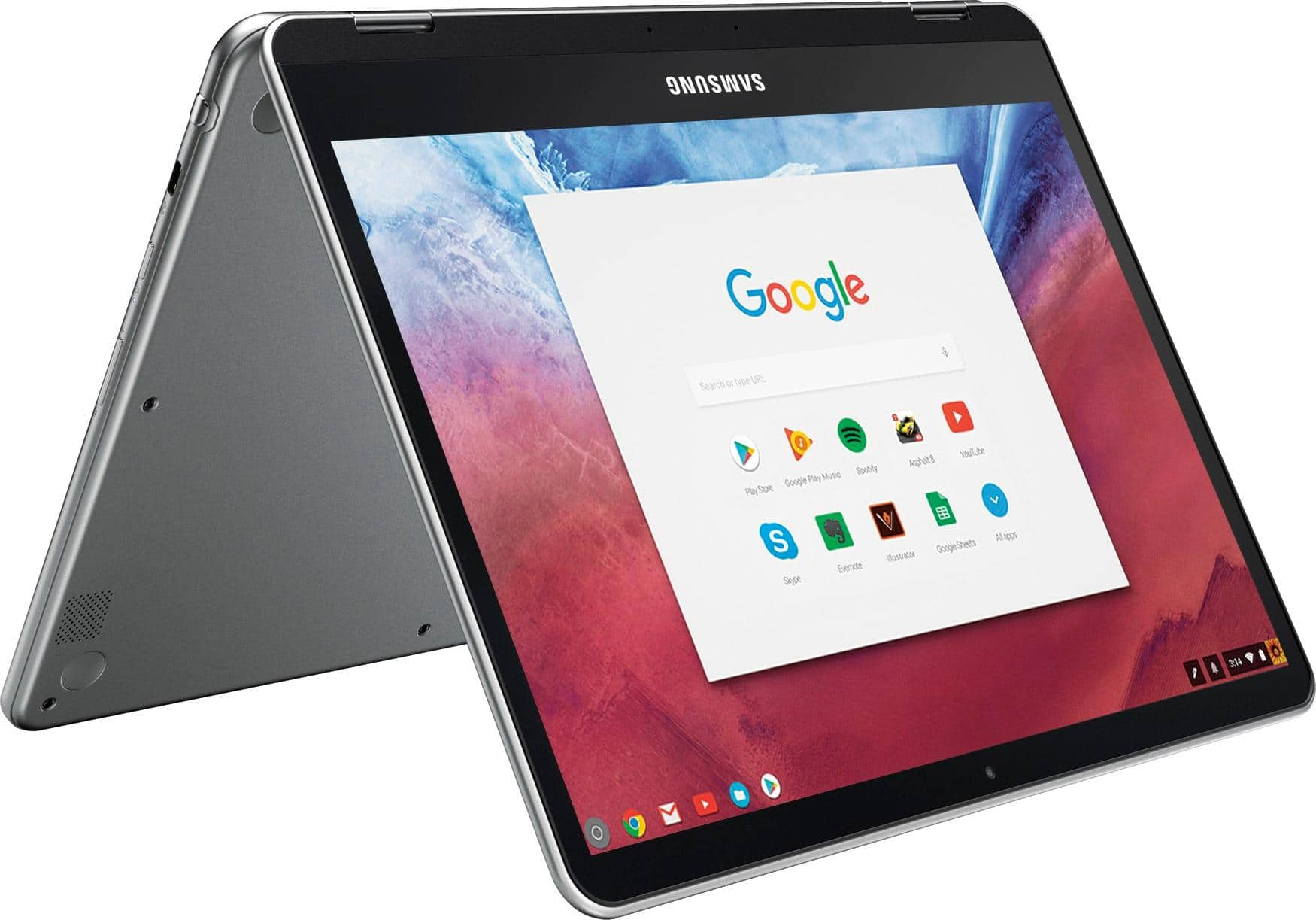
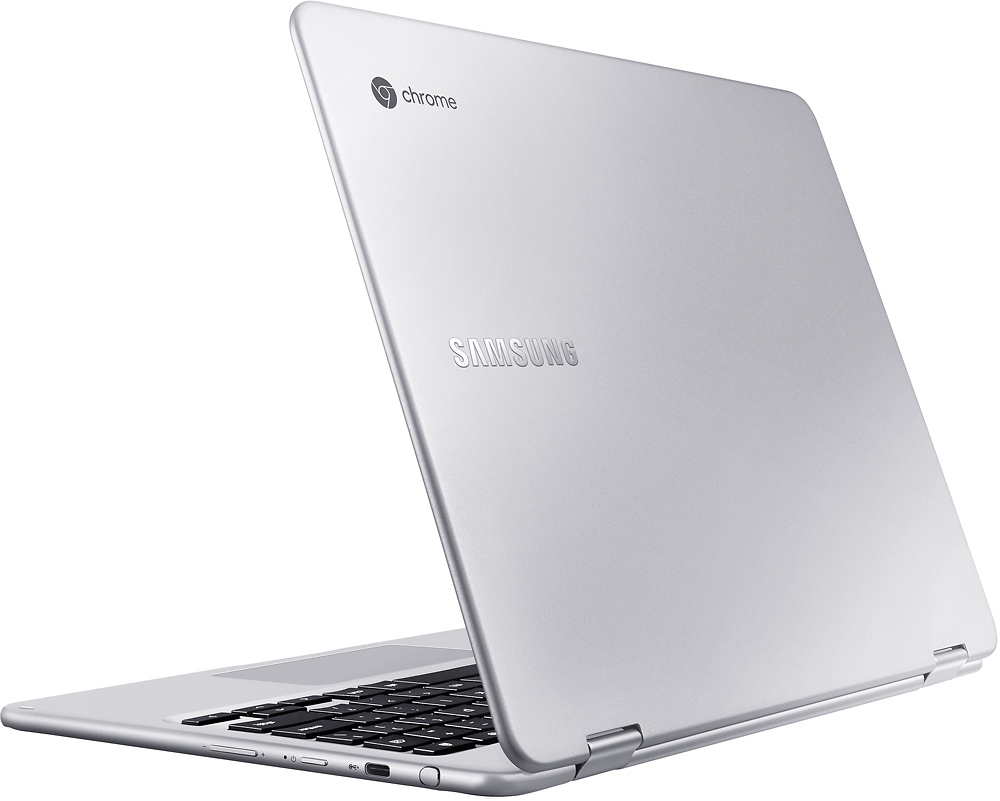
Customers are delighted by the Chromebook Plus 2-in-1's touchscreen, ease of use, lightweight design, and good battery life. Many appreciate its convenient size and performance capabilities. However, some users express disappointment with the sound quality of the speakers and the lack of a standard USB port. Overall, the positive feedback on key features outweighs the negative comments regarding the less-than-ideal audio and port selection.
This summary was generated by AI based on customer reviews.
- Pros mentioned:Weight
Rated 5 out of 5 stars
Great laptop for basic school needs
||Posted .This reviewer received promo considerations or sweepstakes entry for writing a review.Love the stylus feature! Letters are easy to adjust to, laptop is light and slim
I would recommend this to a friend - Pros mentioned:Speed
Rated 5 out of 5 stars
Awesome chrome book
||Posted .This reviewer received promo considerations or sweepstakes entry for writing a review.Purchased my first chrome book 3 years ago so basically I stopped using my Mac 3 years ago. Only thing I can’t do is back up my photos but now we just purchase space on the cloud. This Samsung model doesn’t feel cheap and works fast m. Was given 6 months of Netflix and 3 months of google music for free also a $20 gift card on the market. Over all great value
I would recommend this to a friend Rated 5 out of 5 stars
no complaints!
||Posted .This reviewer received promo considerations or sweepstakes entry for writing a review.I was trying to hold out for the Pro model of this, but a good discount came around and I pulled the trigger on this. This is a fantastic machine, I haven't pushed it to the point where it slows down, and that includes having 7 or 8 tabs open, some of which are running Docs/Sheets.
I would recommend this to a friend- Pros mentioned:Ease of use, Touch screen
Rated 4 out of 5 stars
Easy use. Great value
||Posted .This reviewer received promo considerations or sweepstakes entry for writing a review.Agree. Pretty easy, compact, and living the touch screen.
I would recommend this to a friend - Pros mentioned:Battery life, Weight
Rated 4 out of 5 stars
Very good screen quality
||Posted .This reviewer received promo considerations or sweepstakes entry for writing a review.Easy to set up. It a light product.the battery last long
I would recommend this to a friend - Pros mentioned:Speed, Touch screen, Weight
Rated 5 out of 5 stars
Best Chromebook
||Posted .This reviewer received promo considerations or sweepstakes entry for writing a review.Excellent Chromebook!!! This is a Chromebook and a Android tablet in one!! Works very quick gets great signal for WIFI. Screen looks great and this is very lightweight.
I would recommend this to a friend Rated 5 out of 5 stars
I am in love.
||Posted .This reviewer received promo considerations or sweepstakes entry for writing a review.First, a word to the uneducated about Chromebooks, what they can and cannot do. When I got my first one, I discovered that you can't download and install software as you can on a PC. You can't install very many apps (although that is changing). There aren't very many flexible settings. If you need to run programs from your computer, the Chromebook is not for you. This is what the Chromebook does: it gives you an instant-on, always-fast web browsing experience, with light weight portability and long battery life. No need to take a power cord with you. No need to wait for warmup. No crashing, no hangups, almost no interruptions for updates, no screen suddenly going dark to save on the battery, no antivirus software slowing things down, and the machine will work just as fast a year from now as it does today. Just about every Chromebook offers that. So why do I love this Chromebook? Well, this is my third (technically, my fourth). It costs nearly twice what the lower end Chromebooks do, but it's still a whole lot less than a well appointed laptop, and it is a phenomenal machine. First, let me just say what I use this for. I'm an insurance agent and I meet in people's homes. I want to pull out my tools without interrupting the flow of conversation. This machine is light as a feather and fits in my briefcase right next to my notepad (I've dropped machines and broken screens, so protection is a must for me), so I can make a very professional impression. The screen is small enough that it doesn't become a wall between me and my clients, but large enough for me to see everything clearly and for the touch screen to respond to the fine points with my fingers. (I hate touchpads.) If I really need to fine-tune, I have a stylus handy. The stylus can also allow me to "fancify" my presentation. I just use it to access buttons that are very small on my screen, that's fine enough. Also, on the rare occasion I need to resort to downloaded software, I use Desktop Remote to access my home computer from the Chromebook. The Chromebook has a wonderful size, a great light weight, a great look, and the ability to handle a dozen tabs open effortlessly. It just instantly became a seamless part of my presentation, and I don't have to worry about my brow becoming furrowed or the expression on my face becoming pained as I deal with any hang-ups, as it just doesn't screw up or lag behind my thoughts. I couldn't be happier. True, the apps don't download all that well, at least not yet, but for what I need, I'm thrilled. Now for the fun part. It's just a whole lotta fun to zoom all over the web, to touch the screen, to get incredible quality for pictures or for watching hulu or Youtube or facebook, for carrying around. It just takes it all in stride and then some. Fun factor: 10. I imagine the Google Pixel, now discontinued but perhaps to be resurrected, would also be a 10, as it is the only machine out there with a better screen resolution, but it weighs a pound more. That's significant for me. The bright screen is amazing. For those who like tablets (I am a purist for a keyboard myself), it folds over nicely. The only drawback there is that the power button is on the right hand side, so if you turn the machine to the right and stand it on its side, as you might do if you want to read an ebook, you'll power off. (The Lenovo laptop I have also does the same thing -- what were they thinking?). You can rotate to the left, but that just doesn't feel natural to me. I vastly prefer a power key at the top of the keyboard. I also wish there was a DEL key, rather than having to learn some shortcut to delete. There are a couple of quirks to the keyboard, such as a small backspace key and a search button in place of the cap lock key, but it's a good size and not cramped for my slightly large (female) hands. I would prefer slightly more travel depth to the keys as you hit them, but they still feel pretty solid. Backlit keyboards are pretty, but not necessary with the light of the screen in my opinion. For me, that's irrelevant. So, if you want a laptop without all the power and versatility that drags those things down, if you want absolutely breathtaking imagery, if you want portability, if you want a comfortable screen size and a very responsive touch screen, if you want to surf the web with a dozen tabs open, if you want a good long-lasting battery, this is the machine for you. I saw reviews about poor quality speakers, but they seem just fine to me. If this machine is out of your budget, and tablet mode isn't your thing, I highly recommend the HP touch screen machine for $259 instead. I'd still be using it if I hadn't dropped it and broke the screen. By the way, a word about warranties. I got an extended warranty on my laptop, and I've used it many times, as I also dropped it and broke the screen. (Butterfingers!) I have no complaints about the service I got, except that any repair takes time, usually a minimum of two weeks. (Also, it's hard to speak with someone who's actually working on your machine, so in my situation, I had to send it back in 2 more times to get everything fixed that I'd mentioned when I first took it in, due to failure of everyone to properly communicate. Additionally, you're required to be home to sign for delivery of the computer back to you, which for me delayed things by another week as I rerouted it to the store instead where I could pick it up, as I found out the hard way that I needed to be present.) If you're like me and you need to use your machine daily, and you're a klutz like I am, you need to think about physically protecting your machine from damage so it can survive a fall. I now carry and store this machine in my briefcase that I'd kept from the 1980's, and oh boy, does it look good!
I would recommend this to a friend- Pros mentioned:Touch screen, Weight
Rated 4 out of 5 stars
Great small laptop
||Posted .This reviewer received promo considerations or sweepstakes entry for writing a review.Very light and fast computer with a great touch screen.
I would recommend this to a friend - Pros mentioned:Weight
Rated 4 out of 5 stars
Great product.
||Posted .This reviewer received promo considerations or sweepstakes entry for writing a review.My previous surface 3 is broken. That's why i have to look for another one. I search all the best deals on bestbuy.com then i see the Chromebook plus. I watched a lot of video regarding the one then i made my decision. I buy the Chromebook Plus. I like it very much. It is really thin and light. I recommend you guys should buy it.
I would recommend this to a friend - Pros mentioned:Battery life, Touch screen
Rated 5 out of 5 stars
Great alternative to a full sized laptop
||Posted .This reviewer received promo considerations or sweepstakes entry for writing a review.I'm OS agnostic and have Macs, Windows PC, Linux boxes, and decided to add a ChromeOS device to my inventory. It does not disappoint! Great for just about everything that doesn't require Windows or Mac applications, e.g. surfing the web, watching movies. The Android store is very convenient however many apps do not look right or do not properly detect network settings. Battery life is very good and screen quality & aspect ratio is top notch. The only significant issues I've had are the the laptop external is not the most durable. Within a few days I noticed nicks and scratches from typical use. Also, the stylus retractable top popped off. Fortunately it was covered under warranty and Samsung replaced a shipment that arrived in 3 days.
I would recommend this to a friend - Pros mentioned:Touch screen
Rated 5 out of 5 stars
Great little unit
||Posted .This reviewer received promo considerations or sweepstakes entry for writing a review.I actually bought a cheaper Samsung Chromebook and then this one was in the store as open box, and quite discounted, so I bought it. It has many more features than the original one I bought, such as touch screen, a stylus, a slightly bigger screen, and better resolution., among other things. Very nice and would definitely recommend.
I would recommend this to a friend - Pros mentioned:Touch screen, Weight
Rated 5 out of 5 stars
A Great Chromebook
||Posted .This reviewer received promo considerations or sweepstakes entry for writing a review.This is my first foray into Chromebooks, and it has been a great one. The Samsung Chromebook Plus has been flexible and capable, easily tackling what I do most everyday - web surfing, checking email, reading, watching videos, etc. I've tried the pen in Evernote, and it seems responsive enough. Touch screen is great - didn't think I would use it as much as I do. The screen flips around without much effort, but isn't loose where it would not hold its position. As you've read elsewhere, with the smaller keyboard, you do end up hitting the '=' key a lot as you reach for the backspace, but it gets better after more use. Light weight, but probably not something you will read from in bed, but comfortable from a chair. I'm enjoying using this.
I would recommend this to a friend - Pros mentioned:Speed, Touch screen
Rated 4 out of 5 stars
Great open box deal!!
||Posted .This reviewer received promo considerations or sweepstakes entry for writing a review.Pro - Awesome screen, fast. Con - battery usage ok
I would recommend this to a friend - Pros mentioned:Battery life, Touch screen
Rated 4 out of 5 stars
Great Chromebook for my needs
||Posted .This reviewer received promo considerations or sweepstakes entry for writing a review.I bought this Samsung Chromebook because I like there products. The fit and finish is excellent, the screen is beautiful, I would of liked a lit keyboard but I knew this when I bought it. The battery last me the whole day if I am using it that long. I usually charge it every 3 to 4 days. I am using a hub to connect my wireless mouse. I works better if I plug in the charger to the hub. I have not tried to connect a ext harddrive yet. I had my Samsung 7 Edge paired to it so I did not have to input the password but lately it stopped working. It tells me the Bluetooth on the Chromebook is off and I need to login and turn it on. I have to get some help on this since it was not a problem in the past.
I would recommend this to a friend - Pros mentioned:Ease of use, Weight
Rated 5 out of 5 stars
Easy to use
||Posted .This reviewer received promo considerations or sweepstakes entry for writing a review.Easy to setup, lightweight. Works great! Recommend
I would recommend this to a friend - Pros mentioned:Battery life, Speed, Touch screen
Rated 5 out of 5 stars
Great for teenage son for school
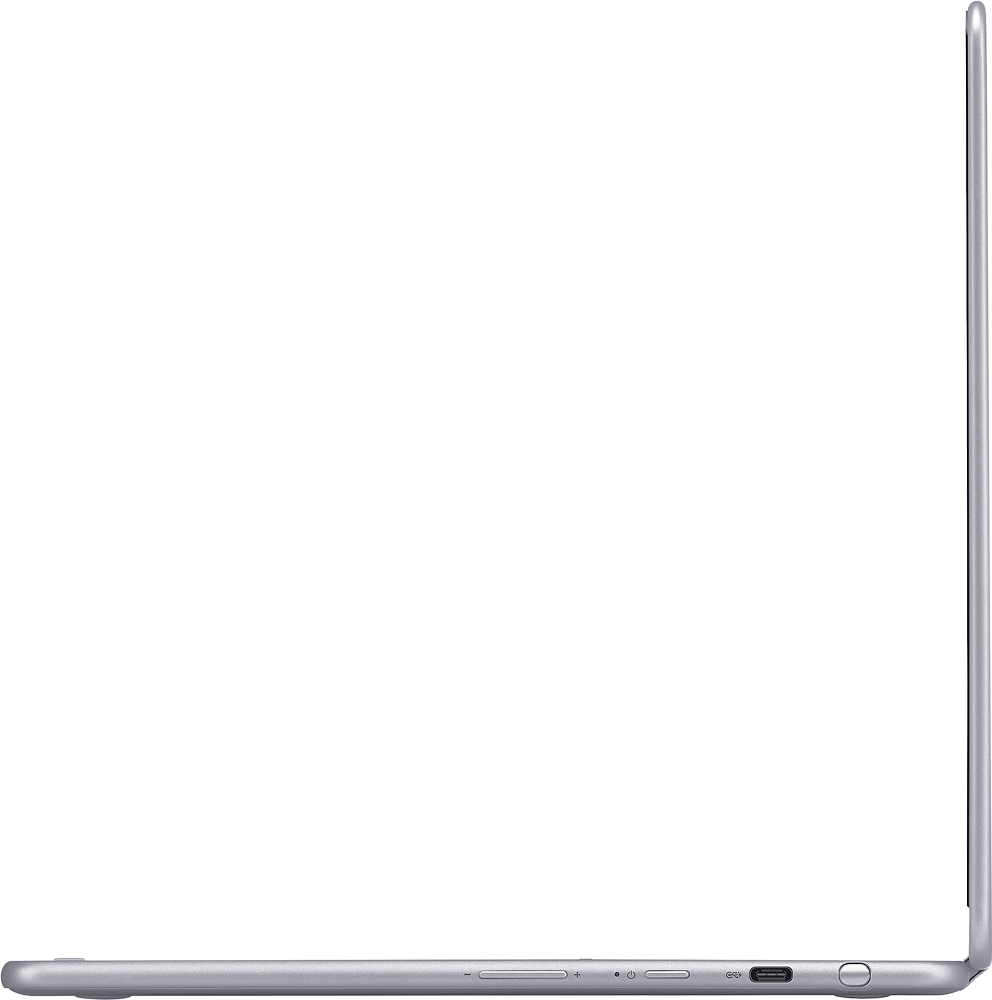
||Posted .This reviewer received promo considerations or sweepstakes entry for writing a review.Great touch-screen and pen. Screen resolution looks nice and runs smoothly. Battery will last almost the entire day. Make sure you research the USB-C ports it comes with. Overall very happy with purchase.
I would recommend this to a friend - Pros mentioned:Touch screen
Rated 4 out of 5 stars
Great Chromebook
||Posted .This reviewer received promo considerations or sweepstakes entry for writing a review.Got this for my wife for Valentine’s Day, we started out with a small budget, but saw that this was on sale and provided more of what I wanted for her (design, style, usability). The screen is awesome, and will be great for when my wife puts together a Shutterfly book. The performance is quite snappy, really quick to get around. There are a few Chromebook specific details to get used to, but laptop mode is generally awesome. I gave this 4/5 stars because when I’ve tried to watch Netflix or Hulu in tablet mode, it keeps on closing the app and going back to the desktop. Otherwise, this is an awesome laptop for quick things (video, email, recipes, Skype, etc).
I would recommend this to a friend - Pros mentioned:Speed
Rated 5 out of 5 stars
Highly recommend!
||Posted .This reviewer received promo considerations or sweepstakes entry for writing a review.I got this for my boyfriend to use for classes and he absolutely loves it! It’s perfect for a college student and he loves that it’s a 2-in-1. It’s fast, high quality, affordable, and you can take handwritten notes which is great for class!
I would recommend this to a friend - Pros mentioned:Battery life, Touch screen
Rated 5 out of 5 stars
A Windows Killer
||Posted .This reviewer received promo considerations or sweepstakes entry for writing a review.I am a long time chromebook user, but this Samsung model is like - Wow! It looks great and it is surprisingly useful. The built in stylus is much more useful than you would think. It is more expensive than my other chromebooks but I think it is worth it. Battery life is great. Looks and feels like an Apple product. Screen form factor 3:2 is great for work and browsing. But the big winner is the Android Play Store. While still beta I have been able to run a surprising number of apps including Kindle, Vudu, and localcast. Casting audio and video works great.
I would recommend this to a friend - Pros mentioned:Speed, Touch screen
Rated 5 out of 5 stars
This chromebook is AMAZING!!
||Posted .This reviewer received promo considerations or sweepstakes entry for writing a review.I purchased this chomebook to replace my Macbook Air 11 that I gave to my daughter. I never thought for the $449.00 price I can get top quality product. The build is all aluminum just like macbook. The screen is identical to retina if not even better. This chromebook boots up in less than 10 seconds. I use the google docs in I save most of my documents in google drive. I also added a 64GB micro sd to this device and I store all my files that I use on a regular basis and I back them up to the cloud. I also saved all my music files locally and it is very fast and stable. I highly recommend this product to anyone who's just needing to do all their work online and watch movies and play music online.
I would recommend this to a friend