Customer Ratings & Reviews






- Model:
- XE513C24-K01US
- |
- SKU:
- 5620405
Customer reviews
Rating 4.5 out of 5 stars with 1422 reviews
(1,422 customer reviews)Rating by feature
- Value4.3
Rating 4.3 out of 5 stars
- Quality4.5
Rating 4.5 out of 5 stars
- Ease of Use4.6
Rating 4.6 out of 5 stars
Customers are saying
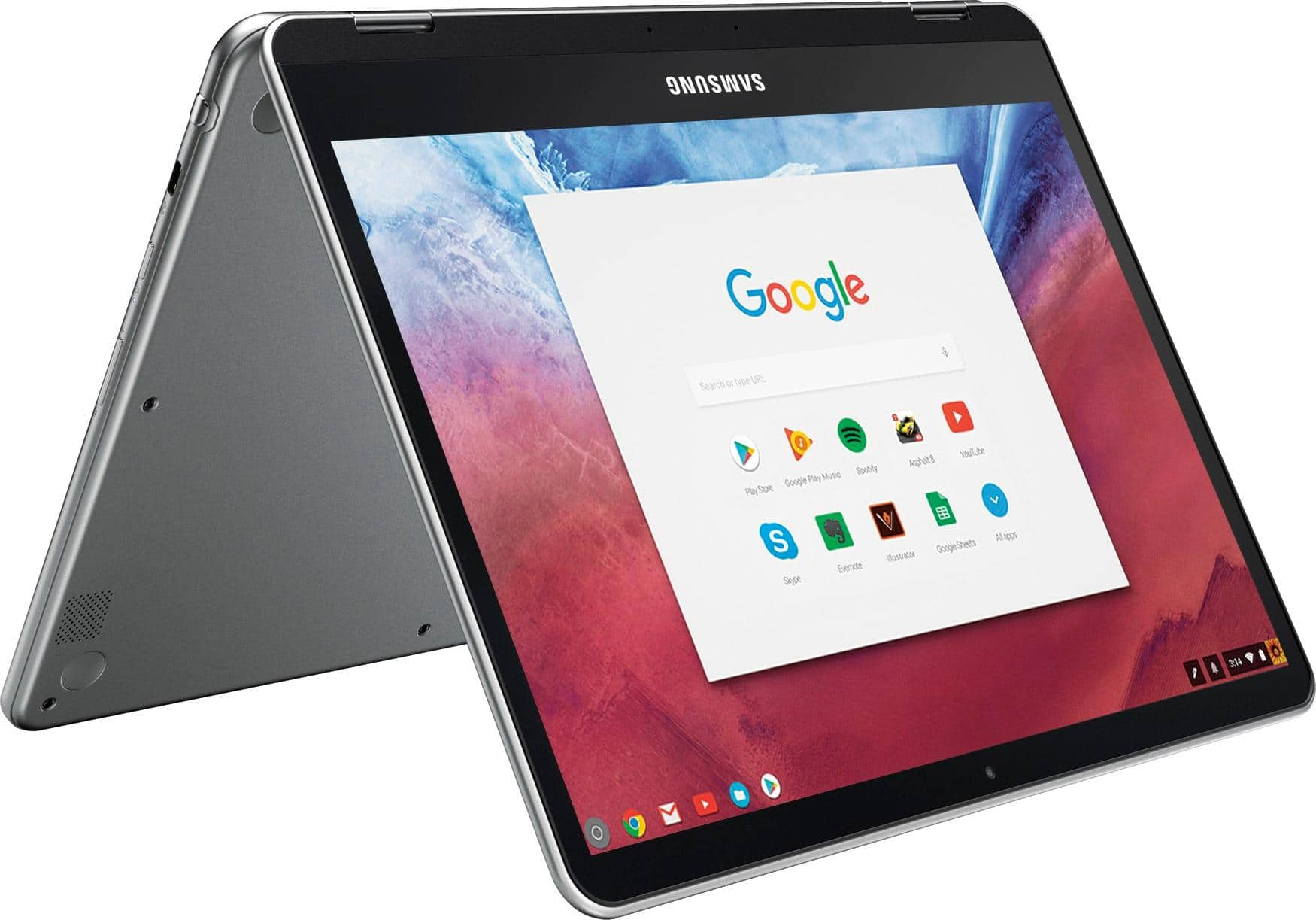
Customers are delighted by the Chromebook Plus 2-in-1's touchscreen, ease of use, lightweight design, and good battery life. Many appreciate its convenient size and performance capabilities. However, some users express disappointment with the sound quality of the speakers and the lack of a standard USB port. Overall, the positive feedback on key features outweighs the negative comments regarding the less-than-ideal audio and port selection.
This summary was generated by AI based on customer reviews.
- Pros mentioned:Weight
Rated 4 out of 5 stars
Chromebook that made me believe in ChromeOS
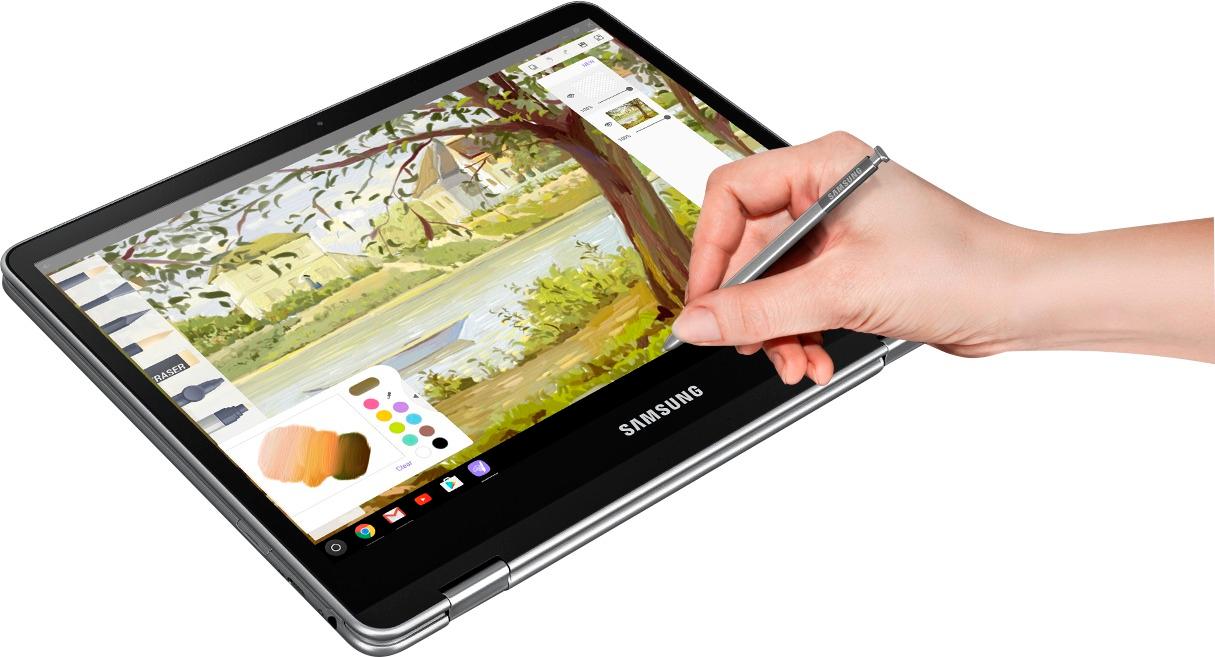
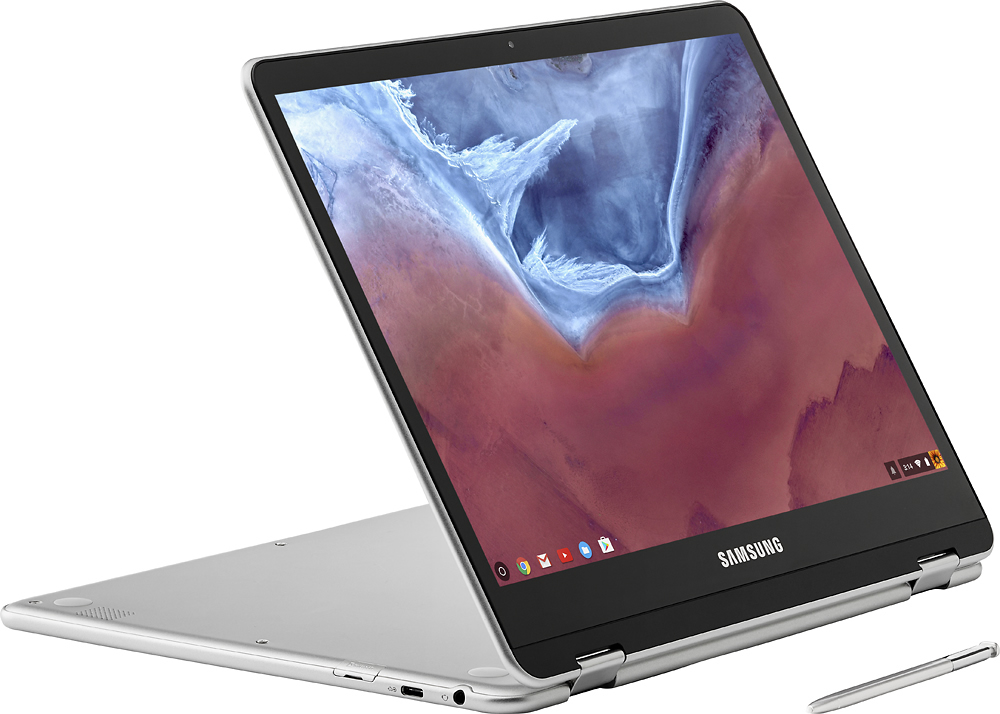
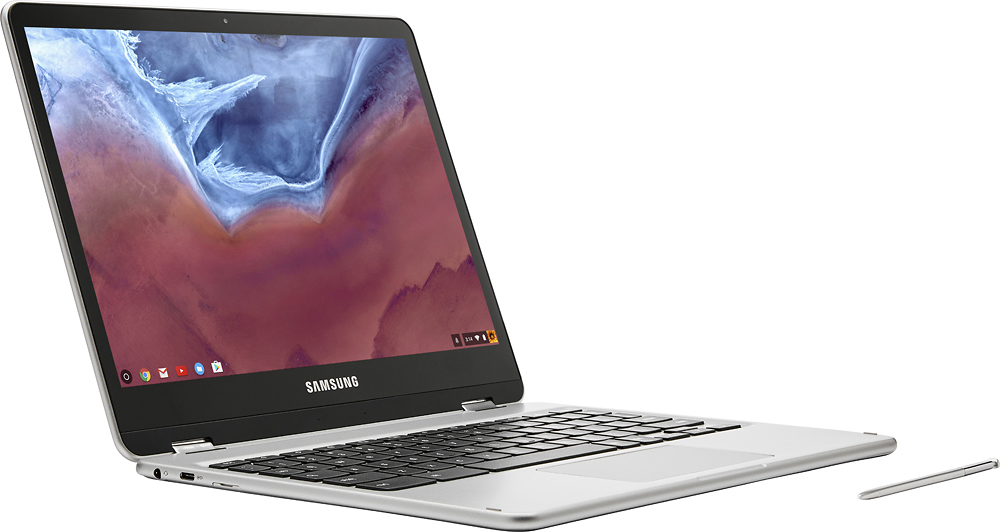
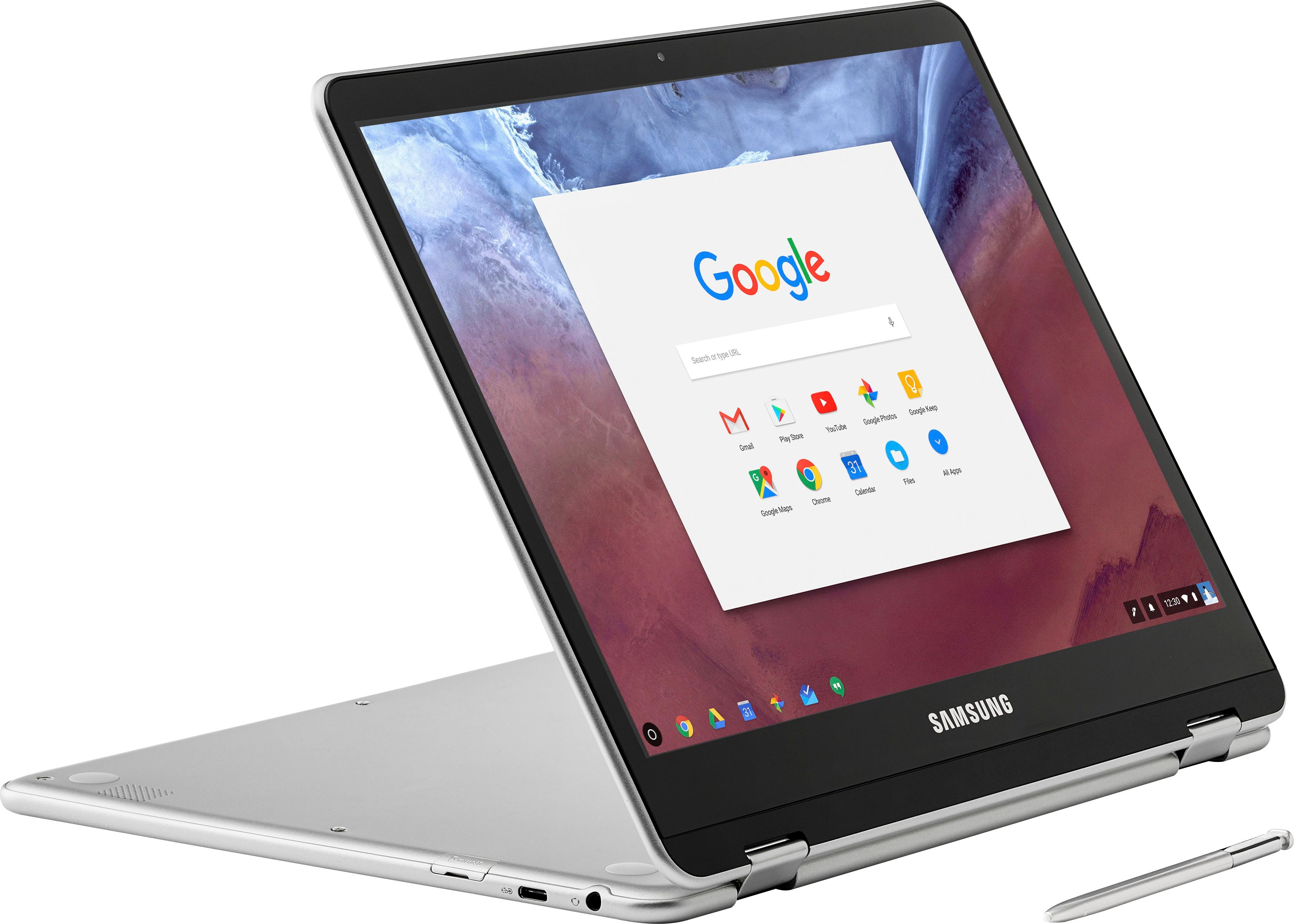
Posted .This reviewer received promo considerations or sweepstakes entry for writing a review.I tried out ChromeOS years ago with an Acer Chromebook but I immediately knew that it wasn't for me. The Chrome Web store was devoid of apps and Android apps were unavailable. The device also felt cheap. Needless to say I returned that device and waited until there were better choices. Fast forward to the present and the Chromebook Plus checks so many boxes for me. It's running the majority of may Android apps but not without quirks. Some are problematic like Sonos, Harmony, and T-Mobile Digits which is compatible at all. However, some run really well like Telegram, Inbox, OneNote, Todoist to name a few. I recognize that some of these have Chrome versions but I prefer the Android ones. Another great feature of this device is the ability to use a stylus. Not only does the stylus come with the device but there is built in storage to keep the accessory. It's great to use, although I would have liked a button on the side of it to quickly trigger additional functions. The screen was another factor in my decision making process. I've looked at other Chromebooks before and they always had poor screens and lower than desired resolutions. With this Chromebook Plus I didn't feel like I had to sacrifice quality. The screen is very bright, very responsive and plenty big. I also just like the way the Chromebook looks. It doesn't look like a cheap like some other devices. It's also quite light and convenient to use on the couch or in bed. One thing that I will note is that I feel like the top of the Chromebook Plus scratches a bit too easily for my liking. So be careful. I enjoy easily swapping between laptop mode and tablet mode on this device. It's so easy to flip the keyboard back and enjoy a video or surf the web. I If I have any complaints it's the lack of a backlit keyboard, a small delete key, it can get sluggish when you have too many things open and I wish there was bio-metric support though I don't know if ChromeOS supports that at all. You tend to get spoiled when you use Android apps that can log in with your fingerprint and then you switch to ChromeOS and you have to type passwords. I also find that I can't say "Ok Google" even though that's supposed to be a working feature. I think my BIGGEST complaint are the awful speakers. They are pretty terrible. They are low and choice of placement has me scratching my head. I just don't get why Samsung would put the speakers on the bottom of the device. I often find myself struggling to hear people if I'm using Hangouts or watching a Youtube Video. I think the speakers are definitely the biggest disappointment. Overall though I would recommend the Chromebook even at the price point of $450. It does so many things so well. I found that I do the majority of my tasks in a browser so I feel completely productive on this device. I think ChromeOS will continue to get better and I'm glad that Samsung is helping to make devices that shows off its potential.
I would recommend this to a friend - Pros mentioned:Speed
Rated 5 out of 5 stars
im in love
Posted .This reviewer received promo considerations or sweepstakes entry for writing a review.i looked at a few other chromebooks this one was a little more expensive but it was on sale and had amazing reviews. when looking for a chromebook there were 3 things important to me the first was that it was a 2 in 1 with a touchscreen the second the speed and the third and most important to me was the google play store. this has all of those things. i have told my husband over and over how much i love my new toy
I would recommend this to a friend - Pros mentioned:Battery life, Weight
Rated 5 out of 5 stars
Excellent Battery, Great Tablet & Chromebook
Posted .This reviewer received promo considerations or sweepstakes entry for writing a review.I have been using this for about a month, both as a Chromebook and an Android tablet and the performance and battery life have been excellent. At work, where we use Citrix XenApp, I have been able to use the system all day (9.5hours) connected to an external monitor and using Bluetooth keyboard and mouse, and still have 50% battery at the end of the day. It is true, that at this point, Android game applications use more power (say 15-20% per hour), but the ability to use this as and Android tablet and a Chromebook laptop makes for a tremendously useful and flexible device. The build quality is to a high standard and I don't have any concerns about tucking this in my backpack for daily use. And the weight makes it easy to carry. The only thing I really miss is a backlit keyboard, when I'm using it in Chromebook laptop configuration in a dim room. Overall, this unit has worked so well and is worth the premium price (for a Chromebook).
I would recommend this to a friend - Pros mentioned:Touch screen
Rated 5 out of 5 stars
Beautiful Chromebook
Posted .This reviewer received promo considerations or sweepstakes entry for writing a review.It does everything I need without slowing down. Beautiful device and screen. Nice rounded edges feels great in your hands. Only thing I don't really like are the rubber feet, they are more like plastic so they do not grip very well. You could easily put some rubber sticker pads over them if you needed to, not worth taking a star away. The hardware isn't really anything special but I didn't get it for the hardware really( you can get the same or better internal hardware for half the price, but it wont look or feel anything like this sexy beast). I wanted a Chromebook that felt great in my hands and was pleasurable to look at for hours at a time. The display compared to my wife's Asus flip 2 is just way more vibrant and natural. The display is probably the #1 reason I bought this, just BEAUTIFUL!!!. And the size is perfect for me. The 10 inch was just too small for me and any any bigger is just getting too big for what I wanted. Google apps work fine. I really got this for the aesthetics. love the rounded edges. And a touch screen is a must for me. Tablet mode is nice sometimes as well.
I would recommend this to a friend - Pros mentioned:Battery life, Weight
Rated 5 out of 5 stars
Best Chromebook Ever
Posted .This reviewer received promo considerations or sweepstakes entry for writing a review.I kept holding off on buying this because my experience with Chromebooks taught me they should be cheap. Well, this is not cheap - but it is relatively inexpensive and all most people will need. The display is fantastic, it is quick to respond and has an all day battery life. I love the keyboard, the lightness of the overall unit and the fact that it can be used as a tablet in touch screen mode. The speakers could be louder - but that is what blue tooth is for. This machine does 95% of everything I need. For the other 5% drag out my HP Laptop. Got this on sale for $399, and I felt guilty spending the money at the time. My guilt has washed away and I love this thing.
I would recommend this to a friend - Pros mentioned:Weight
Rated 5 out of 5 stars
Fast and light weight
Posted .This reviewer received promo considerations or sweepstakes entry for writing a review.I've been looking for a basic laptop I can use for college, something lightweight and quick. I thought I was going to have to settle for a $1000+ lightweight laptop, until i stumbled upon this beauty. Super thin and weighs barely anything, it's perfect to just slip in my bag. The one thing I love about chromebooks is the fact that it isnt filled with a bunch of apps that slow the computer down, its got a decent storage space, and most of the time I'm using the google drive anyway. I love the tablet mode and the pen that comes with it. Good for taking notes, light work, and it's great for streaming. If you want to download a bunch of stuff (windows style), you probably dont want a chromebook, but if you are an avid google user, this is a fantastic chromebook.
I would recommend this to a friend - Pros mentioned:Touch screenCons mentioned:Speakers
Rated 4 out of 5 stars
Great laptop for the budget conscious
Posted .This reviewer received promo considerations or sweepstakes entry for writing a review.I was becoming frustrated with Windows 10 and my bulky Windows laptop started to die, and I couldn't afford any Apple PC so once I heard about this Chrome laptop I bought it. This is an excellent device - light, quiet and excellent screen quality. Plus it has all the best Google apps. The 2-in-1 design is great - I like the tablet mode for when I'm drawing, tent mode for watching videos. However, it has its problems. The Google Play Store is in beta; some apps won't install or don't work as well as on Android tablets or phones. I can't download the MLB app; I can't watch purchased HD movies from Google Play Store in HD. Bottom-firing speakers sound a bit tinny. Other than that, this is a great laptop and I would recommend it to a friend.
I would recommend this to a friend - Pros mentioned:Touch screen
Rated 4 out of 5 stars
First Chromebook
Posted .This reviewer received promo considerations or sweepstakes entry for writing a review.This is my first Chromebook and I am pleasantly surprised with the Samsung Chromebook Plus. It is also my first convertible laptop. I traded in my iPad Air 1 and purchased the Chromebook to replace it. My main motive was to replace the iPad with something that I could consume media on, surf the web, and do some light productivity work on through Google's services such as Google Docs and Google Sheets. This product is by no means a full laptop or desktop replacement due to its limited hard drive space and the lack of ability to print without a printer that supports Google print. However, this product is great for those that need a secondary device that is lightweight (weighing 2.38 lbs.) and can do some light productivity work. The stylus support is also a major plus that I don’t think many people talk about. I also bought this product with my fiancé in mind. She is a fashion designer and I wanted a product for her to be able to sketch some of her ideas. When I asked her what she thought of the drawing capabilities, her initial response was “it’s not as good as the iPad Pro.” I already knew that but what I wanted to know was if this Chromebook close enough to competing with the iPad pro, Surface book, and similar products as an artist’s tool. She’s been wanting an iPad Pro for a while but I just couldn’t justify the purchase because 1) I already had an iPad and 2) if I was going to get another mobile device, I needed it be able to handle more productivity related scenarios. I find it very annoying to use the iPad as a productivity device, even with an attached keyboard. Anyways, she’s been using it for about a week now and I’ve found her using it to sketch and play games from the Google Play store almost every night. She also uses the Pinterest app a lot to save ideas for our wedding. When I told her I was thinking about returning it she said “No, I want to use this!” LOL I think she likes it a lot and the drawing experience is good enough that she’s actually use it. Trust me, if it was bad experience she would get annoyed of it quickly and never use it again. What I didn’t tell her is that I’m thinking about returning the Plus and purchasing the Pro model when it comes out due to the faster processor. I notice a little bit of lag in the animations when I have a lot of webpages and apps open in the background, which I think the m3 processor would help with. Pros: - Screen is beautiful for the price - Convertible capabilities - Google Play support out of the box - Responsive stylus support with pressure sensitivity - Able to connect to my iPhone using mobile hotspot. Great for using it on the Expo and I’ve found the connection to be pretty reliable. Cons: - No backlighting on the keyboard - Speakers aren’t loud enough - Bluetooth connectivity drops a lot and takes a while to actually connect. I use my Jaybird X2 everyday on the Expo and sometimes connect it to the Chromebook to watch videos or downloaded videos on Netflix. I find this pretty frustrating but I have wired earphones in my bag so it’s not a deal breaker. Overall, I think this is a great device for myself and the fiancé since it fits both of our needs at a very reasonable price. There are some flaws with it but none of them are deal breakers.
I would recommend this to a friend - Pros mentioned:Touch screen
Rated 5 out of 5 stars
Amazing Laptop for Great Price
Posted .This reviewer received promo considerations or sweepstakes entry for writing a review.This laptop is high end great quality and a nice size. It has google play so you can get apps on your laptop. It comes with a pen so you don't have to buy one for $99.99. It has a very good picture to it. Bright so you can see it. It folds and you can customize a lot of stuff.
I would recommend this to a friend - Pros mentioned:Touch screen
Rated 5 out of 5 stars
Sold my Surface Pro 4 to get this!
Posted .This reviewer received promo considerations or sweepstakes entry for writing a review.The Surface Pro 4 is one of the best laptops ive ever owned. Having said that, i do not feel like i was using it to its value. I had the i5 256gb version which currently sells for around 1200. While i did love it, i wasnt using the pen very often and most of what i did with it was web browsing, writing, and watching movies. The Chromebook Plus seemed like a much better option for me because it did everything i need it to, it has a wonderful screen and it costs significantly less! I dont regret seling my Surface to get this for a minute. I got another great laptop and i pocketed a few hundred dollars as well. Win, win.
I would recommend this to a friend Rated 5 out of 5 stars
Samsung Chrome +
Posted .This reviewer received promo considerations or sweepstakes entry for writing a review.Well my first catch of this very nice tablet all in one was kinda not easy to say no to. i originally owned the samsung galaxy note pro 12.2 tablet from 2 yrs back. i had been looking not for a replacement because the note pro12.2 was a great tablet and had alot of features, but since any updates on the os and whatnot relied on my carrier, which meant it was slow to get anything. dont get me wrong, i like my carrier alot. now when i saw an email on that the new samsung chrome books ( i know they werent the only ones to make the Chromebook series of laptops and things) it wasn't that factor that caught my eye. it was the combined keyboard, s-pen, and the addition of a android google-play store and apps were installed and can be used with and specifically worked into the chrome OS. which for me i liked that. with my note pro finding a working keyboard was hard and cases annoying, so when i saw the SC + and it had the android apps, s-pen and a worked in keyboard and ability to do a 360 degree fold i was very excited because this met alot of what i wanted. i didn't invest early into the whole chrome book because alot of the devices on the market well sorta were sub par on the specs, the Samsung Chromebooks as well. but with this new addition to the line of products they made a great mix with out compromising hardware to match most tablets. i have watched videos and done searching about the SC+ and haven't seen many bad things if any at all. the keyboard is nice and spaced like a old laptop so your not really having to lose your fingers or pressing multiple buttons with one finger. i think out of alot of the Chromebooks being brought to market this year i believe Samsung will beat the competition. the Samsung plus so far hasn't had issue that shouldn't be expected. only downside is like on some professional review boards from android forms and news writers, is that some of the apps don't fit all the way, some apps will or may crash and hang for a bit. but don't let some of those bugs sway you away if you like any of Samsung's products. every new innovative tech or programming has its issues. i bet the iOS, windows, and Linux even had issues when trying new things, to working on different hardware and whatever over the years. we still support all of those companies and their programs and the hardware that runs them. so take the good and the bad, but if you have issues speak up and whatnot so the issue can be addressed, but please don't attack Samsung making it like they did you wrong, they are human and humans are not perfect. the all in one is well worth the amount ya pay, though wish i knew how much the microSD max was, or if they plan on making a way to bridge them together. who knows ...
I would recommend this to a friend- Pros mentioned:Weight
Rated 5 out of 5 stars
perfect so far!
Posted .This reviewer received promo considerations or sweepstakes entry for writing a review.I've had it for a week now and i couldn't be happier, beautiful and fast! i did wish the pen could do more like the surface pro but i guess that means paying more so i'm okay that it doesn't have special buttons on it. a little over priced for a college student but for others it will be cheap. i haven't downloaded many apps since i only use it to surf the web, youtube, online hw / study, facebook, shop online or type essays. i did downloaded ART apps and they've been working well. i did notice when i use wifi at a coffee shop or where ever that its not my home wifi it interferes with the apps or loading so all that about apps not working i think its the strength of the wifi. other than that i love it! did wish it came in black. using the tablet mode has been wonderful and haven't had any issues yet and hopefully i never will. its much brighter than my old samsung chromebook, a little louder than the old samsung chromebook but not as loud as the expensive laptop. very light weight, keyboard is fine for me but maybe not for a bigger hands. i did wish it had no hand detection while using the notepad with the pen but it isn't that bad if you don't put to much pressure on the screen. i will update if something goes wrong. :)
I would recommend this to a friend - Pros mentioned:Touch screen, Weight
Rated 5 out of 5 stars
Awesome
Posted .This reviewer received promo considerations or sweepstakes entry for writing a review.Perfect size and weight. Runs Google Play store apps and games right out of the box. Screen is bright and resolution is HD. Stylus is slightly better than years past from Samsung. Storage space is adequate. Very thin and light weight. Not really a big deal that the keyboard isn't backlit. The screen gives off plenty of light to type.
I would recommend this to a friend Rated 5 out of 5 stars
Dollar for Dollar, the Best Chromebook you can Buy
Posted .This reviewer received promo considerations or sweepstakes entry for writing a review.Performance out of the box was great for this chromebook, and even the android apps ran decently too, though most apps are still buggy and in beta. You'll definitely appreciate the all metal build quality, and the screen here is easily one of the best ever used on any laptop. At 400 nits brightness and 2400 by 1600 resolution, everything is crisp and a joy to look at. I was even suprirsed by the speakers as well, and noticed that they not only fired downwards, but through the keyboard as well and sounded decent, but not macbook quality. Overall, best device money can buy this year.
I would recommend this to a friendRated 5 out of 5 stars
Premium Chromebook: King of the Hill
Posted .This reviewer received promo considerations or sweepstakes entry for writing a review.If there is a Rolls Royce or Porsche of Chromebooks, it's this Samsung Chromebook Plus / Pro. Premium aluminum build with gorgeous bright display (Better than HD in a world where most other Chromebooks are barely HD). Playstore apps answer the critics who say you can only work in the Chrome browser. Not any more! Thanks to Android apps and a responsive touchscreen, you can use hundreds of thousands of apps outside the browser environment. The convertible factor makes this a great tablet when you need it to be so, as well. And the Pen beats the Pencil on the iPad Pro and Pen on the Surface Pro. And hey, it's the only one of the 3 to provide a place to store the stylus within the device itself. Truly a wonderful experience!
I would recommend this to a friend- Pros mentioned:Battery life, Weight
Rated 3 out of 5 stars
It's ok
Posted .This reviewer received promo considerations or sweepstakes entry for writing a review.Pros: 1: the design is flawlessly 2: lightweight 3: screen display is good 4: battery life 5: the keyboard is ok, easy get use to Cons 1: no usb ports since it's a chromebook 2: laggy when opens more than 2 tabs 3: camera is really bad 4: overheating 6: the apps are also laggy (facebbook etc.) and yes I have good internet service! For $446 after tax, I am expecting something more about the chromebook. I really tried to like it. However, I returned it the next day and exchanged it for the latest iPad which suits me more on daily tasks for a cheaper price and better performance.
No, I would not recommend this to a friend - Pros mentioned:Battery lifeCons mentioned:Speakers
Rated 3 out of 5 stars
Great 2-in-1 chrome OS needs fixing.
Posted .This reviewer received promo considerations or sweepstakes entry for writing a review.The computer is great. Great resolution display, great travel on the keyboard, and great battery life. Also great as a tablet, the trackpad keyboard do not react when in any other mode except laptop mode. If you like to write notes or annotate documents the palm rejection is up there with the Surface pro, but would say the iPad pro is still king of the hill on that subject. Chrome OS is very buggy though with this Chromebook. The new integration of Play store is great... when it works. Apps will load, then crash when in the middle of something, or will not open at all. Transitions from landscape to portrait sometimes bugs out. If you have the extra money i could go with the iPad pro 9.7 inch or the Surface pro. Also the worse thing about this laptop is the speakers, worse sounding speakers ever on a laptop.
I would recommend this to a friend - Pros mentioned:Battery life
Rated 5 out of 5 stars
Long Term Review
Posted .This reviewer received promo considerations or sweepstakes entry for writing a review.I've owned my Samsung Chromebook Plus for 6 months and it's been a great. Previously I owned Samsung flagship tablets like the Galaxy Note 8 and the Galaxy Tab S2. This Chromebook which is the first generation to combine an Android tablet and a Chromebook is a fantastic way to have both devices in one. Amazing display (like a pixelbook), Pen input (not just for taking notes), super fast startup, reliable and a long lasting battery. I thought about buying a laptop but this does everything a laptop does unless you must use MS Office on a mobile device. (I still use a desktop for that.) Schools in my area are requiring students use a Chromebook. Secure, super fast startup and nearly crash proof make them ideal for a learning environment. From meeting with clients to watching You Tube in bed, this is my go to device. Hours and hours of use with juice to spare.
I would recommend this to a friend Rated 5 out of 5 stars
Chromebook Perfection
Posted .This reviewer received promo considerations or sweepstakes entry for writing a review.I've been anticipating the release of this device since it was announced a ways back. I have to say, I'm more than impressed. The device itself is beautiful, thin, and sleek. It has a quality build and feels much more well made than other Chromebooks I have used in the past. The display is phenomenal; it's easily the most clear screen I've ever had on any tablet or computer. If you doubt the resolution, go see it in person. It's gorgeous. The aspect ratio is weird for a Chromebook, but after getting used to it I definitely see it's appeal. The processor is quick and I haven't had any issues with lag, even running a large amount of tabs at once. The boot time is mere seconds. My favorite part about this device is the ability to run full Android apps. This is the first Chromebook to have that support and I'm already wondering why it wasn't done sooner. Although some people have been complaining about the keyboard being "cramped", I feel it is very naturally shaped and fits my hands well. The feedback on the keys is very responsive and a huge upgrade from my Windows Surface this is replacing. It is very similar to the feeling of a regular laptop. My only complaint is the lack of a back-lit keyboard, but the rest of the features easily make up for it. Overall, this Chromebook is AMAZING and well worth the price.
I would recommend this to a friend- Pros mentioned:Touch screen
Rated 5 out of 5 stars
Fast, easy and impressive!
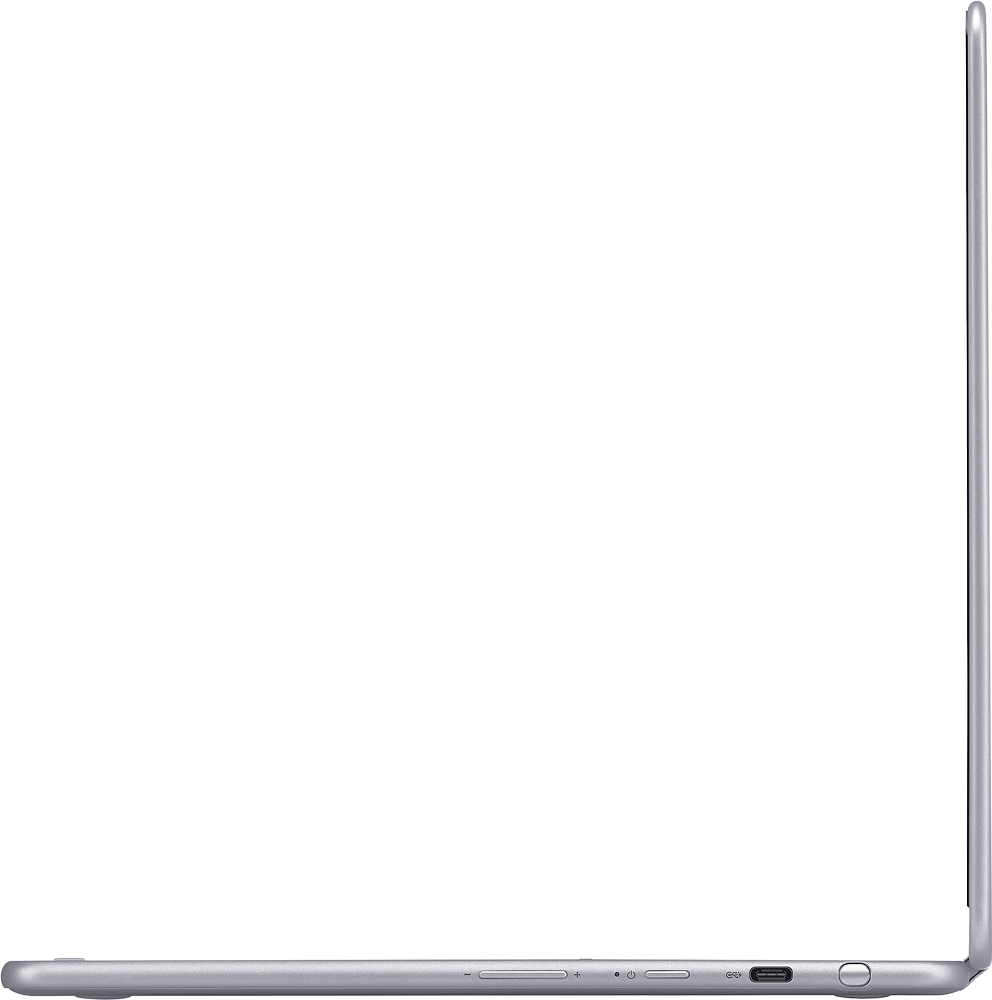
Posted .This reviewer received promo considerations or sweepstakes entry for writing a review.So I purchased this simply because I was sick of Windows OS. I wanted to try something new, was worried it wasn't going to work with school. Not only did it work with my University but it was more than just a basic computer. I loved the screen quality and use of the S-pen since I draw a lot. It has full use of Google play and it's touch screen. I love how everything connects with Google drive and you can use offline apps and Google's docs let's you save in Microsoft office format if need be. For the price it's totally worth it. Boot up time is like 5 second's. Perfect for students and elderly friendly or just normal use. I even purchased a Nintendo Skin for it and a Bluetooth mouse. You can buy insignia adapters HDMI/USB for it since its only type-C ports. And it comes with built in virus protection (sand box).
I would recommend this to a friend