Customer Ratings & Reviews

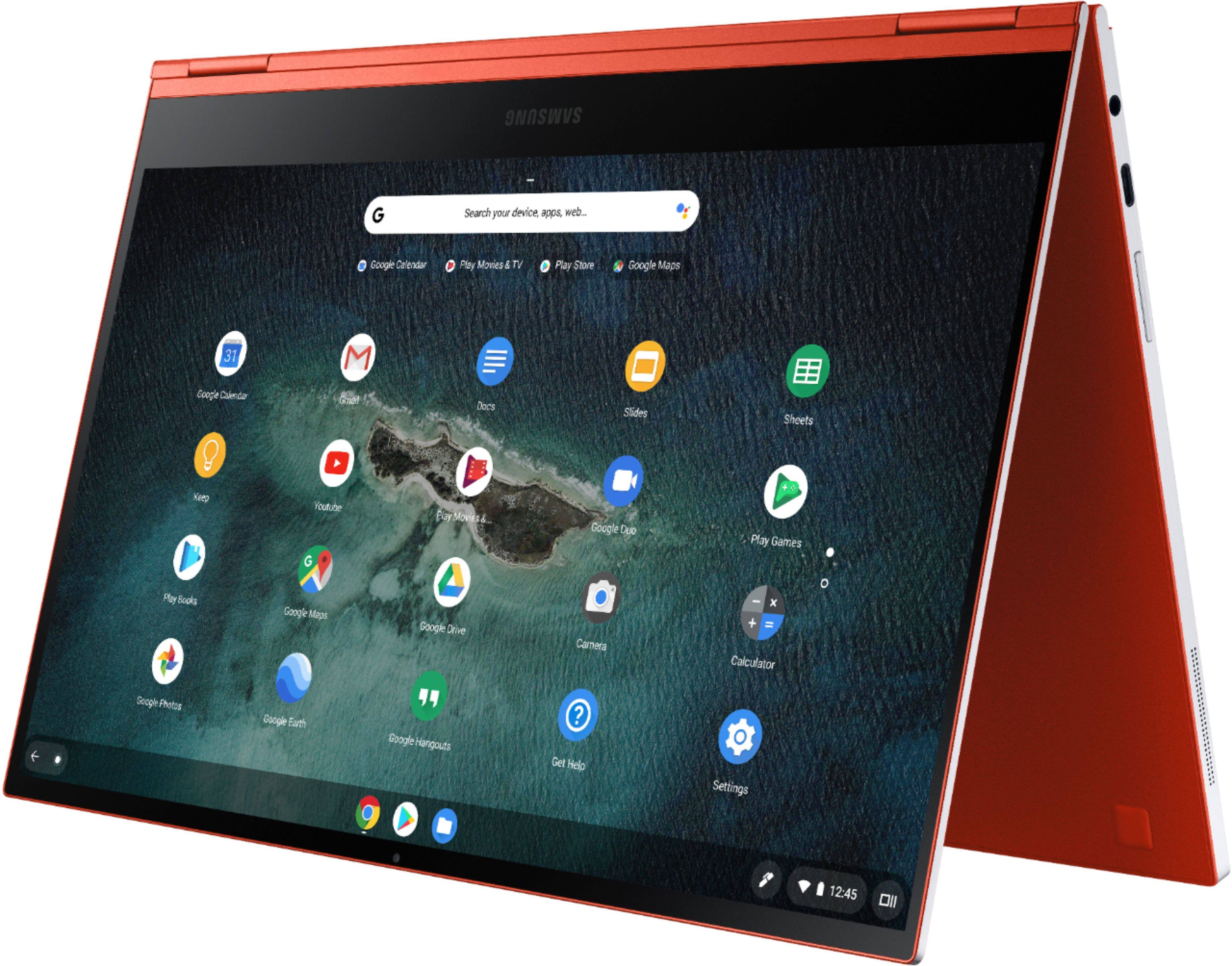

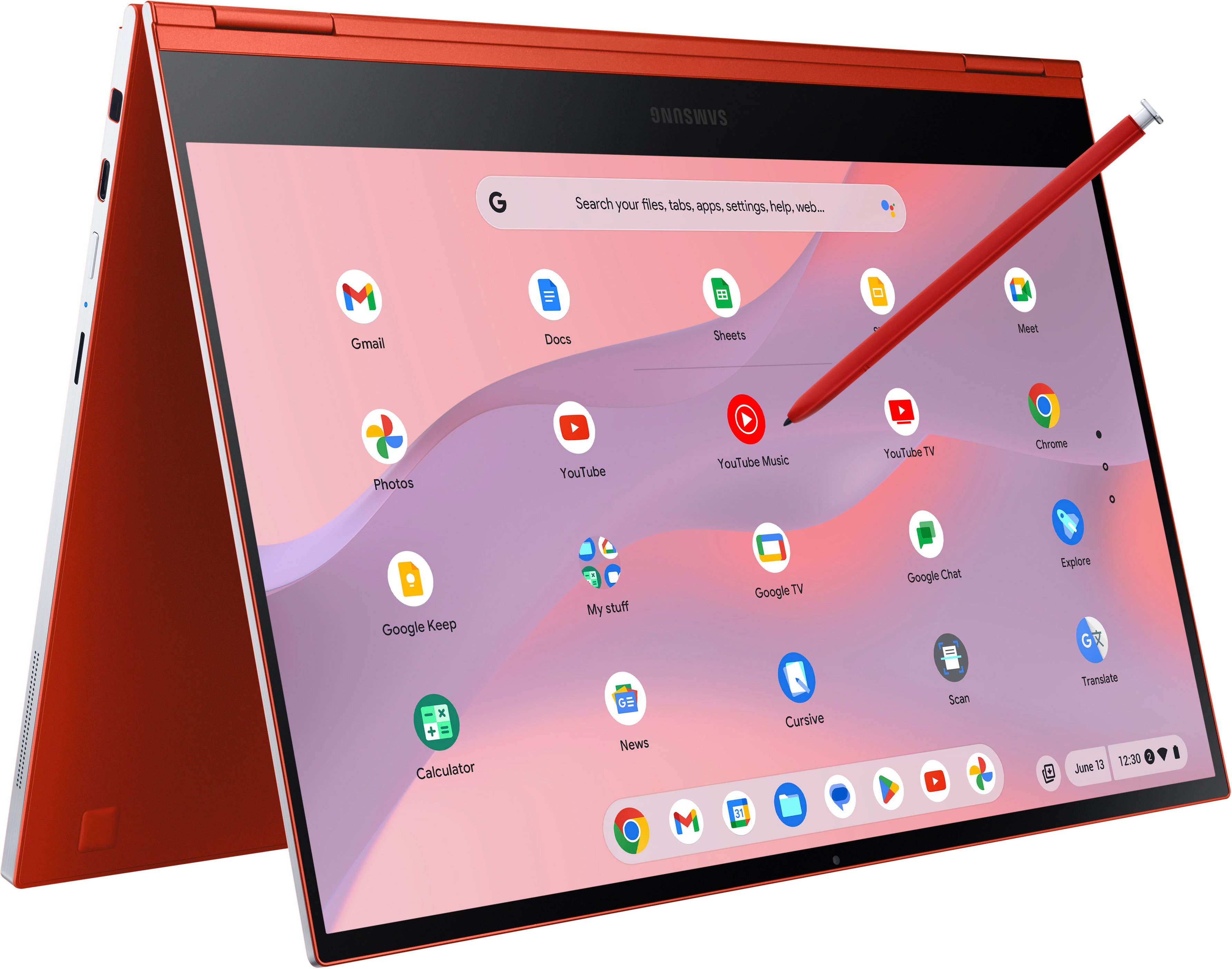
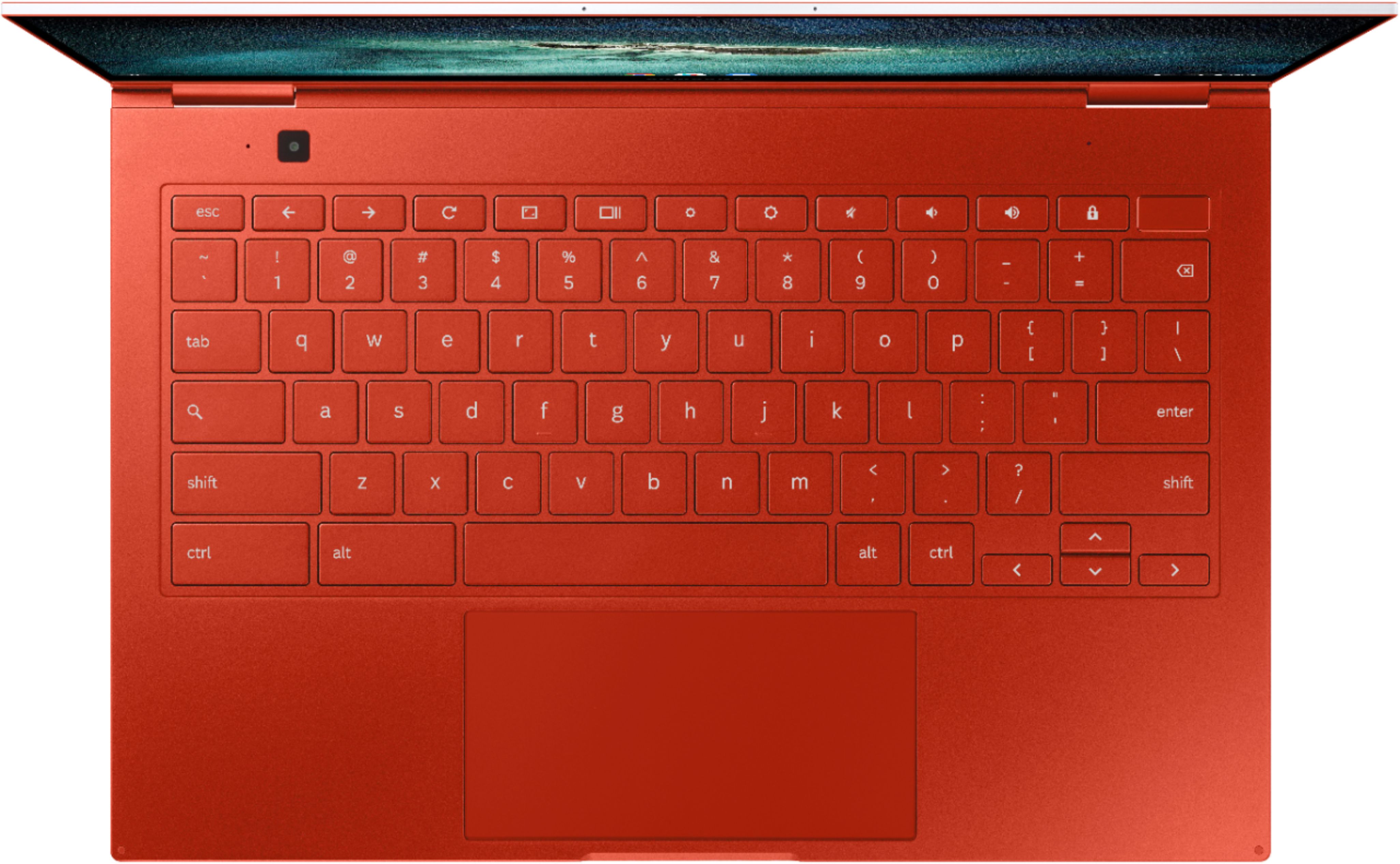
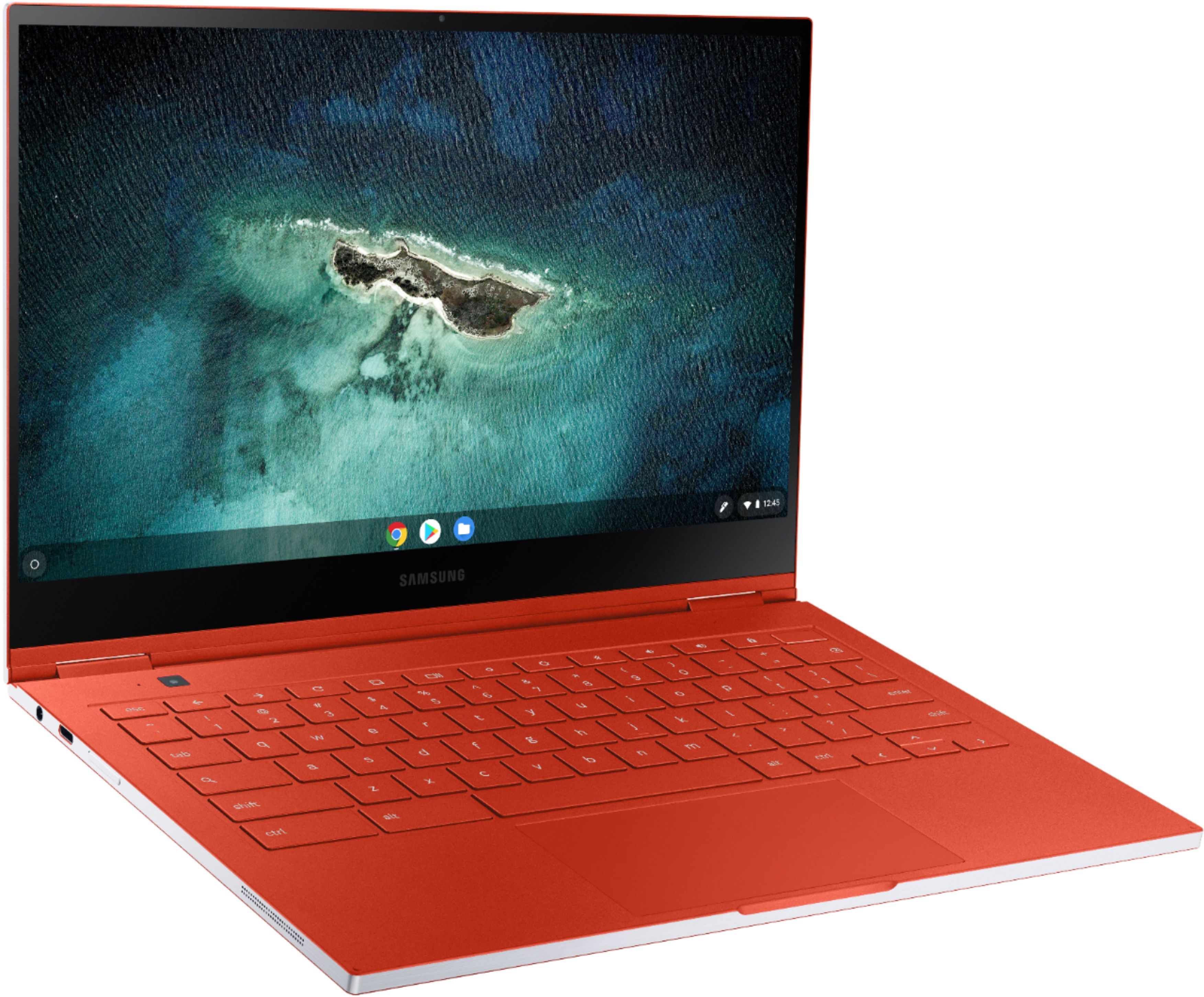

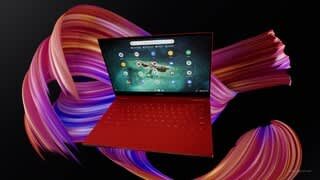

- Model:
- XE930QCA-K01US
- SKU:
- 6398115
Rating by feature
- Battery Life
Rating 3.6 out of 5 stars
- Speed
Rating 4.4 out of 5 stars
- Display
Rating 4.6 out of 5 stars
Customers are saying
Customers find value in the excellent screen quality, lightweight design, and ease of use of this product. However, many express concerns regarding the battery life and some inconsistencies with the touchpad. The product's performance and attractive design are also frequently praised. While some find the price to be high, others appreciate the overall premium feel.
This summary was generated by AI based on customer reviews.
Great Chromebook
||Posted . Owned for 1 week when reviewed.This reviewer received promo considerations or sweepstakes entry for writing a review.Only had for 11 days, but so far it such a great deal. I got on sale for 499. I know I thought that was still a lot for a chrome book, but it has quickly replaced my other windows 11laptop as my favored laptop. Very fast and lot of storge and light weight which makes it very portable when I’m on the go. it has handled everything I had asked it to do.
I would recommend this to a friendGreat buy, pretty color!
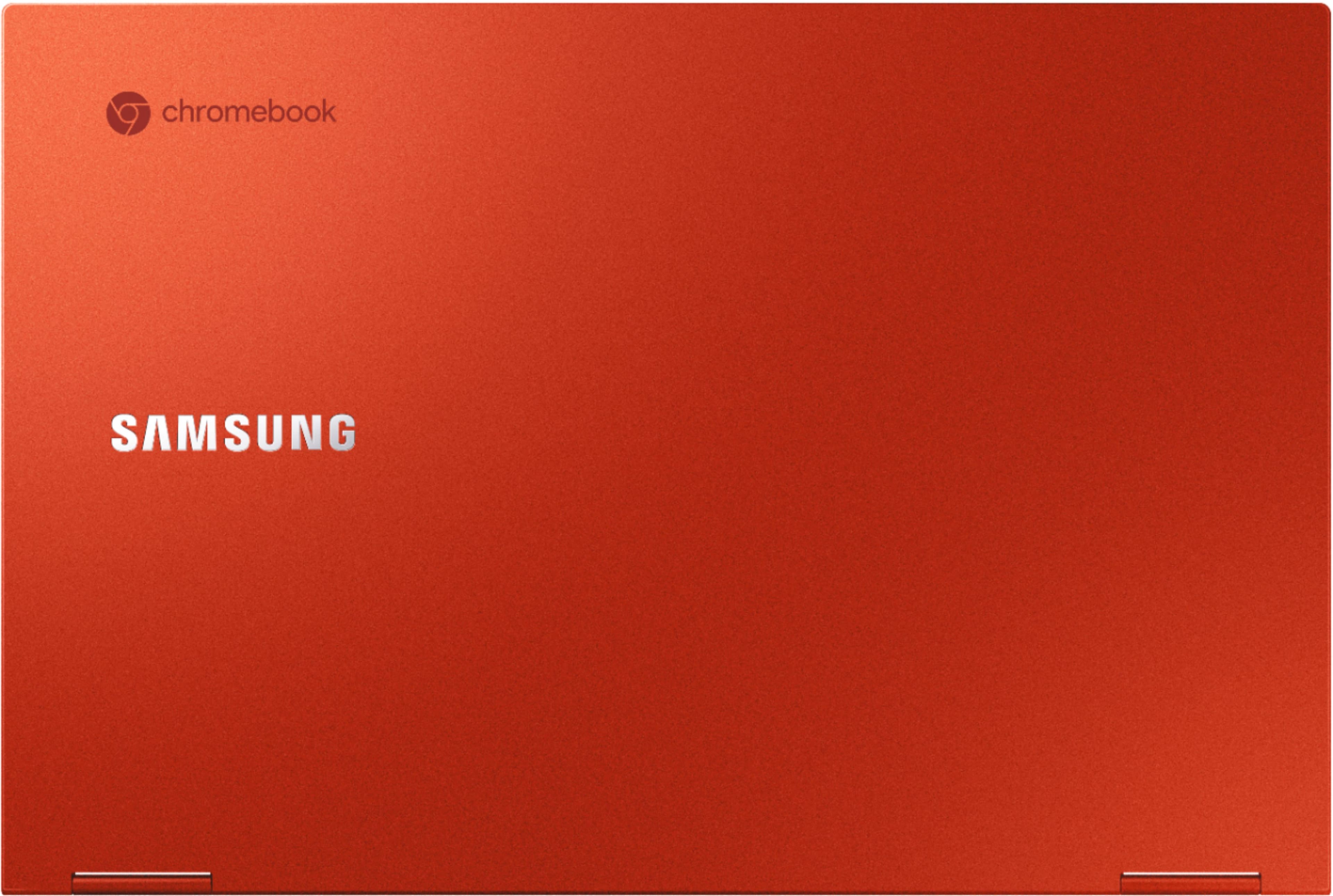
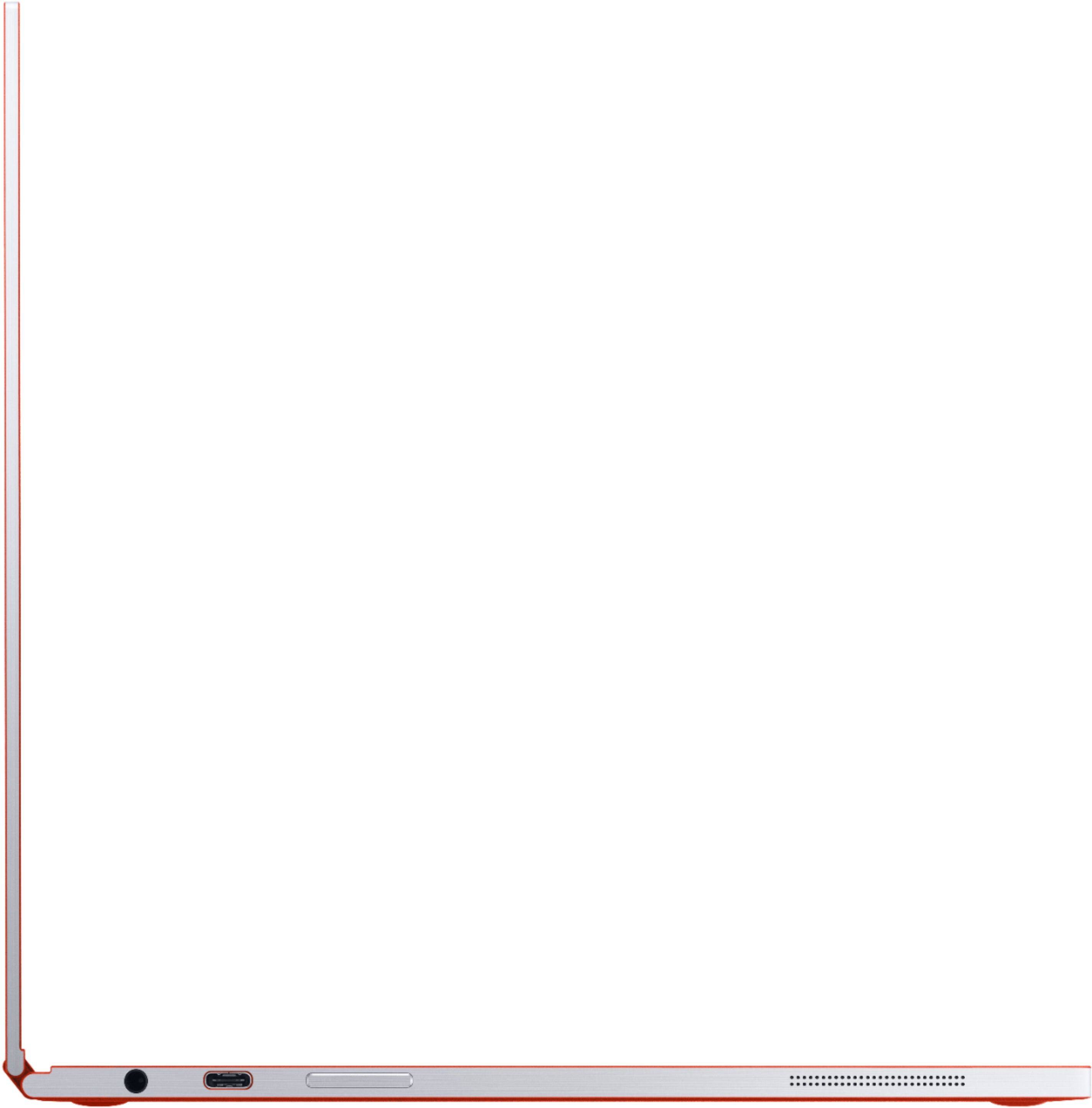
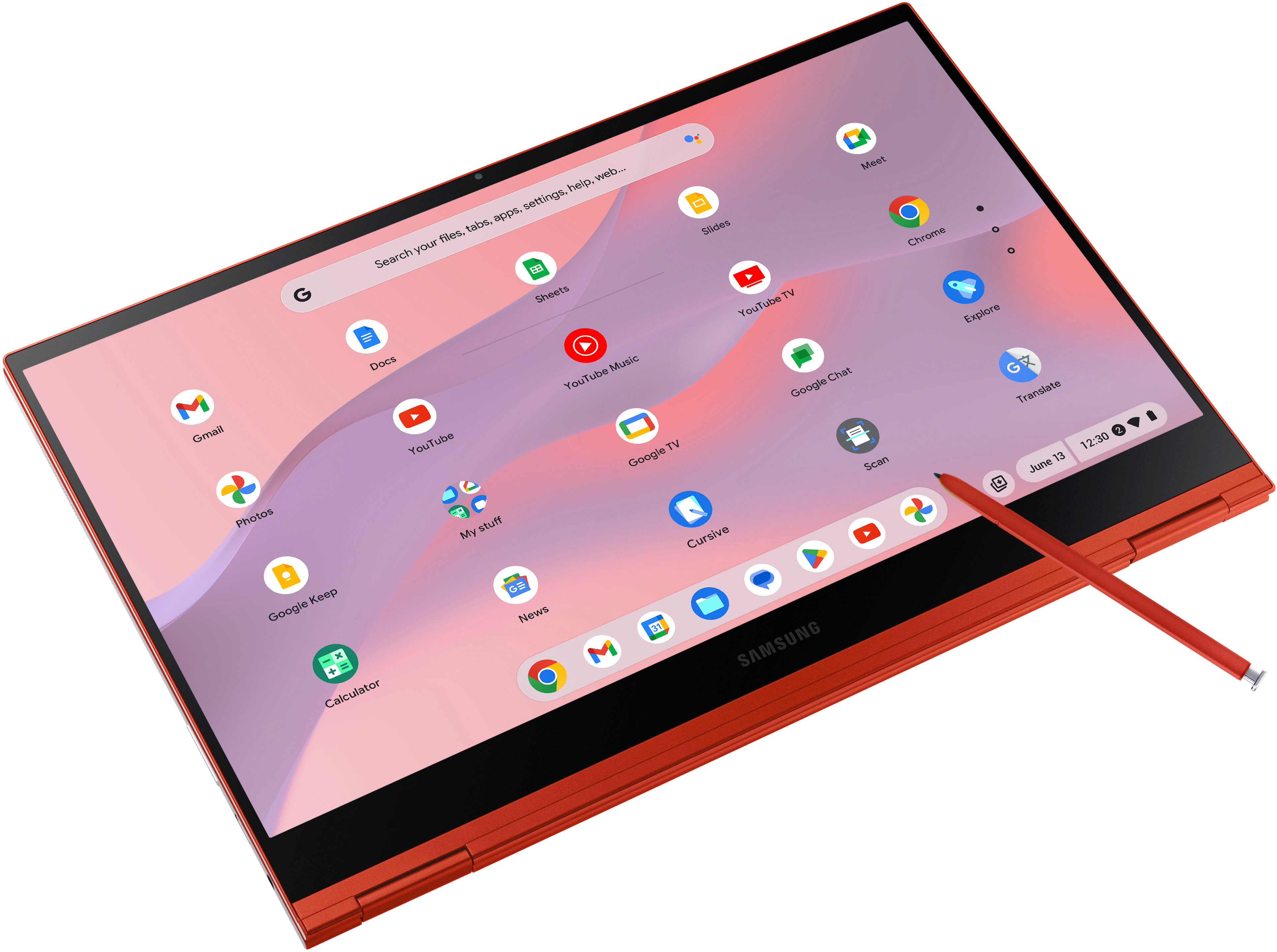
||Posted . Owned for 1 month when reviewed.This reviewer received promo considerations or sweepstakes entry for writing a review.I love the color! It has a pen. I didn't realize it only has two USB-C ports; I had to order a Multi-port Hub so I can use my mouse.
I would recommend this to a friend- Pros mentioned:Design, Screen qualityCons mentioned:Battery life

A Premium Chromebook with an Achilles’ Heel
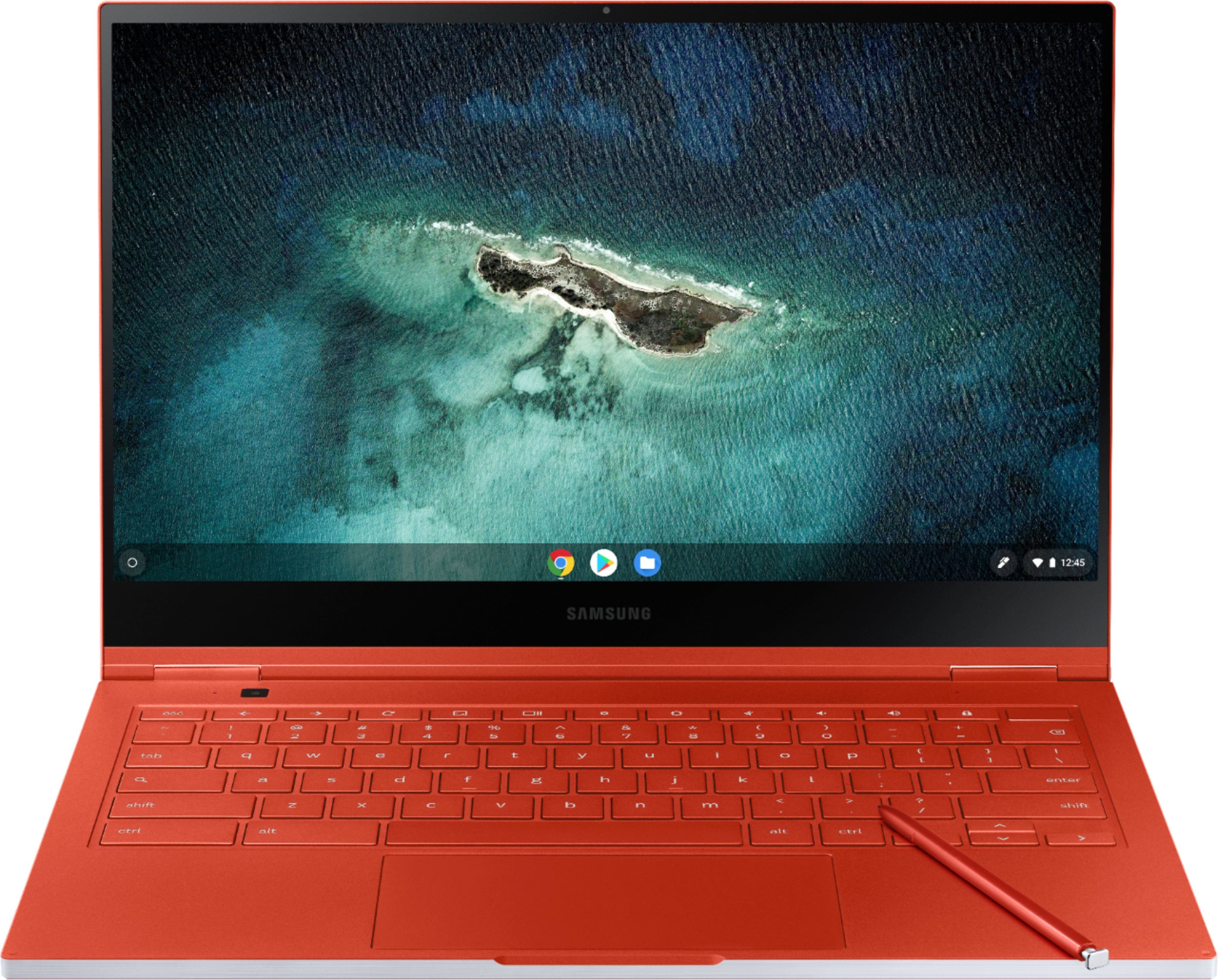
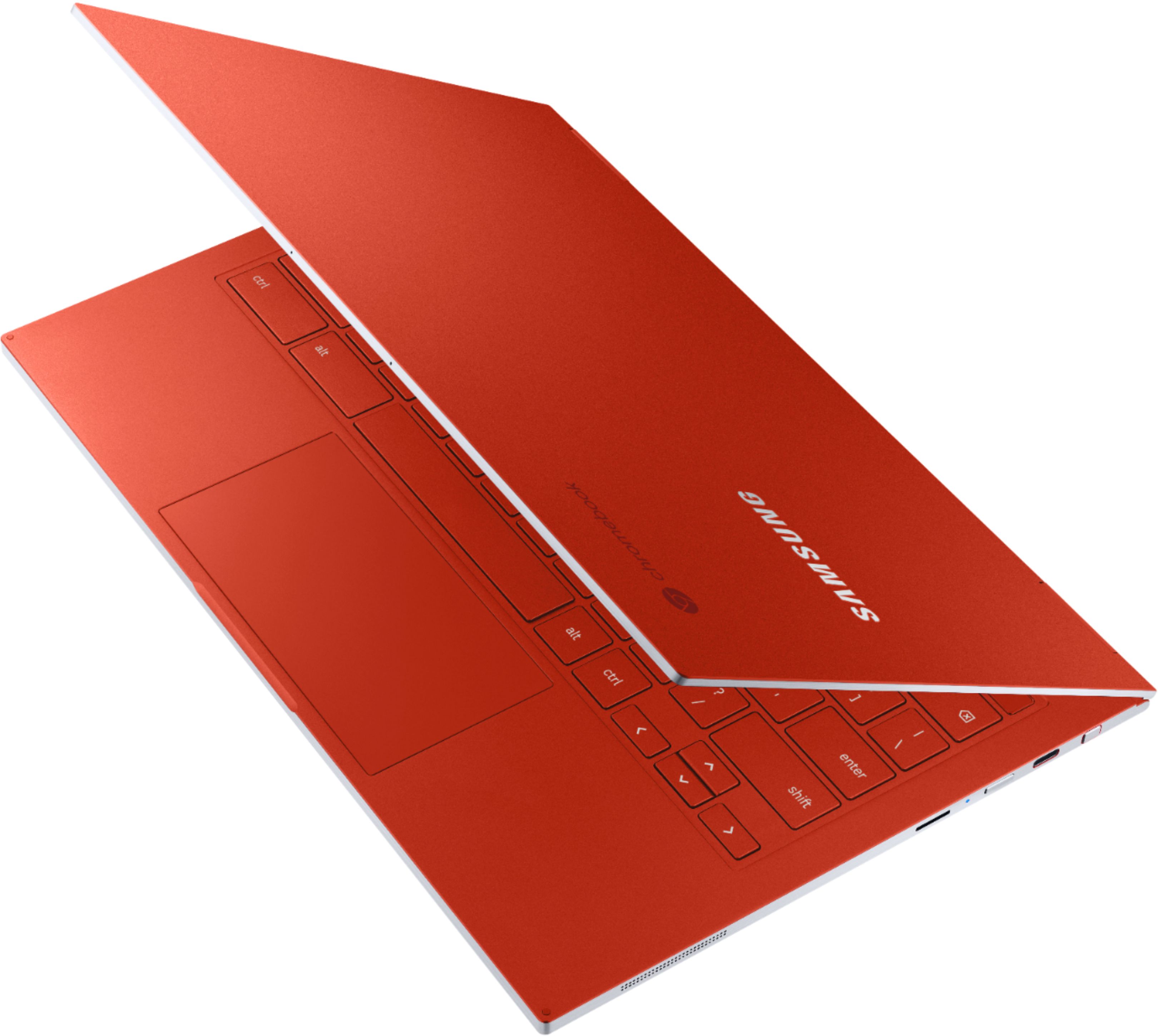
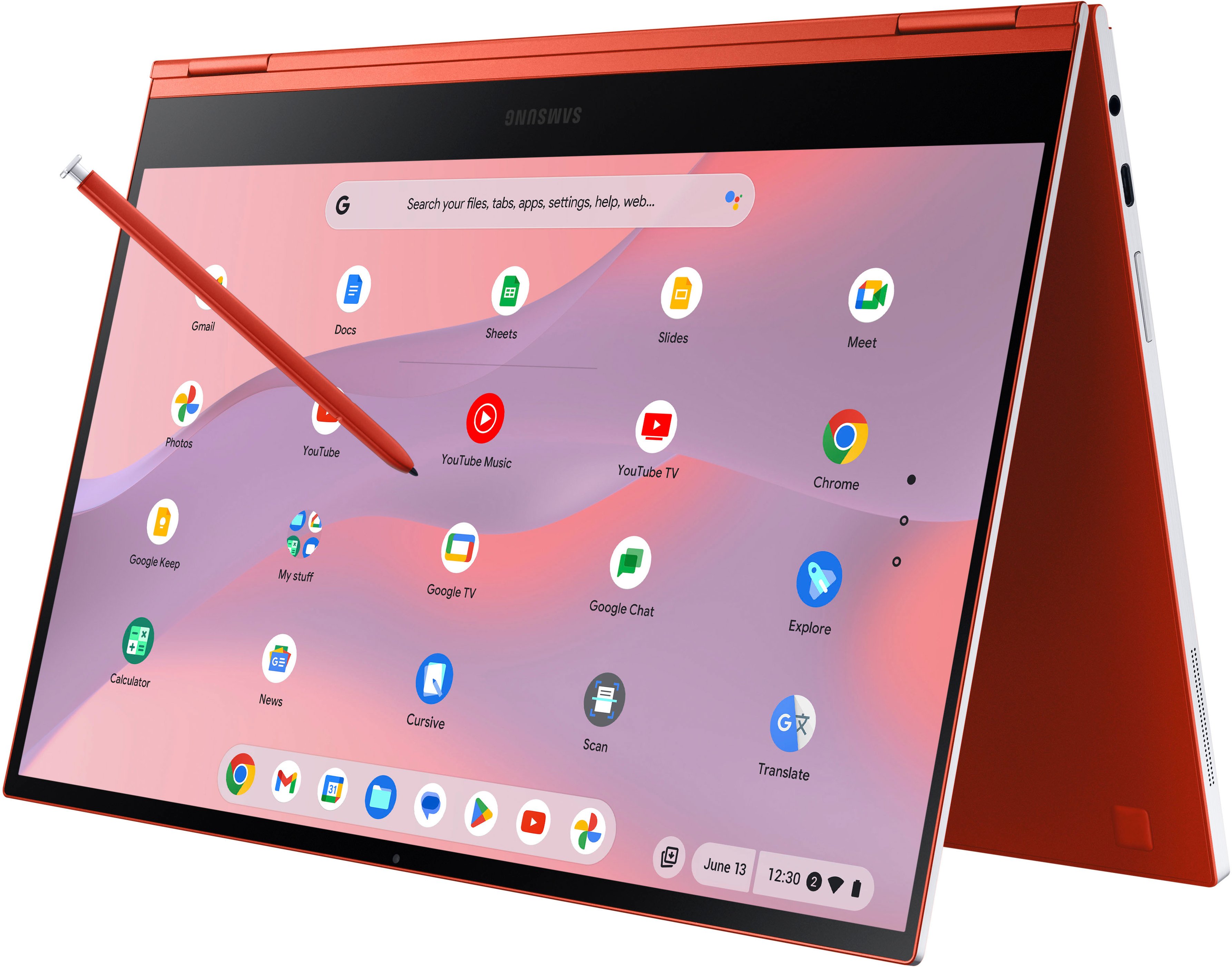
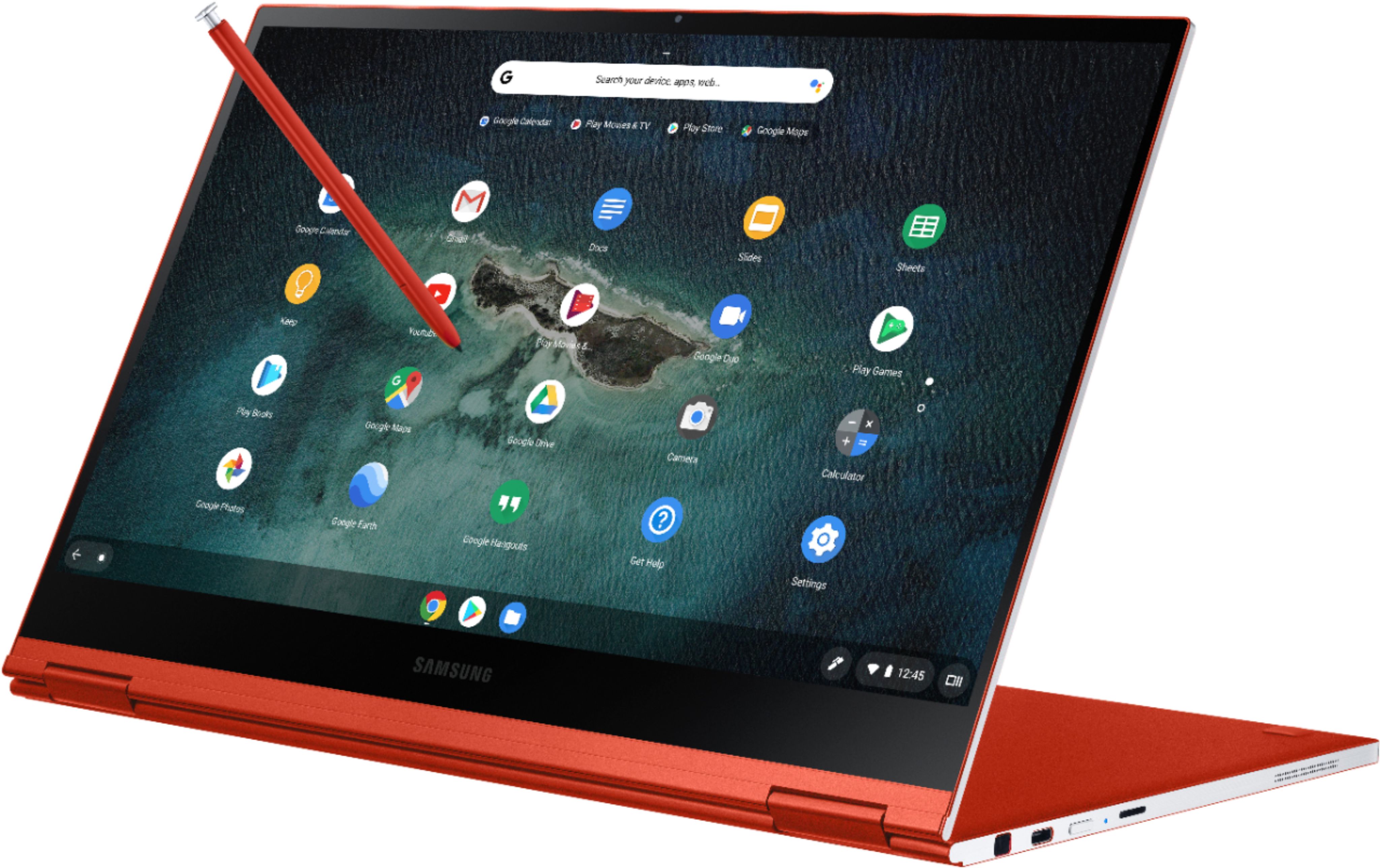
|Posted .This reviewer received promo considerations or sweepstakes entry for writing a review.When Samsung throws the “Galaxy” name on a product, you can bet your behind that it’s going to be premium. And this is what we have here, a premium Chromebook with an exceptional design to stand out from the other offerings. It just looks amazing and oozes premium. And that battery life! Oh wait... An Achilles’ heel is known as a weakness in spite of overall strength, which can lead to downfall. The battery life on this unit is surprisingly short, and I fear this will be the main factor on whether or not someone decides on this Chromebook. It’s tough considering all the wonderful things this Chromebook has to offer. For this price, you would HOPE that it would go the 8+ hours that is advertised on the Samsung website. When 100% charged, ChromeOS is reporting a 5 hour 55 minute battery life remaining; this is with brightness set at 30%, Wifi on, Bluetooth off and me typing this review on Chrome browser. If you’re looking to power through an entire day with this, it probably won’t happen and you’ll have to juice up in between. Speaking of juicing up, it took a little over 2 hours to get a full charge. There is a whole lot to love about this Chromebook. The machining is top notch and it just feels premium in your hands. It is so thin and light. The 4K AMOLED touchscreen is such a viewing pleasure at 70%+ brightness and touch inputs (fingers or stylus) are registered without a hitch. The keyboard is remarkably easy to use. The hinges are surprisingly sturdy and hold the display at your desired viewing angle/tilt. Although there aren’t any fans for cooling, I really like that I can set this thing down most anywhere without worrying about airflow. It does get a little hot at the passive vents, but it doesn’t bother me really. Even the stereo speakers surprised me with how loud they can get. The front facing and keyboard cameras are so-so; it’s hard to not be critical of them when your cell phone takes far more superior photos. As far as performance, it is ahead of its class. Running many Chrome tabs didn’t degrade the performance of the hardware. Bravo to Samsung for designing such a beautiful Galaxy product. So as a consumer, you’re faced with a decision based on your current needs; do you absolutely require 8-12 hours of battery life between charges?? If so, this probably isn’t the Chromebook for you. Or maybe you’re at your home/office, with an available wall socket?? Maybe you’re going to keep it plugged in full time?? It’s what works best for your situation and your wallet. My opinion? At this price point, it had better be running 8+ hours between charges. Sadly, it doesn’t. I think there are a lot more choices at this price point, with longer run times, possibly on another OS. It’s truly a shame because I really, really, really love this thing. Maybe the Galaxy Chromebook’s design will make up for it’s shorter battery life for those who are still on the fence. It’s a fantastic build of a machine, and I’ll probably use it regularly. For that reason, I'll give it a slight edge of a recommendation. Just know what you’re getting yourself into. Pros: Very attractive design Premium, premium, premium quality 4K AMOLED Display Ultra thin and light 10th Gen Intel i5 256GB NVME Keyboard is actually easy to use considering its shallow design 4K touchscreen display Built-in stylus Can fold into tablet/stand, but honestly I wouldn’t use it in tent form Cons: Battery life is no good, and can be a deal breaker The front(1MP) and keyboard(8MP) cameras leave a lot to be desired
I would recommend this to a friend - Cons mentioned:Battery life
Nice chromebook overall
||Posted . Owned for 1 month when reviewed.This reviewer received promo considerations or sweepstakes entry for writing a review.Amazing device. It has poor battery life, but besides that everything else it's perfect, pencil really helpful
I would recommend this to a friend Glad I went for the red!
||Posted . Owned for 1 year when reviewed.This reviewer received promo considerations or sweepstakes entry for writing a review.Always have been a Chromebook person. Because of its convenient size for what I use it for. Was concerned about the actual red color when I saw it online but it's actually a nice color
I would recommend this to a friendSamsung Galaxy Chromebook
||Posted . Owned for less than 1 week when reviewed.This reviewer received promo considerations or sweepstakes entry for writing a review.This is the best looking Chrombook since the Pixelbook. Extremely thin, stylish and most importantly works very well. The screen is your typical Samsung 4K...what we've come to expect. Battery life may be an issue for some. I don't keep the brightness all the way up and am steadily near an outlet. The battery is the only complaint one might have about the CB. Otherwise, can't go wrong.
I would recommend this to a friend- Pros mentioned:Design, Screen qualityCons mentioned:Battery life
A great addition to my day
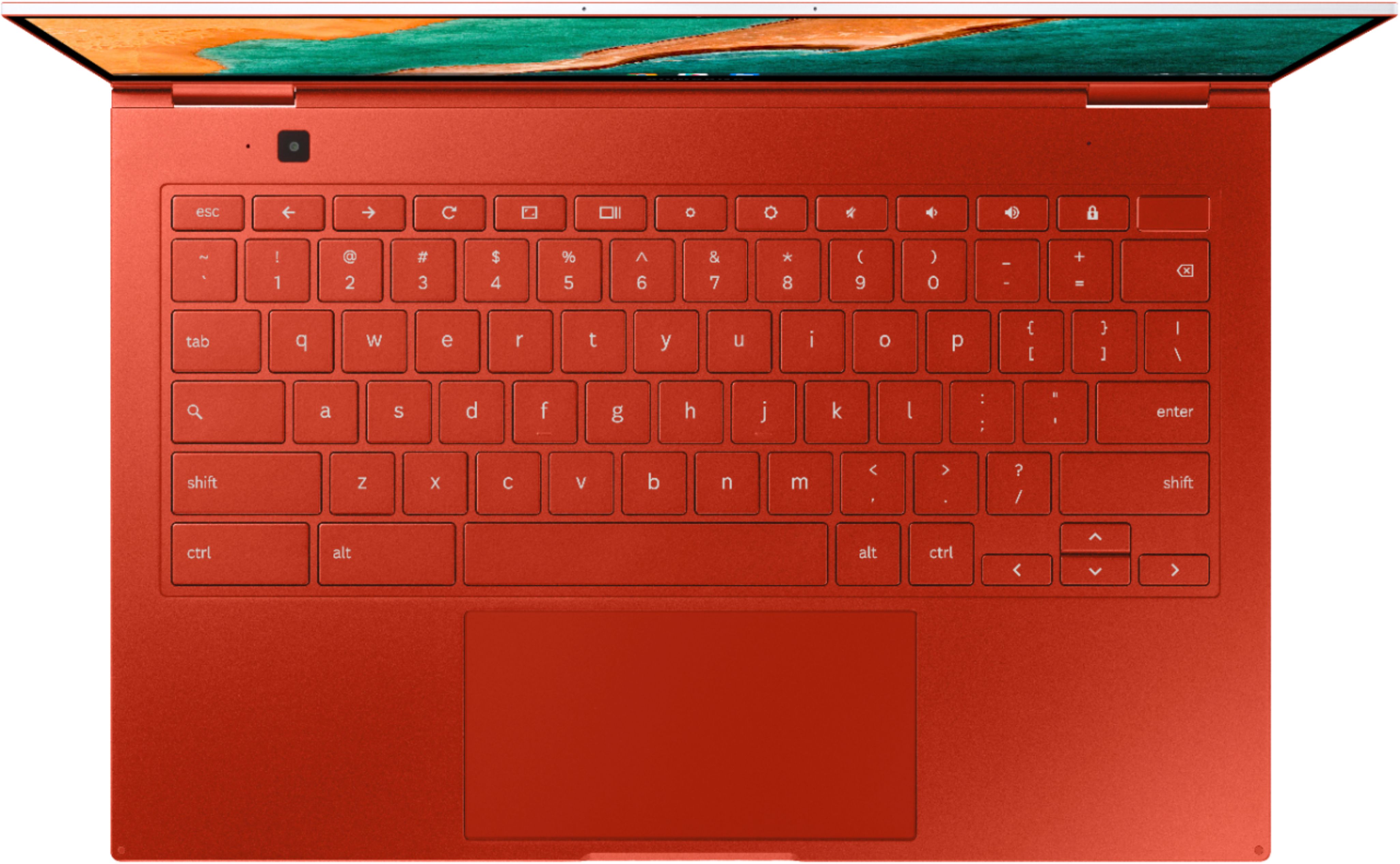
|Posted .This reviewer received promo considerations or sweepstakes entry for writing a review.I will preface this review with the fact that this is my first chrome book. My ecosystem is google but i have never owned a chromebook up until now. I will also mention this review is not about the OS (Chrome OS) but about the device itself. Samsung hit the mark with the style and design of this chromebook. They packed so much into such a small package. I really have been putting this chromebook to the test. When I say “the test '' keep in mind that I am new to what I can and can't do with a chromebook but I am doing my best to make it my daily personal driver. So far, it has been quite useful. The size and portability as well as form factor (tablet mode) has made this a very versatile machine for me. Pros: -The ultra thin, premium aluminum design makes this chromebook light and portable. I pick it up and take it pretty much everywhere I go. Not to mention it's absolutely gorgeous. -The screen is absolutely amazing. It is crisp, clear, 4k and absolutely stunning. I frequently watch movies and youtube clips on it and really enjoy the beauty of the screen. I believe this is one of the best features of this chromebook. -The pen is a great addition to this chromebook. I use it to doodle and draw when I get bored and I have come up with some very interesting drawings. It is a very versatile pen and has allowed me to create some pretty cool drawings. -This chromebook is lightning fast. I really appreciate a fast system that I can grab, open, and be immediately able to do what I need to do. I know this chromebook is expensive at the current price point, but I also know that systems these days are demanding and need the specifications if you want FAST, IMMEDIATE results. -The keyboard and trackpad are both amazing. I have no issues typing on the keyboard or using the trackpad, although I did have to invert the scrolling to be comfortable, but the feedback, spacing, and response of the trackpad are on point. The keyboard is said to be backlit, but I have yet to see it light up. Although I don't think I have really used this in complete darkness. -The fingerprint reader is a wonderful addition to this laptop. Makes security and logging in easy and simple. It's also in a pretty convenient place at the top right corner of the keyboard. -USB type C is also a wonderful addition. I have a Pixel phone so i typically always have a type c cable around. Type C is actually a very sought after feature on systems these days so Samsung definitely deserves kudos for providing 2 type c ports on this unit. Cons: -The sub-par battery life with this chromebook is no secret. That being said, there are premium specs with an amazing screen included in this chromebook. I feel like with that, you can't expect the most amazing battery life. I don't deduct much for the battery life because it charges rather quickly and like i said i always have a type c cable around somewhere. I also think that with the screen, performance and small form factor, you would expect a sacrifice in battery life. -The bottom of the screen has approximately a half inch black space which i don't understand. The screen is not that big to begin with, why would it not be edge to edge? It seems like a waste of half an inch of screen across the bottom. -The charger is quite large. I did not expect it to be as large as it is but it is very large and not very long. I would have expected a longer cable with such a large charger. -I feel like the price point is a bit high for this chromebook given the fact that it runs ChromeOS which isn’t very hardware demanding. I think Samsung added some features to try to meet the price point, like the two webcams. I also think the hardware may be a bit overkill for the OS. That being said, I don't know if ChromeOS has anything upcoming that would be more demanding from a hardware perspective. I would recommend this chromebook to users who desire a high quality, high performance experience specifically with a chromebook.
I would recommend this to a friend Samsung Galaxy Chromebook
||Posted . Owned for 4 months when reviewed.This reviewer received promo considerations or sweepstakes entry for writing a review.Not for gaming but it’s a nice laptop! I especially love the color just wished it had windows instead of chrome OS
No, I would not recommend this to a friendLaptop and tablet
||Posted . Owned for 1 week when reviewed.This reviewer received promo considerations or sweepstakes entry for writing a review.I absolutely loved my new samsung laptop and tablet!
I would recommend this to a friendPretty display
||Posted . Owned for 5 months when reviewed.This reviewer received promo considerations or sweepstakes entry for writing a review.I really wanted to like this chromebook; but after a week of having it it started having problems. The chrome OS kept crashing.
No, I would not recommend this to a friend- Pros mentioned:Processor speed, Screen qualityCons mentioned:Battery life
Maybe too much for what it SHOULD be?
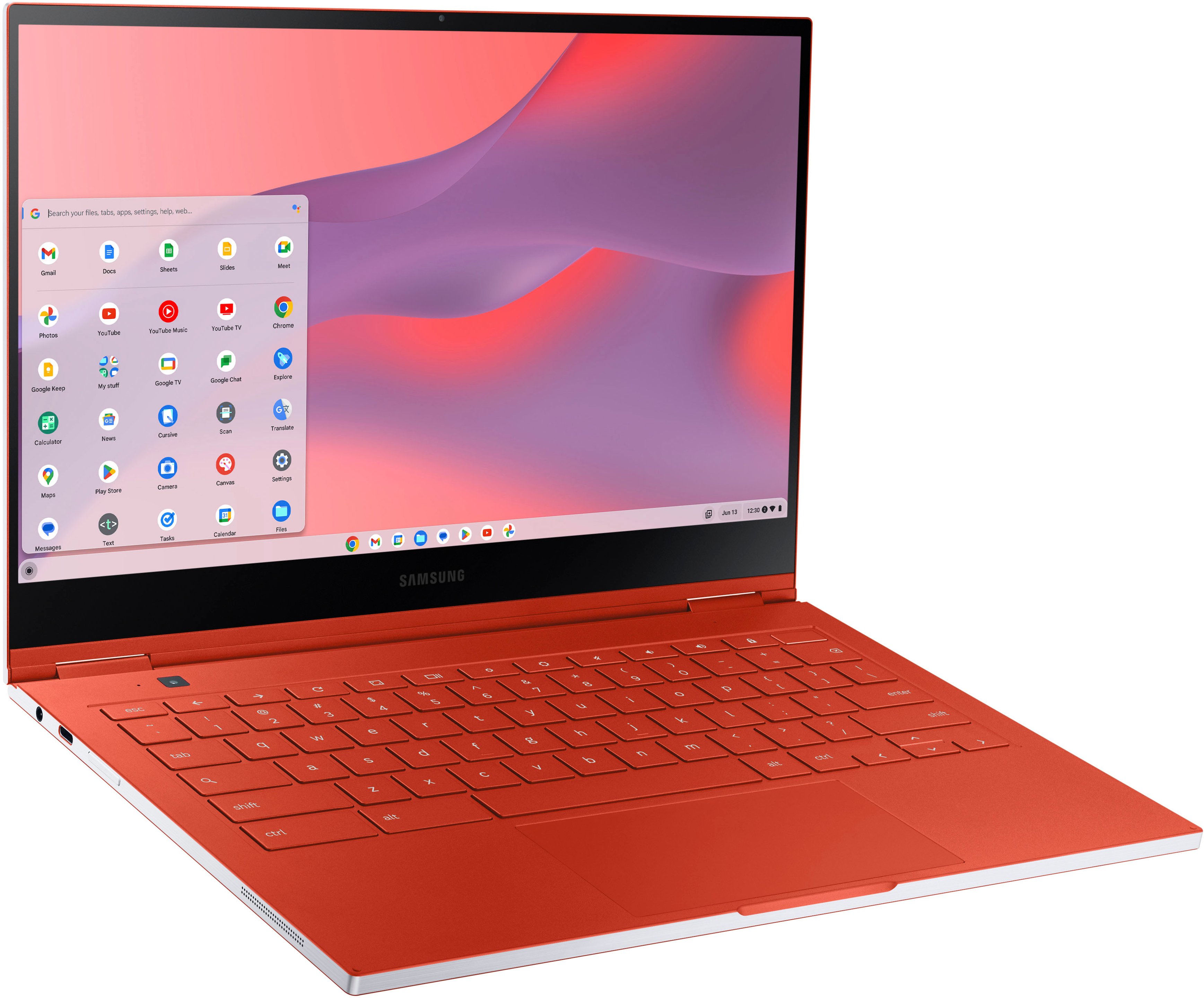
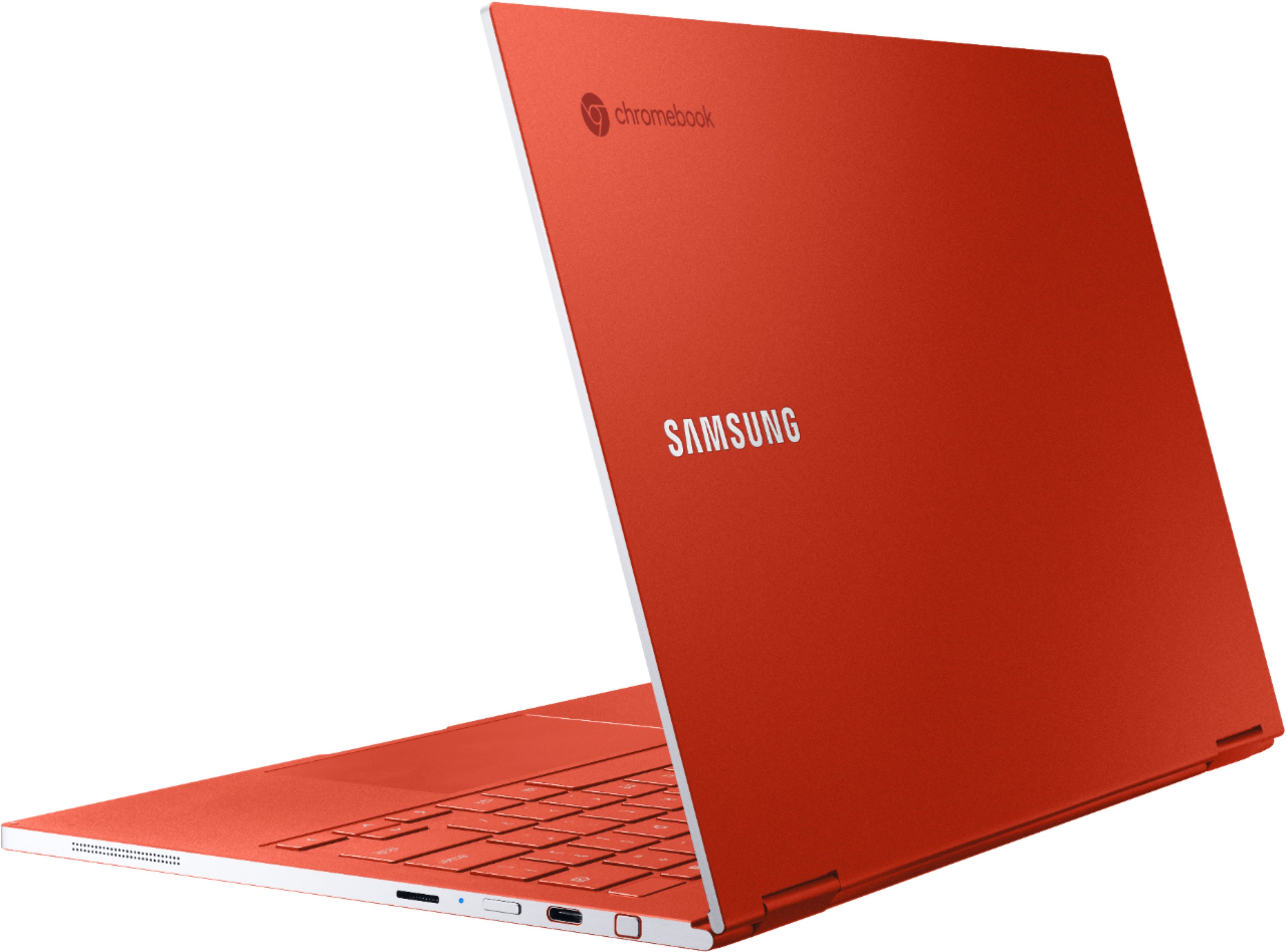
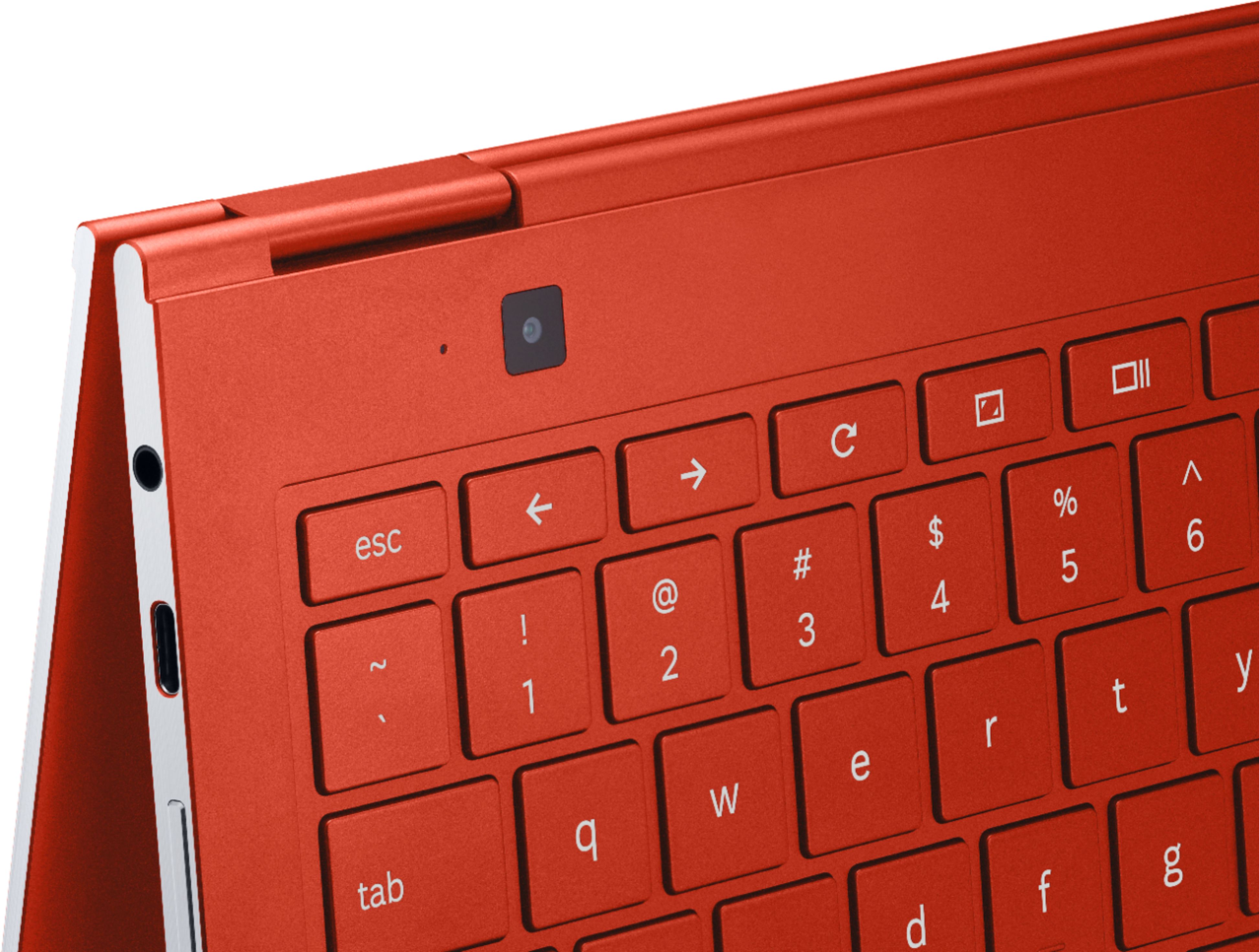
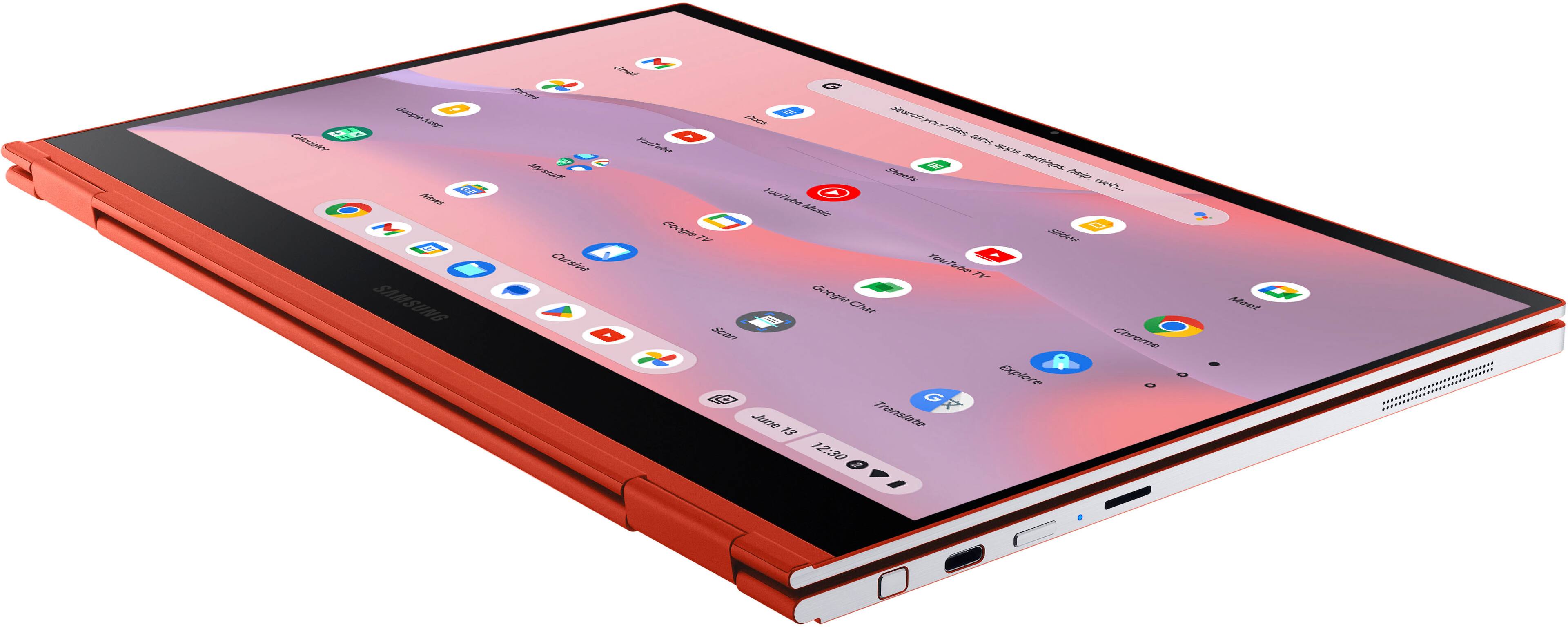
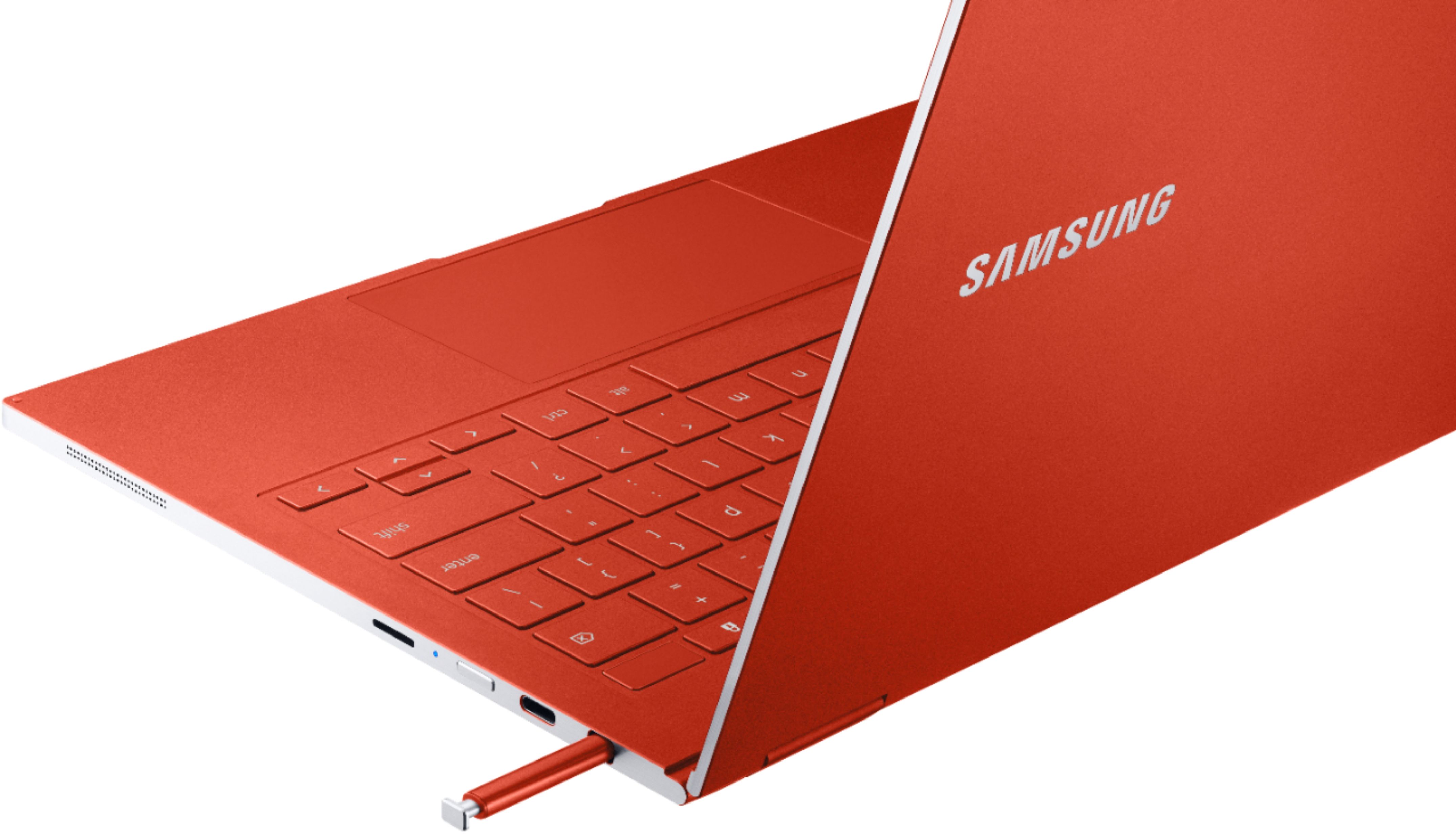
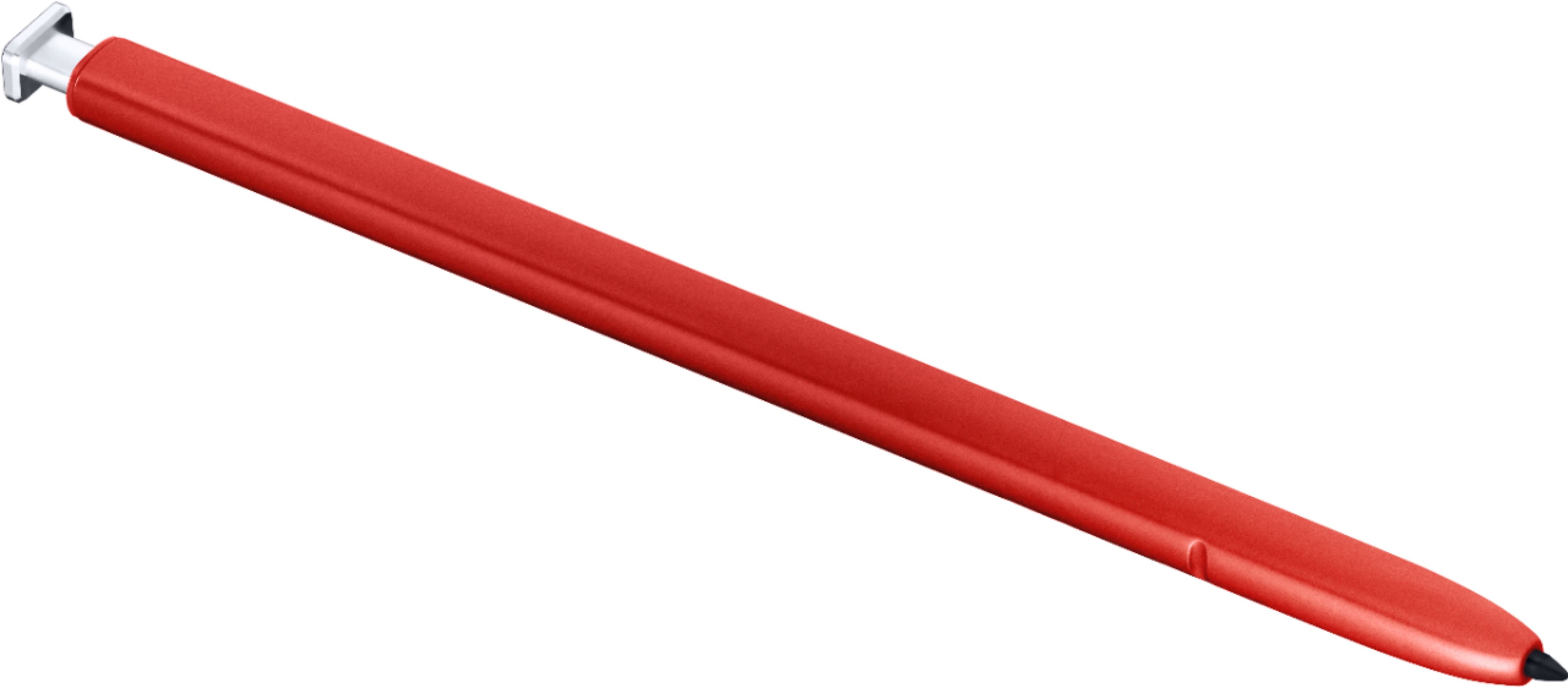
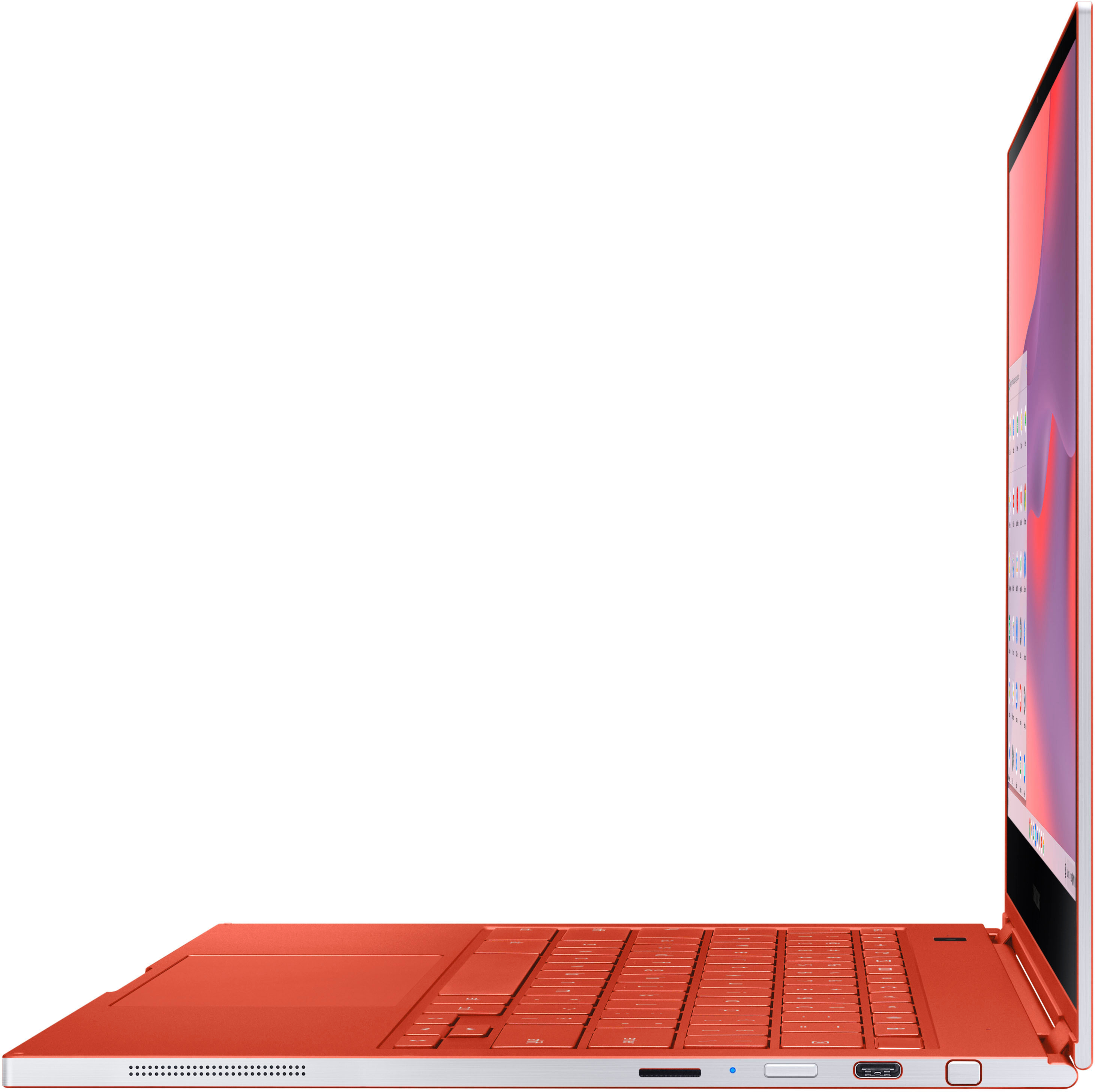
|Posted .This reviewer received promo considerations or sweepstakes entry for writing a review.The Samsung Galaxy Chromebook is probably the best Chromebook you will find in the world (in terms of specs), but after having used it for a while, I have to ask… does it NEED to be? The Galaxy Chromebook is a beautiful machine. Mine is a metallic red aluminum body that is solidly built, yet weighs less than 2 ½ pounds, and is less than half an inch thick. It has a 13.3” 4K AMOLED screen that has been rated as one of (or the) best laptop screens out there at this time. For such a thin and light machine, it offers two USB-C ports for peripherals or charging, a micro SD slot for storage expansion, and even a stylus that slides into the body that allows you to write or draw on screen, take screen shots, and more. The keyboard is very thin but does offer some tactile feedback when using, and the large trackpad is solid and responsive. With a 10th generation i5 processor, 8 gigs of RAM, and a 256 gig solid drive, you’re not going to want for power – you don’t really NEED that much for Chrome OS to be honest, but it’s there. There is no optical drive (it’s simply too thin to include one). Speakers are above average – I’d heard better but these are far from bad, and most will not see a need to add auxiliary speakers when using the Chromebook for normal activities. I’m finding the Galaxy Chromebook to be speedy and nice to work on overall, but once again, this is a Chromebook. People who use Chromebooks tend to use them for a specific list of things. Watching content, taking notes, basic office apps, and some Android apps. The AMOLED screen is super detailed, bright, and colorful, but do you REALLY need 4K on a 13.3” screen? Yes, it looks great, but it DESTROYS the battery life. I have to wonder given the quality of the panel, if Samsung could have toned this down to a 2K screen, or maybe even a high quality AMOLED 1080p screen? It would still look fantastic, and add a lot of time to the battery, which by the way, at best, lasted me around 4 ½ hours max when using the settings at what I consider normal. Yeah – the battery life as others have said, is really bad, and that wonderful screen is to blame. The charging brick is quite large, but you can expect to have to carry it around with you as you’ll need it. A fingerprint reader at the upper-right of the keyboard offers log-in options, and along with a very sub-standard 1 megapixel web cam on the screen, there is also an 8 megapixel camera on the body itself at the upper-left end of the keyboard. While the quality of that camera is much better than the web cam (which is dark, grainy, and just UGH), you will only use the secondary camera when folding the screen back into “tent” mode and holding up the Chromebook in front of you. Samsung thinks perhaps student might use this feature to take pics of class boards, etc., but in all honesty, those students will be using their cell phones for that. So in my opinion, that secondary camera is an unneeded feature that just adds to the price. So, my verdict? It’s beautiful, nice to use, and yes, probably the best Chromebook (in many but not all ways) on the market. But… it’s far too expensive, and is fluffed with features that I think most people don’t really need, that just inflate the price too much. My suggestion to Samsung would be this: Ditch the 4K display for a 1080p AMOLED or at most, a 2K version, to improve battery life. Improve the quality of the standard web cam (a lot) and do away with the secondary camera on the keyboard area. Then drop the price by about $300.00. My opinion and rating, would be much higher then. As it stands now, I feel many Chrome OS users can find machines for half this price that will do everything they want and make them happy.
No, I would not recommend this to a friend Dirty. I paid FULL
||Posted . Owned for less than 1 week when reviewed.This reviewer received promo considerations or sweepstakes entry for writing a review.The way i got it not good there is hair on my chromebook lol and what looks like fingerprints. The black sticker is missing. It wasnt in the chromebook box. Overall its not impressing me yet not bad its just because i payed full retail for NEW and it looks like i got a used one.
No, I would not recommend this to a friend- Pros mentioned:Weight
Elysia's Chromebook
||Posted . Owned for 3 weeks when reviewed.This reviewer received promo considerations or sweepstakes entry for writing a review.Alsome device very light and high quality. My daughter is always on it and web searching,reading ebooks or playing her best games.
I would recommend this to a friend - Pros mentioned:Processor speed, Screen quality, Weight
Portable and Versatile
|Posted .This reviewer received promo considerations or sweepstakes entry for writing a review.I used this device primarily for work at home/on the go purposes and it has really helped with my workflow. After a small learning curve it has at times almost been an extension of myself. I never really have to stop and wonder how to do things. This device doesn't get in the way of what I need to do. In fact I'm using the device to write this review. Boot up/start time is fast. From off to work ready in mere seconds. This is by far the fastest of all my electronic devices to boot up (smart TVs and phones included). I was able to turn it on and be on a Hangouts video meeting in less than 10 seconds. Even faster if you unlock it with the fingerprint sensor rather than your password. Keep in mind that I didn't download an extensive amount of Apps from the Google Play Store, everything I needed was already on the device. Everything ran smooth and quick with no lag. I frequently do work on other Apps while on video conference calls and everything was responsive. Sometimes it depends on how optimized a certain App is for a particular device but everything I tried ran smooth. I let my young nephew render and edit small animated clips using GoAnimate on this device and he didn't run into any issues. Ergonomics are fine. The metallic finish is nice but I was concerned it would be a bit too slippery while on the go but that wasn't the case. I was able to hold it just fine in any configuration with a normal grip. The keyboard is responsive and doesn't inhibit my natural typing form. It's very light to compared to my work issued Chromebook, very easy to pack and unpack while on the go. The screen is sharp and my 4k streams were clean. There isn't any noticeable glare in any lighting condition and the same goes for the brightness. Touchscreen detection was spot on and fast. I didn't have to wait for my touches to register when working at at my normal work rate. My only issue is that the cameras on this device could be better. the camera doesn't capture things well in indoor light. video looks a bit too dark if your area isn't lit too well. Bright office lights and outside video comes in clear but at home without some natural light coming in, my video was the darkest one in the meeting. It not a deal breaker but seeing as everything else on this device works very well I was left a bit disappointed with the picture quality. Battery life was fine. I entered about an hour long video meeting while running other things in the background and it went from 100% to 64% at about mid brightness. Pretty good for a 4k screen. It charges fast with the included charger. I never leave it over night. About roughly 1-2 hours for me to get back up to 100% I was left with a very good impression. It's very easy to use in any mode. Not only does it's light weight make it easy to take and use anywhere, tablet mode makes it easy to use while I'm walking as well. The only thing that I had was the camera quality but it was usable. Overall this device is intuitive and helped my work flow very much.
I would recommend this to a friend - Pros mentioned:Screen qualityCons mentioned:Battery life, Touchpad
Beautiful, well appointed Chromebook
||Posted . Owned for less than 1 week when reviewed.This reviewer received promo considerations or sweepstakes entry for writing a review.I have been using this Chromebook for one full day now, having arrived yesterday afternoon. This is expensive for a Chromebook and the hardware list is impressive: 13.3” AMOLED 4K display Intel Core i5 10210U CPU 8 Gb LPDDR3 RAM 256Gb M2, PCIe 3.0 SSD Drive 802.11ax (WiFi 6) Wireless Card 2.2 pounds Now I will tell you what I like and don’t like about the Galaxy Chromebook Display - The most important feature of any device for me is the screen. This 4K display is incredibly bright. At one-half brightness the display is clear and comfortable in a bright room. This alone makes this Chromebook worth the price. My one complaint is the screen wobbles if you jostle the laptop. My Macbook does not do that. When it is on my lap and I am typing it is stable, just something I am pointing out and I think it is because it is so thin and light that this is just a tradeoff that had to be made. I do not think this is a reflection on build quality as the hinges are precise and the display opens with just one finger. Performance - It’s solid. It runs rings, like I would expect, around my daughters $299 Chromebook with a Pentium Processor. No surprise here. I installed the Linux subsystem and that ran very fast. I have not noticed any huge heat generation because I have not done a huge amount with it yet. However, I expect there will be some as my 2012 12” Macbook with its Core M processor gets hot under load. The MacBook and this Chromebook do not have fans to vent the heat. It will feel hot at times. Battery Life - Some reviews I have seen today say battery life is like 4 hours. One gentleman said he set up Linux and wrote a Python program to loop continuously and do some work on this Chromebook. He said it ran for over 9 hours. I charged it up fully yesterday afternoon and have been using it like I normally would and I still have 58% battery life, including about 30 minutes of YouTube. Keyboard - Travel is a little shallow but the body is super thin, so it was not a surprise. The keyboard is not backlit. This is probably the biggest complaint I have for this price but if I am going to use it in the dark I will probably put it in tablet mode anyway. Why Chromebook in general? - I watched a Google I/O presentation on YouTube a few months ago and was totally impressed with Chrome OS security and the new power user features being added like the ability to run Android apps and the ability to run Linux Apps. I am sold on Chrome OS. Why this Chromebook? - I currently have a 2012 12” Macbook. I like my laptops thin and light, with an excellent display. It was between this and the Pixelbook Go. The 4K display as well as the guaranteed security updates until June 2028 put this one over the top. The Pixelbook Go will only receive security updates until Jun 2006, according to Google.
I would recommend this to a friend Galaxy chromebook
||Posted . Owned for 5 months when reviewed.This reviewer received promo considerations or sweepstakes entry for writing a review.I've had it for 5 months, used a handful of times and now the screen went black an now a screen pops up that says the chrome os is missing or damaged.
No, I would not recommend this to a friend- Pros mentioned:Processor speed, Screen qualityCons mentioned:Battery life
Premium Chromebook except For poor battery life!
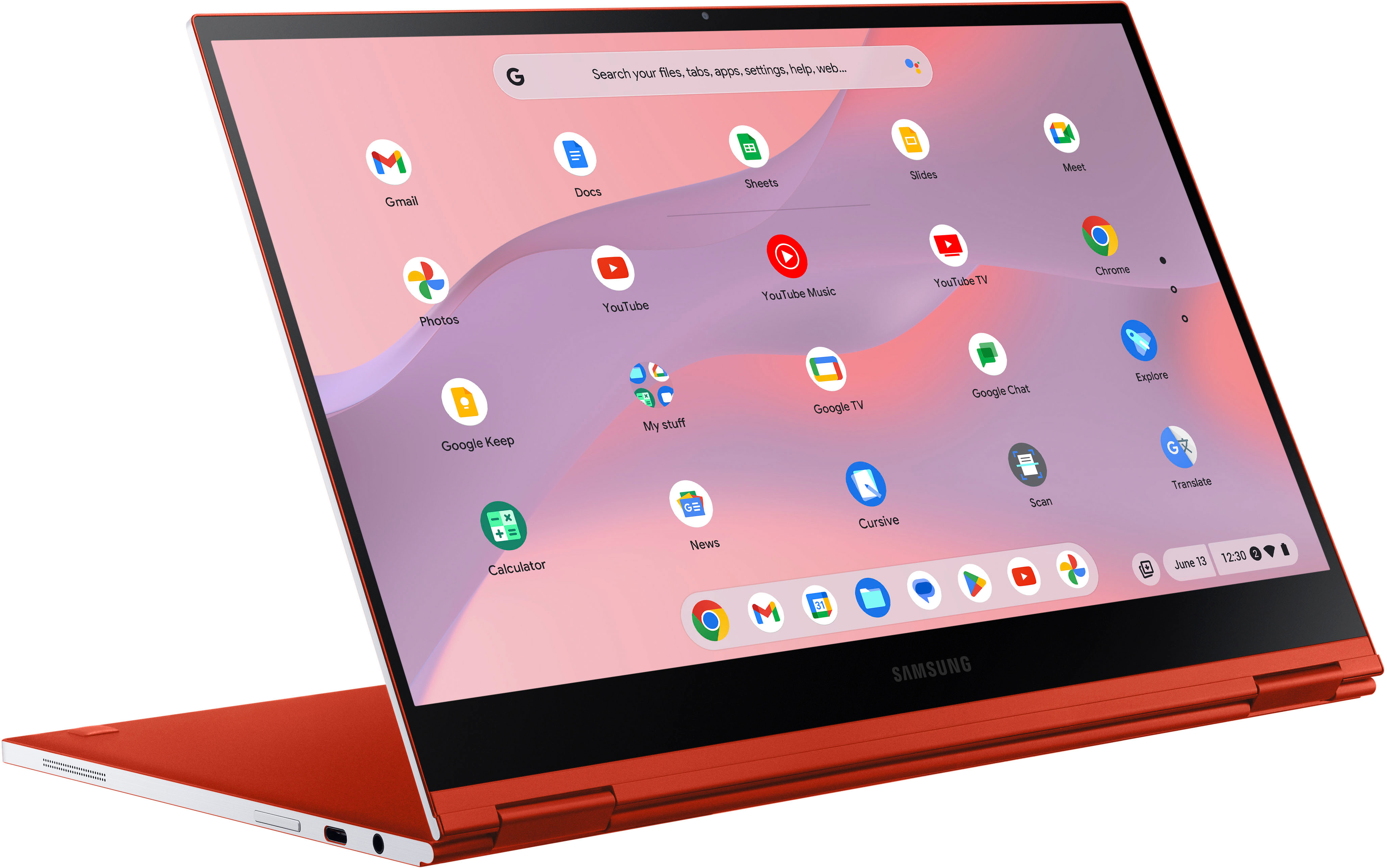
||Posted . Owned for 1 week when reviewed.This reviewer received promo considerations or sweepstakes entry for writing a review.The Samsung Galaxy Chromebook is not only an aesthetically pleasing device but also handles applications and even gaming with ease. The 10th generation Intel Core i5 processor coupled with the 8 GB’s of RAM is a great combination to run Chrome OS, Android Apps and Linux Apps! First one of the things that I am a little disappointed with on this device is the battery life! I feel at this price point with all the other wonderful components that make up this device Samsung should have used a battery that was capable of giving at least a full workday of power before having to reach for your power plug. Now for me this is not a deal breaker and I usually use my charger if I am going to be doing extensive tasks and or gaming! I understand that depending on a person’s use case scenario that this is unacceptable to some, but for me it was not a huge issue. However I rated it 4 stars instead of 5 because of this. One other thing that I noticed while using this Chromebook is in laptop mode and tent mode there is and ever so slight wobble when using the included stylus with the touchscreen! I would have liked the hinges to be a little more rigid and that would have prevented this issue. However it’s a trade off I tested another Chromebook prior to this one that had very rigid hinges and while it held the device steady it was very hard to open you definitely could not open it with one hand. So with that being said this issue is not a deal breaker for me either. Now for some of the things that I love about this device! The aluminum chassis is a huge plus the device not only feels great in your hands but it is also very light as well as portable! I got the Fiesta Red model and it is absolutely gorgeous! I love the squared off corners the device it is very aesthetically pleasing to not only the eyes but to the touch as well. No sharp edges! The display is one of the nicest displays that I have seen. I love thin thin bezels on the top and sides of the screen. The colors are vivid, it has good brightness and the viewing angles are excellent! Movies, Videos and Games all look great on this display! I was able to pair my wireless Xbox Game Controller to the Samsung Galaxy Chromebook via Bluetooth and it worked great! I tested a few games from Google Play Store as well as Steam on Linux! Asphalt Legends 9 looks great and ran very smoothly on this device. Oceanhorn also looked great and ran very smoothly on this device as well. On the Linux side I got Steam installed and tested a few titles. I had a copy of Bloons TD 6 that was for Windows and Proton ran it nicely on the Linux side of things the game loaded and played fine! I was able to play Civilization V and VI as well as Black Mesa! All of these titles played very well and I didn’t have to sacrifice the graphics settings! I am very impressed with how this device handled gaming! A lot of people say you can’t run a Office or you can’t play games on the Chromebook and that simply is not true! Even now with the advancements that have been made with the hardware and Chrome OS in general you can do almost anything on the Chromebook that you can do on a Windows laptop! The speakers and sound quality was not bad on this device as well. Music as well as speech sounds very clear and not muffled or distorted! The keyboard is comfortable for me to type on even though I have large hands! I’m not a marathon typist however I have no complaints as far as the key travel and overall typing experience goes! As far as heat goes the Chromebook did get warm to the touch while gaming but that is to be expected! I use my Chromebook on a desk or table so if you use it on your lap I can see where the heat could cause some discomfort if using your Chromebook for extensive tasks! Overall I am very pleased with the Samsung Galaxy Chromebook with the exception of the battery life or the lack of battery life! I would definitely recommend this device! But whether the device is one that works for you depends on the your use case scenario and whether or not your budget will allow for the cost of the device.
I would recommend this to a friend - Pros mentioned:Design, Processor speed, Screen qualityCons mentioned:Battery life, Price
Near Perfection for 2020
||Posted .This reviewer received promo considerations or sweepstakes entry for writing a review.Pros: Ultra thin, gorgeous design Very light and portable 2-in-1 flexibility Build quality, feels solid back lit keyboard, types smooth & quiet quiet with no fan high resolution screen built in stylus works flawless powerful speeds and great storage Cons: Premium price Battery life around 5-6 hours Dethrones the Google Pixelbook as the best overall Chromebook money can buy. I will continue testing this laptop and follow up with updates.
I would recommend this to a friend - Pros mentioned:Design, Screen qualityCons mentioned:Battery life
Elegant Beauty, yet demanding
||Posted .This reviewer received promo considerations or sweepstakes entry for writing a review.Still in the early phase- but let's point out the strengths and weaknesses. (1) Screen: The finest Chromebook screen on the market. OLED, joyful colors and brilliant contrast. Gorilla Glass 6. (2) Design- approaching a work of art. Solid construction. Elegant, thin. (3) Performance- as per specs- excellent. (4) Pen- superb performance, well integrated into the overall design. Weaknesses: (1) Ambient mode fluctuates the white balance even as you are browsing a web page. Unnecessary. Color balance can be achieved through night mode. (2) WiFi not as reliable as I would like. This is due to the Intel implementation of WiFi 6. For me the jury is still out. Working on complete stabilization. (3) At 50% brightness and moderate load- maybe 6 hours. The reviewers have mentioned this ad nauseam. They are not wrong- it is what it is and is related to the 4K OLED panel demands and the sleek design, apparently precluding a larger battery, I have not noticed any overheating yet. Linux on the Chromebook is in Beta- and my experience with it is mixed. Yet when it goes into final release- this device's 256 GB SSD drive will make more sense- making it more of a work machine with both native and cloud applications.
I would recommend this to a friend The best
||Posted . Owned for 6 months when reviewed.This reviewer received promo considerations or sweepstakes entry for writing a review.Betty nice and helpful. From the moment I bought it I didn’t regretted
I would recommend this to a friend